
March 25, 2026
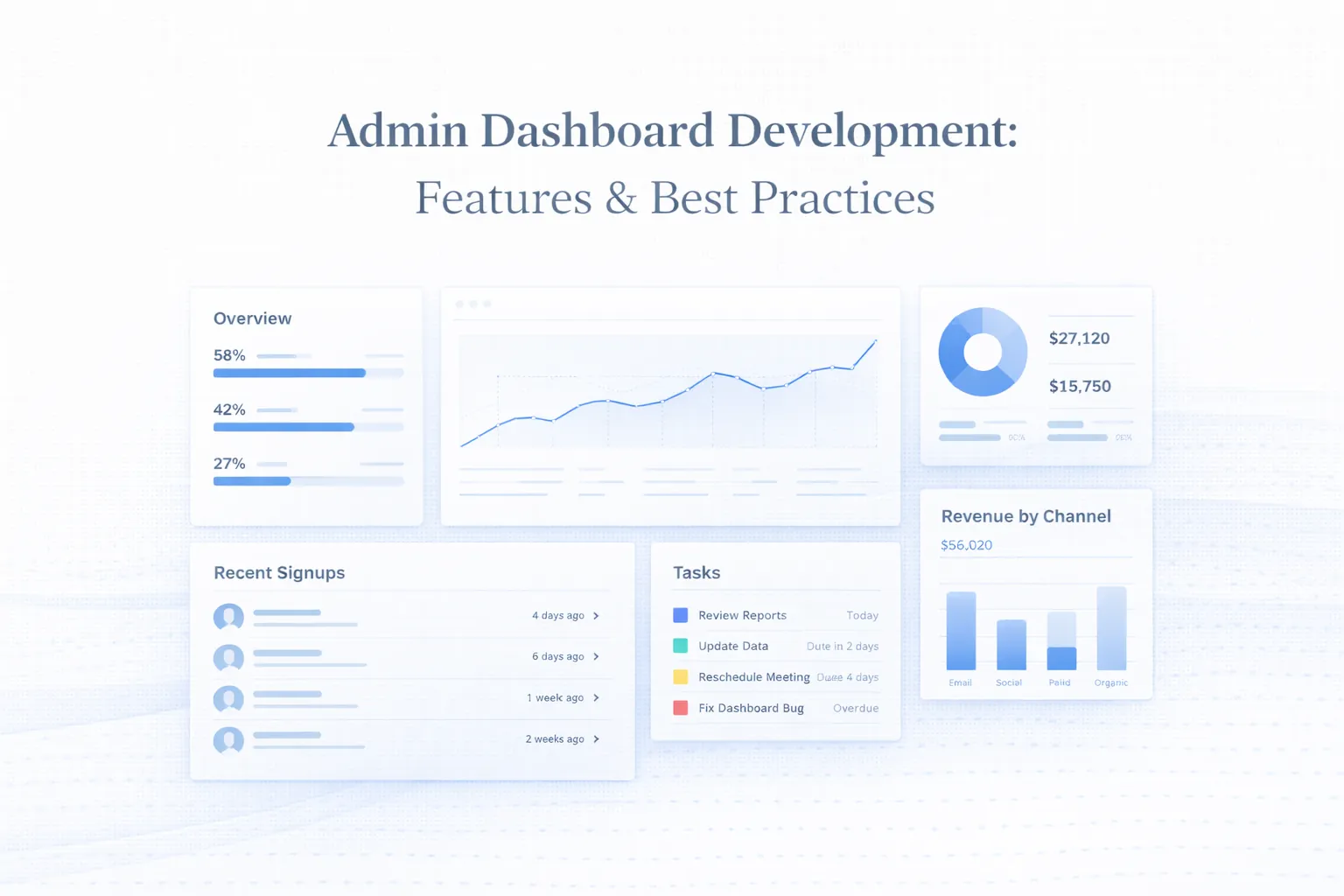
Admin Dashboard Development: UX, Features & Best Practices
Plan admin dashboard development with practical UX, MVP features, roles, tables, filters, permissions, reports, UI states, and a real product example.
Read articlePublished Updated
Design operational dashboards with usable tables, predictable filters, secure exports, bulk actions, responsive layouts, permissions and complete data states.
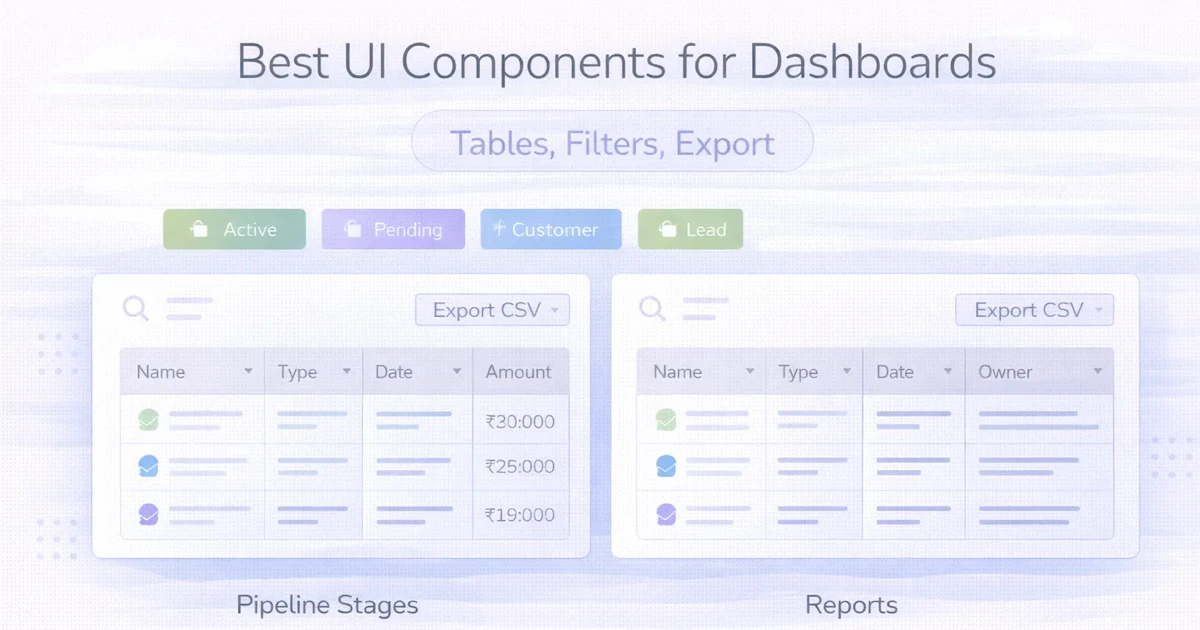
An operational dashboard is a workplace, not a presentation. Its quality is measured by how quickly a user can find a record, understand its status, complete a repeated action, recover from an error, and prove what changed.
Summary cards may create a strong first screenshot, but tables, filters, forms, permissions, and export behaviour determine whether the product remains usable after thousands of records and multiple user roles.
Start with the most frequent decisions rather than a component catalogue:
| User task | Primary component | Supporting behaviour |
|---|---|---|
| Find one customer or invoice | Search plus table | Clear matching and empty state |
| Review today's exceptions | Saved filter or queue | Status, priority, owner |
| Update several records | Selection plus bulk action | Permission and confirmation |
| Investigate one record | Detail page or drawer | History, related records, actions |
| Compare performance | Chart plus underlying table | Date range and definitions |
| Share a report | Export job | Filter summary, audit, secure download |
If the most common task requires opening four menus, the problem is workflow design, not styling.
A table needs a declared purpose. A billing list may optimise for invoice number, customer, total, due amount, status, and date. A support queue may prioritise severity, age, assignee, SLA, and last update. Trying to reuse the same columns everywhere produces clutter.
Avoid truncating the only value that distinguishes two records. If names are long, allow a controlled two-line cell or provide the complete value through an accessible tooltip.
Keep the most frequent safe action visible when space allows. Place secondary actions in a menu with clear verbs: “Download invoice”, “Mark as paid”, or “Archive customer”. Avoid ambiguous icon-only controls unless the symbol is familiar and has a tooltip and accessible name.
Destructive or financially meaningful actions require confirmation that names the affected record and consequence. A generic “Are you sure?” is insufficient.
Users must know which data is being searched. State whether search covers name, phone, invoice number, SKU, or all visible columns. Debounce remote search and cancel stale requests so older results cannot replace a newer query.
Sorting should be available only for meaningful fields and must use server-side logic when the table is paginated remotely. Otherwise, the interface may sort only the current page while appearing to sort the complete dataset.
Choose pagination, cursor navigation, or virtual scrolling based on the task:
Record count, current range, and active filter summary should remain understandable whichever model is used.
Use a compact row for common filters and a panel for secondary criteria. Good defaults reduce work; hidden defaults create mistrust.
Each filter system should support:
Do not apply expensive remote filters on every keystroke without feedback. For complex panels, an explicit Apply button can be clearer. For simple status chips, immediate application is faster.
Saved views are valuable when teams repeat the same operational checks, such as “overdue invoices assigned to me” or “low-stock products in branch A”. Store filter criteria, visible columns, sort, and ownership. Decide whether a view is personal, shared, or administratively managed.
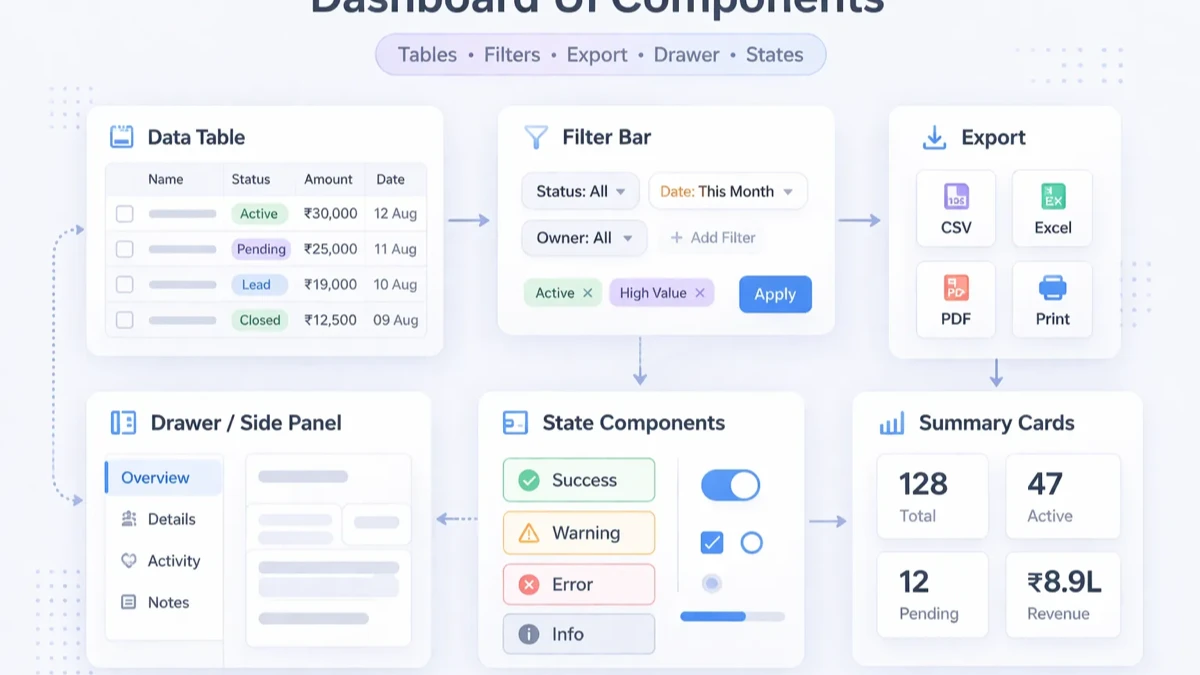
Selection must clearly indicate whether it covers visible rows, the current page, or all records matching a filter. This distinction matters when an action affects hundreds of customers or products.
Before execution:
For long-running work, create a background job and let the user continue. The job should report progress, completed count, failure count, and a downloadable error file where useful.
Export should not mean “download whatever happens to be loaded in the browser.” Define:
Generate large exports on the server. Apply the same tenant and role permissions used by the dashboard query. Use signed, expiring download access when files contain business data, and avoid placing private storage URLs in public messages.
An export confirmation should say what is included, for example: “1,842 paid invoices from 1 April to 30 June, Asia/Kolkata, CSV.” This reduces disputes about missing records.
Every component requires more than a success state:
| State | What the UI should communicate |
|---|---|
| Initial loading | Stable structure and expected content type |
| Empty account | How to create or import the first record |
| No filter results | Which criteria caused zero matches and how to reset |
| Partial data | What loaded, what failed, and whether retry is safe |
| Permission denied | Which action is restricted without exposing private data |
| Offline/timeout | Whether entered work is preserved |
| Success | What changed and where to find it |
Do not use the same empty illustration for a new account and a failed search. They require different next actions.
A desktop table should not be converted automatically into dozens of decorative cards. On mobile:
Some administrative workflows are genuinely desktop-first. The mobile experience can prioritise approvals, status updates, quick lookup, and alerts while complex configuration remains clearer on a larger screen.
Hiding a button is not access control. The backend must verify company, role, resource, and action for every query and mutation. The interface should then reflect those rules:
Role testing should include owner, manager, operator, viewer, and a user without company access. Review security for role-based web apps before treating dashboard permissions as a visual requirement.
Daily-use software benefits from keyboard efficiency. Support logical tab order, visible focus, labelled controls, Escape to close dismissible panels, and Enter or Space for appropriate actions. Do not make hover the only way to reveal critical information.
Tables need semantic headers and an understandable reading order. Charts should have text summaries or accessible data views. Status must not rely on colour alone; pair it with a label or icon.
Performance problems often appear after launch because sample data was too small. Test with realistic row counts, long names, slow networks, and simultaneous filter changes.
Practical controls include:
Do not fetch the complete dataset simply to calculate a card total or client-side filter. Build summary endpoints and paginated list endpoints around actual decisions.
Dashboard pricing depends on behaviour, not the number of cards:
| Scope | Typical complexity drivers |
|---|---|
| Compact admin view | One role, limited table, basic filters, direct export |
| Operational dashboard | Multiple modules, saved views, bulk actions, audit history |
| Multi-role platform | Tenant boundaries, permission matrix, job queues, complex reports |
The estimate should separate UX and component design, API/data work, role rules, export processing, migration, testing, and support. Advanced filters, offline behaviour, large files, regulatory records, and multi-company access can add more work than the visible page design.
For broader estimation, compare the admin dashboard cost guide and web application services.
The current VASUYASHII Business Suite includes an operational dashboard direction for company-scoped billing, inventory, customers, vendors, purchases, payments, expenses, and reports. Available product screenshots demonstrate dense business metrics and module navigation, while this article covers the wider design requirements a custom dashboard may need.
That screenshot evidence does not prove that every component discussed here is already shipped in every VASUYASHII product. Final capability, roles, exports, integrations, mobile behaviour, and delivery status must be confirmed in a written scope. See the VASUYASHII Business Suite for its current product positioning.
Usually the component supporting the highest-frequency task. In many operational products this is the data table, but an approval queue, schedule, or search screen may be more important.
Immediate updates work for simple, fast filters. Use an Apply action when several remote criteria must be configured together or each request is expensive.
Use a drawer for quick inspection, a modal for a focused short action, and a dedicated page when the record has deep history, related data, or shareable navigation.
Create a server-side job, show progress, enforce role and tenant rules, and provide an expiring download when complete.
Not automatically. Cards help with compact summaries, while horizontally scrollable tables preserve comparison. Choose based on the user's mobile task.
Use it when rendering volume creates a measured problem and the interaction model supports it. Server pagination is often simpler and more accessible for administrative data.
It improves consistency and accessibility primitives, but it cannot define business status, permissions, exception handling, or the correct workflow.
Choose one daily workflow and document its data, states, permissions, failure cases, and acceptance tests. Then use software development services or contact VASUYASHII to estimate a focused first module rather than a screenshot-based “admin panel” package.
Related Articles
March 25, 2026
Plan admin dashboard development with practical UX, MVP features, roles, tables, filters, permissions, reports, UI states, and a real product example.
Read article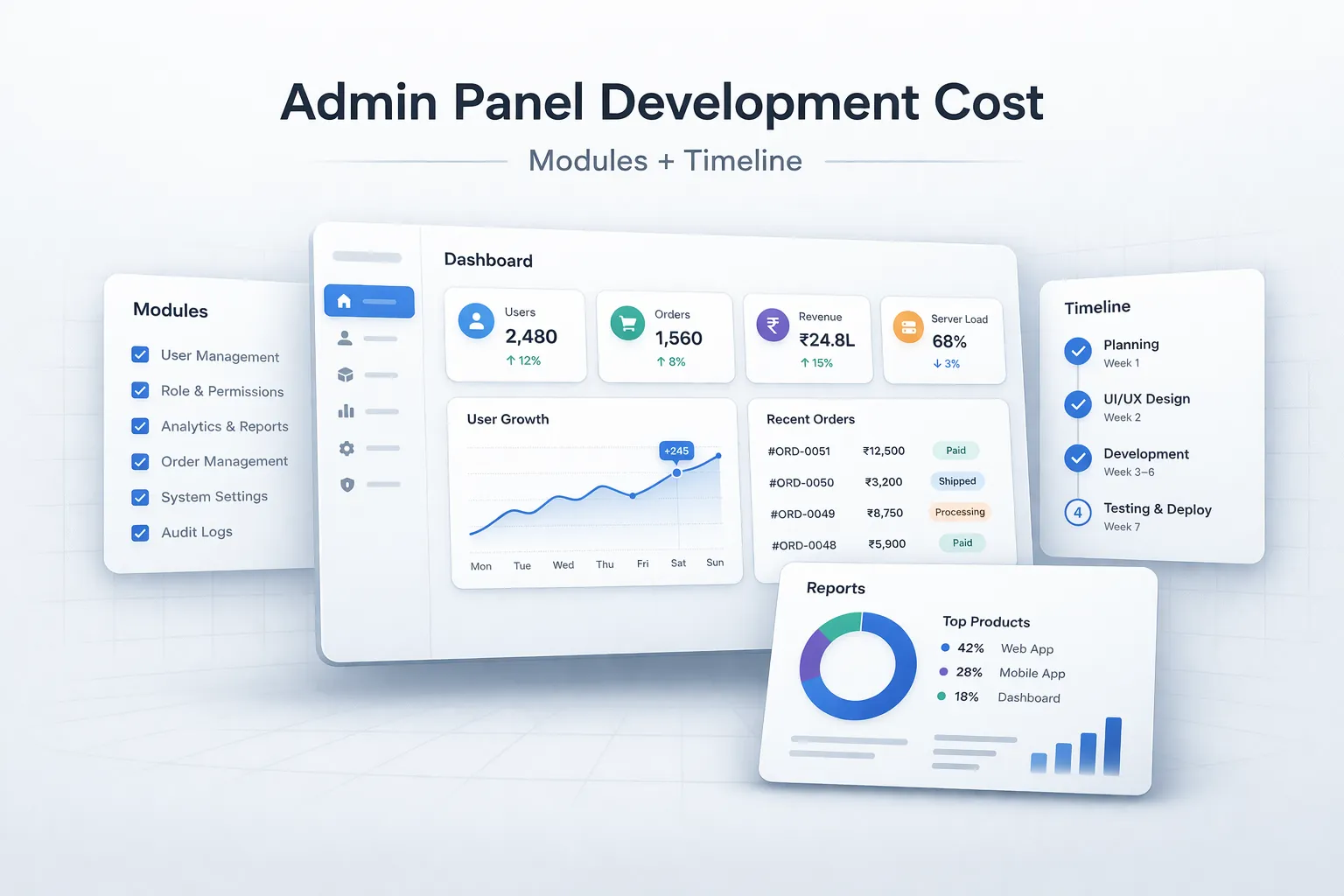
March 29, 2026
Estimate admin panel development cost by modules, user roles, reports, approvals, integrations, security, timeline, and phased delivery in India.
Read article
April 22, 2026
Compare customer portals and admin dashboards by users, data scope, workflows, permissions, documents, payments, support, security, cost, and implementation.
Read article
May 26, 2026
Plan a real estate listing and leads dashboard with verified inventory, source tracking, agent assignment, visits, follow-ups, consent, and reliable reports.
Read article