
March 30, 2026
Restaurant Billing System: Features, Cost & Setup (2026)
Plan a restaurant billing system with GST invoices, table and takeaway flows, cashier roles, KOT boundaries, payments, reports, testing, and cost.
Read articlePublished
Restaurant admin dashboard features guide with owner-panel reports, pricing in India, tech stack, timeline, and cost drivers for restaurant software today.
Restaurant software often gets discussed from the guest side first: QR menu, online ordering, POS, feedback, or kitchen screens. But for owners and managers, the real control point is the admin dashboard. Without a good owner panel, the system may collect data without actually helping decisions.
A restaurant admin dashboard should answer practical questions fast. Which items are selling today? Which tables are active? Which orders are delayed? Which outlet is underperforming? Which items should be marked unavailable? If the dashboard cannot answer those questions clearly, the software is only half-built.
This guide covers the features that matter in a restaurant owner panel, what usually affects budget, how the dashboard should connect to the rest of restaurant operations, and what a realistic rollout looks like for SMB restaurant businesses.
If your restaurant is moving toward QR ordering, menu management, kitchen visibility, or feedback automation, the owner panel is the layer that ties everything together. It should show operational health in one place and give managers enough control to act quickly without waiting for floor staff to explain what happened.
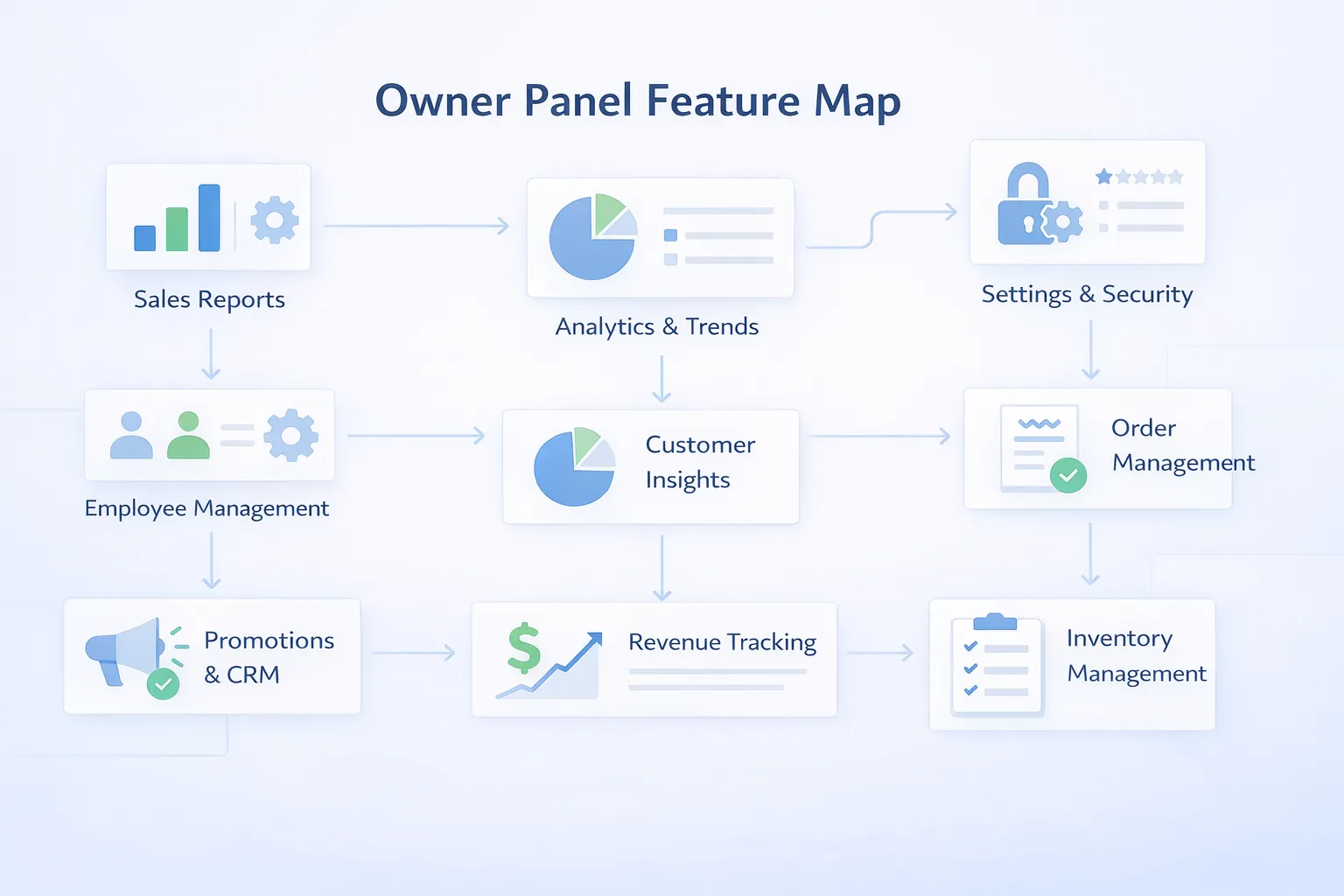
A useful restaurant admin dashboard usually includes:
If you need a more general dashboard reference for internal systems, admin dashboard development best practices remains a useful supporting read.
Restaurant owner panels are most useful for businesses with active dine-in flow, more than one manager, multiple shifts, or two or more operational layers such as guest ordering plus kitchen plus cashier handling. They are also valuable for multi-outlet brands that want centralized visibility without depending entirely on local staff reports.
This kind of dashboard matters even for a single outlet if the owner is not always on-site and still wants a reliable operational pulse throughout the day.
Restaurants generate many small decisions every hour. A manual reporting habit cannot keep up with that pace.
The owner panel should reduce uncertainty. It should allow the restaurant to move from reactive management to lighter, faster control. That means actionable data, not just decorative charts.
Before defining features, decide what type of control the owner panel needs.
This includes live order queues, table activity, pending kitchen load, feedback alerts, and item availability. These are day-to-day control signals.
Owners should be able to adjust menu visibility, user access, tax or pricing rules where appropriate, and outlet or table settings without touching code.
The dashboard should show which items drive sales, where cancellations happen, which hours are busiest, and how different service flows behave over time.
Refunds, voids, item unavailability, repeated complaints, or unusual order patterns should be easy to inspect. That is often where owner panels create the most trust.
If the restaurant also needs back-of-house execution clarity, Kitchen Display System (KDS) Explained and restaurant ordering system development fit closely with this topic.
Restaurant dashboards become useful when they are scoped around actual decisions, not generic analytics.
For some owners, that means live order count, cancellations, and stock-outs. For others, it means shift sales, table turnover, or low-rating alerts. The dashboard should prioritize the few numbers that drive action, not every number the system can calculate.
Some dashboards only show reports. Others also control item availability, user access, shifts, outlet filters, and alert settings. The more action-oriented the panel is, the more valuable it becomes operationally.
Live widgets look attractive, but not every metric needs real-time behavior. Decide what must update instantly and what can stay in summary form. That choice affects both build complexity and performance expectations.
Area managers, outlet managers, cashiers, and supervisors may all need different views. If that is likely, permission design should be part of phase one instead of an afterthought.
These are the owner-panel features that usually matter most.
Restaurants often add staff attendance widgets, delivery aggregator summary, kitchen SLA view, payment reconciliation, or branch comparison dashboards later.
A successful restaurant owner panel should change decision speed within the first few weeks. The owner should not need to ask three people what is happening on the floor before understanding the service picture.
One of the clearest signs of success is faster reaction to stock-outs, repeated cancellations, unusual discounts, or poor review signals. If exceptions become visible early, the dashboard is doing real work.
When item-level performance is easier to read, restaurants can make cleaner calls on pricing, promotions, and category balance. This is where dashboards stop being passive and start supporting better business judgment.
If outlet managers or supervisors use the dashboard consistently, the owner gets cleaner operational follow-through without constant manual follow-up. That usually improves trust in both reporting and teams.
The best owner panels create calm. Managers know what is active, what is delayed, and what needs action first. That practical clarity is the real measure of whether the dashboard is worth having.
If your restaurant software stack is growing, the owner panel is usually the difference between "we have data" and "we can actually use it."
Owner-panel pricing depends on how many modules it needs to control and how live the reporting should be.
₹1.25 lakh to ₹2.2 lakhIncludes order overview, menu controls, and summary reports.
₹2.4 lakh to ₹4.25 lakhIncludes role permissions, item analytics, cancellations view, outlet filters, and richer reporting.
₹4.5 lakh to ₹7 lakhIncludes multi-outlet dashboards, alert layers, audit logs, and deeper module integrations.
For most restaurants with active digital ordering or admin complexity, the ₹2.4 lakh to ₹4.25 lakh range gives the best practical value because it moves beyond simple reporting into real control.
The dashboard becomes more expensive when it has to unify QR ordering, KDS, menu management, POS sync, feedback, and branch comparison from day one. Strong scope boundaries are important here.
Owner panels need strong tables, reliable reports, and controlled admin actions.
Next.js for dashboards, filters, analytics views, and control screens.Node.js for aggregation, role-based actions, logs, and reporting APIs.PostgreSQL for orders, users, tables, items, feedback, and activity history.Restaurant admin dashboards usually take 3 to 7 weeks depending on whether they sit alone or on top of other modules.
If the underlying restaurant data is still messy or spread across tools, time should also be spent cleaning structure before expecting useful dashboards.
These are the main complexity drivers:
The dashboard should help the owner take action. If it only shows numbers without context or control, it is not solving enough.
To keep phase one useful:
This gives the restaurant a cleaner control layer without overcomplicating the admin side.
Restaurant managers need to do things, not just look at graphs.
Discounts, cancellations, voids, complaints, and stock-outs often matter more than average totals.
Many owners check reports on the move. A desktop-only mindset hurts usability.
Focus on the metrics that actually change decisions during the day.
Admin screens can become risky quickly if every user can change critical settings.
It is the admin dashboard that gives owners and managers visibility and control over orders, menu, reports, users, and exceptions.
For most SMB restaurant setups, it commonly starts around ₹1.25 lakh and often falls between ₹2.4 lakh and ₹4.25 lakh for a strong build.
Usually yes. That is what makes the dashboard operational instead of isolated.
Yes. That is one of the most useful features for menu decisions and daily review.
No. Even single-outlet restaurants benefit if the owner wants better daily control.
Yes. Many restaurants add review and complaint signals to the owner dashboard.
A focused rollout usually takes around 3 to 7 weeks depending on scope depth.
Designing a dashboard that looks impressive in a demo but does not help the manager act faster during real service.
If your restaurant already has digital orders or menu management but the owner still lacks one clean view of operations, the admin dashboard is the next logical build layer.
Related Articles
March 30, 2026
Plan a restaurant billing system with GST invoices, table and takeaway flows, cashier roles, KOT boundaries, payments, reports, testing, and cost.
Read article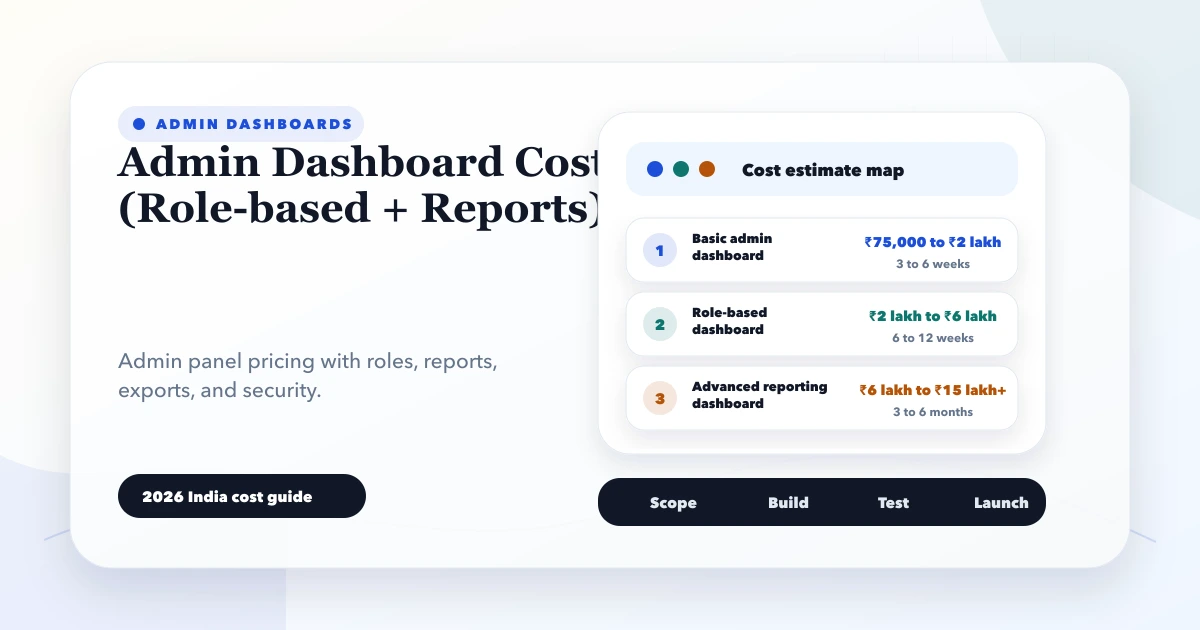
May 28, 2026
Estimate admin dashboard cost in India by workflows, roles, reports, integrations, data volume, security, testing, deployment, and ongoing operational support.
Read article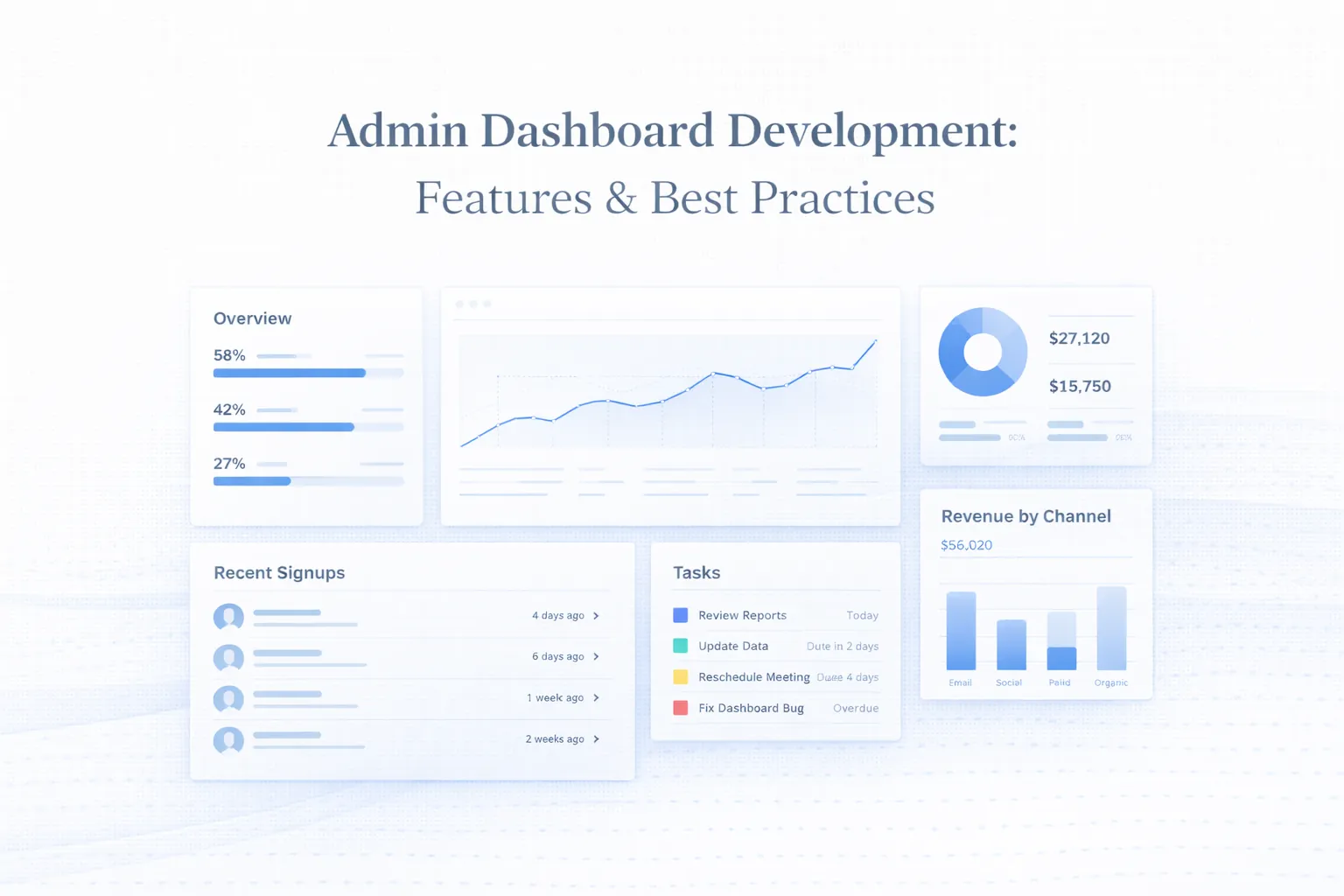
March 25, 2026
Plan admin dashboard development with practical UX, MVP features, roles, tables, filters, permissions, reports, UI states, and a real product example.
Read article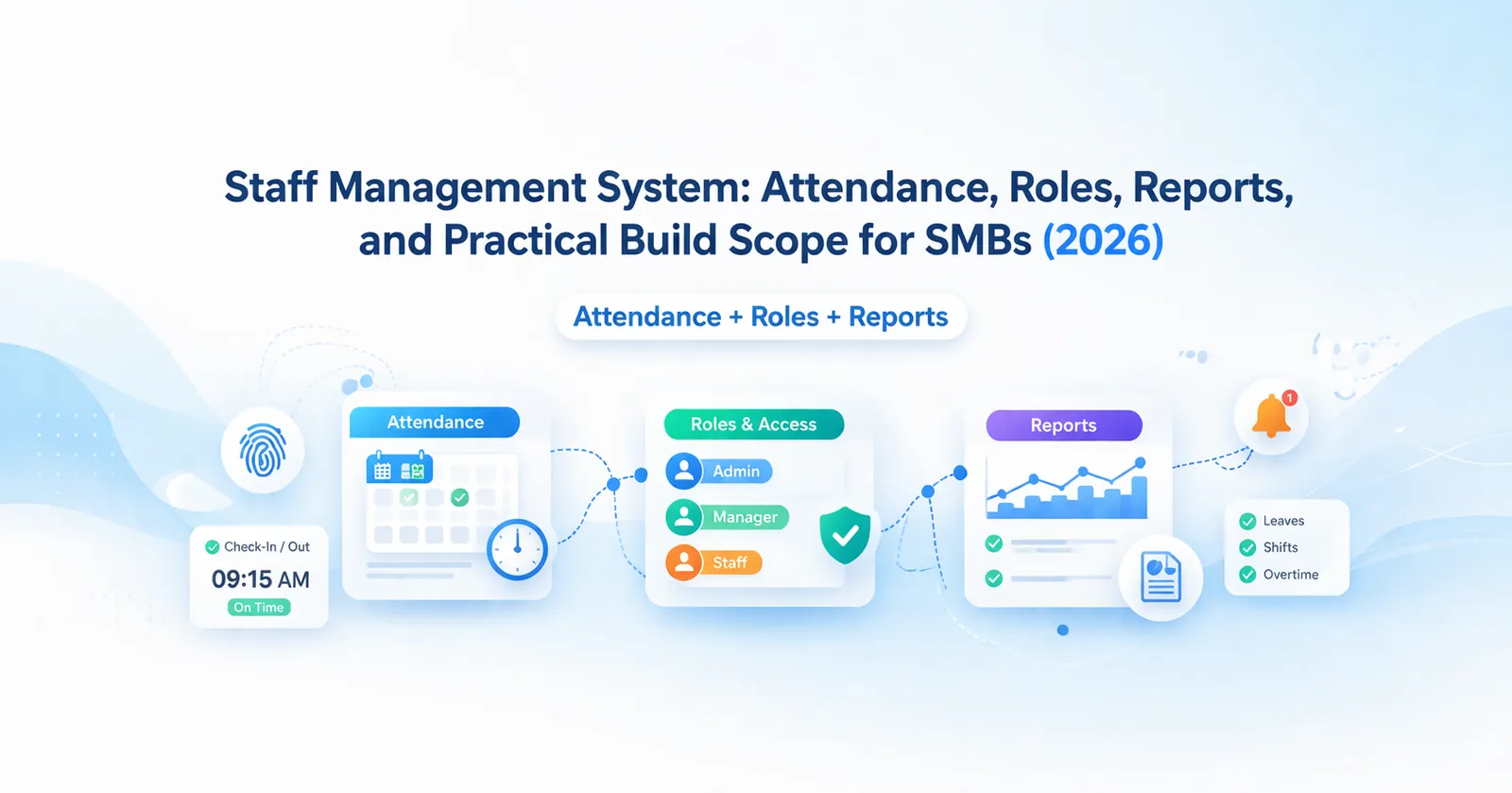
March 26, 2026
Staff management system guide for SMBs covering attendance, roles, reports, pricing in India, tech stack, timeline, and rollout tips for lean HR ops today.
Read article