
March 27, 2026
Restaurant Ordering System: QR Menu and Orders
Plan restaurant QR ordering: menu and cart, table context, staff handoff, payment and POS boundaries, cost drivers and a sample-order acceptance checklist.
Read articlePublished Updated
Compare PDF menus, editable QR menus and restaurant QR ordering. Review cost drivers, menu ownership, outlet rules and a sample-data launch checklist.
A QR code menu website is one of the easiest restaurant technology upgrades to explain and one of the easiest to scope badly. Some restaurants only need a clean digital menu with categories, item details, and table QR codes. Others actually need a broader ordering system with live status, admin control, and kitchen routing.
For restaurants that want the lighter version first, a QR menu website can be a very practical upgrade. It removes menu-print dependency, supports frequent updates, improves presentation, and gives guests a faster way to browse items on their own phones.
This guide explains how to choose between a PDF menu, an editable QR menu and a restaurant ordering system, then agree the cost, responsibilities and launch checks for that scope.
If your restaurant wants to replace printed menus, update items faster, and make browsing easier for guests, a QR code menu website is often the right first step. A menu-only scope avoids cart, order handoff and payment work when guests still order through staff. Compare the actual setup and recurring charges before choosing a product or custom build.
For most restaurants, a good QR menu website includes:
If you want customers to place orders from the same QR flow, restaurant ordering system development is the broader version of this topic.
| Option | What the guest can do | What the owner needs to confirm |
|---|---|---|
| QR link to a PDF | Open a document and order through staff | Mobile readability, file size, update process and a stable link |
| Editable menu website | Browse structured items and current availability | Who updates prices, descriptions and outlet-specific items |
| QR ordering system | Browse, use a cart and submit an order | Table context, staff acknowledgement, exceptions and the selected payment route |
| Connected restaurant POS | Use the agreed ordering and back-office workflows | Exact billing, kitchen, printer, stock and settlement integrations |
For the available product walkthrough, see restaurant QR ordering. Use the blank QR ordering checklist to distinguish demonstrated behavior from work still required.
QR menu websites are especially useful for cafes, casual dining outlets, bakeries, bars, lounges, and restaurants with frequent menu updates or seasonal specials. They are also a strong fit for businesses that want a better guest experience without changing the whole order-taking workflow on day one.
This approach works well when the restaurant wants to digitize the menu first, gather usage confidence, and then decide whether to add direct ordering, feedback, or admin-heavy modules later. It is often the lowest-friction starting point for hospitality software adoption.
Printed menus create small but constant operational issues. They become outdated, expensive to reprint, hard to update during promotions, and inconvenient when items sell out mid-service.
A good QR menu website gives the restaurant live control over its menu presentation. It also reduces repeated staff explanation for standard items and creates a more polished dine-in experience, especially for modern cafes and urban restaurant brands.
A QR code can open a PDF or a structured website. Choose a website when item-level updates, availability or browsing controls justify that scope.
Categories should be easy to browse, items should load quickly, and the layout should feel clear on mobile devices. Restaurants often underestimate how much good categorization improves user behavior.
Each item should clearly show name, description, price, photo if used, veg or non-veg marking, spice indicator, add-ons, or tags like bestseller or chef special.
Different tables or outlets may need different QR codes, but the same menu base can often serve them with controlled variations.
The real value of a digital menu comes from easy maintenance. If item updates still require a developer for every small change, the system is too rigid.
If your restaurant also needs owner-side visibility and stronger operational control, restaurant admin dashboard features is the next layer worth considering.
A QR menu website looks simple, but the project gets much better when the restaurant answers a few practical questions early.
If the restaurant knows ordering will be added later, the menu structure should be planned with item variants, availability logic, and table mapping in mind from the start. That does not mean building ordering immediately. It means avoiding a weak foundation.
This is one of the biggest adoption questions. If the owner, manager, or designer cannot update items easily, the digital menu becomes stale quickly. The admin side should reflect the real team that will maintain it.
Some restaurants benefit from full descriptions and multiple photos. Others do better with tight naming, price clarity, and selective imagery. The right decision depends on the brand, cuisine style, and customer behavior.
If pricing, availability, or category mix differs by outlet, that should be planned up front. It is much easier to design outlet variation early than to retrofit it later after content has grown.
These features usually matter most in a QR menu website build.
Restaurants often add direct ordering, bill call, waiter call, feedback flow, or table-based checkout after the menu website is stable and staff is comfortable with the digital layer.
If your restaurant wants to modernize the menu without jumping into a full software rollout immediately, a QR menu website is often the cleanest first move.
A PDF link, an existing menu product setup and custom development have different costs. Ask for a written quote that separates one-time work, recurring charges and optional additions.
| Quotation item | Details to confirm |
|---|---|
| Menu preparation | Number of items, categories, photos, languages and who enters approved content |
| Product setup | Menu controls, table or outlet mapping and staff access included in the chosen setup |
| Custom work | Required design, menu rules, reports or interfaces beyond the available product |
| Ongoing operations | Domain, hosting, support, content changes and renewal terms |
| Optional ordering | Cart, order handoff, payment route, POS or printer dependencies |
No fixed package price is established by this guide. Review the available scope before approving a budget; menu-only requirements should not be quoted as a complete ordering or POS replacement.
Use stable QR destinations so an ordinary menu update does not require reprinting codes. Confirm mobile readability, image size, update permissions and how quickly changes become visible to guests. Check whether menu data can be exported and who owns the domain and hosting account.
A framework or database should be chosen for the implementation and support requirements. An existing menu product may meet the need without a new custom application.
Confirm delivery dates after reviewing content readiness and the selected product or custom work. Adding ordering introduces separate staff-handoff and payment checks.
These are acceptance questions, not a claim that a customer deployment has passed them. Use synthetic menu items and record any gap in the blank demo worksheet.
These are the factors that usually change budget:
The right QR menu website should feel calm, clear, and easy to maintain. If updating one item is still a headache, the system has not been scoped properly.
To keep the launch practical:
This gives the restaurant immediate value without creating unnecessary operational dependency.
A readable PDF can be sufficient for menu-only access. An editable website is a separate choice when staff need item-level updates, availability controls or structured browsing. Neither option automatically includes ordering.
Restaurants need the menu to be readable quickly on mobile. Fancy visuals should not reduce clarity.
If the owner cannot update pricing or hide items easily, the whole point of going digital gets weakened.
Availability control is one of the most practical daily benefits of a QR menu system.
If ordering or feedback may be added later, the menu structure should be built with that in mind.
Ask for a scope-based quote covering menu preparation, setup or custom work, hosting, support and any optional ordering. This guide does not set a fixed VASUYASHII package price.
No. A QR menu website focuses on browsing. A QR ordering system adds direct order placement and operational workflows.
Yes, if the admin or CMS is designed correctly. That is one of the core benefits.
Yes. Small cafes often benefit quickly because menu updates and mobile browsing are simple but valuable improvements.
Confirm whether the selected setup supports different outlet prices, availability and edit permissions. Demonstrate those rules before agreeing the configuration or custom work.
The schedule depends on approved menu content, the chosen product or custom scope, outlet rules and acceptance checks. Agree milestones and a date after that review.
Not always. Some restaurant brands do better with selective imagery and cleaner typography.
Treating QR menu as a one-time design job instead of an actively managed digital menu system.
If your printed menu is slowing updates and your current digital setup is weak, a structured QR menu website is one of the simplest restaurant tech wins you can launch this year.
Review the restaurant QR ordering service for the available scope, review process and relevant enquiry.
Related Articles
March 27, 2026
Plan restaurant QR ordering: menu and cart, table context, staff handoff, payment and POS boundaries, cost drivers and a sample-order acceptance checklist.
Read article
May 15, 2026
Plan a restaurant website with mobile menus, local SEO, reservations, QR access, WhatsApp or direct ordering, payments, costs, and launch checks.
Read article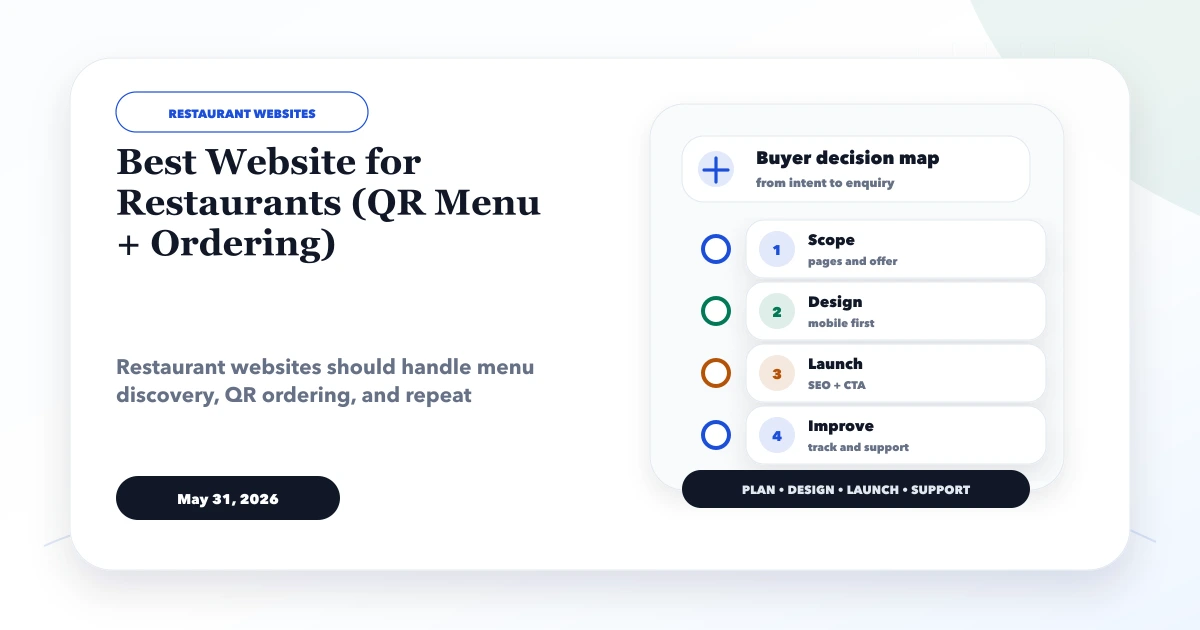
May 31, 2026
Plan a restaurant website with mobile menu, table QR, pickup or delivery ordering, WhatsApp, payments, kitchen status, menu controls, analytics and fallback.
Read article
March 27, 2026
Learn how a restaurant kitchen display system works, from order routing and station screens to expo handoff, offline planning, pricing and rollout tests.
Read article