
April 3, 2026
Wholesale Billing System: Features, Workflow and Cost
Plan wholesale billing with party rates, stock, returns and customer dues. Compare product versus custom scope, costs and a worked payment-and-return example.
Read articlePublished Updated
Plan a restaurant billing system with GST invoices, table and takeaway flows, cashier roles, KOT boundaries, payments, reports, testing, and cost.
Restaurant billing looks simple until a peak-hour order changes, a table moves, a payment is split, an item is cancelled, or the kitchen and cashier hold different information. A dependable restaurant billing system must keep the order, bill, payment, tax, user action, and daily closing consistent without slowing staff.
A good restaurant billing system does not only print bills. It helps staff manage orders, tax calculation, discounts, cashier flow, and reporting with less stress. For restaurants, cafes, food courts, and cloud kitchens, that clarity matters every day.
This guide explains the billing workflow, GST and POS boundaries, cashier and manager roles, cost in India, implementation sequence, and acceptance tests. It also separates a custom restaurant system from a general billing or inventory product so buyers do not assume features that are outside the selected scope.
Use your actual order-to-payment journey to choose the starting point:
| Your immediate need | What to review |
|---|---|
| A customer browses a table menu and sends an order | Restaurant QR ordering, including the staff handoff and payment-readiness checks |
| Standard invoice, purchase, payment and stock records | Business Suite billing and inventory, with its current product boundaries |
| A specialized cashier, kitchen, printer or integration flow | Custom software development, with a written scope and acceptance test |
These are different fit decisions. A QR ordering demonstration does not establish every POS or kitchen feature; a general billing product does not establish restaurant-specific functionality. Share the service model, staff roles, current tools and required connections when you discuss restaurant ordering, or select invoice and billing software for the billing requirement.
For most restaurants, the best billing software includes:
Typical custom development ranges:
₹80,000 to ₹1.8 lakh₹1.8 lakh to ₹3.8 lakh₹3.8 lakh to ₹8 lakh+These are planning ranges for custom software delivery, not monthly prices for ready-made restaurant POS subscriptions. A packaged POS may be cheaper and faster when its workflow already matches the outlet. Custom development makes sense when roles, branches, reports, integrations, menu rules, or ownership requirements are genuinely specific.
A practical dine-in workflow should define the state of every order instead of treating billing as the only event:
For a takeaway-only counter, table transfer and split-bill features may add needless complexity. For a full-service restaurant, leaving them undefined can stop the cashier during a rush. Scope the operating model before choosing screens.
These terms are connected but do not mean the same thing:
A phase-one billing system does not automatically include recipe costing, food aggregator synchronization, loyalty, reservations, or e-invoice/e-way-bill integration. Confirm each module in writing. For invoice fields and tax rules, use current advice from a GST professional and review the official CBIC tax invoice guidance; this article is implementation guidance, not tax advice.
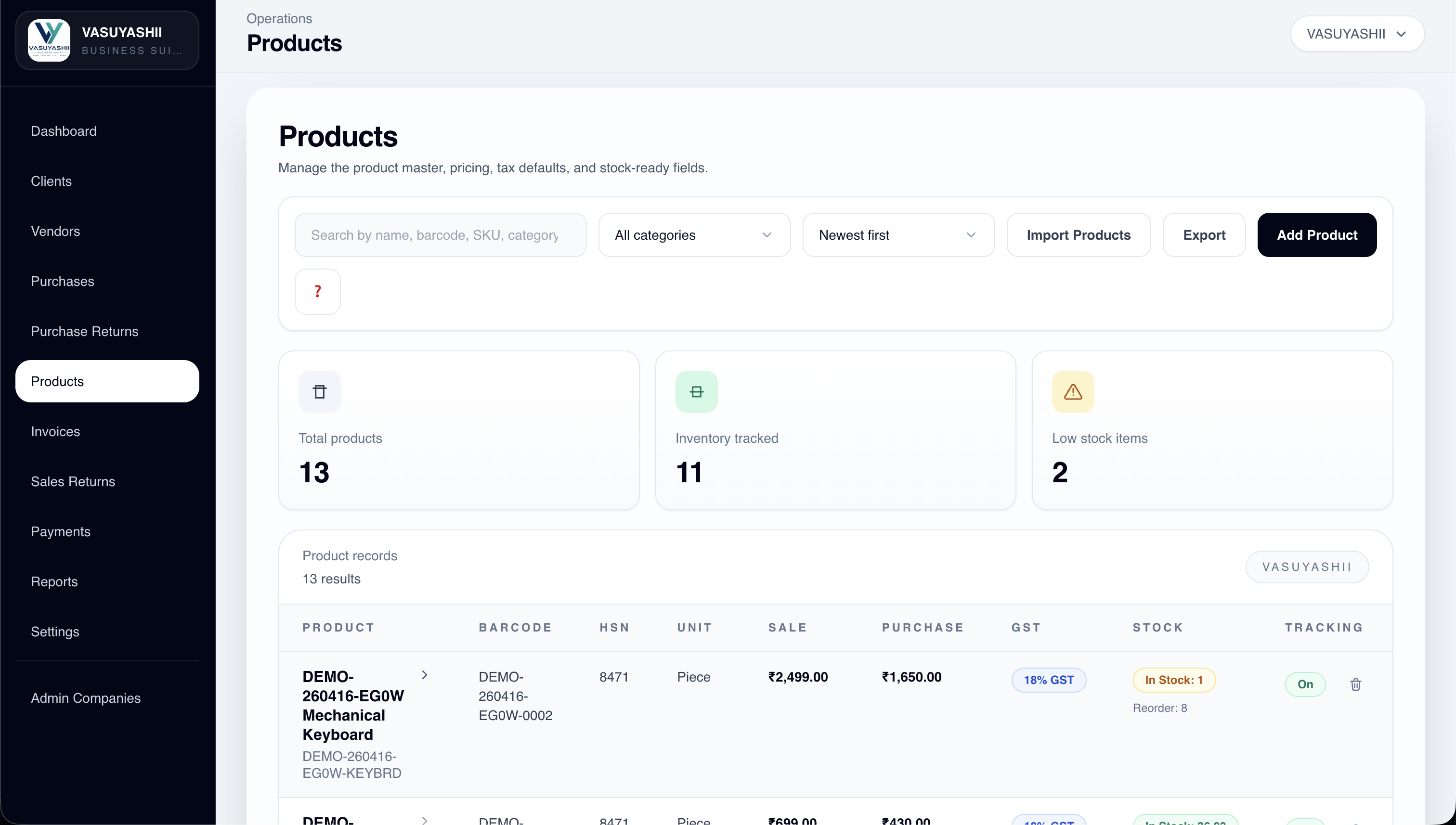
The current VASUYASHII Business Suite supports GST billing, products and stock, clients, vendors, purchases, payments, expenses, reports, PDFs, and multi-company workflows. It should be evaluated as a general SME business suite, not represented as a complete restaurant POS/KOT product unless those restaurant-specific modules are explicitly included in the proposal.
Restaurant billing affects service speed, customer trust, and reporting quality.
Cashier flow gets faster, daily totals become clearer, and operations feel more consistent.
Related reading:
₹80,000 to ₹1.8 lakh
₹1.8 lakh to ₹3.8 lakh
₹3.8 lakh to ₹8 lakh+
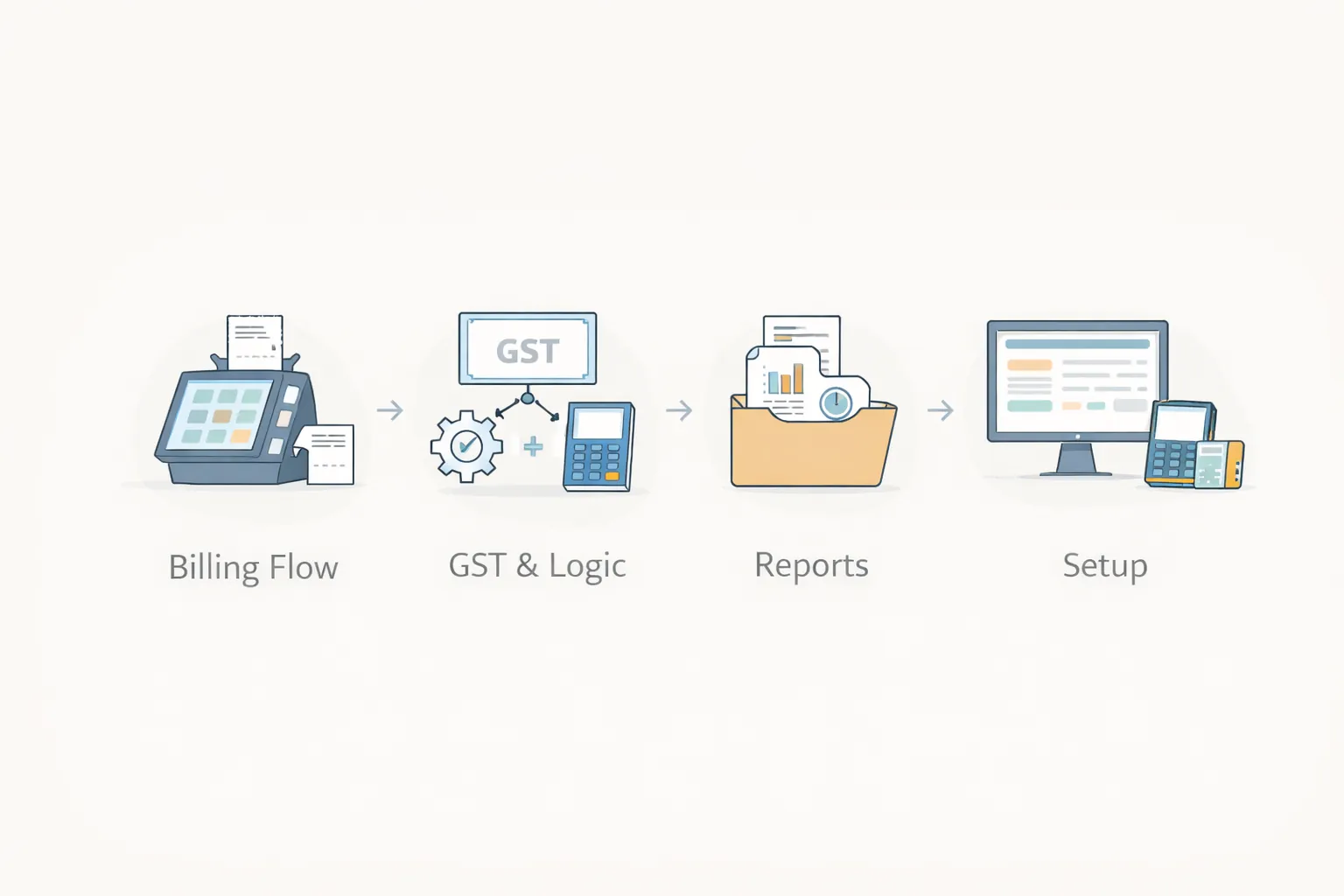
The best setup sequence is:
| Role | Typical access | Actions that need control |
|---|---|---|
| Waiter/order taker | Open and update active orders | Cancellation after KOT, price override, complimentary items |
| Cashier | Generate bill and record payment | Reopen bill, refund, discount beyond limit, cash closing |
| Manager | Approve exceptions and review shift | Void, refund, day-close adjustment, user access |
| Kitchen user | View or acknowledge KOT items | No access to price, payment, or customer finance data |
| Owner/accounts | Review reports and reconciliation | Configuration and exports should be auditable |
Use the smallest permission set that supports the job. Shared cashier passwords remove accountability and make cancellation or refund investigation difficult.
Next.js or modern admin frontendNode.js billing and order logicPostgreSQL for sales, items, reports, and usersRestaurant billing software should support fast orders, tables, KOT, payments, taxes, discounts, and daily reports. A cafe, QSR, dine-in restaurant, and cloud kitchen may need different setup.
Before building or buying, define:
Useful links: software development, web applications, and contact.
Do not sign off after creating one clean sample bill. Run a realistic service simulation with at least these scenarios:
Record expected result, actual result, tester, build version, and evidence for every case. A fallback process is also required: staff should know whether to pause billing, use an approved offline/manual method, or move to a backup device when a dependency fails.
Consider a cafe with dine-in and takeaway orders, one counter, two kitchen stations, UPI and cash payments, and an owner who reviews daily figures remotely. A useful first phase could include menu setup, counter orders, table/token reference, KOT print, tax invoice, discount approval, payment-mode closing, cancellations, and item-sales reporting.
Recipe-level inventory, aggregator sync, loyalty points, and a customer app can remain outside phase one. This keeps the first release focused on the exact workflow that must survive the lunch rush. After two or three stable closing cycles, the team can compare reported totals with cash/UPI records and decide which next module has evidence-backed value.
Only if stock control is already a daily pain. Many restaurants can start with billing, KOT, payments, and reports, then add recipe or stock tracking after the billing flow is stable.
Cloud billing helps owners review sales remotely and makes multi-branch reporting easier. The setup still needs reliable internet planning, user roles, and backup thinking.
Daily sales, payment mode split, cancelled bills, discounts, item sales, GST summary, and cashier-wise reports are usually the first useful reports.
Yes. WhatsApp invoices, feedback requests, offers, and loyalty flows can be added through integrations after the core billing setup is reliable.
A restaurant should separate billing essentials from broader restaurant-management ideas. Phase one needs to stay dependable during peak service, when staff cannot wait for slow screens or interpret unclear error messages.
Keep in the first operational release:
Add only after the billing flow is stable:
For example, a single cafe may gain more from accurate item setup, cancellation control, UPI/cash reconciliation, and a clean daily report than from a large multi-branch dashboard. A restaurant group has different needs: central menu control, outlet-level permissions, branch comparisons, and consistent tax rules may become phase-one requirements.
Use the Custom Software, CRM and ERP hub when the workflow needs custom roles or reports. Compare the ready VASUYASHII Business Suite when billing, inventory, purchases, payments, expenses, and PDFs cover the main operational need. Related implementation guides include restaurant ordering system development, restaurant admin dashboard features, and billing invoice software development.
Before approving development, run a simulated lunch or dinner shift with sample orders, edits, discounts, split payments, cancellations, and day closing. That practical test reveals workflow gaps faster than reviewing static screenshots. For a scoped recommendation, send the current restaurant flow.
If billing mistakes or slow cashier flow are affecting restaurant operations, the next step is to map billing, tax, and report requirements clearly before choosing software.
Yes. GST-ready calculation and invoice structure are essential in most Indian setups.
Yes. Many restaurants start with billing and later add more modules.
Basic projects may start near ₹80,000, while richer systems cost more.
Using a weak system that slows service and creates reporting confusion.
Yes. Many setups later connect billing with QR ordering or KDS.
Accurate item setup, tax logic, and cashier usability.
Usually a few weeks for a practical system.
Yes, depending on the scope and build approach.
If you want cleaner cashier flow, better reports, and fewer billing mistakes, the next step is to scope items, tax logic, and reporting clearly before build starts.
Related Articles
April 3, 2026
Plan wholesale billing with party rates, stock, returns and customer dues. Compare product versus custom scope, costs and a worked payment-and-return example.
Read article
March 27, 2026
Restaurant admin dashboard features guide with owner-panel reports, pricing in India, tech stack, timeline, and cost drivers for restaurant software today.
Read article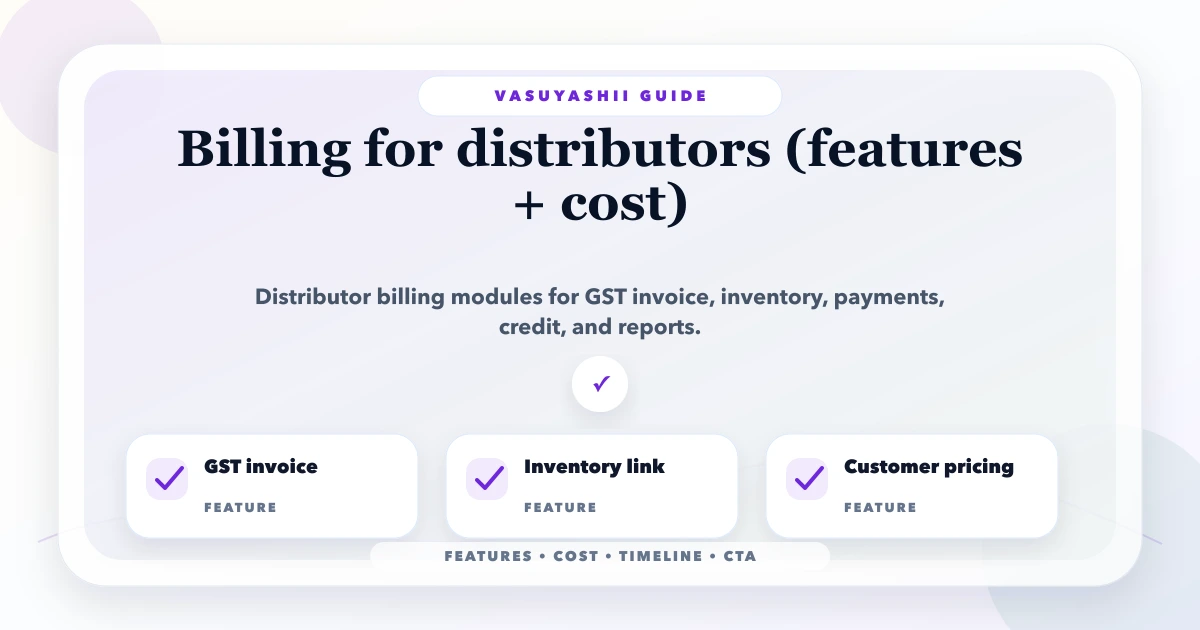
May 15, 2026
Plan distributor billing software with GST invoices, schemes, credit, stock, returns, purchases, payments, reports, controls, costs, and phased implementation.
Read article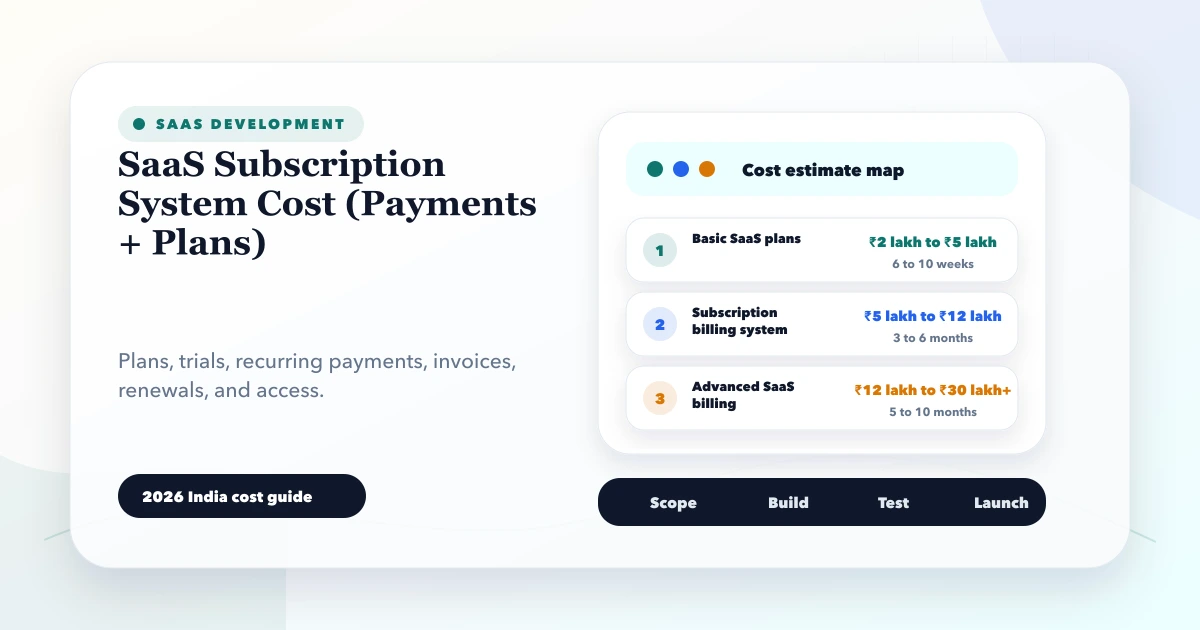
May 28, 2026
SaaS subscription system cost: 2026 India pricing guide with modules, timeline, cost drivers, mistakes, quote checklist, and practical planning ranges.
Read article