
March 30, 2026
Restaurant Billing System: Features, Cost & Setup (2026)
Plan a restaurant billing system with GST invoices, table and takeaway flows, cashier roles, KOT boundaries, payments, reports, testing, and cost.
Read articlePublished Updated
SaaS subscription system cost: 2026 India pricing guide with modules, timeline, cost drivers, mistakes, quote checklist, and practical planning ranges.
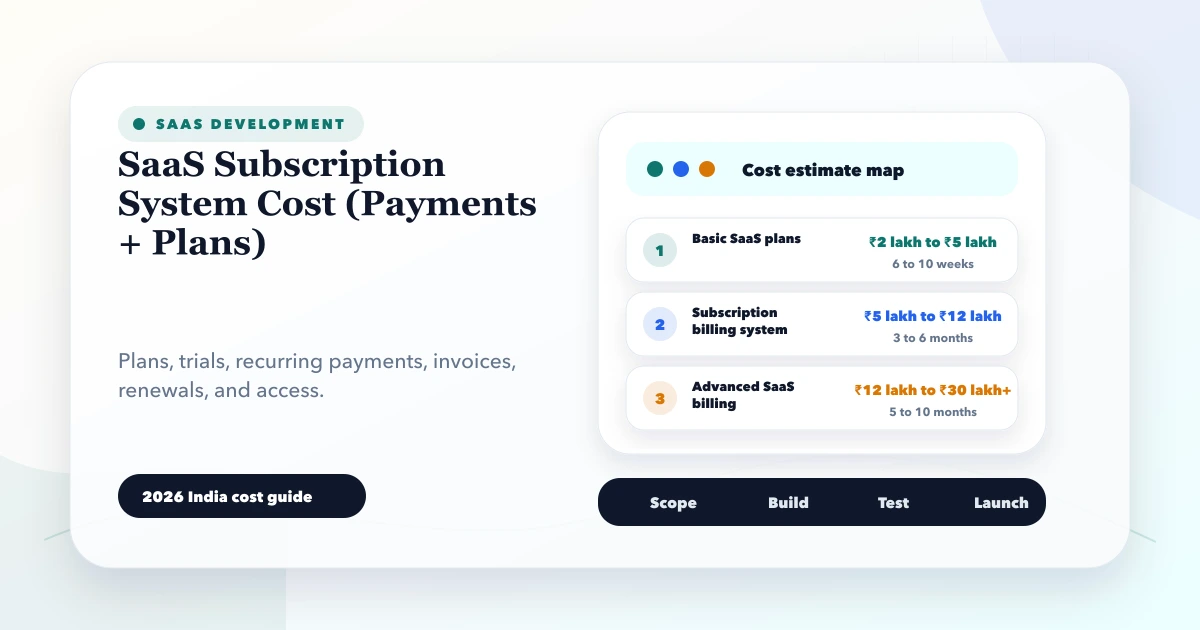
This guide on SaaS subscription system cost is for founders and SaaS teams planning subscription plans, trials, payments, renewals, user limits, invoices, and account billing. It explains practical 2026 India pricing in plain language so you can compare estimates, plan phases, and avoid unclear software scope.
Software cost is not decided by the project title alone. The real cost comes from modules, screens, user roles, reports, integrations, data cleanup, testing, deployment, and support. A small clean workflow can be affordable. A vague all-in-one system can become expensive because no one knows where the scope ends.
By Tushar C. (Founder, VASUYASHII). Reviewed by VASUYASHII Editorial for real-world custom software, CRM, ERP, admin dashboard, automation, booking, WhatsApp, SaaS, and payment implementation experience.
SaaS subscription system cost depends on plan logic, payment gateway, recurring billing, trials, coupons, invoices, failed payment handling, user limits, tenant access, and admin billing reports. It can range from ₹2 lakh to ₹15 lakh+.
These ranges are planning ranges, not fixed quotations. Final pricing depends on the exact workflow, number of screens, user roles, integrations, reports, data migration, testing, and post-launch support.
In real projects, cost usually increases when the business process is unclear. If the team cannot explain what happens on success, failure, cancellation, edit, approval, retry, duplicate data, or report export, the developer has to discover that during development.
The cheapest useful version is usually a focused phase one. It should solve the main business workflow, give owners visibility, and create reliable data. Once that works, later phases can add automation, advanced reports, mobile views, integrations, and role depth.
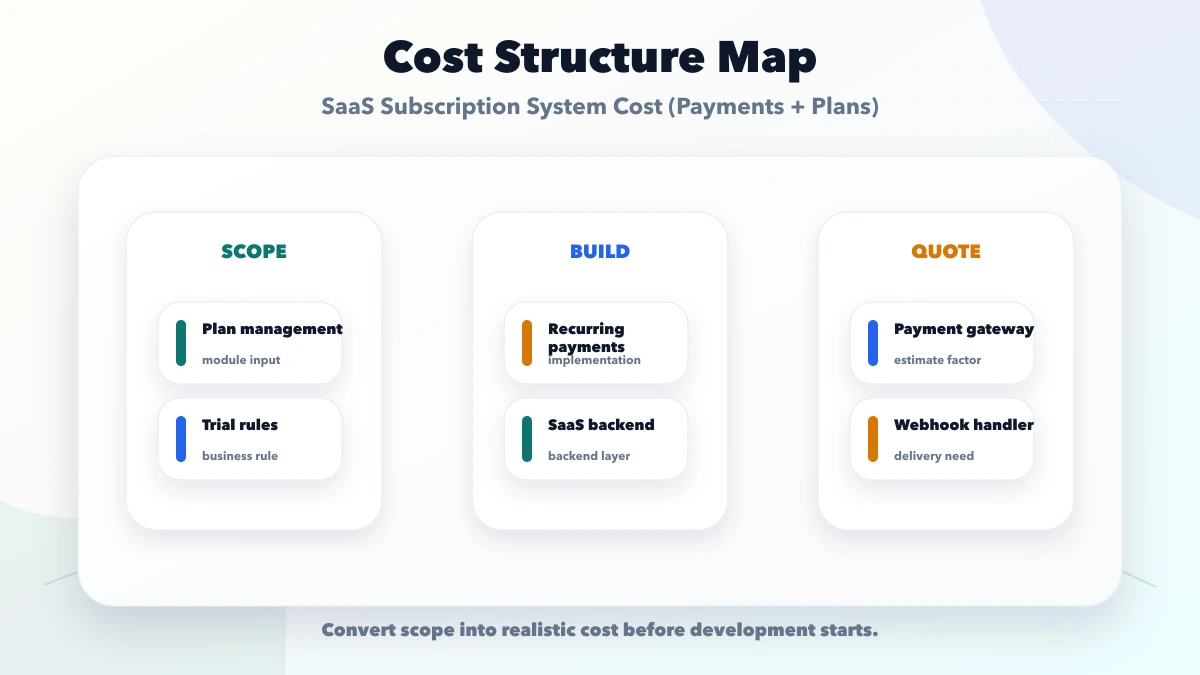
Each item should be defined with input, output, user role, validation rule, and acceptance criteria. If one feature can be interpreted in many ways, the quote will either become vague or the project will face change requests later.
| Scope | Practical price range | Typical timeline |
|---|---|---|
| Basic SaaS plans | ₹2 lakh to ₹5 lakh | 6 to 10 weeks |
| Subscription billing system | ₹5 lakh to ₹12 lakh | 3 to 6 months |
| Advanced SaaS billing | ₹12 lakh to ₹30 lakh+ | 5 to 10 months |
These ranges assume a professional build with planning, UI, backend, database, testing, deployment, and basic handover. A cheaper quote may still work for a very small scope, but it becomes risky if it skips authentication, validation, reports, backups, logs, or support.
The best way to compare two quotes is to compare module-by-module scope, not only final price. One quote may include reports, testing, deployment, and support. Another quote may only include screens.
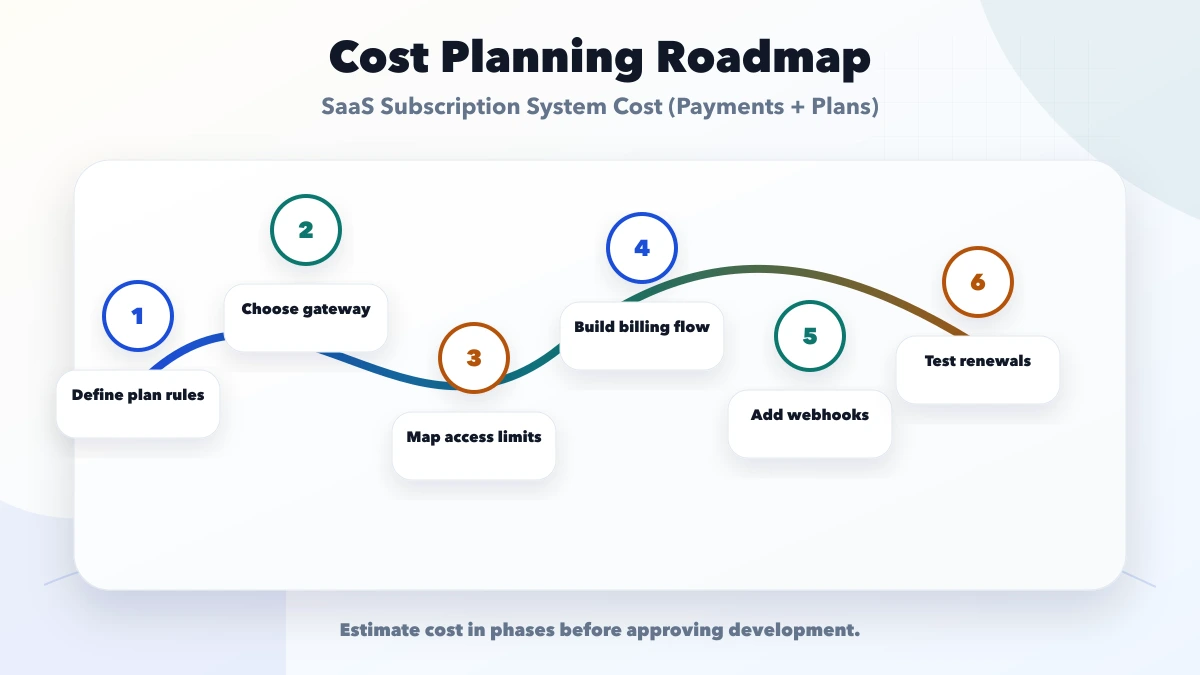
This roadmap keeps development practical. It avoids spending the full budget before the business has tested the main workflow with real users and real data.
The tech stack should match the workflow and support needs. A lightweight internal tool can use a managed backend. A data-heavy ERP or SaaS product may need a stronger backend, audit logs, queues, database indexing, backups, and monitoring.
The visible UI is only one part of cost. The hidden cost is usually in rules: who can edit, what happens when data is wrong, how reports are calculated, how duplicate records are handled, and how failures are tracked.
Before asking for a quote, prepare these details:
This turns the conversation from "how much will software cost" into a much clearer estimate based on scope.
Do not approve software only from screenshots. Ask how authentication, permissions, validation, database backups, logs, failed actions, deployment, and support will work. For payment, CRM, ERP, inventory, booking, WhatsApp, and SaaS systems, these details matter as much as the visible design.
Use separate test and production credentials where integrations are involved. Keep API keys out of frontend code. Define who can export data, delete records, change prices, approve actions, or retry failed automations.
VASUYASHII would start with module mapping, user roles, sample data, required reports, integration accounts, and phase-one priorities. Then we would turn the requirement into a practical build plan with estimated timeline and cost.
For most SMEs, we prefer a stable first release over a large fragile build. Once the team trusts the core workflow, the next phase can add automation, advanced analytics, customer portals, mobile flows, WhatsApp, payments, or ERP-style reporting.
For a domain-specific recurring plan example, review the gym membership software workflow. Membership validity, freezes, branch access, attendance, and renewal outcomes require more than a subscription status.
If you are planning software and want a realistic estimate, prepare the module list, reports, roles, and sample data first. VASUYASHII can help convert that into a clear build plan before development starts.
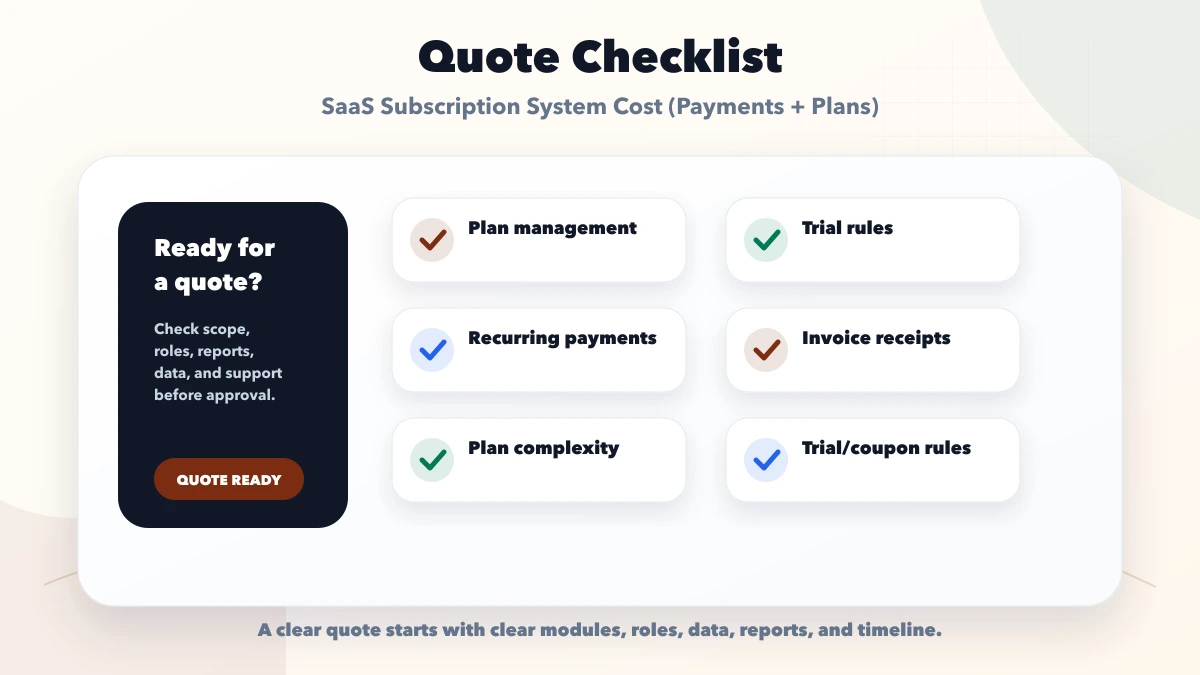
Avoid comparing quotations only by total amount. Compare what is included: modules, reports, user roles, integrations, testing, deployment, handover, support, and change-request policy.
Avoid starting development without a written scope. Even a short document with modules, roles, reports, and examples can prevent expensive confusion later.
It is for founders and SaaS teams planning subscription plans, trials, payments, renewals, user limits, invoices, and account billing. The goal is to understand realistic 2026 India pricing before approving custom software development.
Quotes vary because two projects with the same title can have different modules, roles, reports, data migration, integrations, testing depth, security needs, and support expectations.
Start with define plan rules. This keeps the first phase grounded in the real business workflow instead of guessing screens.
Yes. Most businesses should build the smallest reliable version first, then add reports, automation, integrations, mobile views, and advanced controls after real usage is clear.
The biggest cost risk is no webhook handling. It creates unclear scope, rework, or wrong expectations after development begins.
Share module list, user roles, sample data, report examples, integrations, permissions, timeline, must-have features, and support expectations in writing.
Yes. VASUYASHII can help with project scoping, cost planning, UI planning, backend development, integrations, testing, launch, and support.
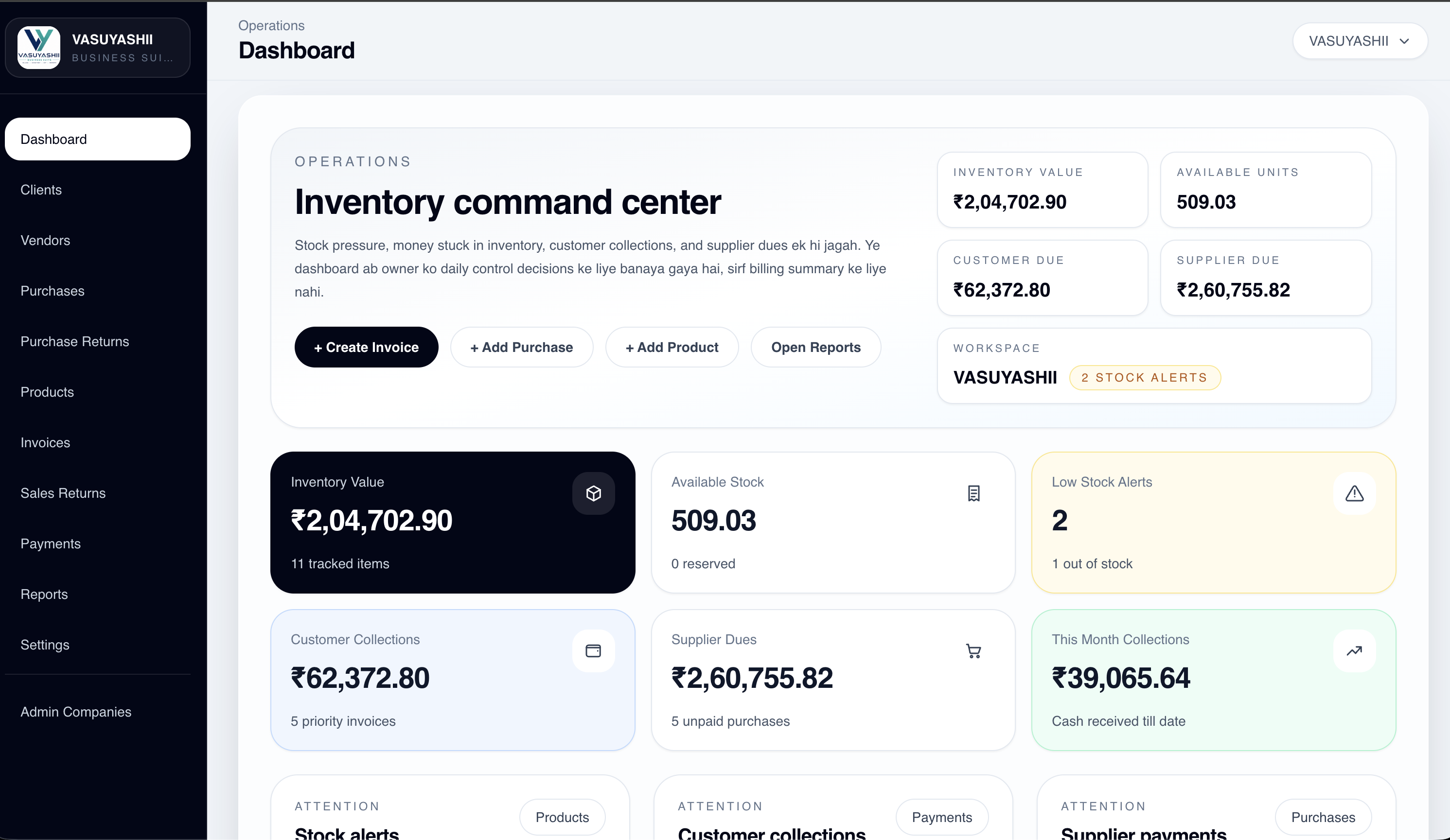
VASUYASHII Business Suite already uses company-scoped SaaS records and authenticated operations, but it does not currently claim a public self-serve subscription-billing module. The product screenshot below is first-party evidence of the tenant/workspace layer that subscription access would need to govern.
| Subscription event | Application action | Required evidence |
|---|---|---|
| plan selected | create pending subscription | internal plan/version ID |
| mandate authorised | verify provider signature server-side | verified provider identifiers |
| webhook received | process idempotently and update state | event log and retry policy |
| renewal fails | apply grace/dunning rule | customer and admin visibility |
| cancel/upgrade | apply documented effective date/proration | auditable state history |
Decision example: a fixed monthly SaaS with two plans can use provider-managed subscriptions and a small entitlement layer. A usage-based product with credits, seat changes, taxes and mid-cycle proration needs a dedicated billing ledger; it should not be estimated as “add Razorpay button”.
Limitations: payment-provider charges, supported mandates, bank availability and regulatory requirements can change. VASUYASHII does not guarantee every payment method, mandate limit or instant activation. Accounting, GST treatment, refunds and revenue recognition require professional review.
Razorpay's official subscription integration guide requires signature verification and recommends webhooks. Its supported payment methods page should be checked during final scope because availability and limits are provider-controlled.
If you want a practical software estimate, VASUYASHII can help with scope, UI planning, backend development, integrations, testing, launch, and post-launch support.
Related Articles
March 30, 2026
Plan a restaurant billing system with GST invoices, table and takeaway flows, cashier roles, KOT boundaries, payments, reports, testing, and cost.
Read article
May 16, 2026
Improve a SaaS pricing page with clear plans, value metrics, feature limits, billing terms, trust signals, FAQs, comparison tables, and conversion tracking.
Read article
May 26, 2026
Plan gym membership software for plans, freezes, attendance, payments, trainer access, renewals, branch reporting, and secure member operations.
Read article
May 16, 2026
Set up SaaS customer support with account identity, ticket states, priority rules, SLAs, routing, secure access, bug escalation, knowledge base, and reporting.
Read article