
May 31, 2026
How to Choose a SaaS Development Company in India
Evaluate SaaS development companies in India by product discovery, tenant security, billing, data ownership, testing, operations, handover, and support.
Read articlePublished Updated
Plan a SaaS subscription billing system with plans, trials, entitlements, invoices, payment retries, webhooks, reconciliation, security, and rollout phases.
Many SaaS products start with a pricing page before they have a real billing system. At first that feels fine. Then the real business questions begin: how will trials work, what happens on failed payments, how are plan changes handled, when does access start, and how will invoices and entitlements stay in sync?
This is why SaaS billing should not be treated as a checkout-only task. It is an operational system. It touches product access, finance, support, emails, analytics, and customer trust.
This guide explains what a subscription and billing system should include, what the development scope looks like, and how to build phase one without creating chaos later.
A proper SaaS billing system should handle:
Typical development pricing:
₹2 lakh to ₹4 lakh₹4 lakh to ₹8 lakh₹8 lakh to ₹15 lakh+Stripe's subscription documentation makes one thing clear: subscription billing is a lifecycle, not a single event. A plan is created, payment behaviour is handled, invoices change state, subscriptions move through statuses, and product access should follow reliable events.
That means your own system must be ready for:
Related reading:
Admins should control plan names, limits, billing cycles, and feature rules.
The product must create customers, attach pricing, and handle the first billing event safely.
If trials are used, expiry timing and access behaviour must be clear and predictable.
Users should be able to view current plan, invoice status, and past payments easily.
Retry flow, email prompts, and account status rules need to be defined.
Access should depend on actual subscription state, not manual assumptions.
Your team should be able to see plan changes, unpaid accounts, and customer billing history.
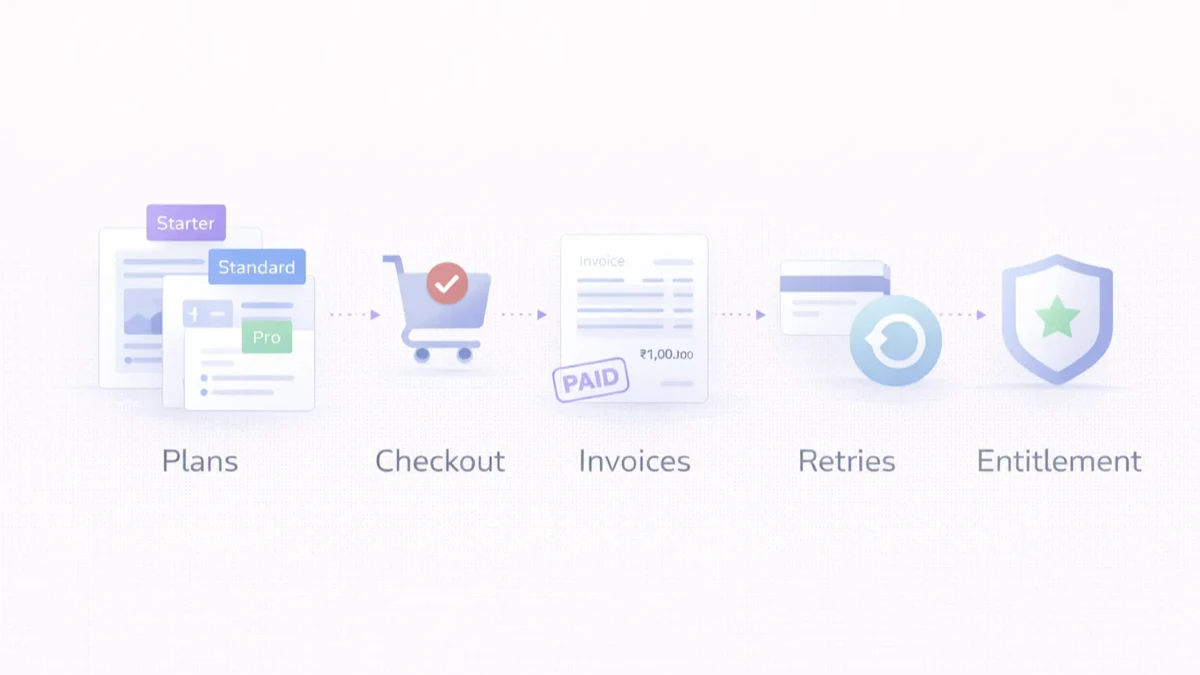
The subscription record, payment record, and product-access record should not be treated as the same thing. A payment can fail while a grace period keeps access active. A subscription can be cancelled but remain usable until the paid period ends. A refund can affect finance without immediately deleting customer data.
Define explicit states such as trialing, active, past due, paused, cancelled, and expired. Then document what each state means for login, feature limits, team seats, exports, API access, support, and data retention. The application should read entitlements from trusted backend state instead of trusting a plan name stored in the browser.
Important events include:
For Indian SaaS businesses, invoice fields, GST treatment, currency, payment provider records, and reconciliation ownership must be reviewed with the appropriate finance professional. The software should preserve provider IDs and an event history so support can explain why access changed.
Build the event layer using the payment and order webhook guide, protect plan administration using the permission matrix template, and align the system with the broader SaaS architecture guide. A phased product can be scoped through web application development.
A failed payment workflow needs more than repeated charging. Define retry timing, customer communication, card-update links, grace periods, admin visibility, and the point where entitlements change. Prevent duplicate emails and duplicate retries by recording every attempt and provider event. Give support a safe manual action for exceptional cases, with an audit trail.
Recovery metrics should include failed renewals, recovered subscriptions, involuntary churn, retry success by attempt, and time spent in past-due status. These numbers help the team improve both payment configuration and customer communication.
The VASUYASHII Business Suite currently presents an early-access annual plan and clearly separates included billing and inventory capabilities from future or separately quoted modules. That is useful pricing evidence, but it should not be confused with proof of a complete self-serve subscription engine.
A founder can begin with assisted onboarding and manually approved annual access while product value is still being validated. The application still needs a trusted record of company, plan, start date, expiry date, payment reference, access status, and who approved an exception. Automated recurring billing becomes valuable when renewal volume, self-serve upgrades, card retries, or plan complexity creates enough operational work to justify it.
This boundary prevents two costly mistakes: building advanced billing before the product has stable plans, and selling recurring access without a reliable entitlement record. The SaaS MVP prioritization guide helps decide when billing belongs in phase one.
A billing system is supportable only when staff can explain why access changed. Build an internal view that connects provider customer ID, subscription ID, invoice ID, payment attempt, webhook event, entitlement decision, and manual action.
| Support question | Evidence the console should show |
|---|---|
| Why is this account locked? | Current entitlement, failed invoice, grace-period expiry |
| Was the payment received twice? | Provider event IDs, local payment IDs, duplicate handling |
| Why did an upgrade not apply? | Checkout state, webhook result, plan-change job, error log |
| Can support extend access? | Approved action, reason, actor, start/end time, audit entry |
| Does finance see the same total? | Invoice, tax fields, payment, refund, reconciliation status |
Never let support solve a billing mismatch by directly editing several database rows. Provide a narrow, authorized action that records the reason and produces the same downstream updates as the normal workflow.
Test successful signup, failed first payment, trial expiry, renewal, retry recovery, upgrade, downgrade, cancellation at period end, immediate cancellation, refund, duplicate webhook, delayed webhook, provider timeout, and a manual exception. Confirm both customer-visible access and admin reporting after every case.
Use test clocks or provider sandbox tools where available, but also verify local date, timezone, tax, and invoice behaviour. The release is ready only when product, support, and finance can reconcile the same sample accounts.
Build the essentials:
Add operational strength:
Add advanced billing:
₹2 lakh to ₹4 lakh
Good for:
₹4 lakh to ₹8 lakh
Good for:
₹8 lakh to ₹15 lakh+
Good for:
Next.js frontend for billing pages and admin viewsNode.js backend for billing orchestration and webhook handlingPostgreSQL for customers, plans, invoices, and entitlement stateIf your SaaS product is launching soon, do not wait until checkout day to think about billing. Define plan logic, payment states, and entitlement rules early.
Treating billing like a payment page instead of a full subscription lifecycle.
Yes. Access should follow reliable billing state, not guesswork.
In most products, yes. Users need invoice and plan visibility.
Yes, but the lifecycle logic should still be clean.
Very. Billing systems depend on event-driven state updates.
Only if the product and onboarding model genuinely need them.
Yes, if the billing data model is designed carefully.
A practical first version usually takes several weeks, not a few days.
Recurring access does not always behave like a generic SaaS licence. The gym membership software guide shows how plan versions, freezes, session limits, branch access, check-ins, renewals, and part payments change the model.
If you want billing that stays reliable across upgrades, failed payments, invoices, and access control, the right next step is to define the lifecycle before coding screens and checkout.
Related Articles
May 31, 2026
Evaluate SaaS development companies in India by product discovery, tenant security, billing, data ownership, testing, operations, handover, and support.
Read article
May 9, 2026
billing software developer near me: pricing, checklist, FAQs, trust signals, and practical SEO steps for Indian SMB owners.
Read article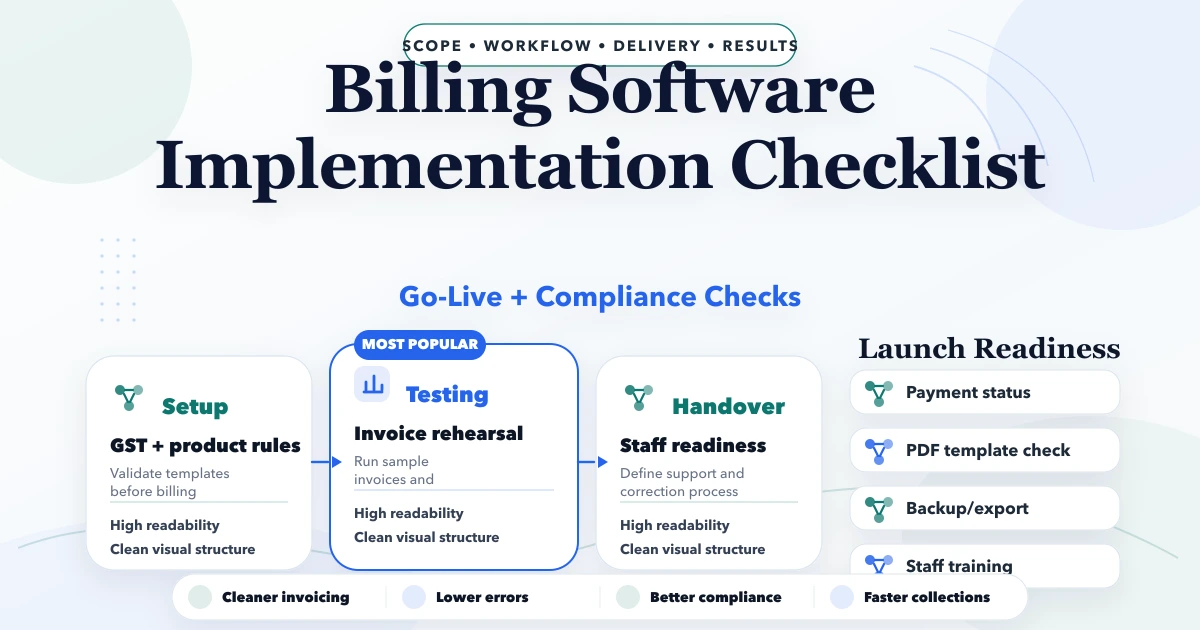
April 26, 2026
Billing software implementation checklist with GST setup, rollout phases, cost, timeline, training, and practical launch steps for Indian SMBs.
Read article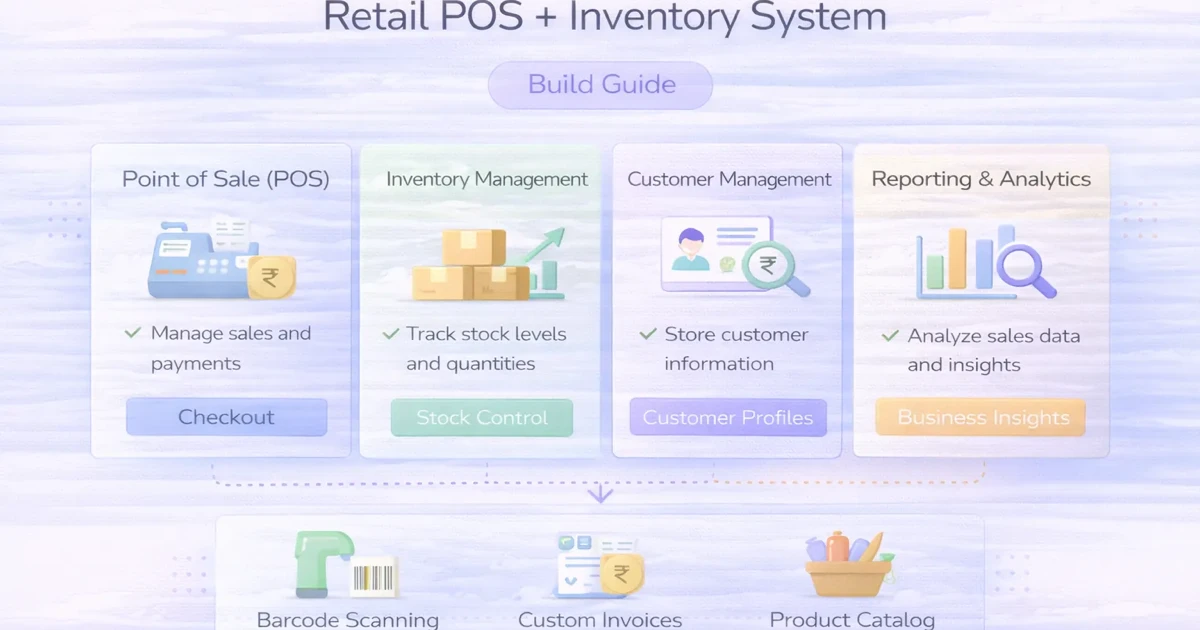
April 4, 2026
Retail POS and inventory system guide with features, pricing, timeline, and rollout advice for practical store operations in 2026.
Read article