
May 16, 2026
SaaS Onboarding UX Best Practices (2026)
SaaS onboarding UX best practices: practical 2026 guide with checklist, cost, roadmap, tools, mistakes, FAQs, and next steps for Indian SMBs today safely.
Read articlePublished Updated
Design a SaaS onboarding flow with an activation checklist, setup dependencies, role-specific guidance, useful empty states, recovery, and measurable progress.
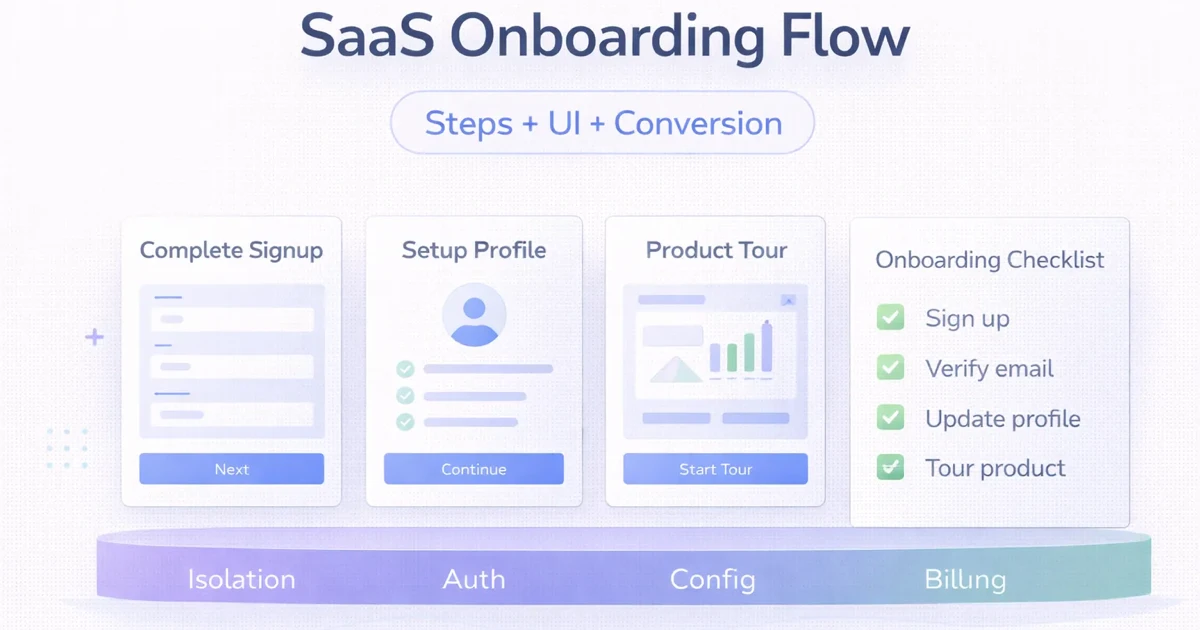
A SaaS onboarding flow should help a new account complete the smallest meaningful outcome safely. Define that activation event before designing tours, checklists or welcome screens.
It should not show every feature, force a long product tour or celebrate setup steps that do not create value. Good onboarding connects account creation, required configuration, first useful action, recovery and return behaviour.
This guide focuses on B2B and business-software onboarding, where roles, company data, permissions, imports and approval dependencies make the flow more complex than a consumer app welcome screen.
Build onboarding in this order:
Do not begin with UI screens. Begin with the operational outcome.
Activation is the first completed action that demonstrates the product’s core value. It should be observable and specific.
Examples:
| SaaS type | Possible activation event |
|---|---|
| GST billing | First valid invoice created and previewed |
| CRM | First lead added and assigned |
| Appointment software | First service and bookable slot published |
| Inventory system | First product added with opening stock |
| Reporting tool | First real data source connected and report viewed |
| Team workflow | First task assigned and completed |
“Logged in” is usually not activation. It proves access, not value.
Activation often depends on setup:
Create a dependency map:
| Step | Required for activation? | Can be deferred? | Owner |
|---|---|---|---|
| Company name | Yes | No | Account owner |
| GSTIN | Depends on invoice type | Sometimes | Owner/admin |
| Logo | No | Yes | Owner |
| Product import | No if manual add exists | Yes | Operations |
| Team invite | No for first solo action | Yes | Admin |
| Payment gateway | No for draft invoice | Yes | Owner |
This prevents optional configuration from blocking first value.
Ask only the minimum context needed to choose a useful path:
Avoid long surveys before the user sees the product. Gather additional context progressively.
Confirm email or phone where needed, create the account and explain terms or privacy at the correct point.
Create the company, project or workspace. Explain that data will be scoped to this unit.
Collect only fields required for the first valid output. Clearly mark optional fields.
Offer a safe choice:
Guide the user through the activation event.
Show the result, what was saved and what remains incomplete.
Give a clear next action and send reminders only when consent and usefulness justify them.
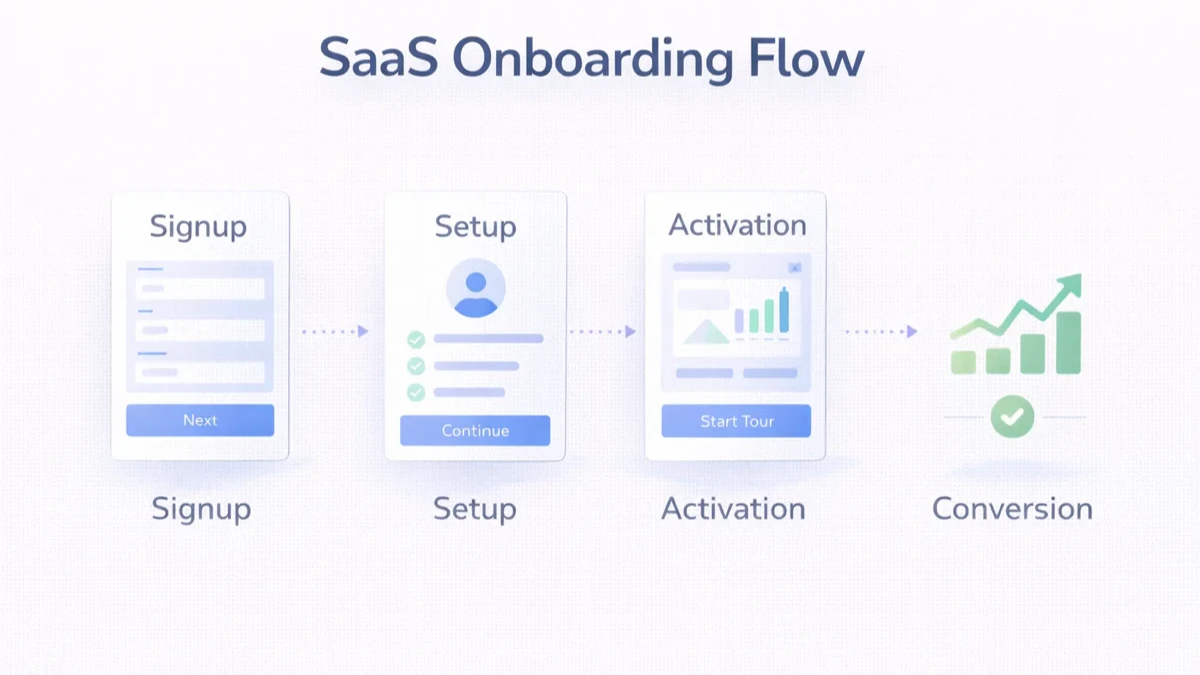
Use meaningful labels such as:
“Step 2 of 7” without context does not explain value.
An empty products page should explain:
Place help near the decision. Avoid a full-screen tour that explains controls before the user needs them.
Provide sensible defaults for units, currency or timezone, but show them before they affect real records.
Business setup may require documents or another person. Preserve progress and explain where the user will return.
Allow invoice, campaign or workflow preview before sending or publishing.
An owner may configure the company, while a staff member only needs task guidance. Do not force both through the same setup.
Sample data can make an empty product understandable, but it creates risk if users mistake it for real data.
For a public demo, use a dedicated demonstration environment.
Import is often the biggest onboarding dependency.
Design:
Do not advertise “one-click migration” when mapping and cleanup are required. Read the business data import checklist.
For every critical step, define:
A payment or integration failure should not force the user to restart the entire onboarding flow.
Use messages to support an incomplete action, not to repeat generic marketing.
Possible triggers:
Respect consent, frequency and channel rules. Avoid sending sensitive record details in notifications.
Track:
| Metric | What it reveals |
|---|---|
| Signup completion | Account-entry friction |
| Setup completion | Configuration friction |
| Activation rate | Accounts reaching first value |
| Time to activation | Speed to value |
| Step abandonment | Specific bottleneck |
| Error rate | Validation or system problems |
| Return rate | Whether value continues |
| Support contact | Confusing steps |
| Role split | Different user needs |
Do not optimise activation at the cost of invalid data or unsafe shortcuts.
Possible causes:
Possible causes:
Possible causes:
VASUYASHII Business Suite is a multi-company billing, inventory and business-management product for Indian SMEs. A practical onboarding path can involve:
These are current product-context examples. They do not claim that VASUYASHII has measured a specific activation-rate increase. Any future mobile or desktop onboarding should use the same backend scope and accurate release status.
A focused onboarding improvement may include:
Cost and timeline depend on existing architecture, analytics, roles, integrations and migration complexity. Avoid estimating from screen count alone.
Help the right user reach a valid first outcome and understand the next useful action.
Use as many as required for safe activation, but defer optional setup. Screen count is not the main metric.
Use one when tasks are meaningful and can be completed over time. Do not add a checklist for decorative progress.
No. Use sample data only when it clarifies the product and remains clearly separated from real records.
It can support verification, invitations, recovery and useful reminders. It should not replace clear in-product guidance.
Activation, time to activation, step abandonment, error rate, return behaviour and support needs.
No. It can reduce avoidable friction, but product fit, pricing, acquisition quality and ongoing value also matter.
Offer assisted setup when imports, integrations, compliance or multi-role configuration create material risk.
For a SaaS product, internal tool or onboarding workflow, review the web app development hub, web application development, software development or share the current activation problem.
Related Articles
May 16, 2026
SaaS onboarding UX best practices: practical 2026 guide with checklist, cost, roadmap, tools, mistakes, FAQs, and next steps for Indian SMBs today safely.
Read article
May 16, 2026
Improve SaaS trial conversion by defining signup, activation, onboarding, lifecycle messages, sales assistance, upgrades, analytics, and experiments.
Read article
March 24, 2026
Plan website redesign cost in India by auditing pages, content, templates, SEO migration, performance, integrations, accessibility, QA, and launch.
Read article
March 31, 2026
SaaS pricing models explained for India: trial vs freemium vs paid, plus flat-rate, seat-based, and usage pricing advice for founders.
Read article