
May 9, 2026
Reviews and trust signals that impact rankings
reviews and trust signals that impact rankings: pricing, checklist, FAQs, trust signals, and practical SEO steps for Indian SMB owners.
Read articlePublished Updated
Build website trust with verified reviews, clearly labelled demos, safe screenshots, transparent process, current business details and honest proof placement.
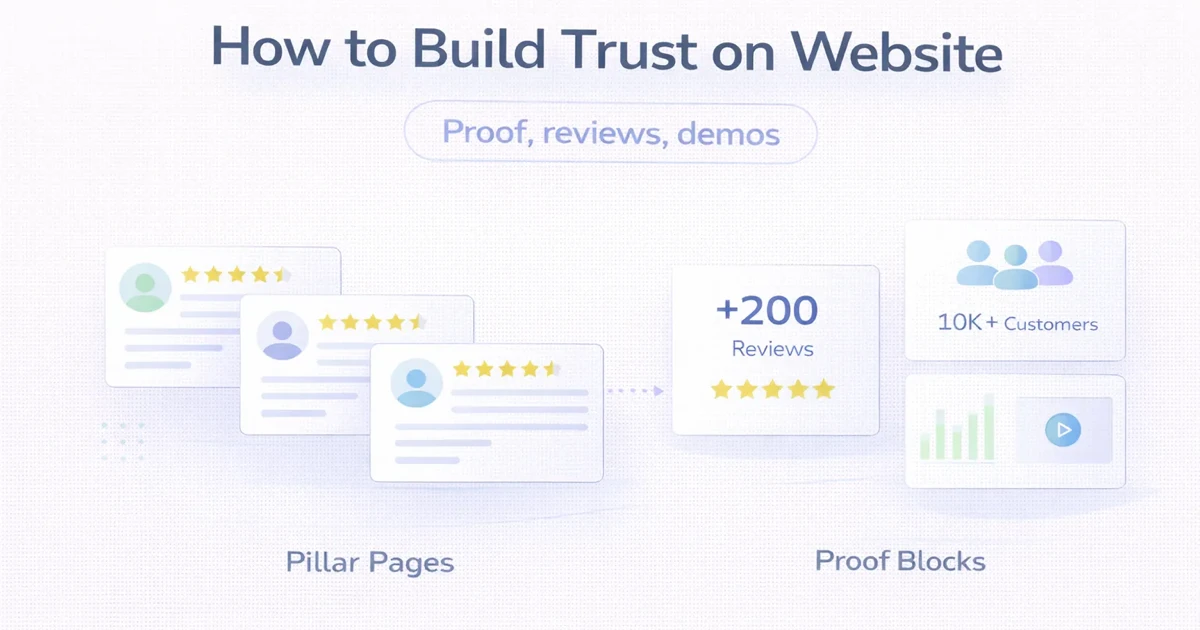
Website trust is the visitor’s ability to verify who is behind an offer, what is actually available, how the process works and what evidence supports the claims.
Trust is not created by adding a badge row to an unclear page. A polished design can improve first impressions, but serious buyers also look for business identity, proof relevance, ownership, boundaries, process and consistency.
This guide provides an evidence-governance system for reviews, demos, screenshots, metrics and operational claims. It is deliberately separate from general website copy structure.
Build trust by answering these questions:
Every trust element should help answer one of these questions.
Trust signals work together:
| Layer | Buyer question | Useful evidence |
|---|---|---|
| Identity | Who is responsible? | Business name, team, domain email, contact details |
| Offer | What exactly is provided? | Scope, modules, exclusions, service area |
| Capability | Can they do relevant work? | Demo, process, technical explanation |
| Experience | Have they handled similar decisions? | Approved case study, first-hand guidance |
| Reputation | What do others say? | Source-verifiable reviews |
| Safety | Will my data and access be handled responsibly? | Privacy, access and ownership policy |
| Process | What happens next? | Discovery, approval, delivery and support steps |
| Continuity | Will proof remain current? | Review date and evidence owner |
One strong layer does not compensate for a false layer. A genuine review cannot make an inaccurate product claim acceptable.
Show consistent, current information:
Avoid displaying an address solely to appear local. If a business does not receive customers at an address, publish the genuine service area and contact model instead.
Trust decreases when the page promises everything.
For a custom software service, explain:
For a product, distinguish:
Clear exclusions do not weaken a good offer. They reduce surprise.
This is strongest when it includes a baseline, measurement source, period and approval.
Example:
Median response time decreased from X to Y across Z enquiries during the first four weeks after launch.
Do not publish this format unless records support every part.
An approved statement about a changed process:
The owner can now review customer dues and stock alerts from one company dashboard.
A factual statement about the implementation:
Authorised users can create invoices, manage products and record payments.
Useful first-hand explanations of decisions, trade-offs and common mistakes. This is stronger when it avoids pretending that every recommendation came from a client project.
Forecasts and intended outcomes should be labelled:
The reminder flow is intended to reduce manual follow-up, but the impact will depend on customer response and team adoption.
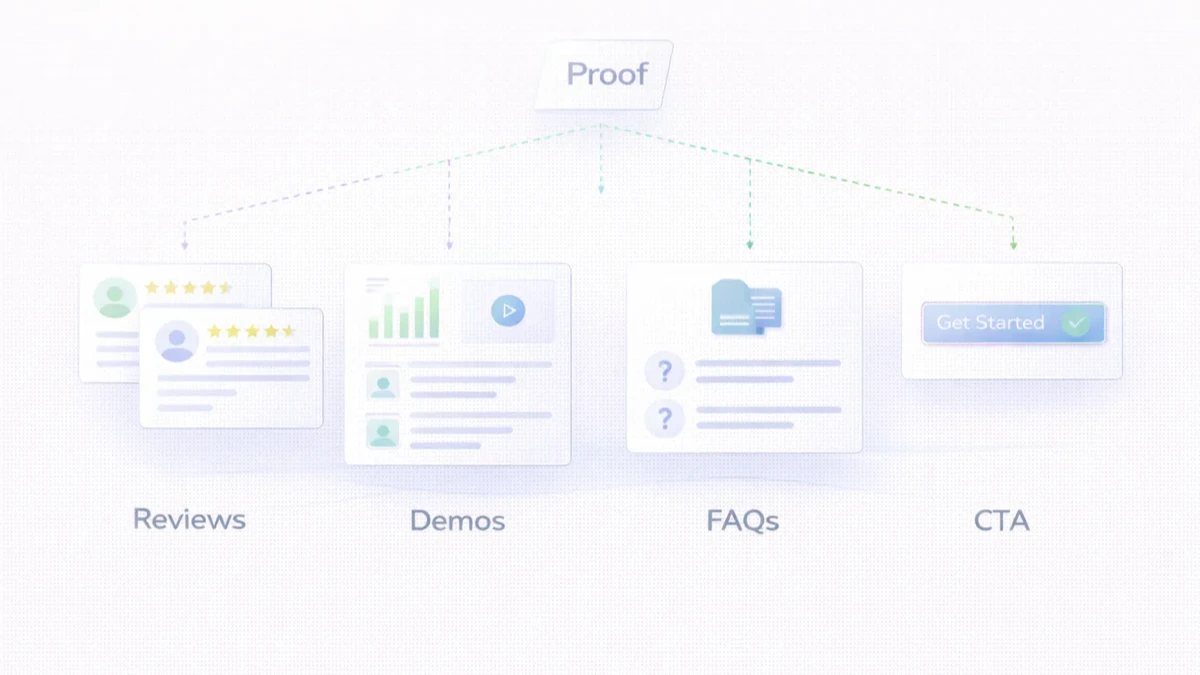
Reviews can improve trust when their source and context are clear.
Ask customers for honest feedback after a meaningful delivery or support interaction. Do not require a positive rating, offer undisclosed incentives or ask people who were not customers to describe a service experience.
Keep:
A useful review may identify:
Do not change the meaning while shortening a review. Never combine multiple reviews into one invented quote.
Respond factually and respectfully. A credible profile does not need to look artificially perfect. Use recurring criticism to improve the offer or process.
For local review practices, read how to get real reviews safely.
Demos are valuable because they let buyers inspect interaction and scope. Their label must match reality.
A live product demo should state:
A restaurant, school or consultancy demo should be labelled as an industry concept unless it represents a real client with permission. Fictional names and data should remain clearly fictional.
Add the recording date and product version where relevant. Old recordings should be replaced or labelled when the interface changes.
Call a prototype a prototype. It shows a possible direction, not a finished or deployed system.
Explore the VASUYASHII demo collection to see examples that are presented as demos rather than client outcomes.
Before publishing a screenshot:
Do not rely on blur for highly sensitive information. Build a clean demonstration dataset.
Many service businesses lack public case studies but can still show how work is controlled.
Useful process proof includes:
Avoid generic five-icon timelines. Explain real decisions and client responsibilities.
Buyers often worry about access after delivery.
State:
Never request that a client permanently surrender control of its primary domain, analytics or advertising account without a justified, documented arrangement.
Security badges alone do not prove security. Publish useful operational information:
For implementation controls, use the website security best-practices guide.
Use concise identity, offer, one or two credible proof signals and clear routes.
Place proof beside the claim it supports. A web-app demo belongs near the web-app offer, not in an unrelated SEO section.
Use real feature screenshots, current module descriptions, live demo details and explicit roadmap boundaries.
Show expected response, required information, privacy and what happens after submission.
Separate experience-based observations, official references, examples and service promotion. Do not imply that an illustrative scenario is a client result.
A new business may not have many public reviews or cases. It can still be credible.
Start with:
Do not manufacture reputation. Early trust should come from clarity and inspectable capability.
Create an evidence register:
| Evidence | Source | Permission | Published on | Owner | Review date |
|---|---|---|---|---|---|
| Customer review | Original platform | Approved | Service page | Marketing | Quarterly |
| Product screenshot | Demo environment | Internal | Product page | Product | Release |
| Case metric | Analytics report | Approved | Case study | Account owner | Six months |
| Certification | Issuer | Public | About page | Operations | Expiry date |
Remove or update evidence when permission, product capability, source or relevance changes.
VASUYASHII currently presents industry demo websites as demos, not as customer projects. The Business Suite product page can link to a live demonstration and explain current capabilities, while future mobile and desktop availability must remain accurately labelled according to release status.
The outdated public portfolio was removed because stale proof is weaker than a smaller set of current, transparent evidence. Published reviews should retain source records and permission. Examples in this article are instructional unless explicitly identified as verified VASUYASHII evidence.
Correct inaccurate claims, make the offer specific, verify contact details, label proof properly and explain what happens after enquiry.
No. Buyers also need business identity, scope, process, ownership, safety and relevant capability.
They can reduce uncertainty when they are relevant, usable and labelled accurately. They do not guarantee enquiries or sales.
Obtain permission, remove personal details not needed, preserve the original evidence and avoid changing the meaning.
Show fixed pricing for standard offers. For custom work, explain cost drivers or planning bands and state that final scope determines the quote.
Use honest process proof, demos, current product screens, founder expertise and useful guidance. Do not invent clients or results.
Review it quarterly or whenever the product, service, permission or source changes.
Useful identity, evidence and first-hand detail can improve page quality and buyer behaviour. They do not replace technical SEO, relevance or authority.
Review VASUYASHII services, inspect the demo collection or share a requirement. The goal is not to display the maximum number of trust badges. It is to give a buyer enough accurate evidence to make a safer decision.
Related Articles
May 9, 2026
reviews and trust signals that impact rankings: pricing, checklist, FAQs, trust signals, and practical SEO steps for Indian SMB owners.
Read article
June 2, 2026
Write service website copy that earns qualified leads with customer language, clear offers, specific proof, objection handling and useful calls to action.
Read article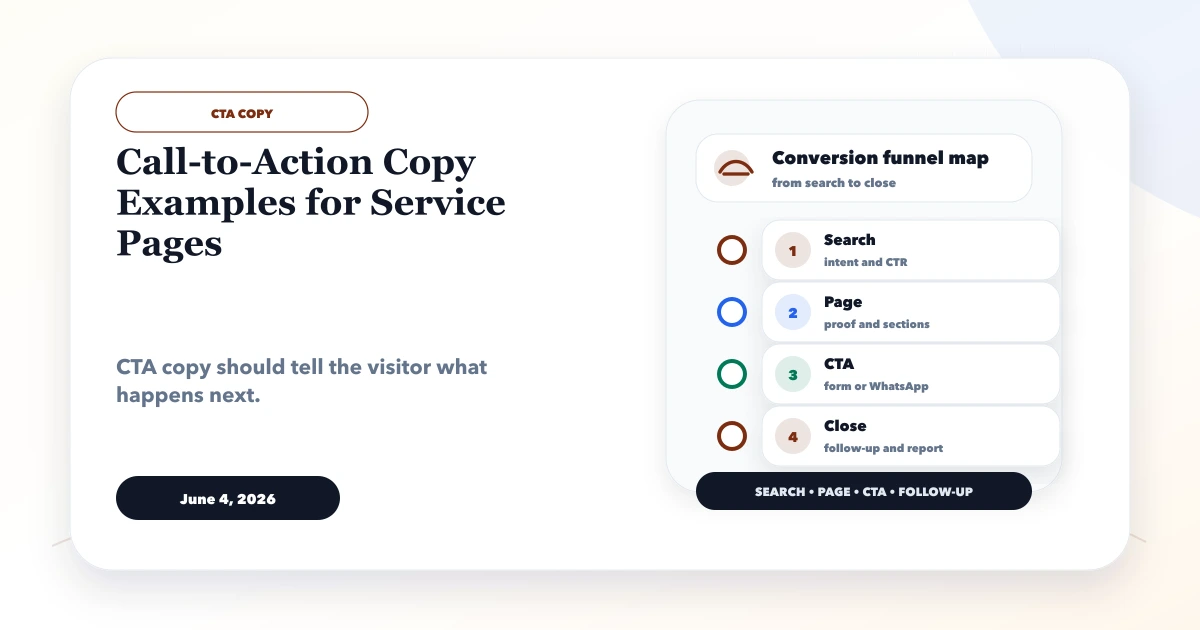
June 4, 2026
Call-to-action copy examples for service pages with WhatsApp, form, demo, quote, consultation, audit, and service-specific CTA templates.
Read article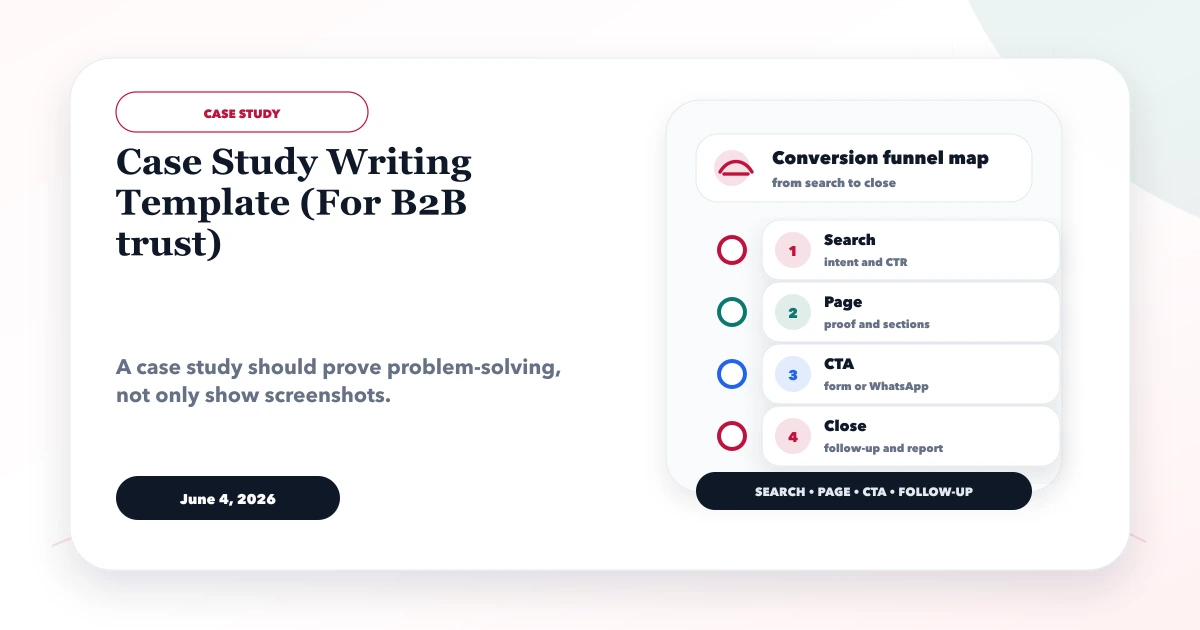
June 4, 2026
Case study writing template for B2B trust with problem, context, solution, screenshots, outcomes, proof, and CTA structure.
Read article