
May 1, 2026
Indore Website for Multi-Branch Businesses
Plan an Indore multi-branch website with central content governance, branch pages, local hours, lead routing, offer controls, analytics, and ownership.
Read articlePublished Updated
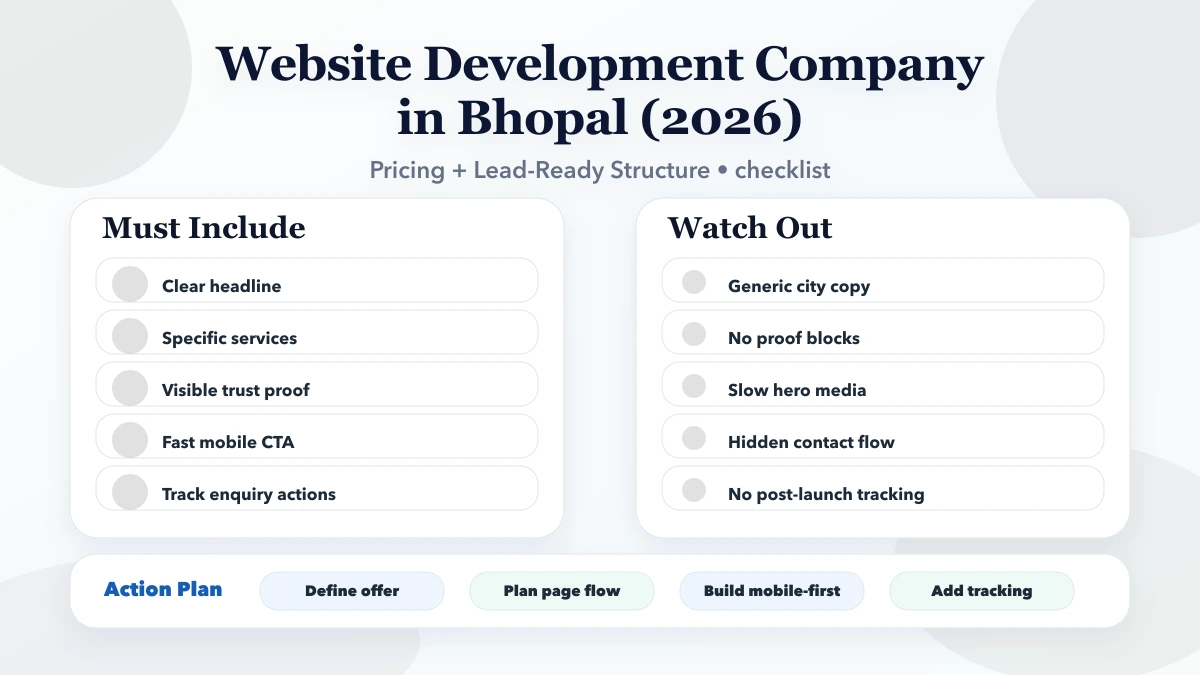
Plan a Bhopal public-programme website with eligibility, enrolment routes, evidence, accessibility, update ownership, privacy, reporting, and handover.
Service-area note: VASUYASHII is based in Delhi NCR and supports businesses remotely across India. A city-focused guide describes service and planning context; it does not claim a physical office in every location mentioned.
Explore the parent topic: Website Development Delhi NCR Hub →An organisation comparing a website development company in Bhopal may run training, awareness, membership, social-impact, institutional, community, or public-facing programmes. Its website must explain eligibility, dates, locations, evidence, enrolment, updates, and contact ownership without confusing information pages with an official government service.
This guide focuses on programme governance and accessible public information. It does not claim a VASUYASHII Bhopal office, programme, beneficiary result, partnership, accreditation, ranking, or endorsement.
Written by Tushar C. (Founder, VASUYASHII) using the current VASUYASHII website-planning process. Programme names, eligibility, dates, funding, partners, outcomes, statistics, certificates, locations, and policies must be supplied and approved by the responsible organisation.
Create one approved source for each programme:
| Field | Governance question |
|---|---|
| Programme name | Is this the official current name? |
| Responsible organisation | Who owns and approves the information? |
| Audience | Who is eligible and who is not? |
| Purpose | What does the programme actually provide? |
| Geography | Where is it available and under what conditions? |
| Dates | Application, activity, and result periods |
| Cost/funding | Free, paid, subsidised, sponsored, or conditional |
| Evidence | Current documents, reports, or approved outcomes |
| Next action | Register, attend, request information, or contact |
| Status | Planned, open, closed, paused, or archived |
Pages should render from or be checked against this source. When status changes, update the page, forms, banners, navigation, and confirmation messages together.
A programme page can explain the initiative without collecting a full application. Decide the stages:
The open website should collect only the minimum needed for its stage. Identity documents, financial records, health details, certificates, and other sensitive data need a secure, approved system with access, retention, deletion, and support controls.
If applicants need login, application status, documents, or role-based review, use a web application rather than stretching a public contact form.
A focused website may include:
Archived programmes should remain accessible when they hold useful evidence, but forms and “apply now” actions must be removed or redirected. Clearly label historical content and its period.
Eligibility should use plain language and explain:
Avoid an automated “eligible” result if final review depends on documents or discretion. Use “appears to match the published criteria” and state the next verification step.
The first form may ask for:
Do not send form values into analytics. Protect against spam, define success and failure states, and give the user a reference or clear confirmation when appropriate.
Evidence may include:
Do not present attendance as impact, application count as completion, or selected stories as typical results. Define each metric, period, population, and limitation. Remove personal identifiers from public reporting unless publication is lawful and explicitly approved.
Public-facing programme information should work for people using low-cost mobile devices, slower connections, keyboards, assistive technology, and different languages.
Check:
The mobile-friendly website guide provides additional checks.
Define who may publish an urgent notice, how it is approved, where it appears, and when it expires. A banner should not remain indefinitely.
Every notice needs:
Do not use unverified social messages as the only source of public instructions.
Use one authoritative page per programme. Avoid generating thin pages for every locality, date, partner, or keyword. Location pages are justified only when eligibility, venue, schedule, owner, or process genuinely differs.
Connect programmes through crawlable navigation and relevant internal links. If the organisation genuinely serves an area, follow the service-area content strategy principles: truthful coverage, no fabricated office, and unique value.
Unique titles, descriptions, self-canonicals, sitemap inclusion, structured data matching visible facts, and stable redirects are baseline technical requirements. They do not guarantee ranking or participation.
Price can change with:
Ask providers to separate the public website from application-management software. Compare discovery, content, design, development, data migration, integrations, QA, recurring services, handover, and support. Use the website agreement template guide to define responsibilities.
Before collecting data, document:
Public pages should use HTTPS, secure configuration, spam protection, dependency updates, access control, backup, monitoring, and an incident route. Security is an ongoing operational responsibility, not a one-time package feature. Review website security best practices.
Test with harmless sample records:
Confirm content, route, owner, confirmation, auditability, and deletion behavior. Record unresolved limitations before launch.
The organisation should control domain, hosting, source, deployment, content, analytics, forms, integrations, and user accounts. Keep a programme-content inventory, form map, access list, backup/restore process, renewal calendar, release procedure, and support terms.
Review active programmes on a fixed schedule. Remove expired calls to action, validate contact owners, update dates and documents, archive old notices, and verify accessibility after major changes.
Yes when it has a distinct audience, eligibility, process, evidence, and owner. Avoid thin pages for minor keyword variations.
WhatsApp may start contact, but sensitive applications, consent, status, retention, and reviewer access may require a controlled system.
Remove active enrolment actions, label the status and period, preserve useful evidence, and link to current alternatives where appropriate.
Only with appropriate informed permission, context, safeguarding, and privacy review. Avoid implying typical outcomes from selected stories.
Use audience evidence. Translate priority tasks with qualified review and assign owners to keep versions aligned.
Programme, communications, privacy/security, accessibility, data, and technical owners should approve their respective controls.
Define who can draft, review, approve, publish, correct, and archive each content type. A communications editor may publish ordinary updates, while eligibility, funding, privacy, safety, or partner claims may require additional authority. Emergency correction access should be limited and logged.
Test the matrix by changing one programme date and closing one sample enrolment route. Confirm that the homepage, programme page, notice, form, confirmation, and archive state remain consistent. Record the correction path if the wrong information goes live.
This control is especially important when several departments or partners supply updates. The website should show the approved programme record, not the most recent message received by the developer.
Keep a public correction date when a material eligibility, deadline, or contact error affected visitors. Explain the current instruction without exposing internal discussions, and preserve the incident in the maintenance log.
Build the Bhopal programme website as an owned public-information system. Keep eligibility, dates, evidence, enrolment, notices, privacy, and accessibility current; separate public pages from secure applications; and record acceptance. For website and software services or a scoped review, contact VASUYASHII.
Related Articles
May 1, 2026
Plan an Indore multi-branch website with central content governance, branch pages, local hours, lead routing, offer controls, analytics, and ownership.
Read article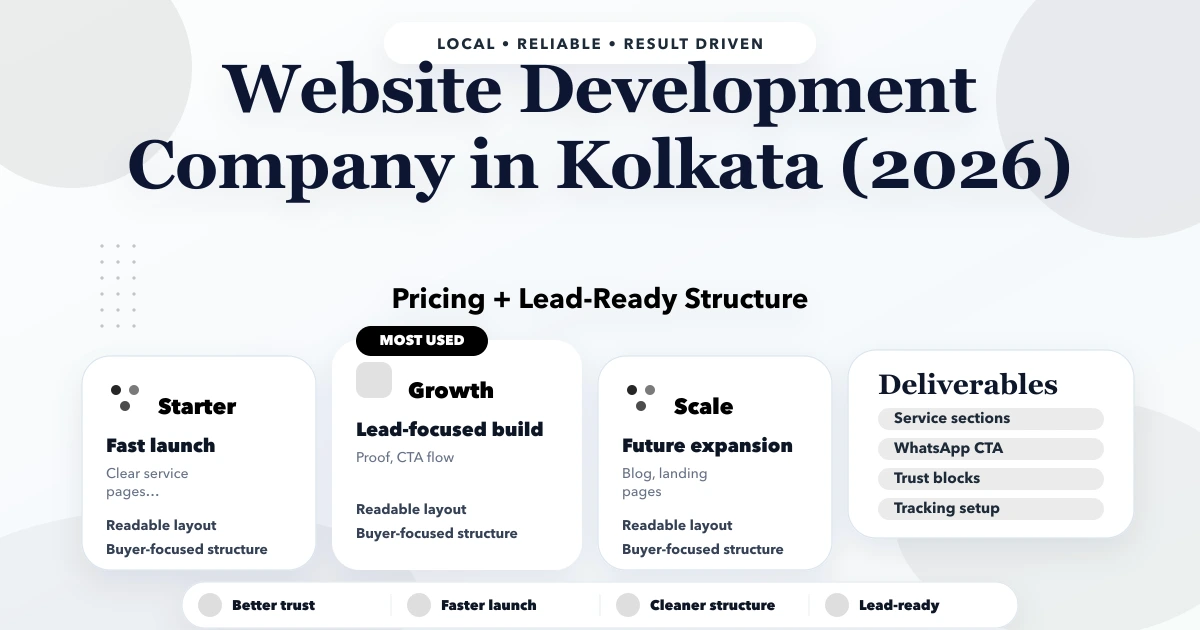
May 1, 2026
Plan a Kolkata B2B export website with product specifications, buyer qualification, document requests, market boundaries, RFQs, and ownership.
Read article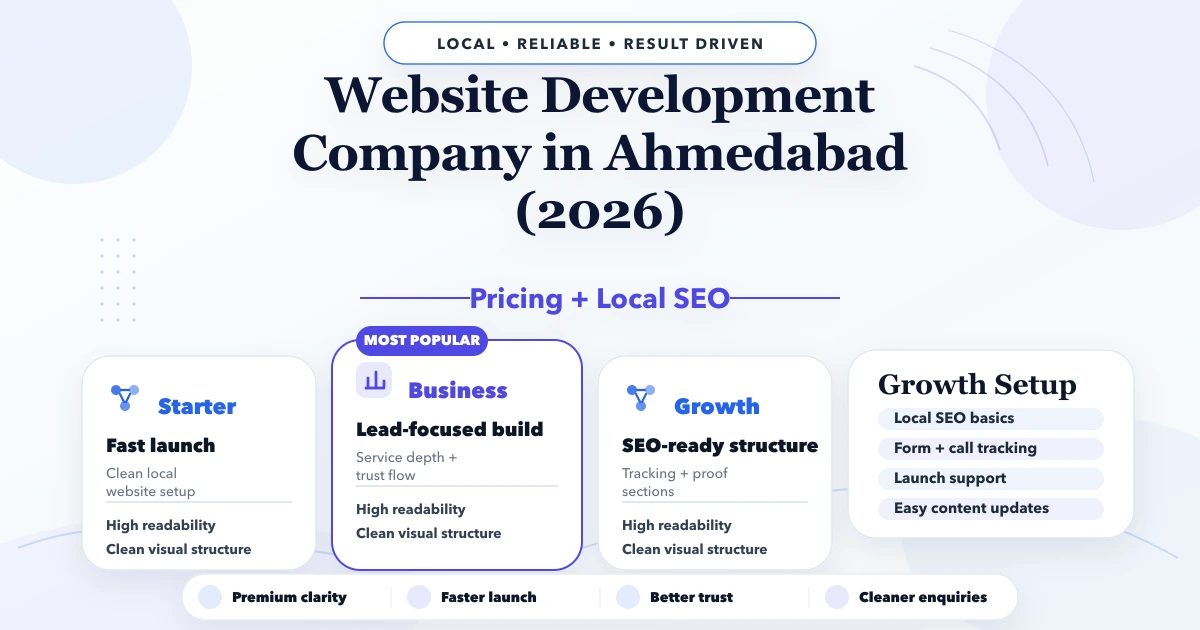
April 28, 2026
Ahmedabad website development company guide with pricing, scope, timeline, SEO structure, and lead-focused planning for businesses in 2026.
Read article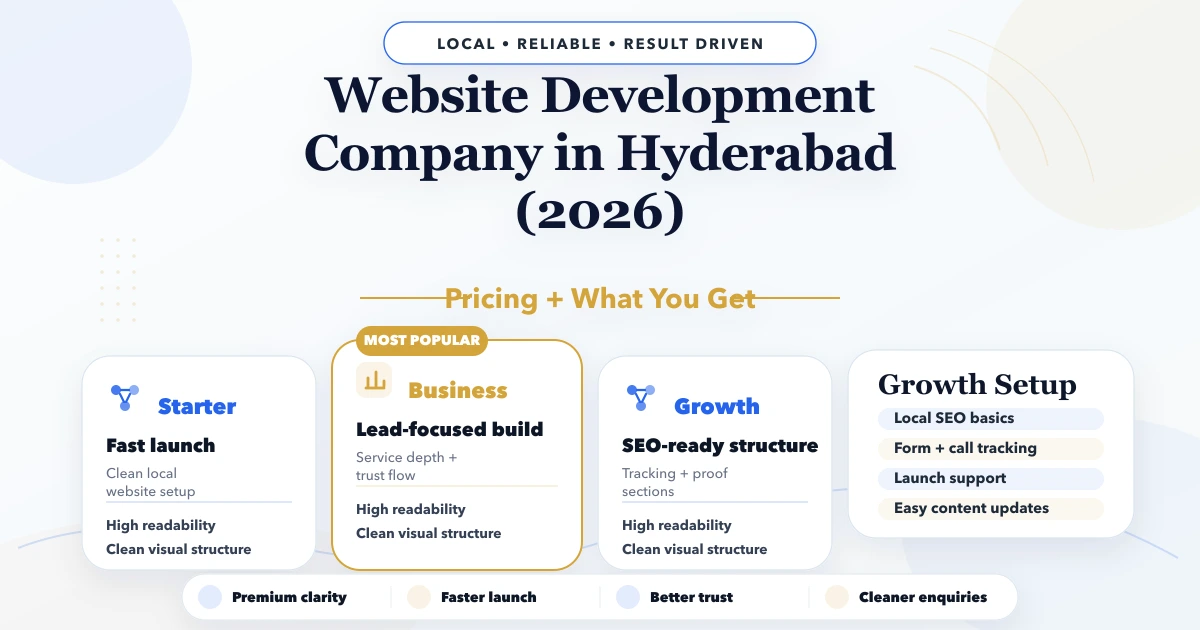
April 27, 2026
Hyderabad website development company guide with pricing, scope, timeline, SEO structure, and lead-focused planning for businesses in 2026.
Read article