
June 3, 2026
Safe Payment Terms for Website Projects
Use milestone-based website payment terms with acceptance, change control, staging proof, receipts, handover checks, support limits and dispute safeguards.
Read articlePublished Updated
Use this website project agreement template to define deliverables, exclusions, timeline, revisions, payments, ownership, acceptance, support and termination.
A website project agreement should convert a sales conversation into a delivery system. It identifies the parties, defines the exact work, assigns responsibilities, explains approvals and changes, and states what happens when content, access, payment, or third-party services delay the schedule.
The template below is an educational scope framework. It is not a substitute for legal advice or a jurisdiction-specific contract. Ask a qualified professional to review the final agreement, especially intellectual property, liability, privacy, tax, dispute, and termination clauses.
At minimum, document:
An agreement should be specific enough that a new team member can determine whether a request is included without relying on memory.
Record the legal or business names, addresses, contact details, and authorised approvers. Clarify:
Feedback from several stakeholders should be consolidated by one authorised contact. This prevents one approver accepting a design while another later resets the direction.
Write one measurable business objective before listing pages.
Examples:
Avoid objectives such as “modern premium website” unless the agreement defines how that is reviewed.
Use a table instead of one paragraph.
| Deliverable | Included detail | Acceptance evidence |
|---|---|---|
| Information architecture | Sitemap and primary navigation | Written approval |
| Design system | Colours, type, buttons, spacing, responsive rules | Approved reference templates |
| Page templates | Home, service, blog, contact, legal | Staging URLs |
| Content | Client copy, developer formatting, or copywriting scope | Content register |
| Lead flow | Form fields, destination, confirmation, spam controls | Test submission |
| SEO foundation | Metadata, headings, canonical, sitemap, robots | Source/build check |
| Analytics | Named events and account access | Debug/realtime evidence |
| Launch | DNS, production build, smoke test | Launch checklist |
| Handover | Accounts, repository/export, guide | Handover receipt |
For each row, specify quantity and variations. “Service pages” should say whether there are 3 or 30, one reusable template or unique layouts, and who supplies the copy.
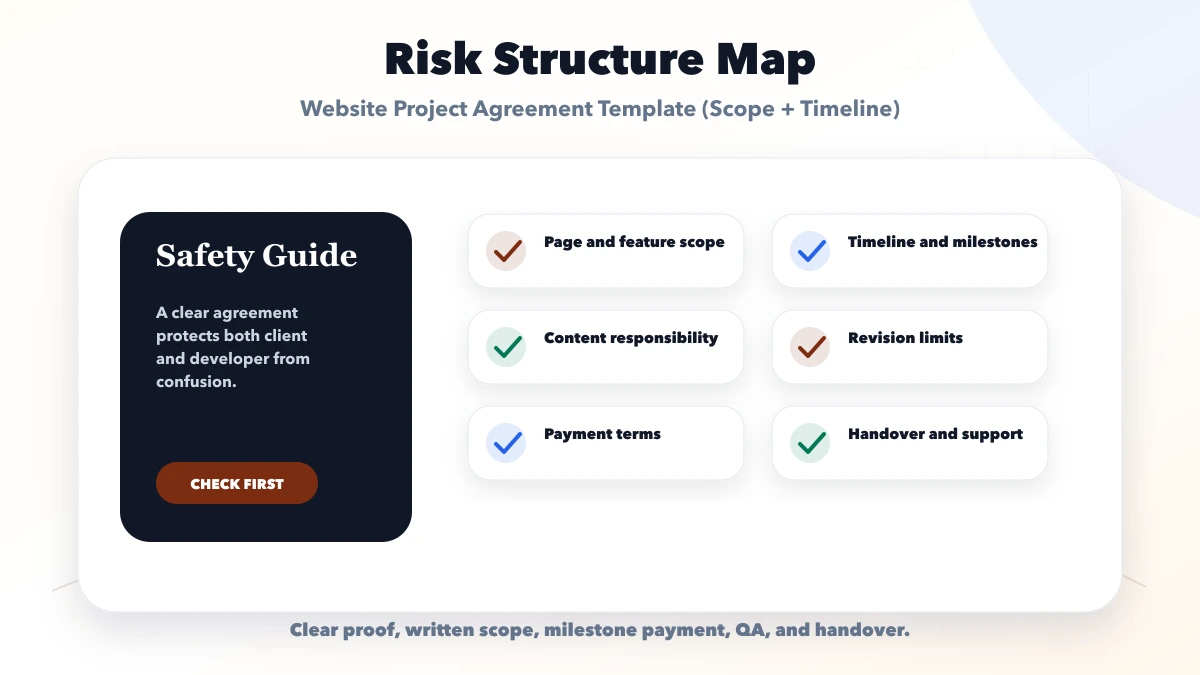
Exclusions are not negative; they prevent incorrect assumptions.
Common exclusions may include:
If an excluded item is likely later, state that it can be quoted through change control.
Define a content register:
If the developer provides copywriting, define interview inputs, word range, revision rounds, SEO research boundary, and who verifies factual or regulated claims. If the client provides content, state how late delivery affects the schedule.
Record:
Do not promise an exact performance score without defining device, network, test tool, page, third-party scripts, and content state.
A date alone is not a schedule. Use milestones with dependencies.
| Phase | Starts when | Client input | Exit evidence |
|---|---|---|---|
| Discovery | Agreement and start payment | Goals, references, users | Approved scope |
| Structure | Required business input received | Sitemap feedback | Approved page plan |
| Design | Structure approved | Consolidated review | Approved templates |
| Development | Design/content minimum ready | Accounts/access | Staging build |
| QA | Scope-complete staging | Acceptance feedback | Closed defect list |
| Launch | Payment/access/content ready | DNS approval | Production smoke test |
| Handover | Launch complete | Named account owners | Access/document register |
Define working days, holidays, feedback window, and the effect of delayed input. A timeline should move when a required dependency moves.
State:
A revision adjusts an approved deliverable within the original objective. A new user role, page type, integration, workflow, or content batch is usually a change request.
Use a simple written form:
Change request:
Reason:
Affected deliverables:
Additional fee:
Schedule impact:
Acceptance test:
Approved by:
Approval date:
No changed work should rely on “we discussed this on a call” when it affects cost, architecture, or timeline.
List:
Connect milestone payment to evidence, not an estimated percentage complete. See safe payment terms for website projects for a detailed milestone method.
Acceptance criteria can include:
Define the defect reporting window and what happens if the client does not respond.
Ask professional counsel to define:
“Client owns the website” can mean domain, content, source, database, design, or deployment account. Name each asset.
Business-critical accounts should have an owner register:
Use individual access and least privilege. Do not put passwords or API secrets inside the agreement. Define secure transfer and revocation.
Record whether the developer may access customer, employee, payment, medical, education, or other sensitive data. Define:
This section requires professional review when personal or regulated information is involved.
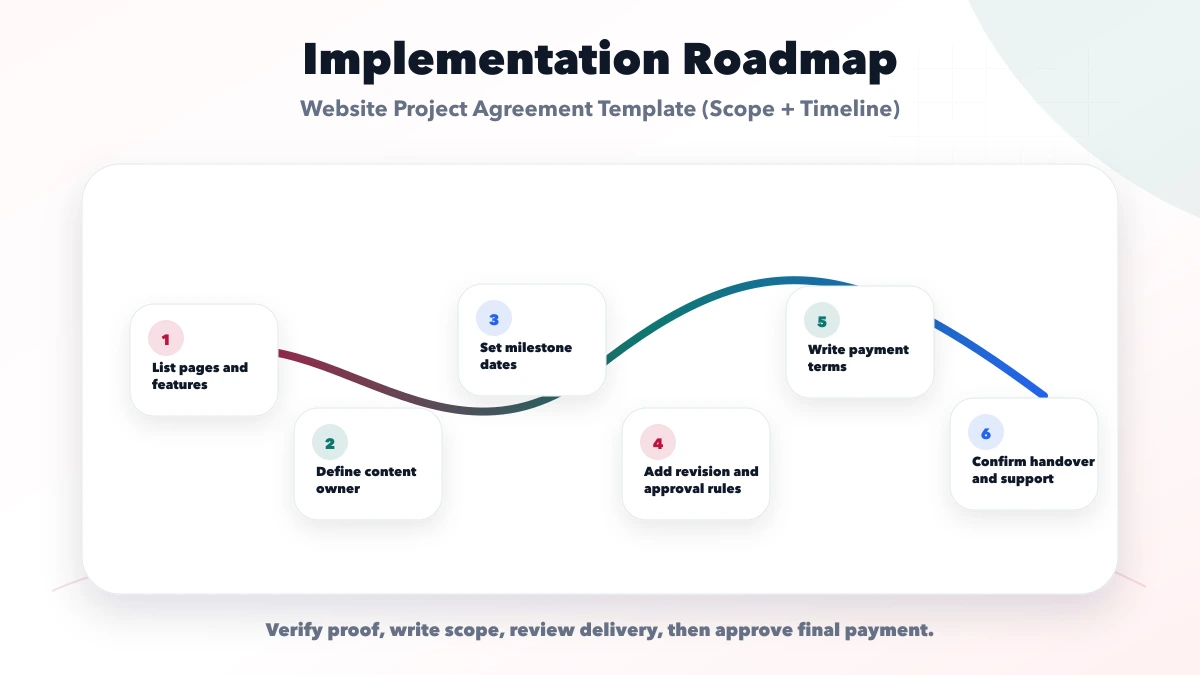
Define:
Separate defect correction, operating support, maintenance, and enhancements.
Professional review is important here. Operational questions include:
VASUYASHII uses project requirements and phased deliverables to distinguish marketing websites from custom software, integrations, and future modules. The free software project requirement template can provide the source material for an agreement, but it is not itself a legal contract.
Published VASUYASHII product pages also separate current features from roadmap items. Agreements should follow the same evidence rule: only approved present scope belongs in the base fee.
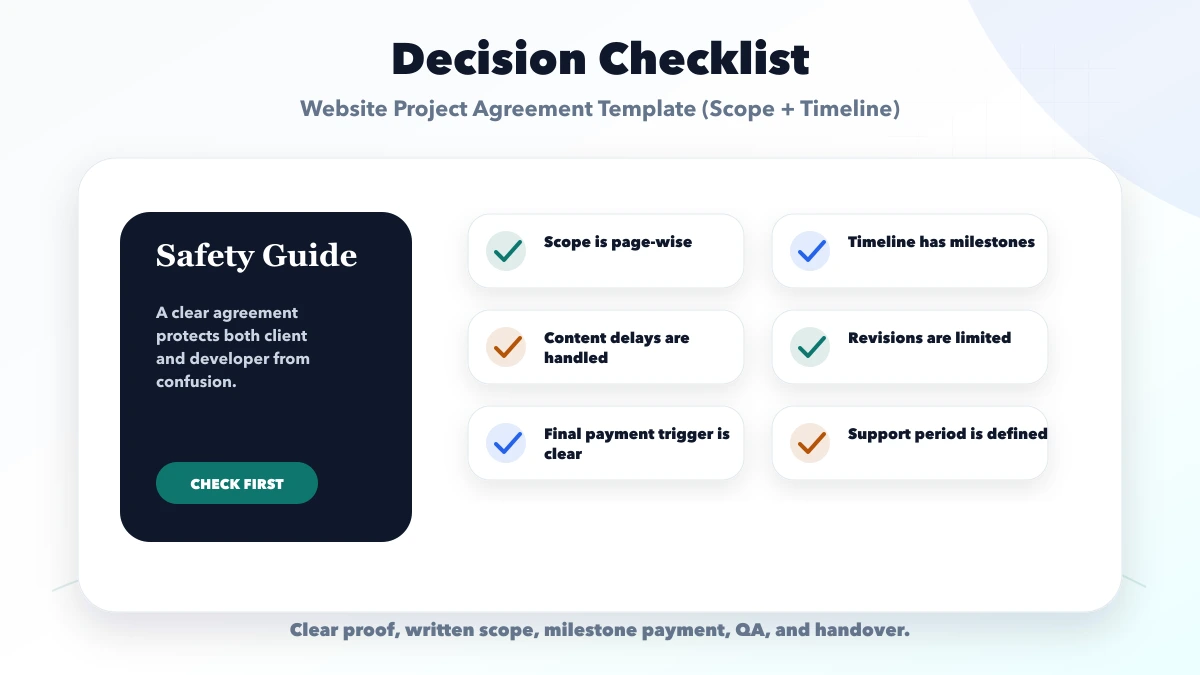
Legal language cannot replace a page, feature, content, and acceptance register.
Name metadata, technical checks, content, tracking, reporting, and exclusions.
Unlimited feedback removes schedule and acceptance boundaries.
A launch date cannot remain fixed when required content or provider access is late.
Define transfer, licences, accounts, and handover at the start.
No. It is a project-scope framework. Have the final legal document reviewed by a qualified professional.
Yes, or reference an attached approved page register with quantities and template rules.
Anything a reasonable buyer might assume but that is not priced, such as copywriting, photography, premium licences, migration, advanced SEO, or maintenance.
It should explain how approved change requests, delayed dependencies, provider issues, or force-majeure events affect dates.
The business should normally control critical accounts, with appropriate access granted to the delivery team.
The legal effect varies. Operationally, use a named approval channel and preserve clear records; ask counsel what the agreement requires.
A strong agreement is an operating map: what will be delivered, what will not, who must act, how progress is accepted, and how the relationship closes safely.
Prepare the requirement register first, obtain professional legal review, and keep every change traceable. For a scoped website or software delivery plan, contact VASUYASHII.
Related Articles
June 3, 2026
Use milestone-based website payment terms with acceptance, change control, staging proof, receipts, handover checks, support limits and dispute safeguards.
Read article
May 21, 2026
Plan a website project timeline with discovery, content, design, development, testing, approval milestones, launch responsibilities, and delay controls.
Read article
March 24, 2026
Estimate a 5-page business website cost in India using design, copy, SEO, lead forms, tracking, revisions, ownership, launch and maintenance scope.
Read article
May 10, 2026
website project scope document template: practical checklist, template, pricing, timeline, mistakes, FAQs, and clear owner-safe guidance for Indian SMBs.
Read article