

March 23, 2026
Ghaziabad Website Package Scope and Acceptance Guide
Compare Ghaziabad website packages through scope, content, integrations, recurring costs, acceptance tests, account ownership, handover, and maintenance.
Read articlePublished Updated
Understand professional website package inclusions across discovery, pages, content, UX, development, SEO, lead tracking, launch, ownership, and support.
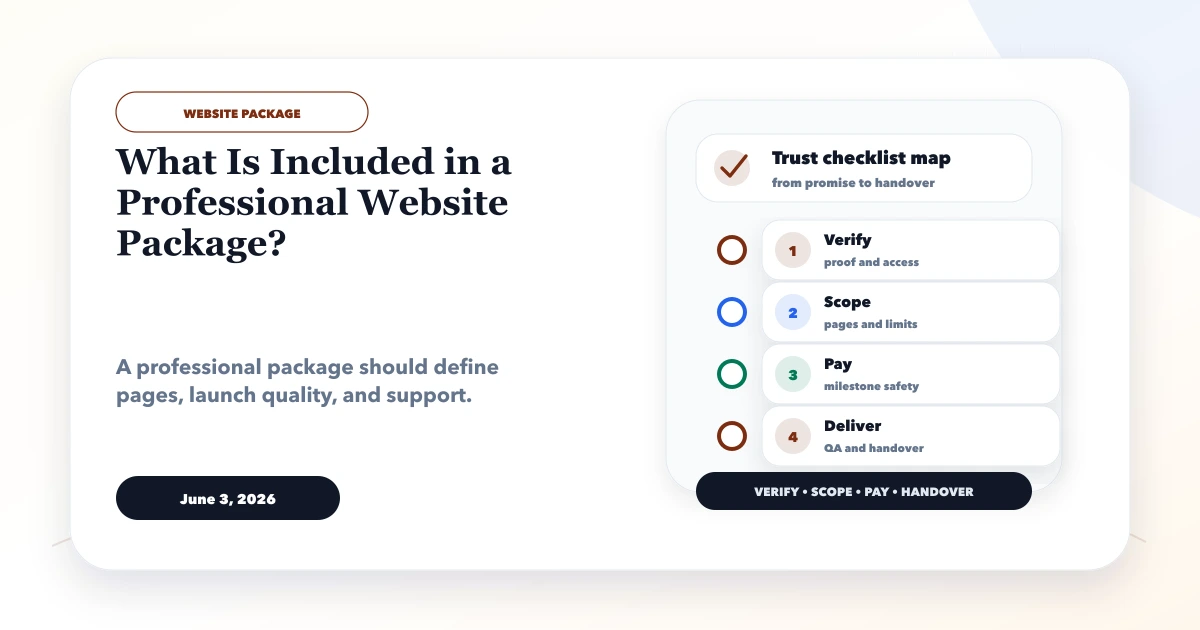
A professional website package should define more than a number of pages. It should explain the business goal, planning, content ownership, responsive design, development, lead flow, SEO foundations, quality assurance, launch, account ownership, and post-launch support.
Package names such as Basic, Premium, Corporate, or SEO Website are not standardized. Two proposals can both promise a five-page website while including very different work. Use this guide to compare what is actually being delivered.
By Tushar C. (Founder, VASUYASHII). The current VASUYASHII scoping process documents these areas for website-development projects. It is not a universal package promise; the signed proposal and statement of work remain authoritative.
A complete small-business website package normally addresses:
The right package is the smallest scope that completes the intended customer journey safely.
For a business buyer, web development services are the planning and implementation work required to make a public website or browser-based system usable, maintainable and measurable. The term should not be treated as one standard package.
| Service type | Typical outcome | Usually includes | Requires separate confirmation |
|---|---|---|---|
| Website design and development | Public pages that explain an offer and generate enquiries | Architecture, responsive UI, development, forms, SEO foundations, testing and launch | Copywriting, photography, ongoing SEO and maintenance |
| Ecommerce development | Product discovery and purchase flow | Catalogue, cart, checkout, payments and order states | Product data, shipping rules, returns and operations |
| Web application development | Users log in and complete a workflow | Roles, data, dashboards, APIs, validation and deployment | Security review, support levels, migration and integrations |
| Website maintenance | Existing website remains current and reliable | Updates, backups, monitoring and agreed fixes | New pages, redesigns and feature development |
| Security or compliance work | A defined risk or requirement is assessed | Scope-specific hardening, testing or documentation | Formal certification, legal advice and continuous monitoring |
A professional website package may combine the first row with selected maintenance or marketing work. It should not imply that custom software, cybersecurity, hosting, content production or guaranteed rankings are included unless each deliverable is written into the proposal.
A design-only engagement normally ends with wireframes or visual screens. A complete website service continues through development, responsive states, content placement, lead delivery, metadata, QA, deployment and handover. Ask where responsibility ends and use the website brief checklist to document the boundary.
Professional work begins by clarifying:
The output may be a brief, sitemap, section plan, wireframe, or requirement document. Confirm whether discovery is included, limited, or a separate paid phase.
Use the website development brief checklist before asking for comparable quotes.
A package should list each included page or page template and its purpose.
| Page type | Purpose | Scope question |
|---|---|---|
| Home | Explain offer, audience, trust, and next step | Is copy strategy included? |
| About | Establish accountable identity and approach | Who supplies founder/team facts? |
| Service page | Answer one buyer intent | How many unique service pages? |
| Product/catalog | Help users inspect and enquire or buy | Who supplies structured product data? |
| Blog/resource | Publish helpful content | Is CMS, migration, or only layout included? |
| Contact | Provide accurate conversion paths | Which form, phone, map, and WhatsApp flows? |
| Legal pages | Explain privacy and commercial terms | Who writes and legally approves them? |
“Up to five pages” should not hide whether pages are unique or duplicates of one layout with replaced headings.
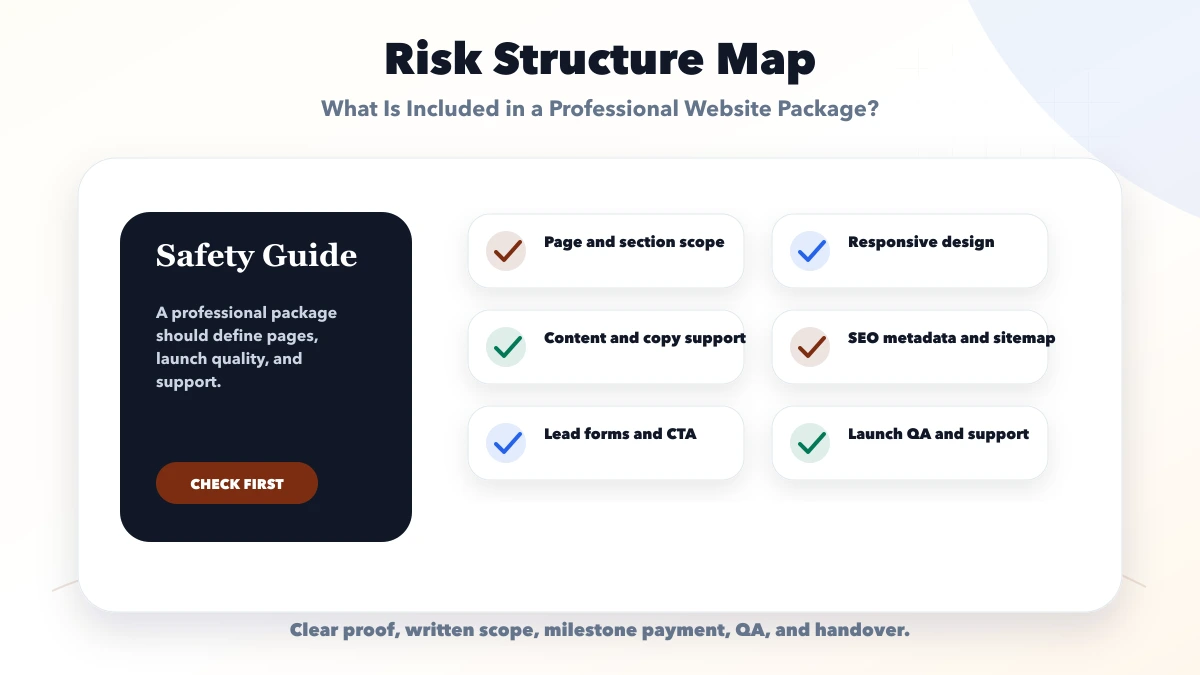
Clarify whether the package includes:
The business remains responsible for factual accuracy and permission. Do not let a provider invent addresses, client names, certifications, reviews, team size, rankings, or business results to fill a page.
The design scope should identify:
“Mobile responsive” should mean intentional layouts and interactions, not merely shrinking desktop content.
Confirm the implementation platform and features:
If a feature depends on a paid plugin, API, messaging provider, gateway, map, email service, or external subscription, list it separately.
A professional lead setup includes more than a button. For each conversion path, define:
The contact-page conversion guide and WhatsApp lead setup guide can help specify these flows.
Clarify whether the package includes:
Basic technical SEO does not mean guaranteed rankings. Ongoing strategy, content improvement, outreach, and measurement are usually separate.
Specify:
Do not send names, phone numbers, emails, messages, or sensitive form values to analytics.
A package should state the acceptance approach, not promise a perfect score under every test condition.
Review:
Third-party scripts and hosting conditions can affect results. Agree on test pages, devices, and environments.
The package should say who handles:
The business should own the domain, primary hosting account, analytics, and billing relationship. Review the hosting decision guide before buying a plan.
Testing should cover the agreed risk surface:
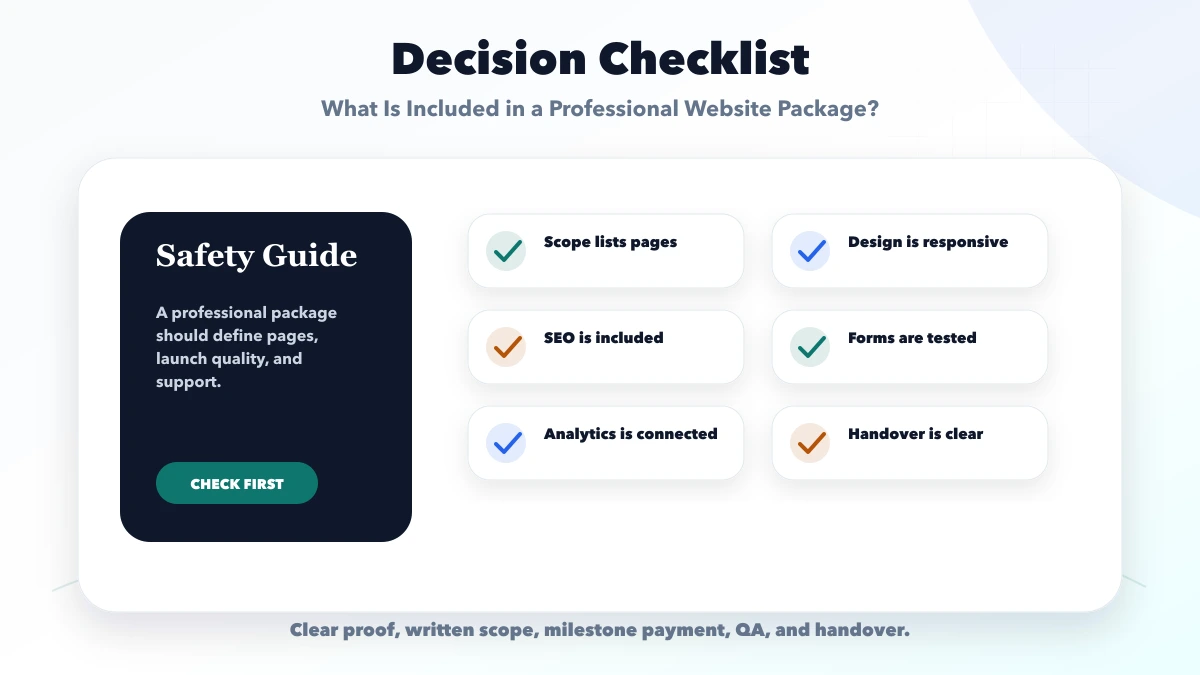
Acceptance criteria should be written before final payment, not invented after launch.
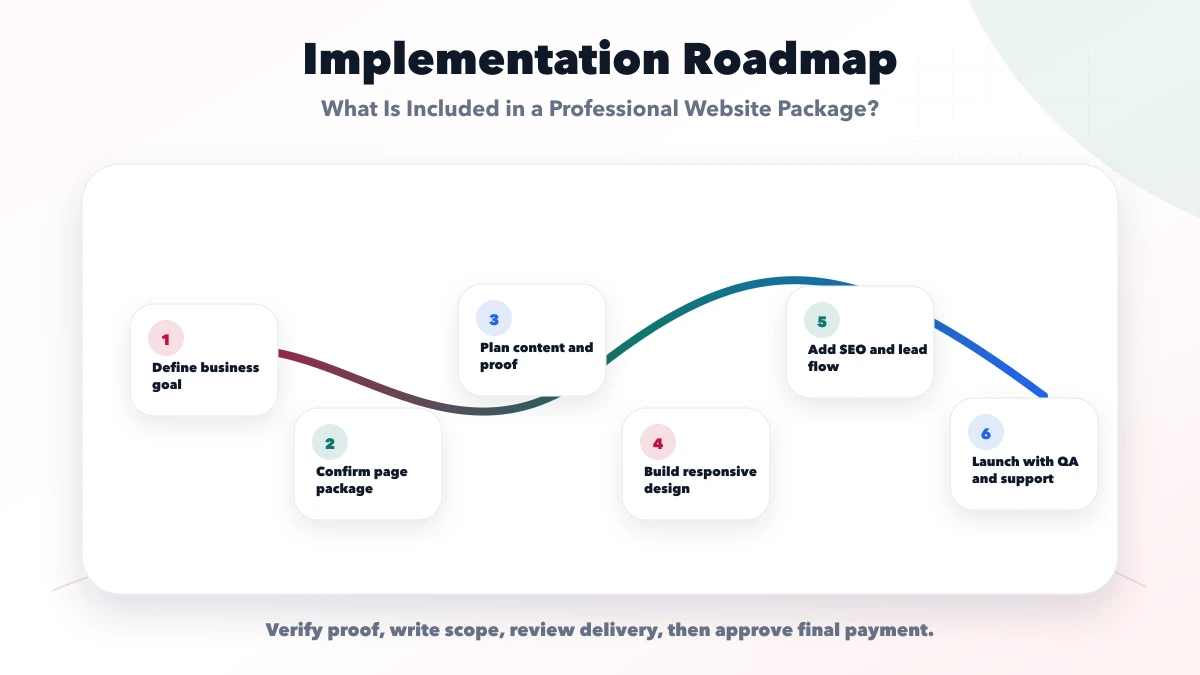
Handover may include:
Distinguish:
Unless explicitly included, a website package may exclude:
Exclusions are not automatically bad. Hidden exclusions are the problem.
| Area | Provider A | Provider B | Decision note |
|---|---|---|---|
| Discovery output | |||
| Unique pages/templates | |||
| Copy and image responsibility | |||
| Mobile design review | |||
| Forms/WhatsApp/booking | |||
| SEO deliverables | |||
| Analytics events | |||
| Hosting and third-party costs | |||
| Testing and acceptance | |||
| Ownership and handover | |||
| Warranty and maintenance |
It depends on the proposal. Confirm whether the provider writes original copy, edits supplied text, or only places final content provided by the business. The cheap website offer warning guide helps identify copied content, ownership restrictions, hidden renewals, and unsupported package promises.
Some packages include setup or a limited hosting term. Confirm ownership, renewal cost, support, backups, migration, and what happens if the relationship ends.
Technical foundations may be included, but ongoing SEO is usually separate. Ask for the exact deliverables rather than accepting an “SEO-friendly” label.
The package should define review stages and revision rounds. Unlimited revisions can create unclear timelines unless scope and approval rules remain controlled.
Ownership and licensing depend on the agreement and platform. Confirm repository access, third-party licenses, proprietary components, and handover rights before work begins.
Complete agreed UAT, resolve acceptance defects, verify ownership and access, receive handover material, and document remaining limitations or support items.
No. Design defines structure, visual hierarchy and interaction states. Development implements those decisions as a working website or application. A complete package can include both, but the proposal should name the deliverables and approval point for each.
Not unless stated. Responsive website access is different from a native mobile app, authenticated portal or workflow system. Treat these as separate scopes with their own data, security, testing and support requirements.
Convert each proposal into the comparison table above. Ask the provider to fill every blank before selecting on price.
Once package boundaries are approved, present inclusions, exclusions, comparisons, and qualification rules using the SEO-friendly pricing page guide.
Use the website design versus development hiring guide to assign each deliverable to the correct specialist before accepting the package.
For corporate scopes, compare these package inclusions with the corporate website development guide, especially governance, stakeholder paths, migration, analytics, security, and handover.
Related Articles
March 23, 2026
Compare Ghaziabad website packages through scope, content, integrations, recurring costs, acceptance tests, account ownership, handover, and maintenance.
Read article
May 31, 2026
Choose the right small-business website designer using scope, lead flow, mobile UX, SEO foundations, ownership, proof, pricing clarity, and handover checks.
Read article
June 5, 2026
Choose the right number of small business website pages using service intent, buyer questions, SEO value, content ownership, budget, and expansion plans.
Read article
June 3, 2026
Spot risky cheap website offers before paying. Check scope, ownership, content, SEO, hosting, security, support, payment terms and proof with this checklist.
Read article