
June 3, 2026
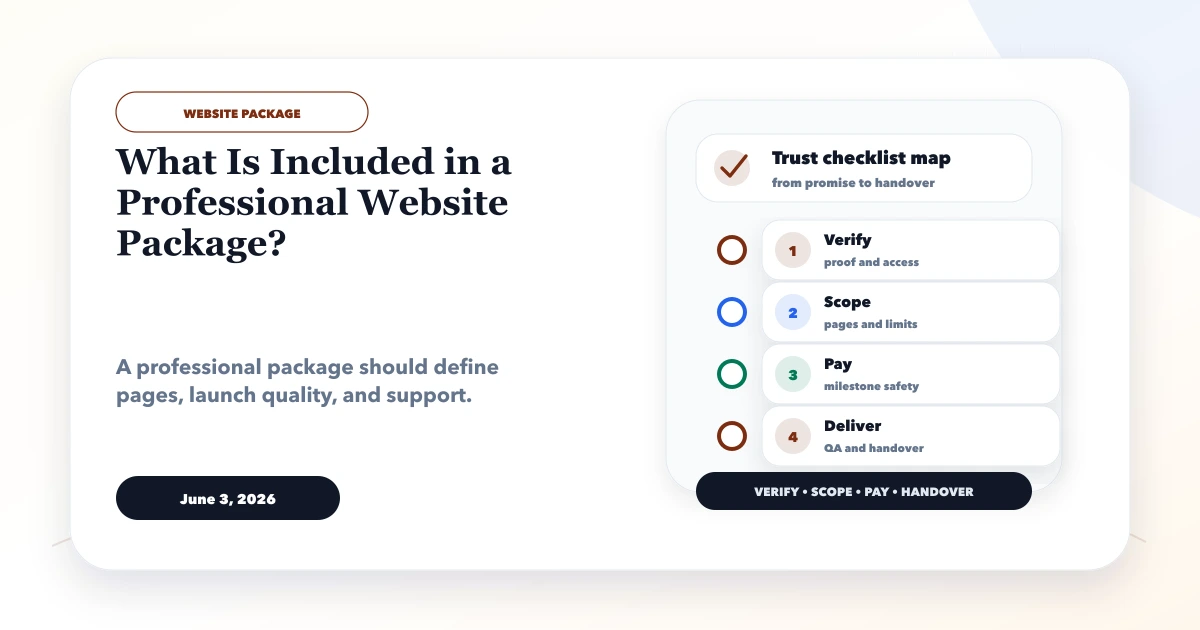
What Is Included in a Professional Website Package?
Understand professional website package inclusions across discovery, pages, content, UX, development, SEO, lead tracking, launch, ownership, and support.
Read articlePublished Updated
Choose the right small-business website designer using scope, lead flow, mobile UX, SEO foundations, ownership, proof, pricing clarity, and handover checks.
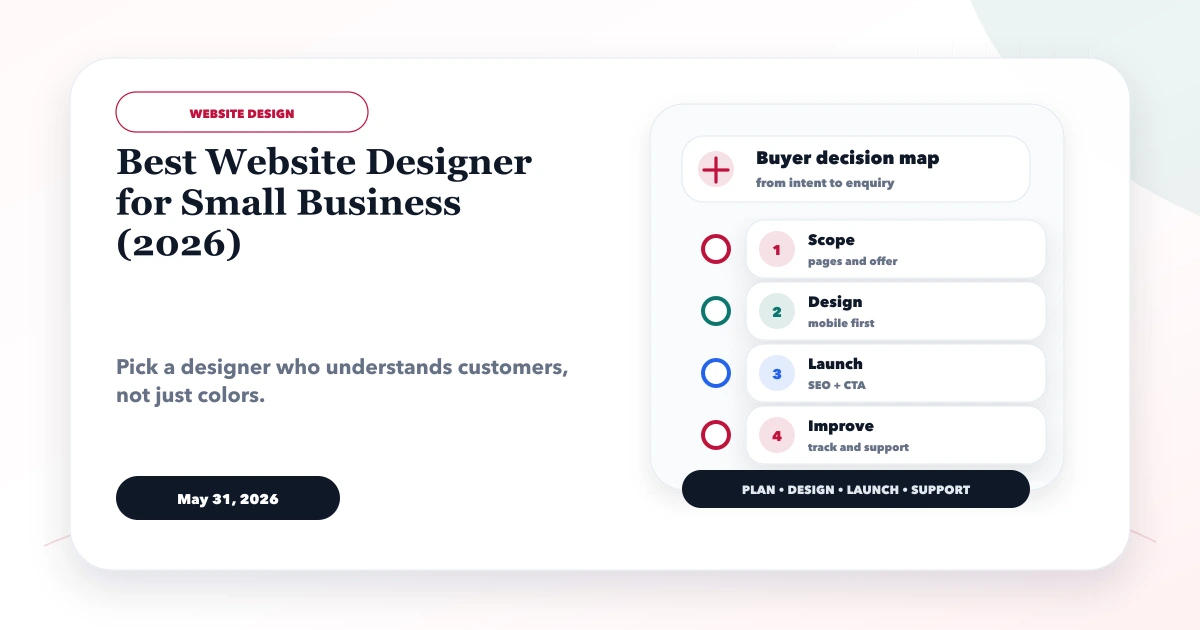
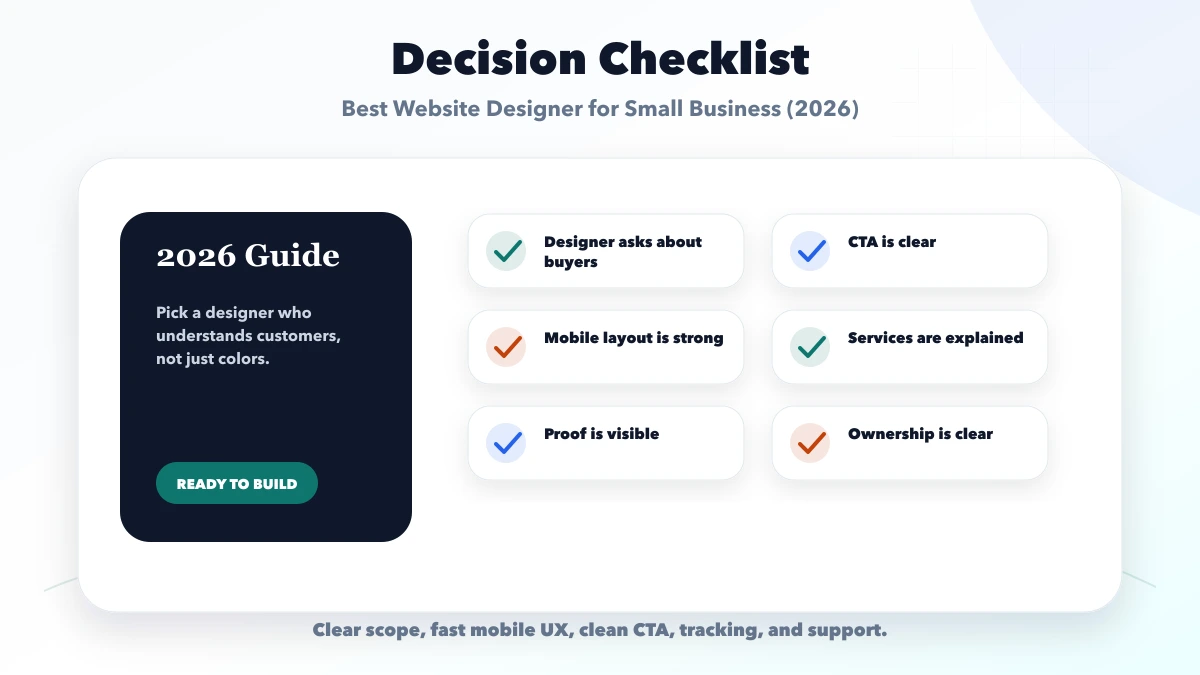
The best website designer for a small business is not the person with the most dramatic mockup. It is the team that can understand the offer, organize the buyer journey, design a credible mobile experience, build reliable lead paths, preserve business ownership, and explain what happens after launch.
This guide helps Indian business owners compare designers and agencies without relying on “premium,” “SEO-friendly,” or “unlimited” package labels.
By Tushar C. (Founder, VASUYASHII). The current VASUYASHII website-scoping process covers goal, content, UX, lead flow, technical SEO, handover, and support for business website projects. VASUYASHII is one possible provider, so buyers should compare the same evidence across alternatives.
Choose a website designer who can provide:
Do not select on homepage appearance alone.
A local service website, B2B manufacturer catalog, coaching admission site, restaurant ordering site, and customer portal need different design decisions.
Define the primary outcome:
| Business type | Primary website job | Important proof or workflow |
|---|---|---|
| Local service | Generate calls, WhatsApp chats, or forms | Service area, process, reviews, response expectation |
| B2B company | Qualify enquiries and explain capability | Detailed services, sectors, RFQ context, evidence |
| Retail or catalog | Help users find products and enquire or buy | Categories, specifications, stock/price rules, payment |
| Appointment business | Explain services and request a slot | Provider details, availability logic, confirmation |
| Software company | Build trust and qualify projects | Service boundaries, demos, process, requirement flow |
The designer should challenge unclear goals before choosing sections or animation.
A strong designer asks about:
If the first proposal appears before these questions, the scope may be based on a template rather than your business.
Ask each provider to define what “website design and development” includes.
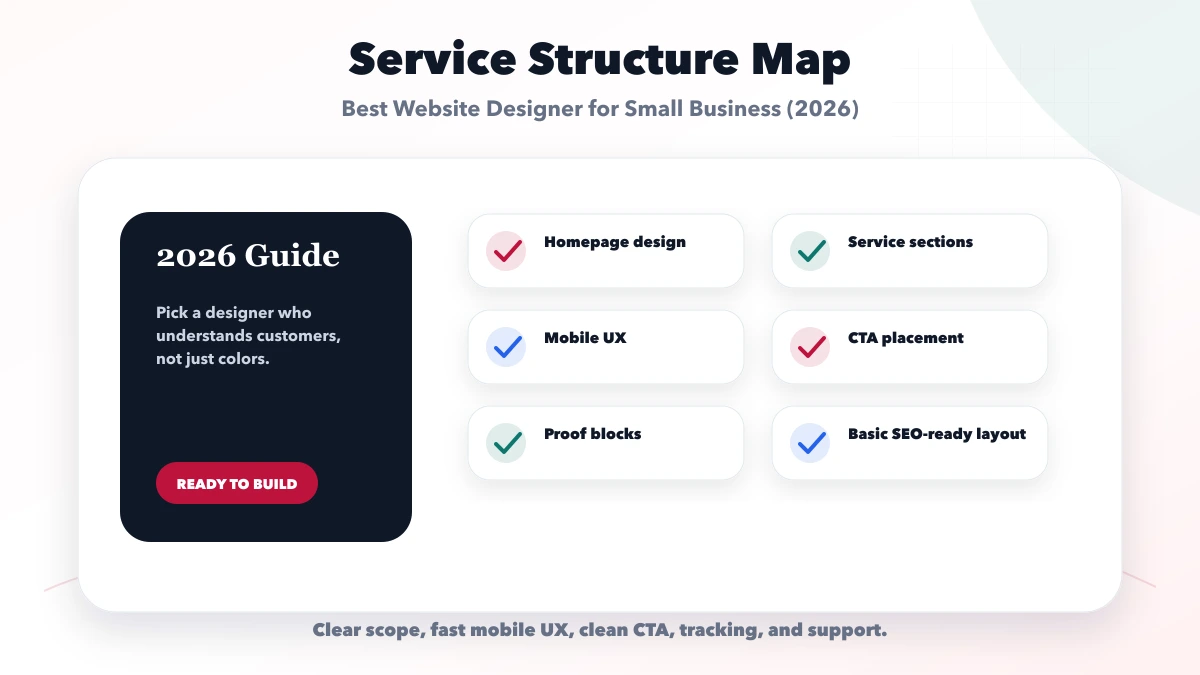
The guide on professional website package inclusions provides a detailed comparison list.
Portfolio images are not enough. For relevant examples, ask:
A demo can prove design thinking and frontend execution. It cannot prove customer results. A live customer site can still be poor evidence if the provider’s role is unclear.
Small-business prospects often arrive from mobile search, social links, maps, or WhatsApp. Test:
Ask for representative mobile screens before approval. A desktop screenshot scaled down is not a mobile design.
A designer can create the lead path, but the business must own what happens after submission.
For each form or CTA, document:
The local-service lead-system guide explains this operating layer.
Website cost changes with page count, content work, custom design depth, catalog data, forms, booking or payment, CMS, integrations, migration, SEO redirects, testing, hosting, and support.
Ask for a commercial breakdown:
| Item | Question to ask |
|---|---|
| Discovery | Is planning included or billed separately? |
| Content | Who writes, edits, and approves each page? |
| Design | How many templates and revision rounds? |
| Development | Which workflows and integrations are included? |
| Assets | Are photos, icons, fonts, and licenses included? |
| SEO | Which technical and on-page tasks are included? |
| Launch | Who handles DNS, redirects, QA, and analytics? |
| Support | What is a defect, update, request, or emergency? |
Avoid quotes that list only “5 pages” without defining the content, sections, forms, responsive states, and handover.
The business should control or receive documented access to:
Use business-controlled accounts and grant the provider appropriate access. Do not let one freelancer’s personal email become the permanent owner of the domain or analytics.
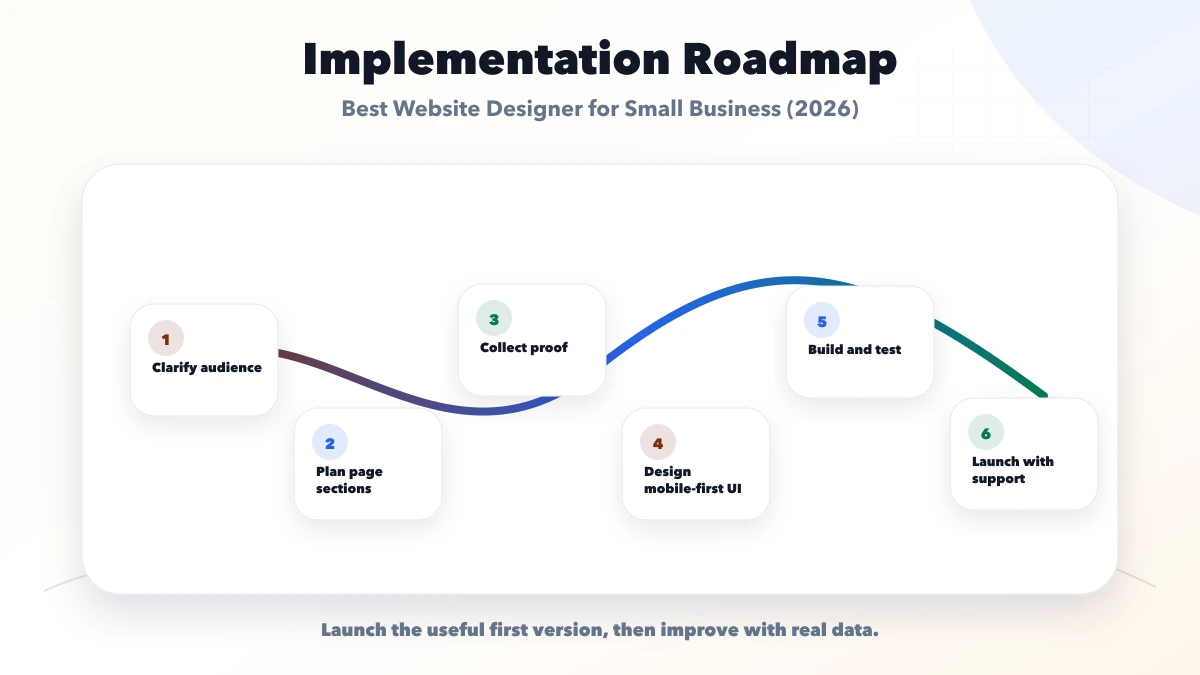
Ask the selected provider to convert the proposal into a working delivery pack before visual design begins. It should include the approved brief, page list, content inventory, user journeys, CTA ownership, design references, technical assumptions, dependencies, milestone dates, and acceptance method. Confirm where questions and decisions will be recorded and who can authorize a change.
This step protects both parties. The business can see what it must supply, while the designer can identify missing content, access, or workflow rules before they block development. If important decisions remain open, label them and assign dates instead of allowing them to become hidden assumptions.
Either can work. Compare accountability, capability coverage, communication, availability, ownership, and support rather than the label.
Not always. Cost depends on design, plugins, data, integrations, security, maintenance, and ownership. Choose based on the required workflow and long-term operating model.
Enough to answer distinct buyer needs without splitting one topic into weak pages. Many businesses need a strong home, About, contact, and focused service pages, but the final structure depends on the offer.
Only when content strategy and writing are included. The business must still provide accurate subject knowledge and approve all claims.
Use written milestones tied to discovery, design, development, testing, and launch. Avoid full payment without scope, identity verification, and acceptance terms.
Ask for an explicit list covering architecture, metadata, crawlability, canonical URLs, sitemap, redirects, image alternatives, structured data, and analytics handoff.
Use one written brief and this checklist to compare providers consistently. VASUYASHII can review the requirement and propose a focused phase without changing the business’s domain or account ownership.
Related Articles
June 3, 2026
Understand professional website package inclusions across discovery, pages, content, UX, development, SEO, lead tracking, launch, ownership, and support.
Read article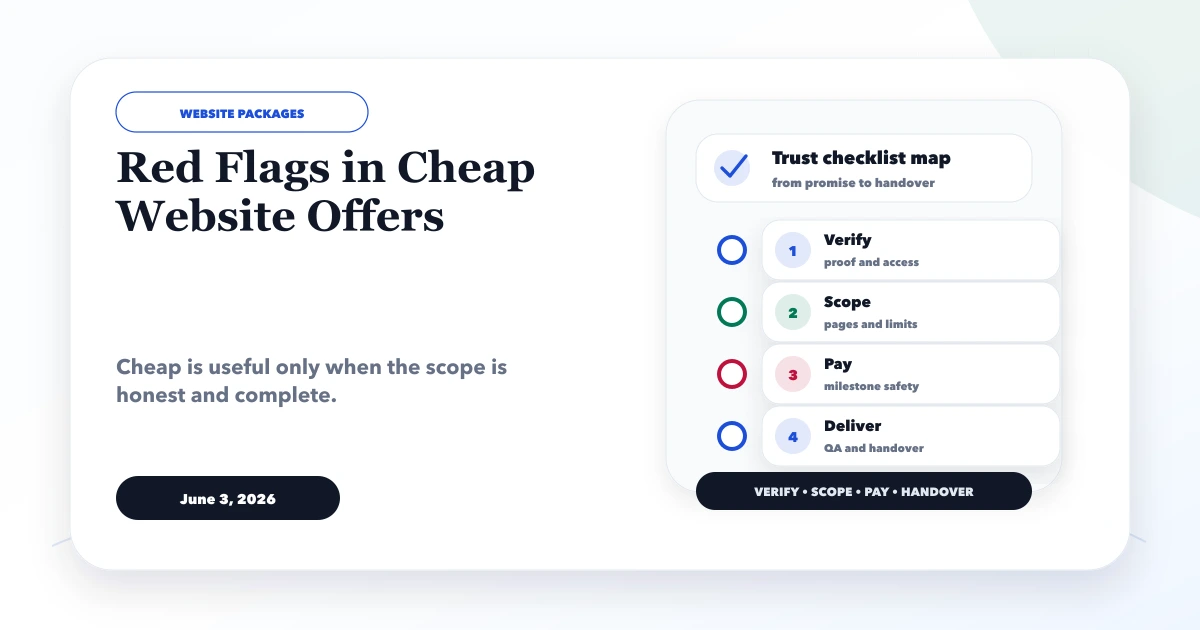
June 3, 2026
Spot risky cheap website offers before paying. Check scope, ownership, content, SEO, hosting, security, support, payment terms and proof with this checklist.
Read article
March 23, 2026
Compare Ghaziabad website packages through scope, content, integrations, recurring costs, acceptance tests, account ownership, handover, and maintenance.
Read article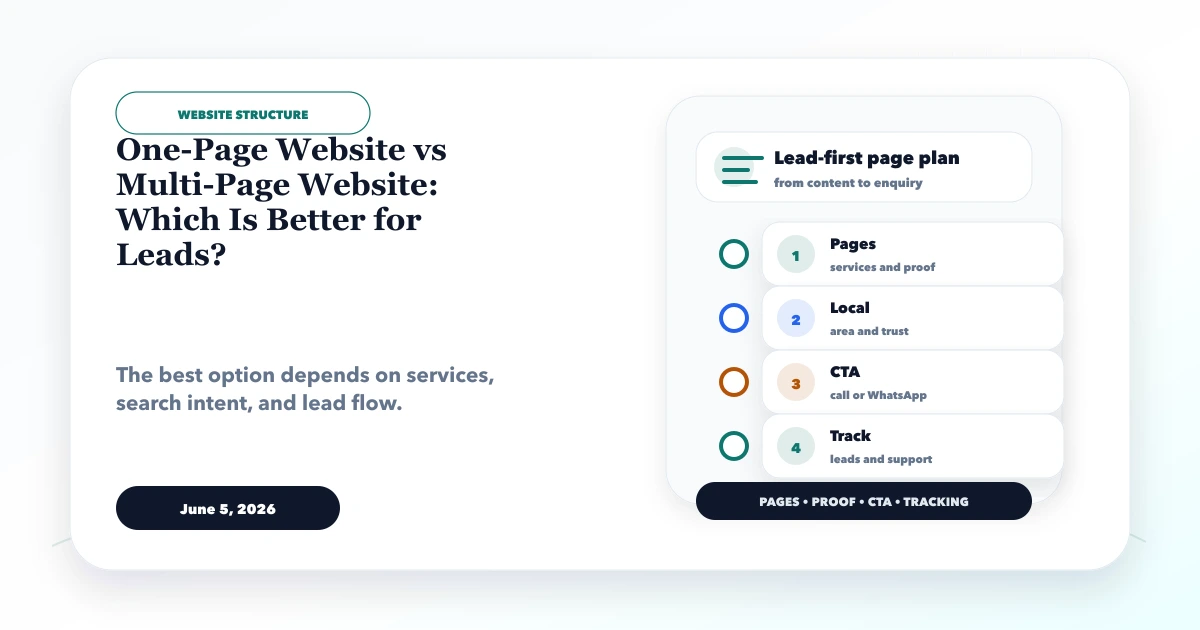
June 5, 2026
Compare one-page and multi-page websites for leads, SEO, content depth, local services, cost, maintenance and growth. Use the decision matrix before building.
Read article