
March 23, 2026
Questions to Ask Before Hiring a Web Developer: Checklist
Use this web-developer hiring checklist to assess scope, proof, ownership, accessibility, SEO, security, payments, testing, support and handover.
Read articlePublished Updated
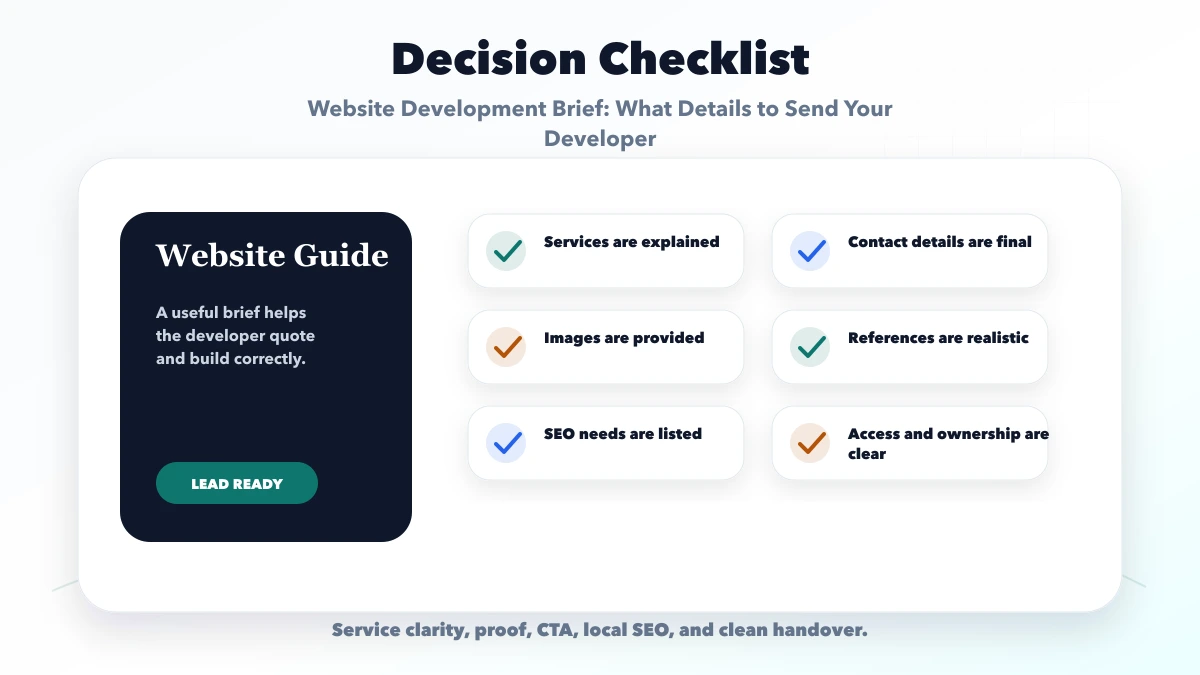
Prepare a complete website development brief covering goals, audiences, pages, content, design, lead flow, SEO, access, ownership, and acceptance criteria.
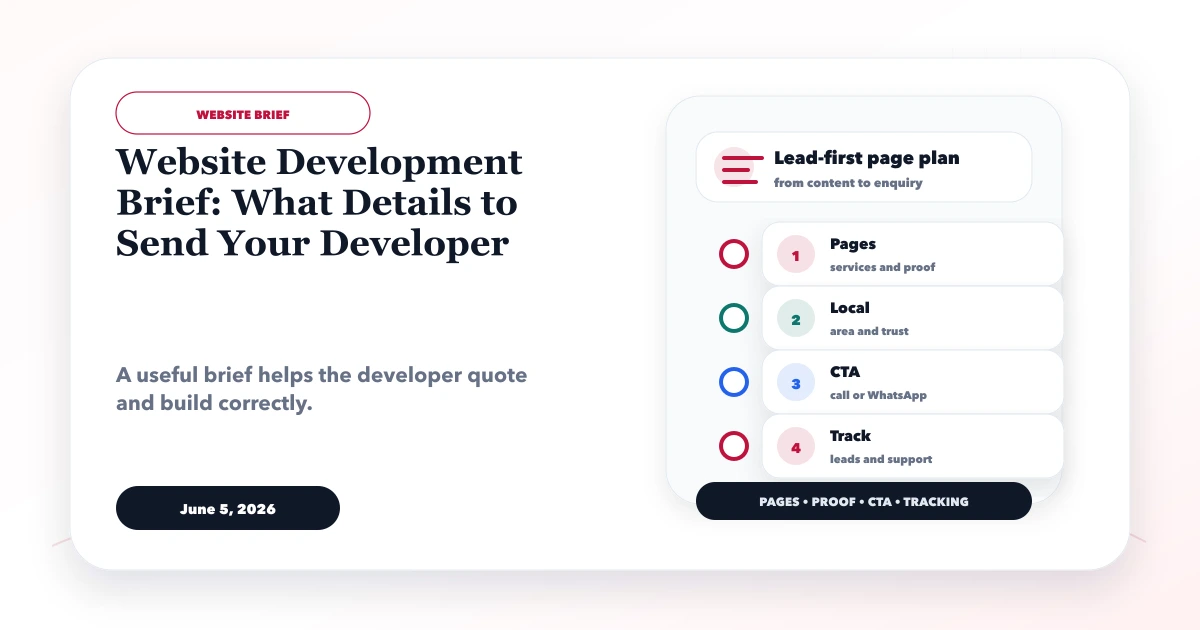
A website development brief is the working document that tells a developer what the business does, who the website serves, what users must be able to do, what content already exists, and how delivery will be accepted. A good brief reduces assumptions without forcing the business owner to write a technical specification.
The most useful brief is not the longest. It gives the developer real business facts, decisions, examples, dependencies, and ownership. This guide provides a complete structure that an Indian small business can prepare before requesting proposals.
By Tushar C. (Founder, VASUYASHII). The current VASUYASHII discovery process requests these inputs before planning a business website or a more interactive web application. It is guidance, not a promise that every project needs every item.
Send your developer these ten groups of information:
If a detail is undecided, mark it as a decision needed instead of inventing an answer.
“We need a modern website” is not a measurable outcome. Choose the primary job the website should perform.
Examples:
Then define one or two success measures. These may include qualified form submissions, tracked WhatsApp conversations, calls from service pages, booking requests, quotation enquiries, or completion of a product workflow. Avoid using page views as the only business measure.
Your brief should identify who makes the decision, what they need, and what may stop them from contacting you.
| Question | Example answer |
|---|---|
| Who is the buyer? | Owner of a 10-50 employee trading business |
| What are they trying to solve? | Stock and billing errors across spreadsheets |
| What proof do they need? | Real product screens, module limits, support process, and demo access |
| What action should they take? | Try the demo, then request setup guidance |
| What information should qualify them? | Business type, users, current process, required modules, and timeline |
If the business serves multiple audiences, rank them. A page cannot speak equally well to retail buyers, enterprise procurement, job applicants, and partners at the same time.
Include:
Keep these facts consistent with invoices, profiles, and customer communication. Do not add locations, staff, registrations, clients, or awards for appearance.
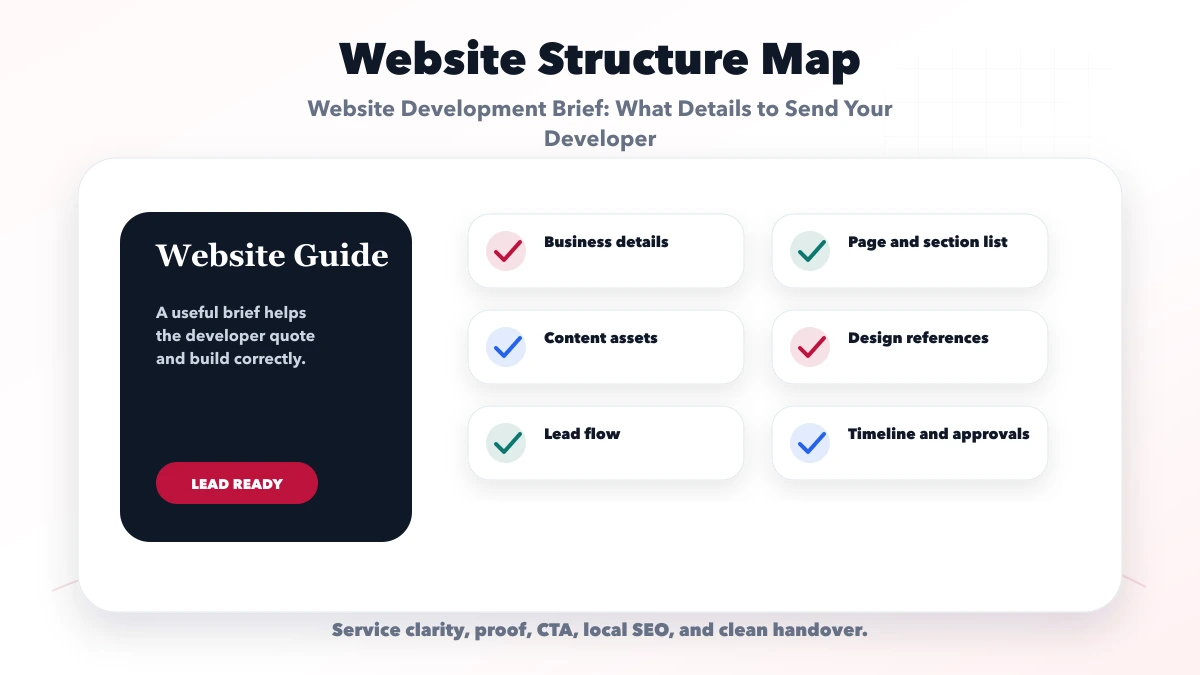
For each service, provide:
For each product, provide category, name, description, specifications, price policy, availability policy, images, SKU where relevant, tax treatment, shipping or enquiry rules, and ownership of future updates.
Do not send only a brochure PDF and ask the developer to “take content from this.” Mark what is current, what may be rewritten, and what must remain legally exact.
A practical small-business structure may include:
| Page | Main purpose | Content owner |
|---|---|---|
| Home | Explain offer, audience, proof, and next step | Business owner |
| About | Establish accountable identity and approach | Founder or management |
| Service pages | Answer one buyer intent per service | Service owner |
| Product or catalog | Help users inspect and enquire or buy | Product owner |
| Process | Set delivery expectations | Operations |
| Resources or blog | Answer recurring customer questions | Named author/editor |
| Contact | Offer accurate contact and qualification paths | Sales owner |
| Privacy and terms | Explain data and commercial rules | Business/legal reviewer |
Add location pages only where the business genuinely operates and can provide unique local information. Do not request dozens of city pages made from repeated copy.
Write the expected path in plain language. For example:
State alternate journeys for returning customers, support users, applicants, or partners only if the website serves them.
For each CTA, decide:
A contact form should collect only information needed for the next response. Never place passwords, identity documents, financial details, or sensitive customer records in a general enquiry form.
For WhatsApp, provide the correct business number and approved starter text. Review the WhatsApp CTA UX guide before placing the same floating button on every screen.
Create a folder or sheet with an owner and status for every item:
Mark assets as approved, draft, outdated, or missing. The developer should not have to guess whether an old logo or price list is final.
Send two or three relevant references and explain what is useful about each: navigation clarity, information density, typography, form flow, or visual tone. Avoid saying only “make it like this competitor.”
Also state:
A reference is direction, not permission to copy another site’s brand, content, or proprietary design.
The developer needs to know whether the website requires:
Describe the business need before naming a technology. The implementation choice can then be explained and compared.
The business should know who owns:
Prefer business-controlled accounts with role-based access. Do not send credentials in a public document or ordinary chat. Use an approved secure handoff method and remove unnecessary access after delivery.
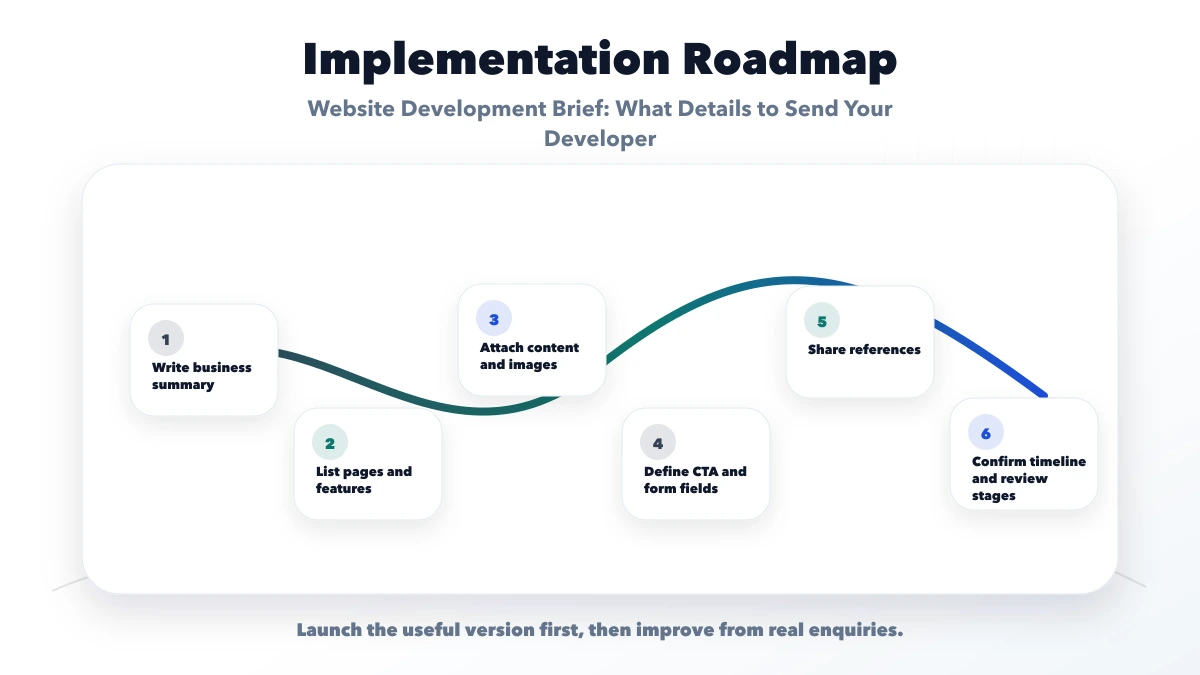
State any genuine deadline and why it matters. Separate fixed external dates from preferred dates. Include budget context when possible so proposals can recommend a realistic phase rather than hide trade-offs.
Name:
Use the scope-creep control guide to manage requests that appear after approval.
Yes. Focus on business facts, users, journeys, content, decisions, and expected outcomes. The developer should translate them into technical options.
Budget context helps teams propose a suitable phase and explain trade-offs. It does not replace a detailed commercial proposal.
The business must provide accurate subject knowledge and approve all claims. A writer or developer can structure and edit it when that service is included.
Two or three relevant examples are usually enough. Explain the specific aspect you like rather than asking for a copy.
Yes. Include important services, genuine locations, old URLs, search priorities, content ownership, analytics, and technical indexability expectations before architecture is finalized.
Mark each missing item, assign an owner, and set a decision date. Discovery can resolve uncertainty before fixed delivery begins.
Prepare the brief using real facts, one primary website goal, a page list, available assets, and the main lead journey. VASUYASHII can review it and map a focused first phase.
Startup teams can use the startup website development guide to connect stage, proof, page scope, launch acceptance, and ownership decisions before approving the brief.
After the brief is ready, use the website design versus development guide to decide whether one partner or separate specialists should own each workstream.
Related Articles
March 23, 2026
Use this web-developer hiring checklist to assess scope, proof, ownership, accessibility, SEO, security, payments, testing, support and handover.
Read article
June 5, 2026
Plan a small business website around service pages, trust proof, WhatsApp and form leads, local SEO, tracking, cost, and launch priorities.
Read article
May 10, 2026
Send developers a complete website brief covering pages, content, features, ownership, SEO, approvals, support, timeline, and acceptance criteria.
Read article
June 5, 2026
Prepare accurate website content for a new business: services, proof, process, FAQs, images, contact details, SEO fields, policies, and ownership.
Read article