
May 19, 2026
Software Development Process for SMEs: 8 Phases
Follow an eight-phase software development process for SMEs covering discovery, scope, UX, build, testing, migration, training, launch, and support.
Read articlePublished Updated
Prevent software scope creep with a practical change-control process, acceptance criteria, decision owners, impact estimates, and phased delivery rules.
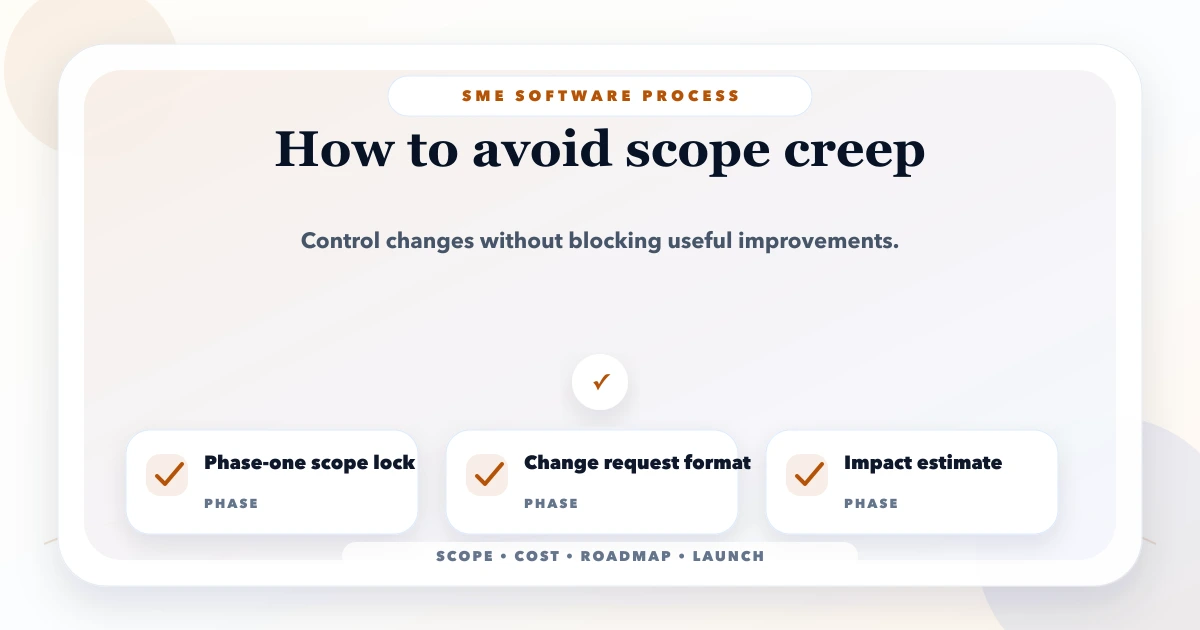
Scope creep happens when a software project keeps gaining features, rules, reports, integrations, or design changes without an agreed adjustment to time, budget, and acceptance criteria. The fix is not to reject every new idea. It is to route every idea through a visible decision process.
For an Indian SME, one extra request can affect more than one screen. Adding “partial payment” to an invoice system may change invoice status, dues, receipts, reports, permissions, PDFs, WhatsApp messages, imports, and testing. A request that sounds small can therefore be a legitimate scope change.
This guide explains how owners, operations teams, and developers can control those changes without making the project rigid.
By Tushar C. (Founder, VASUYASHII). The current VASUYASHII requirement process uses the milestone, review, and acceptance controls described here when planning custom software and web application projects. Examples are illustrative; they are not presented as customer results.
To prevent scope creep, define the phase-one outcome, document included and excluded work, attach acceptance criteria to each deliverable, nominate one decision owner, and record every new request in a change log. Approve a change only after its effect on cost, timeline, dependencies, data, and testing is visible.
A useful rule is: discussion is free, implementation is not automatically included. Teams should be able to explore ideas without treating every conversation as an approved development task.
Not every new detail is scope creep. Some details clarify work that was already included. The distinction should be based on the agreed outcome and acceptance criteria.
| Situation | Classification | Expected action |
|---|---|---|
| Clarifying an agreed invoice field | Clarification | Update specification without changing commercial scope |
| Adding a new invoice approval role | Scope change | Estimate workflow, permissions, UI, notifications, and tests |
| Fixing behavior that fails acceptance criteria | Defect | Correct within the agreed delivery |
| Supporting an unlisted import format | Scope change | Estimate parser, validation, error handling, and QA |
| Improving button wording during review | Minor refinement | Record and handle within the agreed revision allowance |
| Rebuilding the approved navigation | Scope change | Reassess design and implementation effort |
The contract does not need to predict every detail. It needs a fair method for classifying details when they appear.
Consider a distributor replacing spreadsheet-based orders with a sales portal. Phase one includes customer records, product selection, quotation creation, approval, PDF generation, and a basic report.
During development, the team requests WhatsApp approval, dealer-specific prices, branch stock, sales returns, credit limits, mobile offline mode, and Tally export. Each request may be useful, but together they create a different product.
The correct response is not “no.” The project owner should:
This keeps the useful ideas while protecting the first release.
A weak scope says “build dashboard, CRM, reports, and automation.” A useful scope states what users must be able to complete and how completion will be verified.
For every module, document:
The free software project requirement template can be used to organize this information before development begins.
Phase one should be the smallest complete operational loop, not a collection of disconnected screens. For example:
Everything required to complete that loop belongs in the scope discussion. Convenience additions can be ranked for later.
Use four priority labels:
| Label | Meaning |
|---|---|
| Launch critical | Without it, the agreed business outcome cannot be completed safely |
| Operationally important | Valuable soon after launch but not a launch blocker |
| Improvement | Makes the workflow faster or easier after usage is understood |
| Future option | Useful idea with insufficient evidence or dependency clarity |
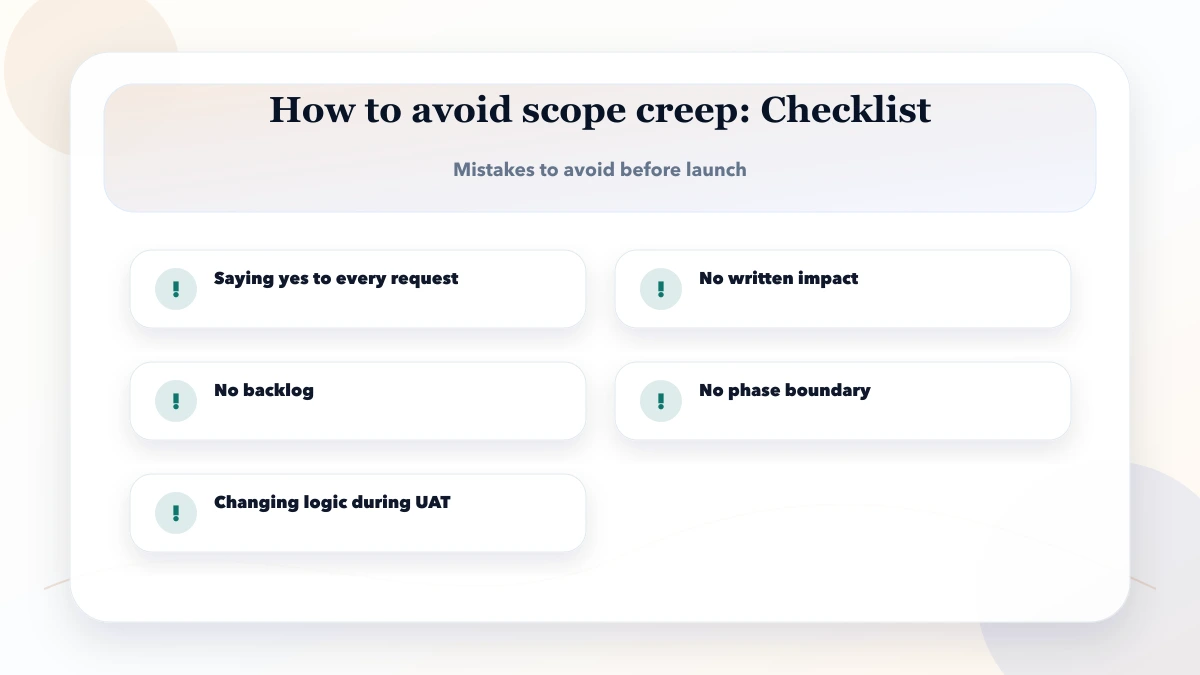
Avoid calling every requested feature “must-have.” If everything has equal priority, no real priority exists.
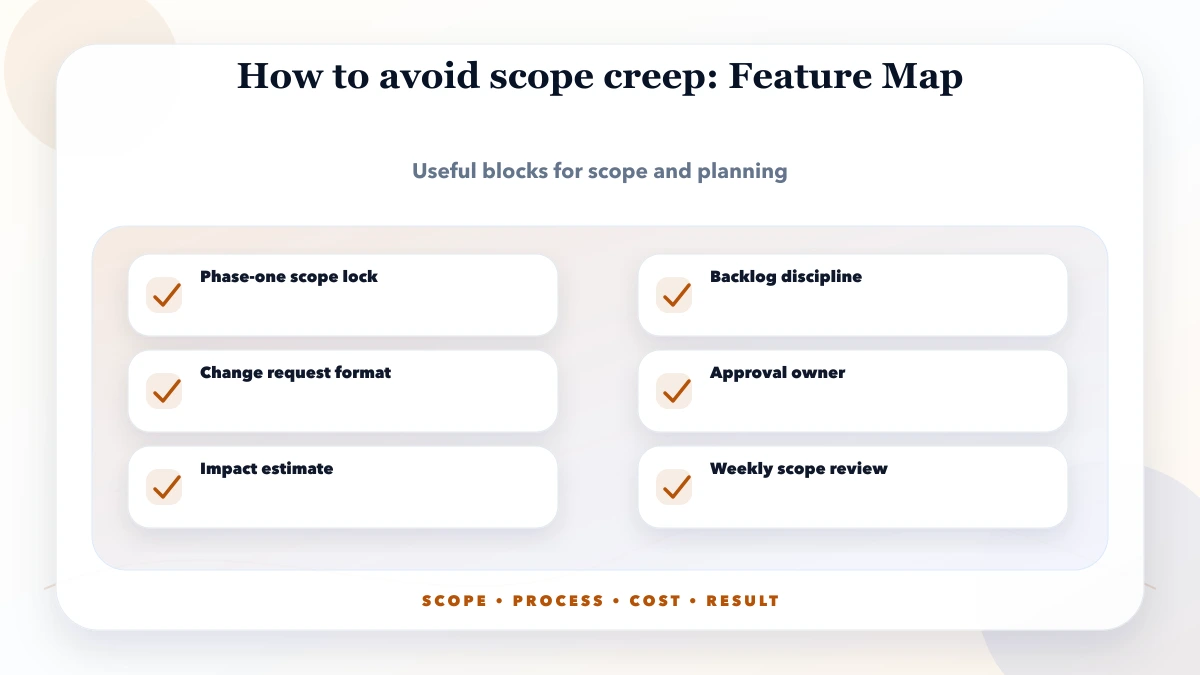
A change request can be one page. It should capture enough information for a commercial and operational decision.
Record:
Do not approve from a WhatsApp message alone. The conversation can start there, but the decision should enter the project record.
Teams often estimate only coding time. A safer impact estimate includes:
If a change modifies stored business data, money, tax, stock, permissions, or customer communication, its blast radius deserves explicit review.
Multiple stakeholders can provide input, but one accountable person should approve scope. Otherwise, developers receive conflicting instructions and the project slows while appearing busy.
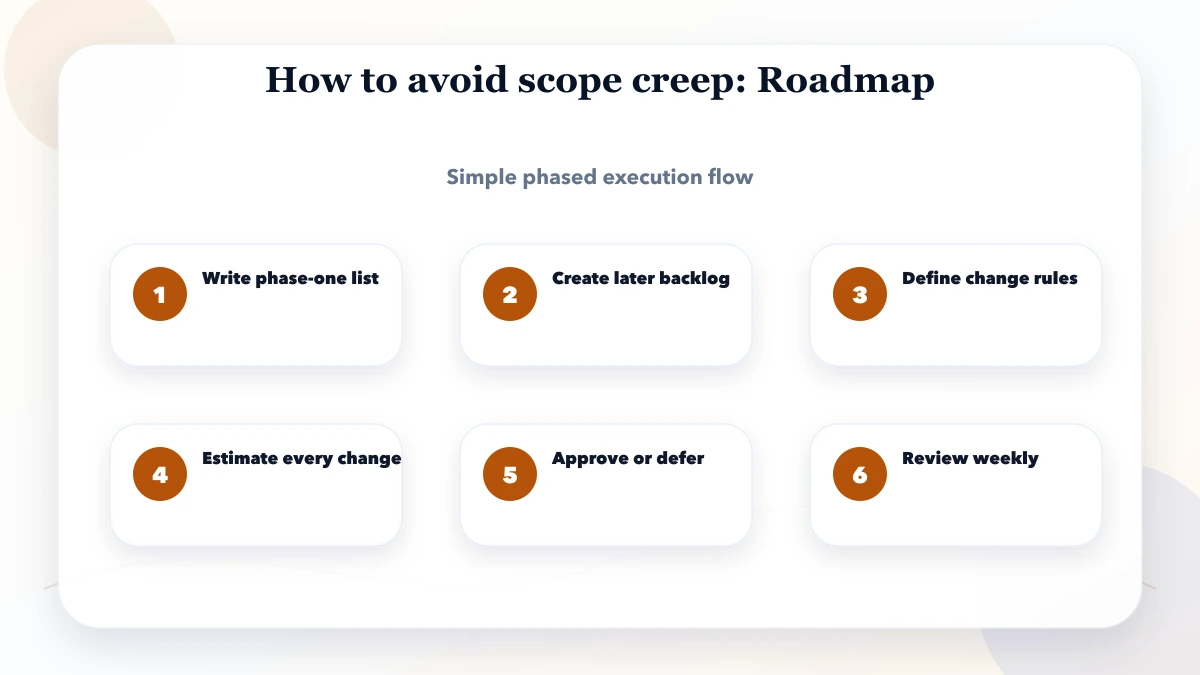
A workable cadence is:
Emergency requests should have a definition. “Owner asked today” is not enough. An emergency normally involves compliance, security, production failure, or a launch-blocking business risk.
UAT is meant to verify agreed workflows, not become an unlimited ideation stage. Before UAT, provide:
Classify feedback as defect, clarification, refinement, or new scope. This prevents a useful test cycle from becoming an uncontrolled redesign.
Different commercial models handle uncertainty differently.
Works when workflows, dependencies, content, and acceptance rules are clear. Changes require explicit commercial adjustment.
Works when priorities may evolve. The customer controls the backlog and budget, while delivery is charged by agreed capacity or time.
Works when the business problem is known but rules are not. Discovery produces workflows, data model, wireframes, risks, and a phased estimate before the larger commitment.
No model removes the need for decisions. Fixed price without detail creates disputes; time and material without priorities creates an endless backlog.
Yes. Software projects often uncover valid new information. The change should be documented, estimated, approved, and assigned to a release rather than silently added.
Not necessarily. A contract may include a limited refinement allowance. The team should still record changes so accumulated “small” requests remain visible.
Compare the delivered behavior with the written workflow and acceptance criteria. If it fails the agreed criteria, it is normally a defect, not paid new scope.
Detailed enough to identify users, workflows, data, rules, outputs, exceptions, and acceptance. It does not need pixel-level design before discovery unless the commercial agreement requires it.
Pause and assess it immediately. Compliance, security, tax, and data-protection changes may deserve priority, but their impact still needs documentation and testing.
Sometimes. If an unstarted item has comparable effort and no dependency impact, the parties can approve a scope exchange. Record what was removed and what replaced it.
An approved backlog still needs time boundaries. Use a six-month software roadmap to record trade-offs, then include the accepted scope and deferred items in the software handover checklist.
Choose the review and change model deliberately with the Agile vs Waterfall guide for SMB software projects, especially when budget or launch scope is fixed.
Before requesting a quote, prepare one real workflow, current data samples, user roles, required outputs, and launch-critical rules. VASUYASHII can help convert that material into a focused requirement and phased delivery plan.
Related Articles
May 19, 2026
Follow an eight-phase software development process for SMEs covering discovery, scope, UX, build, testing, migration, training, launch, and support.
Read article
May 10, 2026
Plan website and software payments around approved scope, visible deliverables, acceptance checks, change control, handover, support and documented ownership.
Read article
May 10, 2026
A practical software SRS template for SMEs covering roles, workflows, data, business rules, integrations, acceptance criteria, migration, and change control.
Read article
May 19, 2026
Compare Agile, Waterfall and hybrid delivery for SMB software projects using requirement stability, budget, review capacity, risk and acceptance needs.
Read article