
May 8, 2026
ERP Roadmap for SMEs: Phases and Controls
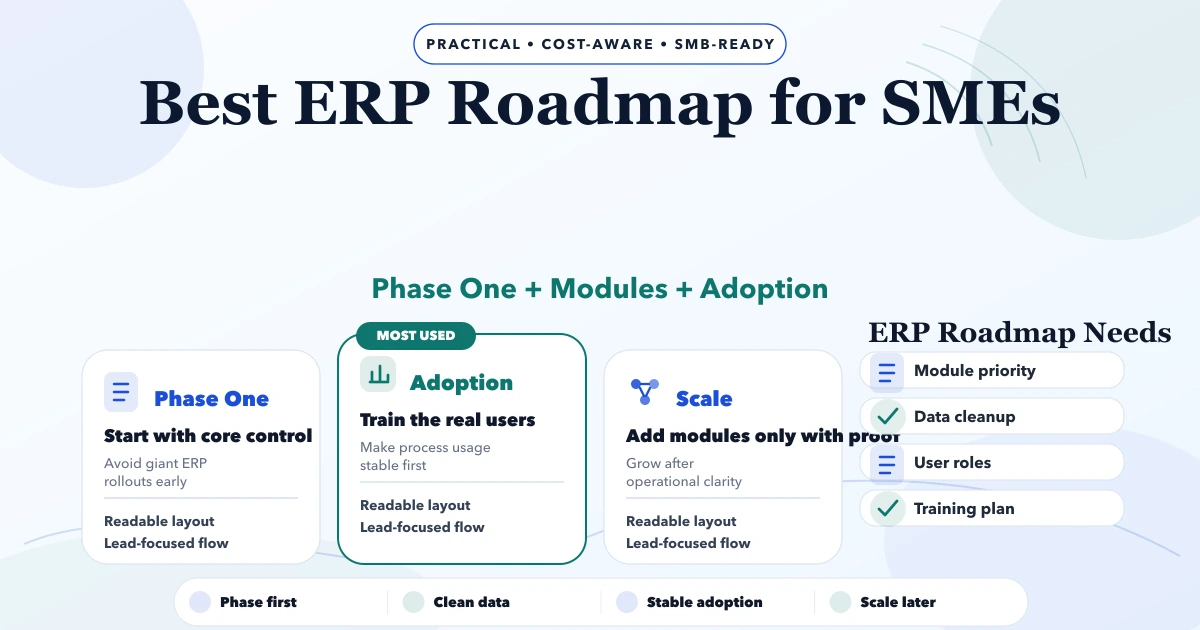
Plan an SME ERP roadmap across clean masters, transactions, permissions, migration, pilot, training, reports and controlled rollout without overbuilding.
Read articlePublished Updated
Plan a six-month software roadmap for an SME using business outcomes, release gates, capacity limits, risk controls, adoption metrics, and monthly reviews.
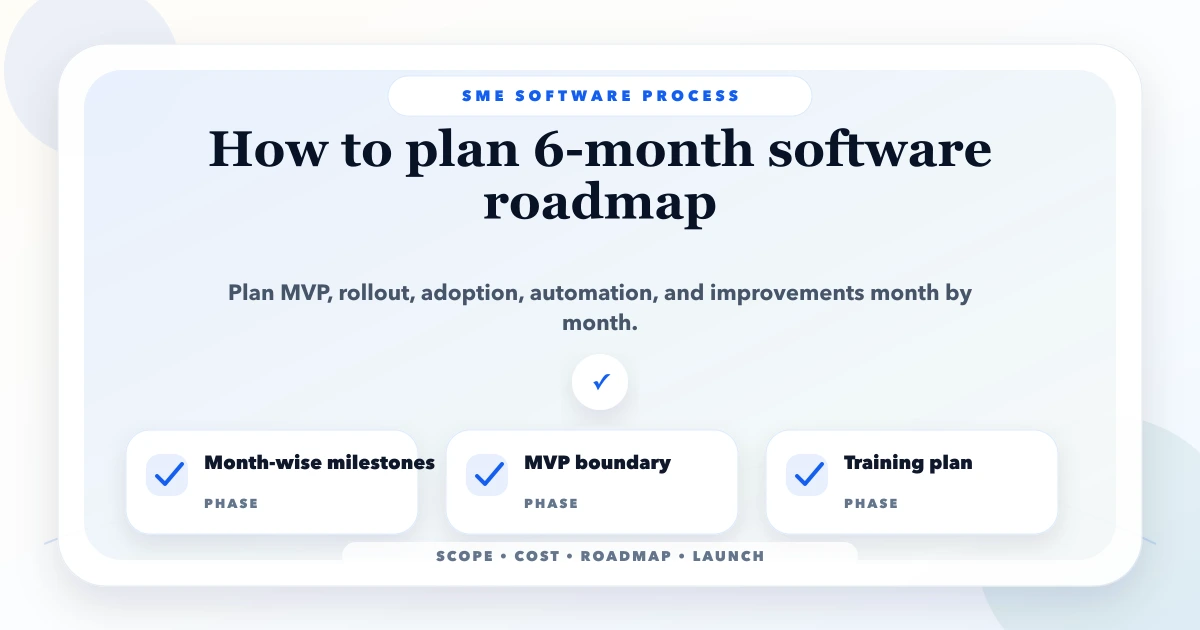
A useful six-month software roadmap is a sequence of business outcomes, not a list of 40 features with optimistic dates. For an SME, the roadmap should explain what problem will improve each month, who owns the decision, which workflow will be released, how adoption will be measured, and what evidence is required before the next investment.
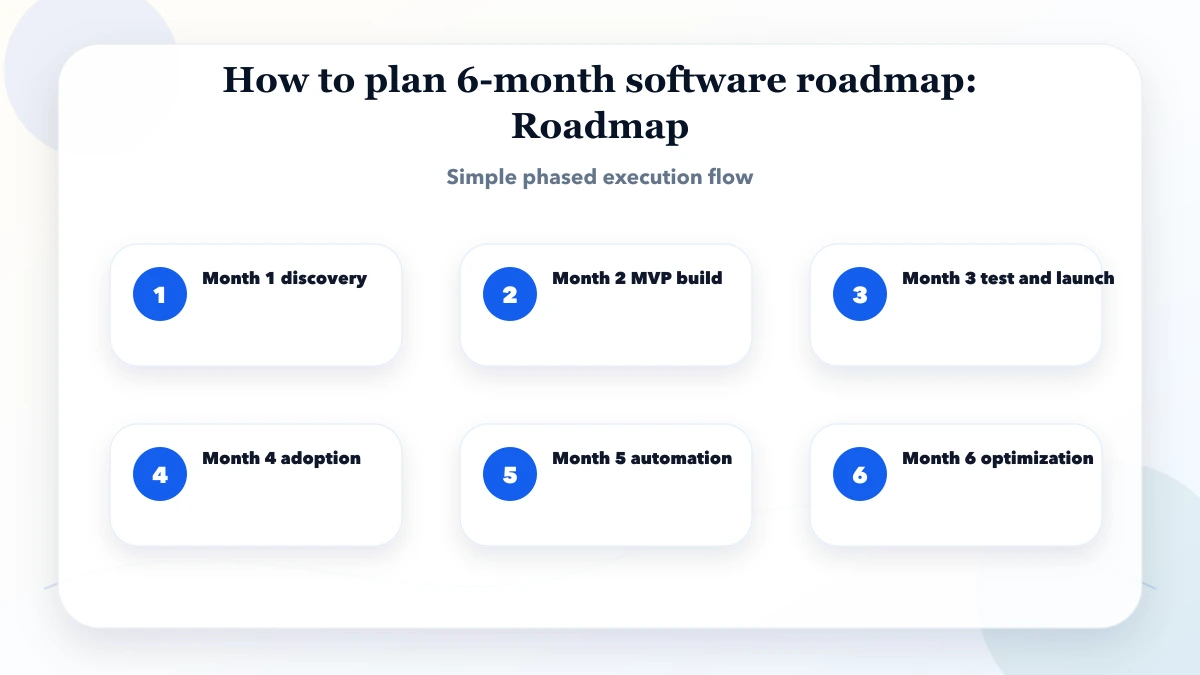
Use the first month to establish a baseline and release a narrow operational improvement. Use months two and three to stabilise the core workflow. Use months four and five for integrations, reporting, and controlled expansion. Reserve month six for measured optimisation and the next roadmap decision.
Written by Tushar C., Founder of VASUYASHII, using the current VASUYASHII discovery and phased-delivery approach. This is an operating roadmap for owners planning CRM, billing, inventory, portals, admin systems, or automation. It is not a promise that every software project can be completed in six months.
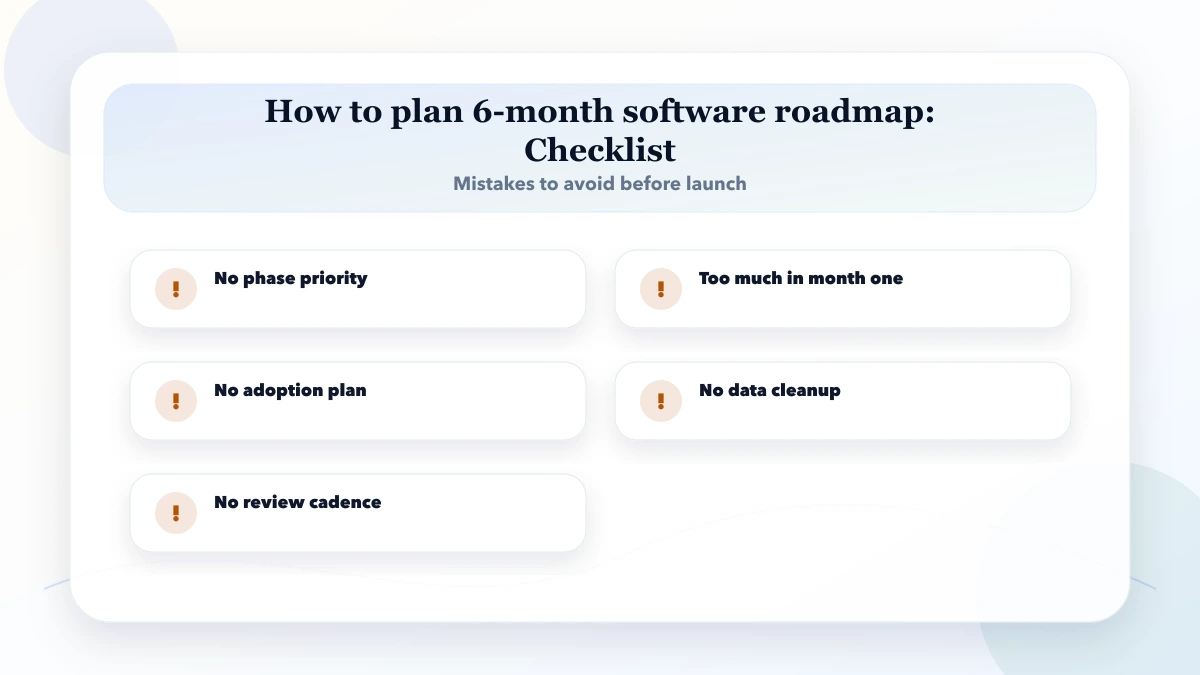
Before deciding features, record the current process. Choose one primary outcome such as faster quotation turnaround, fewer stock mismatches, better lead follow-up, shorter invoice collection time, or less manual report preparation. Add two guardrail metrics so one improvement does not create another problem.
For example, a distributor may choose “reduce order-entry time” as the outcome, with order accuracy and staff adoption as guardrails. Measure a small sample for two weeks: average time, error rate, number of corrections, and people involved. The baseline gives the team a reason to keep or reject a proposed feature.
Write a one-page roadmap brief containing:
If the problem cannot be stated without naming a feature, discovery is incomplete. “We need an app” is a format. “Salespeople miss follow-ups because ownership and next-action dates are invisible” is a problem.
Group work into three or four themes. A CRM roadmap may use data foundation, follow-up control, management visibility, and automation. An inventory roadmap may use product master quality, stock movement, purchase control, and exception reporting.
Every candidate item should answer five questions:
Reject or defer items that have no owner, no measurable use, or no connection to the six-month outcome. This is not saying the idea is bad; it is protecting limited capacity.
| Month | Main purpose | Typical deliverables | Exit evidence |
|---|---|---|---|
| 1 | Discover and prove the core flow | Baseline, data model, prototype, narrow release | Users complete one real workflow |
| 2 | Stabilise daily use | Validations, permissions, imports, bug fixes | Critical errors and support questions are tracked |
| 3 | Complete the operating loop | Exceptions, approvals, essential reports | Process owner signs off end-to-end flow |
| 4 | Connect systems carefully | One priority integration or automation | Failures are logged and recoverable |
| 5 | Improve visibility and adoption | Dashboards, role training, SOPs | Usage and data-quality targets are met |
| 6 | Optimise and decide | Performance, security review, backlog evidence | Continue, pause, or expand decision is documented |
Map the current workflow with the staff who perform it, not only the owner. Review real forms, spreadsheets, messages, and reports. Identify mandatory fields, exceptions, approval limits, and outputs. Clean a small sample of source data before finalising import rules.
Build or configure one thin slice that travels from input to useful output. For CRM, that may be lead capture to next follow-up. For billing, it may be customer and product masters to one valid invoice. For inventory, it may be purchase receipt to stock visibility. Avoid polishing every dashboard before this path works.
Fix confusing labels, validation gaps, permission mistakes, slow screens, and import failures discovered by actual users. Add logging and backup checks. Create a known-issue register with severity, workaround, owner, and target decision.
This month often looks less exciting because visible feature count grows slowly. It prevents weak foundations from multiplying. A stable core workflow produces better evidence than a broad demo.
Add the minimum approvals, exceptions, and reports required to run the process without parallel shadow sheets. Reconcile sample totals against the previous method. Confirm that managers can see delayed work and that staff know how to correct mistakes without deleting history.
At the end of month three, run a release gate. Continue only if the workflow is usable, data quality is acceptable, high-risk defects have owners, and staff adoption is visible. Otherwise use the next cycle to stabilise rather than forcing planned integrations.
Choose the integration that removes the most repeated effort or risk. Examples include payment confirmation, website lead capture, WhatsApp notification, accounting export, or supplier data import. Define what happens when the external provider is unavailable, sends duplicate data, or changes a record late.
Use documented APIs and company-controlled provider accounts. Keep secrets outside source code. Log requests safely without exposing customer information. If your roadmap depends heavily on APIs, review VASUYASHII integration services before estimating effort.
Add reports only after agreeing what decision each report supports. A dashboard full of totals is not useful if nobody knows the next action. Prefer exception views: overdue follow-ups, low stock, unapproved purchases, failed notifications, or invoices with pending balances.
Run role-based refresher training and compare usage with the month-one baseline. Interview users who still rely on spreadsheets. Their reason may reveal missing workflow logic, slow performance, weak permissions, or fear of making irreversible mistakes.
Review performance, security updates, backup restore evidence, usage, defects, process time, and support load. Close stale experimental features. Document technical debt that materially affects reliability or future delivery.
Then make a decision rather than automatically creating another backlog. Expand only when the outcome improved and the organisation can operate the current release. A pause can be a good decision if adoption or data quality needs attention.
Do not allocate 100% of delivery capacity to planned features. A practical starting split is 60% planned outcome work, 20% reliability and technical health, and 20% discovery, support, and unexpected issues. Adjust it after two cycles using actual data.
Score roadmap candidates from one to five for outcome value, user frequency, risk reduction, confidence, and effort. Use the score to structure discussion, not to replace judgement. A mandatory compliance or security item can outrank a high-scoring convenience feature.
Set work-in-progress limits. Finishing two usable workflows is better than starting eight. Each roadmap item needs an acceptance rule, data owner, business approver, and release dependency.
Estimate discovery, design, development, testing, data work, deployment, training, and support separately. Integrations require provider setup and failure handling; they are not only an API call. Legacy-data cleanup may need more business time than engineering time.
For early planning, create three scenarios:
| Scenario | Use when | Budget behaviour |
|---|---|---|
| Lean | One workflow and few users | Fixed boundary, minimal integrations |
| Core | Daily multi-role operation | More testing, permissions, reports, migration |
| Extended | Multiple teams or providers | Phased integrations, monitoring, stronger support |
Do not publish a false fixed price before the rules and data are understood. The software cost estimation guide explains how modules and complexity should be separated.
Hold a short monthly meeting with the decision maker, process owner, delivery owner, and one active user. Review:
End with one approved release objective. Do not let the meeting become a screen-by-screen status presentation.
Keep months one and two specific, months three and four moderately defined, and months five and six outcome-led. Later detail should change as evidence arrives.
No. The roadmap shows outcomes, sequence, and decision gates. A project plan contains tasks, owners, dates, and dependencies for approved work.
Review monthly and change only when new evidence, risk, or business conditions justify the trade-off. Record what was removed when something urgent is added.
Pause expansion. Observe actual use, fix workflow friction, clarify roles, improve training, and measure again. More features rarely solve an adoption problem.
Include technical work when it protects reliability, security, delivery speed, or a business dependency. Explain it through the risk or outcome it addresses.
Yes. A scoped software development discovery can produce process maps, modules, risks, release gates, and an implementation estimate before a build commitment.
Write the one-page roadmap brief and collect a two-week baseline before discussing screens. If you need a facilitated roadmap session, contact VASUYASHII with the current process, users, data sources, primary outcome, and six-month constraint. Align the roadmap with the eight-phase SME software development process, choose a review model with the Agile vs Waterfall SMB guide, then read the staff training guide before allocating the adoption phase.
Related Articles
May 8, 2026
Plan an SME ERP roadmap across clean masters, transactions, permissions, migration, pilot, training, reports and controlled rollout without overbuilding.
Read article
May 4, 2026
App maintenance cost in India can range from ₹15,000 to ₹2 lakh+ per month. Compare 2026 support tiers, SLA, inclusions, exclusions, and cost drivers.
Read article
May 19, 2026
Use a 30-day plan to train staff on CRM, billing, inventory, or ERP software with role-based practice, safe data, adoption checks, and support ownership.
Read article
May 16, 2026
Validate a SaaS idea in India with problem interviews, workflow evidence, pricing tests, pilots, decision gates, risks, and a practical founder checklist.
Read article