
June 1, 2026
CRM Software Cost in India (Custom)
Custom CRM software cost in India with modules, pricing ranges, implementation timeline, integrations, reports, and quote checklist.
Read articlePublished Updated
Estimate custom software cost by module across workflows, roles, data, integrations, migration, testing, support and acceptance before comparing quotes.
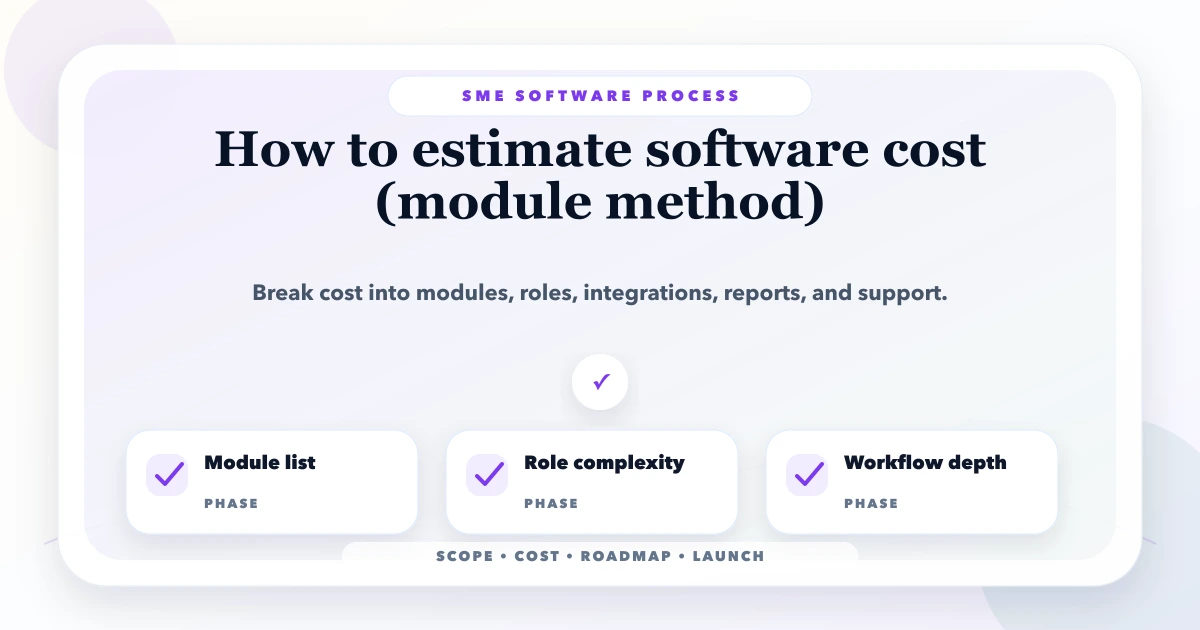
Custom software cannot be estimated accurately from a feature list such as “CRM, inventory, reports, and WhatsApp.” Each label can describe a simple register or a multi-role operating system. A better estimate breaks the requirement into modules, then measures the workflows, rules, data, permissions, integrations, exceptions, and quality work inside each module.
The module method does not produce a guaranteed price from a spreadsheet. It creates a transparent scope that two vendors can interpret in roughly the same way and that the business can phase without losing essential controls.
Write the operational change expected from the system.
Examples:
A screen is only one implementation surface. The cost comes from what must happen before, during, and after that screen is used.
For every module, complete these columns:
| Area | Questions to answer |
|---|---|
| Users | Who creates, views, approves, edits, exports, or deletes? |
| Records | Which fields, statuses, attachments, and identifiers exist? |
| Workflow | What is the normal sequence and each allowed transition? |
| Rules | What calculations, validations, limits, and dependencies apply? |
| Scope | Company, branch, team, territory, owner, or customer boundary? |
| Exceptions | Duplicate, failure, reversal, cancellation, offline, or override path? |
| Integrations | Which external system, trigger, retry, and reconciliation rule? |
| Reports | Which decision, filter, date basis, export, and permission? |
| Migration | What source data, mapping, cleaning, and verification? |
| Acceptance | Which examples prove the module works? |
This worksheet is more useful than asking for a per-screen rate.
“Lead management” could include:
A basic first phase may include manual entry, one pipeline, owner assignment, notes, and reports. Ads ingestion, telephony, automation, scoring, and complex permissions can be separate estimates. The lead management system guide maps these operating states in detail.
Do not treat development as the only cost.
Process interviews, current-data review, workflow diagrams, role matrix, assumptions, exclusions, and acceptance criteria.
Navigation, forms, tables, mobile behaviour, empty states, errors, approvals, and accessibility.
Screens, client validation, responsive states, loading, permissions in the interface, and integration with APIs.
Models, identifiers, business rules, state transitions, authorization, audit events, background jobs, and APIs.
Credentials, sandbox setup, webhooks, retries, idempotency, rate limits, failures, logs, and reconciliation.
Source inventory, cleanup, mapping, test imports, attachments, validation, cutover, and rollback.
Normal, invalid, boundary, role, failure, mobile, performance, and regression scenarios.
Environments, domains, secrets, monitoring, backup, training, documentation, and support transition.
An estimate missing these categories may be incomplete even when the coding rate looks attractive.
Assigning “small, medium, large” is useful only when the levels are defined.
| Level | Typical characteristics |
|---|---|
| Basic | One workflow, few roles, standard fields, no external integration |
| Standard | Multiple states, approvals, reports, imports, role boundaries |
| Advanced | Multi-company/branch scope, complex calculations, external APIs, migration |
| High-risk | Unclear legacy data, regulated information, real-time dependencies, offline sync |
Two standard modules are not necessarily equal. A booking calendar and an inventory stock ledger have different exception and consistency risks.
Some capabilities affect the complete system:
Do not hide these inside a random module. Create a platform-foundation line and show which modules depend on it.
Use a range because unresolved assumptions create variance.
Example planning format:
| Work package | Low effort | Expected effort | High effort | Main uncertainty |
|---|---|---|---|---|
| Product master | 8 days | 12 days | 18 days | variants and import quality |
| Purchase workflow | 12 days | 18 days | 28 days | returns and tax rules |
| Sales invoice | 15 days | 24 days | 36 days | discounts, payments, PDF |
| Reports | 8 days | 15 days | 25 days | data definitions and exports |
These figures are illustrative, not a VASUYASHII quote. Actual effort depends on approved requirements, team, existing components, data, and quality expectations.
Multiply effort by the agreed delivery model only after confirming what the rate includes. A lower daily rate with weak discovery, QA, or handover can increase total cost.
Risk should not be hidden as an arbitrary percentage. List it.
Common uncertainties:
Reduce uncertainty through a discovery phase, prototype, data sample, or API proof before fixing the full budget.
Build price is not total cost of ownership.
Record:
The business software cost guide gives a broader build-versus-operate framework.
The decision does not have to be all custom or all SaaS. A business can use a standard CRM but build a specialised operations portal, or use a payment provider while owning its booking workflow.
Evaluate each module:
Use the CRM build-versus-buy guide for a practical example.
A phase must be independently operable.
Weak phase:
Phase 1: frontend. Phase 2: backend.
Better phase:
Phase 1: customer, product, quotation, invoice, payment status, and PDF for one company, with approved permissions and backup.
The second phase definition produces a usable workflow and clear acceptance tests. The SME ERP roadmap explains sequencing across masters, transactions, controls, and reports.
Ask each vendor to state:
If one quote includes migration, QA, support, and role security while another lists only screens, their totals are not comparable.
A distributor requests billing, inventory, purchase, vendor dues, and reports. The first workshop reveals multi-company data, purchase returns, partial payments, stock adjustments, and secure PDF sharing.
The estimate should separate product master, vendor master, purchase, return, stock movement, invoice, payment, PDF, reports, permissions, backup, and migration. WhatsApp automation and advanced accounting can remain separate phases. This is an illustrative planning example, not a client quotation.
Our implementation scoping process records assumptions, exclusions, data samples, roles, acceptance examples, and unresolved risks before a phase is priced.
VASUYASHII maps records, roles, states, exceptions, integrations, reports, and acceptance examples before pricing a custom workflow. We mark assumptions and future modules instead of presenting one number as certainty.
For operational systems, our software development service can scope a module worksheet. For APIs and third-party workflows, integration services estimates failure handling and reconciliation separately.
A broad range is possible, but a reliable fixed scope needs workflows, roles, data, exceptions, and dependencies. Use paid or time-boxed discovery when uncertainty is material.
Only those required for one complete operating outcome. A small but broken workflow is not a useful MVP.
Yes when definitions, filters, exports, permissions, or performance are substantial. Basic operational views may remain inside the source module.
There is no universal percentage. Identify the actual uncertainties, reduce them where possible, and show a range tied to unresolved evidence.
No. It reduces ambiguity. Approved scope changes, unknown data, provider changes, or external dependencies can still affect cost under the agreed change process.
Yes. Share the module list, workflows, roles, migration sources, integrations, and exclusions through contact for a scoped comparison.
Create one worksheet row per module and refuse to price labels without workflow detail. The result will expose both unnecessary features and missing controls before development starts.
Related Articles
June 1, 2026
Custom CRM software cost in India with modules, pricing ranges, implementation timeline, integrations, reports, and quote checklist.
Read article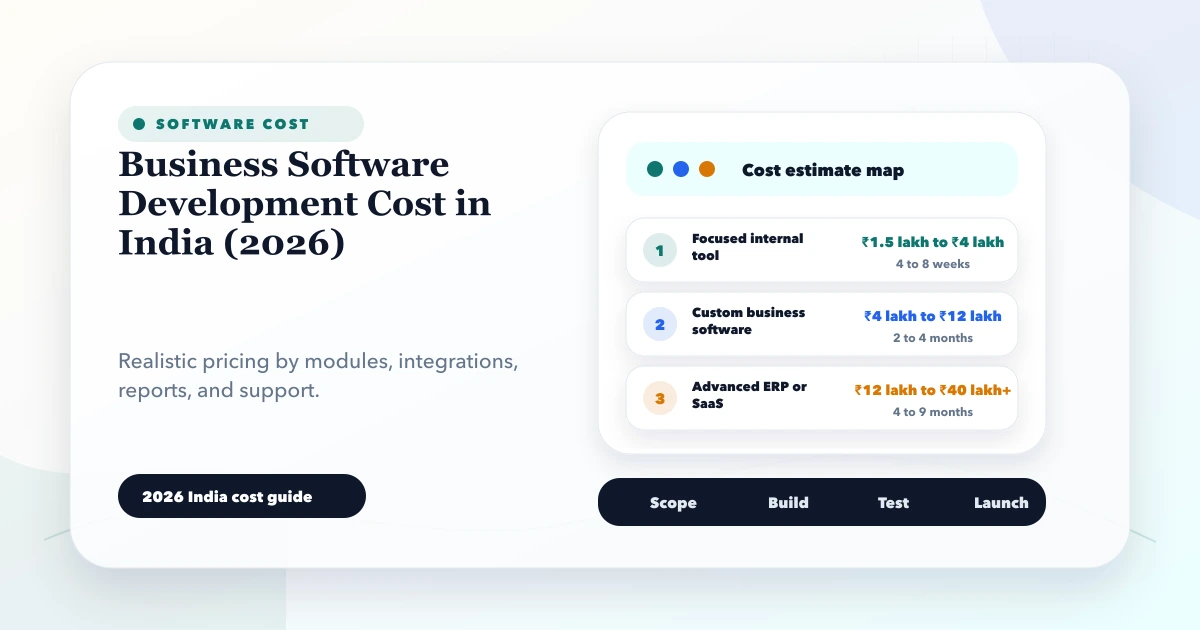
May 28, 2026
Estimate business software development cost in India using workflows, roles, data, integrations, migration, platforms, security, support, and ownership.
Read article
March 30, 2026
Compare school software pricing models, modules, demo checks, migration and rollout stages. Prepare a clear quote for your school's requirements in India.
Read article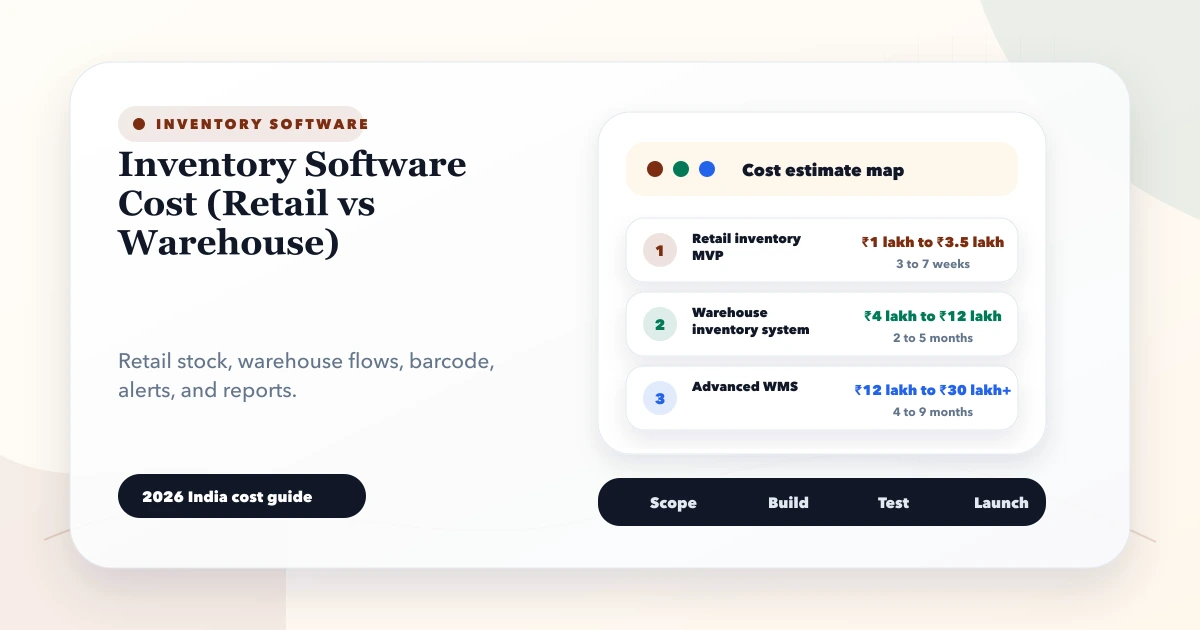
May 28, 2026
Compare inventory software cost for retail and warehouse operations, including modules, barcode workflows, locations, integrations, rollout, and hidden effort.
Read article