
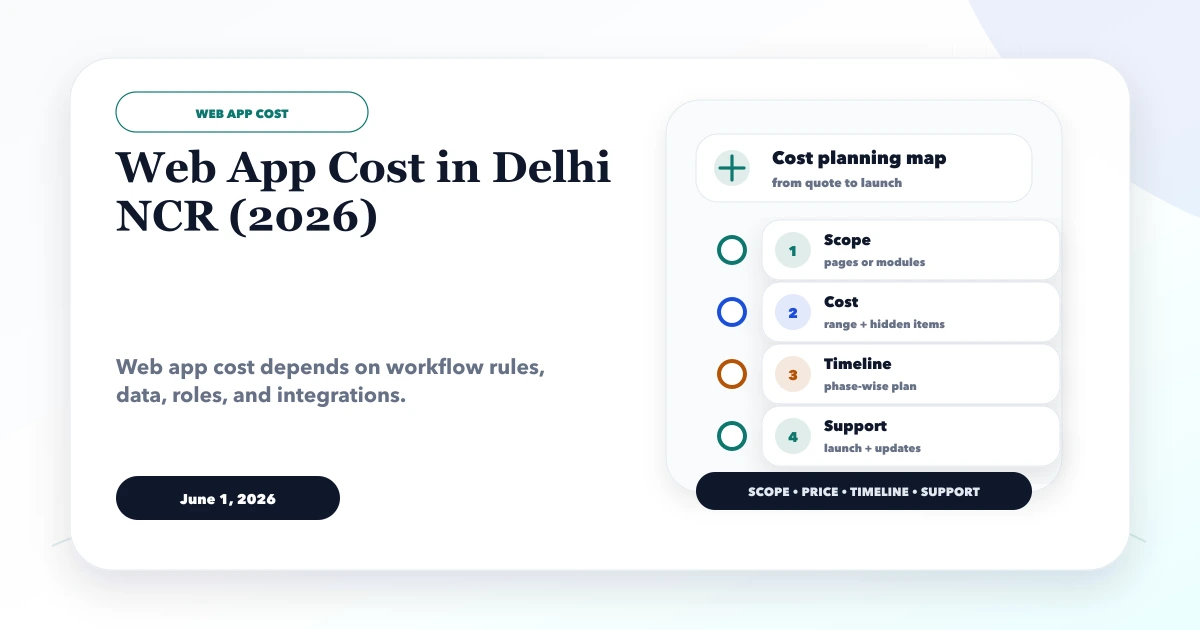
June 1, 2026
Web App Cost in Delhi NCR: Scope-Based Estimate
Estimate a Delhi NCR web app by workflows, roles, screens, integrations, data and acceptance—not page count—with practical planning bands.
Read articlePublished Updated
Use this web app quotation checklist to compare scope, modules, user roles, integrations, milestones, pricing, ownership, support, and acceptance terms.
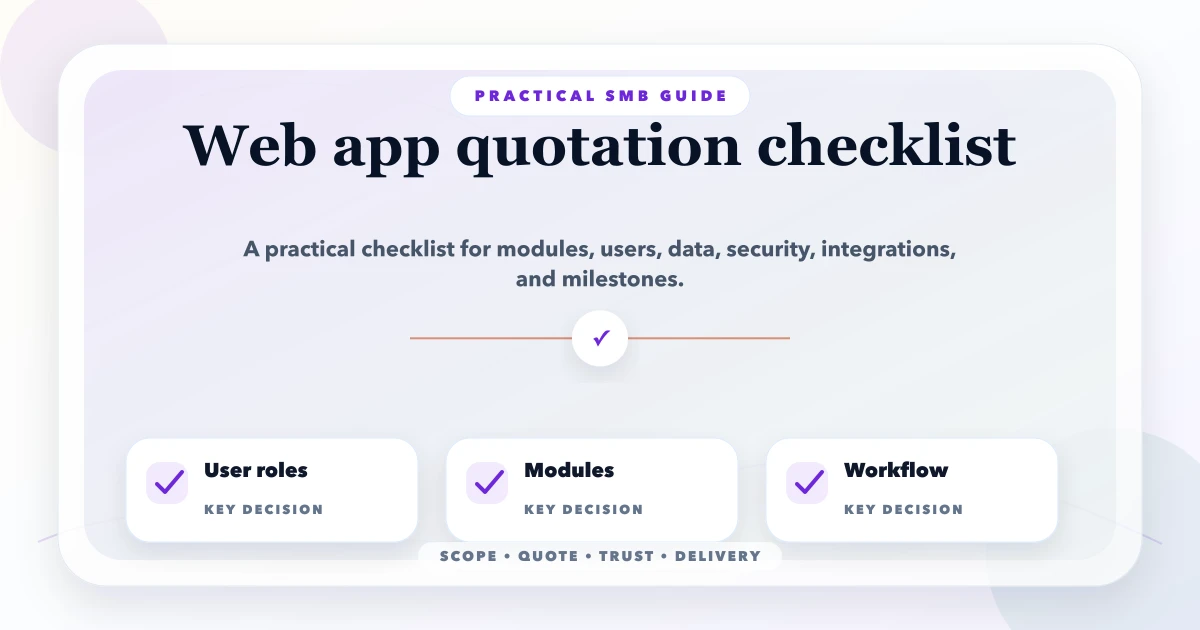
This guide on web app quotation checklist is for founders and SMB teams planning admin dashboards, SaaS products, portals, CRM-lite, order systems, or internal business apps. It is written for Indian SMB owners who want practical clarity before they pay, approve a proposal, or start development. It explains what to include, what to ask, how pricing usually works in INR, what mistakes to avoid, and how to make the next conversation with a developer or SEO team more productive.
The aim is simple: reduce confusion before the project starts. A good document, checklist, or pricing page does not make the project slow. It makes the project safer, faster, and easier to measure because both sides know what success means.
By Tushar C. (Founder, VASUYASHII). Reviewed by VASUYASHII Editorial for field experience, buyer clarity, SEO usefulness, and practical implementation relevance.
Serving Delhi NCR and nearby business markets: Ghaziabad, Noida, Delhi, Gurugram, Faridabad, Meerut, Hapur, and remote clients across India.
A web app quotation should include modules, user roles, workflows, data fields, dashboards, reports, integrations, security, hosting, testing, support, and phased milestones.
The best version is short enough to be used, but specific enough to prevent assumptions. If a developer, SEO consultant, or internal team can read it and explain the scope back correctly, the document is doing its job.
We have also noticed one pattern: most project issues are not caused by bad intentions. They happen because expectations were not written early. A simple checklist gives both sides a shared reference point when decisions, revisions, and payments come up later.
Use this section as a practical starting point. You can paste these points into a document, send them on email, or use them as a discovery call checklist.
For small projects, do not overcomplicate the format. Write the current business problem, the expected result, the must-have items, and the approval process. For larger software or SEO work, add examples, edge cases, sample data, and measurable acceptance criteria.
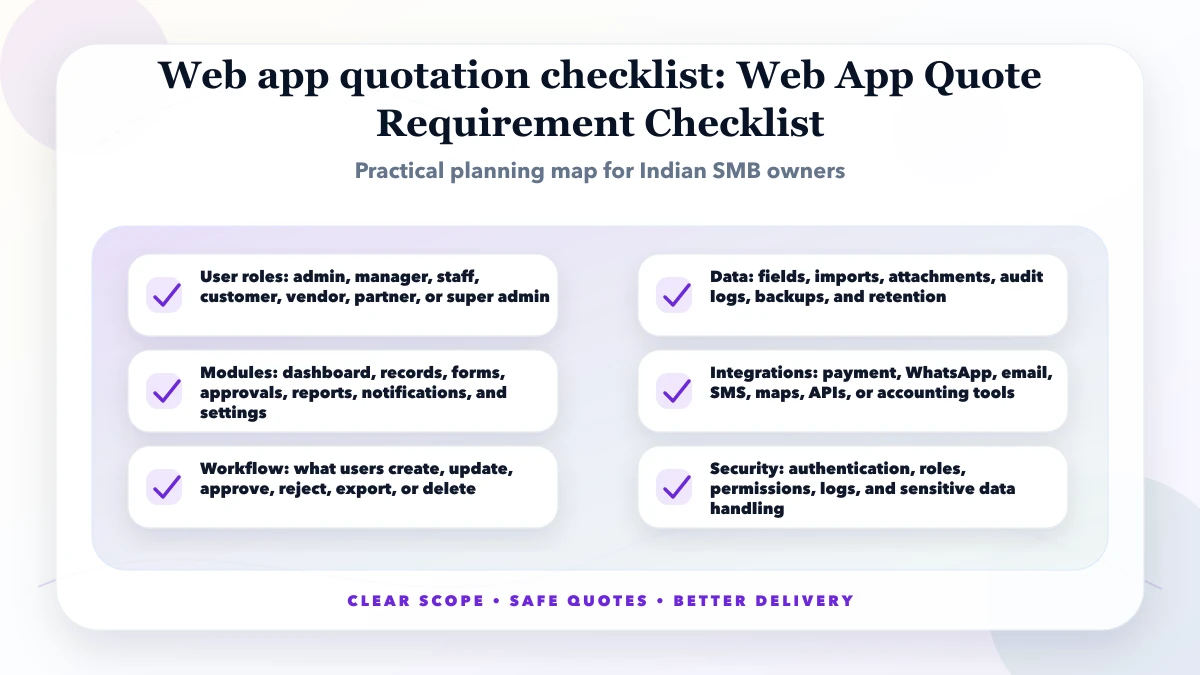
Good execution has three parts: clarity before work starts, visible progress during work, and clean handover after launch. If any one part is missing, the project may still finish, but the owner usually feels unsure about quality and control.
For an Indian SMB, practical execution means the vendor understands business constraints. Owners need fast decisions, WhatsApp-friendly communication, realistic pricing, and deliverables that work for real staff members. Fancy terminology is not enough. The work should reduce manual effort, improve leads, improve reporting, or make customer handling simpler.
The output should also be easy to verify. A website page can be checked with live URL, mobile view, form test, speed test, Search Console setup, and content review. A software module can be checked with demo data, role login, report export, and acceptance criteria. An SEO task can be checked with pages changed, indexation status, internal links, and lead tracking.
| Scope | Practical price range | Typical timeline |
|---|---|---|
| Small admin dashboard | ₹75,000 to ₹2 lakh | 3 to 6 weeks |
| Business web app with roles | ₹2 lakh to ₹6 lakh | 6 to 12 weeks |
| SaaS-style portal | ₹5 lakh to ₹15 lakh+ | 10 to 20+ weeks |
These are practical planning ranges, not a blind quote. Real price depends on scope, quality expectations, revision depth, integrations, and the amount of thinking required before development. A cheap quote is not automatically bad, but it becomes risky when deliverables, ownership, support, and acceptance criteria are missing.
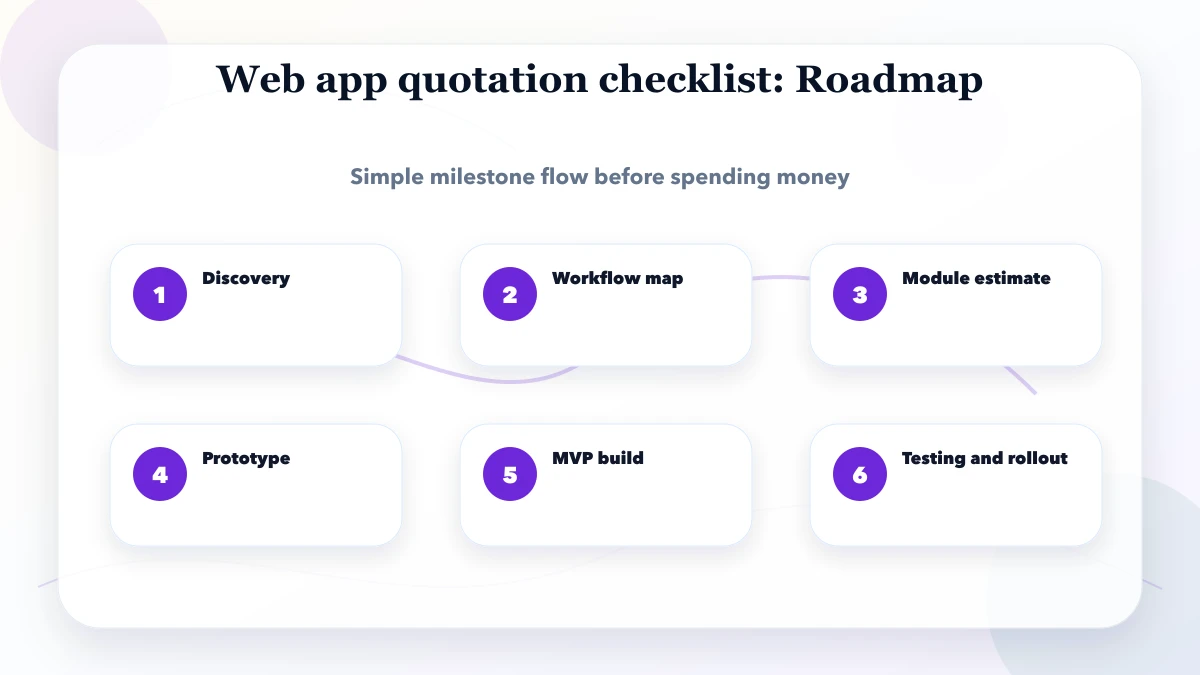
The roadmap should be visible to both sides. If a milestone is vague, payment and approval also become vague. The safer method is to connect each milestone with a visible output: document, prototype, page, module, report, staging demo, or launch checklist.
The right setup depends on the job. A simple website may only need clean hosting, analytics, and a good content workflow. A web app needs database planning, roles, backups, and testing. An SEO project needs Search Console access, URL discipline, content QA, and tracking. Do not buy tools before the workflow is clear.
Cost drivers should be discussed before approval. If a cost driver is discovered after work starts, the project may need a revised quote. That is normal, but it should be handled transparently instead of silently reducing quality.
The biggest mistake is treating planning as a delay. Planning is cheaper than rework. Even a one-page checklist can prevent missed features, weak SEO pages, unclear payments, ownership confusion, and launch-day stress.
If you are preparing a project brief, quote request, SRS, SEO audit, or pricing page, start with a clear first version. You do not need perfect documentation. You need enough clarity to avoid wrong estimates and wrong expectations.
Before you approve the next step, check these points:
If you want to use this web applications guide immediately, start with a single shared document. Put the business goal at the top, then add the checklist points, current links or screenshots, and the decision deadline. This avoids scattered WhatsApp messages where important details get lost.
When you send the requirement to a developer, SEO consultant, or agency, do not ask only "price kitna hai?" Ask them to reply with inclusions, exclusions, timeline, milestone plan, assumptions, and what they need from your side. A serious team should be able to explain the scope back to you in simple language.
For SMB owners, the safest first approval is not always the cheapest package. The safest first approval is the one where you understand what will be delivered, how it will be tested, who owns the final assets, and what happens after launch. This is especially important for service websites, app MVPs, dashboards, and SEO work where business results depend on many small details.
Use the first call to remove uncertainty. Ask for proof, similar work, expected risks, and what can be postponed to phase two. That keeps the first version practical and helps your team avoid overbuilding.
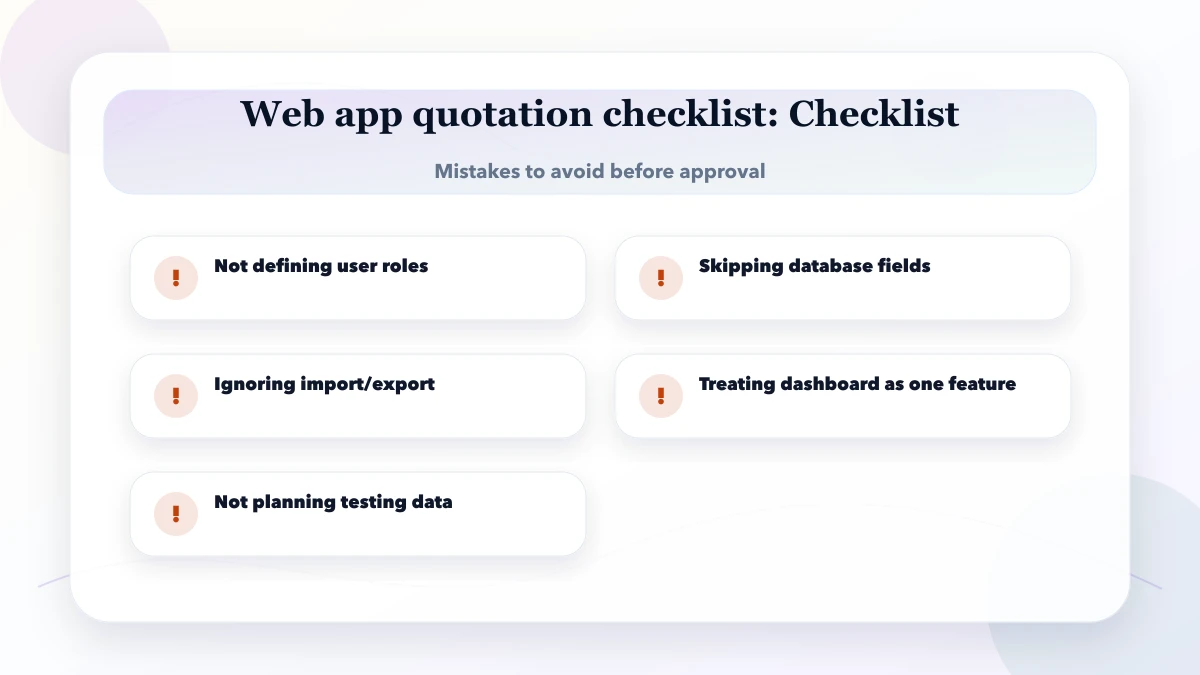
Because different teams assume different module depth, security, data, testing, and support scope.
Usually no. Start with the workflow that saves the most time or creates the most business value.
Core roles, main records, essential workflows, key reports, security, hosting, and support.
For complex apps, a prototype improves estimate quality and reduces rework.
Yes. Reports often take serious logic and should not be hidden inside dashboard wording.
Use milestone payments tied to approved scope, prototype, module delivery, testing, and launch.
If you want this converted into a project-ready document, quote checklist, website page, or implementation plan, VASUYASHII can help you make the scope clear before you spend on development or SEO.
Related Articles
June 1, 2026
Estimate a Delhi NCR web app by workflows, roles, screens, integrations, data and acceptance—not page count—with practical planning bands.
Read article
May 10, 2026
Compare app development quotations using a practical checklist for scope, platforms, backend, ownership, testing, releases, maintenance, and acceptance.
Read article
May 31, 2026
Compare low-budget website packages by pages, lead flow, ownership, SEO basics, hidden costs and upgrade readiness before selecting a small-business website.
Read article
May 10, 2026
website project scope document template: practical checklist, template, pricing, timeline, mistakes, FAQs, and clear owner-safe guidance for Indian SMBs.
Read article