
May 19, 2026
Post-launch monitoring checklist
post-launch monitoring checklist: practical 2026 guide with phases, INR pricing, checklist, roadmap, mistakes, FAQs, and SME implementation tips today.
Read articlePublished Updated
Verify source code, access, data, deployment, documentation, security, training, support, and ownership before accepting an SME software handover.
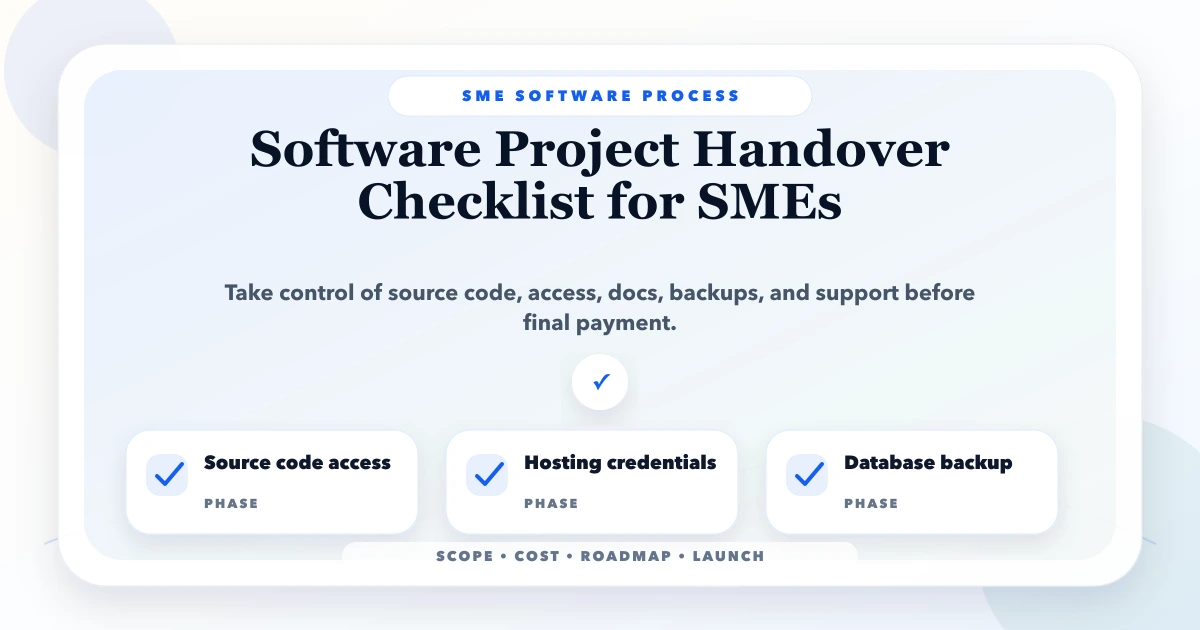
A software handover is complete only when the business can operate, recover, maintain, and change the system without depending on one developer's memory. A working login or a final demo is not enough. Before final payment, an SME should receive verified code access, hosting and domain control, database backups, configuration records, admin accounts, operating documentation, training, acceptance evidence, and written support terms.
This checklist is for business owners taking delivery from an agency, freelancer, internal developer, or outgoing vendor. It is especially useful for billing systems, CRM, inventory software, portals, dashboards, mobile apps, and workflow automation where a weak handover can stop daily operations.
Written by Tushar C., Founder of VASUYASHII, and reviewed against the current VASUYASHII discovery, deployment, and maintenance process. The article focuses on ownership and continuity. It does not assume that every SME has an internal technical team.
Do not accept a folder of files as the whole handover. Use an evidence-based register with an owner and a verification result.
| Area | What you must receive | How to verify it |
|---|---|---|
| Source code | Repository access, branches, release tags | A company-controlled account can clone and build it |
| Hosting | Production and staging access | Owner can view deployment and billing settings |
| Domain and DNS | Registrar and DNS access | Recovery email and owner account belong to the company |
| Database | Backup plus restore instructions | Restore a copy in a non-production environment |
| Configuration | Environment-variable inventory | Required keys are listed without exposing secrets in documents |
| Third-party services | Account and renewal register | Email, SMS, payment, storage, maps, and analytics owners are known |
| Admin access | Named admin accounts | Shared personal credentials are replaced |
| Documentation | Setup, deployment, workflow, and troubleshooting notes | A new person can follow the steps |
| Security | Roles, logs, backup, and incident contacts | High-risk permissions are reviewed |
| Testing | UAT record and known-issue list | Business owner signs accepted and deferred items |
| Training | Role-based recordings or SOPs | Staff complete real tasks without developer help |
| Support | Warranty, SLA, scope, and escalation path | Response times and exclusions are written |
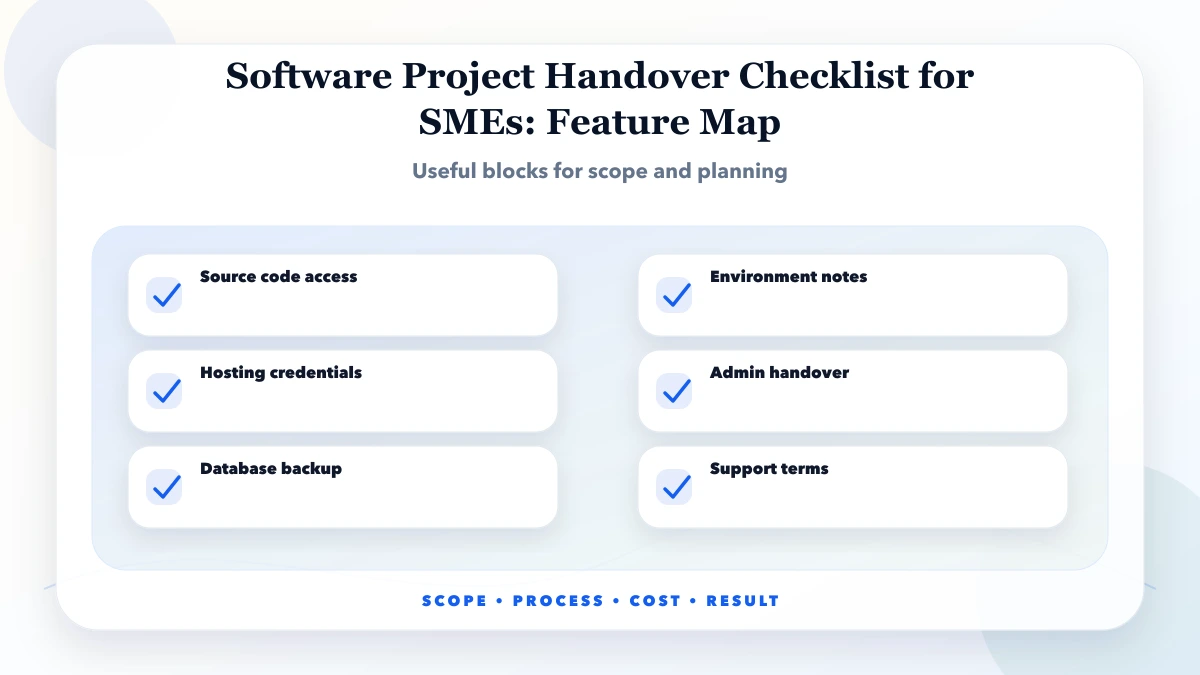
Create one spreadsheet with the asset, URL, purpose, account owner, billing owner, recovery method, renewal date, and verification status. Include the domain registrar, DNS provider, hosting platform, Git repository, database, object storage, transactional email, SMS or WhatsApp provider, payment gateway, analytics, error monitoring, app-store accounts, and design files.
The business should own business-critical accounts. A developer can be invited as a member, but the only super-admin account should not use a freelancer's personal email. Turn on multi-factor authentication where available and store recovery codes using a controlled password manager.
Never paste production secrets into a handover document, email, or WhatsApp group. Document each secret's name, purpose, storage location, and rotation owner. Transfer the real value through a secure channel, then rotate it if a former vendor no longer needs access.
Repository access has little value if the delivered branch does not match production. Ask for the production commit or release tag, build command, runtime version, required services, deployment steps, rollback method, and known manual steps. A clean handover includes a staging environment where a release can be tested without risking customer data.
Run one supervised deployment before sign-off. The receiving person should follow the written process while the outgoing developer observes. Record every undocumented command or permission. If deployment works only from one laptop, the process is not ready.
For a custom web application, also confirm scheduled jobs, background workers, file storage, email delivery, monitoring, and API integrations. For a mobile app, confirm signing keys, package identifiers, store ownership, release tracks, and privacy declarations.
A database export is not proof of recovery. Confirm the backup schedule, retention period, encryption, storage location, responsible person, and restore procedure. Perform a test restore with masked or safe data. Check that records, uploaded files, relationships, and key reports still work after recovery.
Document data retention and deletion responsibilities. The handover should explain where customer information is stored, which vendors process it, and who can export or delete it. Never send a live customer database to a personal drive for convenience.
For systems with billing, stock, or payments, reconcile a small sample before acceptance: opening values, totals, taxes, due amounts, and stock movements. A successful import screen does not prove that business balances are correct.
Replace “all modules completed” with business scenarios. For example:
Record passed, failed, and accepted-with-limitation results. Keep screenshots or screen recordings for critical flows. Deferred items should have an owner and target phase, not disappear into chat history.
Large technical manuals are often ignored. Prepare short documents around jobs:
The software maintenance guide can be used to turn these documents into a monthly operating routine rather than a one-time delivery archive.
Review every privileged user. Remove unused accounts, replace shared logins with named users, and confirm least-privilege roles. Check whether former developers retain repository, hosting, database, analytics, or support access. Agree which access remains during the warranty period and when it will be removed.
Ask for dependency status, security update ownership, logging, alert recipients, and the incident path for suspected data exposure. A handover is not a security certification; unresolved risks should be listed openly with severity and next action.
Train by role instead of showing every screen to everyone. Use realistic but non-sensitive sample data. Each learner should complete the task themselves while the trainer observes. Capture unanswered questions and update the SOP before launch.
Plan a short hypercare period after go-live. Define the support channel, business hours, severity levels, response targets, and who may approve a production change. Distinguish defects from new requirements. “Unlimited support” without a written boundary usually creates conflict for both sides.
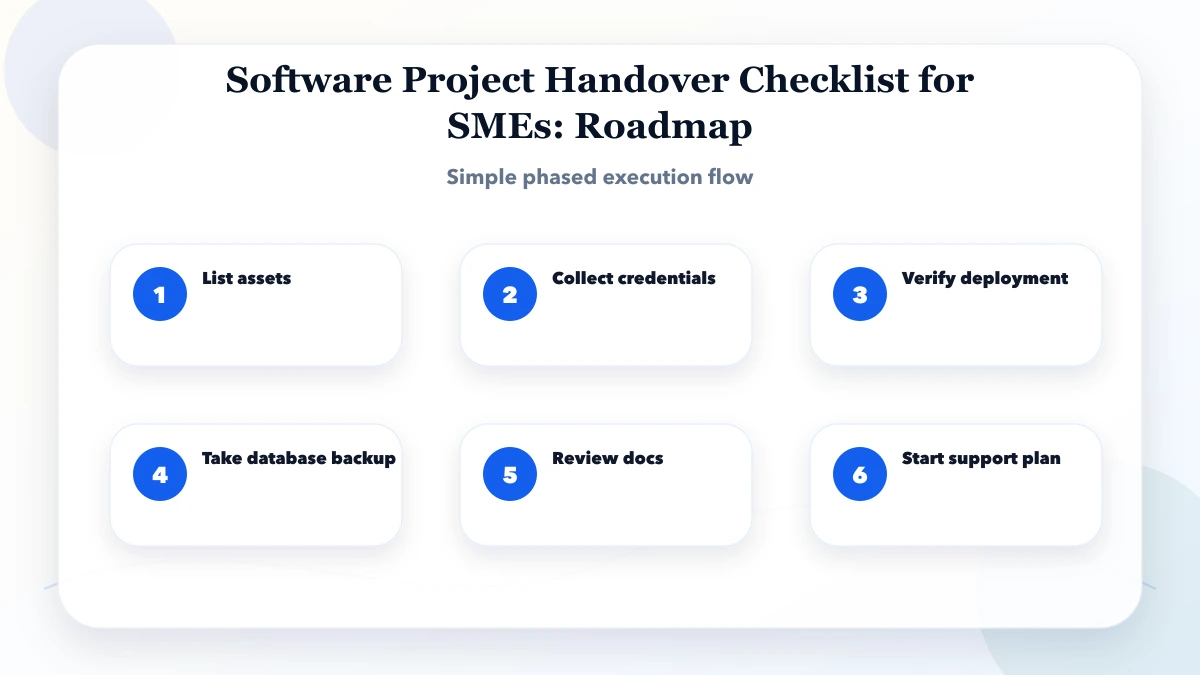
Tie the final payment to agreed evidence, not an emotional last meeting. The contract should identify ownership of custom code, reusable third-party libraries, licensed assets, data, designs, domains, and accounts. Open-source dependencies remain under their own licences; a vendor cannot transfer ownership it does not have.
Use a simple sign-off sheet:
Have legal counsel review ownership or liability language for high-value projects. This operational checklist is not a substitute for legal advice.
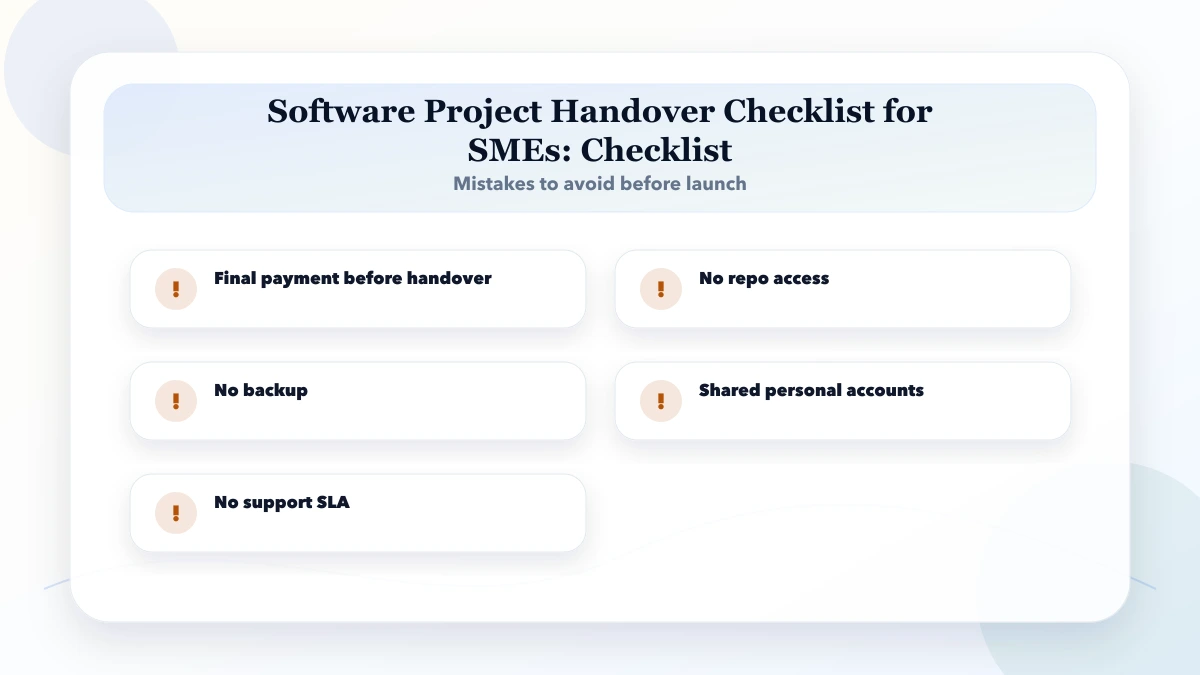
Pause if the vendor refuses repository access, cannot identify the production version, provides no database restore path, uses personal accounts for critical infrastructure, cannot explain recurring charges, or asks for final payment before agreed acceptance tests. Also pause when important functionality exists only in a developer's local environment.
Do not solve the problem by immediately changing every password during business hours. First map dependencies, create backups, agree a transition window, and rotate access in a controlled sequence.
| Day | Owner focus | Deliverable |
|---|---|---|
| 1 | Business owner | Asset, account, and renewal register |
| 2 | Technical owner | Code, environments, and deployment verification |
| 3 | Data owner | Backup, restore, and reconciliation test |
| 4 | Process owners | Workflow UAT and known-issue register |
| 5 | Admin and staff | Role review, SOPs, and role-based training |
| 6 | Vendor and owner | Support, warranty, access, and escalation agreement |
| 7 | Authorised approver | Evidence review, sign-off, and payment decision |
Complex systems may need longer, but the sequence should stay the same: inventory, verify, test, transfer, train, and sign off.
No. You also need the correct production version, build and deployment instructions, database and file backups, configuration ownership, licences, and contractual clarity. Code that cannot be built or deployed independently is an incomplete handover.
Follow the signed contract, but a safer milestone structure connects payment to demonstrable deliverables and acceptance criteria. Any change to payment terms should be agreed in writing.
Complete the handover anyway. Business continuity should not depend on the relationship continuing forever. The developer can retain role-appropriate access under the support agreement.
Yes. Backup success messages do not prove that the data and uploaded files can be restored into a usable system.
Choose one accountable business owner and one technical contact, even if the technical contact is an external adviser. Department owners should approve their own workflows and reports.
VASUYASHII can review the available assets, workflows, deployment notes, and support gaps as a scoped software development service. The review should begin with read-only access and a written boundary; it should not start with uncontrolled production changes.
Create the asset register first, mark each item as received or verified, and do not combine those two states. For an independent handover review, contact VASUYASHII with the system type, current vendor status, hosting platform, and expected transition date. Before approving a new engagement, review the software project agreement guide and select governance with the Agile vs Waterfall SMB guide.
Related Articles
May 19, 2026
post-launch monitoring checklist: practical 2026 guide with phases, INR pricing, checklist, roadmap, mistakes, FAQs, and SME implementation tips today.
Read article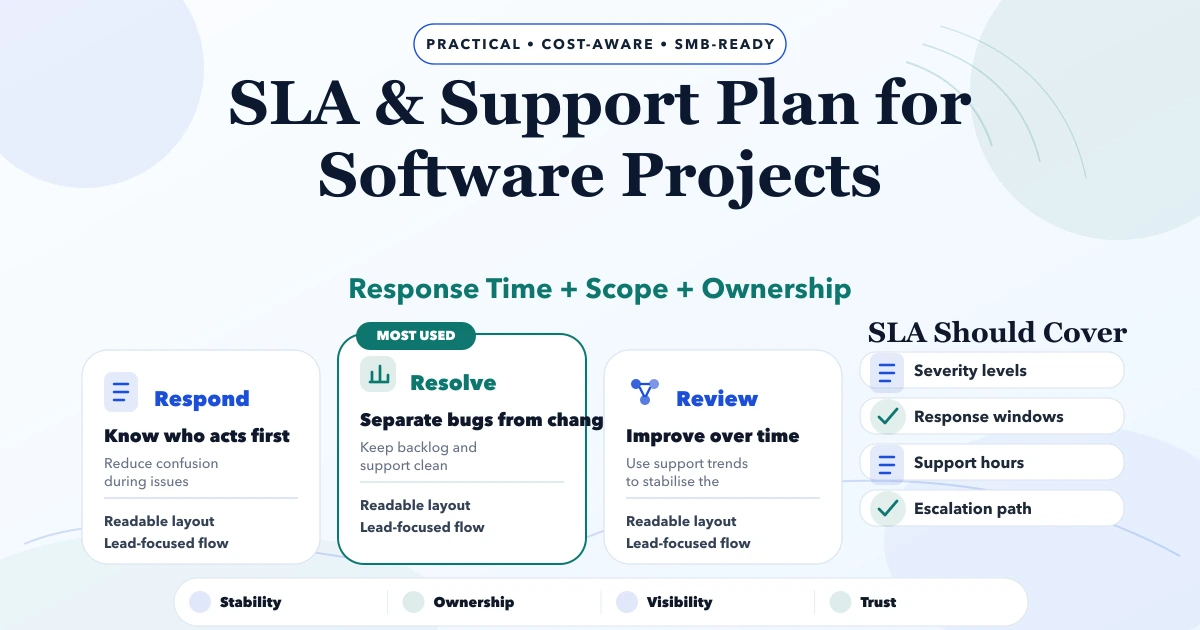
May 6, 2026
Define a practical software SLA with severity levels, response targets, support hours, escalation, backups, exclusions, maintenance, and acceptance rules.
Read article
June 6, 2026
Compare Kavi Nagar Ghaziabad website quotes using page scope, content, technical delivery, ownership, recurring costs, maintenance, and acceptance.
Read article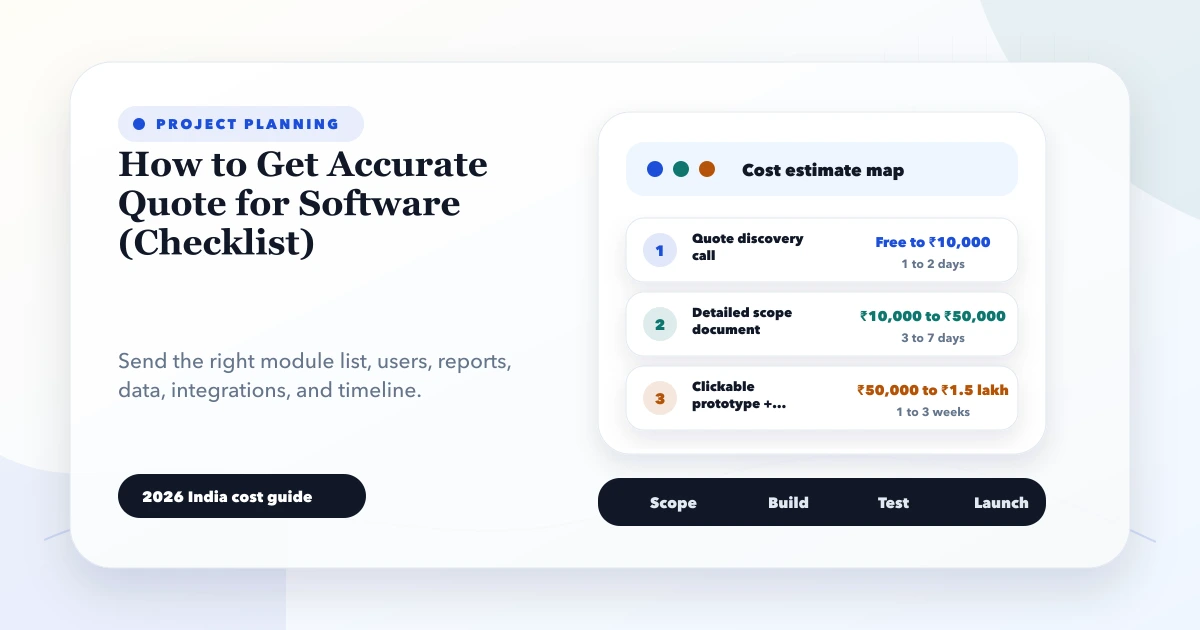
May 28, 2026
accurate software quote checklist: 2026 India pricing guide with modules, timeline, cost drivers, mistakes, quote checklist, and practical planning ranges.
Read article