
May 16, 2026
SaaS Maintenance Plan Pricing and Scope (2026)
Compare SaaS maintenance plan pricing, support scope, severity levels, monitoring, security, backups, SLAs, exclusions, and vendor handover in India.
Read articlePublished Updated
Build a web application maintenance plan covering monitoring, incidents, backups, security, dependencies, integrations, releases, and reporting.
A web application maintenance plan should define how the system is observed, supported, patched, backed up, recovered, changed, and handed over. "Monthly maintenance" is not a useful scope unless the buyer knows which environments, workflows, integrations, response targets, and exclusions it covers.
Maintenance begins before launch. The team needs service ownership, monitoring, access, backups, runbooks, and acceptance evidence while the implementation is still understood.
This guide provides a practical operating model for Indian SMEs, SaaS products, portals, dashboards, and internal business applications.
A complete plan should cover:
Separate corrective support from product enhancement. A broken invoice total and a new approval workflow are not the same kind of work.
List what the plan is responsible for:
For every item record the owner, account, renewal, access method, data sensitivity, monitoring source, backup method, and recovery dependency. An application cannot be maintained safely when the vendor does not know who owns DNS or the business cannot access the cloud account.
Our implementation handover uses this inventory to expose invisible dependencies. A form may appear to be a frontend feature but depend on an API, email provider, spam control, CRM webhook, analytics event, and recipient mailbox. Each failure needs a detection and owner.
Not every page has equal operational importance. Identify the workflows that create revenue, legal records, customer service, or core staff work.
Examples:
For each journey define expected availability, business hours, data created, downstream systems, acceptable delay, and manual fallback. Monitoring should represent these journeys, not only the home-page response.
| Category | Example | Typical handling |
|---|---|---|
| Incident | login unavailable | severity process and restore service |
| Defect | discount calculated incorrectly | reproduce, fix, regression test |
| Security | vulnerable dependency | assess exposure, patch, verify |
| Data correction | duplicate customer record | approved controlled procedure |
| Operational task | rotate credential | scheduled runbook |
| Change request | add approval role | estimate and product decision |
| Content/config | update template or tax setting | authorised admin workflow |
| Support question | user needs guidance | documentation/training response |
Without categories, every request is called a bug or included maintenance. This creates conflict and unplanned risk.
Define severity by business impact, not by who reports it most loudly.
Examples: complete outage, cross-company data exposure, payment or invoice corruption, active security compromise, or irreversible data-loss risk.
Expected process: immediate acknowledgement during covered hours, incident owner, containment, stakeholder updates, recovery priority, evidence preservation, and post-incident review.
Examples: a core workflow fails for many users, integration backlog blocks operations, or a major role cannot work with no reasonable fallback.
Examples: limited defect, report mismatch with workaround, or isolated user issue.
Examples: visual improvement, low-impact content change, or new feature suggestion.
Write acknowledgement and target-response windows as service commitments, not guaranteed resolution times. Resolution can depend on reproduction, third parties, approvals, data repair, and release risk.
Use layered monitoring:
Every alert needs a threshold, destination, owner, business meaning, and runbook. Too many unactionable alerts teach the team to ignore them.
Logs should help reconstruct a failure without exposing passwords, tokens, full payment data, personal messages, or unnecessary customer information.
Record correlation IDs, request path, safe user/company identifiers, status, duration, integration response class, job ID, deployment version, and error context. Define retention and access. Redact secrets and sensitive fields at the source.
Audit logs for sensitive actions are different from technical logs. They may record who changed permissions, deleted a record, approved a transaction, or exported data. Protect them from normal editing and document retention.
A backup is useful only when it can restore the required service state.
Define:
Run scheduled restore drills. Confirm user access, file links, counters, integration credentials, scheduled jobs, and critical reports after restoration. See the business application backup strategy for RPO/RTO and drill design.
The plan should include:
Do not promise that software is "100% secure." State the review cadence, response process, owner, and exclusions. Use the web application security guide to connect role design with backend enforcement.
Maintain an inventory of frameworks, libraries, SDKs, database versions, and external APIs. For each update:
Avoid both extremes: ignoring updates for years and applying every major update automatically to production. Group routine low-risk updates, but escalate critical security work based on evidence.
Monitor:
Schema changes need reviewed migrations, backup, compatibility planning, and rollback or forward-fix strategy. Never edit production data manually without approval, a recorded procedure, and verification.
The database indexing guide explains why measured query plans should drive index changes.
External systems fail, slow down, change credentials, and revise APIs. Monitor:
Document the source of truth and idempotency key. A green API uptime check does not prove that business records are synchronized.
For complex flows, use an integration maintenance plan with failure ownership rather than relying only on provider dashboards.
Define environments and promotion rules. A safe release includes:
Emergency changes still need evidence and later review. Avoid undocumented direct production edits.
Keep a stable list of critical tests:
| Area | Example test |
|---|---|
| Authentication | login, logout, reset, session expiry |
| Authorization | role cannot access restricted company data |
| Core records | create, edit, approve, export |
| Calculations | totals, discounts, tax, dues |
| Files | upload, permission, download, deletion |
| Integrations | success, retry, duplicate, failure queue |
| Notifications | correct recipient and safe content |
| Reports | filter, totals, export, date boundaries |
| Responsive UI | core tasks on target mobile/desktop sizes |
| Recovery | restore or rollback check for high-risk release |
Scale testing to change risk. A copy update and an invoice calculation change do not require the same coverage.
Quarterly or at a suitable business cadence, review:
Use company-controlled accounts. Store recovery information securely and avoid one person's private account becoming the only owner.
A useful report includes:
Avoid vanity reports containing only uptime and number of updates. Connect technical work with the journeys and risks the business cares about.
Maintenance cost depends on application size, criticality, service hours, integrations, deployment ownership, technology, test coverage, documentation, and response expectations.
Common structures:
The agreement should state included systems, hours, severity definitions, communication channels, exclusions, approval for extra work, third-party responsibility, data access, termination, and handover.
New modules, redesigns, major migrations, data cleanup, and unsupported legacy upgrades are usually separate projects. Review web application services when the need is product development rather than maintenance.
The maintenance provider should be replaceable without losing the system.
Require:
Monitoring is continuous, while reviews and changes follow risk-based schedules. Critical security or service issues may need immediate action; routine dependency, access, restore, and report work can be planned.
No. Hosting may cover infrastructure availability, while application maintenance covers code, database, workflows, integrations, releases, and user-facing failures. Define the boundary.
Only if the contract reserves product-development capacity. Most plans separate incidents, defects, routine operations, and enhancements.
Choose targets based on business impact and covered service hours. Distinguish acknowledgement, investigation, workaround, and resolution; third parties and data repair can affect resolution.
They reduce some infrastructure work but do not remove application, access, data, integration, monitoring, dependency, or recovery responsibilities.
At minimum: accounts, code, deployment, data/backup, monitoring, integrations, documentation, unresolved issues, and support transition.
A maintenance plan is an operating agreement, not a list of updates. It should make failure visible, recovery repeatable, and ownership clear. To scope one, send the architecture, users, critical flows, integrations, environments, current documentation, and support expectations through contact.
Related Articles
May 16, 2026
Compare SaaS maintenance plan pricing, support scope, severity levels, monitoring, security, backups, SLAs, exclusions, and vendor handover in India.
Read article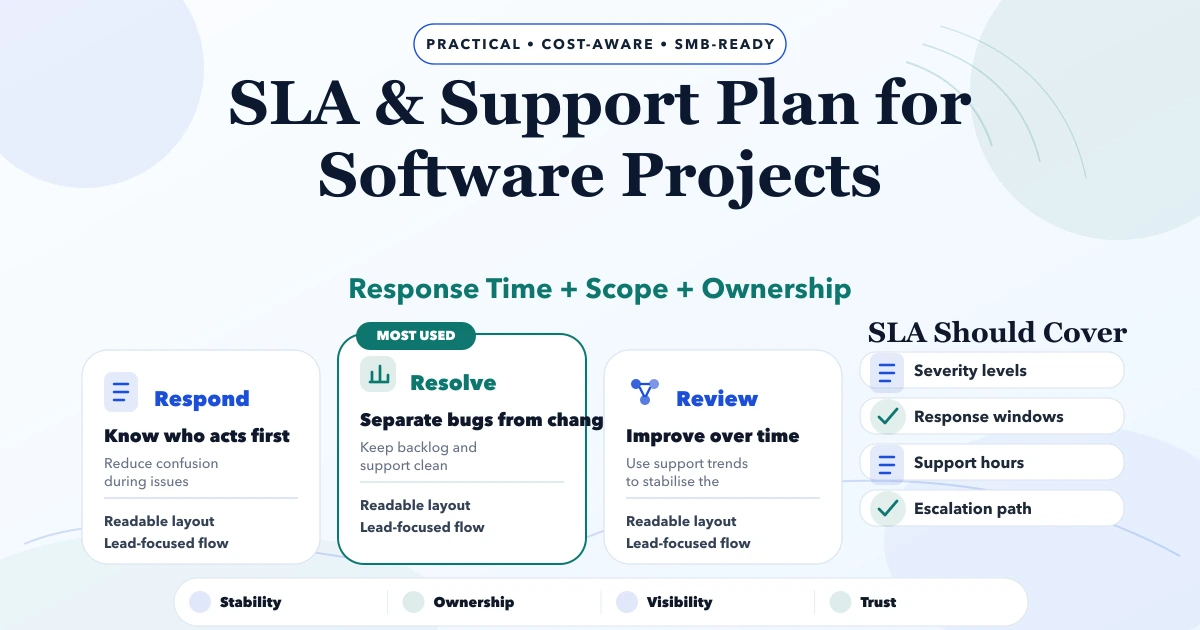
May 6, 2026
Define a practical software SLA with severity levels, response targets, support hours, escalation, backups, exclusions, maintenance, and acceptance rules.
Read article
May 17, 2026
Build a business app backup strategy with clear RPO, RTO, scope, encryption, off-site copies, retention, restore drills, evidence, and ownership.
Read article
May 14, 2026
Plan a GST billing software topic cluster with one commercial hub, distinct support intent, internal links, product evidence, publishing order, and SEO QA.
Read article