
May 19, 2026
Post-launch monitoring checklist
post-launch monitoring checklist: practical 2026 guide with phases, INR pricing, checklist, roadmap, mistakes, FAQs, and SME implementation tips today.
Read articlePublished Updated
Define a practical software SLA with severity levels, response targets, support hours, escalation, backups, exclusions, maintenance, and acceptance rules.
By Tushar C., Founder of VASUYASHII Published: May 6, 2026 | Reviewed: August 3, 2026
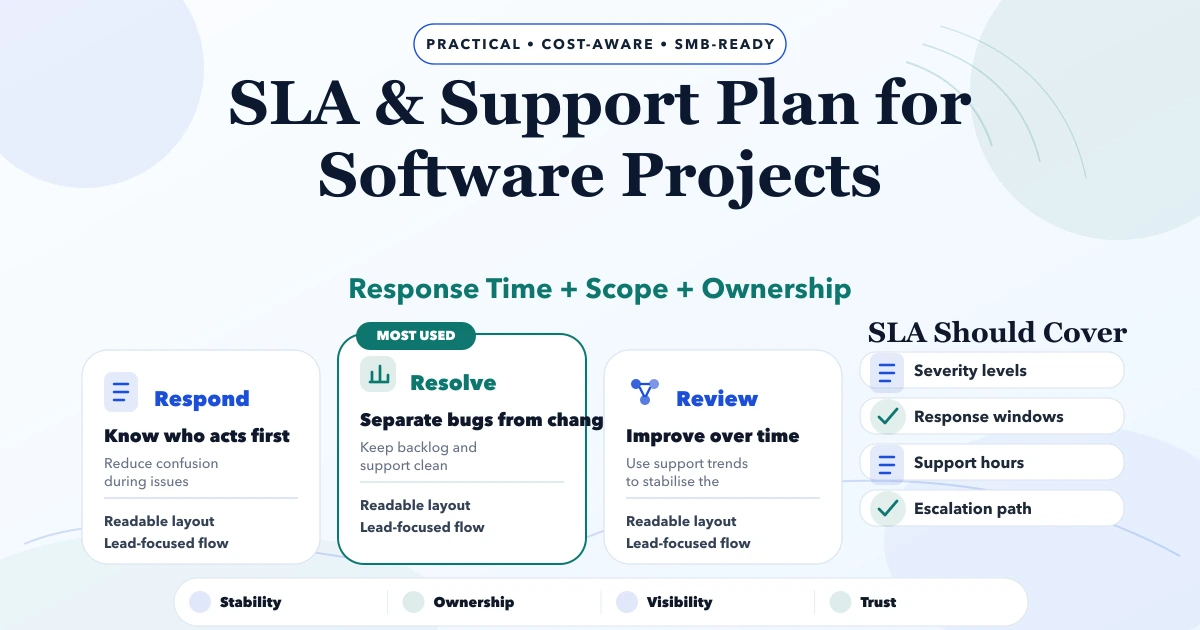
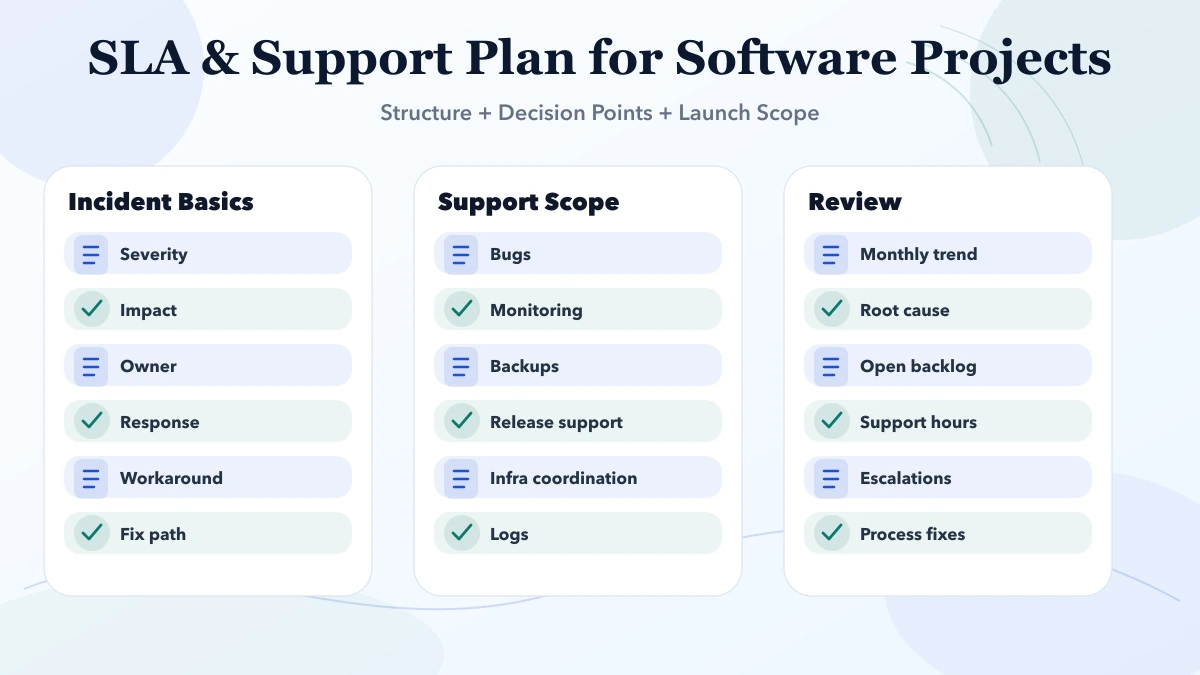
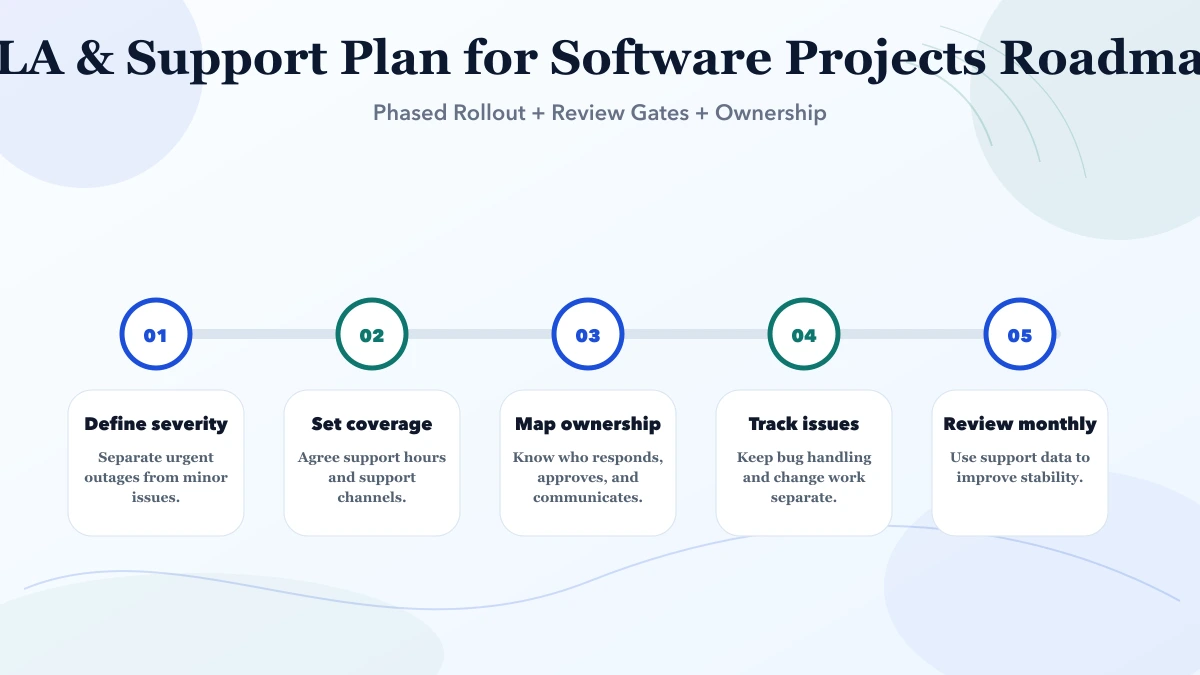
A software support plan should state what is supported, when support is available, how incident severity is assigned, how quickly the provider acknowledges and begins work, how escalation works, and which requests are maintenance or new development. A promise such as "24/7 support" is incomplete without coverage, contact channels, response targets, exclusions, dependencies, and customer responsibilities.
An SLA cannot guarantee that every incident is resolved within a fixed time. It can define measurable response, communication, restoration, escalation, and service-review commitments.
Contracts should not use these terms interchangeably. A complex database incident may receive a rapid response but need investigation before a safe fix.
List the production components and responsible parties:
For every third-party dependency, state whether the support provider will diagnose, coordinate, or only report the issue. The SLA cannot control another vendor's outage, but it can define communication and fallback responsibility.
| Severity | Example impact | Typical response target | Communication |
|---|---|---|---|
| P1 Critical | Production unavailable, material data risk, or all users blocked | 15-60 minutes during contracted coverage | Frequent updates until restoration |
| P2 High | Major workflow unavailable with no practical workaround | 1-4 business hours | Agreed update intervals |
| P3 Medium | Limited defect with workaround or restricted user impact | Same or next business day | Ticket updates at milestones |
| P4 Low | Cosmetic issue, question, minor change, or enhancement | Planned queue response | Scheduled review |
These are example ranges, not a universal commitment. The final targets depend on support hours, staffing, system criticality, monitoring, architecture, and price.
Severity should be confirmed after triage. A user calling a cosmetic issue "critical" should not displace a production outage. Equally, a technically small defect that blocks invoicing at month end may have high business impact.
Define:
Messaging apps are convenient but weak as the only incident record. Use a ticket or email reference for severity, timeline, actions, evidence, and closure.
Application and security logs support investigation, but audit, transaction, and security logs have different purposes. OWASP's official Logging Cheat Sheet recommends purposeful application logging and warns against logging too much or too little. NIST's SP 800-92 provides broader log-management guidance.
An SLA should state what the customer must do:
The response clock may pause when essential information or approval is unavailable, but the pause rule should be visible and not used to hide delays.
| Work type | Example | Commercial treatment |
|---|---|---|
| Defect correction | Delivered workflow behaves contrary to accepted requirement | Warranty or support scope, subject to terms |
| Preventive maintenance | Dependency updates, certificate renewal, health review | Recurring maintenance plan |
| Operational request | User change, data correction, configuration help | Included allowance or service request |
| Enhancement | New report, rule, integration, or workflow | Estimate and change approval |
| Major upgrade | Framework, database, platform, or architecture migration | Separate planned project |
Set a small-change allowance only when effort, priority, carry-forward, and exclusions are defined. Otherwise every feature request becomes an SLA dispute.
"Daily backup" does not prove recoverability. Define:
Review backup and restore operations with sample records before agreeing the SLA. A visible backup button does not certify a recovery time; the deployment needs a tested recovery procedure and named responsibilities.
Select alerts that indicate customer impact or imminent risk: availability, error rate, failed jobs, storage, certificate expiry, backup failure, payment/webhook backlog, and database health. Avoid alerting on every technical fluctuation.
For each alert, define owner, threshold, coverage window, escalation, and runbook. Monitoring outside the contracted response window should not imply an immediate human response unless on-call coverage exists.
Support quality depends on controlled changes. Record:
Emergency changes may use an accelerated approval, but they still need a record and later review. Repeated incidents caused by unreviewed releases should lead to corrective action, not only faster ticket responses.
| Model | Suitable for | Risk to manage |
|---|---|---|
| Pay per request | Stable, low-criticality system | Unpredictable response and approval delay |
| Monthly hour bank | Regular small operational needs | Hours may be consumed by low-value requests |
| Managed maintenance | Production system needing monitoring and routine care | Scope must define components and coverage |
| On-call premium | Critical periods or extended coverage | Staffing and trigger rules must be explicit |
Price depends on system complexity, coverage hours, response targets, environments, monitoring, release frequency, integrations, documentation quality, and required specialists. A poorly documented inherited system usually needs a paid transition or audit before normal SLA targets begin.
Review more than ticket count:
Do not incentivise premature closure. A ticket should close after the requester confirms the outcome or the documented closure rule is met.
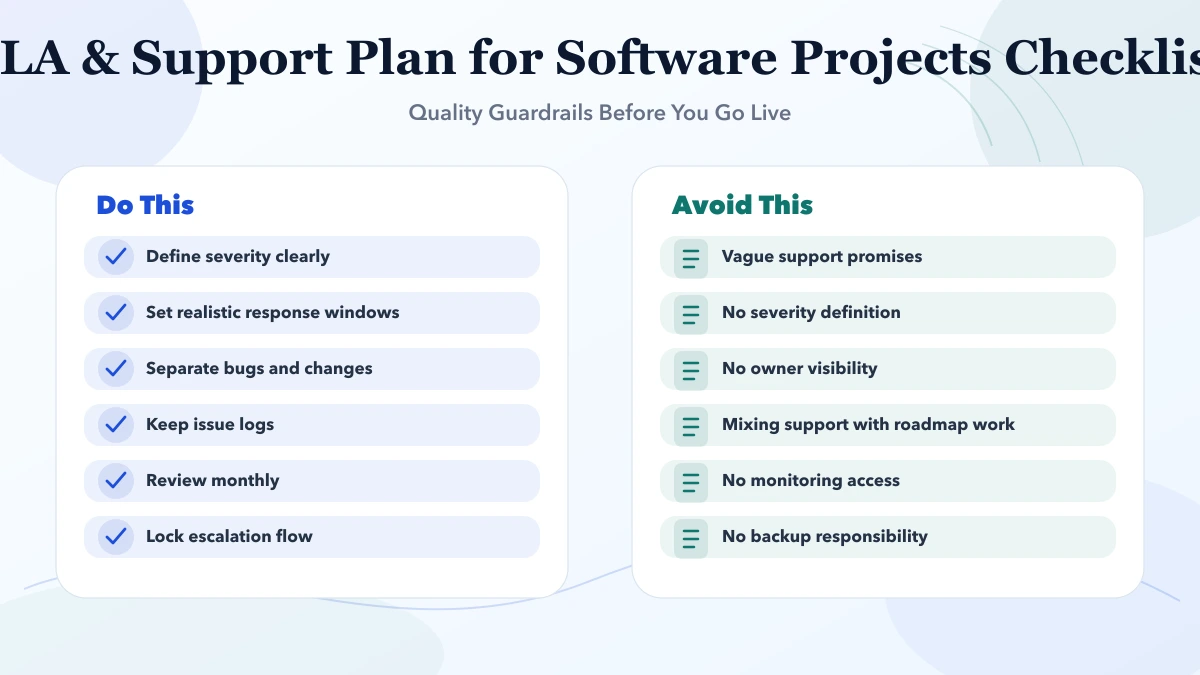
Promising 24/7 without staffing: Monitoring exists, but nobody is contracted to respond.
Using resolution targets for every incident: Teams make unsafe fixes or dispute the clock instead of restoring service carefully.
No third-party boundary: Hosting, payment, email, network, and application vendors pass responsibility.
Mixing features with incidents: The support queue becomes uncontrolled product development.
No restore test: Backups exist but recovery is uncertain.
No exit clause: Credentials, code, data, and documentation become difficult to hand over.
This guide is not legal advice and does not create an SLA. Critical infrastructure, healthcare, financial, government, or regulated systems may need specialist contractual, security, continuity, and incident obligations. Obtain professional review for the actual risk and jurisdiction.
Every production system needs clear support ownership. A small low-risk project may use a simple support policy instead of a complex SLA, but channels, hours, response, backup, and exclusions should still be written.
It can define targets, but unknown defects and dependencies make universal guarantees risky. Separate response, communication, restoration, and resolution commitments.
They can be included through a defined allowance with effort limits, priority, approval, and carry-forward rules. Larger changes should use separate estimates.
The customer reports impact and the support team confirms severity using agreed examples. Escalation should resolve disagreements quickly.
Source access, architecture, deployment, credentials, dependencies, known issues, environments, backups, logs, and a transition audit. Targets may begin after critical gaps are addressed.
Frequency depends on business risk and change rate. Define and document it; a backup that has never been restored should not be treated as proven recovery.
Create a one-page service boundary and severity table before negotiating response targets. For a maintainable build or support transition, share the current architecture through contact.
Related Articles
May 19, 2026
post-launch monitoring checklist: practical 2026 guide with phases, INR pricing, checklist, roadmap, mistakes, FAQs, and SME implementation tips today.
Read article
May 17, 2026
Build a web application maintenance plan covering monitoring, incidents, backups, security, dependencies, integrations, releases, and reporting.
Read article
May 16, 2026
Compare SaaS maintenance plan pricing, support scope, severity levels, monitoring, security, backups, SLAs, exclusions, and vendor handover in India.
Read article
May 19, 2026
Verify source code, access, data, deployment, documentation, security, training, support, and ownership before accepting an SME software handover.
Read article