
May 6, 2026
Internal Tools for Warehouse Ops (use-cases)
Internal Tools for Warehouse Ops (use-cases) guide for 2026 with practical pricing, rollout risks, implementation notes, and lead-focused decision points.
Read articlePublished Updated
Plan HR internal tools for employee records, onboarding, attendance inputs, leave, documents, requests, approvals, assets, permissions, reports, and audits.
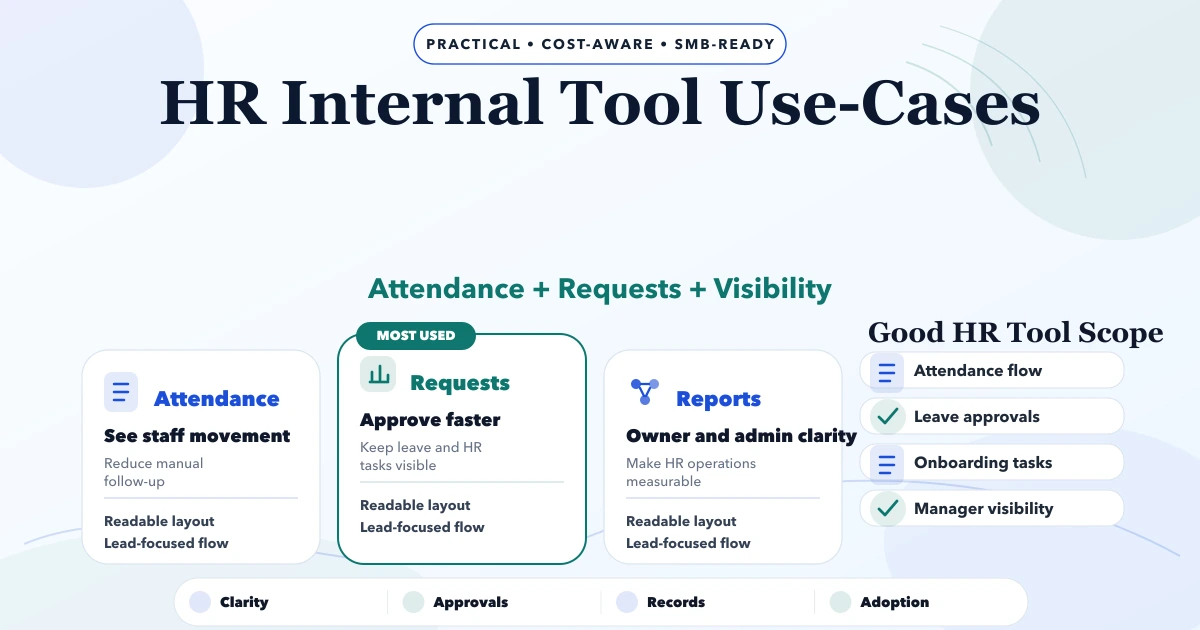
An HR internal tool should make employee operations more consistent without pretending to replace payroll, legal advice, policy ownership, or human judgement. Its job is to maintain approved records, route requests, enforce permissions, surface pending work, and preserve an audit trail.
Small and mid-sized businesses often begin with spreadsheets, chat messages, email attachments, and biometric exports. That can work at low volume, but problems appear when different versions circulate, approvals are unclear, sensitive files are overshared, or nobody can explain how a leave balance or employee status changed.
This guide separates useful HR internal-tool modules from features that should remain in specialist systems or under authorised review.
List the employee lifecycle from candidate acceptance to exit:
For each stage, identify the source of truth, authorised editor, reviewer, required evidence, retention rule, and downstream system. The tool should not become another copy of already reliable payroll or identity data.
The employee master provides a controlled record for operational identity. Useful fields may include:
Do not expose every field to every user. HR, managers, employees, finance staff, and system administrators need different views.
Onboarding is a workflow, not one uploaded form. A practical checklist can coordinate:
Every task needs an owner and due date. The employee should see what is required without seeing internal verification notes.
An internal tool can import or receive attendance events, but the business must define what those events mean. A device punch is not automatically payroll-ready attendance.
The workflow may need:
For a broader module comparison, review the HRMS guide for attendance, payroll, and leave. Keep payroll calculations outside scope unless they are explicitly designed, tested, and owned.
A leave workflow should answer more than whether a button says approved. It needs:
If a policy changes, effective dates matter. Recalculating old requests under a new rule can corrupt history.
Employees repeatedly ask for letters, profile corrections, policy clarification, reimbursement status, access, and document copies. A structured request desk can provide:
This is not the same as exposing private HR notes. Internal investigation and employee-visible communication should be separated.
Approved templates can generate employment letters, certificates, policy acknowledgements, or other operational documents from verified employee data. Controls should include:
Do not claim that a generated document is legally sufficient without appropriate professional review.
Asset tracking can connect employees with laptops, phones, ID cards, tools, uniforms, or access tokens. A useful record includes:
This module becomes valuable during transfers and exits because responsibility is visible before access is closed.
The tool can schedule review checkpoints and collect structured input. It should not automatically make employment decisions.
A controlled flow may include:
Keep subjective feedback, compensation decisions, and disciplinary information within the strictest necessary access scope.
An exit workflow can prevent forgotten access and asset tasks:
The system should distinguish account deactivation from record deletion. Audit and retention requirements may continue after exit.
| Role | Typical access |
|---|---|
| Employee | Own profile, requests, documents, tasks, and approved status |
| Manager | Direct-report requests, attendance exceptions, and assigned reviews |
| HR operator | Employee records and workflows within assigned scope |
| HR administrator | Policies, master data, templates, roles, and exception oversight |
| Finance/payroll user | Approved exports or fields required for their function |
| System administrator | Technical configuration without unrestricted HR content by default |
| Auditor | Time-bound read access to approved records and logs |
Permissions should be tested with actual example records. A menu hidden in the interface is not an authorization control; the backend must enforce scope.
Businesses with several branches or firms need explicit separation:
These boundaries are similar to other role-based business applications but involve especially sensitive personal data.
HR systems may contain identity, contact, financial, health-related, performance, and disciplinary information. Apply data minimisation: collect only what the business needs for an approved purpose.
Important controls include:
The business should obtain professional privacy, employment, and compliance advice appropriate to its jurisdiction and workforce.
Useful reports are queues and exceptions, not decorative totals:
Every metric needs an agreed definition. For example, “active employee” may mean current employment status, not recent login.
Choose an existing HRMS when common payroll, leave, attendance, and compliance requirements match a maintained product. Consider a custom internal tool when the business has a narrow workflow that standard tools cannot support without large manual workarounds or unsafe data duplication.
| Situation | Likely direction |
|---|---|
| Standard payroll and statutory processing | Specialist HR/payroll product |
| Basic leave and attendance | Existing HRMS configuration |
| Unique field-service or branch approval workflow | Integration or focused custom module |
| Existing payroll but fragmented employee requests | Internal portal integrated with payroll inputs |
| Sensitive enterprise requirements | Formal product and security evaluation |
Custom development does not remove the need for policy and compliance ownership.
Use the software requirement template to document roles, records, approvals, notifications, and exports before requesting a quote.
In our implementation work, VASUYASHII begins with employee-record boundaries and approval evidence rather than dashboard screenshots. We define which information is employee-visible, manager-visible, HR-only, or system-admin-only. Acceptance testing includes denied access and wrong-company cases, not just successful form submission.
Our software development service and custom software, CRM and ERP hub can help scope focused internal workflows or integrations with existing systems. We do not position a custom module as automatic payroll, legal compliance, or a replacement for accountable HR professionals.
It is a private application used by employees and authorised staff to manage records, requests, approvals, documents, tasks, and reports. Its scope may be narrower than a full HRMS.
Usually not unless payroll is the explicit, professionally specified product scope. Many businesses should integrate approved inputs with an existing payroll system instead.
No. Managers should receive only the fields and workflows required for assigned responsibilities. Sensitive HR, finance, health, or disciplinary data needs stricter controls.
Potentially, if the device or provider offers reliable export or API access. Raw attendance events still require business rules, corrections, approval, and reconciliation.
Not automatically. Compare implementation, maintenance, support, security, policy changes, integrations, and long-term ownership against the existing product's total cost and fit.
Choose one workflow with frequent delays or version confusion, clear ownership, measurable completion, and manageable risk. Employee requests or onboarding coordination can be safer starting points than payroll.
Map one employee workflow with roles, fields, exceptions, approvals, documents, and retention. Contact VASUYASHII for a focused internal-tool scope after HR policy and ownership are approved.
Related Articles
May 6, 2026
Internal Tools for Warehouse Ops (use-cases) guide for 2026 with practical pricing, rollout risks, implementation notes, and lead-focused decision points.
Read article
May 5, 2026
Explore internal sales tools for lead assignment, follow-up queues, quotation tracking, WhatsApp reminders, dashboards, and practical rollout planning.
Read article
May 5, 2026
Compare a software development company in Noida by architecture, environments, release controls, testing, ownership, security, support, and handover.
Read article
May 23, 2026
Plan internal tools with Next.js and Firebase: workflow scope, data model, authentication, authorization, rules, server boundaries, audit logs, and testing.
Read article