
May 6, 2026
Internal Tools for Warehouse Ops (use-cases)
Internal Tools for Warehouse Ops (use-cases) guide for 2026 with practical pricing, rollout risks, implementation notes, and lead-focused decision points.
Read articlePublished Updated
Explore internal sales tools for lead assignment, follow-up queues, quotation tracking, WhatsApp reminders, dashboards, and practical rollout planning.
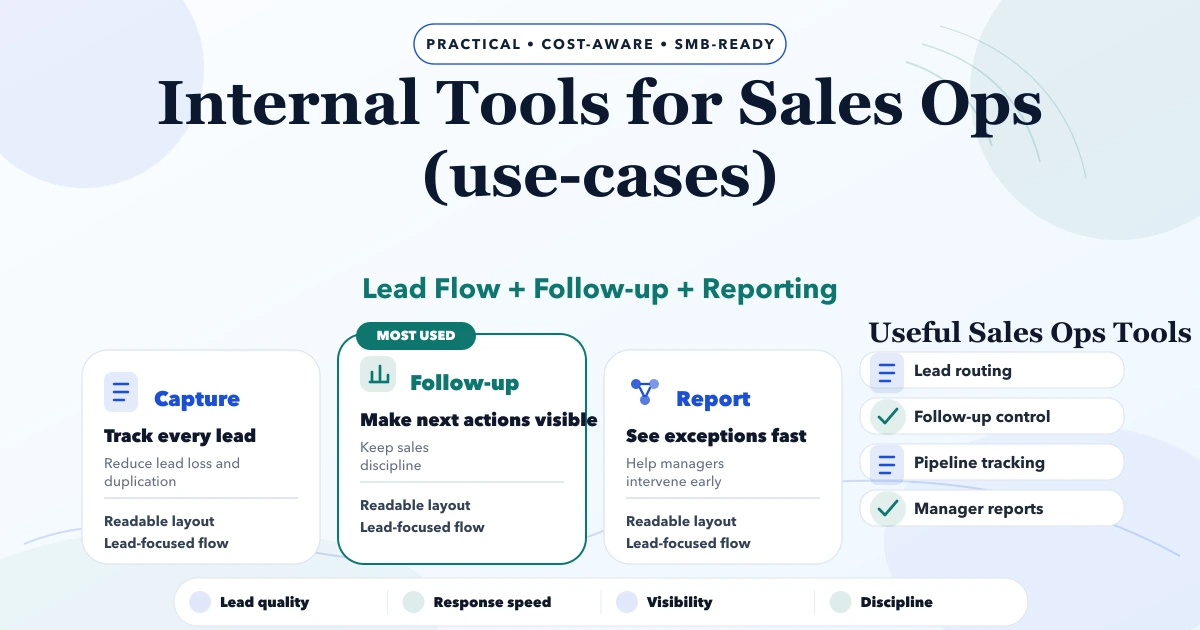
Internal tools for sales ops use cases are for businesses where leads are coming in, but the follow-up system is still running on memory, WhatsApp chats, Excel sheets, and manager calls. The problem is not always lead volume. Many teams already have enquiries. The leak happens when leads are not assigned, follow-ups are delayed, quotes are not tracked, and owners cannot see where deals are stuck.
This guide focuses on practical sales operations workflows for Indian SMBs: service companies, distributors, real estate teams, coaching institutes, agencies, clinics, and B2B sellers. The goal is to decide which internal tool should be built first, what it should measure, and how it should improve daily sales discipline.
By Tushar C. (Founder, VASUYASHII). Reviewed by VASUYASHII Editorial for scope clarity, delivery practicality, SEO usefulness, and buyer relevance for 2026.
Serving Delhi NCR: Ghaziabad, Noida, Delhi, Gurugram, Faridabad, and nearby growth markets.
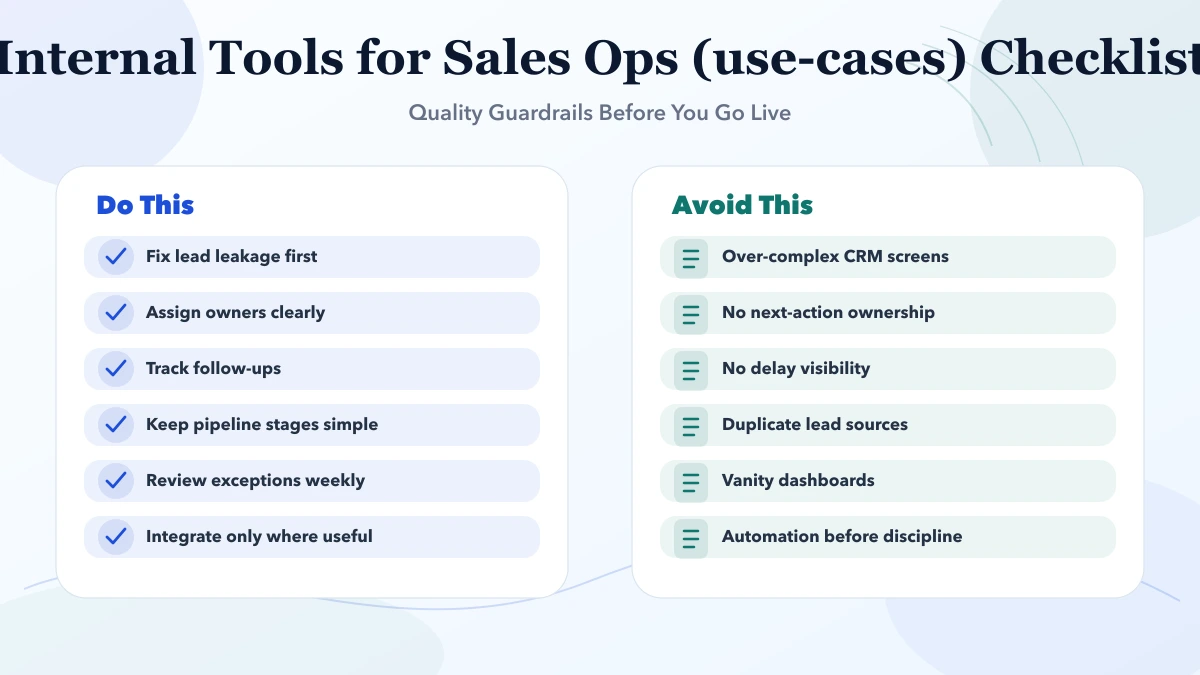
Internal tools for sales ops are useful when lead follow-up, owner visibility, pipeline hygiene, or approval flow is weak. The goal is not to create another dashboard nobody opens. The goal is to reduce manual coordination and make sales movement measurable.
| Scope | Price range | Timeline |
|---|---|---|
| Lean implementation | ₹35,000 to ₹1.5 lakh | 1 to 3 weeks |
| Business rollout phase | ₹1.5 lakh to ₹4 lakh | 3 to 8 weeks |
| Custom platform or upgrade | ₹4 lakh to ₹12 lakh+ | 2 to 4 months |
Consider a Delhi NCR web-service business receiving leads from Google, referrals, WhatsApp, and website forms. The sales team talks to prospects quickly, but there is no single place to see:
In this case, a full CRM may be too broad for the first step. A focused internal sales ops tool can solve the immediate leak: lead ownership, follow-up reminders, stage movement, quote status, and owner visibility.
Sales ops tools are useful when the team has enough leads to create confusion but not enough process maturity for a heavy enterprise CRM. The tool should reduce missed follow-ups, make managers less dependent on daily status calls, and show where the sales process is actually stuck.
For Indian SMBs, the most useful sales ops tool is often a simple internal dashboard with strong discipline:
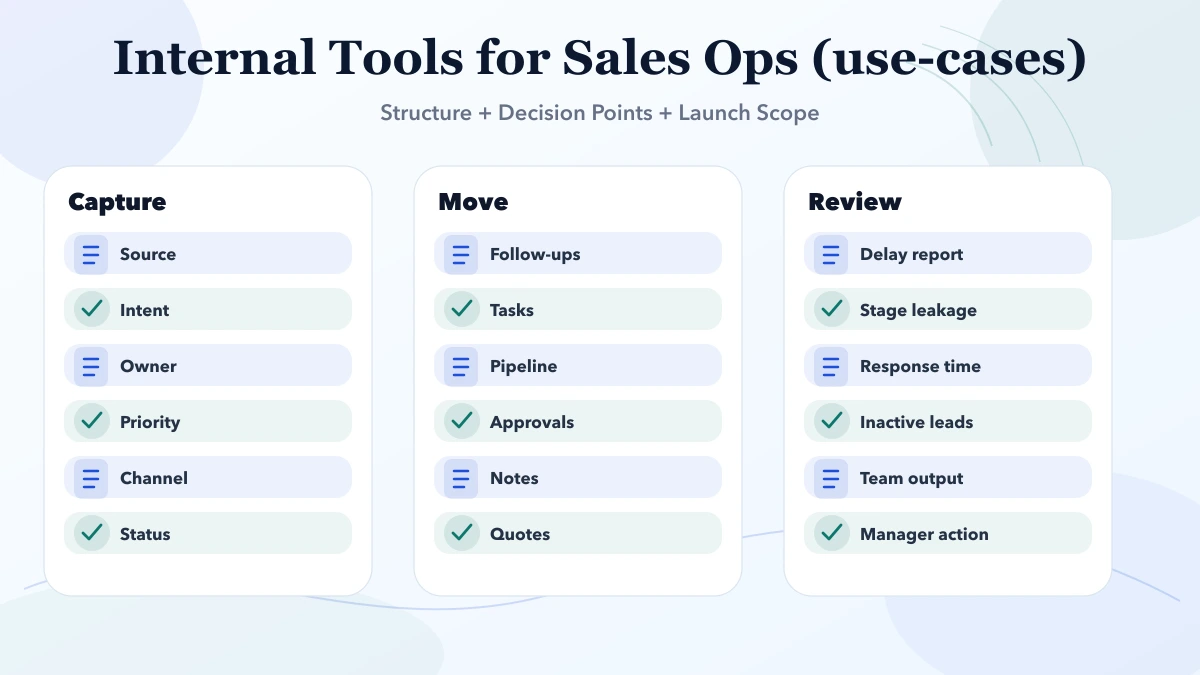
Good execution here is not about adding every CRM feature. It is about making the next sales action impossible to ignore. The first release should make missed follow-ups, stale leads, weak source tracking, and unclosed quotes visible.
A strong first sales ops dashboard should show only the metrics that drive action:
This keeps the dashboard practical. If the first screen has twenty charts, the team may ignore it. If it clearly shows what needs action today, it becomes part of the sales routine.
Before building an internal sales ops tool, answer these questions:
Pricing changes based on role complexity, workflow depth, integrations, migrations, review cycles, and post-launch support. Two projects can sound similar in a proposal title and still require very different effort once the real workflow is mapped correctly.
| Scope | Price range | Timeline |
|---|---|---|
| Lean implementation | ₹35,000 to ₹1.5 lakh | 1 to 3 weeks |
| Business rollout phase | ₹1.5 lakh to ₹4 lakh | 3 to 8 weeks |
| Custom platform or upgrade | ₹4 lakh to ₹12 lakh+ | 2 to 4 months |
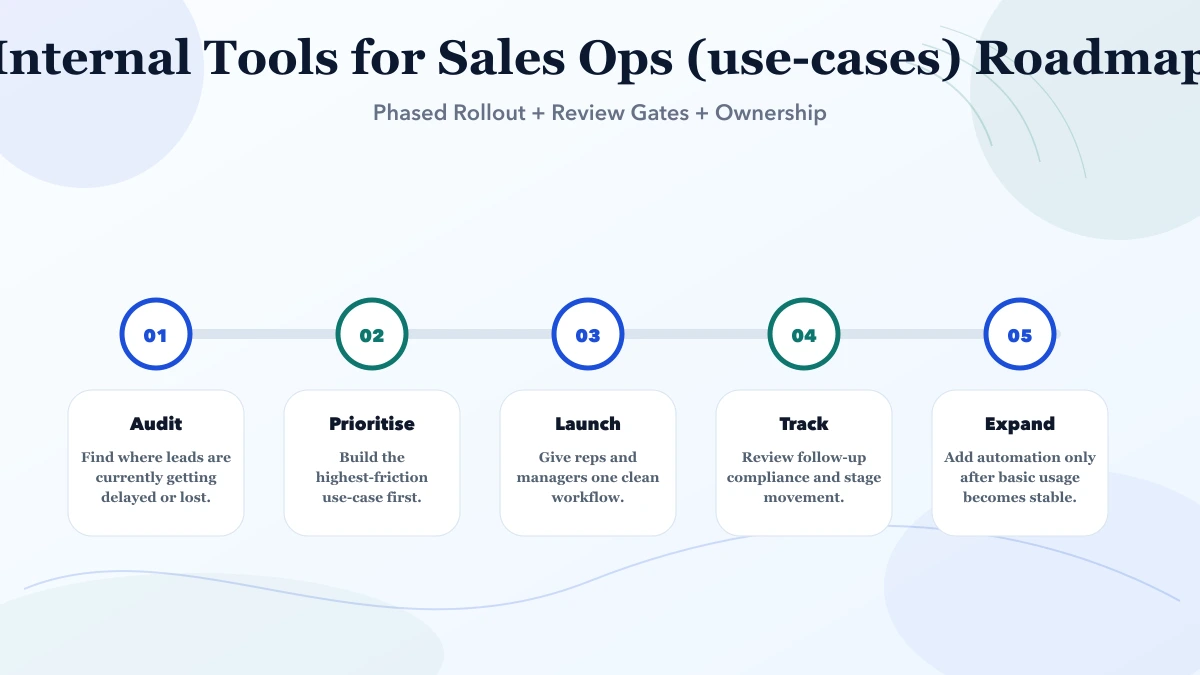
The better budgeting approach is phased. Define what must go live first, what can wait, and which improvements should only be added after the first set of users starts using the system in a stable way.
A practical sales ops tool should be built around adoption. Salespeople will not use a system if it creates more typing than selling. Keep input fields short, use dropdowns for common statuses, and make follow-up creation quick.
For phase one, avoid deep automation until the team is entering clean data. First make ownership, follow-up, source, quote, and stage tracking reliable. After that, connect WhatsApp, forms, email reminders, reports, or CRM sync.
The timeline becomes smoother when there is one owner for approvals, one list of must-have outcomes, and one review checkpoint per phase. Most delays are caused by scope changes, unclear content decisions, or no single stakeholder owning the final call.
The stack should support readability, speed, scale, and clean reporting. For SMB builds, architecture discipline matters more than fashionable tooling. The system should be easy to maintain, easy to measure, and easy to extend when the business grows.
If these cost drivers are discussed early, delivery becomes more honest and implementation risk drops. If they are ignored, the project often looks cheap at proposal stage and expensive during revision, support, and rework.
If leads are coming in but follow-ups are inconsistent, start with one focused internal tool before buying a large system. VASUYASHII can map your current sales process, identify the first workflow to digitise, and build a sales ops dashboard that your team can actually use.
Yes when leads are being missed, follow-ups are inconsistent, or managers cannot see where deals are stalling.
Not always. Sometimes a focused internal tool works better than a broad CRM rollout for one specific sales bottleneck.
Lead follow-up visibility and owner accountability often give the fastest return.
Start with name, phone, source, requirement, owner, stage, next follow-up date, quote status, and lost reason. Add more fields only when they improve decisions.
Yes. Those integrations are common and often high value if the data flow is mapped correctly.
No. Track actions that affect conversion: call done, follow-up due, quote sent, demo booked, payment pending, deal won, or deal lost. Too much tracking reduces adoption.
Only detailed enough to create clarity. Too many stages make the tool harder to use.
Yes. We can audit the current process and recommend a cleaner first use-case.
For teams evaluating a Firebase stack, the Next.js and Firebase internal-tools guide covers authorization, tenant isolation, rules testing, audit logs, and operations.
If you want a practical sales ops tool, share your current lead sources, follow-up method, quote process, and reporting pain. We can help convert that into a focused first release.
Related Articles
May 6, 2026
Internal Tools for Warehouse Ops (use-cases) guide for 2026 with practical pricing, rollout risks, implementation notes, and lead-focused decision points.
Read article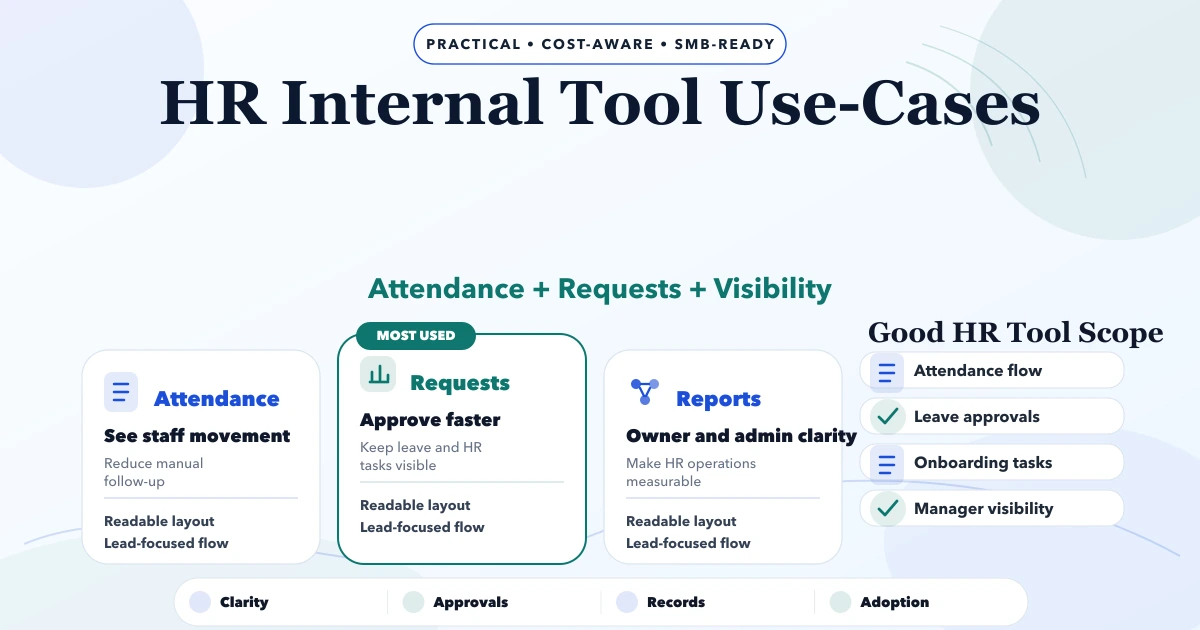
May 6, 2026
Plan HR internal tools for employee records, onboarding, attendance inputs, leave, documents, requests, approvals, assets, permissions, reports, and audits.
Read article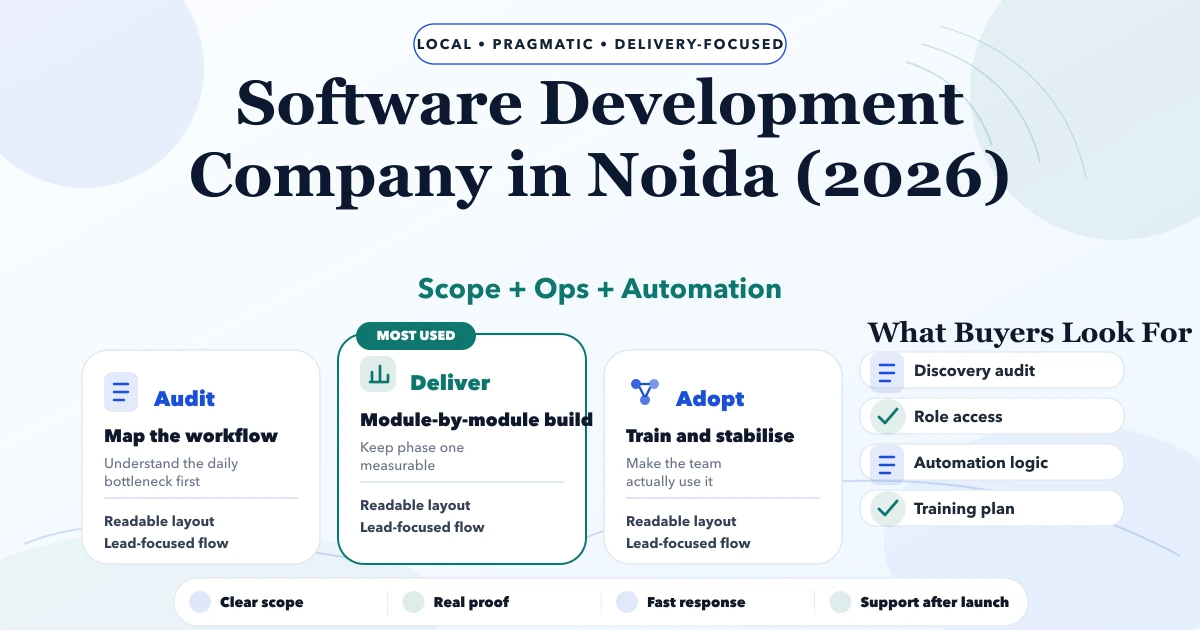
May 5, 2026
Compare a software development company in Noida by architecture, environments, release controls, testing, ownership, security, support, and handover.
Read article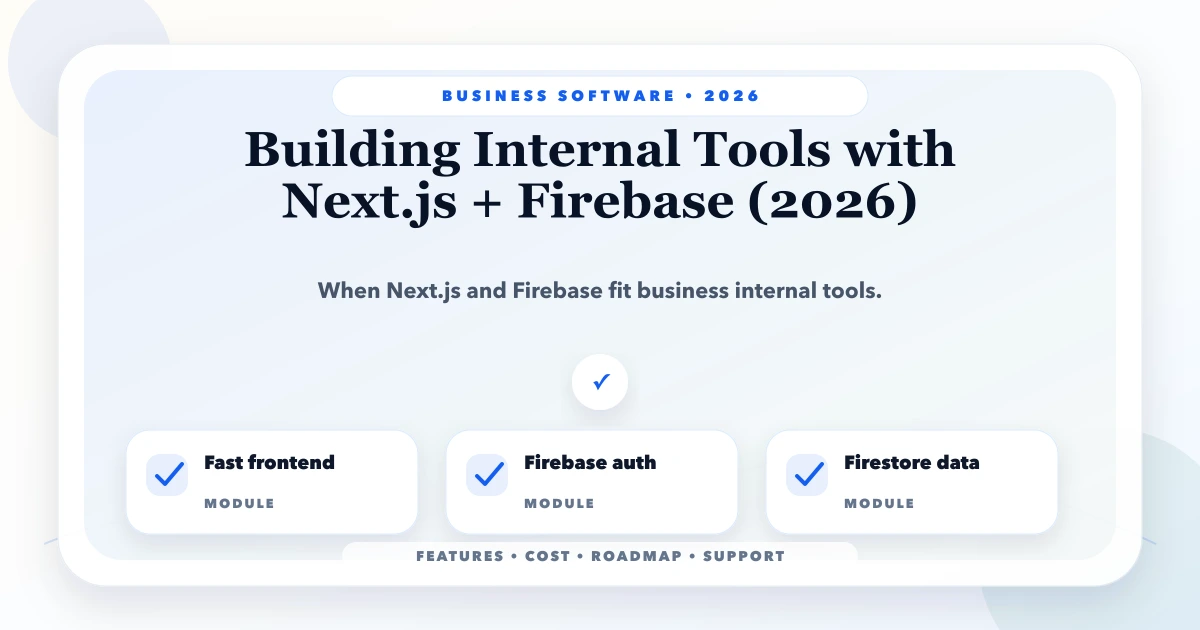
May 23, 2026
Plan internal tools with Next.js and Firebase: workflow scope, data model, authentication, authorization, rules, server boundaries, audit logs, and testing.
Read article