
May 26, 2026
Manufacturing Production Tracking System (Basic)
manufacturing production tracking system: practical 2026 guide with features, INR pricing, roadmap, tech stack, mistakes, FAQs, and Indian SMB tips today.
Read articlePublished Updated
Evaluate custom manufacturing software for production tracking, material movement, quality, maintenance and reports with a phased Indian SME roadmap.
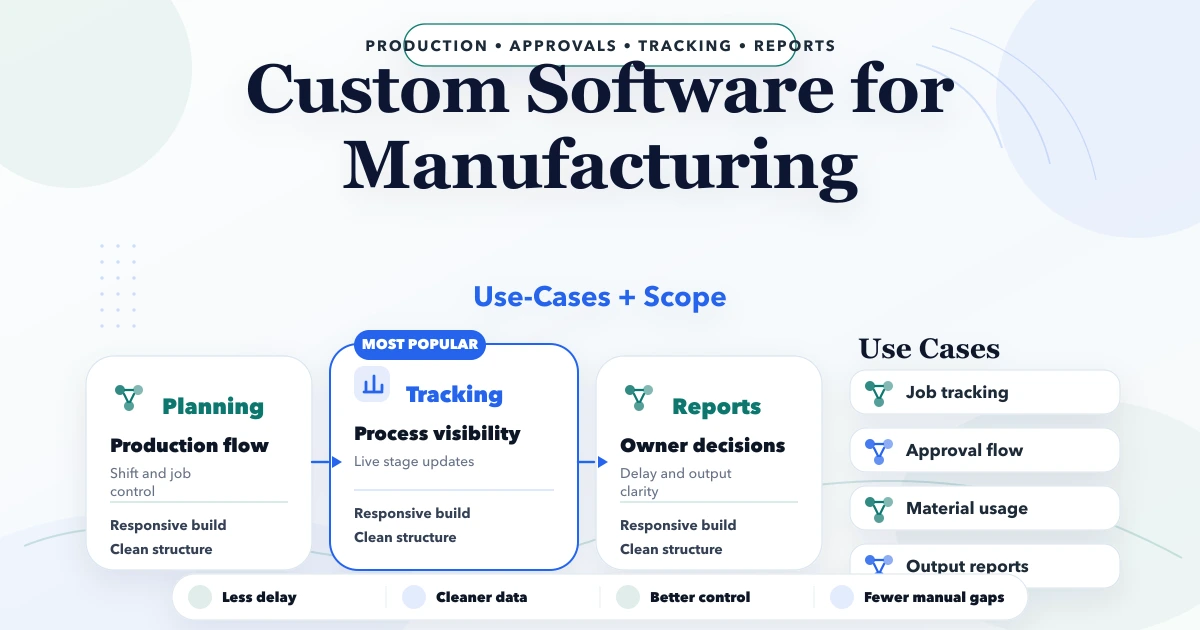
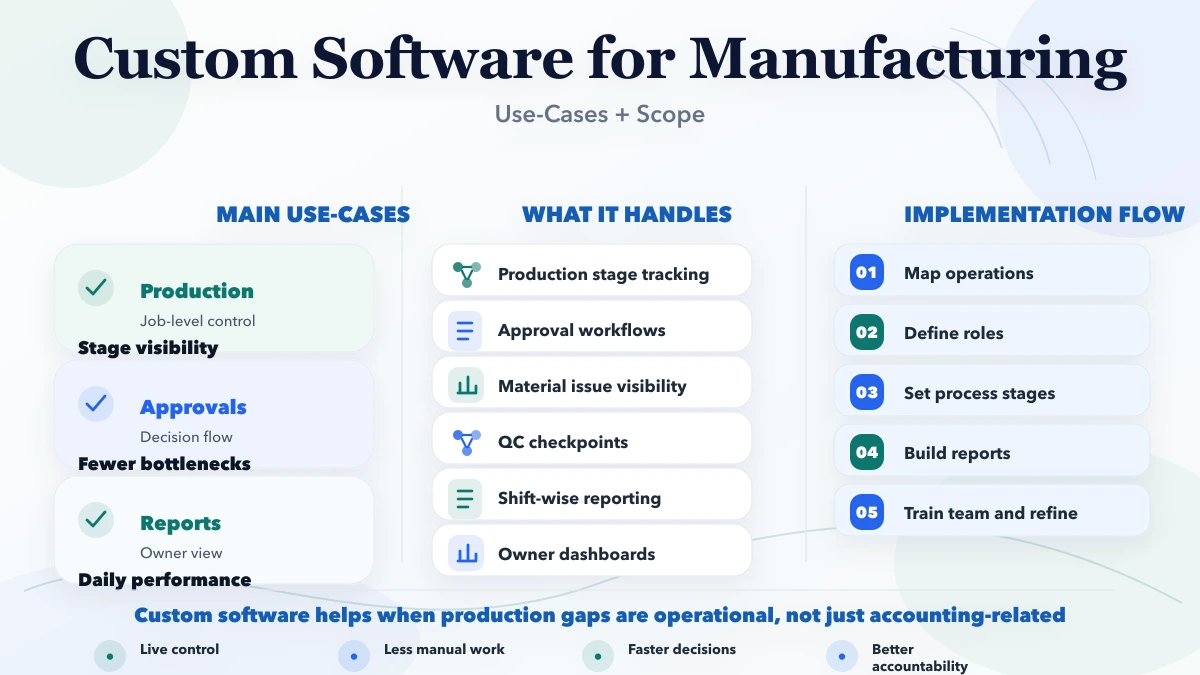
Custom software for manufacturing is useful when the factory's real workflow cannot be controlled reliably with spreadsheets, chat messages, paper registers, and a generic billing tool. The best first project is rarely a full manufacturing ERP. It is usually one measurable control problem: material traceability, production status, job cards, quality checks, downtime, dispatch readiness, or management reporting.
This guide is written for Indian SME manufacturers evaluating whether to configure an existing system, integrate current tools, or build a focused application. It covers practical use cases, process boundaries, data ownership, implementation phases, cost drivers, and the evidence needed before investing.
By Tushar C. (Founder, VASUYASHII). Reviewed by VASUYASHII Editorial for custom application scoping, inventory workflows, role-based access, implementation risk, and SME software delivery. Manufacturing processes differ by industry and plant; examples below are planning models, not claims about a specific factory or regulatory requirement.
Choose custom manufacturing software when a repeatable operational process is business-critical, poorly served by current software, and valuable enough to justify discovery, integration, training, and maintenance. Start with one workflow, define source-of-truth data and owners, test it in one unit or line, and expand only after operators use it correctly.
Do not build custom software merely because the current spreadsheet looks untidy. First confirm whether a ready-made inventory, accounting, ERP, maintenance, or quality product already solves the requirement with configuration. Custom development is justified when the workflow, integration, control, or reporting need is genuinely specific.
Consider a small electrical-component manufacturer. Sales orders are in one system, raw-material receipts are in a spreadsheet, production updates are shared on WhatsApp, and final dispatch status depends on phone calls. Management cannot answer three basic questions consistently:
The first useful software release does not need payroll, full accounting, advanced planning, or every machine integration. It can focus on an approved production order, material issue, stage updates, quality disposition, finished quantity, and dispatch readiness. That narrower system creates operational visibility while preserving existing accounting and billing tools.
A production module can convert an approved demand or sales order into a job with:
Each stage update needs a timestamp, responsible user, and allowed status transition. Avoid a free-text status field such as "in process" because it cannot produce reliable ageing or bottleneck reports.
For factories with variable routing, model the exception before coding. A job may skip a process, return for rework, split across lines, or produce partial output. The system must record these cases without operators inventing workarounds.
Inventory software often knows the store balance but not what has been issued, consumed, returned, scrapped, or held on the shop floor. A focused movement system can track:
| Movement | Minimum record | Control question |
|---|---|---|
| Receipt | Item, batch or lot, quantity, supplier reference, location | What entered the plant? |
| Issue to production | Job, item, quantity, store, recipient | What was sent to which job? |
| Return to store | Job, item, quantity, condition | What unused material came back? |
| Transfer | From location, to location, quantity, approver | Where is the stock now? |
| Scrap or rejection | Reason, quantity, job, authorization | Why did usable stock reduce? |
| Finished receipt | Job, output quantity, accepted quantity, location | What is ready for the next step? |
Barcode or QR scanning can reduce manual selection errors, but labels, scanners, network conditions, and fallback rules must be tested on the actual floor. Scanning does not fix incorrect item masters or unrecorded movements.
A quality workflow can capture inspection stages, specification references, measured results, photos or documents, disposition, and approval. The important design decision is not the form layout; it is what happens after a failure.
Define whether the quantity is:
Permissions should separate data entry from final disposition when the business requires independent approval. The system should retain who changed a result and why. Industry-specific statutory or certification requirements must be confirmed by the manufacturer's qualified quality team; a developer should not invent them.
Small plants often record breakdowns only when maintenance arrives. A simple downtime module can capture machine, time stopped, symptom, production impact, response time, action, part used, restart time, and closure approval.
This supports questions such as:
Do not promise predictive maintenance without reliable machine data, failure history, sensors, and engineering validation. Start with consistent downtime records and preventive schedules.
Sales teams need a customer-facing answer without interrupting production every hour. A dispatch-readiness view can combine approved order quantity, produced quantity, quality-cleared quantity, packed quantity, pending documents, and planned dispatch.
External customers should not see internal plant data by default. If a customer portal is required, define exactly which statuses, documents, and dates are safe to expose. Role and company boundaries are essential for any business web application.
Reports should support decisions, not duplicate every database field. Useful daily views may include:
Every metric needs a definition. For example, "production achieved" could mean gross output, accepted output, or packed quantity. Agree on the formula and source event before building the dashboard.
| Situation | Better first option |
|---|---|
| Standard billing, purchase, inventory, and GST needs | Evaluate an existing business suite |
| Standard manufacturing planning fits a proven ERP | Configure the ERP |
| One unique workflow creates daily control failure | Build a focused custom module |
| Current systems contain useful data but do not communicate | Add a controlled integration |
| Process changes every week and owners disagree | Stabilize the process before software |
| Operators cannot access reliable devices or network | Fix operating constraints before digitizing |
VASUYASHII Business Suite supports billing, inventory, purchases, payments, expenses, reports, and related SME operations. It is positioned as an ERP-lite product, not a full manufacturing or BOM system. Review its current scope on the Business Suite page. Manufacturing-specific production, quality, or machine workflows require separate discovery and should not be assumed to be included.
List the source of truth for products, bills of material, suppliers, customers, stock, jobs, machines, users, and quality specifications. If two systems own the same field, define which one wins and how conflicts are handled.
Typical roles may include store operator, production supervisor, quality user, maintenance user, dispatch user, manager, and administrator. For each action define who can create, edit, approve, reverse, export, or view it. Company or plant separation must be enforced in the API and database, not only hidden in the menu.
Also define audit requirements:
Observe the real workflow, including exceptions and shift handovers. Collect current forms, spreadsheets, labels, and reports. Identify the one business outcome the first release must improve.
Clean product codes, units, locations, machines, reason codes, users, and permissions. Software built on duplicate masters will produce faster confusion.
Build the smallest end-to-end flow for one line, product family, or plant area. Include normal completion, partial quantity, rejection, reversal, and downtime cases.
Connect approved data to billing, purchase, accounting, barcode, or notification systems only after the pilot events are reliable. Add management views based on agreed definitions.
Train by role, record issues, freeze uncontrolled spreadsheet duplicates, define support ownership, and review adoption weekly. Expansion should depend on data quality and operator use, not the feature wish list.
A focused pilot may take several weeks; a multi-module manufacturing platform can take months. A responsible estimate requires process discovery. Major cost drivers include:
Ask vendors to separate discovery, pilot, integrations, migration, infrastructure, support, and future change costs. A cheap build that omits exception handling and adoption work can be more expensive after launch.
VASUYASHII would begin with a workflow workshop, current-system map, exception register, role matrix, and pilot success measure. The recommendation may be configuration, integration, or a focused custom application. If custom development is justified, the first phase would deliver one controlled workflow with test data, acceptance cases, and handover documentation before adding more modules.
Relevant services include custom software development, web application development, and API and automation integration. Related planning guides include ERP software for small businesses, inventory software cost, and software requirement documentation.
Choose a workflow with repeated manual effort, clear ownership, available data, and measurable business impact. Production status, material movement, dispatch readiness, or quality disposition are common candidates, but the factory's actual constraint should decide.
Not always. A pilot may consume BOM data from an existing ERP or start with a simpler approved material requirement. Build BOM and revision control only when the product structure and change process require it.
Yes, when the other system provides a stable API, file exchange, or approved integration route. Define field ownership, sync direction, failure handling, duplicate prevention, and reconciliation before development.
Only if the operating environment requires it. Offline support adds conflict, sync, device, and security complexity. Test network conditions first and design a limited fallback rather than assuming full offline capability.
Pilot with actual operators, observe task time and errors, test exception cases, and review completion rates. Adoption improves when screens match the floor sequence, data entry is minimal, and supervisors use the same system for decisions.
Its current public scope covers GST billing, inventory, clients, vendors, purchases, payments, expenses, reports, PDFs, WhatsApp sharing, and multi-company operations. It should not be represented as a full manufacturing, BOM, or shop-floor ERP. Those workflows need separate evaluation.
Include source code and deployment terms where contracted, business-owned accounts, data dictionary, role matrix, API documentation, backup and restore procedure, test cases, admin guide, known limitations, and support responsibilities.
Document one manufacturing control problem with its current steps, users, inputs, exceptions, reports, and business impact. VASUYASHII can then evaluate whether configuration, integration, Business Suite, or a focused custom application is the safest next move.
Related Articles
May 26, 2026
manufacturing production tracking system: practical 2026 guide with features, INR pricing, roadmap, tech stack, mistakes, FAQs, and Indian SMB tips today.
Read article
March 25, 2026
Learn custom business software development in 2026: practical use cases, cost drivers, delivery process, and when custom software is worth the investment.
Read article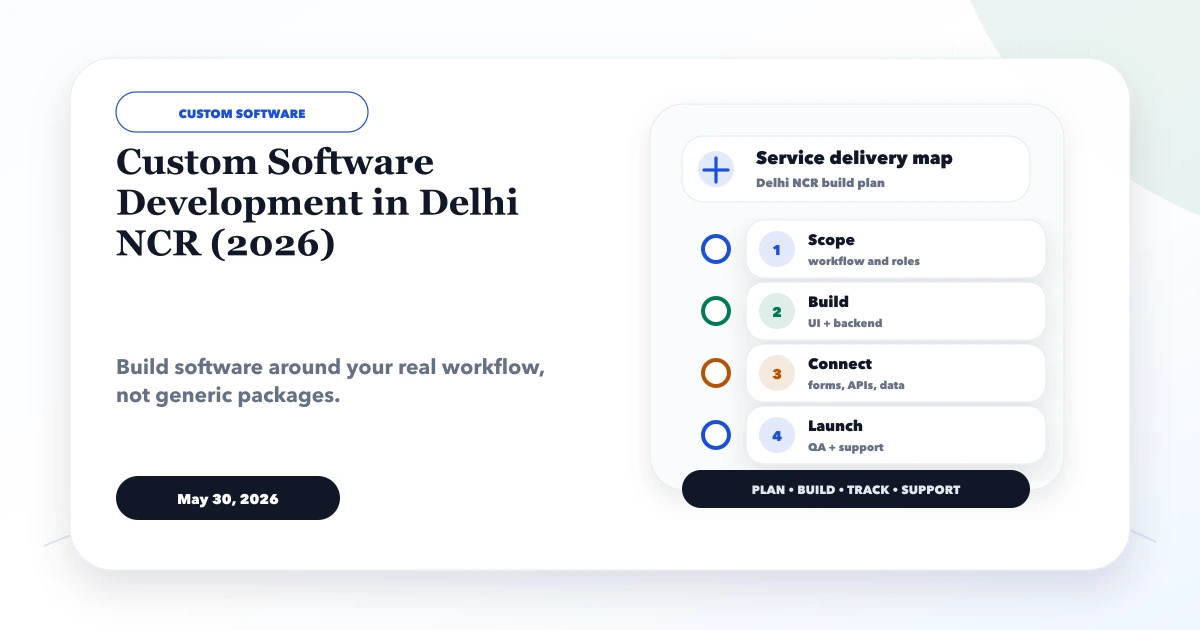
May 30, 2026
Plan custom software in Delhi NCR with build-versus-buy criteria, module scope, data controls, pricing bands, delivery stages and vendor checks.
Read article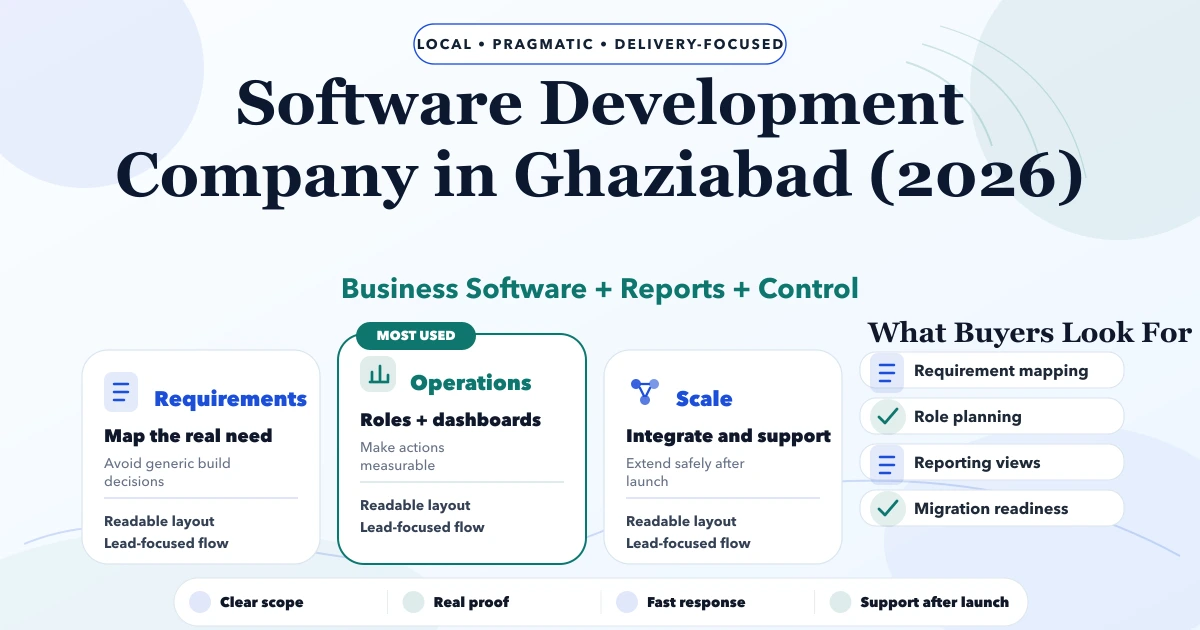
May 5, 2026
Software Development Company in Ghaziabad (2026) guide with pricing, process, timeline, deliverables, proof links, and practical planning for businesses in.
Read article