
April 3, 2026
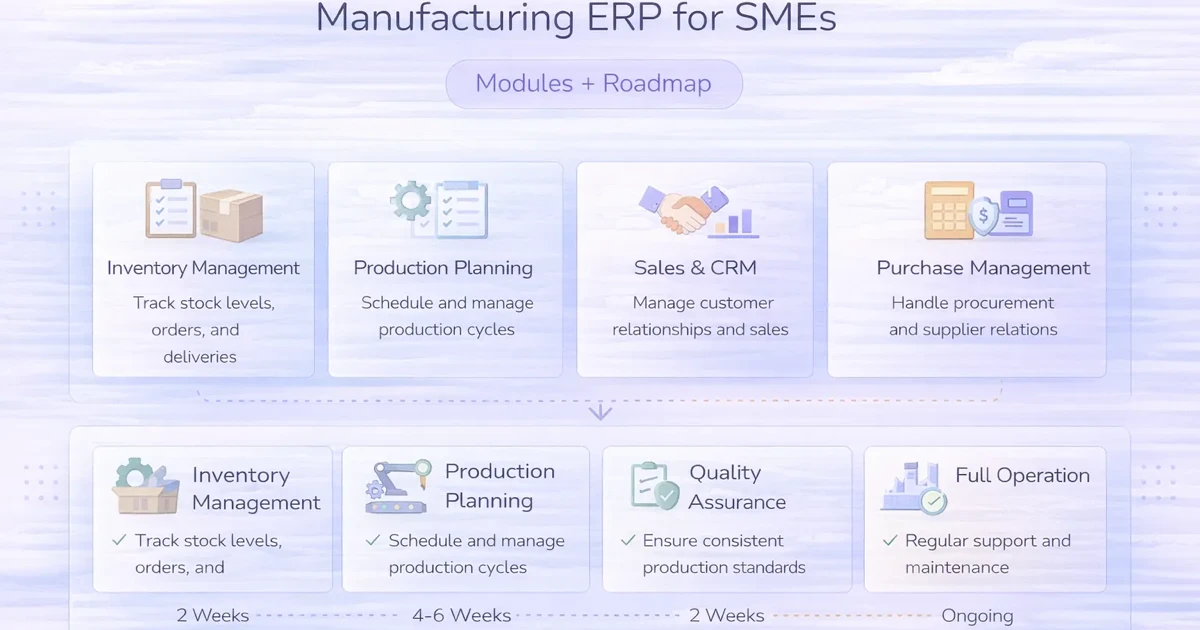
Manufacturing ERP for SMEs: Modules + Roadmap
Manufacturing ERP for SMEs explained: compare core modules, rollout stages, integrations, costs, controls, and practical implementation decisions in 2026.
Read articlePublished
ERP software for small businesses guide with modules, roadmap, pricing in India, tech stack, timeline, and cost drivers for phased growth rollout today.
Small businesses usually start with separate tools for sales, purchase, billing, staff, and stock. That is normal. The problem starts when the same data is entered three times, managers do not trust reports, and every department has a different version of reality. That is when ERP enters the conversation.
ERP software for small businesses should not be treated as an all-or-nothing enterprise project. A good small-business ERP is usually a phased system that connects the modules causing the most operational pain first, then expands based on usage and reporting needs.
This guide explains which ERP modules matter most, how to phase the roadmap, what development usually costs in India, and how to avoid turning a useful system into a slow, overbuilt project.
If your business is suffering from duplicate data entry, delayed reporting, disconnected purchase and sales flow, or weak inventory and billing visibility, ERP can help. But for SMBs, the right move is usually not to build everything together. It is to phase the project around the modules that directly improve operations first.
For most small businesses, the strongest ERP starting modules are:
Staff, service, production, or finance extensions can come later depending on the business model. If you need perspective on whether a narrower system is enough, review custom business software development alongside this guide.
ERP makes the most sense for growing SMEs that already have separate sales, purchase, stock, billing, or admin processes and are starting to feel the pain of duplicate entry and delayed reporting. If your company has enough complexity that one department's update affects another department daily, ERP planning becomes relevant. It is especially useful when owners want one trusted dashboard instead of collecting updates from multiple tools and team members every evening.
It is not only for large companies. Even modest-sized businesses can benefit once operational decisions start getting delayed because information lives in too many disconnected systems.
Once that starts happening regularly, phased ERP becomes much easier to justify even on a modest SMB budget.
ERP becomes relevant when separate tools create more friction than flexibility. Owners and managers often feel this pain before they describe it in technical terms:
The first job of ERP is not automation. It is alignment. The system should make departments work from one structured data model instead of disconnected files and habits. Once that alignment is in place, automation, alerts, and analytics become much more valuable.
ERP is not the right first step when the business still has no agreed process. If each team follows its own informal rules, software alone will not fix that. Process clarity must come first.
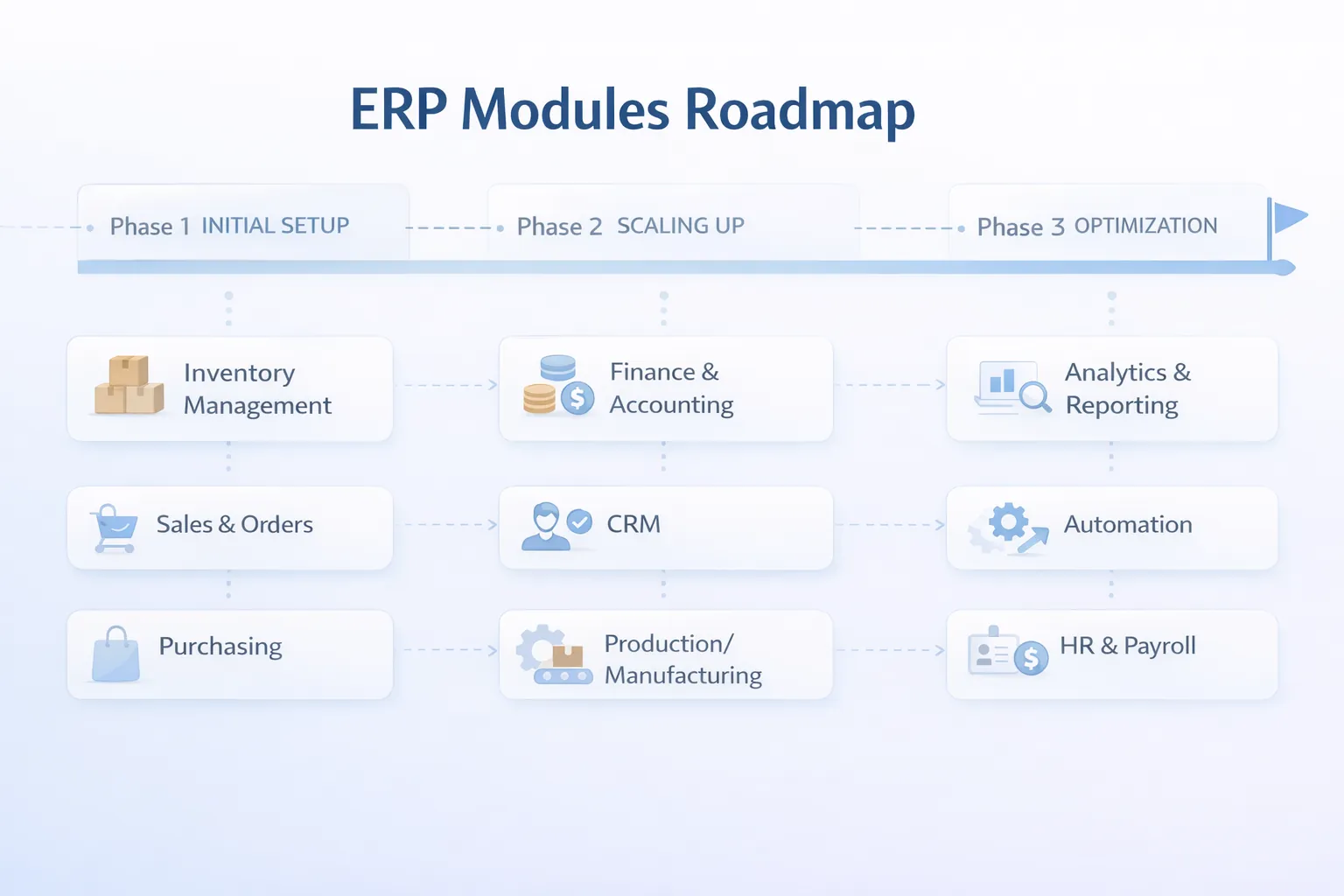
These modules usually matter most in a small-business ERP roadmap.
The answer depends on where daily coordination is currently breaking:
This is the roadmap structure that usually works best for SMB ERP projects.
Start with customer or order records, purchase flow, inventory basics, and billing linkage. This gives immediate visibility into what is being bought, sold, and delivered.
Add stronger dashboards, approvals, audit trails, branch views, and workflow rules once the base data is trustworthy.
Only after phase one and two are stable should you add staff management, service tickets, production logic, advanced warehouse operations, or customer portals.
It keeps the project measurable. The business can feel improvement after phase one instead of waiting months for a giant release. It also makes training easier because teams adopt one connected layer at a time.
If you want a smaller starting point, inventory management software, purchase and sales systems, or staff management systems can all be stand-alone phase-one entries into a broader ERP roadmap.
If you are considering ERP, the most useful first step is not asking for every module. It is identifying which two or three connected workflows are costing you the most time and confusion right now.
ERP pricing varies widely, but for small businesses the smartest budgeting approach is phase-wise.
₹3 lakh to ₹5.5 lakhUsually includes sales or order flow, purchase flow, inventory basics, billing linkage, and dashboards.
₹5.75 lakh to ₹9 lakhAdds approvals, branch controls, richer reports, better integrations, and stronger role separation.
₹9.5 lakh to ₹15 lakhAdds staff, warehouse, service, customer portal, or advanced department modules over multiple phases.
For lead conversion and practical delivery, phase-one ERP between ₹3 lakh and ₹5.5 lakh is often the most sensible starting point. It is enough to create visible operational improvement without forcing the business into a long enterprise-style rollout.
They get inflated when every department asks for everything in the first release. That is understandable, but it usually creates a slow project and a difficult launch. A phased roadmap protects budget and adoption quality.
ERP benefits from a modular stack that can grow over time without becoming messy.
Next.js for role-based modules, dashboards, forms, tables, and responsive internal usage.Node.js or modular services for business rules across sales, purchase, stock, billing, and approvals.PostgreSQL for shared master data, transactional records, and report integrity.ERP should be planned in phases, not as one vague mega-timeline.
A clean ERP roadmap often spans 2 to 4 months overall, but users should start seeing real value much earlier if the project is phased well.
These are the biggest factors affecting ERP scope:
The best ERP is not the one with the most modules. It is the one that creates one trusted operating system for the business.
To keep an ERP project practical:
This approach makes ERP feel useful instead of overwhelming. It also protects the business from spending heavily before core adoption is proven.
This is the biggest ERP mistake in SMB projects. Broad scope sounds efficient, but it usually delays value and makes rollout much harder.
ERP is also a process alignment project. If teams still follow inconsistent rules, the system will inherit that confusion.
Different stakeholders often mean different things by "sales report," "stock report," or "pending order." These definitions must be aligned early.
ERP contains sensitive commercial and operational information. Role design should never be treated as a late-stage detail.
Someone inside the company needs to own the roadmap, validate rules, and resolve process questions. Without that, ERP projects drift.
The best ERP is the one that fits your actual workflow and grows in phases. For many SMBs, a focused custom ERP roadmap works better than forcing a large system all at once.
For small-business custom ERP scope, phase one often starts around ₹3 lakh and grows based on modules, branch count, and integration depth.
Usually the modules around sales, purchase, inventory, and billing, because those create immediate operational visibility.
Yes. In fact, it should. A lean connected phase one is usually the smartest approach for SMBs.
A useful first phase often takes 6 to 8 weeks, while a broader phased roadmap may continue over 2 to 4 months or more.
Only if they are directly tied to the main operational pain. Otherwise, they can be added later.
It can be, but only when the value of shared data and shared reporting outweighs the flexibility of separate tools. That is why phased planning matters.
Going live without enough process clarity and internal ownership. ERP adoption depends heavily on both.
If your business is already feeling the pain of disconnected tools, duplicate entry, and late reporting, the answer is usually not "build everything now." It is "build the right connected phase first."
Related Articles
April 3, 2026
Manufacturing ERP for SMEs explained: compare core modules, rollout stages, integrations, costs, controls, and practical implementation decisions in 2026.
Read article
May 15, 2026
ERP for manufacturers features and cost: practical 2026 guide with features, cost, timeline, tech stack, mistakes, FAQs, proof, and next steps for Indian SMBs.
Read article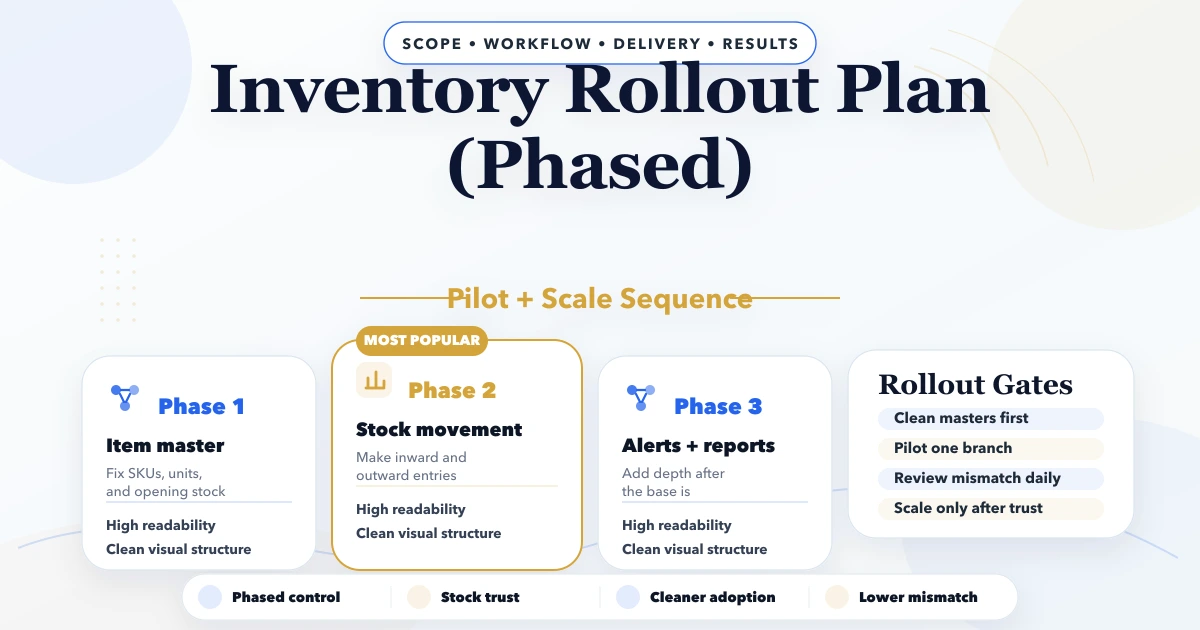
April 25, 2026
Inventory rollout plan phased: modules, stock migration, pricing, timeline, and rollout checklist for Indian businesses in 2026.
Read article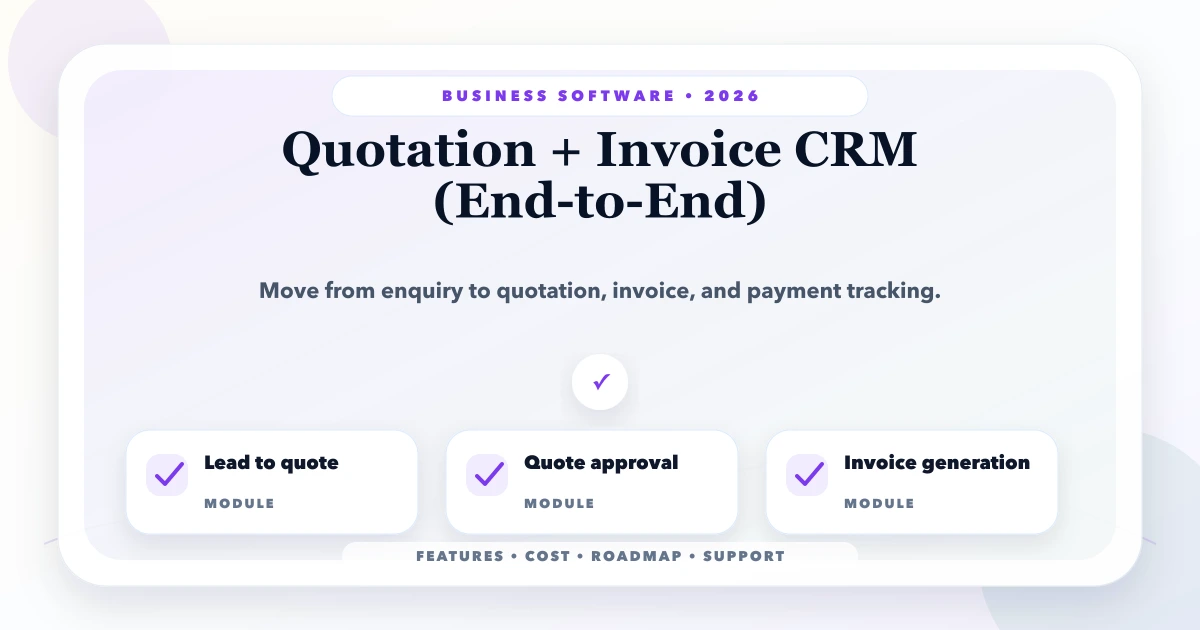
May 25, 2026
Plan a quotation and invoice CRM that connects leads, quote versions, approvals, invoices, payments, reminders, permissions, and audit history.
Read article