
April 5, 2026
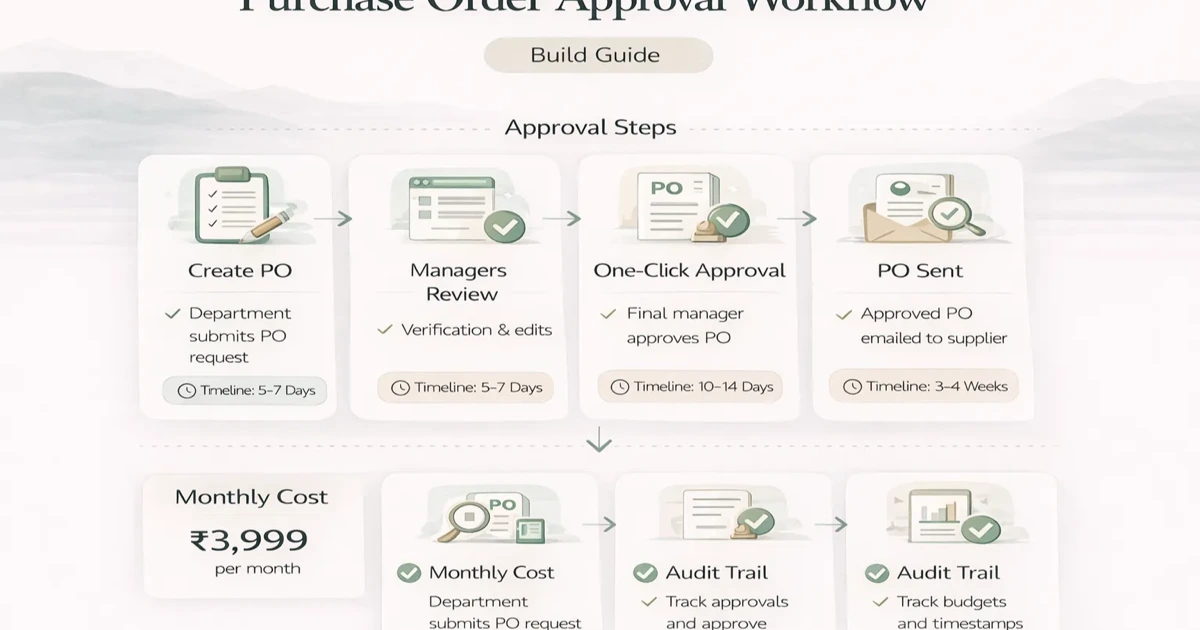
Purchase Order Approval Workflow: Build Guide (2026)
Design a purchase order approval workflow with clear states, thresholds, roles, exceptions, audit evidence, integrations, rollout checks, and pricing scope.
Read articlePublished Updated
Purchase and sales management system guide for SMEs with features, pricing in India, timeline, tech stack, and rollout advice for daily operations teams.
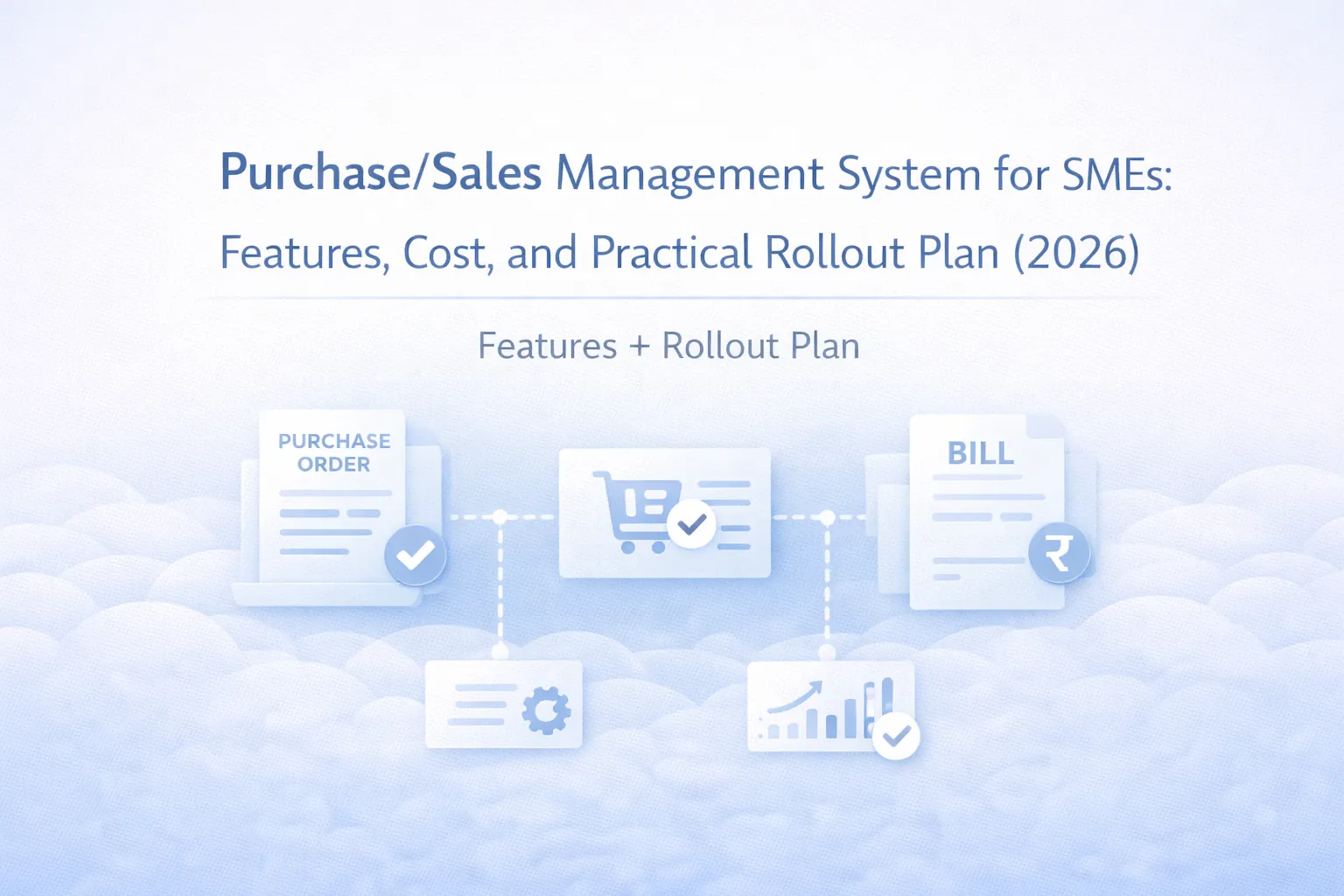
Many SMEs handle purchase and sales in separate tools or separate habits. The purchase team tracks vendors and inward stock in one place, the sales team manages quotations and dispatch in another, and the owner gets final numbers only after manual follow-up. That gap creates delay, duplicate data entry, and weak visibility.
A purchase and sales management system brings the commercial flow into one structure. It helps businesses manage enquiries, quotations, purchase orders, supplier records, sales orders, delivery tracking, and reporting with much less friction.
For Indian SMBs, the goal is not to build a heavy ERP on day one. The goal is to connect the most important buying and selling workflows so operations become predictable and management gets cleaner numbers.
If your team is managing vendor follow-up, quotations, sales orders, and stock commitments through spreadsheets and chat, a purchase and sales system can reduce delays and improve visibility. It works best when it becomes the central place to see what needs to be bought, what has been sold, what is pending delivery, and where margins or delays are coming from.
For most SMEs, phase one should cover:
If your business also needs stronger stock control or invoicing, it makes sense to read inventory management software development and billing and invoice software development together with this guide.
This software is usually ideal for trading businesses, wholesalers, distributors, B2B project suppliers, and SMEs where buying and selling decisions need to stay visible in one flow. If your sales team promises dates without stock certainty or your purchase team has weak visibility into demand urgency, this system can create immediate value. It also works well for growing firms that are not ready for full ERP but already need more commercial discipline than Excel can provide.
The purchase and sales cycle is where money moves, vendor relationships matter, and delivery promises get tested. When those workflows stay disconnected, simple questions become surprisingly hard to answer:
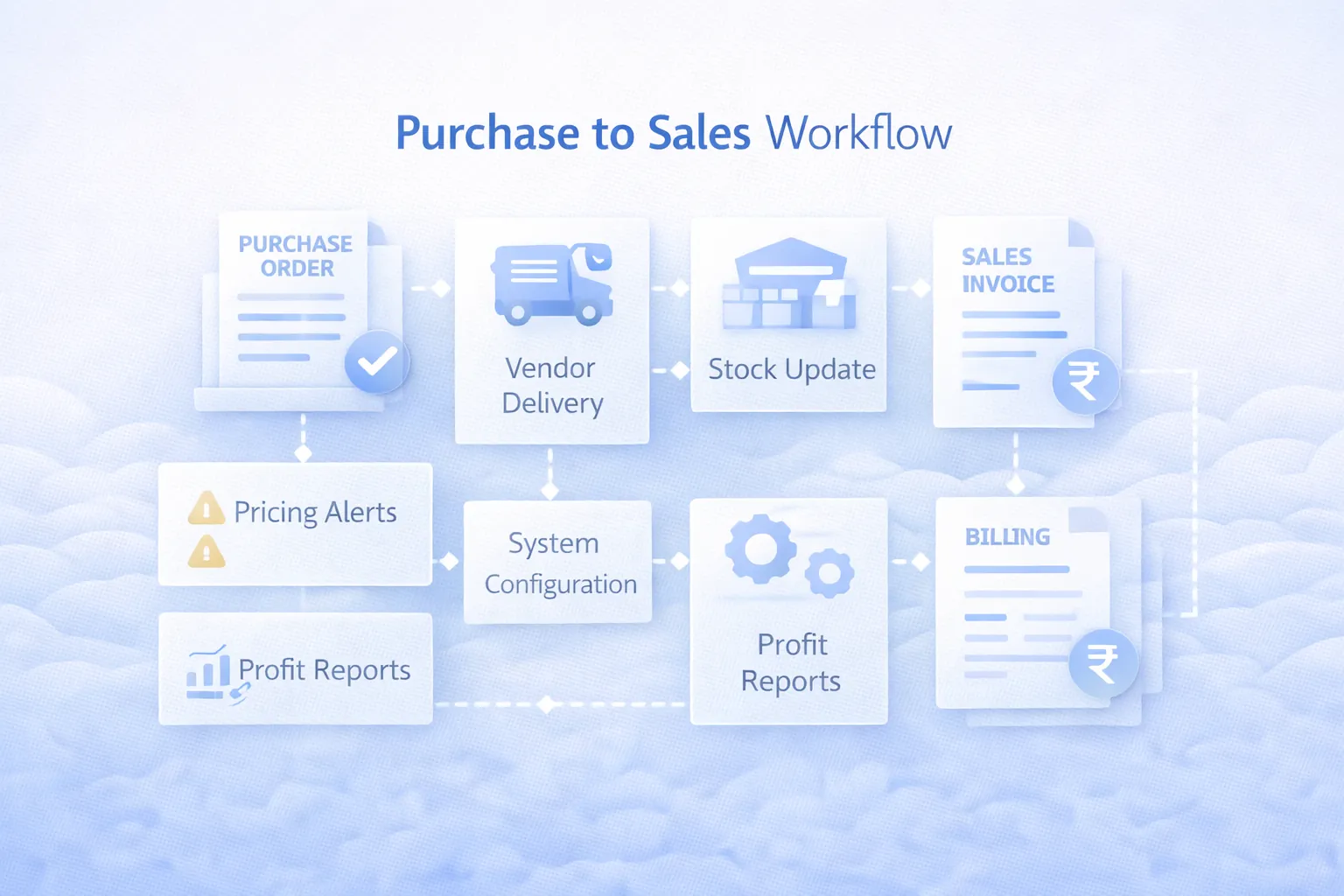
A good purchase and sales system should create one chain of visibility from enquiry to order to fulfilment. Even if finance or deep inventory lives elsewhere, the workflow status should stay clear here. This gives owners a better operational pulse and reduces the number of phone calls needed just to know what is happening.
Before feature selection, define the business flow clearly.
This usually includes lead or enquiry, quotation, negotiation, sales order, dispatch readiness, billing handover, and customer follow-up. Businesses that skip this mapping often end up with software that stores records but does not reflect actual sales movement.
This includes vendor master, rate comparison, purchase request or purchase order, expected inward date, receipt status, and stock or project linkage. If approvals exist, those should be defined early.
This is where the real value sits. Sales should know whether stock is available or expected. Purchase should know which demand is urgent. Management should know where open orders are getting stuck. Once this bridge is visible, daily coordination improves sharply.
For businesses moving toward more connected operations, this system often becomes a stepping stone to ERP software for small businesses.
These are the features that usually matter most for SME purchase and sales workflows.
Phase two can include inventory reservation, billing conversion, payment follow-up, vendor performance dashboards, and integration with warehouse management software or OMS development.
A purchase and sales management system should connect vendors, customers, products, orders, invoices, payments, and reports. It is useful when Excel and billing software no longer show the full business picture.
Before development, define:
This scope should be planned through software development services, web applications, and integrations.
If your purchase and sales teams are already working hard but still depending on manual follow-up for visibility, the workflow probably needs one shared system.
Purchase and sales software cost depends on how deeply you want procurement, order flow, approvals, and stock visibility to connect.
₹1.75 lakh to ₹3 lakhIncludes vendor and customer masters, quotation flow, PO tracking, and basic dashboards.
₹3.2 lakh to ₹5.5 lakhIncludes sales orders, purchase orders, approval rules, reports, and stronger role controls.
₹5.75 lakh to ₹9.5 lakhIncludes stock visibility, dispatch tracking, document workflow, reminders, and integrations with billing or inventory.
For lead generation and operational improvement, a middle-tier scope between ₹3 lakh and ₹5.5 lakh is often the best place for SMEs. It is wide enough to create meaningful visibility but still lean enough to launch without enterprise drag.
Budget climbs when teams ask for deep accounting, full ERP, custom approval matrices, and branch-specific exception rules before the base workflow is even standardized.
This type of system benefits from strong tables, approval logic, and clear dashboards.
Next.js for commercial dashboards, forms, filters, document views, and role-based work queues.Node.js services for quotation, order, purchase, approval, and status workflows.PostgreSQL for customers, vendors, POs, SOs, line items, notes, and reports.An SME purchase and sales system usually takes 5 to 10 weeks depending on data readiness and approval complexity.
Timeline depends heavily on how disciplined the current process already is. If quotations, POs, and sales orders are all following different informal rules, alignment work takes extra time.
These are the main complexity drivers:
The best systems reduce follow-up dependency. If teams still need multiple calls to know the status of purchase and sales, the software has not closed the real gap.
To keep rollout practical:
This keeps the project lead-oriented and usable. After that, the business can expand into procurement analytics, dispatch workflows, or ERP modules based on actual usage patterns.
If sales calls something "confirmed" while purchase calls it "pending" and dispatch calls it "ready," reporting becomes unreliable fast. One consistent status structure is essential.
Many businesses build one half properly and leave the other half in Excel. That weakens the main benefit of the system, which is end-to-end visibility between demand and fulfilment.
Approvals are useful, but too many of them can slow the workflow. Only add approvals where the business truly needs control over cost, pricing, or risk.
Teams do not need software only for history. They need software that shows what requires action today. Pending quotations, overdue inward, and stuck orders should be obvious on the dashboard.
A lean first release with quotes, POs, SOs, and status reporting is usually smarter than chasing every department request at once. Clarity wins over breadth in early rollout.
It is a business software system that helps manage vendor records, quotations, purchase orders, sales orders, status tracking, and related reporting in one structured workflow.
For SMEs, custom development commonly starts around ₹1.75 lakh and can rise to ₹5.5 lakh or more depending on approvals, stock linkage, and reporting depth.
Not exactly. It can become part of an ERP roadmap, but many SMEs use it as a focused commercial workflow system before they invest in a full ERP.
Yes. In fact, those are common phase-two integrations once purchase and sales movement is stable in the system.
Usually 5 to 8 weeks for a practical first version, with more time needed for integrations and advanced approval logic.
Wholesalers, distributors, project businesses, trading firms, and SMEs with active procurement and order fulfilment usually benefit most.
Trying to digitize every document and every exception rule before the team agrees on one clean status flow.
Only if your purchasing decisions actively depend on them. Otherwise, start with basic pending and order visibility, then expand.
If your commercial process is spread across Excel, chat, and staff memory, there is usually direct ROI in connecting purchase and sales into one usable workflow.
Related Articles
April 5, 2026
Design a purchase order approval workflow with clear states, thresholds, roles, exceptions, audit evidence, integrations, rollout checks, and pricing scope.
Read article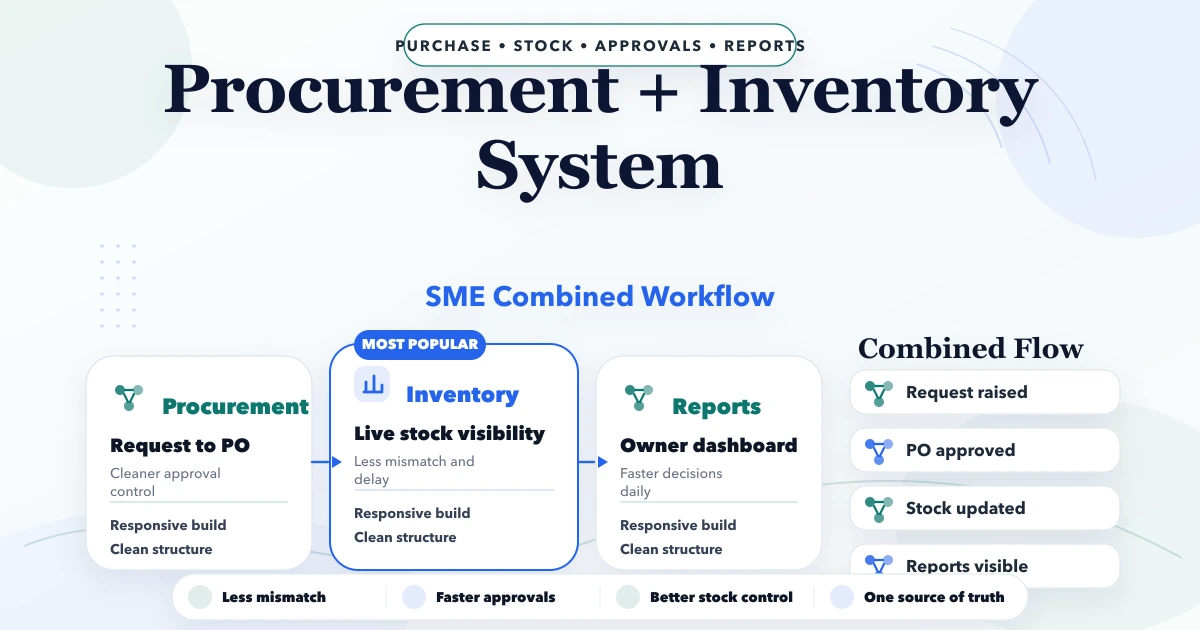
April 23, 2026
Plan an SME procurement and inventory system with purchase requests, approvals, POs, goods receipt, stock updates, returns, vendor records, and controls.
Read article
March 25, 2026
Cloud-based software for SMEs in 2026: why it is better for access, updates, reporting, integrations, and growth than older offline business software setups.
Read article
May 18, 2026
Design an ecommerce order tracking page with clear states, verified access, delivery events, exceptions, support actions, privacy controls, and analytics.
Read article