
May 8, 2026
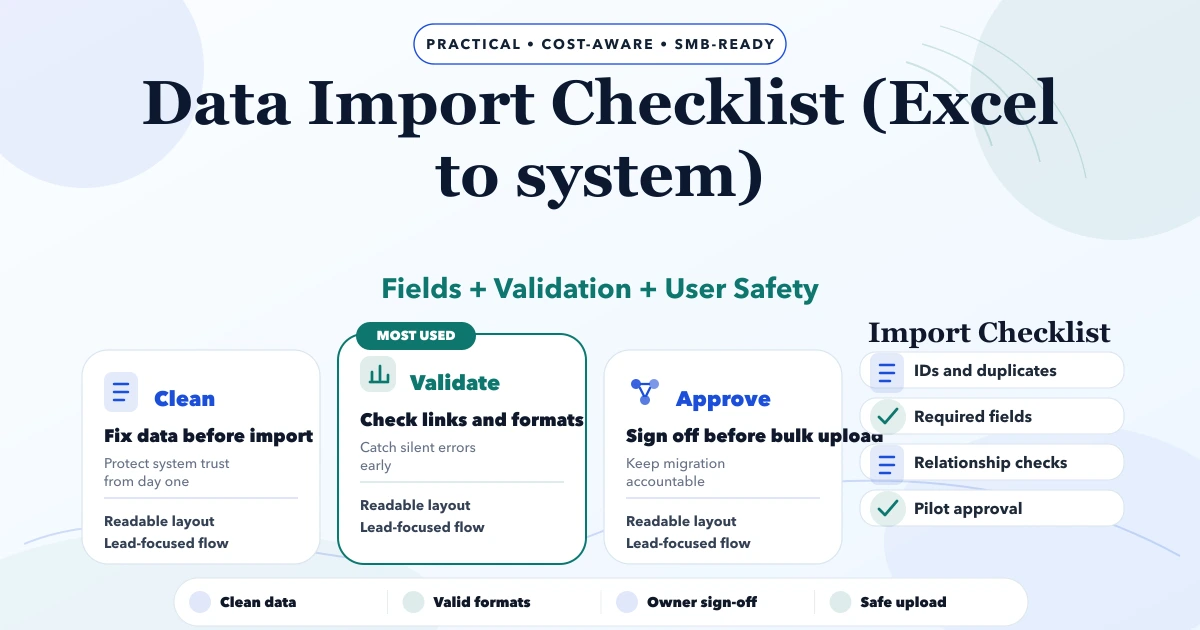
Excel to Software Data Import Checklist
Use this Excel-to-software import checklist to map fields, clean duplicates, validate rows, run a dry import, reconcile totals, and plan rollback.
Read articlePublished Updated
Compare custom ERP with Tally and Excel for Indian SMEs using workflow ownership, controls, integration, migration, cost, rollout and adoption criteria.
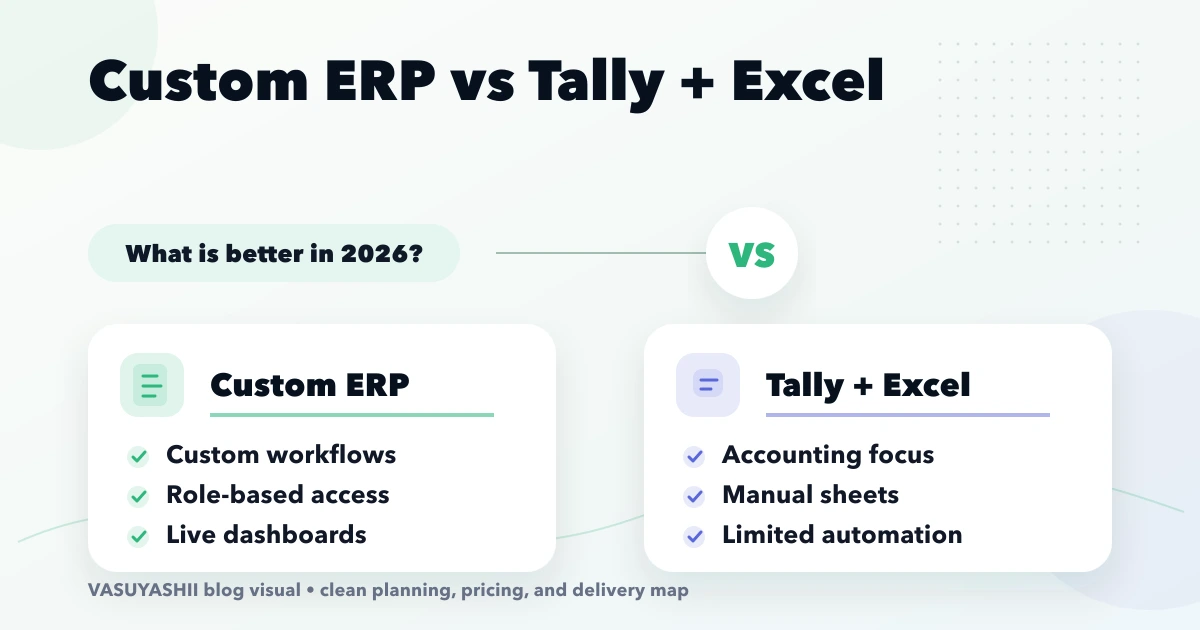
The choice is rarely “good software versus bad software.” Tally, spreadsheets, and a custom ERP solve different jobs. Many Indian SMEs use Tally for accounting, Excel for flexible registers, and WhatsApp for approvals because that combination is familiar and inexpensive. The problem begins when nobody can identify the authoritative order, stock, approval, or collection status without calling several people.
A custom ERP is justified when the business needs one controlled operational workflow, not simply a newer-looking dashboard. This guide helps owners decide what to keep, what to connect, and what to build in phases.
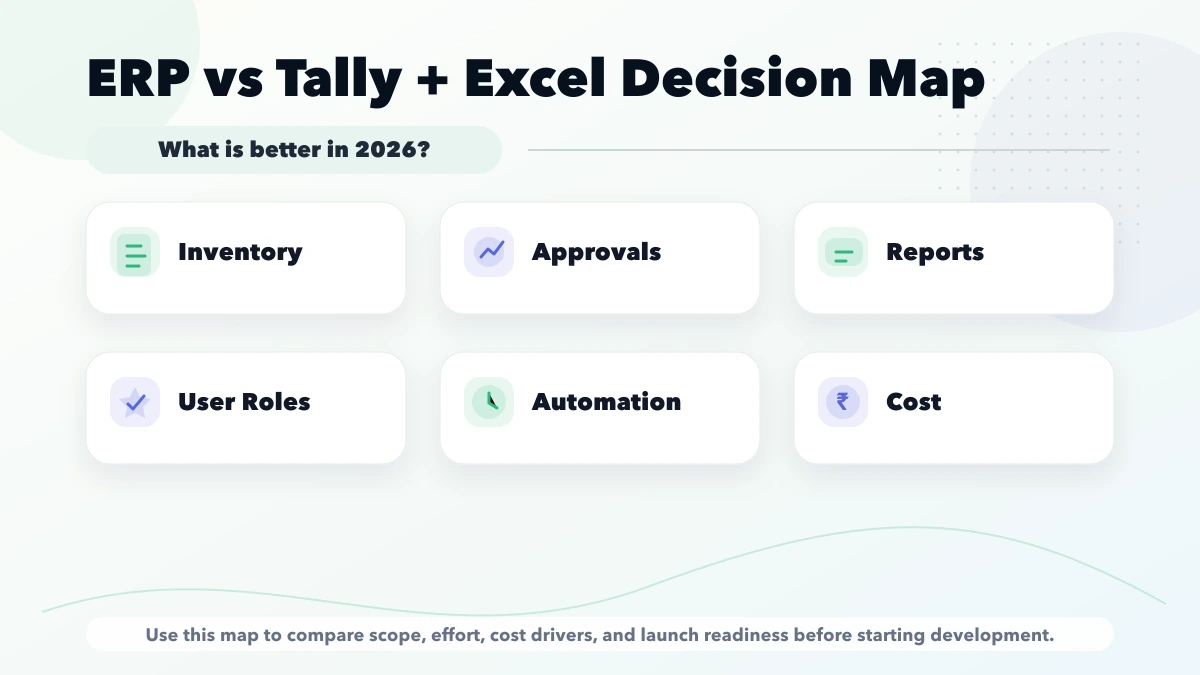
| Situation | Better starting direction |
|---|---|
| One accountant, standard accounting, limited operational complexity | Keep Tally and disciplined spreadsheets |
| Flexible analysis or one-off planning | Use controlled Excel templates |
| Several teams edit the same operational status | Introduce a shared workflow system |
| Approvals, roles, inventory and audit history matter | Scope ERP modules |
| Accounting is stable but operations are fragmented | Keep accounting; build operational modules around it |
| Existing data is inconsistent | Clean masters and rules before migration |
Do not replace a working accounting process simply because another department needs better visibility. Define the broken workflow first.
Tally may remain the accounting system of record when the finance team depends on its ledgers, vouchers, tax configuration, reconciliation, and established reporting process. Exact capability depends on the edition, configuration, add-ons, and accountant's workflow, so confirm the current setup rather than assuming every Tally installation is identical.
Excel is useful for modelling, ad hoc analysis, imports, temporary planning, and low-volume registers. It becomes risky as an operational database when:
A custom ERP should own repeatable business states and permissions: purchase requests, approvals, orders, inventory movements, dispatch, collections, service jobs, or management reporting. It must not merely copy spreadsheet screens into a browser.
Document one complete transaction before comparing products:
Use real examples, including a return, correction, partial payment, rejected approval and duplicate request. The exception path usually determines more development work than the happy path.
Keep the current combination when:
Software should not be purchased to solve a discipline problem that still lacks ownership and agreed rules.
The case becomes stronger when the business can measure:
Translate each pain into an acceptance criterion. “Improve inventory” is vague; “a confirmed dispatch cannot exceed available stock without an authorised override” is testable.
Many SMEs should not attempt a full replacement first. A practical hybrid can use:
The interface may begin as reviewed CSV import/export before a direct connector is justified. A direct sync needs field mapping, unique identifiers, retries, duplicate handling, reconciliation and ownership when totals differ.
Review integration services before treating “Tally sync” as one checkbox. The exact API, connector, licence and deployment constraints must be confirmed for the customer's current environment.
A first release should solve one connected operational chain. For a distributor, that might be:
For a manufacturer, production planning or BOM may be more important. For a service company, lead-to-job-to-invoice may be the correct chain. Use the custom software, CRM and ERP hub to separate standard modules from genuinely custom workflow.
Migration is not a file upload task. Prepare:
Import masters before transactions. Run a dry run, produce rejected-row reasons, and compare counts and totals. Keep the old system read-only for an agreed period instead of deleting it on launch day.
Define permissions by action and company scope:
| Role | Example allowed actions |
|---|---|
| Operator | Create draft records and view assigned work |
| Manager | Approve within a limit and review team exceptions |
| Finance | Validate accounting references and payment status |
| Owner | View company reports and approve restricted actions |
| Admin | Manage users and configuration, not automatically business approval |
Backend checks must enforce these rules. Hiding a button is not access control. Critical changes should record actor, time, previous value, new value and reason.
Planning bands may look like:
| Scope | Indicative build band | Typical delivery pattern |
|---|---|---|
| Discovery, process map and prototype | ₹25,000–₹75,000 | 1–3 weeks |
| Focused operational module | ₹2–₹5 lakh | 6–12 weeks |
| Connected multi-module platform | ₹5–₹15 lakh+ | Phased over months |
These are not fixed quotes. Cost is driven by states, roles, reports, migration, integrations, mobile/offline needs, audit controls, testing, training, hosting and support. A written module and acceptance list is more useful than the label “ERP.”
Assign a process owner and one trained champion per team. Use realistic sample data during UAT. Document:
Parallel operation should have an end date. Keeping both systems editable indefinitely creates two sources of truth.
Ask finance, operations and sales owners to approve the same workflow map before development. If each team expects a different source of truth, software will only encode the disagreement. One accepted map of records, owners, approvals and exceptions is a stronger starting point than a long feature list.
VASUYASHII Business Suite is positioned as GST billing, inventory, clients, vendors, purchases, payments, expenses, reports, PDF invoices and multi-company business management for Indian SMEs. It is ERP-lite, not a claim to replace Tally, full accounting, payroll, manufacturing/BOM, bank reconciliation or every statutory integration.
That current product may fit a standard billing and inventory requirement. A specialised approval, manufacturing, service, CRM or integration workflow requires separate discovery and written scope through software development services.
Not automatically. Many businesses retain Tally for accounting and use a custom application for operations. Replacement should happen only when accounting requirements and professional review support it.
Yes, for analysis, approved imports and controlled templates. It should not silently become a second editable source for live operational status.
Choose the workflow with measurable delay, error or reconciliation cost. Build one connected phase rather than unrelated dashboard modules.
It depends on the current product, deployment, connector, licences and required data. Confirm those constraints during discovery and begin with a reconciliation-safe boundary.
Compare state rules, permissions, migration, integrations, acceptance tests, source ownership, support and recurring costs, not only the screen list.
Use it when standard workflows cover the need and changing the business process is acceptable. Custom development is stronger when rules, roles, reports or integrations create a defensible requirement.
Map one transaction from request to accounting entry and mark every spreadsheet, approval and re-entry point. Then use the ERP implementation roadmap or contact VASUYASHII to define a focused first phase.
Related Articles
May 8, 2026
Use this Excel-to-software import checklist to map fields, clean duplicates, validate rows, run a dry import, reconcile totals, and plan rollback.
Read article
May 9, 2026
Evaluate an ERP developer using workflow discovery, module boundaries, data migration, permissions, support, ownership, and phased implementation checks.
Read article
March 25, 2026
Cloud-based software for SMEs in 2026: why it is better for access, updates, reporting, integrations, and growth than older offline business software setups.
Read article
April 5, 2026
Design a purchase order approval workflow with clear states, thresholds, roles, exceptions, audit evidence, integrations, rollout checks, and pricing scope.
Read article