
April 15, 2026
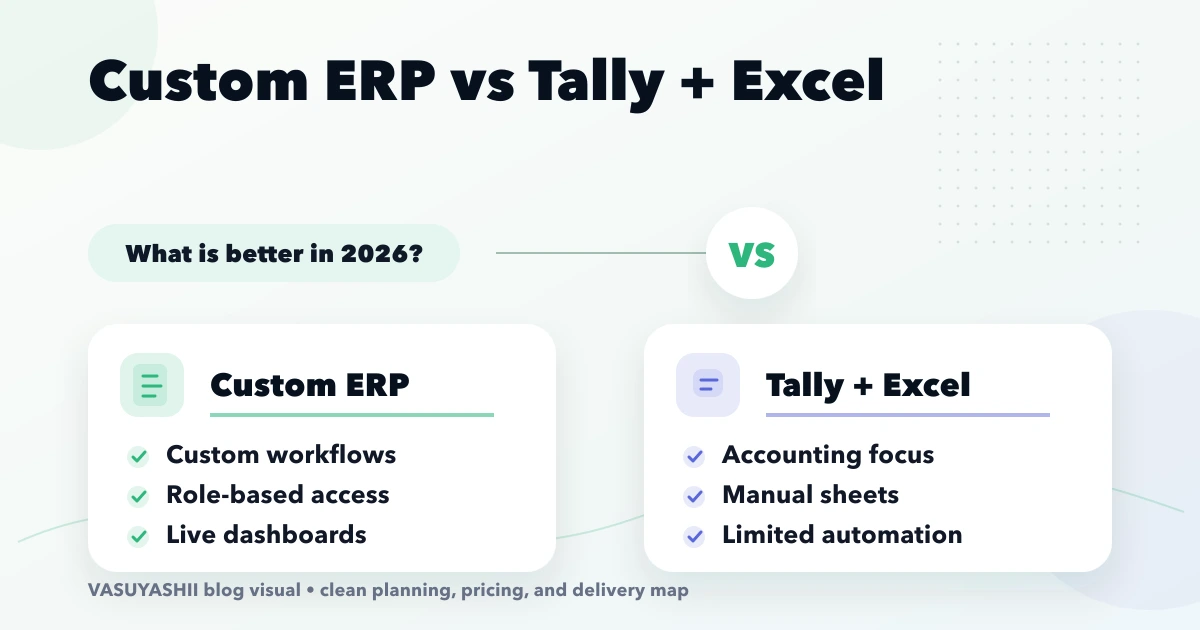
Custom ERP vs Tally and Excel: 2026 Decision Guide
Compare custom ERP with Tally and Excel for Indian SMEs using workflow ownership, controls, integration, migration, cost, rollout and adoption criteria.
Read articlePublished Updated
Evaluate an ERP developer using workflow discovery, module boundaries, data migration, permissions, support, ownership, and phased implementation checks.
Service-area note: VASUYASHII is based in Delhi NCR and supports businesses remotely across India. A city-focused guide describes service and planning context; it does not claim a physical office in every location mentioned.
Explore the parent topic: Custom Software, CRM and ERP Hub →Searching for an “ERP developer near me” is usually a search for accountability, not distance alone. A business wants someone who can understand its billing, purchase, inventory, payment, approval, and reporting workflows, then remain available when real operational questions appear.
Proximity can help workshops and training, but it does not prove that a developer can model stock movement, protect company data, migrate masters, or support users. This guide provides a due-diligence framework for Indian small and medium businesses evaluating an ERP implementation partner.
Do not begin with a list of screens. Describe:
For example, “purchase module” is too broad. A useful description may include vendor selection, purchase order, receipt, bill entry, tax fields, landed cost, stock update, payment due, return, and audit history.
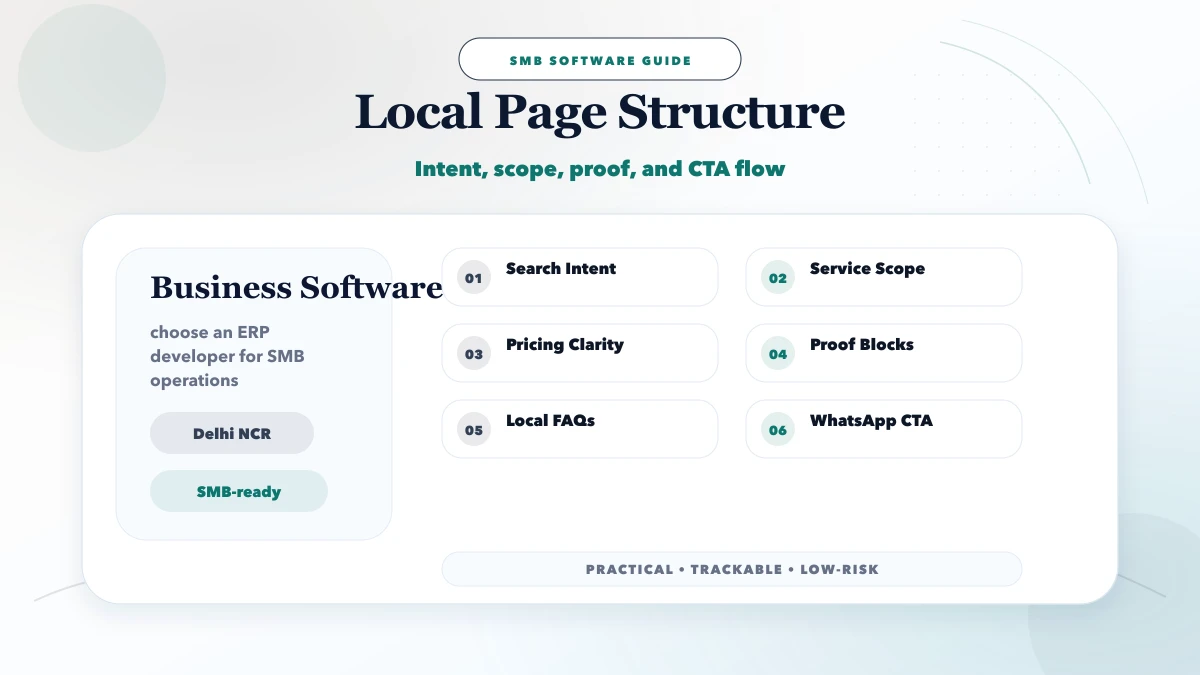
Prepare one row per workflow:
| Workflow | Current tool | Owner | Pain | Required output |
|---|---|---|---|---|
| Sales invoice | Spreadsheet/accounting tool | Billing staff | Duplicate entry | GST invoice and due |
| Purchase receipt | Paper + sheet | Store team | Stock delay | Accepted quantity |
| Customer payment | Bank + notebook | Accounts | Unmatched receipt | Invoice allocation |
| Stock adjustment | Manual | Store manager | No reason history | Approved movement |
| Expense entry | Messages | Admin | Missing category | Period summary |
This list helps compare developers on real process coverage instead of presentation quality.
A capable ERP developer asks about exceptions, returns, cancellations, permissions, and reporting. If the discussion jumps straight to dashboard colours, discovery is incomplete.
Ask how products, variants, units, taxes, customers, vendors, warehouses, companies, documents, and payments relate. The answer should be understandable without hiding behind technical jargon.
Ask what happens when:
Clarify response hours, severity levels, maintenance scope, release process, backup responsibility, and how urgent production issues are handled.
The safest first phase covers one connected business cycle. For many trading businesses:
Payroll, manufacturing, advanced accounting, CRM automation, and every possible report should not be added merely to make the feature list longer.
VASUYASHII Business Suite demonstrates an ERP-lite direction across billing, inventory, purchases, payments, expenses, and reports at VASUYASHII ERP. Review it as a product example, not as proof that it fits every workflow. A custom process may still require software development.
| Option | Choose when | Main risk |
|---|---|---|
| Configurable product | Process is common and can adapt | Workarounds around product limits |
| Custom ERP | Workflow creates real differentiation | Scope growth and maintenance |
| Integrated stack | Existing tools are strong but disconnected | Sync failures and ownership |
| Spreadsheet improvement | Volume and risk remain low | Weak controls as usage grows |
The ERP modules roadmap provides a deeper module sequence. Do not custom-build merely because a product needs configuration.
Migration is not “upload the Excel file.” Ask for:
Migrate only data that has a defined owner and use. Old inconsistent data can damage confidence in the new system.
The developer should define:
“Admin and staff” is rarely a complete permission model. Build a small role matrix with real actions.
External connections may include payment gateways, WhatsApp, email, barcode devices, accounting exports, ecommerce, or CRM. For each integration, document:
Read the API integration services guide before treating an integration logo as completed scope.
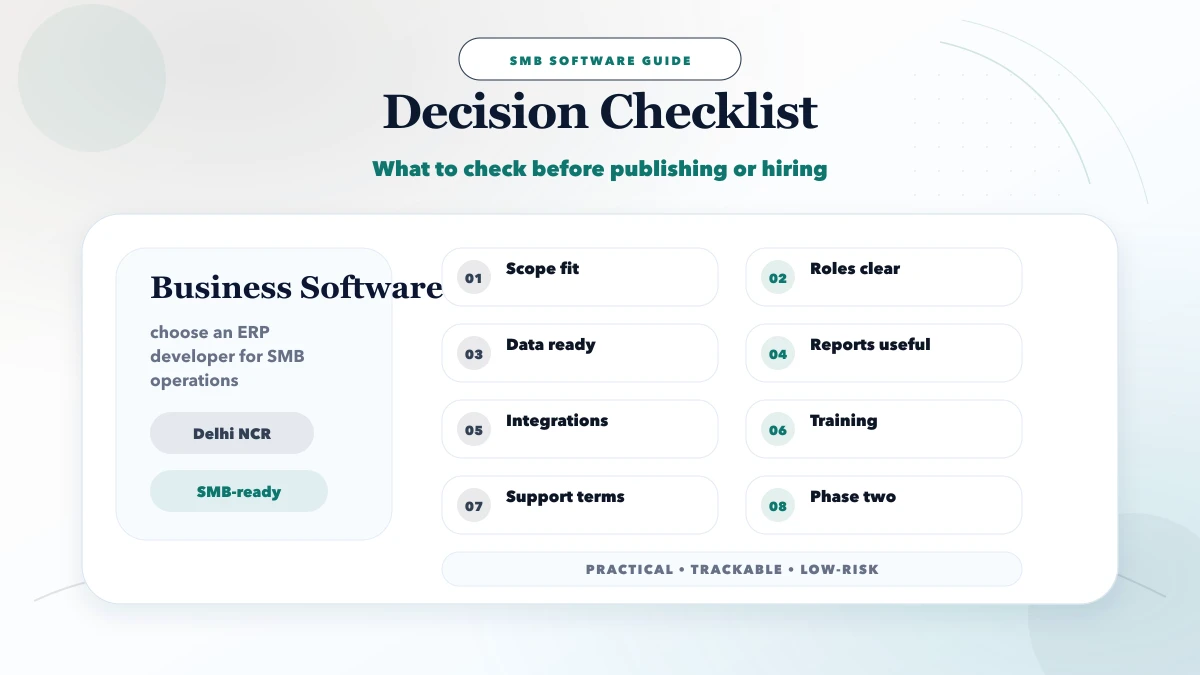
Confirm in writing:
ERP pricing varies too much for one universal number. A discovery or prototype can begin in the tens of thousands of rupees, while connected multi-role systems can reach several lakhs depending on modules, migration, integrations, security, and support.
Request pricing by phase:
Avoid a single bundled number without acceptance criteria. The cheapest initial quote can become costly if core exceptions were never discussed.
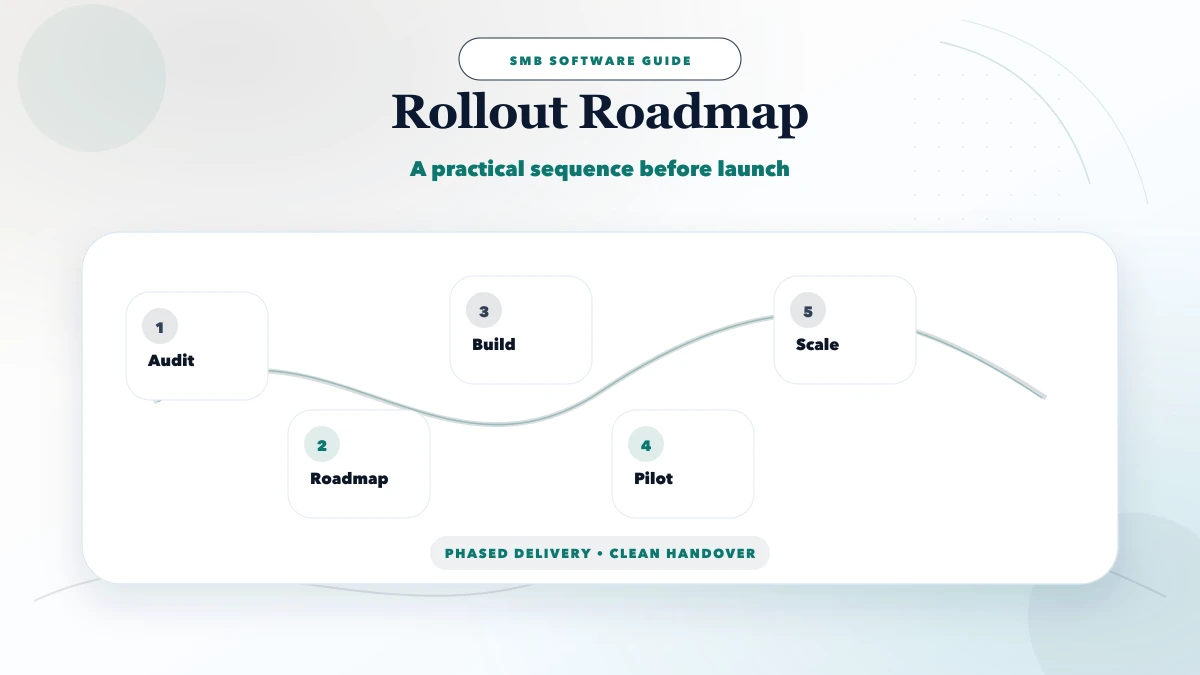
Map workflows, clean masters, assign owners, and agree on reporting definitions.
Use one company, branch, team, or product group. Process realistic transactions and capture failures.
Migrate approved data, train users, monitor daily transactions, and keep a rollback plan.
Connect external systems only after the internal process is stable.
Add reports, reminders, and automation based on observed bottlenecks rather than assumptions.
Test end-to-end scenarios:
Ask the business owner for sign-off on outputs, but involve the staff who perform the work daily.
If a developer provides a customer reference and the customer has agreed to be contacted, ask operational questions rather than requesting a generic rating:
Respect confidentiality and do not ask the reference to disclose sensitive business information. One relevant reference with a comparable workflow is more informative than a long list of logos.
Also request artefacts that the vendor is permitted to share: an anonymised workflow, sample acceptance checklist, release note, or support-process outline. These demonstrate operating discipline without exposing another customer's data.
Reference checks should confirm how the partnership behaves after launch. A nearby office or an impressive demo cannot substitute for reliable support, transparent ownership, and tested recovery.
The first output should be a workflow and phase document. VASUYASHII can discuss business software, integrations, and ERP-lite requirements through contact. The company context is available on about. This is an evidence-safe description of the approach, not a claim of guaranteed savings or universal product fit.
No. Local workshops can help, but process competence, documentation, security, support, and ownership are more important than distance alone.
Not automatically. Decide which system is authoritative for invoicing, tax, inventory, and accounting. Integration or export may be safer than rebuilding mature accounting functions.
Choose one connected cycle with clear business value, such as purchase-to-stock-to-sale-to-payment. Avoid isolated dashboards without reliable transactions.
A focused pilot may take weeks, while broad multi-module rollout can take months. Data quality, approvals, exceptions, and training often drive the schedule.
A decision-maker should sponsor it, while process owners validate workflows and daily users test realistic transactions.
A structured discovery response, working scenario with realistic data, clear exclusions, migration plan, references that can be verified, and transparent support terms.
Prepare the workflow inventory and three highest-risk exceptions before speaking to vendors. Compare the requirement against the Custom Software, CRM and ERP hub and the VASUYASHII Business Suite, then use contact if you want help deciding whether a configurable suite, integration, or focused custom phase is the right next move.
Related Articles
April 15, 2026
Compare custom ERP with Tally and Excel for Indian SMEs using workflow ownership, controls, integration, migration, cost, rollout and adoption criteria.
Read article
May 9, 2026
inventory system developer near me: pricing, checklist, FAQs, trust signals, and practical SEO steps for Indian SMB owners.
Read article
May 24, 2026
purchase sales module ERP: practical 2026 guide with features, INR pricing, roadmap, tech stack, mistakes, FAQs, and Indian SME tips today safely for SMBs.
Read article
May 9, 2026
Compare a custom CRM developer with SaaS CRM using workflow fit, ownership, integrations, migration, permissions, adoption, support, and total cost.
Read article