
May 19, 2026
How to Train Staff on New Software: 30-Day Plan
Use a 30-day plan to train staff on CRM, billing, inventory, or ERP software with role-based practice, safe data, adoption checks, and support ownership.
Read articlePublished Updated
Create role-based staff training for new business software with practice scenarios, cutover support, adoption metrics, access safety, and clear ownership.
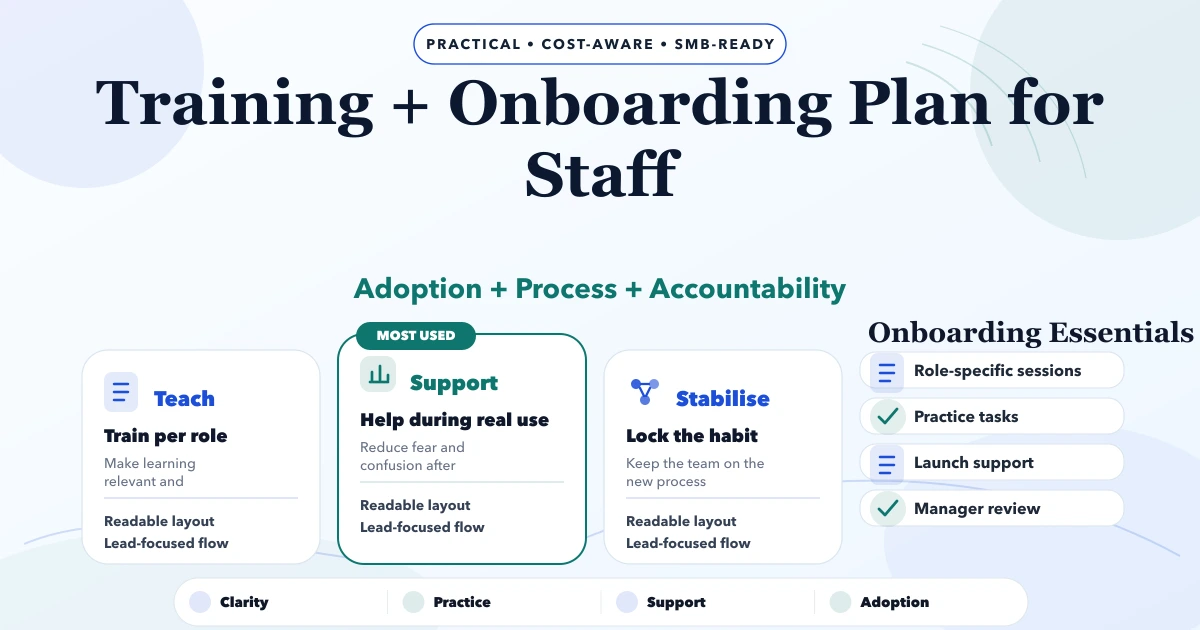
Staff training is not one product demo before launch. A reliable onboarding plan teaches each role how to complete its real work, what to do when data or permissions are wrong, and where to report an issue without creating a second unofficial process in Excel or WhatsApp.
For an Indian SME moving from registers or spreadsheets to billing, inventory, CRM, or workflow software, adoption risk is operational. If invoice staff, store teams, managers, and owners learn different rules, reports stop matching and the software loses trust. This guide provides a role-based rollout plan that can be used for custom software or a configured SaaS product.
Build training around tasks and decisions, not menus. Define roles, map the five to ten workflows each role performs, create safe practice data, test realistic scenarios, certify readiness, and support the first live week with clear owners.
Managers need separate training on approvals, exceptions, reports, and access. New-joiner onboarding should reuse the same material after launch, so the project does not depend permanently on one trainer.
Create one matrix before recording tutorials:
| Role | Daily tasks | Exceptions | Reports/approvals | Restricted actions |
|---|---|---|---|---|
| Billing executive | Create invoice, collect payment | Wrong GSTIN, return, failed PDF | Day closing | Price override, delete |
| Store staff | Receive and issue stock | Damage, shortage, unknown SKU | Stock variance | Cost visibility |
| Sales team | Add lead, update follow-up | Duplicate customer, lost lead | Pipeline view | Export all contacts |
| Manager | Approve exception, review due | Backdated change, credit limit | Sales and stock reports | User administration |
| Owner/admin | Configure company, review controls | Access incident, restore | Cross-module summary | Destructive actions require safeguards |
This matrix prevents generic sessions where every person watches features they will never use. It also exposes missing permission rules before go-live.
Each module needs a measurable outcome. “Understands invoicing” is vague. Better outcomes are:
A participant is ready when they can perform the task and explain the exception rule without the trainer guiding every click.
Training should not create real invoices, messages, payments, or stock movements. Prepare a sandbox or isolated company with recognisable fake records. Disable live WhatsApp, email, payment, and statutory integrations where possible.
Current VASUYASHII Business Suite supports company-scoped workspaces and role/permission configuration, which makes isolated sample-company training a practical setup pattern. The exact permissions and demo data still need approval for each customer's rollout.
The practice dataset should include:
Never copy sensitive production data into a training environment without a justified and controlled process.
Explain why the process is changing, what the software will and will not replace, the go-live date, and where help will be available. Avoid promising that every issue disappears on day one.
Show one complete workflow using the same fields and terminology staff will see. Explain why each mandatory field exists.
Participants repeat the workflow with a different sample. The trainer observes but does not take control immediately.
Introduce a failed validation, unavailable product, duplicate record, wrong permission, or payment mismatch. Staff need to recognise when not to proceed.
Use a short scenario-based assessment. Record who needs retraining and which workflow caused difficulty.
Sessions should be small enough for practice. Two focused 45-minute sessions are usually more useful than a three-hour feature tour.
Managers do not only need reports. They must understand how their team's entries affect those reports. Their training should cover:
Without manager ownership, staff often return to old processes when the first exception appears.
Select at least one process owner and one backup from the business. They should attend discovery, validate terminology, practise every role scenario, and maintain the internal knowledge base.
An internal trainer should not receive unrestricted system access automatically. Their permissions remain role-based. Their advantage is process knowledge and the ability to answer everyday questions before raising a technical ticket.
Create a small, maintainable set rather than a huge manual nobody reads:
Screenshots and videos become outdated. Store source files, assign an owner, and show the software version or review date.
Migration is not finished when records import successfully. Staff need to validate opening data and understand the cutover boundary.
Assign samples to business owners: customers, products, opening stock, outstanding invoices, and supplier balances. Record accepted totals and known exceptions. Tell staff which system is authoritative after the cutover time and who can correct imported records.
For a detailed preparation sequence, use the Excel-to-software migration guide.
| Category | Example | Owner |
|---|---|---|
| Knowledge gap | User cannot find correct workflow | Internal trainer |
| Permission | User cannot approve or sees restricted data | Company admin/security owner |
| Master data | Wrong unit, tax rate, customer duplicate | Business data owner |
| Defect | Valid action produces wrong result | Development/vendor team |
| Enhancement | New report or workflow requested | Product owner after prioritisation |
| Infrastructure | Printer, network, device failure | IT/support owner |
This prevents every question being labelled a software bug and protects developers from making hurried changes without evidence.
Do not measure success only by logins. Track behaviour connected to the process:
Use metrics for improvement, not punishment. A spike in errors may reveal confusing design or weak master data rather than careless staff.
Training must reinforce access boundaries. Each participant should use their own account. Do not share admin passwords for convenience. Demonstrate logout, password reset, device safety, and how to report suspicious access.
Review permissions before and after go-live. Temporary import, setup, or support roles should expire. Critical delete, export, configuration, and financial actions should be limited and audited.
When planning a role-based system, review custom software, CRM and ERP services and the web-app security guide.
If screens and rules change after training, staff lose confidence. Train on a release candidate with only controlled corrections remaining.
People remember the tasks they practise. Split content by role and workflow.
This risks real messages, incorrect records, stock changes, and audit problems.
Happy-path training fails at the first return, duplicate, wrong tax rate, or approval problem.
Assign business process owners and maintain onboarding material for new staff.
Attendance proves presence, not task competence. Use scenario checks.
It depends on role complexity. Use short sessions per workflow, allow practice, and schedule retraining based on readiness rather than one fixed duration.
Orientation can happen earlier, but final practice should use an approved release and realistic sample data. Migration owners also need separate validation training.
Choose someone who understands the process, communicates clearly, and has management support. Do not select only on seniority or technical skill.
Find the reason: missing workflow, poor access, unreliable data, unclear policy, or habit. Set the authoritative system and resolve genuine gaps instead of only banning the spreadsheet.
A training issue occurs when the approved workflow works but the user does not know it. A defect occurs when valid inputs produce behaviour that contradicts the accepted requirement.
Yes. Maintain role-specific quick starts, scenarios, account setup, readiness checks, and a named trainer as a permanent onboarding kit.
Connect training to the six-month software roadmap and staff training implementation guide. If you need role mapping, permissions, or rollout support for a business system, review software development services or contact VASUYASHII.
Related Articles
May 19, 2026
Use a 30-day plan to train staff on CRM, billing, inventory, or ERP software with role-based practice, safe data, adoption checks, and support ownership.
Read article
May 8, 2026
Migrate Excel data to business software with a controlled plan for cleanup, field mapping, pilot imports, reconciliation, cutover, and rollback.
Read article
April 25, 2026
Inventory rollout plan phased: modules, stock migration, pricing, timeline, and rollout checklist for Indian businesses in 2026.
Read article
May 26, 2026
Plan repair center software for job cards, device intake, estimates, parts, technician queues, approvals, warranties, payments, and customer updates.
Read article