
April 21, 2026
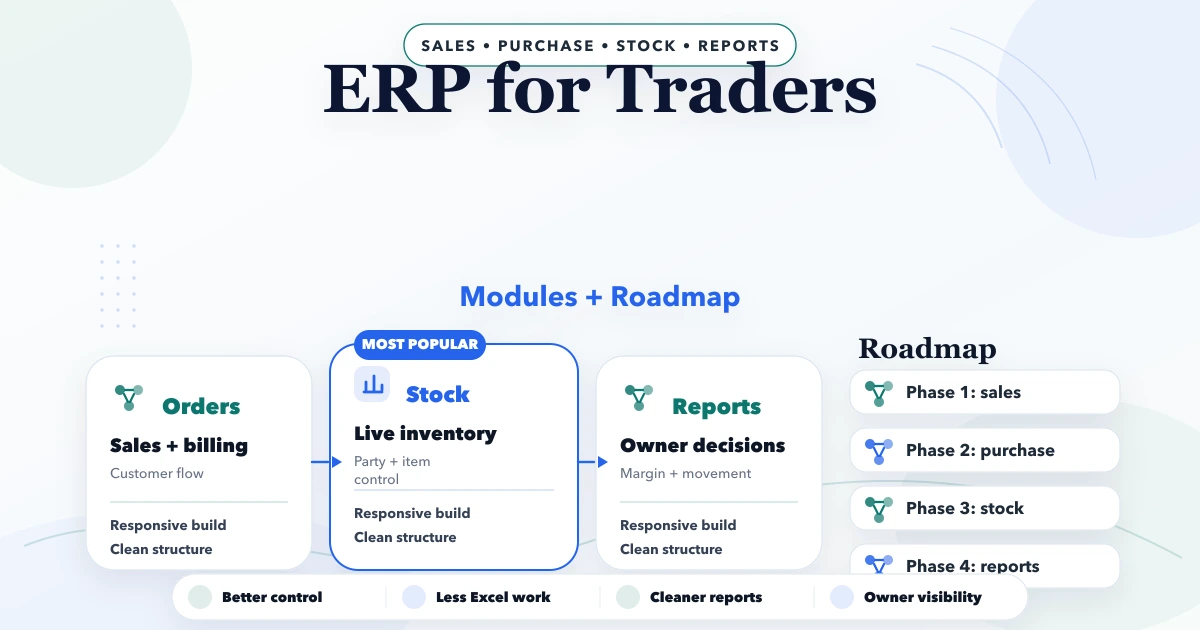
ERP for Traders: Modules and Implementation Roadmap
Plan ERP for traders with GST billing, inventory, purchases, payments, expenses, returns, reports, multi-company controls and a practical rollout roadmap.
Read articlePublished Updated
Plan an SME ERP roadmap across clean masters, transactions, permissions, migration, pilot, training, reports and controlled rollout without overbuilding.
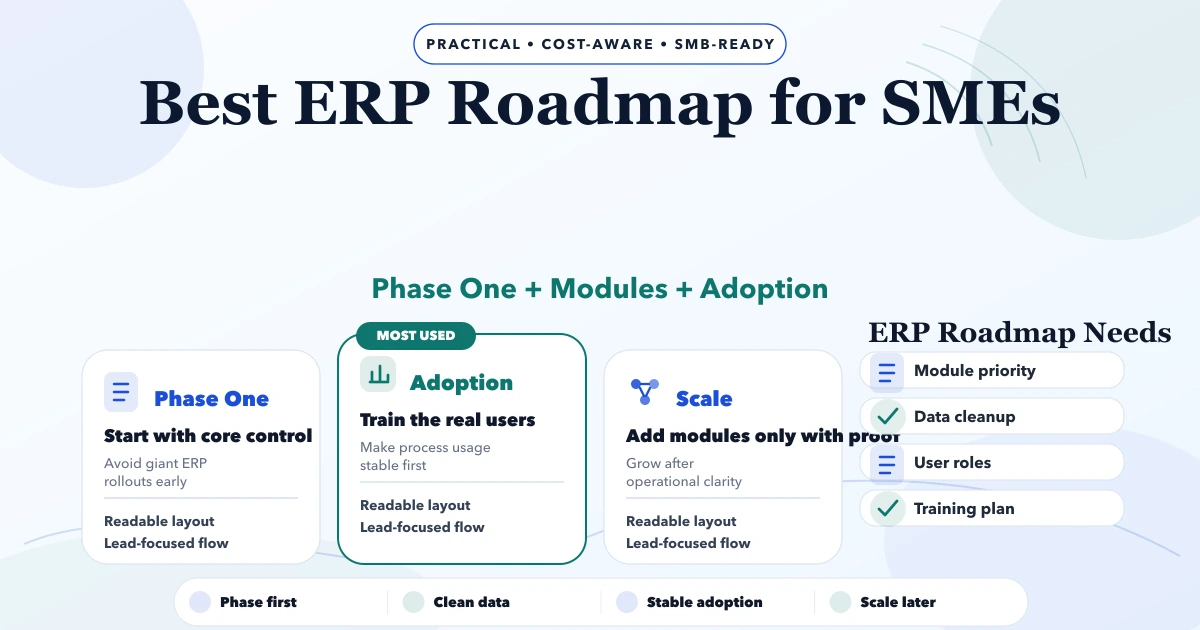
An SME ERP roadmap should not begin with a catalogue of every possible module. It should begin with the records and transactions the business must control every day, the people responsible for those records, and the reports needed to make decisions.
For many Indian traders, distributors, retailers, suppliers, and service businesses, the practical starting point is ERP-lite: customers, vendors, products, stock, purchases, sales, payments, expenses, documents, and basic reports. Full accounting, payroll, manufacturing, or statutory integrations should be added only when the workflow and ownership are ready.
Map the business before selecting software.
| Discovery area | Evidence to collect |
|---|---|
| Companies and branches | Legal firms, GST registrations, warehouses, service locations |
| Masters | Customer, vendor, product, HSN/SAC, unit, tax, price lists |
| Transactions | Purchase, return, sale, return, payment, expense, adjustment |
| Documents | Quotation, invoice, purchase order, challan, receipt, PDF |
| Roles | Owner, manager, billing, purchase, warehouse, accountant, viewer |
| Exceptions | Credit sale, partial payment, damaged stock, cancellation, correction |
| Reports | Dues, stock, ageing, sales, purchase, margin, expense, activity |
| Existing sources | Excel, Tally exports, notebooks, legacy software, PDFs |
Record which system is currently authoritative. If customer names differ across three spreadsheets, migration cannot be solved by importing all three blindly.
Build the foundation used by every transaction.
Do not begin bulk imports until sample records pass validation. The CRM data migration checklist applies similar staging and reconciliation principles.
For a trading business, a useful first cycle may be:
Every transaction needs status, date, document number, user, company, totals, and correction rules. Deleting a posted transaction without trace can damage stock and dues consistency.
The purchase and sales module guide explains the record relationships that should remain consistent.
Avoid using “admin” and “staff” as the complete security design.
Define actions by module and scope:
Use the role-based access guide to build a permission matrix and test denied cases.
Real operations are not only happy paths. Add controlled handling for:
Prefer reversal or adjustment records over silent destructive edits when history matters. Reports must use the same logic as transaction screens.
Reports should answer defined questions.
| Question | Required data |
|---|---|
| Which customers owe money? | Invoice balance, payment allocation, due date |
| Which products need reorder? | Available stock, committed stock, reorder level |
| What did each branch sell? | Company/branch scope, invoice date, returns |
| Which vendors are due? | Purchase balance, payments, terms |
| What is the stock value? | Quantity and approved valuation method |
| Which user changed this record? | Audit event and before/after values |
A dashboard is not phase one if the source transactions are inconsistent. Define date basis, filters, returns, cancellations, and export behaviour before approval.
Add an integration when the manual handoff is understood.
Possible additions:
Each integration needs credentials, trigger, retry, duplicate protection, failure visibility, and reconciliation. The integration service treats these as operating controls rather than one API call.
List every spreadsheet, database, export, document folder, and handwritten source. Assign an owner.
Separate active masters, opening balances, open transactions, and historical records. Historical data may remain in a read-only archive if importing it creates more risk than value.
Standardise identifiers, names, phone numbers, GSTIN, units, tax rates, dates, and duplicate rules.
Import a representative subset, verify totals, run workflows, then correct the mapping.
Freeze old entries, take backups, import approved data, reconcile control totals, and record sign-off.
Never use production as the first import test.
Choose one company, branch, team, or transaction type with manageable volume. Define:
Do not run two systems indefinitely without deciding which one is authoritative. Temporary parallel operation needs clear reconciliation.
Train by job task, not by menu tour.
Billing staff need invoice, payment, correction, and PDF practice. Warehouse staff need receipt, stock movement, count, and return practice. Owners need exceptions, approvals, reports, user access, and backup understanding.
Use sample scenarios and require users to complete them. The staff onboarding plan helps define role-specific sessions and acceptance.
Track indicators that reveal operating quality:
Login count alone does not prove the ERP is trusted or correctly used.
Use standard software when the business can adopt its workflow and the product covers critical roles, reports, integrations, export, and support. Use custom development when the operating difference is material and the business can own discovery, testing, training, and maintenance.
A hybrid may combine an existing accounting platform with a custom operational system and controlled exports. The ERP development cost guide explains scope drivers without positioning every SME for a large build.
This is an illustrative sequence, not a promised timeline:
Complex multi-branch, accounting, manufacturing, or statutory scope requires a different plan.
VASUYASHII separates current capability from future roadmap and starts with an operable transaction cycle. We define masters, company scope, roles, exceptions, reports, migration, and acceptance before adding automation.
For Indian traders and distributors, VASUYASHII Business Suite provides an ERP-lite direction around GST billing, inventory, purchases, payments, expenses, reports, PDF, WhatsApp sharing, and multi-company operations. It is not presented as a full SAP-style enterprise ERP or complete accounting replacement.
Start with the masters and transaction cycle tied to the biggest control problem. For a trader, that may be purchase, stock, invoice, payment, and dues rather than CRM or payroll.
Not always. Move data required for operations, balances, compliance, and reporting. Keep verified archives for older records when full migration adds cost without practical value.
It depends on modules, data quality, roles, integrations, review speed, and pilot scope. Use milestones and acceptance criteria instead of one generic duration.
No. Standard software is often better when workflows are common and export, support, security, and pricing fit. Custom work is justified by material operating differences.
Company data must be separated deliberately. Shared masters may be copied or synchronised under rules, while invoices, payments, dues, purchases, and stock history usually remain company-specific.
Yes. Share the current workflows, source files, user roles, companies, reports, and main control problem through contact for a focused roadmap review.
Choose one transaction cycle and map it from master data to report. If that cycle cannot be explained with ownership and exceptions, the ERP roadmap is not ready for software selection.
Related Articles
April 21, 2026
Plan ERP for traders with GST billing, inventory, purchases, payments, expenses, returns, reports, multi-company controls and a practical rollout roadmap.
Read article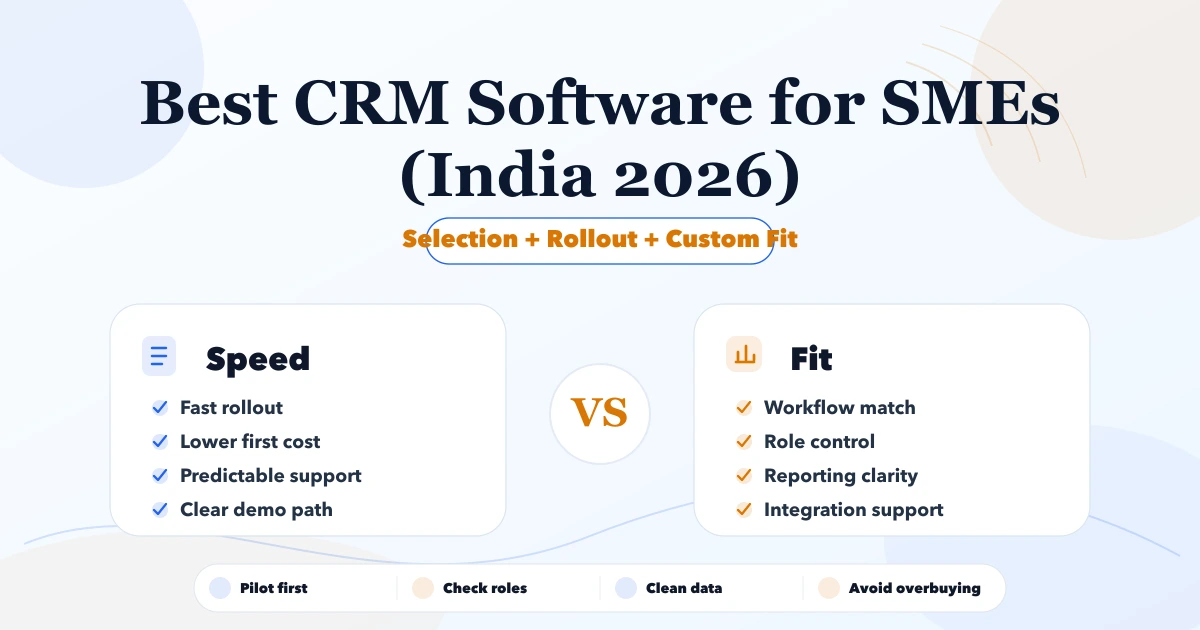
May 7, 2026
Best CRM Software for SMEs (India 2026) comparison guide with selection logic, pricing, rollout notes, and when custom software makes more sense in 2026.
Read article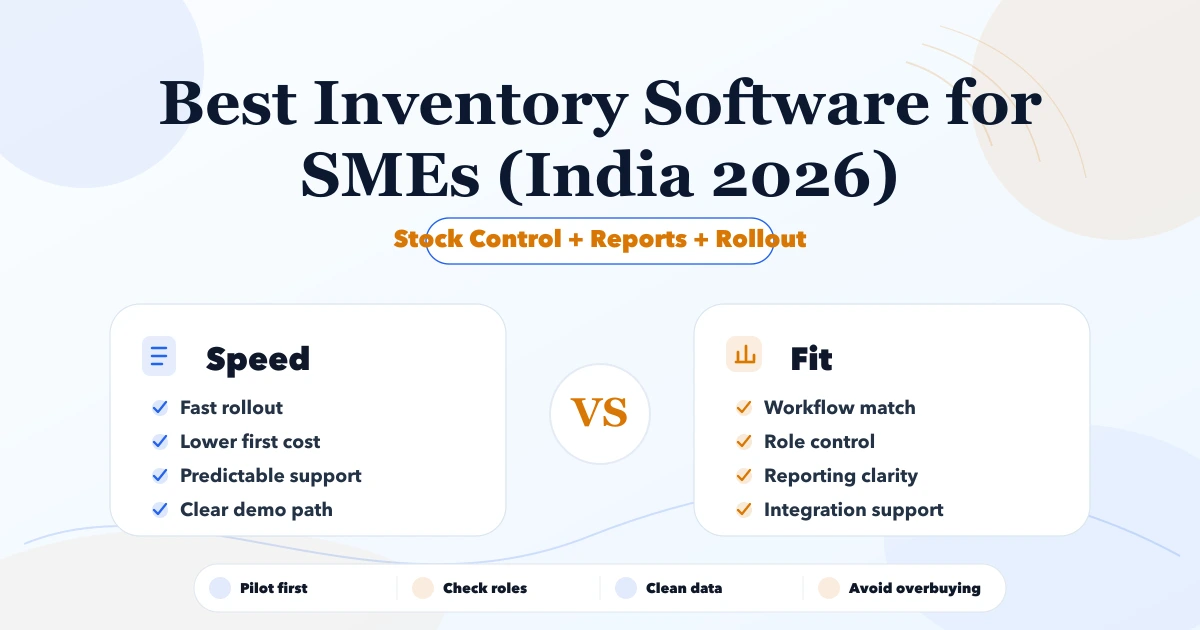
May 7, 2026
Compare inventory software for Indian SMEs by stock workflow, billing, purchases, reports, rollout cost, and when ERP-lite or custom software fits.
Read article
May 19, 2026
Plan a six-month software roadmap for an SME using business outcomes, release gates, capacity limits, risk controls, adoption metrics, and monthly reviews.
Read article