
May 7, 2026
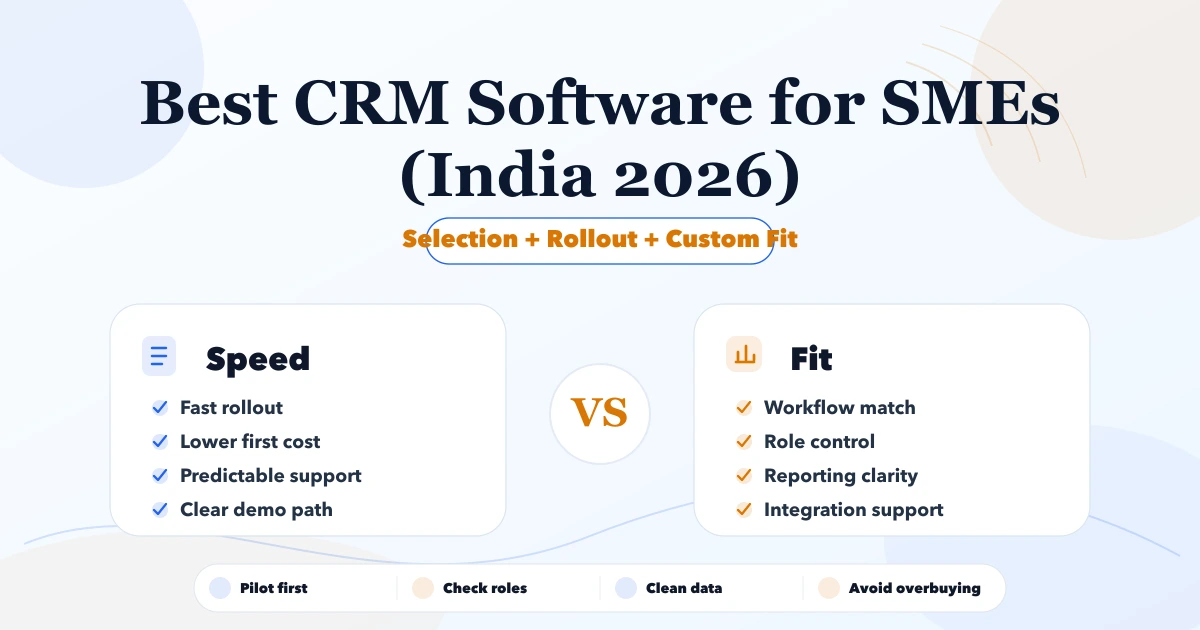
Best CRM Software for SMEs (India 2026)
Best CRM Software for SMEs (India 2026) comparison guide with selection logic, pricing, rollout notes, and when custom software makes more sense in 2026.
Read articlePublished Updated
Best Billing Software for SMEs (India 2026) comparison guide with selection logic, pricing, rollout notes, and when custom software makes more sense in 2026.
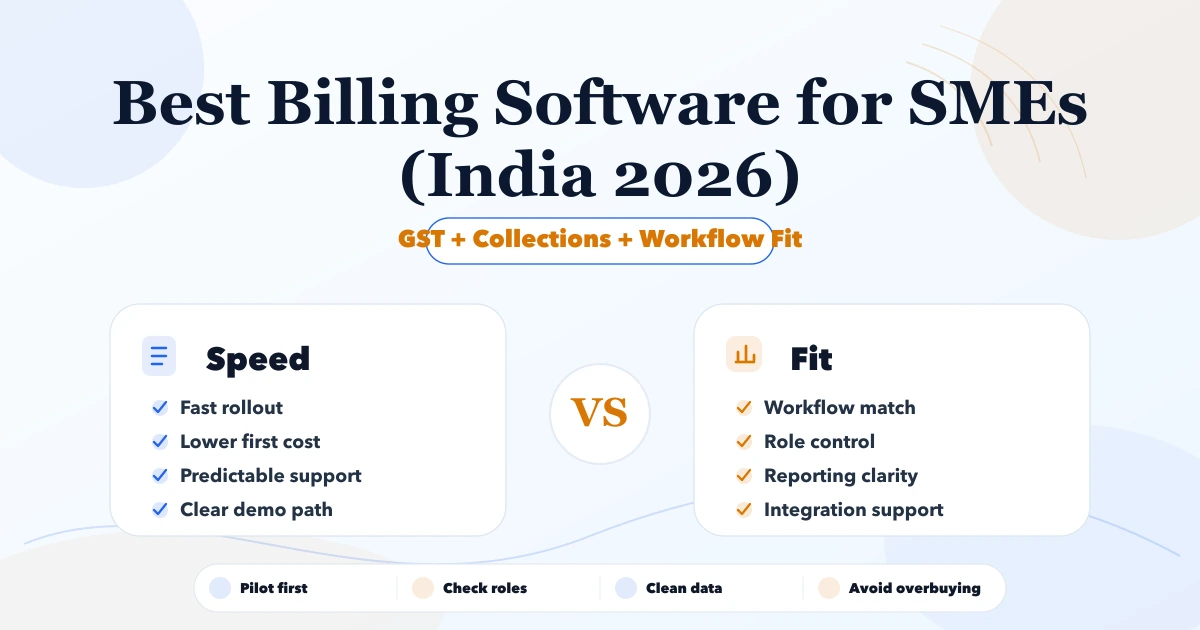
A search for best billing software for SMEs India 2026 usually means the team is already feeling friction in Excel, billing, inventory, or customer follow-up. This article is for Indian SMEs that want a realistic 2026 shortlist and do not want to waste months on the wrong system.
The best software is not always the one with the longest feature list. It is the one that fits workflow, team maturity, implementation budget, and reporting needs while leaving room for better automation later.
Serving Delhi NCR: Ghaziabad, Noida, Delhi, Gurugram, Faridabad, and nearby growth markets.
The best billing software choice depends on whether your team needs speed, industry depth, integration control, or custom workflow ownership. For many SMEs, the right move is to start with a lean rollout and only move to custom software where SaaS gaps start hurting speed or accuracy.
| Scope | Price range | Timeline |
|---|---|---|
| SaaS subscription setup | ₹1,200 to ₹6,000 per user or month | 3 to 14 days |
| SaaS + implementation support | ₹35,000 to ₹1.5 lakh | 2 to 6 weeks |
| Custom workflow software | ₹2 lakh to ₹12 lakh+ | 1 to 4 months |
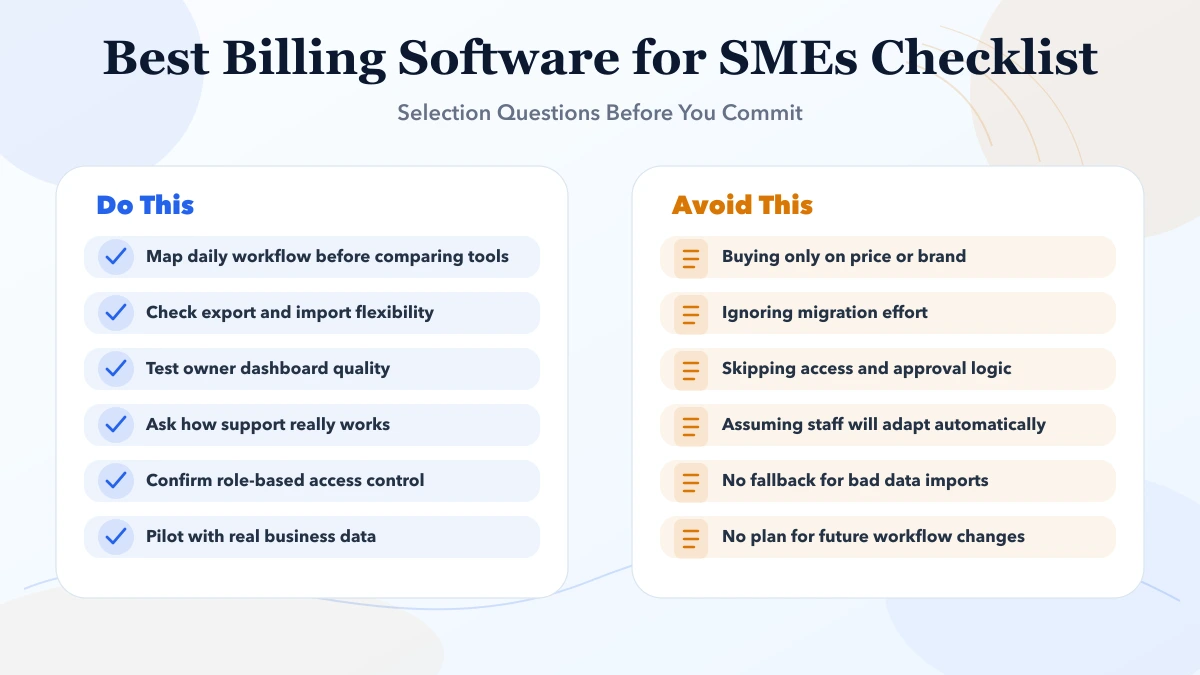
Software selection mistakes are expensive because they waste data cleanup effort, training time, and owner attention. A sharper shortlist reduces risk before implementation starts.
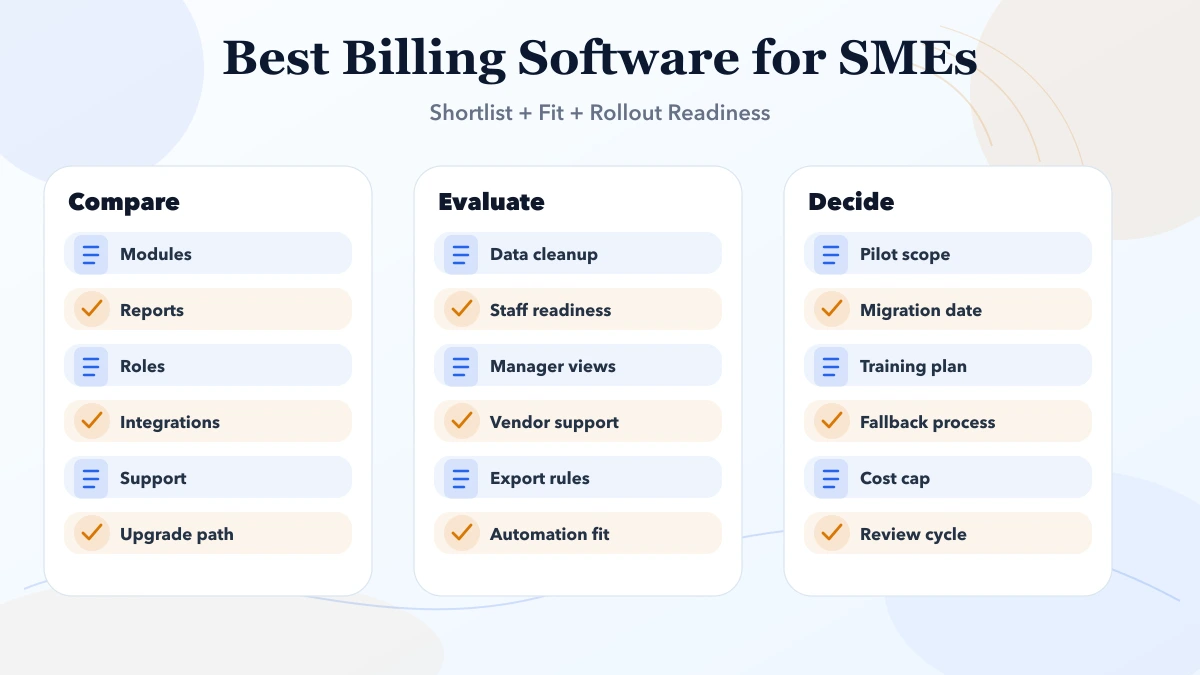
Good business software execution starts with process clarity and data hygiene. Whether the team is choosing SaaS, planning an ERP roadmap, or migrating from Excel, the real quality signal is how safely the rollout handles users, approvals, imports, and owner reporting.
The right implementation path also avoids drama. Instead of trying to digitise everything in one shot, the business introduces a controlled first phase, validates usage, then expands only where the next improvement is clearly worth the cost.
A trader, retailer, wholesaler, hardware shop, or supplier may not need a custom billing build on day one. If the requirement is GST invoices, customer and vendor records, product stock, purchases, payments, expenses, reports, PDF invoices, and company-wise access, a ready ERP-lite product can reduce setup time and cost.
VASUYASHII Business Suite is one option to evaluate for this scope. Its current product page shows real screens, a working demo, stated early-access pricing, included modules, exclusions, and roadmap items. Test the demo with realistic sample transactions before deciding.
Choose a ready product when the workflow fits without major changes. Choose custom software development when the business needs unusual pricing rules, approvals, statutory integrations, advanced accounting, or reports that cannot be handled cleanly in the current product. For deeper comparisons, review the small-business GST billing guide and invoice automation workflow.
A billing demo should cover more than creating one invoice. Ask the vendor to demonstrate the lifecycle your business actually uses:
The exact tax document and correction process depends on the business and current Indian GST requirements. Confirm numbering, GSTIN, HSN/SAC, place-of-supply, tax treatment, return, e-invoice, and e-way bill needs with a qualified accountant and the current official rules. Do not assume every product includes statutory integrations simply because it can calculate GST.
| Requirement | What to test in the demo | Red flag |
|---|---|---|
| Invoice accuracy | Five real combinations of tax, discount, quantity, and rounding | Totals require manual correction |
| Document control | Numbering, permissions, cancellation, and revision history | Anyone can edit issued invoices silently |
| Collections | Partial payment, due balance, receipt, and ageing | Payments cannot be reconciled to documents |
| PDF and sharing | Company details, bank details, download, print, secure link | PDF differs from saved transaction |
| Multi-company | Firm switch, company-specific numbering, users, and reports | Data leaks across firms |
| Export and backup | Customer, item, invoice, and payment export | Vendor lock-in or incomplete exports |
| Support | Named escalation route and data-recovery process | Only sales support is visible |
Run the demo with a representative customer, ten products, a partial payment, a return, and one overdue bill. A prepared marketing example does not reveal whether day-to-day exceptions are safe.
Billing software can create invoices, track dues, and provide operating reports without being a complete accounting system. Full ledgers, journal entries, trial balance, profit and loss, balance sheet, bank reconciliation, TDS/TCS, statutory filing, and accountant workflows are separate requirements unless the product explicitly supports and demonstrates them.
Write these boundaries into the scope. If the accountant continues using another system, define the export, frequency, owner, and reconciliation check. If a direct integration is required, verify its API, error handling, and support responsibility before purchase.
Create a field map for customers, GSTIN, addresses, products, units, HSN/SAC, tax rates, opening balances, unpaid invoices, and stock if the billing system also manages inventory. Clean duplicates and invalid tax data before import.
Perform a trial import into a test company. Compare record counts, totals, and a sample of source records. Keep the original export read-only and document the cut-off date. Do not treat a successful CSV upload as proof that balances and relationships are correct.
Define who can create, approve, cancel, discount, receive payment, export data, change tax settings, and view owner reports. Small teams still need separation between routine work and high-risk changes.
Ask whether critical actions are logged with user and time, whether former staff access can be revoked immediately, and whether each API request is company-scoped. A shared admin password is not an implementation plan.
VASUYASHII Business Suite is positioned as GST billing, inventory, purchase, payment, expense, PDF, WhatsApp-sharing, reporting, and multi-company business software for Indian SMEs. It is an ERP-lite option for traders, wholesalers, retailers, distributors, and suppliers who need practical daily operations.
Evaluate the live demo against your workflow. The current positioning does not promise a full Tally replacement, complete accounting ledger, payroll, manufacturing/BOM, bank reconciliation, TDS/TCS, or automatic e-invoice/e-way bill integration. Those requirements need separate confirmation, scope, or a future module.
Before rollout, document at least 15 test cases covering normal invoices, tax combinations, partial payments, returns, permission restrictions, PDF output, exports, backup, and recovery. Record the expected result and approver for each case. Go live only after totals, document states, and access rules match the agreed process.
| Scope | Price range | Timeline |
|---|---|---|
| SaaS subscription setup | ₹1,200 to ₹6,000 per user or month | 3 to 14 days |
| SaaS + implementation support | ₹35,000 to ₹1.5 lakh | 2 to 6 weeks |
| Custom workflow software | ₹2 lakh to ₹12 lakh+ | 1 to 4 months |
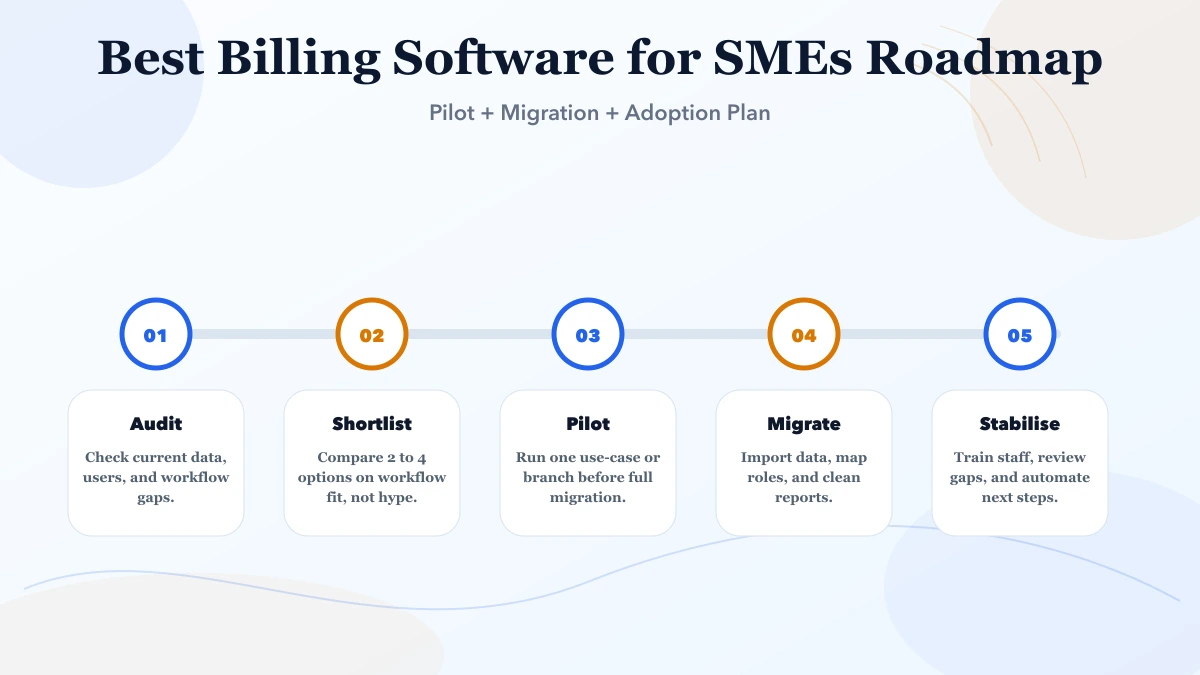
Start with SaaS if the workflow is standard and time-to-value matters more than custom logic. Move to custom when approvals, reporting, integrations, or role-specific needs no longer fit the product.
A simple SaaS rollout can take a few days to a few weeks. A cleaner multi-team implementation with import, role setup, and training usually takes two to eight weeks.
Usually yes, if export quality, field mapping, and access logic are planned early. Poor data hygiene is the real risk, not the migration itself.
Workflow fit, reporting clarity, access control, support quality, and import flexibility matter more than long marketing checklists.
Only if it reduces real manual work immediately. Otherwise, start with a stable base and add integrations after core usage is stable.
Yes. We help SMEs evaluate tools, define phase one, plan data import, structure user roles, and map the upgrade path if custom software becomes the better choice later.
Related Articles
May 7, 2026
Best CRM Software for SMEs (India 2026) comparison guide with selection logic, pricing, rollout notes, and when custom software makes more sense in 2026.
Read article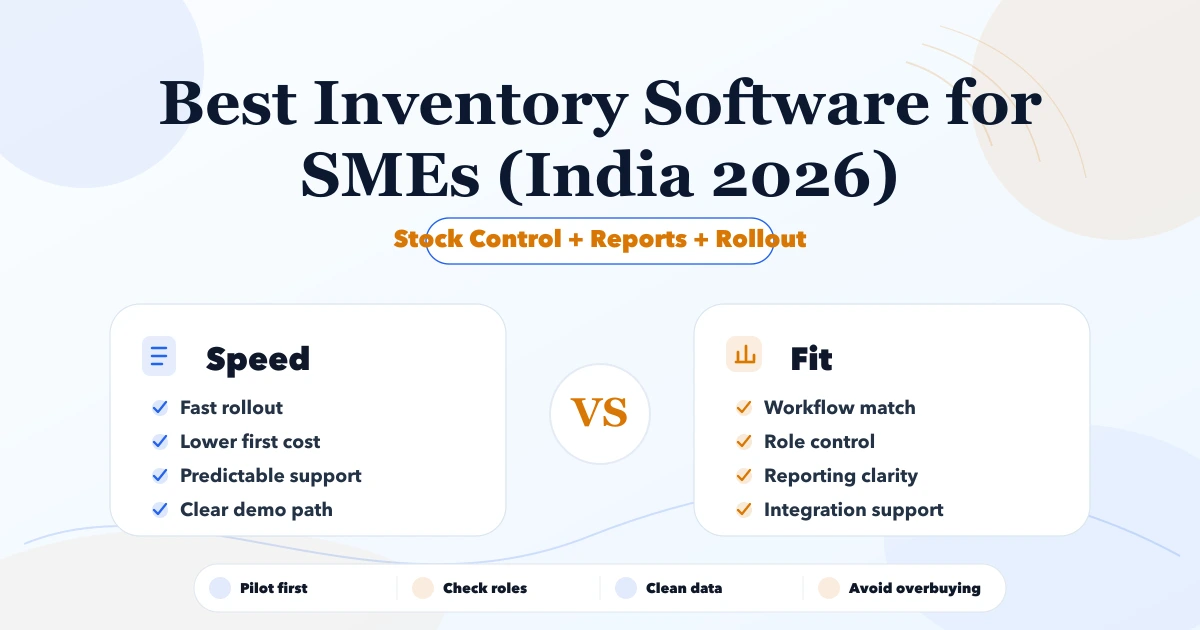
May 7, 2026
Compare inventory software for Indian SMEs by stock workflow, billing, purchases, reports, rollout cost, and when ERP-lite or custom software fits.
Read article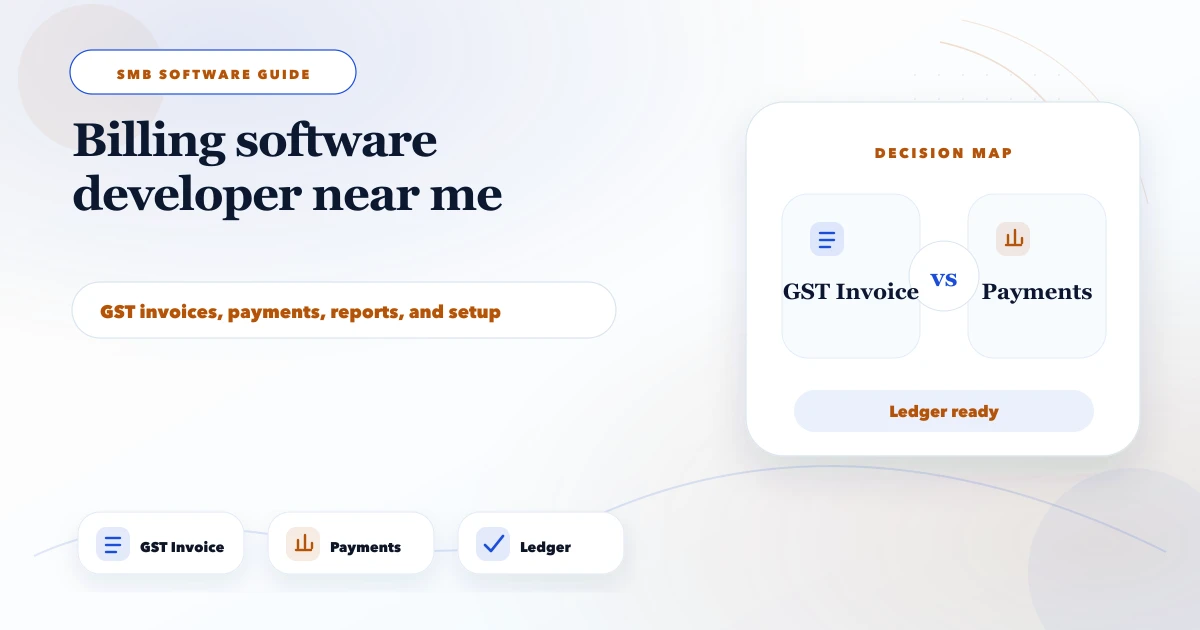
May 9, 2026
billing software developer near me: pricing, checklist, FAQs, trust signals, and practical SEO steps for Indian SMB owners.
Read article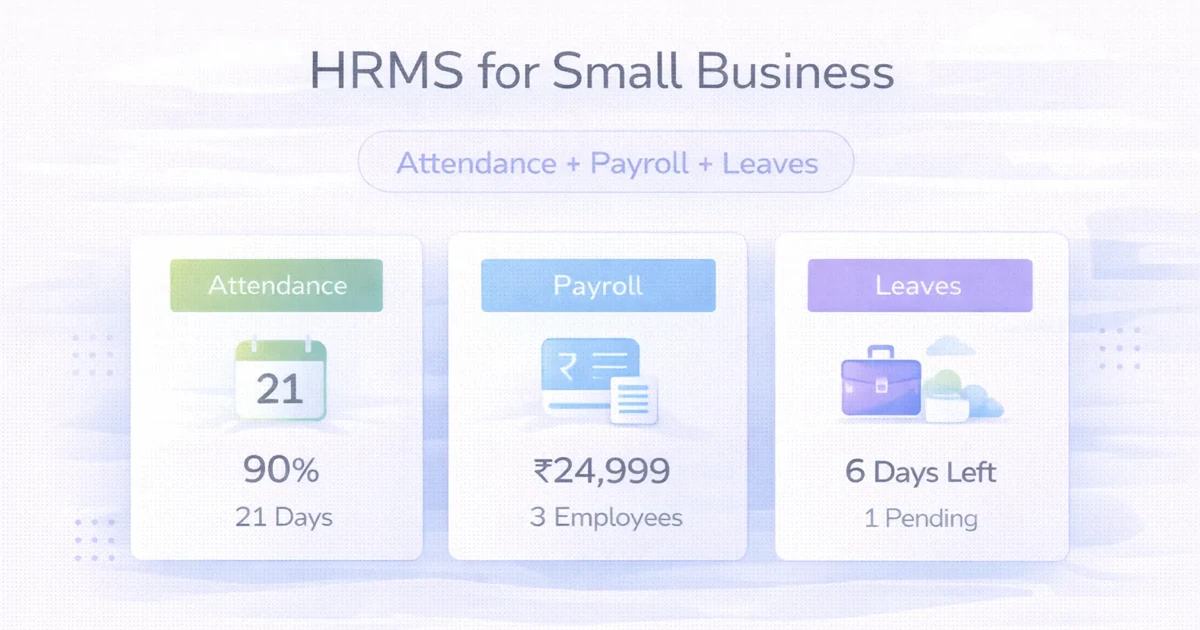
April 2, 2026
HRMS for small business: attendance, payroll, leave modules, cost, and rollout timeline for a practical SME system in 2026.
Read article