
May 8, 2026
Best Billing Software for SMEs (India 2026)
Best Billing Software for SMEs (India 2026) comparison guide with selection logic, pricing, rollout notes, and when custom software makes more sense in 2026.
Read articlePublished Updated
Best CRM Software for SMEs (India 2026) comparison guide with selection logic, pricing, rollout notes, and when custom software makes more sense in 2026.
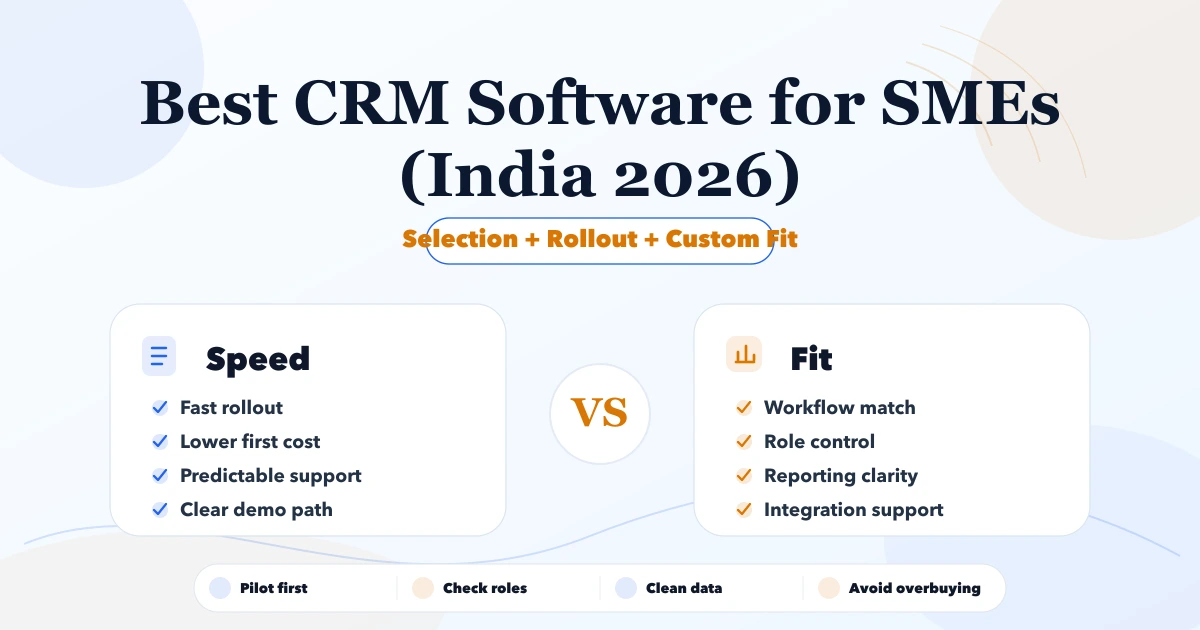
A search for best CRM software for SMEs India 2026 usually means the team is already feeling friction in Excel, billing, inventory, or customer follow-up. This article is for Indian SMEs that want a realistic 2026 shortlist and do not want to waste months on the wrong system.
The best software is not always the one with the longest feature list. It is the one that fits workflow, team maturity, implementation budget, and reporting needs while leaving room for better automation later.
By Tushar C. (Founder, VASUYASHII). Updated after a source review of current official CRM edition pages, with product-evidence boundaries and a repeatable SME pilot method.
Serving Delhi NCR: Ghaziabad, Noida, Delhi, Gurugram, Faridabad, and nearby growth markets.
The best CRM choice depends on whether the team needs a standard sales pipeline, a broader marketing and service ecosystem, deeper configuration, or ownership of a genuinely specific workflow. Start with a controlled pilot and move toward custom software only when documented product gaps create repeated operational cost.
| Scope | Price range | Timeline |
|---|---|---|
| SaaS subscription setup | ₹1,200 to ₹6,000 per user or month | 3 to 14 days |
| SaaS + implementation support | ₹35,000 to ₹1.5 lakh | 2 to 6 weeks |
| Custom workflow software | ₹2 lakh to ₹12 lakh+ | 1 to 4 months |
VASUYASHII Business Suite currently includes company-scoped client records alongside invoices, payments, purchases, products, and reports. The screenshot below demonstrates an implemented client-list interface in the product.
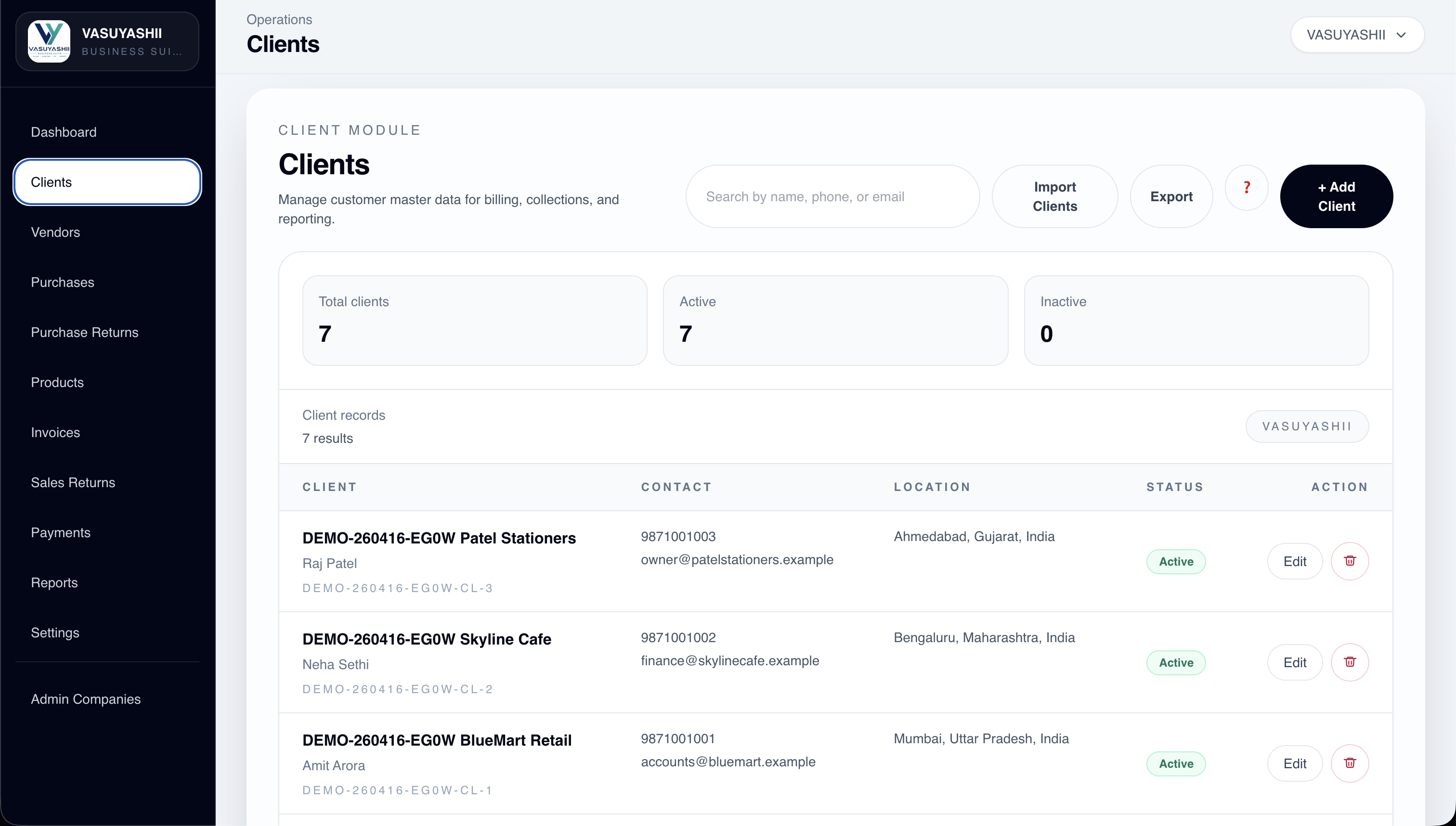
This is evidence of customer-master and operational-record functionality. It is not evidence that Business Suite is a full sales CRM, that it replaces Zoho, HubSpot, Freshsales, or Salesforce, or that a public customer achieved a measured sales result with it.
Software selection mistakes are expensive because they waste data cleanup effort, training time, and owner attention. A sharper shortlist reduces risk before implementation starts.
The expensive failure is usually not a missing feature. It is importing unreliable data, configuring stages nobody follows, or buying seats before one team proves the workflow. A short pilot exposes those risks before a full migration.
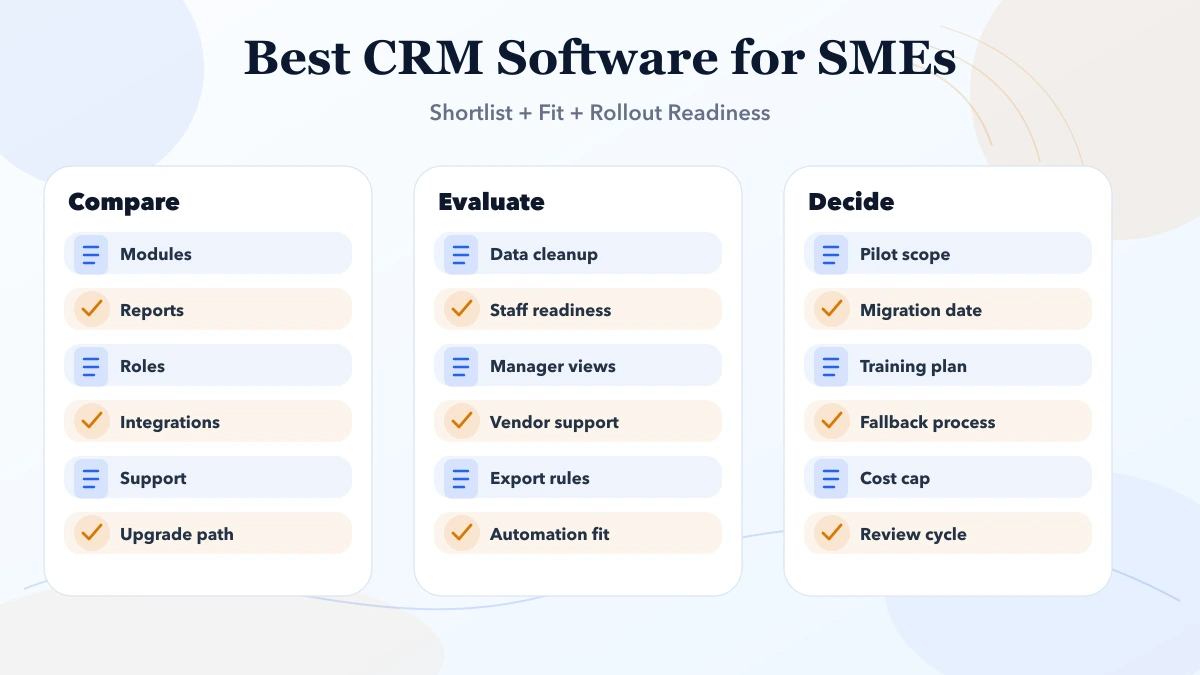
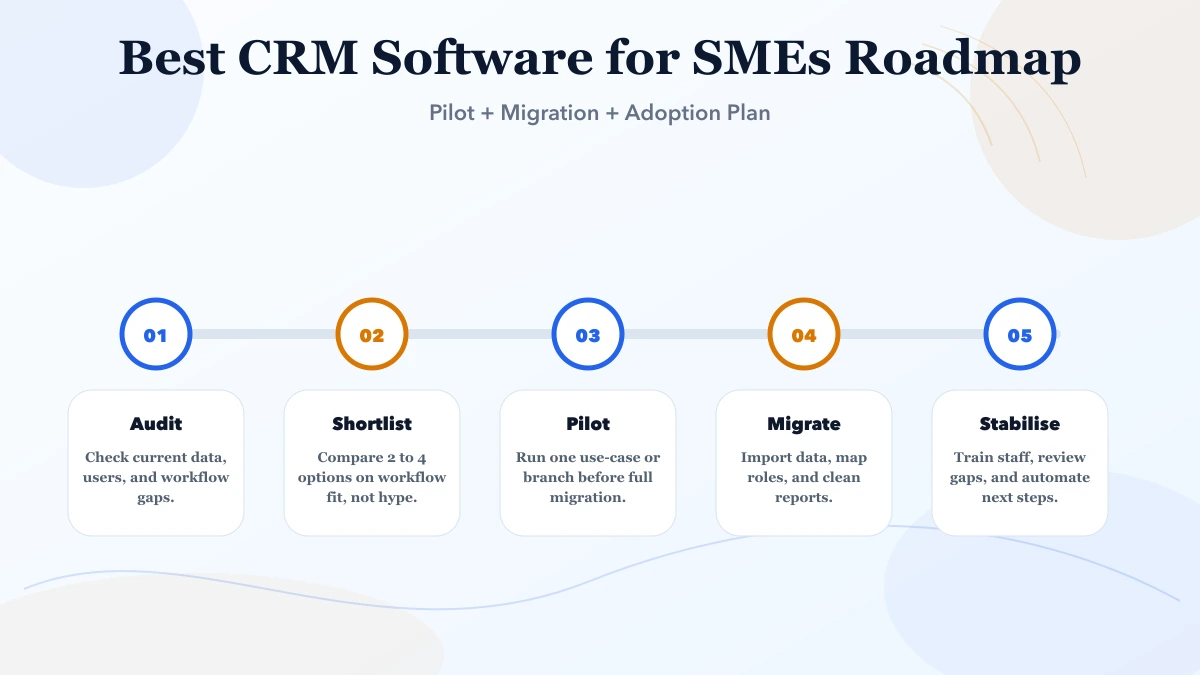
Sequence CRM adoption around the sales team's real jobs. First prove clean capture, ownership, stage movement, follow-up, and one trusted report. Add automation only after users perform those actions consistently and exported records remain usable.
Good business software execution starts with process clarity and data hygiene. Whether the team is choosing SaaS, planning an ERP roadmap, or migrating from Excel, the real quality signal is how safely the rollout handles users, approvals, imports, and owner reporting.
Define a real test set before configuration: a new enquiry, duplicate lead, reassignment, missed follow-up, won deal, lost deal, manager report, export, and user removal. A pilot is complete only when the team can perform those tasks and the owner trusts the resulting report.
Product editions and prices change, so use current vendor pages rather than copied comparison tables. As of this update, the official pages below expose plan, feature, or edition information that should be checked again before purchase:
| Decision pattern | Usually test first | Warning sign |
|---|---|---|
| Standard pipeline and quick rollout | Native lead, deal, task, report, and import flow | Heavy customization before the pilot |
| Marketing, sales, and service handoff | Contact history, consent, campaign, deal, and ticket continuity | Paying for an ecosystem the team will not operate |
| Configurable multi-team CRM | Roles, layouts, automation limits, audit visibility, and exports | Admin complexity without a trained owner |
| Custom workflow | The exact rule or report that packaged CRM cannot support | Rebuilding standard CRM features without a defensible need |
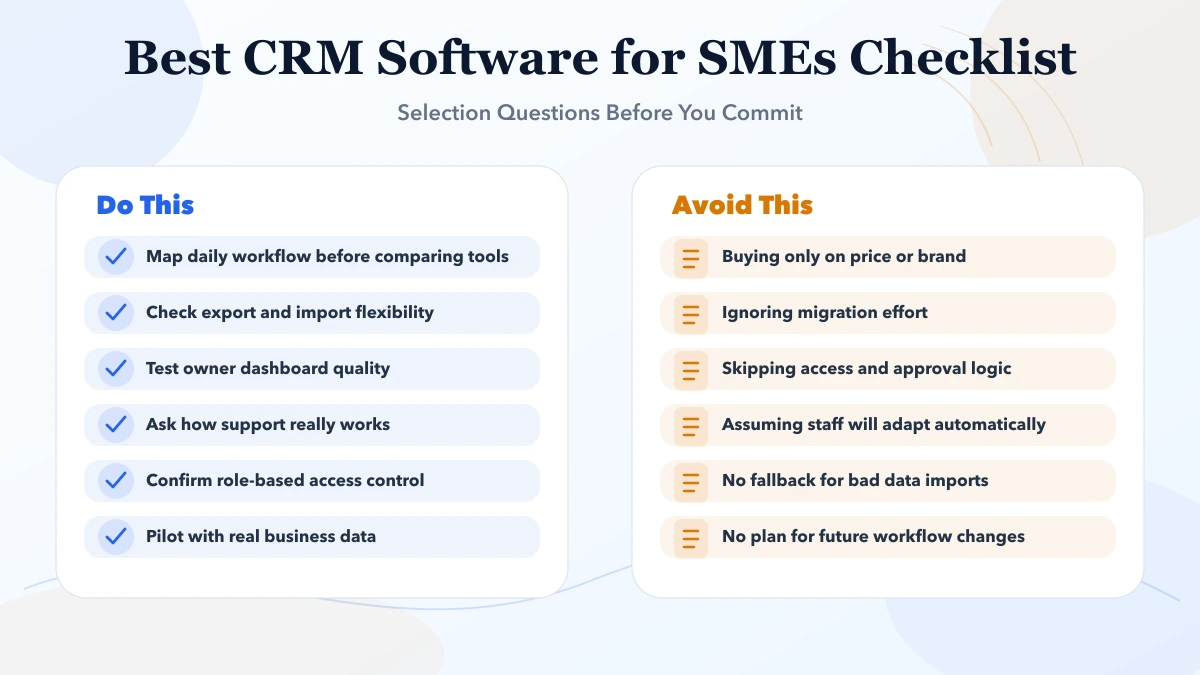
Separate licence cost from implementation cost. Data cleanup, field mapping, permissions, integrations, training, report validation, and ongoing administration may exceed the first subscription invoice.
| Scope | Price range | Timeline |
|---|---|---|
| SaaS subscription setup | ₹1,200 to ₹6,000 per user or month | 3 to 14 days |
| SaaS + implementation support | ₹35,000 to ₹1.5 lakh | 2 to 6 weeks |
| Custom workflow software | ₹2 lakh to ₹12 lakh+ | 1 to 4 months |
Budget one team and one pipeline first. Expand seats, automation, or custom modules only after adoption and report accuracy are visible.
A CRM phase-one brief should name the pilot team, pipeline stages, mandatory fields, duplicate rule, follow-up owner, manager report, import sample, and exit test. Everything else belongs in a later decision queue.
The pilot prevents avoidable spend by exposing unused fields, unclear stages, unreliable imports, and permission gaps before more seats or integrations are purchased. Approve expansion only when the owner trusts usage and reporting evidence.
Assign a CRM owner who can approve field definitions, resolve duplicates, and decide which report is authoritative. Without that owner, the tool becomes another inconsistent database.
For a packaged CRM, API limits, export quality, permission granularity, and audit history matter more than the frontend technology. For a custom build, secure authentication, company-scoped authorization, backups, logs, and tested migrations become direct project responsibilities.
Record these drivers in the shortlist sheet and score every candidate against the same pilot. That prevents a polished demo or introductory price from deciding the purchase alone.
There is no universal best CRM. Vendor pricing and features can change, and suitability depends on user count, data residency requirements, support expectations, integrations, and internal administration capacity. Confirm current terms directly with each vendor.
Business Suite should be evaluated as GST billing, inventory, purchase, payment, expense, and business-management ERP-lite. Do not shortlist it as a full sales CRM, advanced marketing platform, or guaranteed replacement for established CRM products.
Compare the same pilot workflow, export test, permission matrix, and reporting question in every shortlisted product. That produces a more defensible decision than feature-count comparison.
Start with SaaS if the workflow is standard and time-to-value matters more than custom logic. Move to custom when approvals, reporting, integrations, or role-specific needs no longer fit the product.
A simple SaaS rollout can take a few days to a few weeks. A cleaner multi-team implementation with import, role setup, and training usually takes two to eight weeks.
Usually yes, if export quality, field mapping, and access logic are planned early. Poor data hygiene is the real risk, not the migration itself.
Workflow fit, reporting clarity, access control, support quality, and import flexibility matter more than long marketing checklists.
Only if it reduces real manual work immediately. Otherwise, start with a stable base and add integrations after core usage is stable.
Yes. We help SMEs evaluate tools, define phase one, plan data import, structure user roles, and map the upgrade path if custom software becomes the better choice later.
Bring a sample pipeline, five anonymized records, user roles, required reports, and integration list. We can map a pilot or identify the specific gap that would justify custom development.
Related Articles
May 8, 2026
Best Billing Software for SMEs (India 2026) comparison guide with selection logic, pricing, rollout notes, and when custom software makes more sense in 2026.
Read article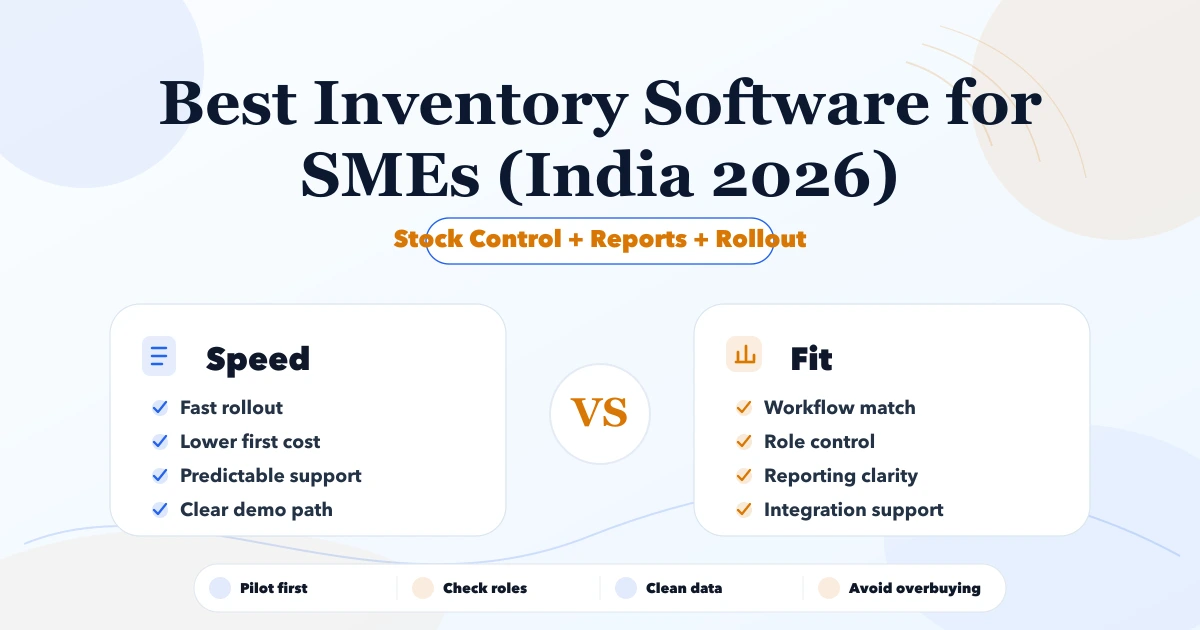
May 7, 2026
Compare inventory software for Indian SMEs by stock workflow, billing, purchases, reports, rollout cost, and when ERP-lite or custom software fits.
Read article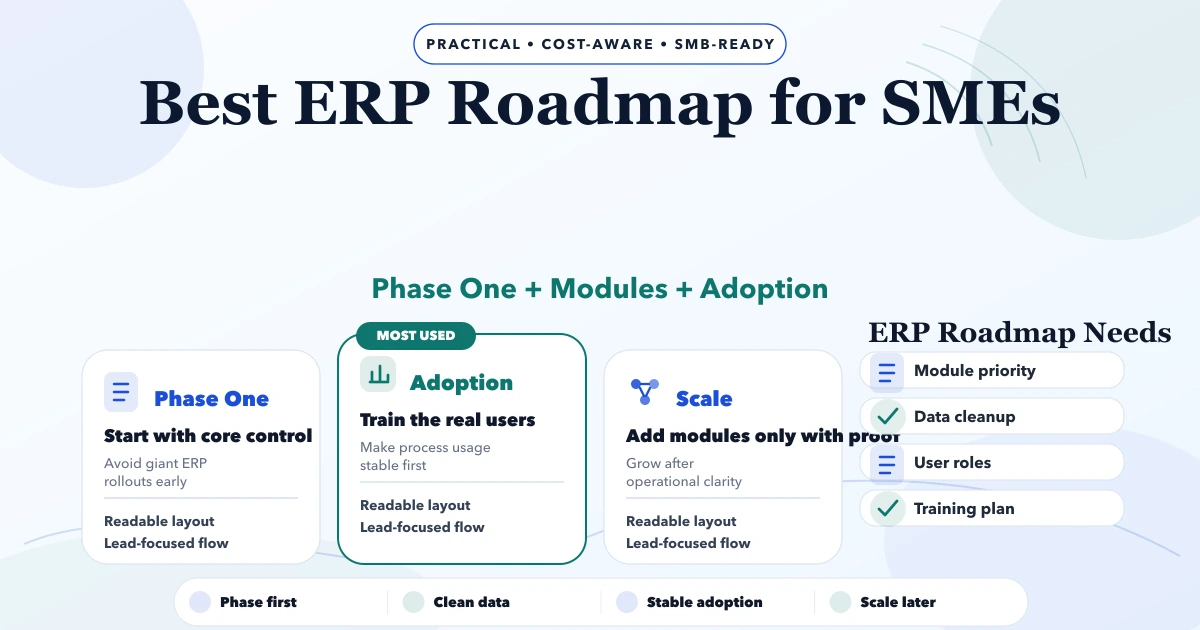
May 8, 2026
Plan an SME ERP roadmap across clean masters, transactions, permissions, migration, pilot, training, reports and controlled rollout without overbuilding.
Read article
June 1, 2026
Custom CRM software cost in India with modules, pricing ranges, implementation timeline, integrations, reports, and quote checklist.
Read article