
May 8, 2026
Best Billing Software for SMEs (India 2026)
Best Billing Software for SMEs (India 2026) comparison guide with selection logic, pricing, rollout notes, and when custom software makes more sense in 2026.
Read articlePublished Updated
Compare inventory software for Indian SMEs by stock workflow, billing, purchases, reports, rollout cost, and when ERP-lite or custom software fits.
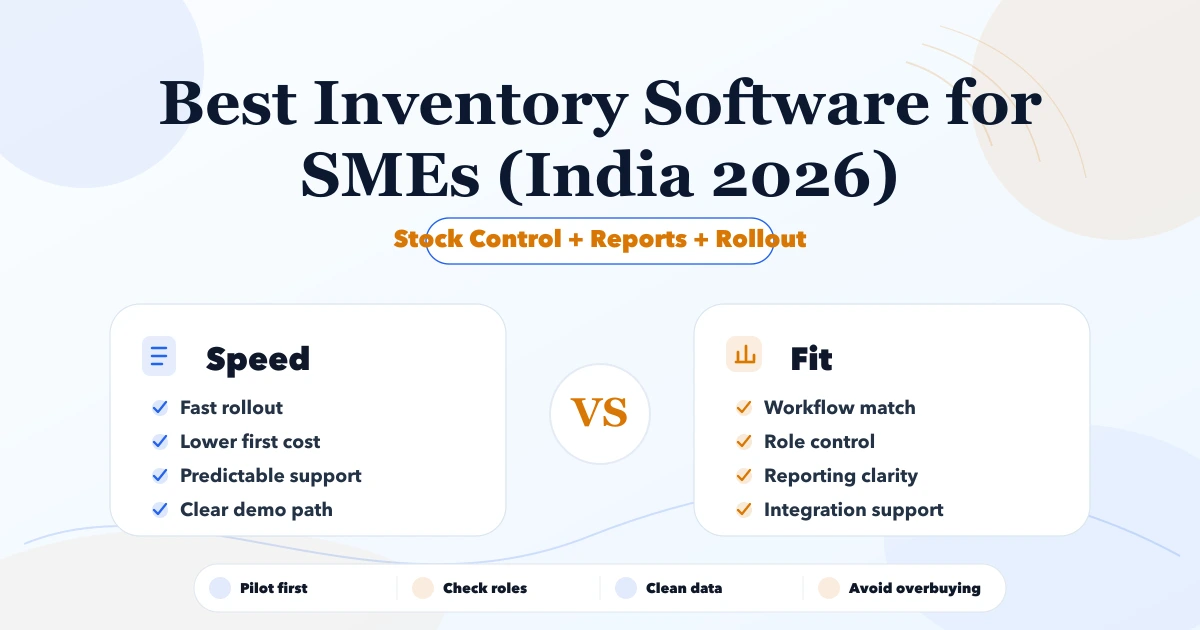
A search for best inventory software for SMEs India 2026 usually means the team is already feeling friction in Excel, billing, inventory, or customer follow-up. This article is for Indian SMEs that want a realistic 2026 shortlist and do not want to waste months on the wrong system.
The best software is not always the one with the longest feature list. It is the one that fits workflow, team maturity, implementation budget, and reporting needs while leaving room for better automation later.
Serving Delhi NCR: Ghaziabad, Noida, Delhi, Gurugram, Faridabad, and nearby growth markets.
The best inventory software choice depends on whether your team needs speed, industry depth, integration control, or custom workflow ownership. For many SMEs, the right move is to start with a lean rollout and only move to custom software where SaaS gaps start hurting speed or accuracy.
| Scope | Price range | Timeline |
|---|---|---|
| SaaS subscription setup | ₹1,200 to ₹6,000 per user or month | 3 to 14 days |
| SaaS + implementation support | ₹35,000 to ₹1.5 lakh | 2 to 6 weeks |
| Custom workflow software | ₹2 lakh to ₹12 lakh+ | 1 to 4 months |
Software selection mistakes are expensive because they waste data cleanup effort, training time, and owner attention. A sharper shortlist reduces risk before implementation starts.
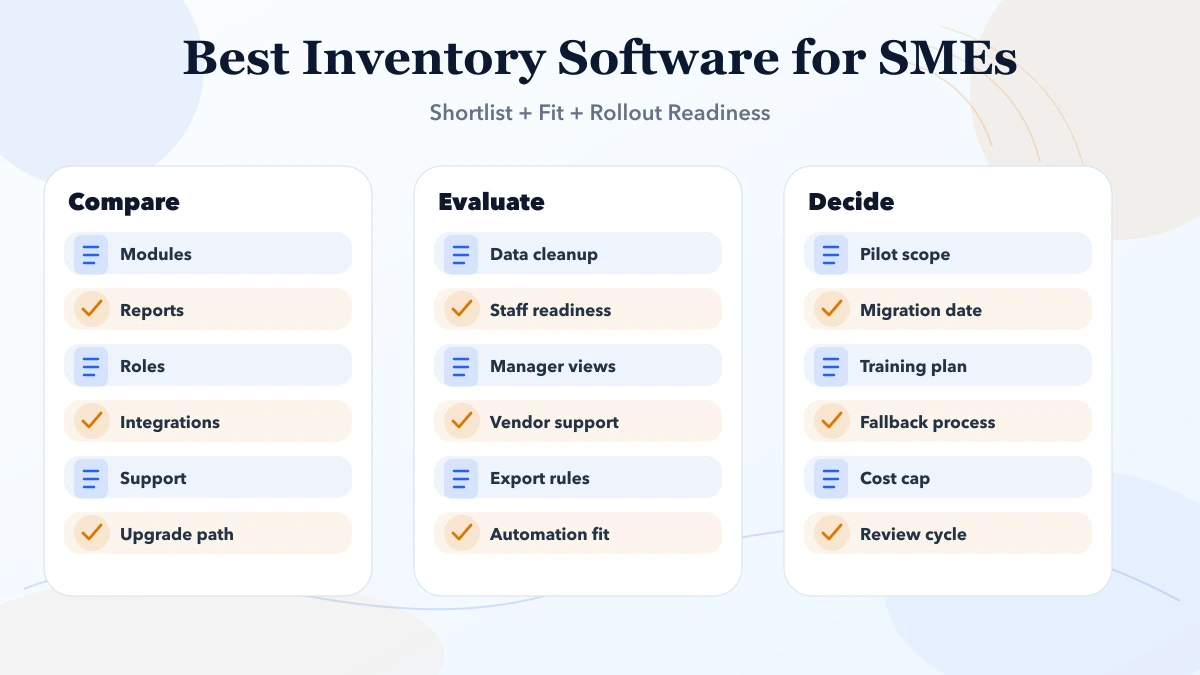
Good business software execution starts with process clarity and data hygiene. Whether the team is choosing SaaS, planning an ERP roadmap, or migrating from Excel, the real quality signal is how safely the rollout handles users, approvals, imports, and owner reporting.
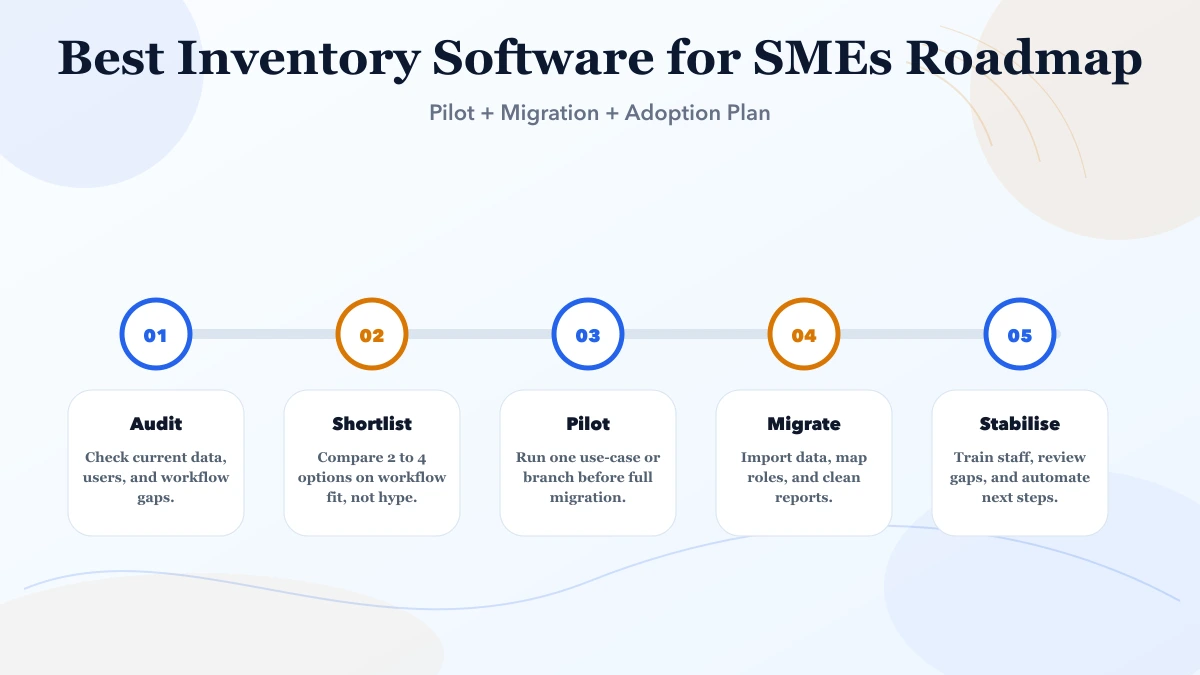
The right implementation path also avoids drama. Instead of trying to digitise everything in one shot, the business introduces a controlled first phase, validates usage, then expands only where the next improvement is clearly worth the cost.
Create one test scenario before buying inventory software: receive a supplier purchase, update stock, create a customer invoice, record a part payment, process one return, and confirm the final quantity and due amount. This exposes whether the product connects operations or only shows separate screens.
Businesses with standard billing, purchase, payment, expense, and stock requirements can evaluate VASUYASHII Business Suite as an ERP-lite starting point. The product page includes real screenshots, current modules, exclusions, roadmap labels, sample login access, and early-access pricing. Businesses needing bin locations, batch or serial tracking, manufacturing BOM, complex warehouse picking, or deep accounting should plan a custom software phase instead.
Compare the decision with the custom inventory cost guide and the distributor billing workflow. The cheapest monthly tool is not the cheapest option if stock adjustments, returns, and reporting still require spreadsheets.
Inventory software should explain why the system quantity changed. Start with the movement ledger, not the dashboard. Every receipt, sale, return, transfer, adjustment, reservation, or stock count should create a traceable entry with item, location, quantity, user, time, and source document.
List the attributes required by the business:
Too many optional fields slow daily entry, while missing identifiers create duplicates. Approve a sample item master before migrating thousands of products.
| Movement | Demo question | Control to verify |
|---|---|---|
| Purchase receipt | When does stock become available? | Draft documents must not inflate stock |
| Sale or issue | Can quantity go below zero? | Policy is explicit and permission-controlled |
| Sales return | Does usable, damaged, or quarantine stock differ? | Return reason and destination are recorded |
| Purchase return | Is stock reduced against the supplier transaction? | Quantity and value remain traceable |
| Transfer | Are source and destination updated safely? | In-transit state exists if operations need it |
| Adjustment | Who can increase or reduce stock manually? | Reason, approval, user, and time are logged |
| Physical count | Can counted quantity be reviewed before posting? | Variance report and approval are available |
Use a real month-end scenario. Receive stock, sell part of it, process both return types, correct one counting error, and compare the system ledger with expected closing quantity.
A small retailer may need product stock, low-stock alerts, purchases, sales, and basic movement history. A warehouse operation may also need bins, put-away, picking waves, packing, dispatch scanning, batch/serial tracking, cycle counts, lot traceability, and multi-warehouse transfer controls.
Do not buy a complex warehouse management system for a simple shop. Do not accept basic billing stock as a warehouse solution when location-level operations and traceability are critical. Write the required movement and reporting depth before comparing products.
Stock quantity and financial valuation are related but not identical. Confirm whether the system supports the valuation method, landed cost, returns, damaged stock, and accounting hand-off your business requires. Opening quantity without a trusted opening value can make financial reports misleading.
Ask the accountant to verify the chosen method and export. This guide does not prescribe an accounting treatment, and an inventory dashboard should not be presented as a statutory financial statement.
Clean duplicate SKUs, units, tax rates, inactive products, and negative quantities before import. Freeze changes during the final cut-over or record every change made after extraction.
For the trial migration, compare:
Keep the source export and signed reconciliation. A visually correct dashboard is insufficient if the movement history or opening position is wrong.
Specify who can edit item masters, post purchases, adjust stock, approve counts, change cost, export data, and view valuation. Alerts should identify an action owner rather than create noise.
Useful exception reports include negative stock, old stock, items without movement, repeated adjustments, low stock, expiring batches where applicable, and unmatched purchase receipts. Each report needs a review frequency and accountable person.
VASUYASHII Business Suite currently presents product masters, inventory quantity, low-stock visibility, purchases, sales and purchase returns, invoicing, payments, expenses, reports, imports/exports, backup, and company-wise data separation. It is suitable to evaluate for practical SME stock and billing workflows.
The published scope should not be confused with an advanced WMS, manufacturing/BOM system, or complete accounting platform. Multi-bin picking, production planning, complex landed-cost valuation, and other advanced functions require explicit confirmation or separate development through custom software services.
Create expected results for at least 20 movement cases and test them in a sandbox company. Verify closing quantity, document state, permissions, reports, PDF/export output, backup, and recovery. Pilot one branch or product category before migrating the full operation.
| Scope | Price range | Timeline |
|---|---|---|
| SaaS subscription setup | ₹1,200 to ₹6,000 per user or month | 3 to 14 days |
| SaaS + implementation support | ₹35,000 to ₹1.5 lakh | 2 to 6 weeks |
| Custom workflow software | ₹2 lakh to ₹12 lakh+ | 1 to 4 months |
Evaluate inventory products against real exception flows: purchase and sales returns, multi-branch transfers and consolidation, and repair-parts reservation and consumption.
Validate the operational depth of shortlisted products against the small business inventory system feature guide.
Start with SaaS if the workflow is standard and time-to-value matters more than custom logic. Move to custom when approvals, reporting, integrations, or role-specific needs no longer fit the product.
A simple SaaS rollout can take a few days to a few weeks. A cleaner multi-team implementation with import, role setup, and training usually takes two to eight weeks.
Usually yes, if export quality, field mapping, and access logic are planned early. Poor data hygiene is the real risk, not the migration itself.
Workflow fit, reporting clarity, access control, support quality, and import flexibility matter more than long marketing checklists.
Only if it reduces real manual work immediately. Otherwise, start with a stable base and add integrations after core usage is stable.
Yes. We help SMEs evaluate tools, define phase one, plan data import, structure user roles, and map the upgrade path if custom software becomes the better choice later.
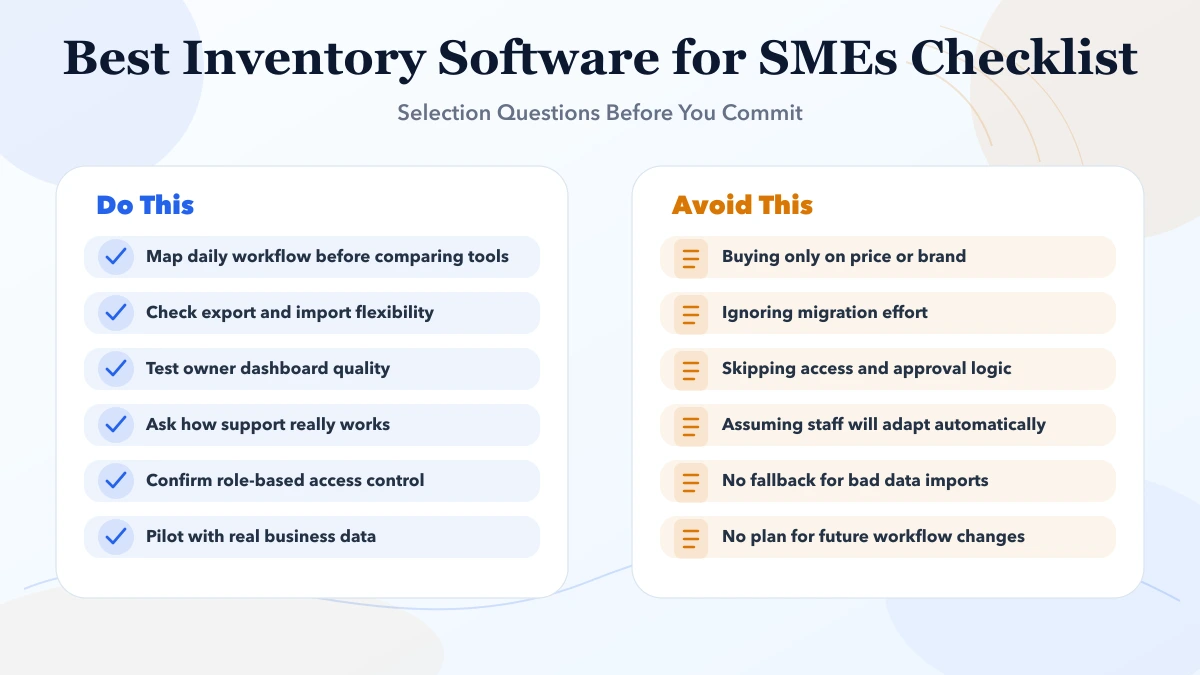
Related Articles
May 8, 2026
Best Billing Software for SMEs (India 2026) comparison guide with selection logic, pricing, rollout notes, and when custom software makes more sense in 2026.
Read article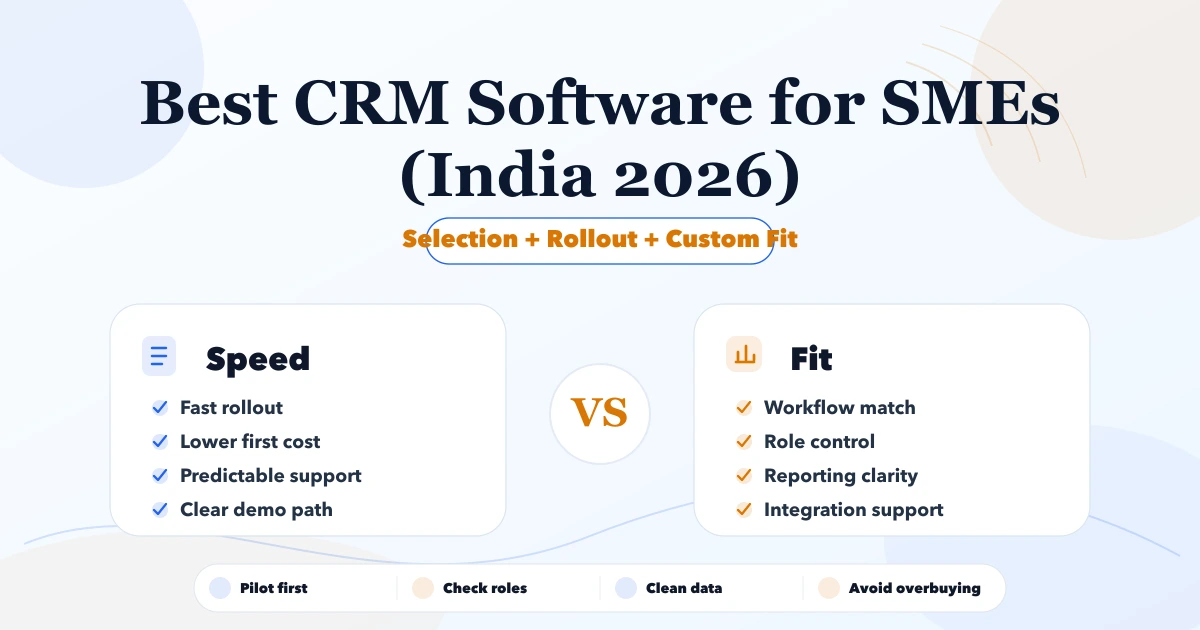
May 7, 2026
Best CRM Software for SMEs (India 2026) comparison guide with selection logic, pricing, rollout notes, and when custom software makes more sense in 2026.
Read article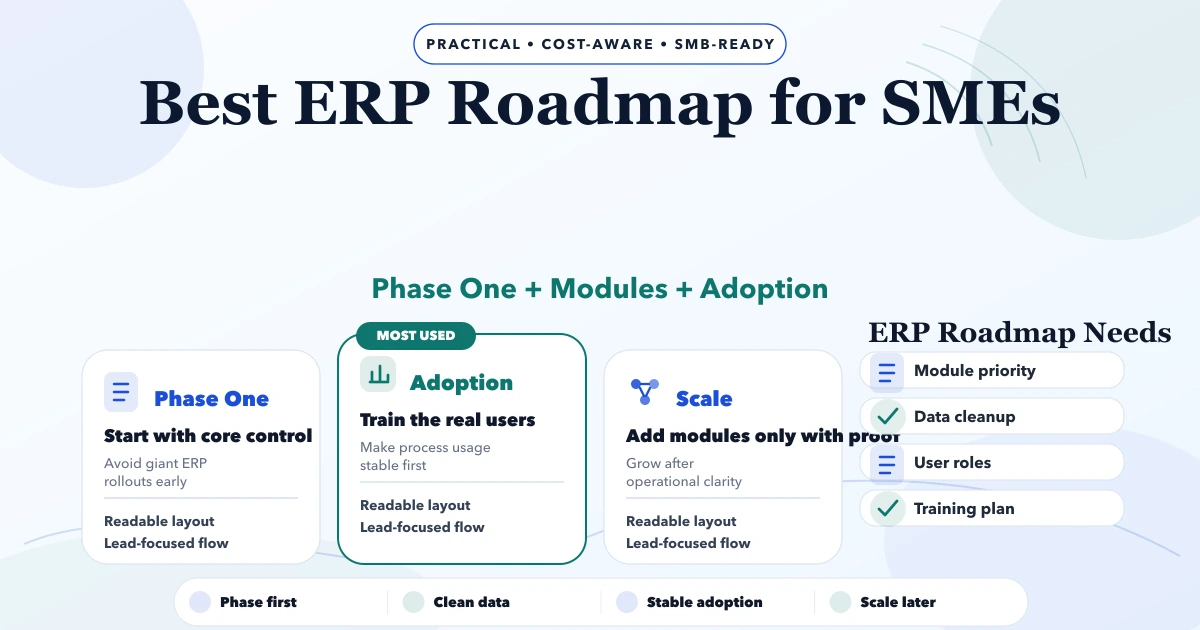
May 8, 2026
Plan an SME ERP roadmap across clean masters, transactions, permissions, migration, pilot, training, reports and controlled rollout without overbuilding.
Read article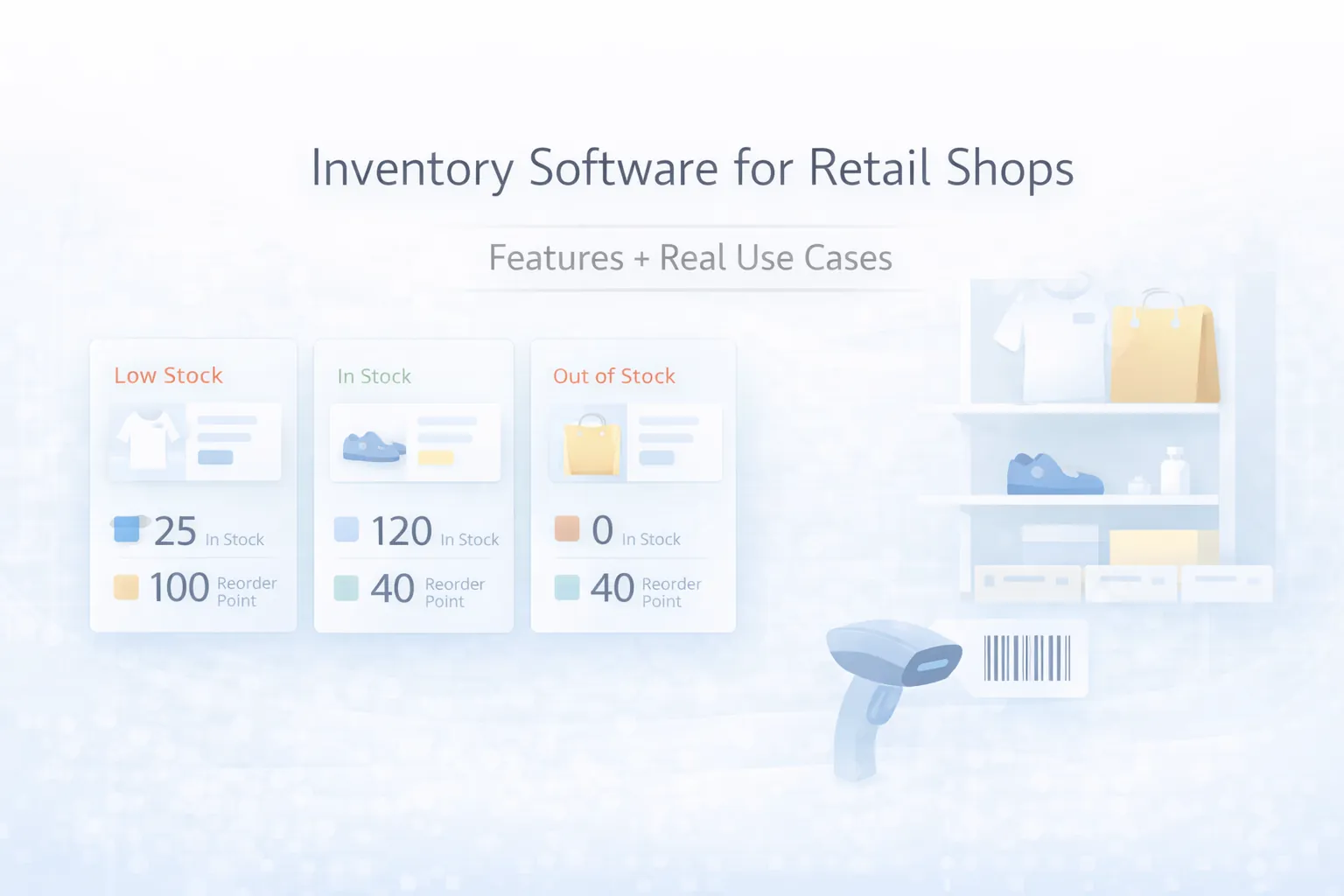
March 28, 2026
Inventory software for retail shops: features, real use cases, pricing, rollout plan, and what retailers should digitize first in 2026.
Read article