
April 23, 2026
Sales Dashboard KPI List for Small Businesses
Build a reliable SMB sales dashboard with defined pipeline, conversion, revenue, collection, product, customer, rep, target, and data-quality KPIs.
Read articlePublished Updated
Plan multi-branch business software with company scope, branch permissions, stock transfers, shared masters, approvals, consolidation, and reliable reports.
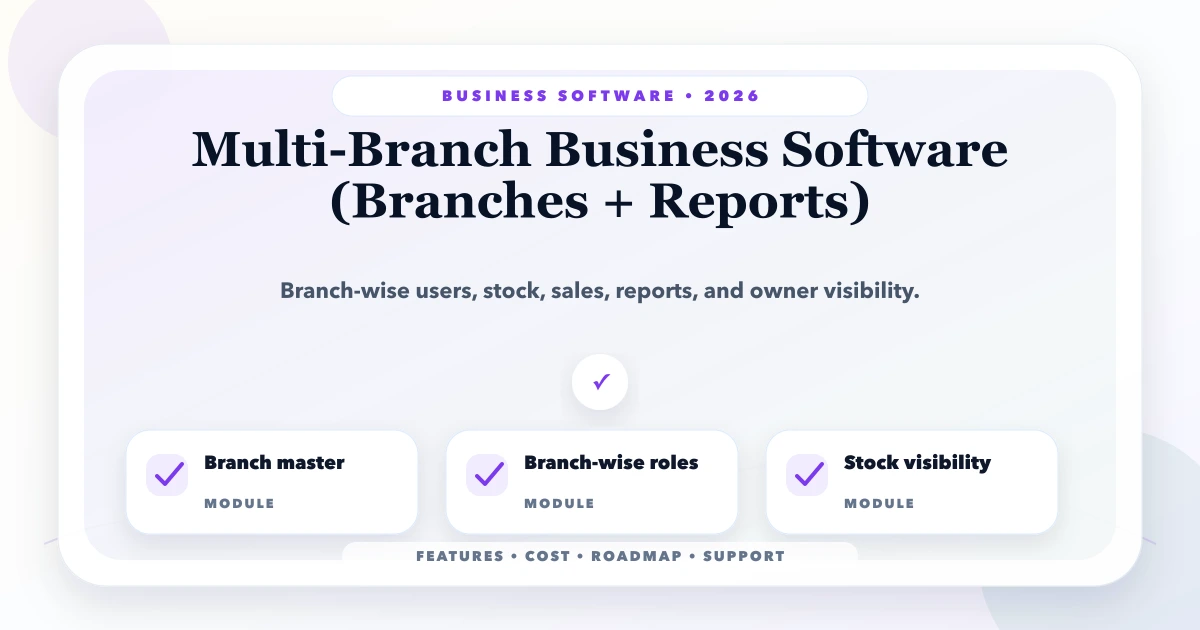
Multi-branch business software should let each location complete daily work while giving owners a consistent combined view. The challenge is not adding a branch dropdown. It is deciding which masters are shared, which records belong to one branch, how stock and money move between locations, and who can see or approve cross-branch activity.
A retailer with three stores, a distributor with regional depots, and a service company with city offices all need different branch controls. Start with the operating model, then design data scope and reporting.
Define organisational units before importing data:
Do not use branches to represent legally separate companies merely because it is convenient. Multi-company data needs stronger separation, numbering, document, permission, and reporting rules.
| Master | Common model | Decision to document |
|---|---|---|
| Product | Shared company-wide | Branch availability and local price |
| Customer | Shared or branch-owned | Duplicate handling and transfer of ownership |
| Vendor | Shared company-wide | Branch purchase permissions |
| Price list | Central with branch override | Approval and effective dates |
| User/role | Company identity with branch membership | Default and temporary access |
| Tax/document settings | Company or branch based on legal setup | Number series and address |
A shared product master avoids duplicate SKUs, but stock remains warehouse-specific. A shared customer record may provide one history, while branch employees see only transactions they are permitted to handle.
Every transaction should store its company and relevant branch or warehouse. The authenticated session determines allowed scope. The server must reject an object ID from another branch even if a user manually changes the request.
Permissions often need three layers:
The permission matrix guide helps document this intersection. Interface hiding alone is not security.
A transfer should preserve stock while changing its location through explicit states:
requested -> approved -> dispatched -> in transit -> received
Exceptions may include partial receipt, damaged quantity, rejected quantity, and cancelled before dispatch. The sending warehouse should not simply reduce stock while the receiving warehouse immediately increases it if goods spend two days in transit.
Useful transfer controls include:
For inventory-centric planning, review the inventory software cost and scope guide.
Define which branch owns revenue, customer due, purchase, expense, and payment. A sale made at Branch A but fulfilled from Warehouse B may need both sales responsibility and stock-source fields. A central payment collected against a branch invoice requires allocation without changing the original branch history.
Avoid allowing users to change a posted transaction's branch to fix reporting. Use controlled correction, reversal, or reclassification with an audit trail under the approved business policy.
Invoice, receipt, purchase, transfer, and return numbering may be company-wide or branch-specific. Document prefixes, financial-year resets, offline conflict handling, and cancellation rules. Generated PDFs should show the correct company and branch address, GST details, bank information, and authorised terms.
Number generation should occur in a controlled backend transaction. Browser-generated numbers can collide when several branches create documents at the same time.
Combined reports must remove internal movements that should not count as external business. A stock transfer is not a sale. A company-level report should not count dispatched and received quantities as two new purchases.
Useful reporting layers include:
Every dashboard should show its cutoff time and allow drill-down. If a branch sync is delayed, flag it instead of presenting incomplete totals as current.
Not every setting should be editable at branch level. Create a policy table:
| Rule | Central control | Possible branch flexibility |
|---|---|---|
| Product identity | SKU, unit, HSN, tax | Active range or reorder level |
| Pricing | base list and minimum margin | approved local price tier |
| Discount | threshold and approver | lower local limit |
| Credit | global policy | branch manager exception within cap |
| Documents | legal template and numbering rule | branch address/contact |
| Users | role definitions | branch membership assignment |
All overrides need owner, reason, effective period, and audit history.
If branches have unstable internet, decide what must work offline and what cannot safely do so. Read-only product lookup or queued check-in may be possible. Invoice numbering, stock commitment, and payment confirmation are harder because conflicts affect legal and financial records.
Do not promise full offline support without conflict rules, encrypted local storage, user/device security, synchronisation states, and recovery tests. Sometimes a better connection and a clear downtime procedure are safer than a complex offline architecture.
Clean products, customers, vendors, users, and branches. Run a complete workflow at one representative location.
Add sales, purchase, payment, expense, and stock movements in scope. Reconcile the branch daily before adding consolidated dashboards.
Introduce request-dispatch-receipt flow, pricing/credit approvals, and exception reporting.
Add cross-branch reports, data-freshness indicators, and further locations only after definitions and totals are stable.
The small-business ERP roadmap explains migration, pilots, and go-live gates. VASUYASHII's software development service covers custom branch workflows, while Business Suite covers practical billing and inventory operations in its current product scope.
Complexity depends on legal companies, branches, warehouses, shared masters, transaction modules, stock transfers, pricing/credit approvals, offline need, integrations, migration sources, document numbering, and report definitions. More branches do not always multiply development cost, but they increase migration, training, access testing, and support effort.
Ask for estimates by discovery, organisation model, masters, branch transactions, transfers, permissions, reports, migration, QA, training, deployment, and maintenance. Include recurring hosting, monitoring, backups, messaging, PDF, and support costs.
VASUYASHII would first draw the organisation and movement model, then prove one branch-to-branch transfer and one consolidated report with reconciled sample data. This is our scoping method, not a claimed outcome for a named client. Contact us with a redacted branch and warehouse list for a focused review.
Usually yes within one company. Keep one product identity and branch-specific availability, stock, reorder level, or permitted price where needed.
It depends on sales ownership and privacy. A shared identity can reduce duplicates while transactions and access remain branch-scoped. Document who can see combined history.
Reduce available stock at dispatch, hold it in a distinct in-transit state, and increase destination stock only on receipt. Discrepancies need explicit records.
Yes, when their role permits it. The dashboard must use consistent definitions, display cutoff times, and flag branches whose data is delayed.
No. Separate firms may have different tax identities, numbering, bank details, users, and statutory records. They require stronger data separation and company switching.
Choose a branch with representative workflows, capable staff, manageable volume, and leadership involvement. The easiest branch may not expose real transfer and approval problems.
List every company, branch, warehouse, and shared master, then trace one transfer and one customer payment across locations. Contact VASUYASHII to turn that map into a phased scope.
Related Articles
April 23, 2026
Build a reliable SMB sales dashboard with defined pipeline, conversion, revenue, collection, product, customer, rep, target, and data-quality KPIs.
Read article
April 21, 2026
Design a lead follow-up system with source capture, qualification, ownership, next actions, WhatsApp reminders, CRM stages, consent, reports and controls.
Read article
May 4, 2026
Build secure app login and roles with account lifecycle rules, safe sessions, backend authorization, tenant isolation, recovery, audit logs, and abuse tests.
Read article
May 19, 2026
how to write PRD for business software: practical 2026 guide with phases, INR pricing, checklist, roadmap, mistakes, FAQs, and SME implementation tips.
Read article