
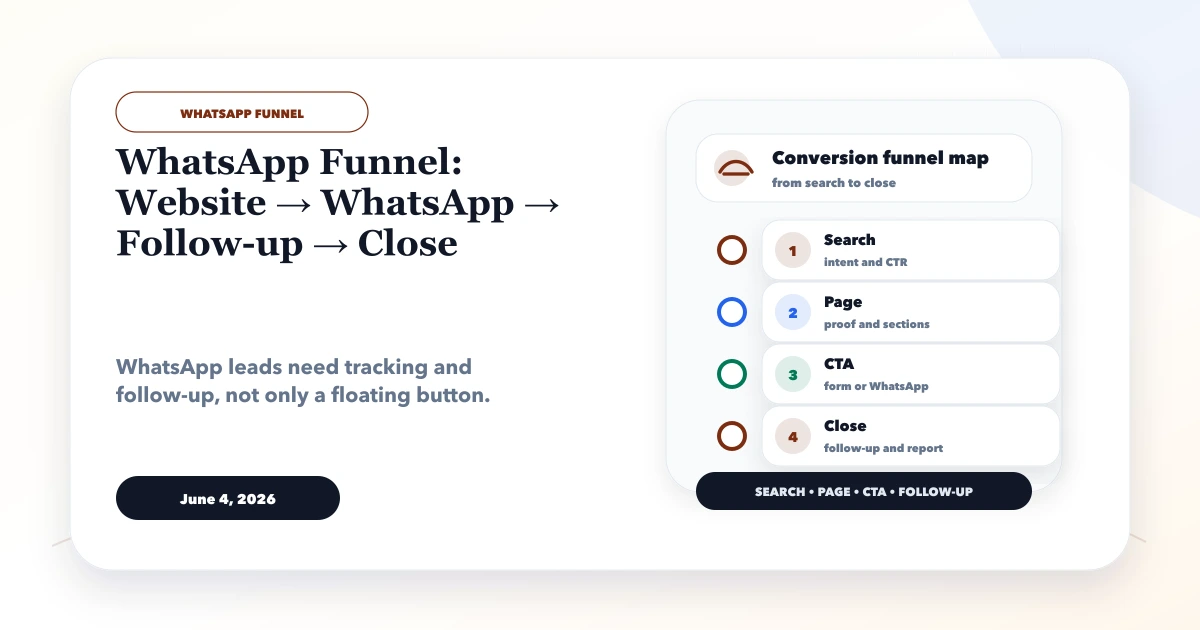
June 4, 2026
WhatsApp Funnel: Website → WhatsApp → Follow-up → Close
WhatsApp funnel guide from website to WhatsApp to follow-up to close, with CTA placement, tracking, CRM handoff, and templates.
Read articlePublished Updated
Design a lead follow-up system with source capture, qualification, ownership, next actions, WhatsApp reminders, CRM stages, consent, reports and controls.
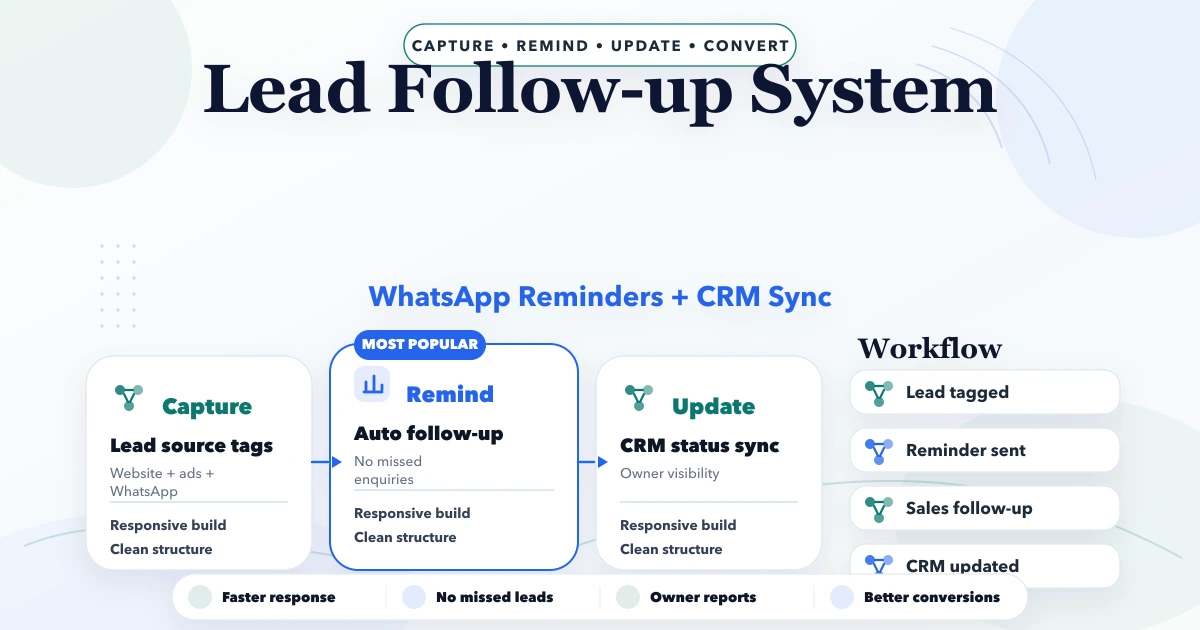
A lead follow-up system should answer one operational question at any moment: who must do what next, for which lead, by when, and why?
WhatsApp reminders can support that process, but they are not the source of truth. The CRM or controlled lead record should own source, qualification, stage, assigned person, next action, communication consent and outcome. Otherwise reminders create activity without improving sales discipline.
Minimum useful fields:
Do not store the entire WhatsApp conversation as the only history. Record structured outcomes such as “requirements received,” “budget mismatch,” or “proposal requested.”
| Stage | Entry rule | Required next action |
|---|---|---|
| New | Valid lead created | Assign and acknowledge |
| Contacting | Owner has started outreach | Record attempt and next time |
| Connected | Two-way contact established | Qualify need |
| Qualified | Fit criteria met | Discovery/demo/quote |
| Proposal | Commercial proposal sent | Follow-up date |
| Negotiation | Active decision discussion | Owner action |
| Won | Accepted and commercial condition met | Customer/project handover |
| Lost | Closed with reason | No open reminder |
| Nurture | Not ready but consented to later contact | Specific future date |
Stages must have objective definitions. “Hot,” “warm,” and “cold” are not enough without criteria.
Use questions that affect routing:
Do not turn the first contact into an interrogation. Capture only what the sales team needs for the next useful step.
Assign leads by a rule the team can explain:
Every rule needs fallback ownership. If the assigned person is absent, the lead should not remain unseen. Managers need an unassigned and overdue queue.
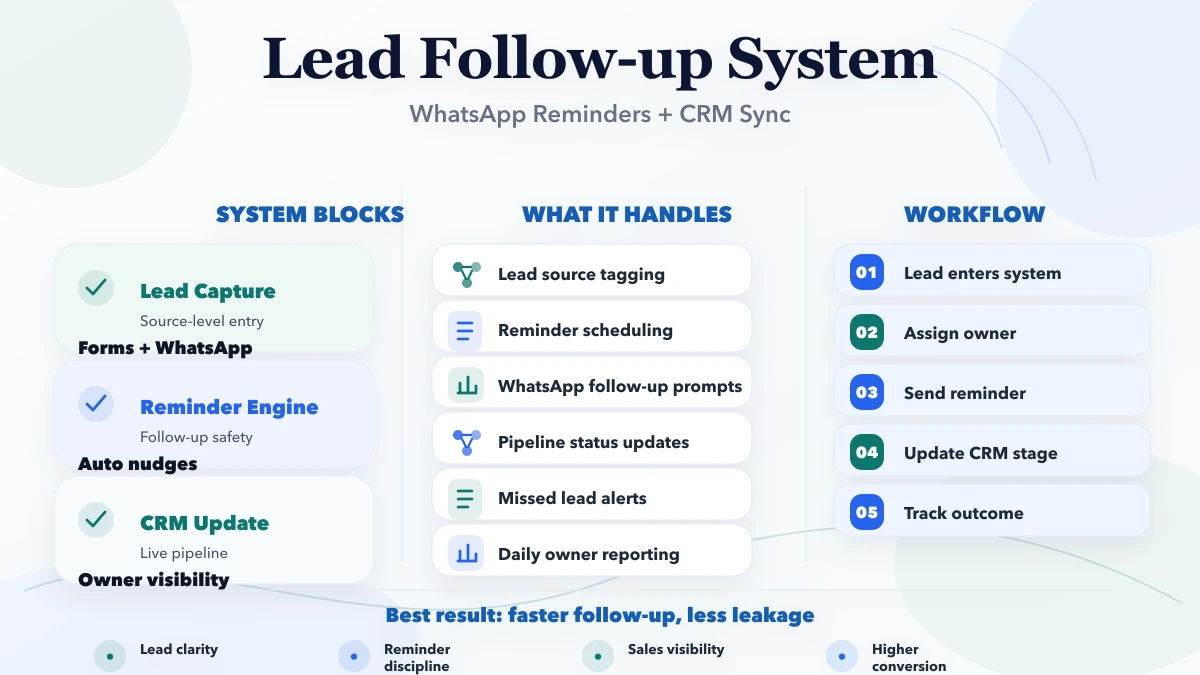
Every open lead should have:
When an action is completed, the system should require the next action or a closed stage. This prevents a lead from appearing “active” with no plan.
Reminders should notify the owner before escalating to a manager. Customer messages should be sent only when purpose, consent and timing support them.
After a valid enquiry:
We received your website requirement. A team member will review it during working hours and reply with the next questions.
This confirms receipt without falsely claiming that a quote is ready.
The owner should see source page, service and submitted context before messaging. Use a template only for the opening; the conversation should respond to the actual requirement.
Customer reminders may fit:
Stop all future reminders when the lead is lost, won, opted out, invalid or reassigned to a different workflow.
For provider-level consent and delivery design, use the WhatsApp automation guide.
Updates should be event-based:
| Event | CRM update |
|---|---|
| Form accepted | Create lead once with source |
| WhatsApp click | Record digital intent, not lead qualification |
| Agent connects | Set connected time and owner |
| Discovery complete | Update qualification and notes |
| Proposal sent | Store version, value and follow-up date |
| Customer accepts | Move to won after defined commercial evidence |
| Lead declines | Close with controlled reason |
| Reminder fails | Create delivery exception, not stage change |
A delivered WhatsApp message should never move a lead to “connected.” Only a meaningful response or confirmed contact does.
A reliable reminder record includes:
Scheduled jobs should be idempotent so retries do not create multiple messages or tasks. Late jobs need a policy: send, reschedule, or suppress after the action is no longer useful.
Managers need exception visibility rather than decorative metrics:
Avoid comparing team members only by activity count. Lead quality, territory, service complexity and assignment volume affect performance.
Preserve:
Analytics should not receive personal data. Operational CRM records may store contact information under the business's privacy and access rules.
The conversion tracking guide explains the difference between CTA events and accepted leads.
| Role | Typical access |
|---|---|
| Sales executive | Assigned leads and allowed actions |
| Team leader | Team queue, reassignment and reports |
| Marketing | Aggregate source performance, not private sales notes by default |
| Owner | Company pipeline and commercial outcomes |
| Admin | User/configuration controls, not automatic access to every conversation |
Backend APIs must enforce company scope and role. Export and bulk assignment need the same controls.
Use an established CRM when stages, assignment, tasks, forms and reports fit its model. Custom development may be justified when:
Do not build custom software only to copy a standard pipeline. Compare configuration and long-term ownership.
| Scope | Indicative band | Typical timeline |
|---|---|---|
| CRM setup and controlled follow-up process | ₹35,000–₹1 lakh | 2–5 weeks |
| Custom lead module with reminders and reports | ₹1–₹3 lakh | 5–10 weeks |
| Multi-team CRM with integrations and automation | ₹3–₹8 lakh+ | Phased |
Provider fees, WhatsApp charges, migration, data cleanup, telephony, hosting and maintenance may be separate. Cost is driven by roles, stages, forms, assignment, reminders, integrations, reporting, mobile needs and history migration.
A coaching institute receives leads for different exams through forms, calls and WhatsApp. A useful system:
It should not send fee or admission promises before current batch and eligibility data are confirmed. See the coaching CRM guide for that industry flow.
VASUYASHII offers scoped custom CRM, web application, dashboard and integration work. VASUYASHII Business Suite focuses on billing, inventory, clients, vendors, purchases, payments, expenses and reports; it should not be presented as an already-complete advanced sales CRM.
Lead pipeline, WhatsApp API automation, telephony and custom sales reporting require a separate accepted scope through software development services.
Start with one measurable pipeline and one accountable sales owner before adding more automation channels.
Owner plus next action. Without both, the CRM becomes a passive contact list.
There is no universal number. Use the customer's expressed timeline, purpose, consent and stop rules rather than an aggressive fixed sequence.
It can record intent, but a received contact or valid submitted request is stronger lead evidence. Define the rule explicitly.
Yes at low volume with one owner and controlled fields. Move to a CRM when assignment, reminders, history, permissions and reporting become difficult.
Define the commercial evidence: signed approval, advance, accepted order or another controlled condition. Keep stages consistent.
Internal overdue reminders and valid lead acknowledgement are often safer than a large customer follow-up sequence.
Export ten recent leads and reconstruct owner, stage, last contact, next action and outcome. The missing fields will reveal the first useful scope. Then review CRM development services or contact VASUYASHII.
Related Articles
June 4, 2026
WhatsApp funnel guide from website to WhatsApp to follow-up to close, with CTA placement, tracking, CRM handoff, and templates.
Read article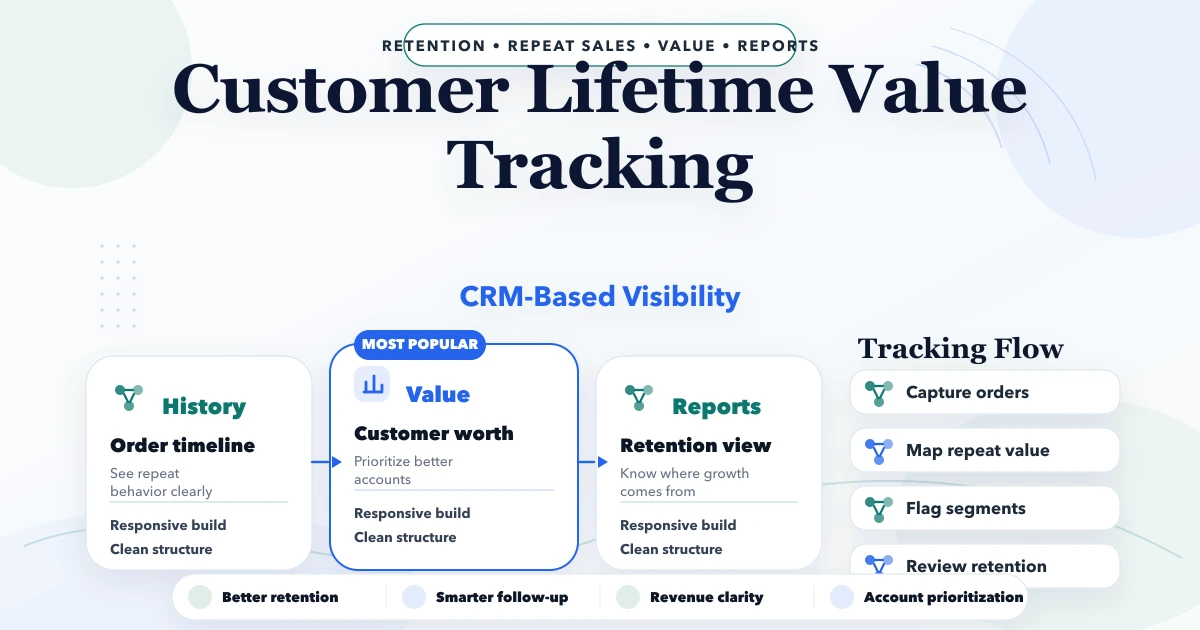
April 23, 2026
Design a customer lifetime value tracking system with identity matching, margin-aware formulas, cohorts, retention actions, data controls, and CRM integration.
Read article
May 25, 2026
Design an automated follow-up reminder system with clear triggers, ownership, outcomes, escalation, WhatsApp controls, metrics, and audit history.
Read article
May 23, 2026
Plan multi-branch business software with company scope, branch permissions, stock transfers, shared masters, approvals, consolidation, and reliable reports.
Read article