
May 28, 2026
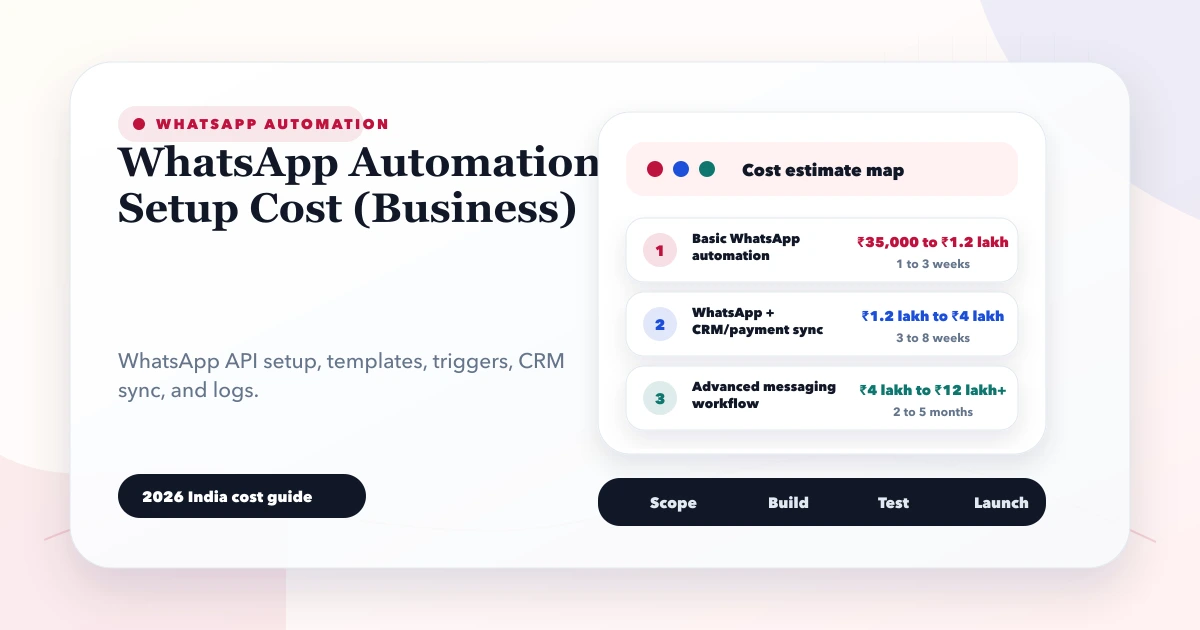
WhatsApp Automation Setup Cost (Business)
Estimate WhatsApp automation cost in India by API provider, templates, CRM workflow, integrations, consent, monitoring, support, and message volume.
Read articlePublished Updated
Plan WhatsApp business automation with consent, event triggers, templates, human handoff, delivery logs, CRM updates, cost drivers and phased rollout.
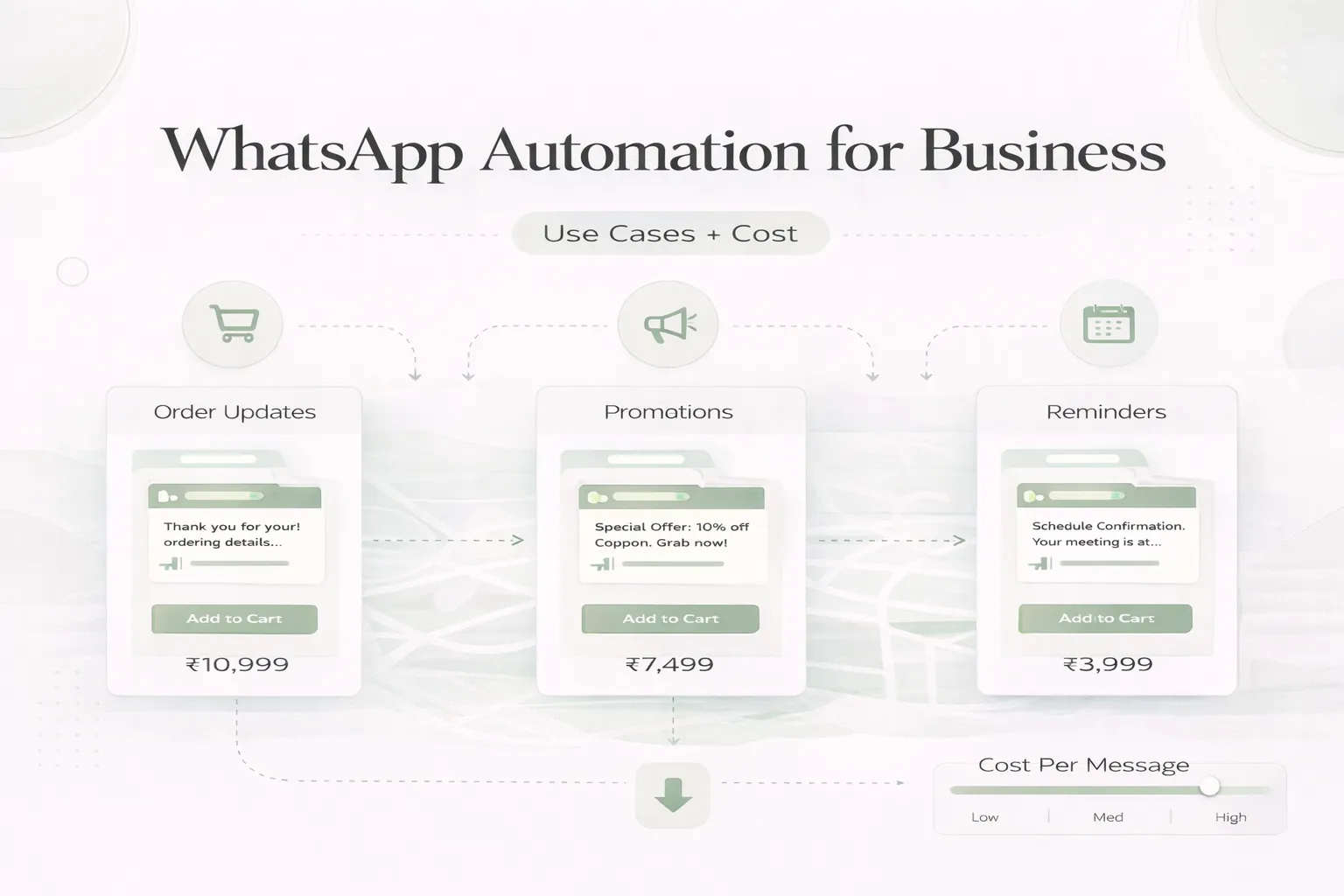
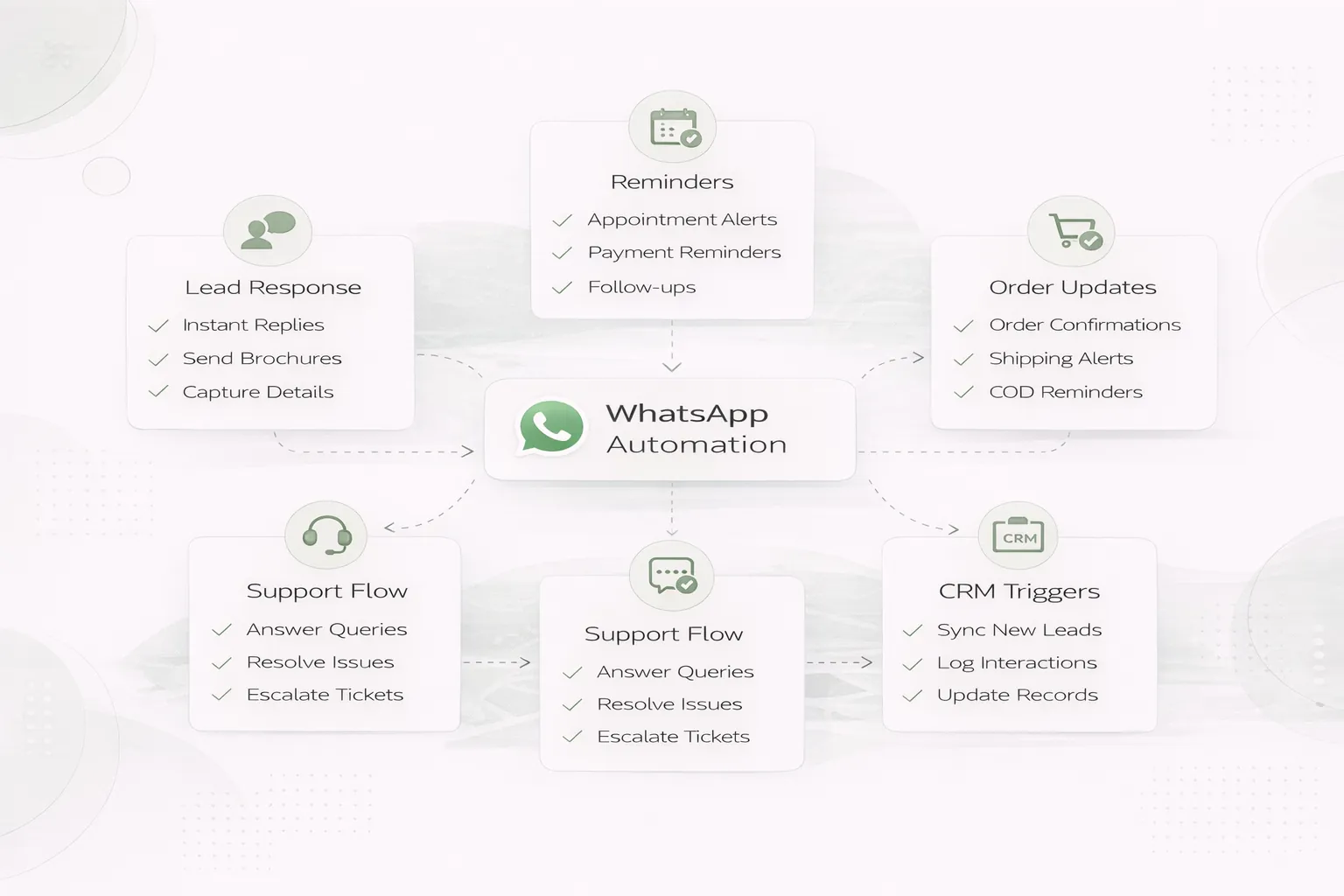
WhatsApp automation is useful when a real business event repeatedly requires the same timely message: a lead arrives, a booking is confirmed, an invoice becomes due, an order moves to dispatch, or a support case changes status.
It is not a licence to broadcast generic promotions. A reliable setup connects consent, an authoritative business record, approved message logic, delivery evidence, human ownership and opt-out handling. The workflow must remain correct when a webhook is delayed, a template is rejected, or a customer replies with an unexpected question.
| Need | Suitable direction |
|---|---|
| One person sends a few manual replies | WhatsApp Business app with documented process |
| Website CTA should preserve page context | Tracked click-to-chat link |
| Team needs shared ownership and CRM history | Approved platform/API integration |
| Transaction status should trigger messages | Event-driven backend workflow |
| Marketing campaign to opted-in contacts | Policy-compliant campaign process with suppression rules |
| Complex support conversations | Human inbox with automation for acknowledgement and routing |
Do not buy API infrastructure if disciplined manual handling solves the current volume. Do not rely on personal phones when several agents, regulated data, audit history or operational notifications are involved.
Record why the customer expects the message and where consent was obtained. Examples include:
Keep the consent record linked to contact, channel, purpose, source and time. Provide a clear way to stop non-essential messages and suppress future sends after an opt-out.
Platform rules, template categories, conversation windows and pricing can change. Confirm the current WhatsApp Business Platform documentation and provider terms before estimating message charges or approving templates.
After a valid form submission:
An acknowledgement should confirm receipt and expected response, not pretend that a consultant has reviewed the requirement.
Use the confirmed booking record as the trigger. Include business, service, date, time, location or meeting link, and reschedule path. Cancellation, staff leave and timezone changes must update or suppress pending reminders.
Send messages from verified order states such as accepted, packed, dispatched and delivered. Do not announce dispatch because a label was printed if the parcel has not left. A tracking link should be purpose-built and safe for the recipient.
Use invoice number, due date, amount and verified payment status. A successful browser return is not sufficient proof of payment; backend confirmation and reconciliation should control the message. The payment notification guide covers that state transition.
Create a ticket, reference number, priority rule and owner before sending the confirmation. Human agents need conversation context and a way to escalate, merge duplicates and close with a resolution record.
A robust flow separates the business event from message delivery:
Never let a messaging failure roll back the completed business transaction. The invoice or booking can remain valid while the message is marked failed and staff receive an alert.
| State | Meaning |
|---|---|
| Queued | Event accepted and waiting for processing |
| Suppressed | Consent, opt-out, policy or duplicate rule blocked the send |
| Submitted | Provider accepted the request |
| Delivered | Delivery callback received |
| Read | Read callback received where available |
| Failed | Provider or validation rejected delivery |
| Replied | Customer response entered the conversation workflow |
Dashboards should not report “sent” for every queued message. Keep provider response and business state distinct.
Automation should stop and route to a person when:
Assign a queue, response target and backup owner. Store internal notes separately from customer messages. Do not expose another customer's record in a copied template.
Define one contact identity rule before connecting systems. Phone formatting, country codes, duplicate merging and shared family/business numbers need explicit handling.
The CRM should store:
Use integration services when forms, CRM, payments and operational records need one auditable workflow.
Separate four cost layers:
| Layer | Typical contents |
|---|---|
| Platform/provider | Current conversation or message fees, number setup, provider plan |
| Implementation | Trigger mapping, API, templates, webhooks, inbox/CRM integration |
| Operations | Template approval, consent records, agent ownership, monitoring |
| Maintenance | Provider/API updates, failures, dashboards, support and optimisation |
Indicative implementation bands:
₹20,000–₹60,000;₹60,000–₹1.5 lakh;₹1.5–₹4 lakh+.These are planning bands, not provider pricing. Final cost depends on workflows, volume, channels, languages, dashboard depth, migration, security, testing and support.
Choose a low-risk event such as valid lead acknowledgement or booking confirmation. Add consent evidence, duplicate prevention, logs, failure queue and human ownership.
Connect source, owner, status and outcome. Report delivery and lead progress separately.
Add scheduled reminders, stop conditions, reschedule/cancellation handling and escalation.
Only after the first flows are stable, add more departments, languages, campaigns or self-service.
A distributor receives quotation requests from a form and WhatsApp. The first useful version can:
It should not automatically promise stock or price before the inventory and approval systems confirm them.
VASUYASHII builds forms, web applications, integrations, dashboards and scoped automation. VASUYASHII Business Suite currently demonstrates backend PDF generation and secure WhatsApp document-sharing direction. Automated WhatsApp API reminders, bulk campaigns and every provider integration are separate confirmed scope, not implied base-product features.
This boundary should appear in the proposal with provider fees, approvals, customer responsibilities and support terms.
No. Operational automation reacts to valid business events. Campaign messaging has different consent, policy, template and suppression responsibilities.
Yes, after server-side validation and consent checks. Create the lead once, then send acknowledgement and record delivery.
No. Use automation for predictable states and route judgement, negotiation, complaints and exceptions to a human.
Possibly, if the CRM exposes reliable APIs or webhooks. Field mapping, duplicates, ownership and reconciliation must be scoped.
Unclear consent, weak trigger ownership, duplicate sends, missing failure handling and no human handoff.
Track valid sends, delivery failures, response time, qualified outcomes, opt-outs and staff workload. Message volume alone is not success.
Choose one repeated message and document its trigger, consent, variables, stop conditions, owner and failure path. Then use the WhatsApp automation cost guide or contact VASUYASHII for a comparable scope.
Related Articles
May 28, 2026
Estimate WhatsApp automation cost in India by API provider, templates, CRM workflow, integrations, consent, monitoring, support, and message volume.
Read article
May 23, 2026
notification system in web apps: practical 2026 guide with features, INR pricing, roadmap, tech stack, mistakes, FAQs, and Indian SME tips today safely.
Read article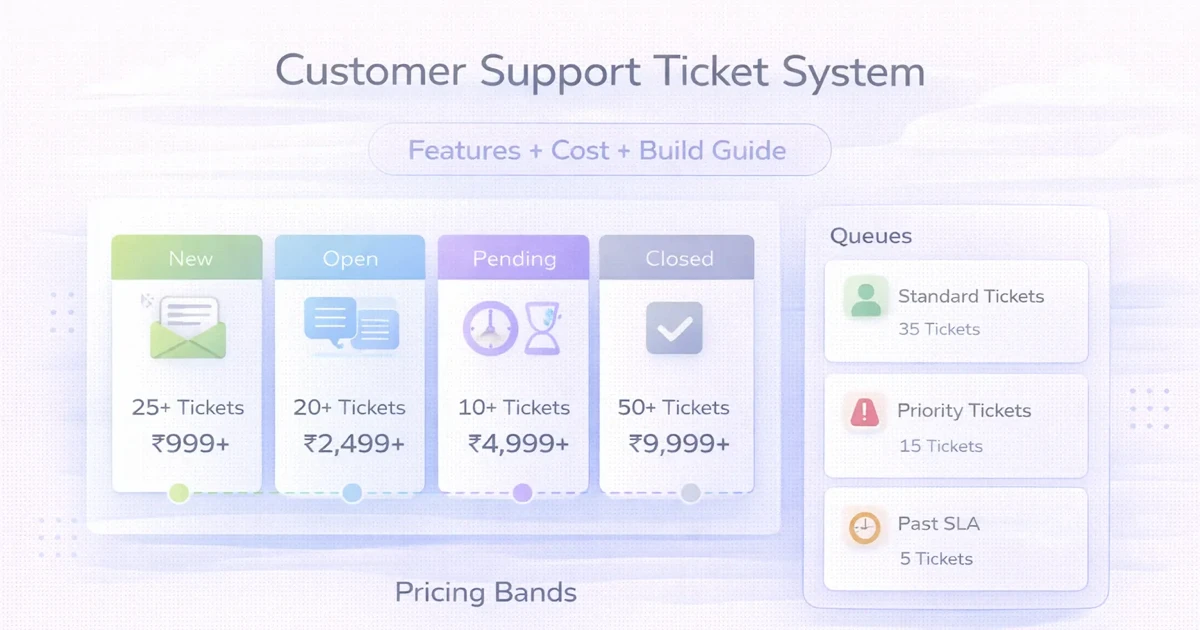
April 1, 2026
Plan a customer support ticket system with channels, routing, SLAs, roles, reports, automation, cost ranges, and a phased implementation.
Read article
May 18, 2026
WhatsApp automation for ecommerce: practical 2026 guide with checklist, cost, roadmap, tools, mistakes, FAQs, and next steps for Indian SMBs today safely.
Read article