
May 22, 2026
Customer Support Ticketing System Development (2026)
Plan a customer support ticketing system with channels, SLA rules, assignment, escalation, reports, costs, rollout steps, and Indian SME examples.
Read articlePublished Updated
Plan a customer support ticket system with channels, routing, SLAs, roles, reports, automation, cost ranges, and a phased implementation.
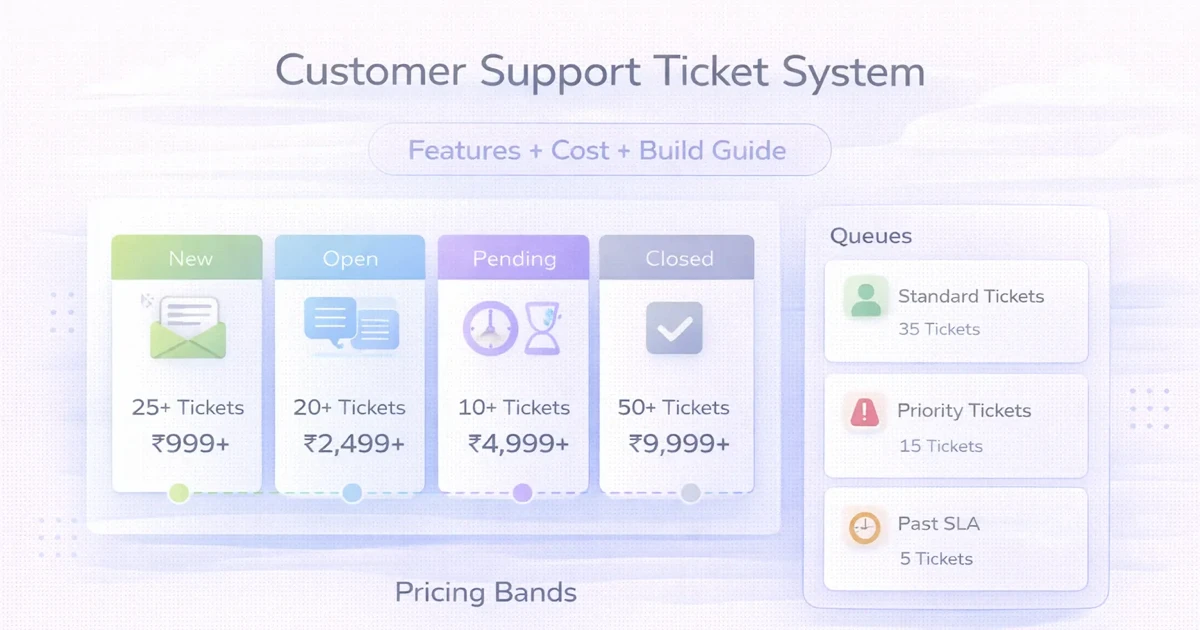
Customer support starts breaking long before the team notices. Requests come through email, WhatsApp, forms, or calls. One person replies fast, another forgets, nobody knows status clearly, and management has no real report on backlog, resolution time, or owner performance.
A ticket system fixes that by turning scattered support requests into structured work. Each issue gets logged, assigned, tracked, updated, and resolved inside one workflow. That is much easier to manage than trying to control support through inboxes alone.
This guide explains what a support ticket system should include, how much it typically costs in India, what the build timeline looks like, and when custom development is worth it.
For most growing businesses, a practical ticket system should handle:
Typical custom pricing:
₹60,000 to ₹1.2 lakh₹1.2 lakh to ₹3 lakh₹3 lakh to ₹6 lakh+If customer issues are still managed in inboxes or chat threads, a ticketing system usually creates immediate control.
You likely need it when:
Common use cases:
Related reading:
This is the entry point. If ticket capture is inconsistent, the rest of the workflow stays unreliable.
Routing reduces the usual "who is handling this" confusion.
Core statuses often include:
Priorities often include:
This becomes essential once multiple agents work on the same queue.
Without this, management is just guessing.
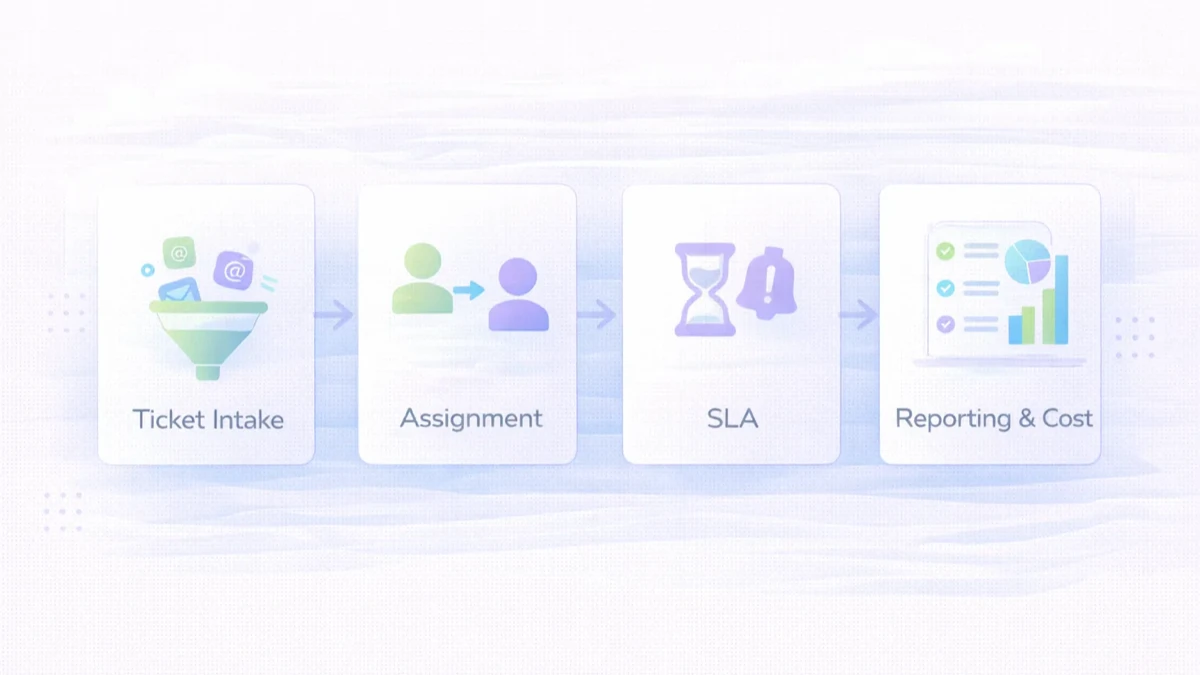
₹60,000 to ₹1.2 lakhUsually includes:
₹1.2 lakh to ₹3 lakhUsually includes:
₹3 lakh to ₹6 lakh+Usually includes:
The right scope depends on volume and internal process maturity. Many businesses do not need enterprise complexity in phase one.
Typical custom build timeline:
2 to 4 weeks: starter ticket system4 to 7 weeks: growth system7 to 10 weeks: advanced system with integrationsTimeline usually grows when:
A practical stack for this kind of product:
Next.js frontend or admin interfaceNode.js backendPostgreSQL for structured ticket dataThe stack matters less than the workflow design. A clean ticket model beats fancy tooling.
The major cost drivers are:
A common mistake is trying to build everything in v1. Start with ticket flow, ownership, and visibility. Then expand.
If support is already creating operational stress, the answer is usually not more manual follow-up. It is one system where every issue has an owner, a status, and a response history.
A ticket lifecycle should explain what happens from receipt to verified resolution. Typical states are new, assigned, in progress, waiting for customer, waiting for internal team, resolved, reopened, and closed. Each status needs an owner and time rule. “Waiting for customer” should pause the correct SLA but must not become a place where tickets are forgotten.
Define what counts as resolution and who can close a case. For recurring technical issues, support may resolve the immediate request while linking it to a separate problem record for root-cause work.
A software and maintenance provider receives issues through email, WhatsApp, phone calls, and account managers. Customers repeat the same request because they do not know whether anyone owns it. Managers cannot separate urgent outages from normal questions.
A useful phase one creates tickets from a web form and monitored email, assigns them by customer and category, records priority and status, and gives agents one conversation history. WhatsApp intake can be added when consent, identity, and conversation mapping are clear.
Every channel should create or update one ticket without losing the original message, attachments, customer identity, and source. Use customer, company, contract, product, and environment fields only when they help routing or support. Avoid forcing agents to complete a long form before acknowledging an urgent issue.
Duplicate detection can suggest related open tickets using customer and subject context. Merging should preserve both histories. Automated acknowledgements need a ticket reference and realistic response expectation.
Priority should reflect impact and urgency, not customer typing style. A practical matrix may consider users affected, business interruption, workaround, data or security risk, and service plan. Allow authorised override with a reason.
SLA policies should define first response, next update, and resolution target where appropriate. Business hours, holidays, paused states, and escalations must be explicit. Dashboards should warn before breach rather than only report failure afterward.
Route by product, issue category, customer plan, branch, language, or skill. Start with simple team queues and manual ownership if classification quality is uncertain. Auto-routing is helpful only when users trust its decisions.
Escalation may notify a team lead, create an engineering task, or increase priority. Keep the support ticket as the customer communication record even when internal work moves to another tool. Link both records and synchronize meaningful status, not every internal comment.
Agents need queue filters, ticket context, previous requests, internal notes, templates, attachments, and a clear reply composer. Customers need consistent updates and a simple way to add information. A portal is useful for clients with many users or tickets, but it is not mandatory for the first release.
Distinguish internal notes from public replies visually and technically. Accidentally sending internal commentary is a serious trust issue. Require confirmation for sensitive actions and protect attachment access.
Track ticket volume, backlog age, first response, resolution time, reopen rate, SLA risk, category trends, customer, and team. Pair speed metrics with quality review; closing tickets quickly without solving them creates repeat contacts.
Managers should sample conversations, identify missing documentation, and connect recurring categories to product or process improvements. Dashboards should lead to records and explain filters.
Common integrations include email, forms, CRM, customer accounts, billing or subscription status, WhatsApp, and engineering tools. Define which system owns customer data and ticket status. Use retries, idempotency, and reconciliation for incoming messages and outgoing notifications.
Automate acknowledgement, assignment suggestions, SLA alerts, and satisfaction requests carefully. Do not let AI-generated answers send without review in sensitive or account-specific cases. See integration services for reliable event handling.
Cost depends on channels, roles, customer portal, SLA complexity, attachments, search, reports, knowledge base, integrations, and data volume. Separate message or email provider charges, migration, hosting, training, and support from development.
Pilot one team and a limited set of categories. Import active tickets and essential customer records rather than every old conversation. Measure unassigned tickets, first response, backlog, reopen rate, and agent adoption during the first month.
Use the web app development hub, custom software hub, and contact page to turn a real support workflow into a focused scope.
Not always. But once support volume or team size increases, it becomes very useful.
Yes. Those are common ticket entry sources.
Ticket creation, assignment, status, notes, and basic reporting form the minimum useful scope.
Yes, if a client portal or status-view layer is added.
Yes. A CRM handles leads and relationships. A ticket system handles support requests and resolution workflow.
A basic version can often be ready in 2 to 4 weeks if scope is clear.
If your workflow is standard, SaaS can work. If routing, reporting, or access rules are specific, custom is often better.
Clear ownership, status visibility, and response-time reporting usually create the fastest improvement.
Compare support tickets with the physical chain of custody in the repair center software guide. For shared controls, review follow-up reminder outcomes and secure operator data entry.
For subscription products, start with the SaaS customer support system setup guide. Service businesses should also map work execution through a job-card system, while self-service access requires a clear customer portal versus admin dashboard decision.
If you want a support platform built around your queues, categories, roles, and reporting needs, start with the real ticket lifecycle first and only then decide what should be automated.
Related Articles
May 22, 2026
Plan a customer support ticketing system with channels, SLA rules, assignment, escalation, reports, costs, rollout steps, and Indian SME examples.
Read article
April 25, 2026
SaaS vs custom software for SMB: costs, fit, rollout trade-offs, timeline, tech stack, and decision checklist for Indian businesses in 2026.
Read article
April 8, 2026
Plan WhatsApp business automation with consent, event triggers, templates, human handoff, delivery logs, CRM updates, cost drivers and phased rollout.
Read article
April 4, 2026
Retail POS and inventory system guide with features, pricing, timeline, and rollout advice for practical store operations in 2026.
Read article