
May 30, 2026
Custom Software Development in Delhi NCR: 2026 Guide
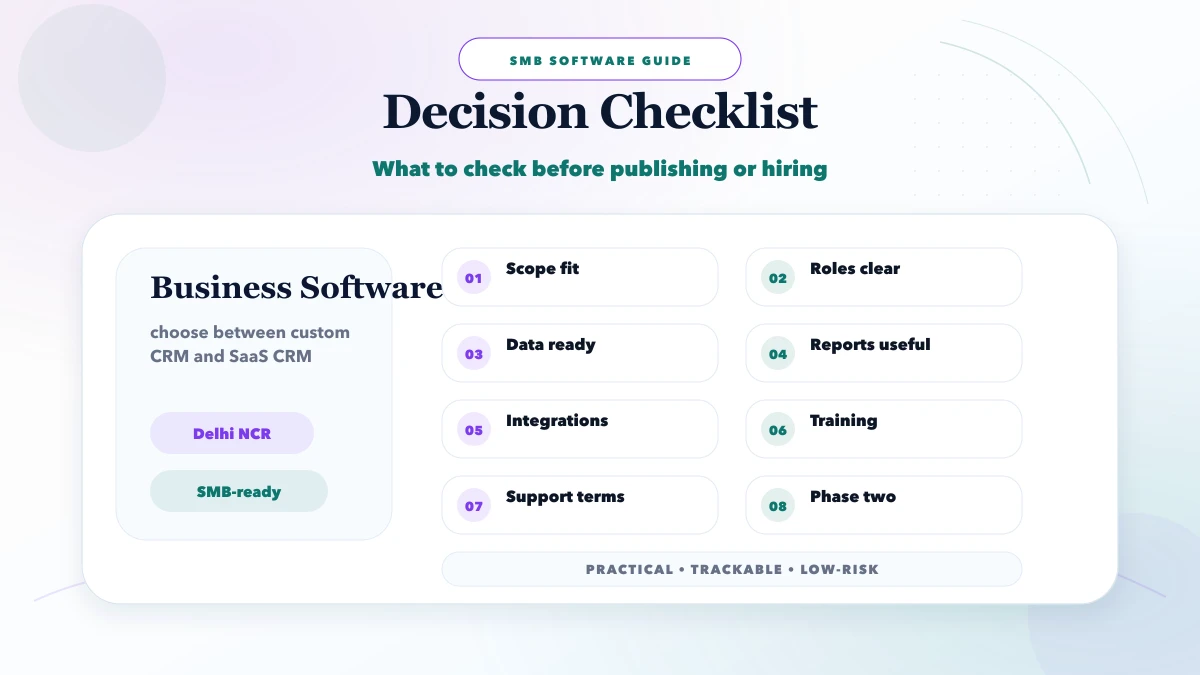
Plan custom software in Delhi NCR with build-versus-buy criteria, module scope, data controls, pricing bands, delivery stages and vendor checks.
Read articlePublished Updated
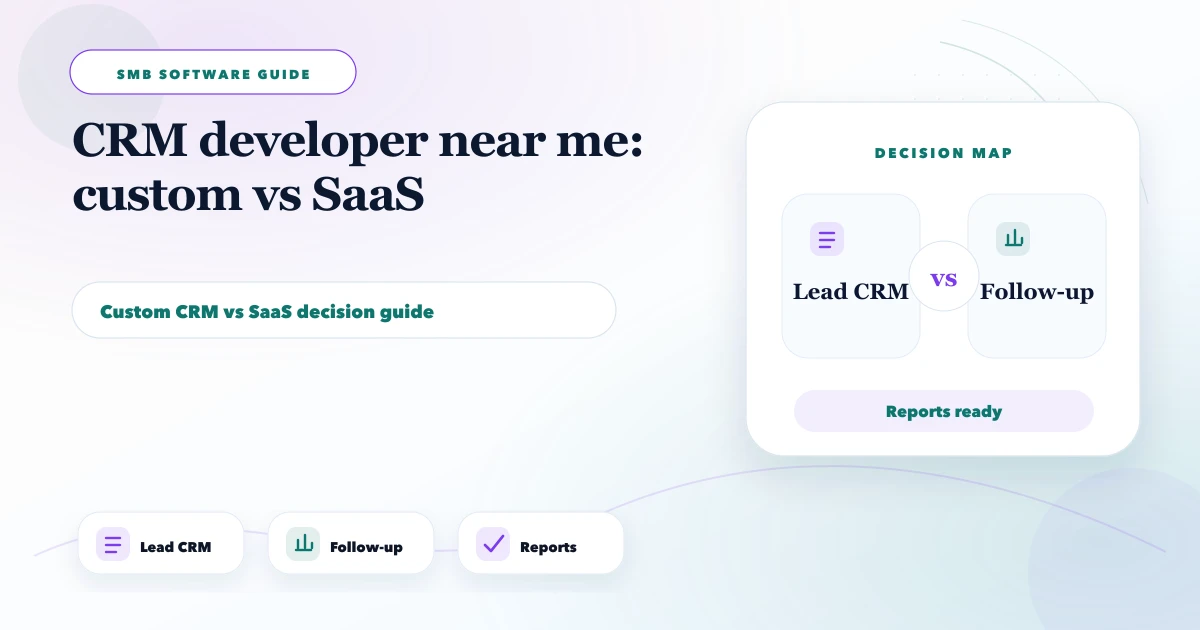
Compare a custom CRM developer with SaaS CRM using workflow fit, ownership, integrations, migration, permissions, adoption, support, and total cost.
Service-area note: VASUYASHII is based in Delhi NCR and supports businesses remotely across India. A city-focused guide describes service and planning context; it does not claim a physical office in every location mentioned.
Explore the parent topic: Custom Software, CRM and ERP Hub →Searching for a “CRM developer near me” usually begins after spreadsheets, personal WhatsApp chats, and disconnected follow-up lists stop giving management a reliable view. The next decision is not simply which developer is closest. It is whether the business should configure an existing SaaS CRM, integrate current tools, or build a focused custom workflow.
This guide provides a build-versus-buy evaluation based on process fit, adoption, ownership, integration, migration, and total cost.
| Option | Best fit | Main risk to check |
|---|---|---|
| Configure a SaaS CRM | Standard sales stages, quick rollout and mature mobile tools | Subscription growth, workflow limits and data export |
| Integrate existing tools | Core CRM works but lead sources or operations are disconnected | Failure handling, duplicate data and unclear system ownership |
| Build a focused custom CRM | Proven workflow cannot be configured safely in standard software | Scope growth, support responsibility and long-term maintenance |
Do not choose custom development only to avoid licence fees. Choose it when a documented workflow, permission model, integration or reporting need creates measurable value that standard configuration cannot deliver.
Write the business outcome before listing features:
If the goal is vague, both SaaS configuration and custom development will become expensive.
Example stages:
For every stage, define:
Do not add stages merely because a CRM template includes them.
Choose a mature SaaS product when:
Configuration is still work. Fields, stages, permissions, imports, automation, and training need ownership.
Custom development can make sense when:
“We want our own software” is not sufficient. Custom CRM requires ongoing product decisions, security work, support, and change management.
Sometimes the best answer is to keep a suitable CRM and connect:
Each integration needs system-of-record, duplicate, retry, and failure rules. Use the integration services guide to separate connection work from CRM replacement.
| Factor | SaaS advantage | Custom advantage |
|---|---|---|
| Speed to pilot | Usually strong | Depends on discovery and build |
| Standard features | Mature and broad | Must be implemented |
| Workflow uniqueness | May require compromise | Can model specific process |
| Upfront cost | Usually lower | Usually higher |
| Ongoing responsibility | Vendor plus admin | Business plus development partner |
| Product updates | Vendor-managed | Must be planned |
| Data control | Contract-dependent | Architecture-dependent |
| Integration | Marketplace/API dependent | Can be purpose-built |
| Exit | Export limitations vary | Requires documented handover |
Score each factor against evidence. Do not choose solely from the first-year price.
For SaaS, include:
For custom CRM, include:
The small business CRM build-versus-buy guide offers a simpler owner-level overview; this page is specifically for evaluating developer and platform responsibility.
Prepare:
Do not import every old contact as an active lead. Segment customers, prospects, closed opportunities, and incomplete records.
Define:
Avoid sending names, phone numbers, email addresses, or free-text requirements to general analytics platforms.
CRM failure is often blamed on users after the system is launched. Reduce adoption risk by:
A perfect dashboard cannot compensate for a process no one updates.
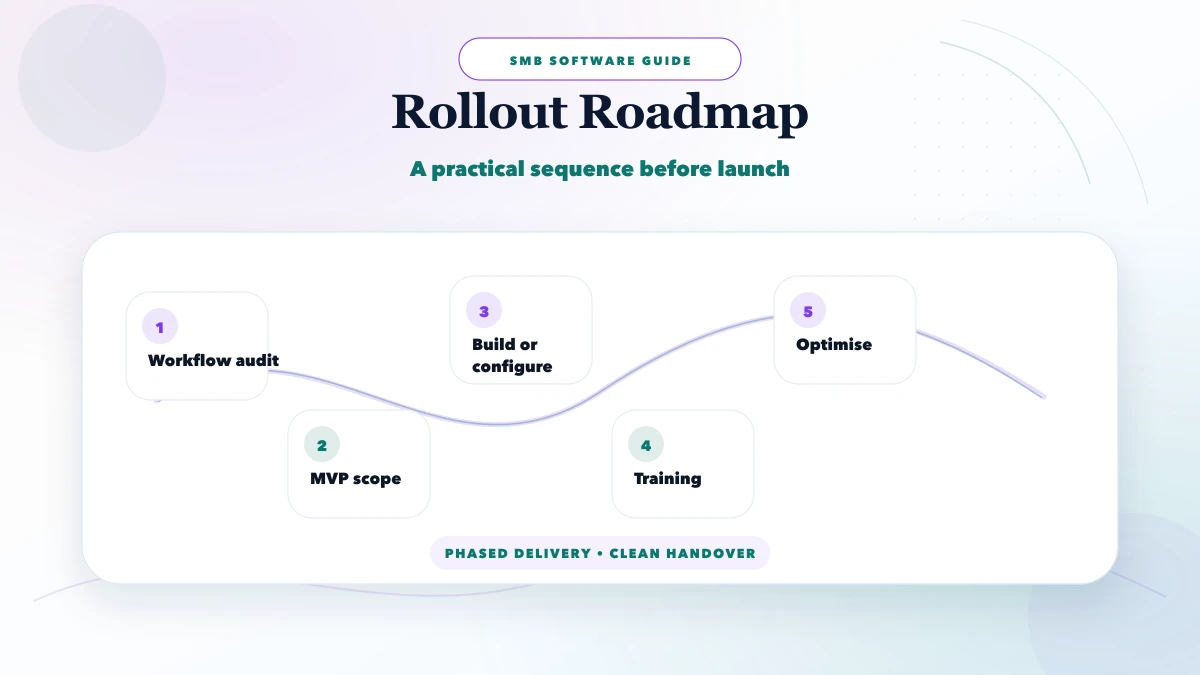
Pilot with one team, one lead source, and one offer. Measure:
Do not migrate the entire company until the stage model and permissions work.
Invite the sales owner, one daily user, operations or delivery owner, IT/security contact where available, and the person responsible for budget. Use a two-hour session to answer:
Score a SaaS option and a custom option against the same answers. Mark each requirement as supported, configurable, integrated, custom, deferred, or unnecessary. Ask vendors to demonstrate the highest-risk workflows with representative data.
The workshop output should be a decision record, not a feature wish list. Include the chosen path, rejected alternatives, assumptions, owner, pilot boundary, and review date. This prevents the project from restarting the same debate after development begins.
Whether the CRM is SaaS or custom, test how the business would leave:
A downloadable contact CSV is not a complete exit if activities, ownership, attachments, or relationships are lost. Ask for a sample export during evaluation and document any proprietary fields that require transformation.
Exit readiness improves supplier accountability without assuming the partnership will fail. It also reduces risk during acquisition, restructuring, or future platform change.
Ask:
Local availability can help workshops, but remote documentation and reliable support may matter more than physical proximity.
Discovery, configuration, import, integration, training, and pilot can often be phased over several weeks. Cost depends on licences and partner effort.
Begin with discovery and a narrow workflow. A custom multi-role system can range from a focused lakhs-level project upward depending on integrations, data, security, and support. Request a written phase estimate rather than relying on a generic package.
Use SaaS for contacts and pipeline while building a specific operational portal or integration. This can preserve mature CRM features without forcing the whole business into one custom build.
Current VASUYASHII service scope first maps lead sources, stage definitions, owners, next actions, reports, and integration boundaries. Then software development and the custom software, CRM and ERP hub can be compared with SaaS configuration and integration. This describes an evaluation method, not a guarantee that custom CRM is the best option.
It can be over a long period for a stable, high-value workflow, but custom systems carry development, hosting, security, support, and change costs. Compare total ownership.
Only through compliant, supported methods with clear consent, access, retention, and provider rules. Avoid copying private conversations indiscriminately.
Use the minimum stages that represent real decisions or commitments. Too many stages create inconsistent reporting.
Yes after mapping, cleaning, deduplication, owner assignment, and a sample run. Keep the rejected-row report and source backup.
Actionable measures such as unassigned leads, overdue next actions, stage movement, source quality, and outcome reasons. Avoid vanity charts.
Give each the same workflow, sample data, edge cases, security expectations, and acceptance criteria. Compare their discovery quality and support model, not only screenshots.
Create a one-page lead lifecycle and list the top three SaaS workarounds causing real business cost. Share that through contact to evaluate configuration, integration, or a focused custom CRM phase.
Related Articles
May 30, 2026
Plan custom software in Delhi NCR with build-versus-buy criteria, module scope, data controls, pricing bands, delivery stages and vendor checks.
Read article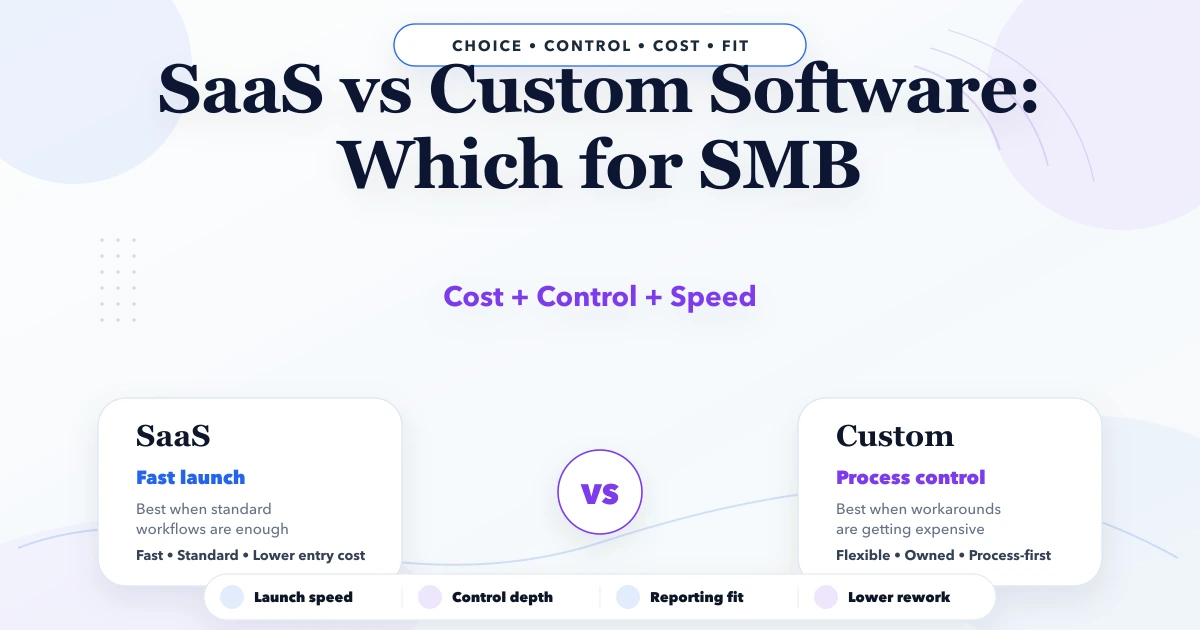
April 25, 2026
SaaS vs custom software for SMB: costs, fit, rollout trade-offs, timeline, tech stack, and decision checklist for Indian businesses in 2026.
Read article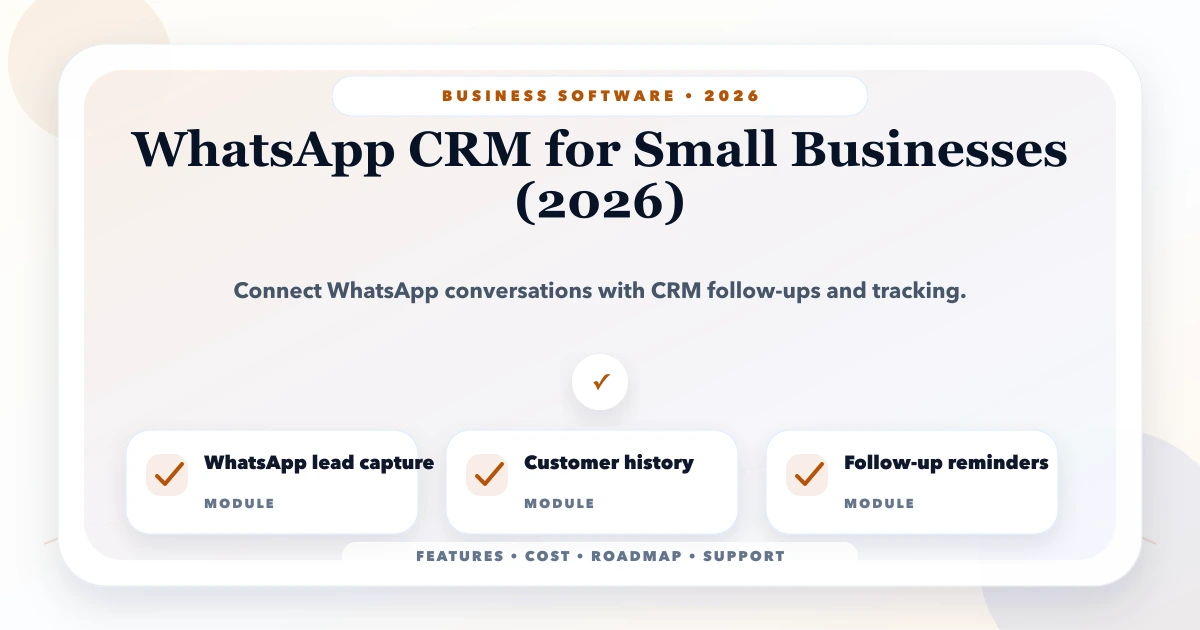
May 25, 2026
Plan a WhatsApp CRM for small businesses with consent, shared ownership, lead stages, follow-ups, approved automation, secure integrations, and useful reports.
Read article
May 9, 2026
Evaluate an ERP developer using workflow discovery, module boundaries, data migration, permissions, support, ownership, and phased implementation checks.
Read article