
May 24, 2026
Client Management Software for Credit Control
Plan client management software for credit limits, payment history, follow-ups, statements, permissions, and collection control in Indian SMEs.
Read articlePublished
Vendor and client management software guide with CRM-lite features, pricing in India, tech stack, timeline, and rollout advice for growing SMB teams today.
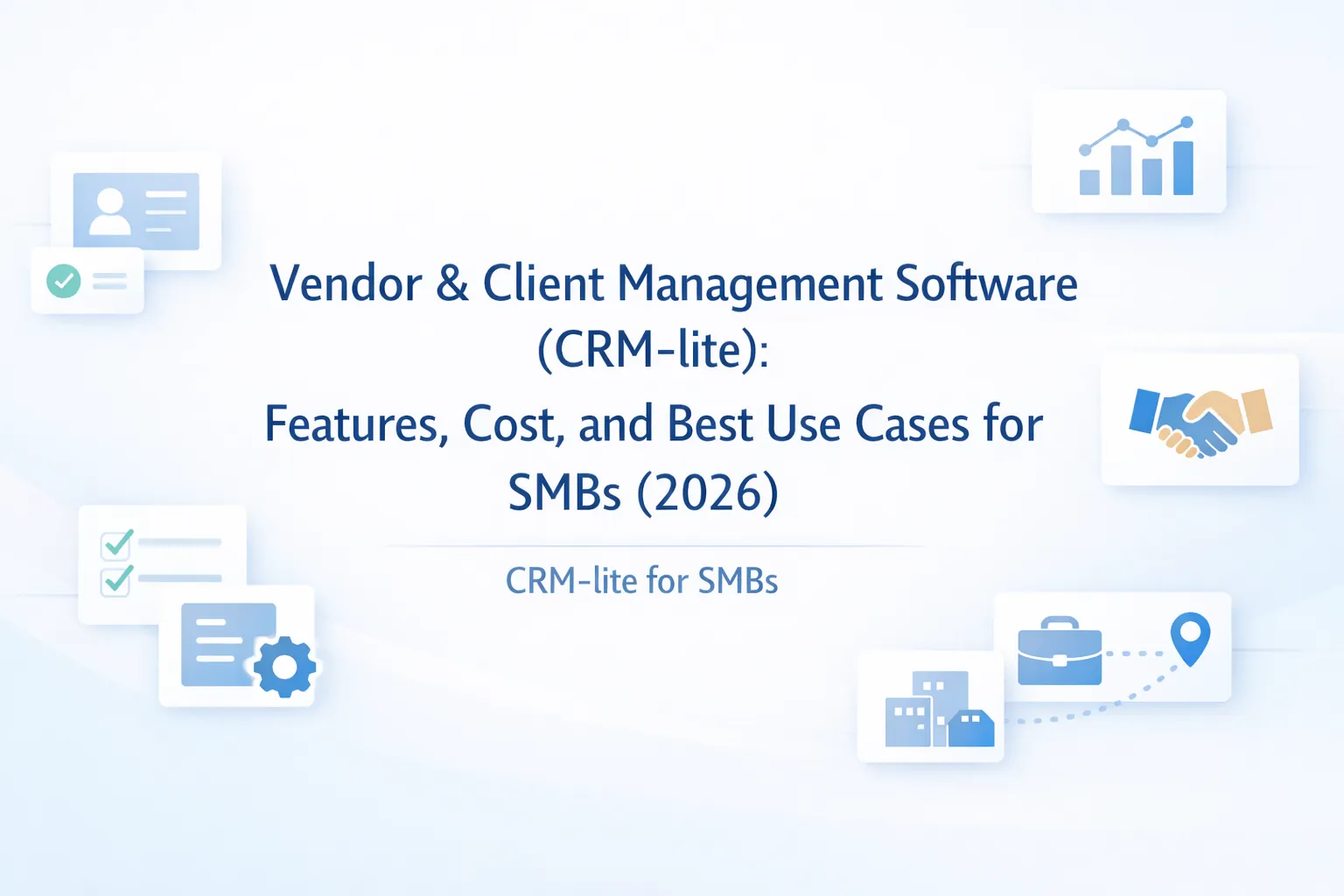
Not every business needs a full CRM. Many SMBs simply need a clean system to manage vendors, clients, follow-ups, documents, quotations, and relationship history without jumping into a large sales platform.
That is where vendor and client management software, or CRM-lite, makes sense. It sits between spreadsheets and full CRM. It gives structure to contacts, tasks, reminders, and status tracking without forcing the team into heavy enterprise-style sales workflows.
For Indian small businesses, agencies, distributors, service companies, consultants, and B2B teams, this kind of software often becomes the easiest way to stop losing context across vendor calls, client discussions, and pending commercial actions.
If your business mainly needs one place for vendor records, client history, reminders, documents, simple quotations, and follow-up visibility, CRM-lite is often the right fit. It is lighter than a full sales CRM and more structured than using spreadsheets or notebooks.
The best version of CRM-lite for SMBs usually includes:
If your sales workflow is more structured and heavily dependent on lead stages, you may need CRM software development for small businesses instead.
CRM-lite is a particularly good fit for agencies, consultancies, B2B service firms, distributors, sourcing teams, project businesses, and founders who manage too many relationships directly. It helps when your biggest pain is not lead volume but follow-up discipline, document visibility, and context retention. If the team mostly wants better account ownership and cleaner reminders without full sales automation, CRM-lite gives a practical middle path between spreadsheets and a heavier CRM rollout.
It is also useful for companies managing annual renewals, repeat proposals, vendor comparisons, or long-running account conversations where context gets lost over time. When founders feel they are still the backup memory system for important relationships, CRM-lite usually solves that pain faster than a full CRM rollout.
For teams doing account management more than hard sales, that simplicity is a big advantage. It creates visibility without forcing the team to learn a heavy CRM vocabulary on day one, and it gives owners a cleaner weekly review view without reading every chat thread themselves.
That makes adoption easier for small teams.
Vendor and client relationships often become fragmented quietly. One employee stores contacts in their phone, another keeps supplier prices in a sheet, a third remembers renewal dates mentally, and no one has one reliable relationship history.
CRM-lite is a strong fit when the team needs contact intelligence and follow-up discipline more than a full pipeline engine. It is especially useful for:
This is the key scoping question.
CRM-lite is often the easiest adoption path because it feels close to what teams already do, but much better organized. It reduces dependency on personal memory without introducing too much process friction. Once the business gets disciplined on records and follow-up, moving to a broader CRM later becomes easier.
For a more direct product comparison, read Custom CRM vs Zoho CRM.
These features usually give the strongest value in a CRM-lite system.
Later, businesses often add WhatsApp reminders, invoice status visibility, collections notes, branch views, or quotation-to-order conversion depending on process maturity.
If your team does not need a heavyweight CRM but still wants cleaner follow-up discipline, CRM-lite is often the fastest useful step.
Vendor and client management software is usually one of the most cost-effective custom business tools because the workflow is narrower than full CRM or ERP.
₹1.2 lakh to ₹2.1 lakhIncludes contact master, notes, reminders, files, and basic reports.
₹2.25 lakh to ₹3.8 lakhIncludes ownership, quotation tracking, status views, and better dashboards.
₹4 lakh to ₹6.25 lakhIncludes branch views, renewal reminders, document workflows, integrations, and richer permissions.
For most SMBs, the sweet spot sits in the ₹2.25 lakh to ₹3.8 lakh range because that is where the system starts saving real operational time without becoming overbuilt.
Scope increases when CRM-lite starts turning into full CRM, billing, or ERP. That is not wrong, but it should be a conscious decision, not accidental scope creep.
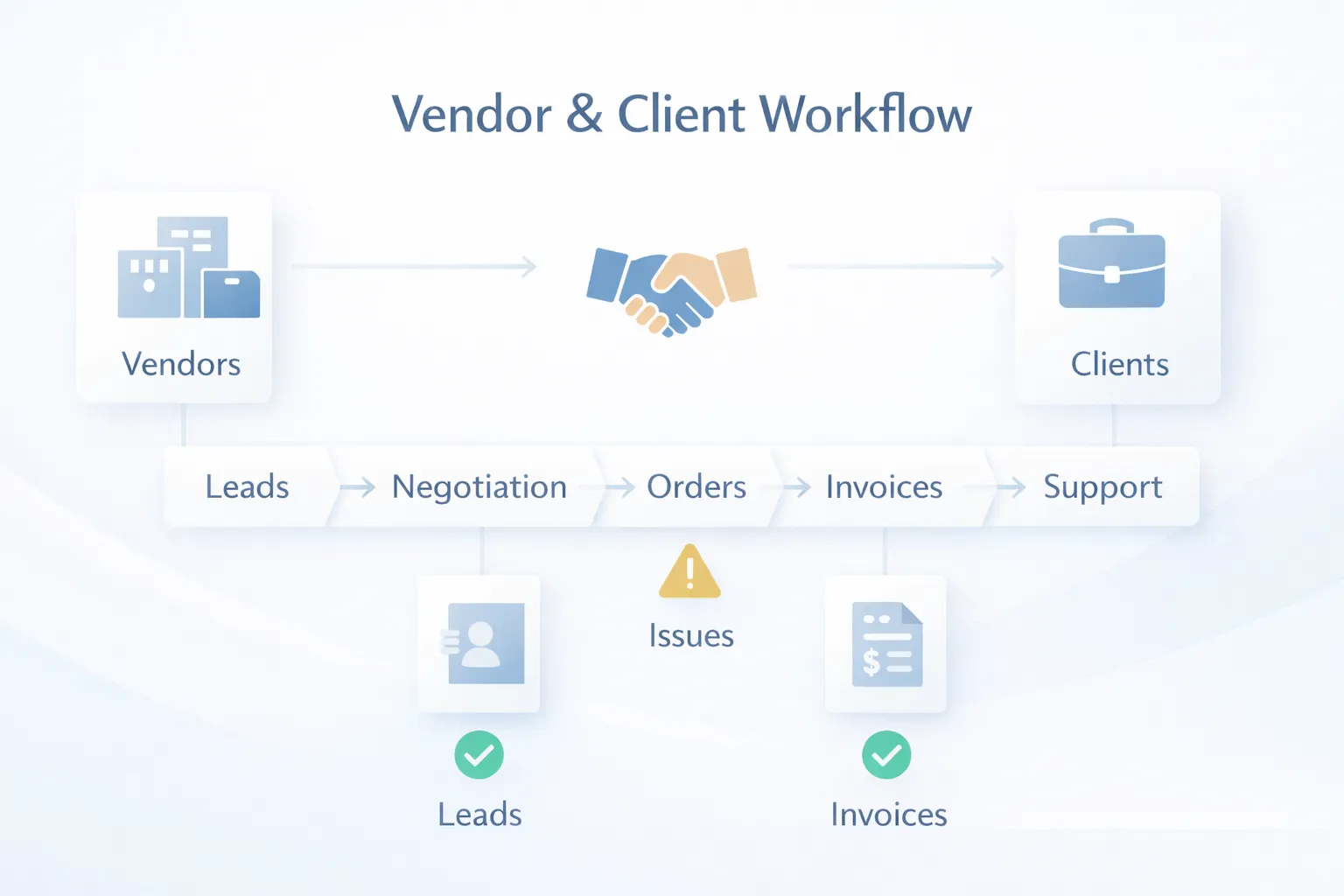
CRM-lite works best when the interface feels fast and the records are easy to search.
Next.js for contact lists, filters, notes, reminders, and relationship dashboards.Node.js for status workflows, reminder logic, ownership, and reporting.PostgreSQL for contacts, companies, notes, quotations, tasks, and documents.If your business later wants marketing automation, deeper pipeline reporting, or broader customer lifecycle control, the stack can be extended toward full CRM.
CRM-lite projects usually take 4 to 7 weeks for a practical rollout.
Because the scope is relatively focused, projects move quickly when the business is clear about what counts as a client, vendor, active record, or stale record.
These are the biggest factors that change the budget:
The best CRM-lite systems feel simple on the surface but disciplined underneath. That balance matters more than feature count.
To keep the first release successful:
This creates a system people actually use. After that, you can add quotation workflows, renewal automation, or full CRM modules if the business grows into them.
CRM-lite works because it stays lean. If every request from sales, finance, and operations is added in phase one, the project loses focus fast.
When multiple staff members edit the same relationship without ownership visibility, accountability disappears. The system should always show who owns the next action.
If the team gets ten different states for what is basically "follow up later," the software becomes harder to use than the current manual process.
If proposals, agreements, IDs, and rate cards are all uploaded randomly, the software stops feeling useful over time. File categories matter.
Managers should review pending follow-ups and inactive records weekly. Without that habit, even a good CRM-lite setup becomes passive storage.
CRM-lite is a simpler relationship management system focused on contacts, notes, reminders, documents, and basic status tracking rather than deep sales automation.
For most SMBs, custom development starts around ₹1.2 lakh and commonly lands between ₹2.25 lakh and ₹3.8 lakh for a useful first version.
Yes, if the team mainly needs contact history, reminders, and simple quotation tracking. If lead routing and conversion reporting are complex, full CRM is better.
Yes. A shared platform with category-based records is common, as long as permissions and tags are planned properly.
Yes, but imported data usually needs cleanup for duplicates, missing fields, and inconsistent naming before it becomes reliable.
Usually 4 to 7 weeks for a focused build. Projects extend when quotation, billing, or branch workflows are added heavily.
Yes. That is one of the most useful add-ons for agencies, distributors, and service businesses.
Trying to keep the software totally flexible while never forcing any status discipline. Some structure is necessary for useful reporting.
If your team just needs one clean place for vendors, clients, follow-ups, and documents, a focused CRM-lite build can solve the problem fast.
Related Articles
May 24, 2026
Plan client management software for credit limits, payment history, follow-ups, statements, permissions, and collection control in Indian SMEs.
Read article
May 24, 2026
Plan vendor software across supplier masters, purchase orders, receipts, bills, returns, payments, outstanding dues, approvals and reports.
Read article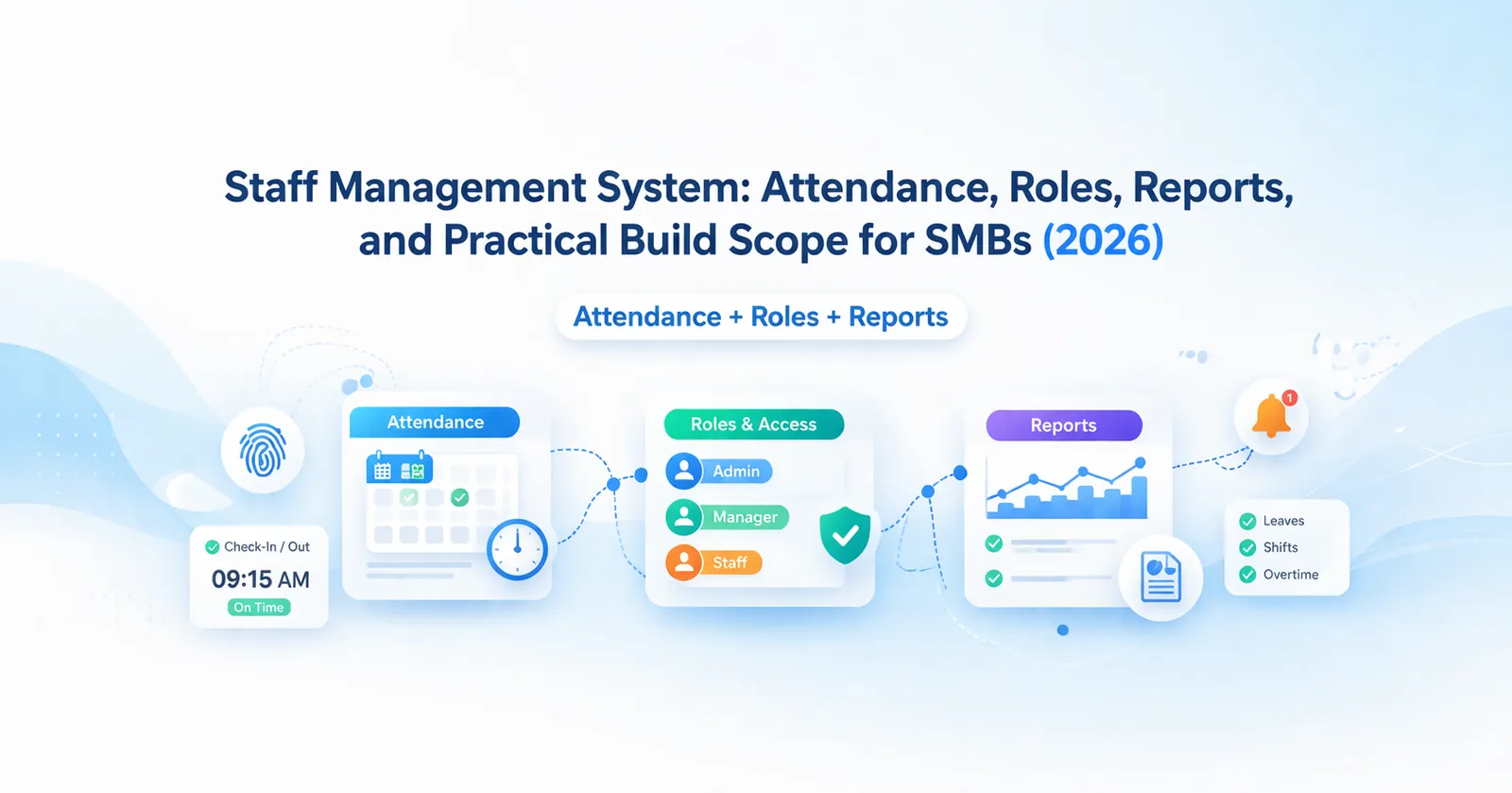
March 26, 2026
Staff management system guide for SMBs covering attendance, roles, reports, pricing in India, tech stack, timeline, and rollout tips for lean HR ops today.
Read article
March 25, 2026
Cloud-based software for SMEs in 2026: why it is better for access, updates, reporting, integrations, and growth than older offline business software setups.
Read article