
May 23, 2026
Admin Dashboard Development: Features, Cost, Checklist
Plan admin dashboard development with a feature checklist, indicative India pricing, timeline, roles, reports, audit logs, integrations, and launch controls.
Read articlePublished Updated
Estimate admin panel development cost by modules, user roles, reports, approvals, integrations, security, timeline, and phased delivery in India.
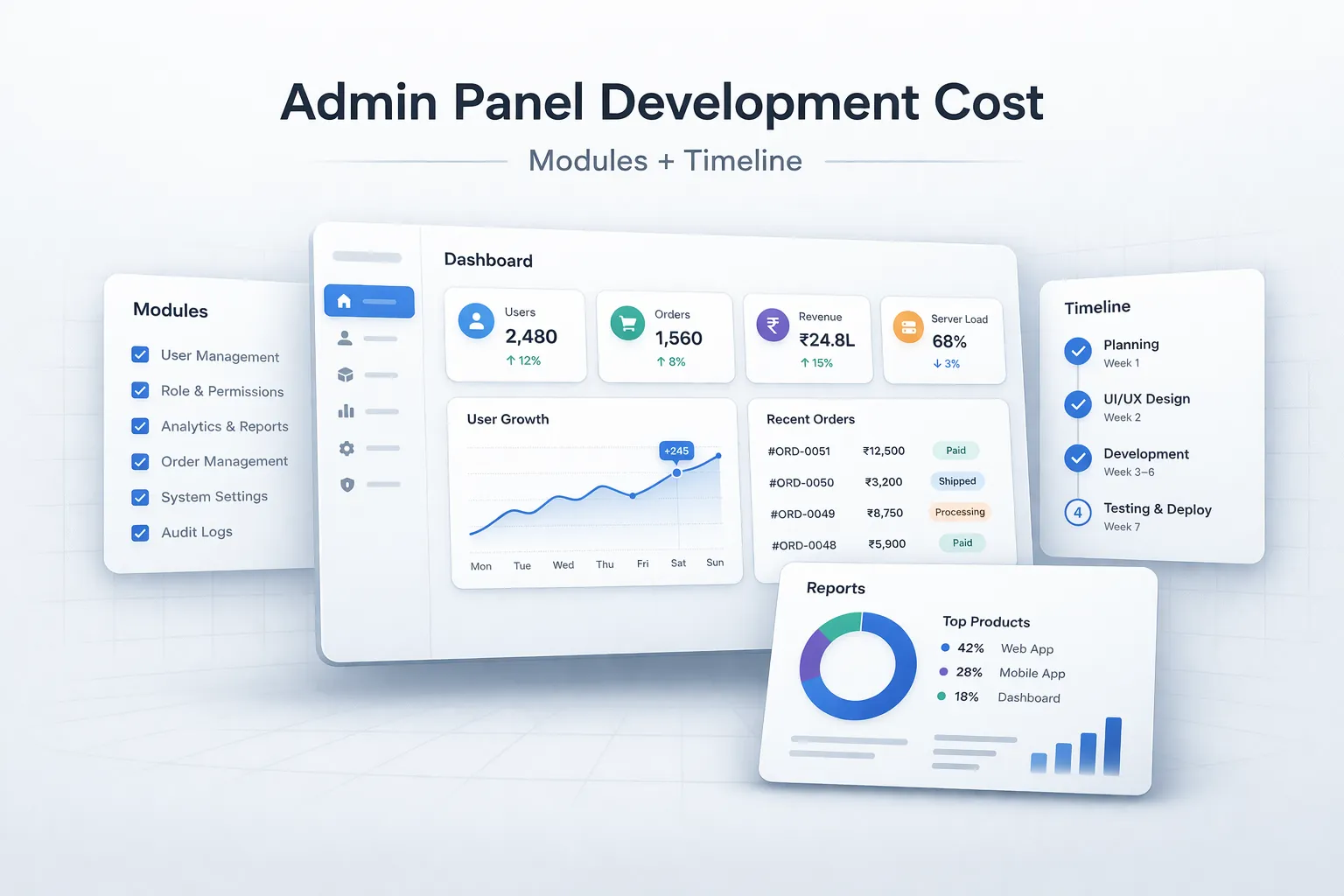
Admin panels are one of the most common and most misunderstood software projects. Many teams describe them casually as "just a dashboard," but a real admin panel often carries the operational weight of the whole system. It controls users, content, orders, leads, approvals, reports, settings, and decision-making.
That is why admin panel pricing varies so much. A lightweight internal panel is very different from a multi-role admin system with analytics, approvals, and integrations. If that difference is not clear, software quotes become hard to compare.
This guide explains admin panel development cost in 2026, what modules affect pricing, how timelines usually work, and how businesses should scope phase one intelligently.
Practical admin panel pricing usually falls into these ranges:
₹1 lakh to ₹3 lakh₹3 lakh to ₹8 lakh₹8 lakh to ₹20 lakh+The biggest pricing differences come from user roles, reports, approvals, integrations, and how much operational logic the panel controls.
The current VASUYASHII Business Suite dashboard below is a first-party product surface. It demonstrates company-scoped operational summaries, navigation to source modules, and a working admin interface; it does not prove that every business needs the same modules or that the indicative prices on this page are universal.
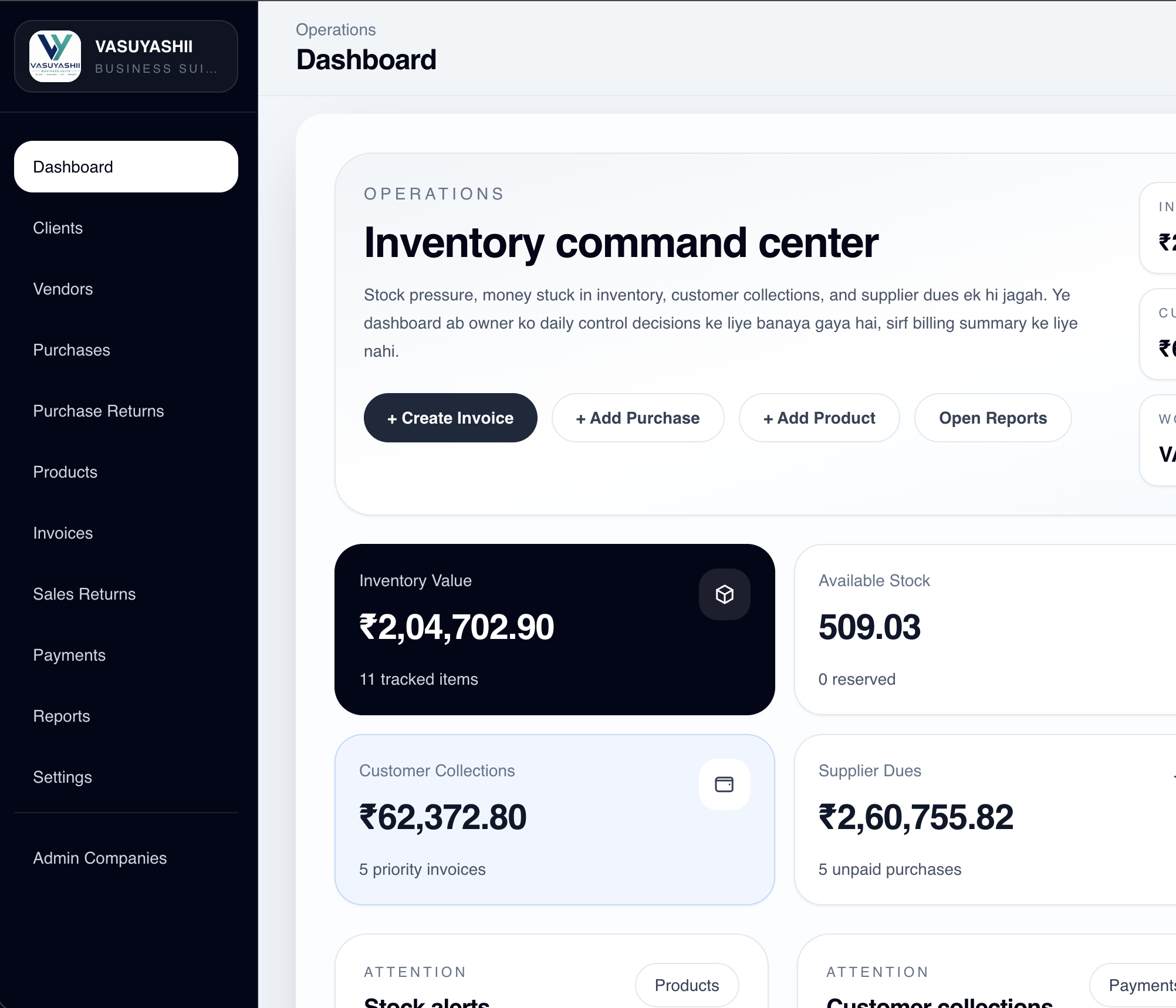
For implementation detail, review the Business Suite product-build case study. A custom admin-panel estimate should still be based on the buyer's roles, actions, reports, integrations, data volume, and acceptance tests.
Many businesses think admin panels are mainly for management. In reality, they often support daily execution too.
If the admin panel becomes the operational center of the business, usability matters more than visual flash. A clumsy admin system slows the team every day.
These are the modules that most often shape cost.
For most businesses, role-based access, reports, and clean data tables create the biggest value fastest.
₹1 lakh to ₹3 lakh
Good for:
₹3 lakh to ₹8 lakh
Good for:
₹8 lakh to ₹20 lakh+
Good for:
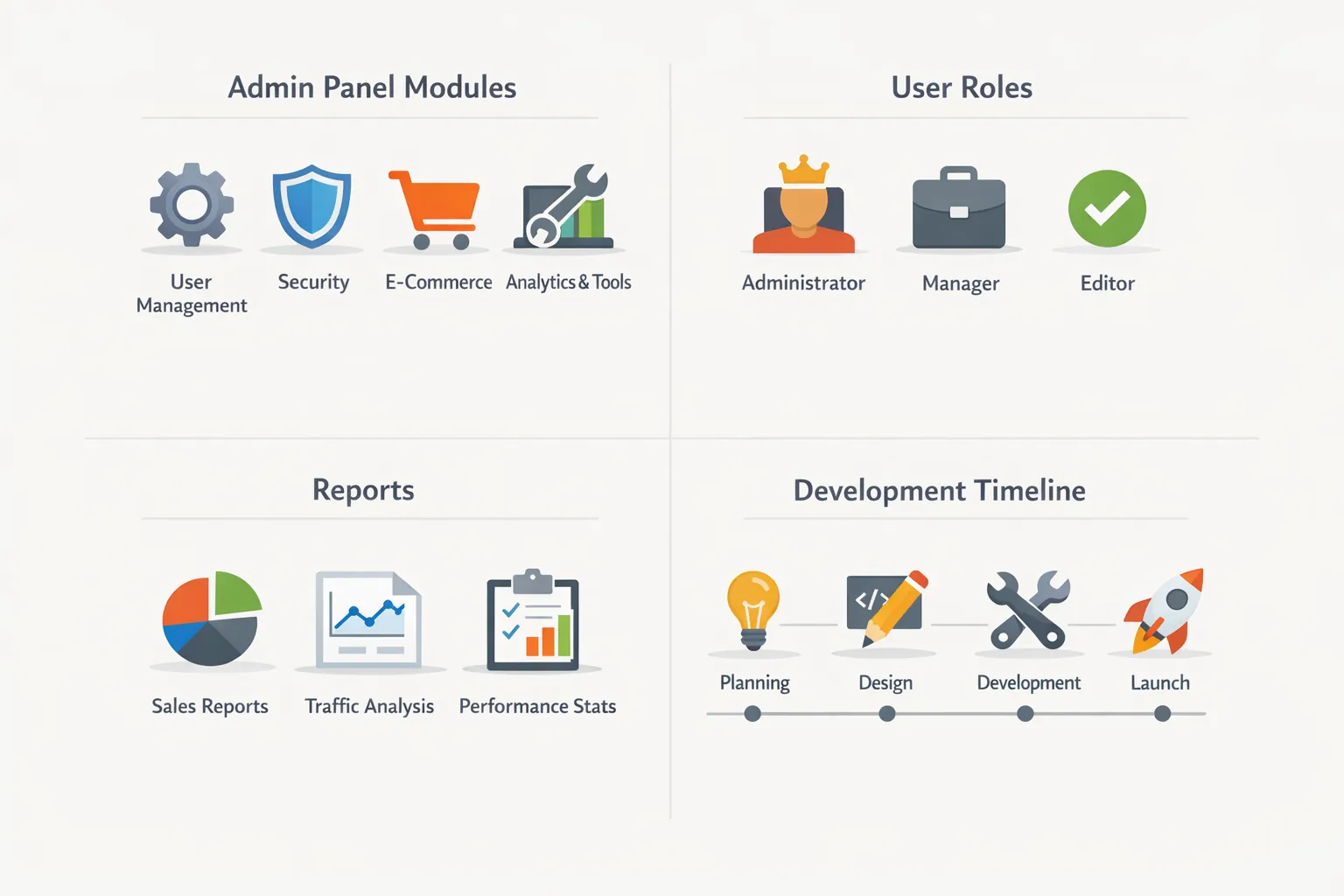
Timeline depends on how many modules and rules are included.
Decision speed from the client side changes timeline more than many teams expect.
Most modern admin panels use:
The biggest cost drivers are:
The biggest mistake is treating a mission-critical admin system as if it is just a few backend pages.
Admin panel cost depends on what the admin can control. A simple content admin is very different from a multi-role operations admin with users, approvals, exports, audit logs, and integrations.
Before asking for a quote, list:
For better scoping, start with web application services, software development, and contact.
If your business needs an admin panel, first define which modules actually drive daily work and which ones can wait for phase two. That usually saves both time and budget.
An admin panel is valuable when it helps authorised users complete operational decisions: approve a request, correct a record, assign work, investigate an exception, or produce a reliable report. A long menu of CRUD screens is not a complete requirement. Each module should state who uses it, what action they take, what validation applies, and what evidence remains afterward.
Begin with a workflow inventory rather than a screen inventory. “Orders” may include review, payment verification, fulfilment, cancellation, refund, and export. Each action has different permissions and side effects.
A service company with three branches may need leads, appointments, customers, invoices, payments, staff assignments, and reports. A receptionist can create and reschedule appointments, a branch manager can reassign staff and view branch totals, accounts can record payments, and the owner can compare branches. A super admin controls masters and access.
If every role sees every action, accidental edits and privacy problems become likely. If permissions are too narrow or unclear, staff return to spreadsheets. The admin panel must reflect real responsibility.
For each module, document list view, detail view, create or edit form, actions, filters, exports, notifications, and audit events. Identify fields that are required, calculated, immutable, or conditionally visible. Define empty, loading, error, duplicate, archived, and deleted states.
Common modules include dashboard, users and roles, customer or vendor masters, transactions, approvals, files, notifications, reports, settings, and activity history. Do not add a dashboard card unless the underlying number is trustworthy and leads to a useful detail view.
Permissions should cover both pages and actions. A user who can view invoices may not be allowed to change amount, delete a record, export customer data, or issue a refund. Company and branch filters must be enforced by the backend, not only hidden in the interface.
Approval rules need status transitions, approver authority, delegation, rejection reasons, and edit-after-approval behavior. Keep an immutable history of sensitive decisions. The custom software, CRM and ERP hub covers company-scoped roles and workflow design.
Specify each report using source records, filters, columns, calculations, timezone, and expected totals. Decide whether data is real time or generated periodically. Large exports may need background processing and a secure download link rather than blocking the browser.
Test totals against known examples. A report that looks polished but disagrees with transaction records damages trust. Include drill-down from summary to source records and record the filters used for downloaded files.
Admin actions may trigger payment gateways, WhatsApp, email, inventory, CRM, PDF generation, or external APIs. Every integration needs idempotency, retry behavior, error visibility, and reconciliation. Users should know whether an action succeeded, is processing, or needs attention.
Do not allow repeated button clicks to create duplicate invoices, messages, or refunds. For complex integrations, review the integration services page before finalising cost.
Use individual accounts, secure authentication, role and company scoping, server-side validation, audit logs, protected file storage, and backups. Sensitive actions may require re-authentication or a second approval. Log who exported data and when.
Plan account invitation, password reset, employee exit, session expiry, and access review. Security is not one line item added after development; it changes the architecture and test scope.
Ask vendors to separate discovery, UX, frontend, backend, database, authentication, reporting, integrations, migration, QA, deployment, documentation, warranty, and recurring support. The number of screens alone is a poor cost measure because one approval screen with complex rules may require more work than ten simple master forms.
Price also changes with data volume, file handling, real-time updates, mobile support, offline needs, audit depth, and third-party limitations. Keep a written change-request method so new ideas do not quietly expand the timeline.
Build one end-to-end workflow before creating every module. Test with realistic users and sample data. Acceptance criteria should describe outcomes, such as “a branch manager cannot view another branch,” “an approved amount change returns for approval,” and “an export total matches the filtered list.”
Use a staging environment, maintain a defect list, and schedule user training before launch. After launch, monitor errors, slow queries, failed jobs, and unusual permission attempts. The web app development hub explains phased delivery for business dashboards.
Review relevant services and contact VASUYASHII with sample screens, reports, and role rules for a more accurate estimate.
Basic panels may start near ₹1 lakh, while richer multi-module systems often cost much more.
Because admin panels can range from basic content management to complex operational systems with rules and reports.
Usually roles, key dashboard views, main data tables, and the primary workflow screens.
Anywhere from a few weeks to several months depending on modules and complexity.
For anything beyond a simple panel, yes. Wireframes reduce confusion and wasted build effort.
In admin systems, usability usually matters more because people use the panel every day.
Yes, if APIs or compatible data workflows are available.
Trying to define the panel only by screens instead of by workflow and decision points.
If your business needs a panel for real operational control, the next step is to define roles, modules, data views, and reporting needs before comparing build quotes.
Related Articles
May 23, 2026
Plan admin dashboard development with a feature checklist, indicative India pricing, timeline, roles, reports, audit logs, integrations, and launch controls.
Read article
March 30, 2026
Compare school software pricing models, modules, demo checks, migration and rollout stages. Prepare a clear quote for your school's requirements in India.
Read article
May 23, 2026
Plan CRM admin screens around sales jobs, queues, permissions, approvals, audit history, reports, bulk actions, and operational exception handling.
Read article
April 2, 2026
Design operational dashboards with usable tables, predictable filters, secure exports, bulk actions, responsive layouts, permissions and complete data states.
Read article