
April 22, 2026
Customer Portal vs Admin Dashboard: Key Differences
Compare customer portals and admin dashboards by users, data scope, workflows, permissions, documents, payments, support, security, cost, and implementation.
Read articlePublished Updated
Plan admin dashboard development with a feature checklist, indicative India pricing, timeline, roles, reports, audit logs, integrations, and launch controls.
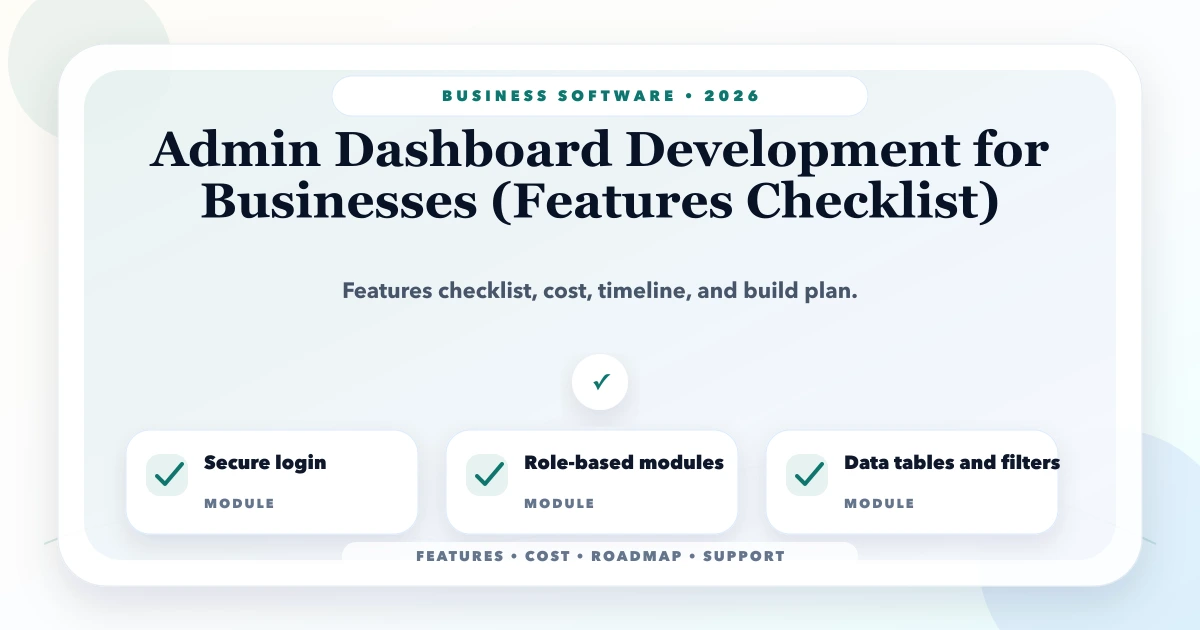
Admin dashboard development should begin with the decisions and workflows a team needs to control—not with charts. A useful first release normally combines secure access, role-specific records, filters, approvals, reports, audit history and owner visibility. For planning, this guide uses indicative India price bands from ₹75,000 for a focused dashboard to ₹18 lakh+ for a multi-module operations system; an actual estimate requires a written module, role, report and integration scope.
This page owns the commercial planning intent: features, cost, timeline and implementation scope. For layout, navigation, tables, filters and usability, use the separate admin dashboard UX best-practices guide.
By Tushar C. (Founder, VASUYASHII). Reviewed by VASUYASHII Editorial for real-world SMB software, dashboard, CRM, ERP, inventory, billing, and automation implementation experience.
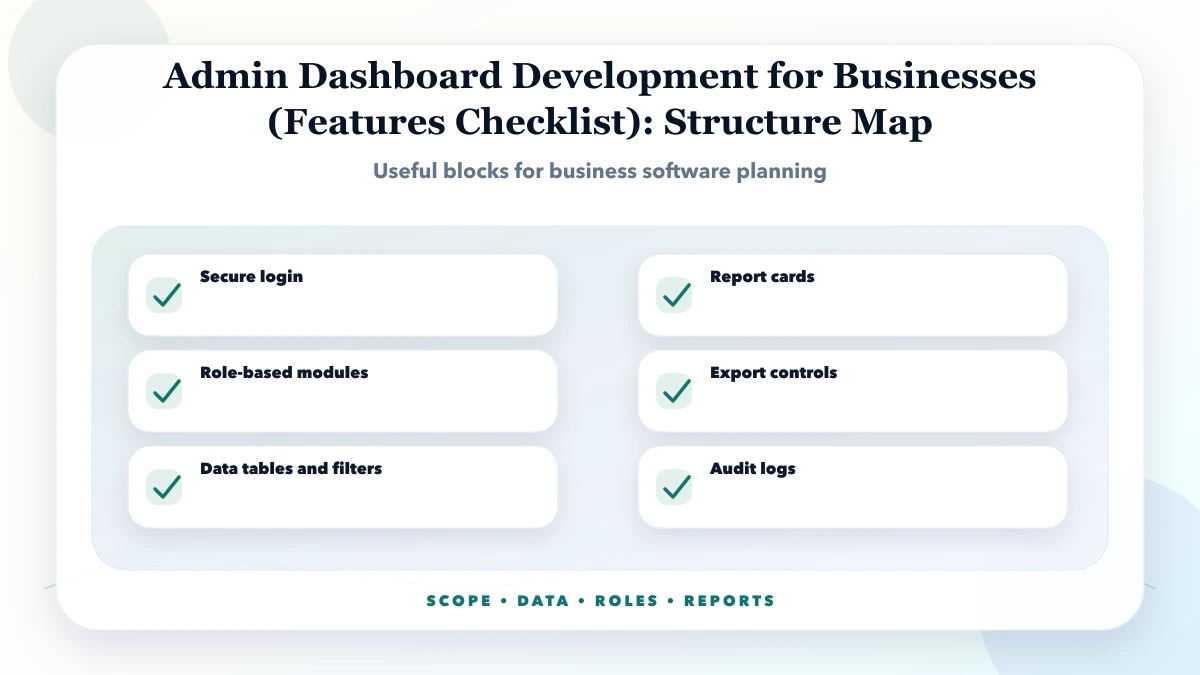
Admin dashboard development should include secure login, role-based access, usable data tables, filters, reports, protected exports, audit logs, notifications and clear owner-level visibility.
For an SME, the safer approach is phased: start with the workflow that affects revenue, stock, customer response or owner visibility. Add advanced automation only after staff can enter reliable data and use the core screens consistently.
| First-release decision | What must be written down |
|---|---|
| Business workflow | Start state, statuses, owner, approvals and completion rule |
| User roles | Data visibility, allowed actions and protected actions |
| Records | Required fields, validation, duplicate rules and edit history |
| Reports | Definition, source data, filters, refresh rule and reconciliation |
| Integrations | Source of truth, failure handling, retry and support owner |
| Launch | Migration, UAT, training, backup, handover and support |
Before asking for a quote, collect one real example of each document, spreadsheet, report and approval used in the current process. Evidence can include field lists, anonymized screenshots, status names, sample exports and role-wise tasks. This is more useful than a verbal request for “an admin panel.”
Do not invent requirements from a demo. Validate each module against:
| Feature group | Minimum useful requirement |
|---|---|
| Authentication | Secure login, session handling and account-recovery ownership |
| Roles and permissions | Module, record, field and action-level rules where required |
| Tables and records | Search, filters, sorting, pagination, validation and useful empty states |
| Workflow | Status changes, assignments, approvals, reminders and exception handling |
| Reports | Agreed metric definitions, filters, drill-down and reconciliation |
| Export | Role-controlled files with the same filters and definitions as the screen |
| Audit history | Who changed what, when, and from which previous value |
| Integrations | Source-of-truth, error visibility, retry and manual recovery |
| Operations | Backups, monitoring, support ownership and handover documentation |
Every feature needs an owner, input, output and acceptance rule. If nobody owns a workflow, it becomes unclear during testing. If output is not defined, reports become unreliable.
| Scope | Practical price range | Typical timeline |
|---|---|---|
| Basic dashboard | ₹75,000 to ₹2 lakh | 3 to 6 weeks |
| Business admin panel | ₹2 lakh to ₹6 lakh | 6 to 12 weeks |
| Advanced operations dashboard | ₹6 lakh to ₹18 lakh+ | 3 to 6 months |
These are practical planning ranges, not fixed quotes. Final pricing depends on workflow complexity, user roles, data quality, integrations, custom reports, migration needs, testing depth, and support expectations.
Low-cost software can work if the scope is tight and the workflow is simple. A cheap build becomes expensive when it skips validation, permissions, audit logs, data backup, testing, or handover.
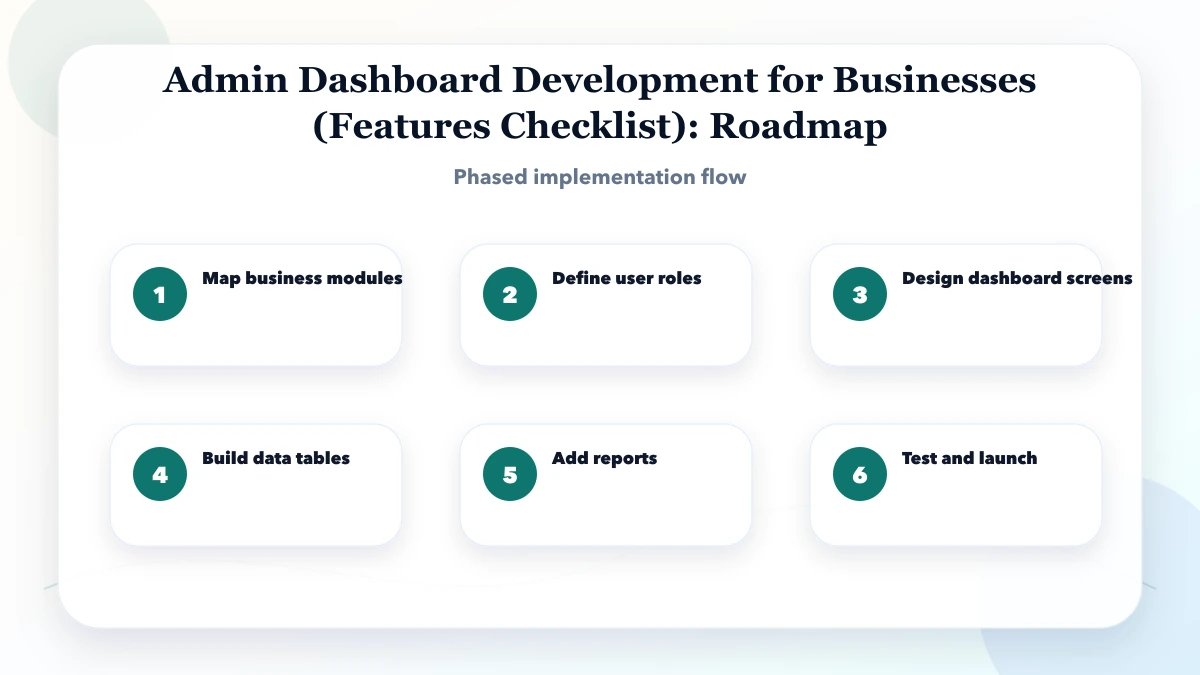
This sequence keeps the project grounded. Do not jump to visual polish before workflow clarity. Do not migrate final data before import rules are tested. Do not train staff only after launch. A clean timeline reduces rework.
The stack should fit the business. A small admin panel may need a fast frontend, secure authentication, a stable database, and simple reports. A larger system may need APIs, audit logs, scheduled jobs, file storage, backups, and role-based dashboards.
The biggest cost drivers are hidden in business rules. A screen may look simple but become complex when permissions, approvals, returns, GST, branch access, reports, reminders, exports, and audit history are included.
A useful admin dashboard should control the daily workflow, not just store records. The system should make it clear who entered the data, who owns the next action, what is pending, what has been approved, and what needs owner attention. The real process may sit between sales, accounts, stock, staff and customer communication, so source-of-truth rules matter.
The first control layer is data quality. Fields should be simple enough for staff to fill quickly, but strict enough to prevent incomplete records. Required fields, dropdowns, duplicate checks, date rules, status rules, and edit permissions reduce mistakes before they become reports.
The second control layer is accountability. Every important record should have an owner, timestamp, status, and history. If a lead is pending, a stock item is low, a vendor bill is unpaid, or a quotation is waiting, the dashboard should show it clearly without asking the owner to check five different sheets.
The third control layer is reporting. Reports should answer real questions: what happened today, what is pending, which user updated what, where money is stuck, and what needs follow-up. Fancy graphs are less useful than clear numbers that support daily decisions.
Use three buckets: must-have, should-have, and later. Must-have features are needed for launch, revenue, compliance, security, or daily operations. Should-have features improve convenience but should not block launch. Later features should wait until real users prove they need them.
For every feature, ask four questions: who uses it, what data is required, what output is expected, and what happens when the data is wrong. If these answers are unclear, the feature is not ready for development.
Keep phase one focused. If you are replacing Excel, start with the sheet that creates the most errors or owner dependency. If you are building CRM, start with lead capture, follow-up ownership, and reporting. If you are building inventory or ERP, start with product master, stock movement, billing links, and core reports.
Plan staff adoption as part of implementation. A technically correct system can still fail if staff do not understand the new process. Prepare short SOPs, role-wise training, and a support path for the first two weeks.
A useful discovery output converts the current workflow into modules, screens, user roles, reports, integrations, assumptions, exclusions and phase-wise delivery. This prevents vague estimates and makes quotations easier to compare. If the current process is in spreadsheets or messaging threads, identify which records and manual steps are actually authoritative.
Phase one should be a stable usable release, not a long feature list. The first version should capture correct data, protect access, generate useful reports and reduce one painful manual workflow. Once staff use it for real records, a later phase can add automation, integrations, advanced reports, customer portals, vendor portals, mobile views or analytics.
Ask every vendor to quote the same written scope and acceptance criteria. That makes cost, timeline, exclusions and support terms comparable.
If you are planning an admin dashboard, send one workflow, current sample records, user roles, required reports and known integrations. Those inputs are enough to start a scoped discussion.
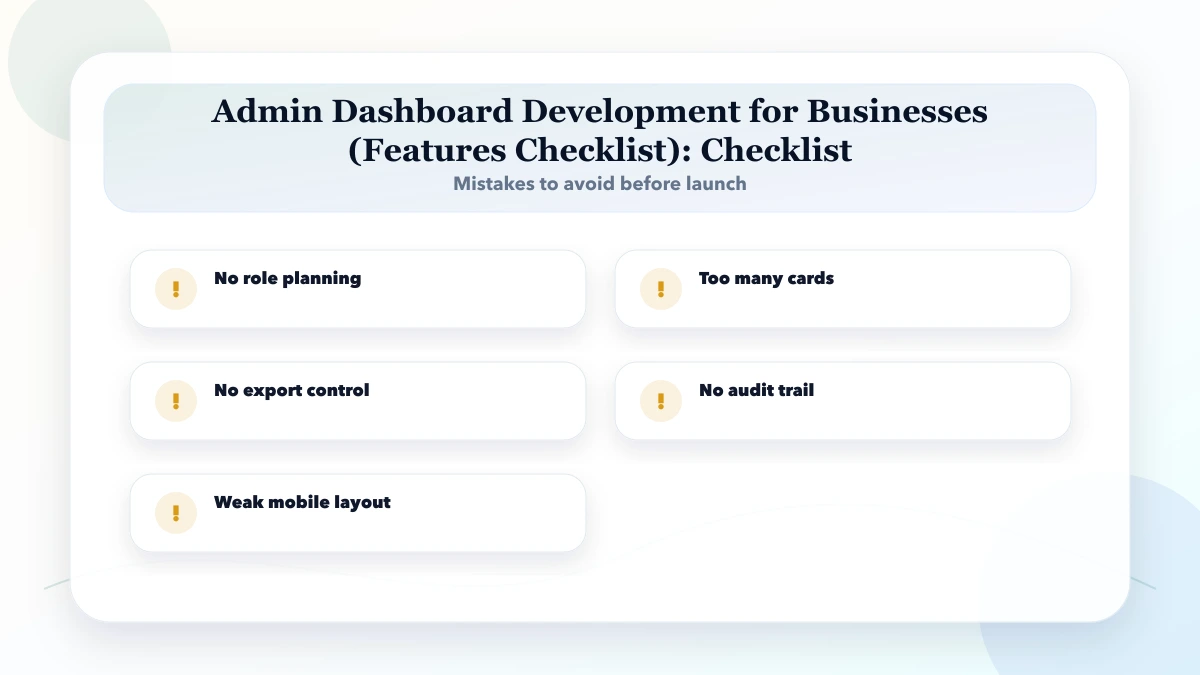
Avoid treating software as a one-time delivery. Business software needs ownership, updates, monitoring, training, and support. The cleaner your workflow and data rules, the safer your launch.
Also avoid approving development only from a verbal discussion. Ask for a written module list, screen list, role list, report list, assumptions, exclusions, timeline, support scope, and change request process. This protects both sides because the business knows what will be delivered and the developer knows what must be tested before launch.
It is for business owners and operations teams planning a role-based admin panel for records, approvals, reports and daily control.
Start with one high-value workflow, its users, data, decisions and exceptions. Convert that into a module and screen list before requesting development.
Use the pricing table as a planning range. Final cost depends on modules, users, reports, data migration, integrations, testing, and support.
Yes. For most SMEs, phased delivery is safer. Build the highest-value workflow first, train users, then add automation and reports.
Document roles, data fields, workflows, reports, approvals, edge cases, import rules, support ownership, and acceptance criteria.
The biggest risk is no role planning. It creates avoidable rework, staff confusion, or data mistakes.
Yes. VASUYASHII can help with scope, UI planning, development, integrations, migration, training, and post-launch support.
If you need a comparable admin-dashboard scope, send the current workflow, user roles, sample records, required reports and integrations.
Related Articles
April 22, 2026
Compare customer portals and admin dashboards by users, data scope, workflows, permissions, documents, payments, support, security, cost, and implementation.
Read article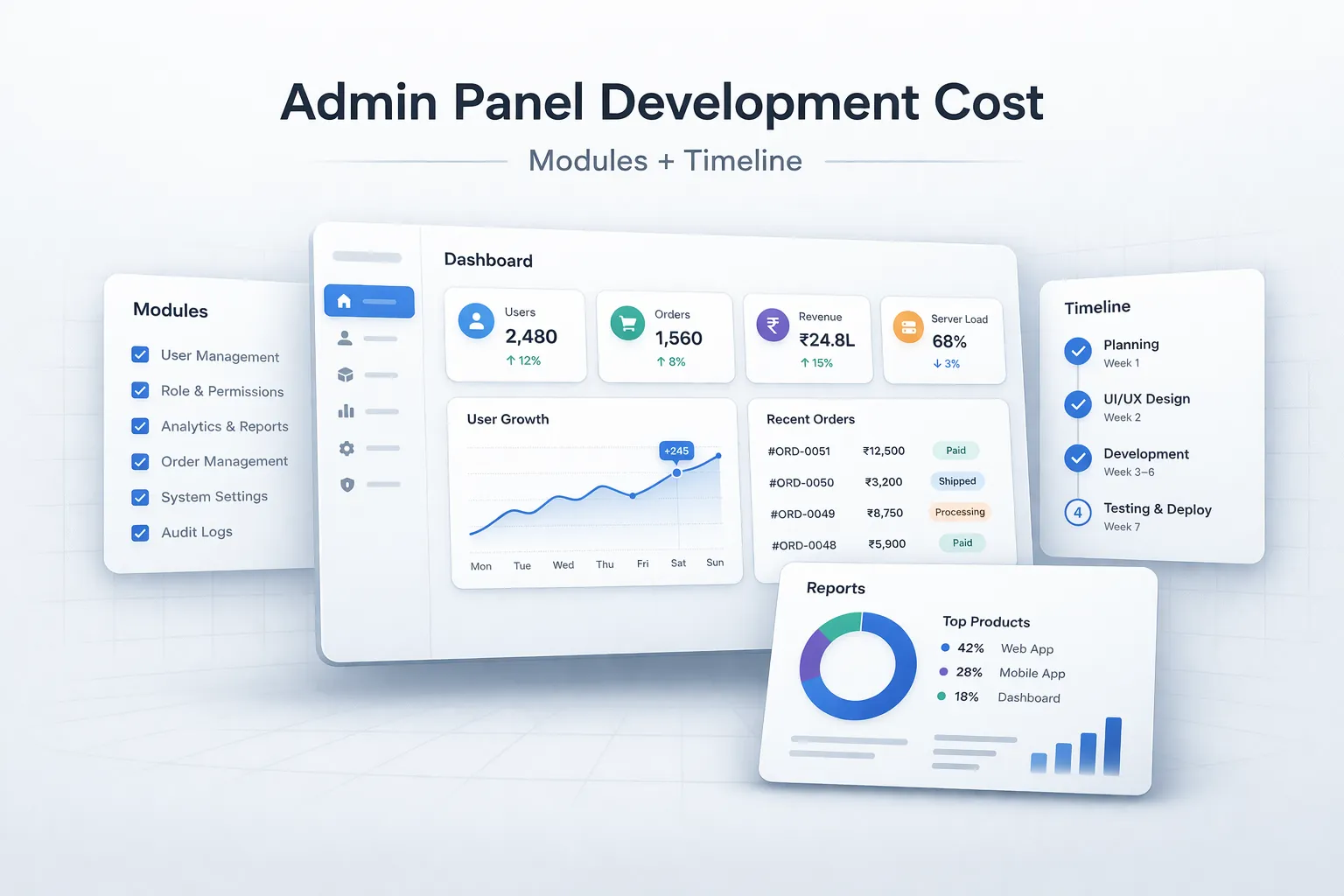
March 29, 2026
Estimate admin panel development cost by modules, user roles, reports, approvals, integrations, security, timeline, and phased delivery in India.
Read article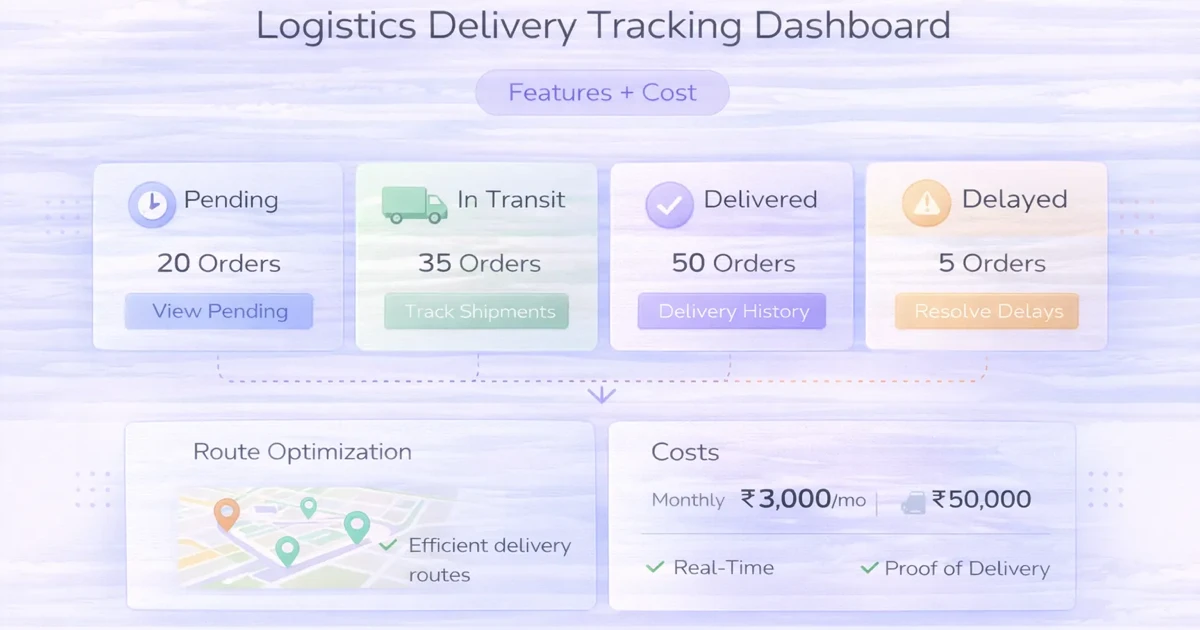
April 4, 2026
Plan a delivery tracking dashboard with status ownership, assignments, exceptions, proof, customer updates, reports, integrations, rollout phases and cost.
Read article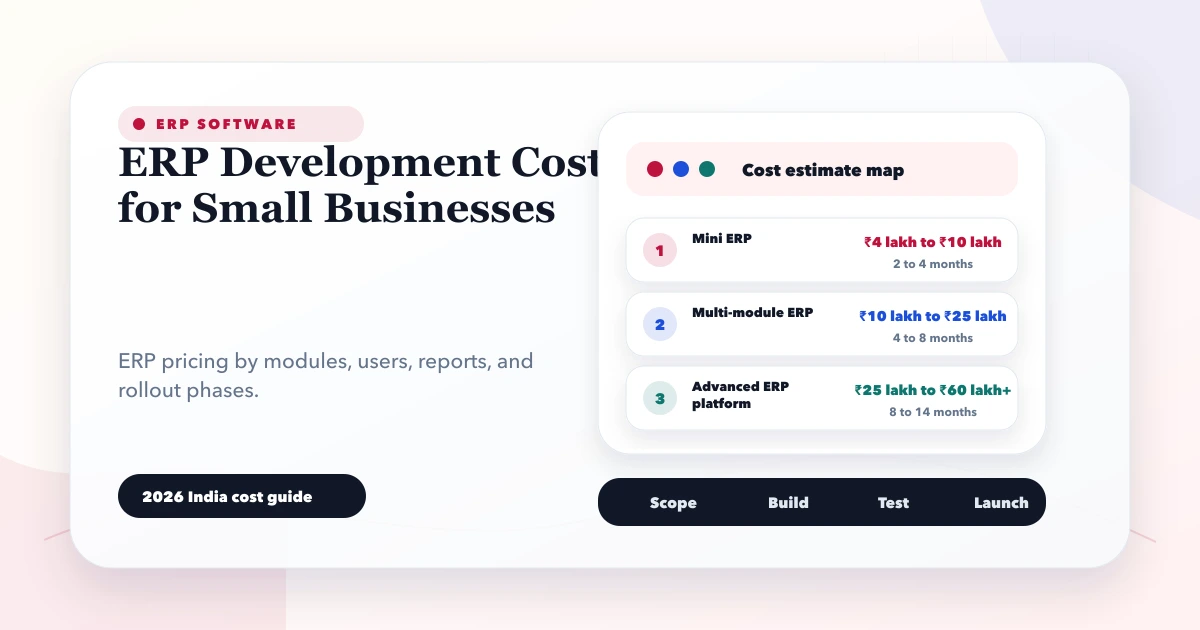
May 28, 2026
Estimate small-business ERP development cost using modules, roles, workflows, migration, integrations, reports, support, and phased delivery decisions.
Read article