
May 23, 2026
Admin Dashboard Development: Features, Cost, Checklist
Plan admin dashboard development with a feature checklist, indicative India pricing, timeline, roles, reports, audit logs, integrations, and launch controls.
Read articlePublished Updated
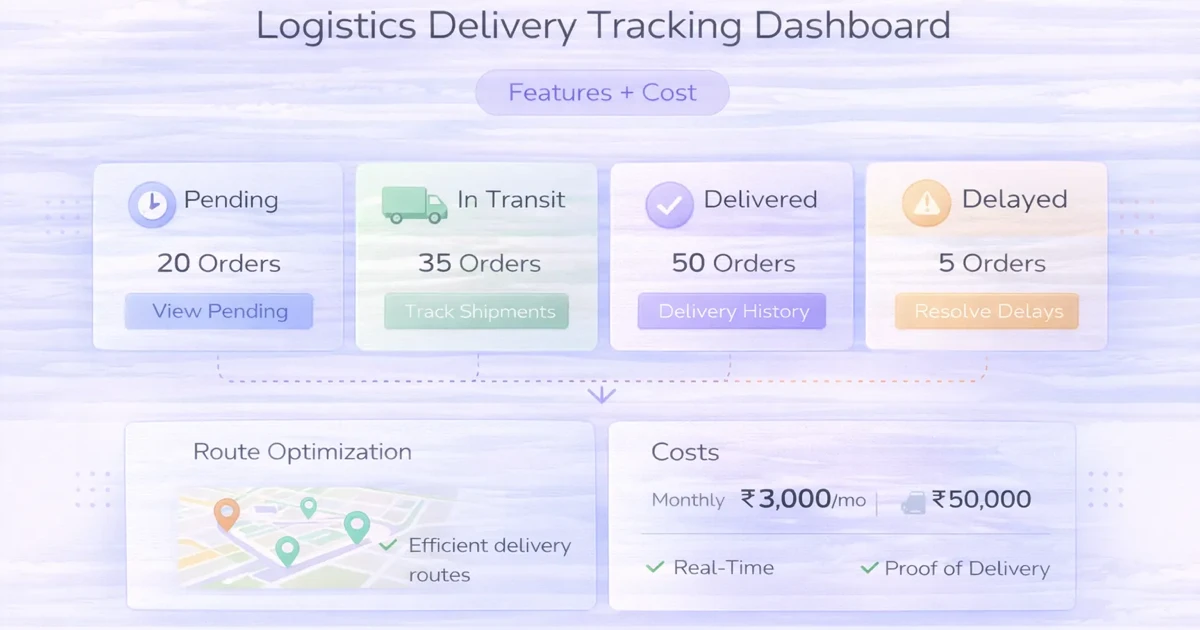
Plan a delivery tracking dashboard with status ownership, assignments, exceptions, proof, customer updates, reports, integrations, rollout phases and cost.
By Tushar C., Founder of VASUYASHII Published: April 4, 2026 | Reviewed: September 17, 2026
A delivery dashboard should answer five operational questions: what is ready, who owns it, where it is in the workflow, which delivery is at risk, and what action is due next. Live GPS is optional. A reliable status model, assignment history, exception queue, proof, customer communication, and reconciliation often deliver more value in the first release.
This guide covers local delivery, B2B dispatch, distributor movement, installation visits, and service logistics. It does not assume a large fleet or promise route optimisation without the data and controls required.
These are 2026 India planning ranges for custom software, not fixed quotations. Map, message, cloud, device, payment, tax, and support charges may be separate.
| Scope | Typical planning range | Suitable first use |
|---|---|---|
| Starter dispatch dashboard | ₹90,000-₹1.8 lakh | Status, assignment, filters, notes, basic reports |
| Operations dashboard | ₹1.8-₹3.8 lakh | Branches, exceptions, proof, roles, notifications, integrations |
| Advanced delivery platform | ₹3.8-₹8 lakh+ | Mobile workflow, live data, route/zone logic, high volume, analytics |
Cost depends on workflow states, users, branches, mobile/offline needs, map usage, proof-of-delivery, notifications, integration, data migration, and support.
Decide whether the dashboard tracks an order, shipment, consignment, trip, task, package, or service visit. One order may contain multiple shipments; one trip may carry many deliveries; one delivery may have multiple attempts.
Minimum records often include:
Without these relationships, reports mix orders with attempts and produce misleading delivery rates.
| Status | Owner | Required evidence | Allowed next action |
|---|---|---|---|
| Ready for dispatch | Warehouse/branch | Items packed and address checked | Assign or hold |
| Assigned | Dispatcher | Driver/partner and planned window | Pickup or reassign |
| Picked up | Driver/partner | Pickup time and package confirmation | In transit or exception |
| In transit | Driver/integration | Latest status and expected window | Deliver or exception |
| Delivery exception | Operations | Reason, owner, next action, customer update | Retry, return, cancel |
| Delivered | Driver/recipient | Time and approved proof | Close or dispute review |
| Failed/returned | Operations | Reason and inventory/payment action | Reattempt or close |
Every transition should identify who can perform it, mandatory data, whether the customer is notified, and whether it can be reversed. Avoid free-text status because spelling variations break reporting.
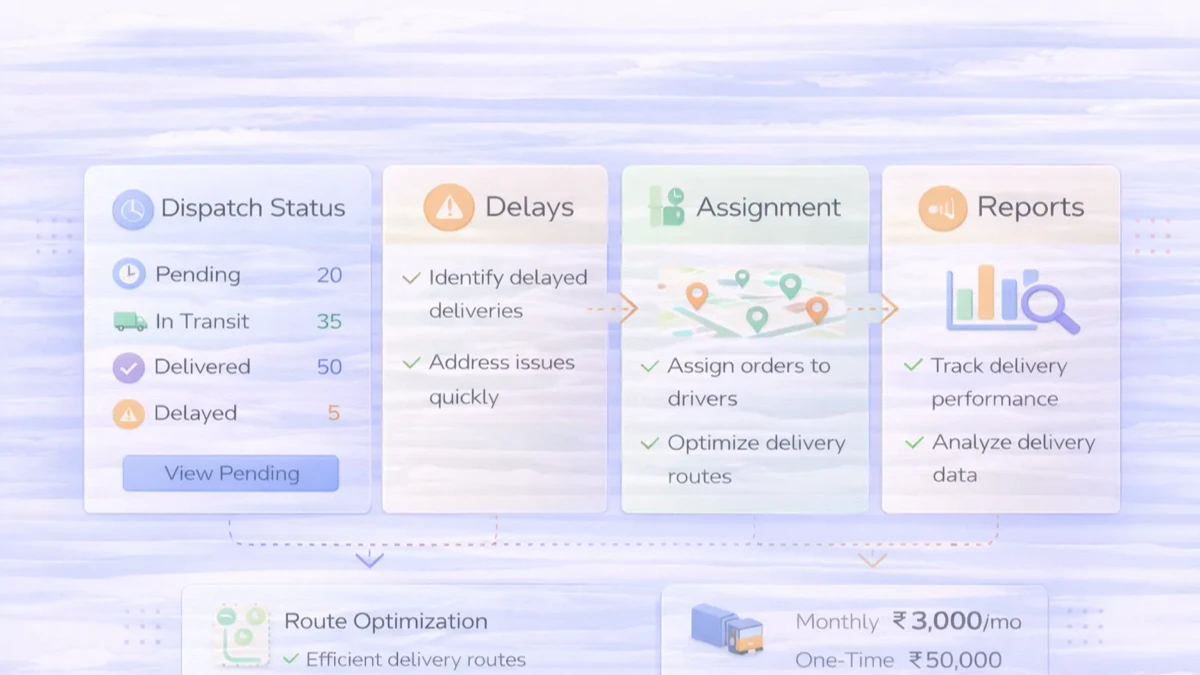
Record assignment history rather than replacing the current driver's name. A useful assignment includes assignee, assigner, time, branch, planned window, route or zone, acceptance, and reassignment reason.
For third-party partners, define the handoff interface: API, file, portal, or manual confirmation. Store the external tracking ID beside the internal shipment ID. One system must remain the source of truth for customer-facing status.
Dashboards should prioritise work, not only display totals.
Common exceptions:
Each exception needs reason, severity, owner, due time, note, customer-update status, and resolution. A red card without an assigned action is decoration.
Proof can include recipient name, timestamp, OTP confirmation, signature, photo, document, geolocation, or scan. Collect only what the business purpose and risk justify.
Define:
Do not treat a GPS coordinate as conclusive proof. Device accuracy, consent, spoofing, and shared devices create limitations.
Notifications should follow confirmed operational states. Separate the shipment update from message delivery status.
Useful updates may include dispatch confirmation, expected window, delay, out-for-delivery, delivered, failed attempt, and reschedule link. Avoid sending a "delivered" message before proof is accepted.
For WhatsApp or SMS, define consent, template, language, quiet hours, provider fee, retry, and fallback. The WhatsApp automation guide covers broader message workflow decisions.
Ready, unassigned, capacity, pickup overdue, route/zone, and reassignment work.
Exceptions, ageing, branch performance, repeated failure reasons, partner performance, and backlog.
Today's assigned stops, action buttons, navigation handoff, proof capture, and offline sync status.
Search by order, shipment, phone, or tracking ID; latest verified status; communication history; and escalation action.
Volume, on-time definition, delivered/failed/returned, ageing, cost inputs where available, and trends with documented denominators.
Do not give every role the same dense dashboard.
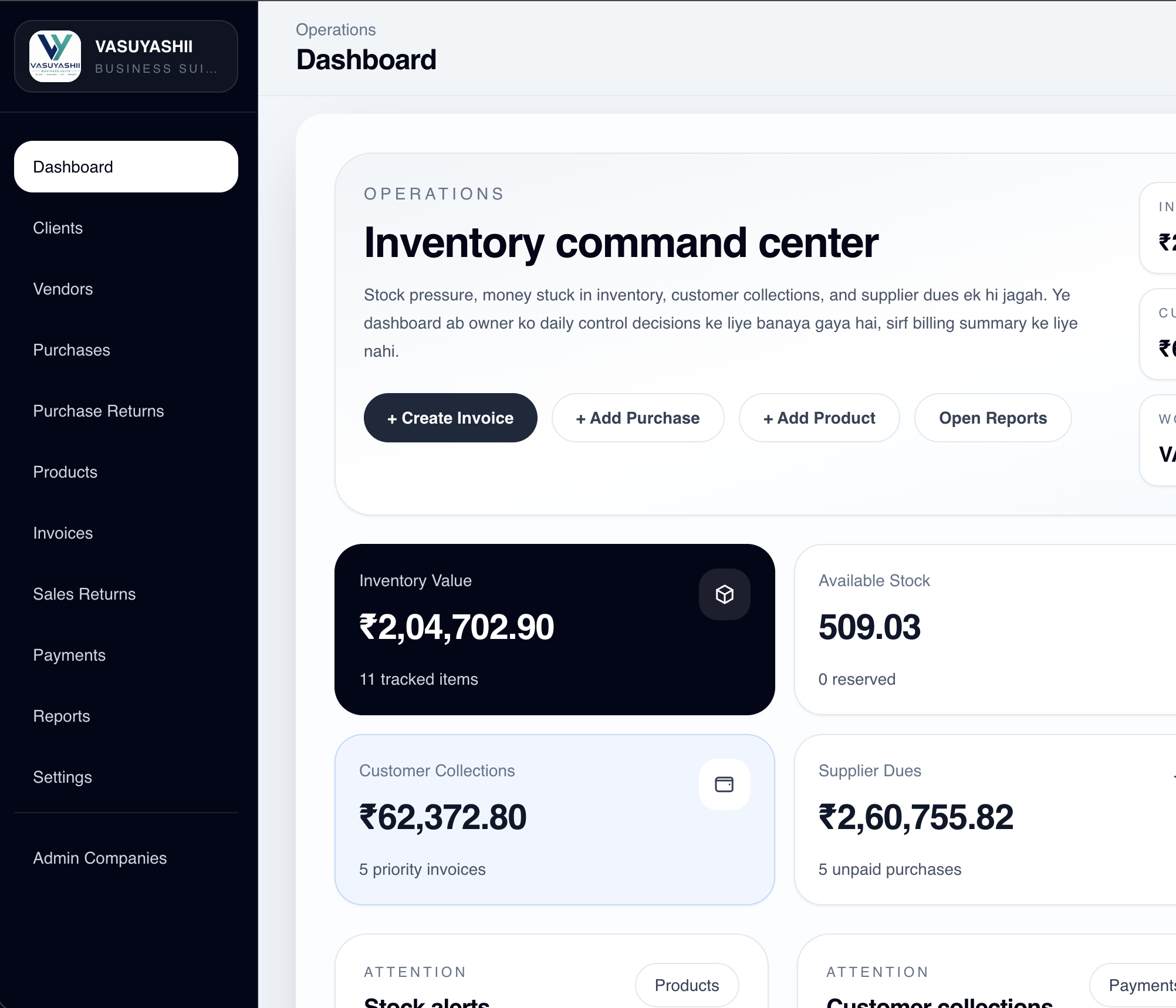
The current VASUYASHII Business Suite dashboard below demonstrates an operations-oriented information hierarchy with inventory, availability, dues, expenses, alerts, and workspace context. It is shown as first-party dashboard design evidence, not as a live logistics product, GPS system, fleet implementation, or customer outcome.
For custom dashboards, review web application services and custom software services.
Location data has value when it supports dispatch, delay detection, ETA, service-area validation, proof review, or route decisions. It also creates device, battery, connectivity, privacy, map-fee, and data-retention responsibilities.
Before adding live location, answer:
Do not market an estimated location as exact.
A delivery dashboard may connect with order management, inventory, billing, ecommerce, CRM, payment, maps, messaging, or delivery partners.
Define which system owns:
Use stable IDs, webhook verification, idempotency, retries, and reconciliation. The webhook integration guide explains failure-safe event processing.
"On-time delivery" requires a promised window, actual delivery time, timezone, exclusions, and denominator. "Driver performance" should not punish a driver for branch packing delays outside their control.
Define reports such as:
Use reports for process improvement, not unsupported employee scoring.
One delivery object, state machine, assignment, search, exception queue, and basic reports.
Mobile actions, proof, retries, branch roles, customer updates, and support view.
Order, inventory, billing, partner, payment, and messaging connections with reconciliation.
GPS, ETA, route or zone support, deeper analytics, and capacity planning only when data quality supports them.
Building a map before the state machine: The team can see dots but cannot manage exceptions.
One record per order: Split shipments and multiple attempts disappear.
No failed-delivery reason: Returns grow without explainable causes.
Proof without access controls: Sensitive photos and recipient details are exposed.
Status based on message delivery: A WhatsApp notification does not prove a shipment state.
No reconciliation: Partner and internal systems drift without an exception report.
The ranges do not include every map, messaging, device, partner, cloud, tax, or support fee. GPS, route optimisation, fleet compliance, cold chain, hazardous goods, and regulated delivery can require specialist systems and legal review. This article is product-planning guidance, not logistics, privacy, employment, or compliance advice.
No. Status, assignment, exceptions, proof, and ownership can create value first. Add location when it drives a defined action.
Yes. A focused version can manage branch dispatch, assigned delivery, failed attempts, proof, and returns without becoming a large fleet platform.
Ready, assigned, picked up, in transit, exception, delivered, and failed/returned with owners, timestamps, search, and exception reporting.
Queue events with stable IDs, show pending sync, process idempotently, expose conflicts, and preserve device and server timestamps.
Yes, when source-of-truth rules are clear. Test cancellations, partial shipments, returns, COD/payment, and duplicate events.
Measure state ageing, assignment delay, first-attempt outcome, exceptions by reason, and proof completion. Define every denominator before using percentages.
Map ten recent deliveries, including one delay, one failed attempt, one return, and one split shipment. Use the requirement template, then request a focused delivery-dashboard scope.
Related Articles
May 23, 2026
Plan admin dashboard development with a feature checklist, indicative India pricing, timeline, roles, reports, audit logs, integrations, and launch controls.
Read article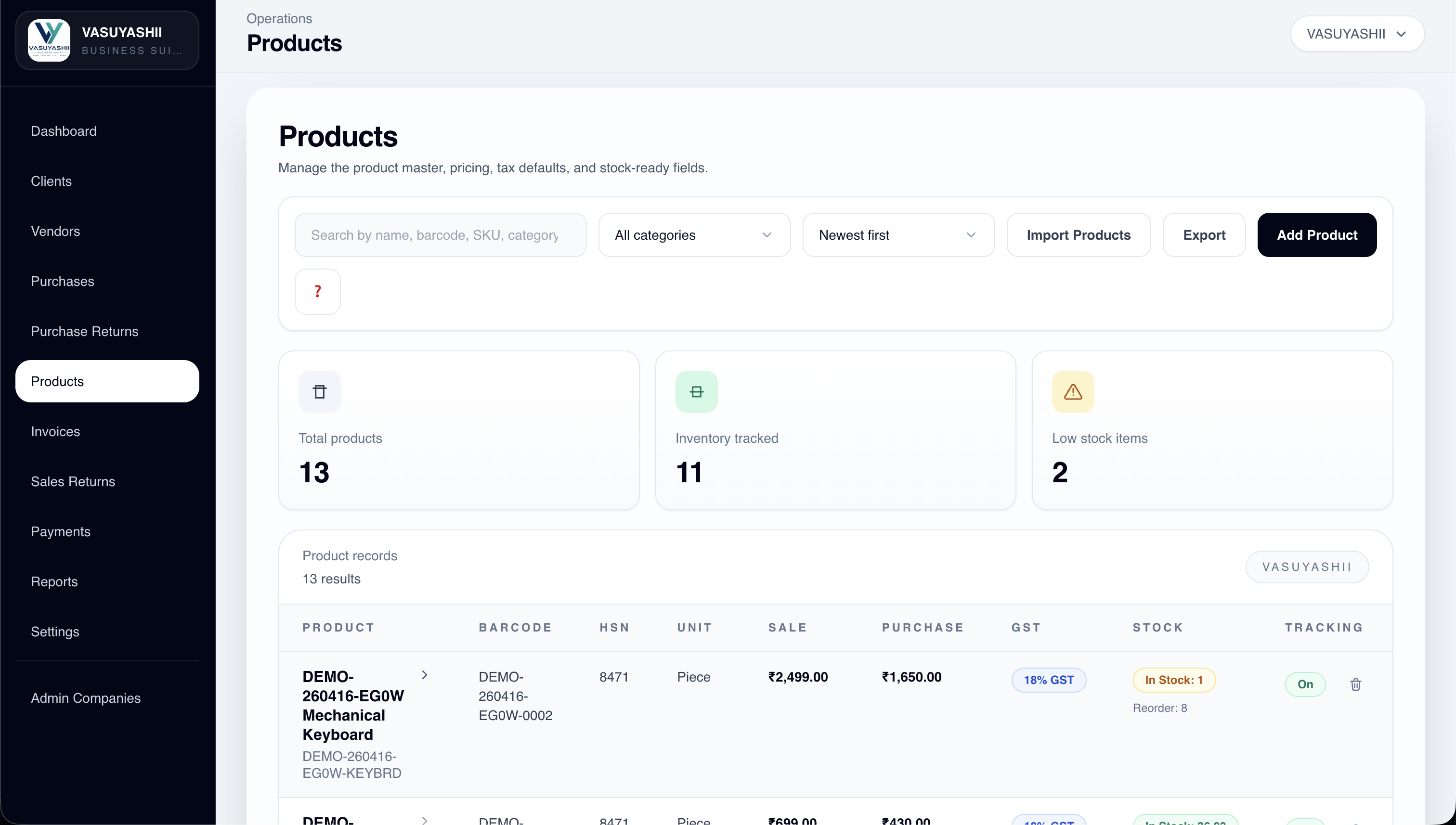
April 3, 2026
Plan wholesale billing with party rates, stock, returns and customer dues. Compare product versus custom scope, costs and a worked payment-and-return example.
Read article
May 30, 2026
Plan a Ghaziabad web app for inventory and field operations with stock movements, service jobs, mobile workflows, approvals, reports, and integration.
Read article
May 26, 2026
Plan a real estate listing and leads dashboard with verified inventory, source tracking, agent assignment, visits, follow-ups, consent, and reliable reports.
Read article