
April 3, 2026
Wholesale Billing System: Features, Workflow and Cost
Plan wholesale billing with party rates, stock, returns and customer dues. Compare product versus custom scope, costs and a worked payment-and-return example.
Read articlePublished Updated
Billing + inventory integration: best approach: practical features, cost, timeline, implementation checklist, and real-world guidance for Indian SMBs in 2026.
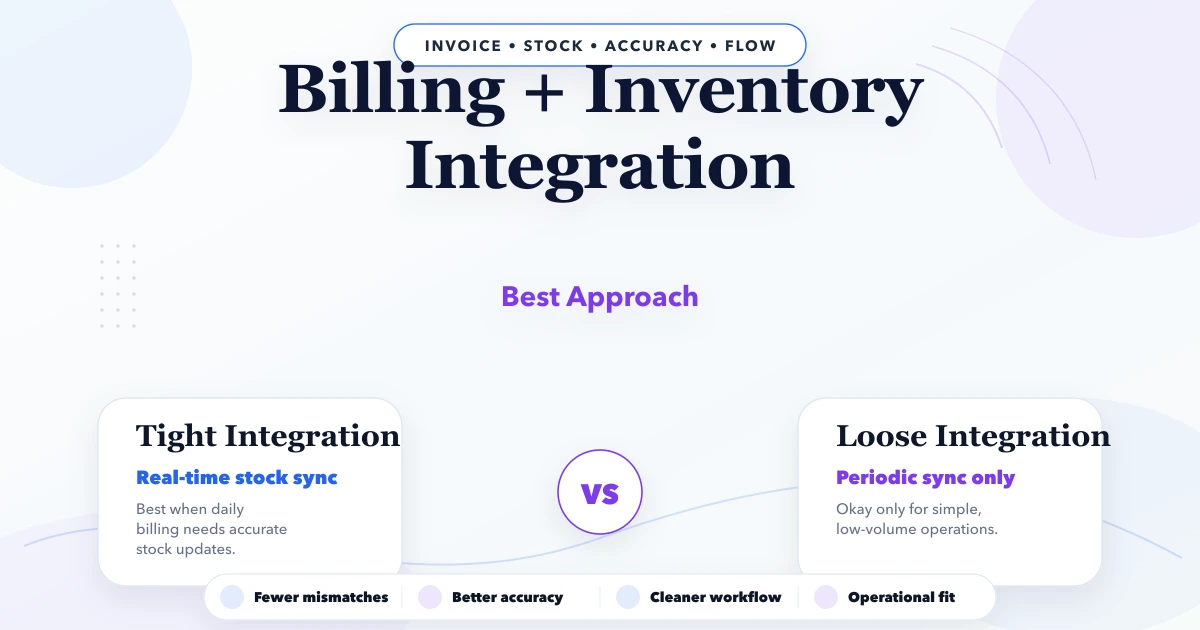
A billing inventory integration should make daily operations easier, not add another confusing tool for the team. This guide is for Indian SMB owners, traders, manufacturers, service teams, and operators who want clear features, pricing logic, timeline, and rollout advice before investing in custom software.
The best first version is usually not the biggest version. It should solve the workflow that currently wastes time: repeated follow-ups, manual reports, missed approvals, stock confusion, billing mismatch, or poor visibility for owners. Once the core workflow is stable, modules can expand phase by phase.
By Tushar C. (Founder, VASUYASHII). Reviewed by VASUYASHII Editorial for practical scope, pricing, implementation clarity, and local business relevance.
A sensible first version should focus on the highest-friction workflow and measurable owner visibility.
| Build type | Price range | Timeline |
|---|---|---|
| Simple workflow tool | ₹35,000 to ₹90,000 | 2 to 4 weeks |
| Custom dashboard/app | ₹90,000 to ₹2.5 lakh | 4 to 8 weeks |
| Multi-module system | ₹2.5 lakh to ₹8 lakh+ | 8 to 16 weeks |
Start small, validate with real users, then add deeper automation, integrations, and reports.
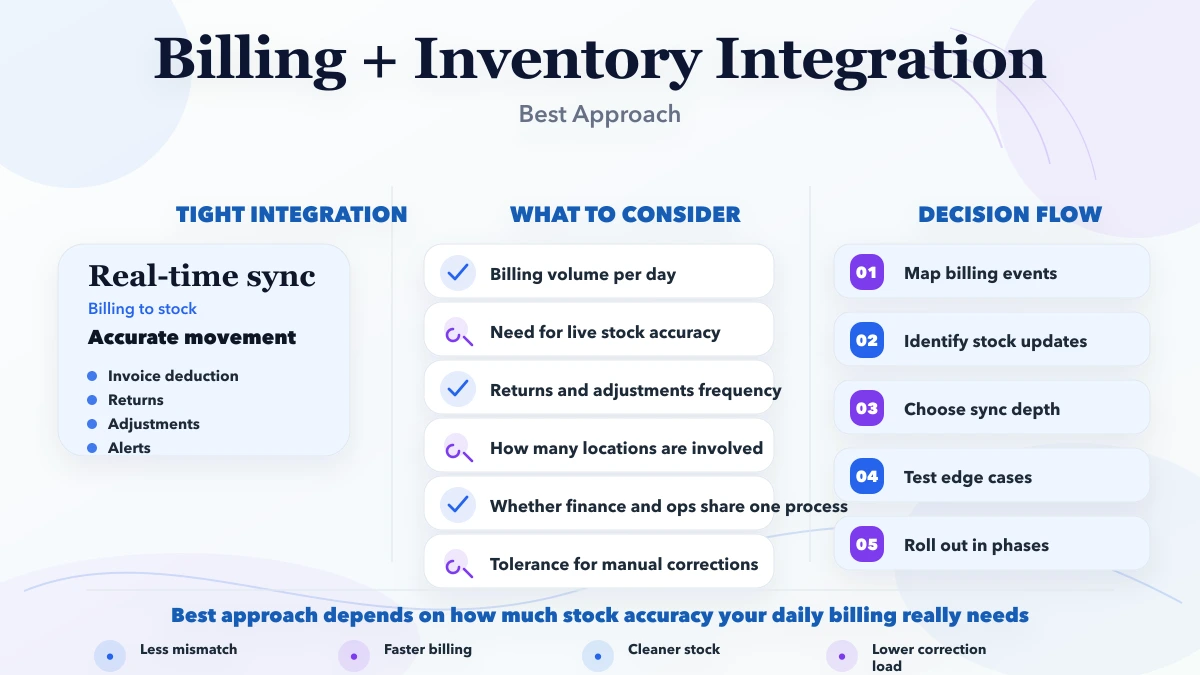
Billing and inventory fail to match when they are treated as two screens instead of one transaction system. A trader may create an invoice, edit quantity, cancel it, accept a return, receive a partial payment, or sell while stock is being counted. Each event needs an explicit stock and financial effect.
The first planning workshop should use real documents: one sale, one purchase, one return, one cancellation, one stock adjustment, and one payment. Follow each document from draft to final status. This exposes rules that a feature list misses.
Useful features depend on the workflow, but most SMB systems need:
Choose where product identity, available quantity, tax setup, invoice status, customer due, and purchase cost are authoritative. Avoid two systems independently editing the same field.
| Data | Recommended owner | Integration rule |
|---|---|---|
| Product, SKU/barcode, unit, tax rate | Product master | Other screens reference one product ID |
| Physical stock movement | Inventory ledger | Every confirmed movement creates an auditable entry |
| Invoice totals and due | Billing module | Recalculated from approved line items and payments |
| Purchase receipt | Purchase workflow | Increases stock only at the agreed confirmation state |
| Return or cancellation | Linked source document | Reverses the correct quantity and value once |
| Manual stock correction | Authorized adjustment | Requires reason, user, time, and audit history |
Do not let a dashboard total become a source of truth. Reports should be calculated from controlled transactions and reconciled to known samples.
Define allowed states and effects before development:
Some businesses move stock at invoice confirmation; others use a delivery challan. Some purchases increase stock at goods receipt rather than supplier bill entry. The software must implement the chosen rule consistently instead of assuming one universal sequence.
Store stock changes as movements linked to a business document. A useful entry includes company, product, location if applicable, quantity in or out, unit, movement type, source document, user, timestamp, and reason.
Current stock can then be derived or maintained from those controlled entries. This makes investigation possible when the product screen and a physical count disagree. Editing a final invoice should create an approved correction or reversal, not quietly rewrite history.
Payment callbacks, retries, double clicks, imports, and offline sync can submit the same action more than once. Give important operations a stable idempotency key and make confirmation atomic: either the document and stock effects both succeed, or neither does.
Test two users selling the last available units at the same time. Decide whether negative stock is blocked, warned, or allowed by permission. Define reservations for orders separately from available stock so a cart or quotation does not accidentally become a physical movement.
Billing software can calculate line tax and generate GST invoice data, but the implementation scope must state what it does not provide. Product HSN/SAC, place of supply, intra/inter-state tax, discounts, rounding, credit notes, and return treatment require reviewed rules.
Do not describe a billing-and-inventory tool as complete accounting unless ledger, reconciliation, statutory reports, controls, and professional review are actually included. VASUYASHII Business Suite is positioned as ERP-lite business management; advanced accounting and statutory integrations remain separate modules or roadmap items unless explicitly scoped.
Owners need exceptions, not only totals:
Run a daily sample reconciliation during rollout. Compare physical quantity for selected products, invoice register totals, payment entries, and customer dues. Record variance and root cause before expanding to more users or branches.
A sensible first version should focus on the highest-friction workflow and measurable owner visibility.
| Build type | Price range | Timeline |
|---|---|---|
| Simple workflow tool | ₹35,000 to ₹90,000 | 2 to 4 weeks |
| Custom dashboard/app | ₹90,000 to ₹2.5 lakh | 4 to 8 weeks |
| Multi-module system | ₹2.5 lakh to ₹8 lakh+ | 8 to 16 weeks |
Start small, validate with real users, then add deeper automation, integrations, and reports.
For a real billing-and-inventory scope, price is driven by transaction rules, returns, multi-company or branch separation, opening stock import, barcode flow, PDF templates, tax cases, user roles, audit history, payment integration, offline requirements, reporting, and migration quality. Treat the generic ranges above only as early planning guidance.
Next.js or React for the frontendNode.js API layer for business logicPostgres, MongoDB, or Firestore based on data shapeCost changes based on:
Map documents, states, permissions, stock effects, tax rules, and exception cases. Clean a small product, customer, vendor, and opening-stock sample.
Implement product master, customer/vendor records, invoice, purchase, stock movement, payment, return, and required PDF output. Pilot with a restricted company and users.
Reconcile samples, train staff, document corrections, import approved opening data, and monitor exceptions daily. Expand to additional companies or branches only after the first workflow is stable.
Add WhatsApp sharing, payment, ecommerce, accounting export, mobile, or desktop workflows only with documented ownership and retry behavior. An integration is complete when failure, duplicate, timeout, and recovery paths have been tested.
VASUYASHII Business Suite currently supports practical billing, inventory, clients, vendors, purchases, payments, expenses, reports, PDF invoices, WhatsApp sharing, multi-company use, and related business operations according to the current product scope. It should not be presented as a full Tally replacement or complete enterprise ERP. Advanced accounting, statutory integrations, manufacturing, payroll, and other roadmap modules must not be promised unless separately verified and quoted.
Map one complete sale, purchase, return, cancellation, payment, and stock correction using real documents. Approve when stock and due should change before choosing software.
For custom software, practical first phases often start around ₹35,000 to ₹90,000, depending on the workflow.
Simple scopes can move in days or a few weeks. Multi-module systems or deeper SEO work need phased timelines.
Choose a ready product when its document states, tax handling, stock rules, permissions, and reports fit with limited configuration. Consider custom work when critical rules or integrations create repeated reconciliation and operational risk.
Avoid vague scope, duplicate content, missing tracking, no owner dashboard, and launching without a clear support plan.
Yes. A clean first phase can expand into more pages, modules, integrations, automation, and reporting.
Related Articles
April 3, 2026
Plan wholesale billing with party rates, stock, returns and customer dues. Compare product versus custom scope, costs and a worked payment-and-return example.
Read article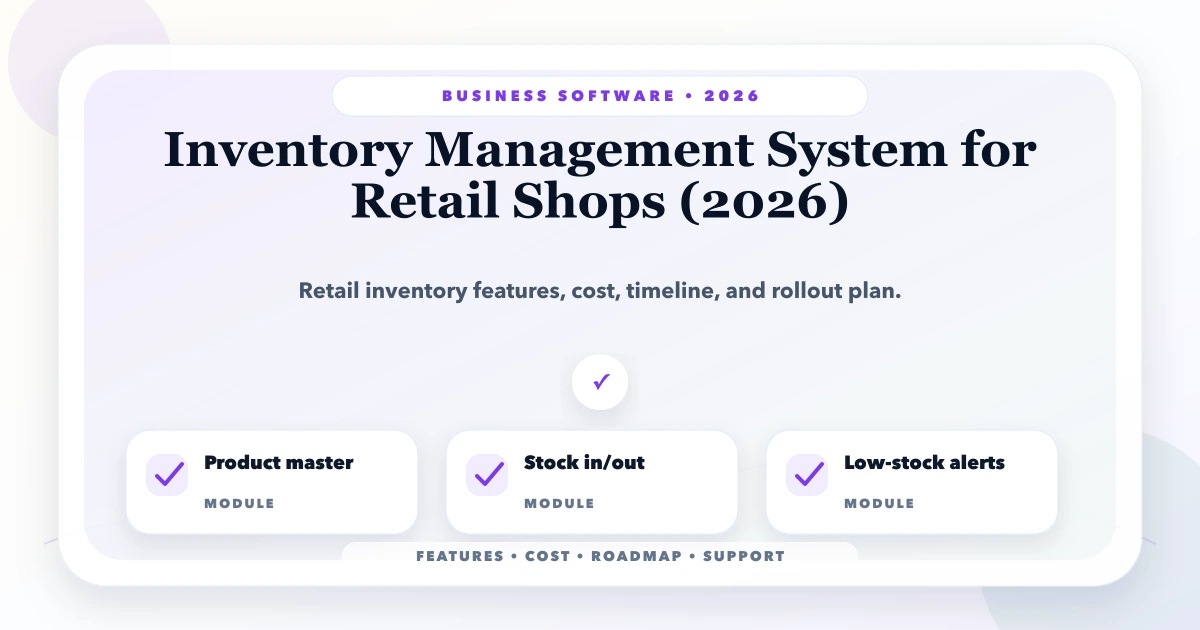
May 24, 2026
Plan retail inventory software around products, barcodes, stock movements, purchases, sales, returns, transfers, counts and reorder controls.
Read article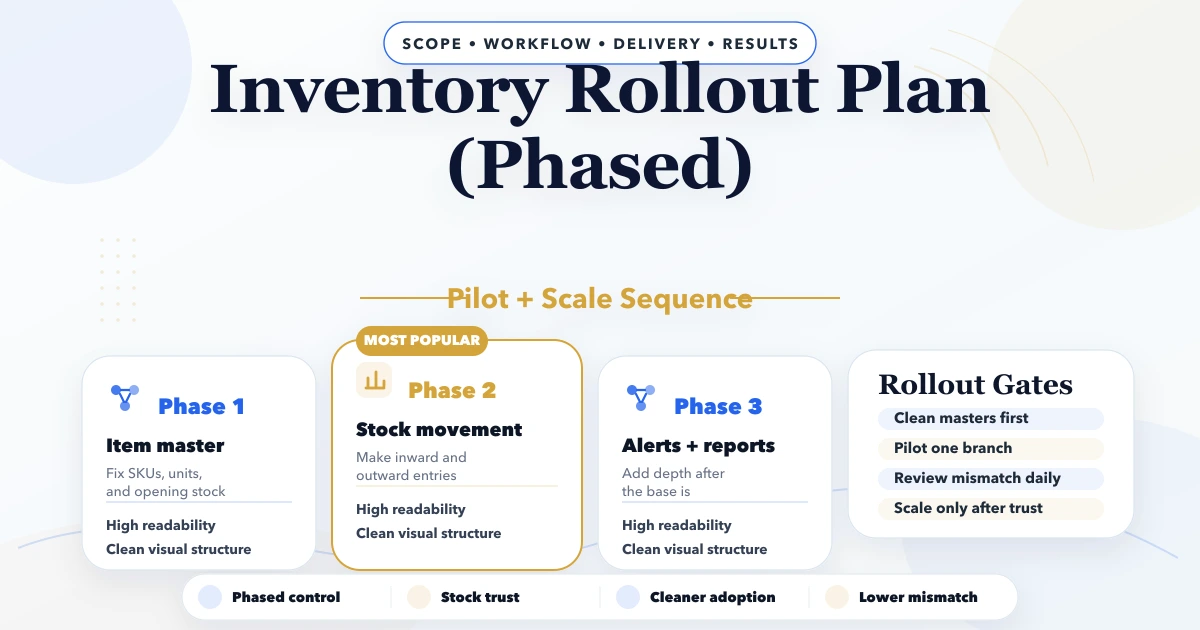
April 25, 2026
Inventory rollout plan phased: modules, stock migration, pricing, timeline, and rollout checklist for Indian businesses in 2026.
Read article
May 26, 2026
manufacturing production tracking system: practical 2026 guide with features, INR pricing, roadmap, tech stack, mistakes, FAQs, and Indian SMB tips today.
Read article