
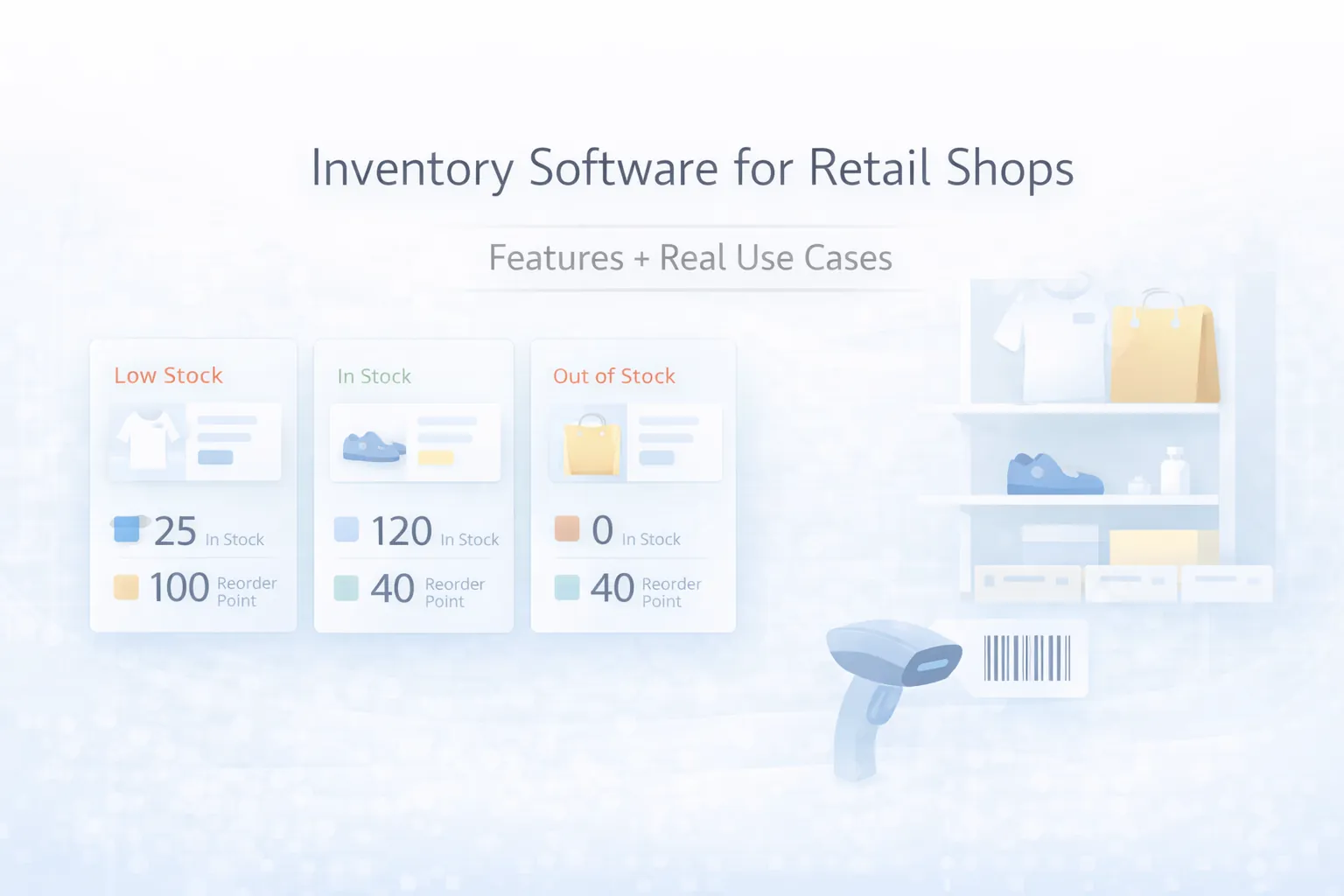
March 28, 2026
Retail Inventory Software: Features and Use Cases
Inventory software for retail shops: features, real use cases, pricing, rollout plan, and what retailers should digitize first in 2026.
Read articlePublished Updated
Plan retail inventory software around products, barcodes, stock movements, purchases, sales, returns, transfers, counts and reorder controls.
A retail inventory system should explain every change between physical stock and system stock. It is not merely a product list with a quantity column. Purchases, sales, returns, transfers, damage, counting corrections, reservations, and opening balances must create controlled stock movements.
For an Indian retailer, the right system depends on product variety, barcode practice, number of stores, billing flow, supplier operations, return behaviour, and how quickly the owner needs reliable stock and margin information.
For a simple item and location:
Closing stock = Opening stock + Received purchases + Customer returns + Transfer in - Sales - Purchase returns - Transfer out - Damage or approved adjustments
Real systems may also track reserved, available, in-transit, batch, serial, or consignment quantities. Each additional quantity needs an exact business meaning.
If staff can directly overwrite closing stock, the business loses the reason for the difference. Adjustments should record old quantity, new quantity or delta, reason, user, date, location, and approval where necessary.
Suitable for one shop with simple products and no warehouse. The product has one on-hand quantity, and all transactions affect that location.
Each shop, warehouse, or stock point has its own quantity. Transfers move stock between locations through dispatch and receipt states rather than adding to one and subtracting from another without evidence.
Garments, footwear, electronics, and similar retail categories may need size, colour, capacity, model, or other variants. The sellable SKU belongs to the variant, not only the parent product.
Food, medicine, warranty products, devices, or regulated goods may require batch, expiry, or unique serial records. This changes receiving, sale, return, count, and reporting flows significantly.
Do not enable advanced tracking because it sounds useful. Use it only when staff can capture the required data consistently.
A practical product master can include:
Set field ownership. A cashier should not casually change GST, unit conversion, or item identity while billing. The barcode inventory guide explains label and scanning decisions in more depth.
Every movement should reference its source document.
| Movement | Source example | Quantity effect |
|---|---|---|
| Opening | Approved opening import | Plus or defined baseline |
| Purchase receipt | Goods receipt or completed purchase | Plus |
| Purchase return | Supplier return | Minus |
| Sale | Posted invoice/POS bill | Minus |
| Sales return | Accepted customer return | Plus, quarantine, or scrap depending on condition |
| Transfer dispatch | Stock transfer | Minus available at source, mark in transit |
| Transfer receipt | Accepted transfer | Plus at destination |
| Adjustment | Approved count/damage correction | Plus or minus |
| Reservation | Confirmed order | Reduce available, not necessarily on hand |
Store who posted the movement and when. Editing an old transaction should reverse and replace its effect or follow a controlled correction policy; it should not silently rewrite history.
A retail system may use some or all of these stages:
Small shops may combine receipt and purchase bill, but the business must still decide when stock increases: when goods physically arrive or when an invoice is entered.
Partial receipts, free quantities, damaged items, rate differences, and purchase returns need explicit handling. See the purchase and sales ERP core guide for the connected transaction model.
The sale flow should validate product, location, available stock policy, price permission, discount permission, tax, customer, payment status, and document number.
Decide whether negative stock is forbidden, warned, or allowed only with manager override. The selected rule should be consistent across POS, invoice, import, API, and admin tools.
For online orders, distinguish:
The retail POS inventory build guide covers checkout and inventory coordination.
A return is not automatically sellable stock. Capture:
An exchange can be represented as an accepted return plus a new sale. That keeps stock, tax, payment, and margin evidence clearer than replacing the original item line silently.
Run cycle counts for selected categories or locations instead of waiting for one annual full count.
A controlled count process:
Do not use adjustment as a routine fix for incomplete purchases or sales. Correct the source workflow when possible.
A low-stock alert based only on one number can create noise. Consider:
Start with a simple reorder point and review its accuracy. Forecasting is useful only after transaction data is reliable.
Example roles:
| Role | Typical access |
|---|---|
| Owner | Cross-location value, margin, approvals, configuration |
| Store manager | Local purchases, transfers, counts, returns, staff exceptions |
| Cashier | Search/scan products, bill, permitted discount, accepted return flow |
| Stock operator | Receive, move, count, label; no selling-price or margin access |
| Purchase user | Suppliers, purchase orders, receiving comparison |
| Accountant/viewer | Documents and reports without stock-edit permission |
Permissions should control actions and record scope, not only whether a menu is visible. The role-based access guide provides a matrix method.
Reports should link back to source documents. A dashboard total without drill-down is difficult to verify.
A hardware retailer has one shop and one nearby warehouse. Staff sells pieces and boxes, receives mixed supplier deliveries, transfers fast-moving items to the shop, and allows returns after inspection.
The first useful release should prioritise clean SKU and unit mapping, location stock, purchase receipt, billing deduction, transfer dispatch/receipt, returned-item condition, count adjustment approval, and a stock movement report. Forecasting, supplier scoring, customer app, and advanced analytics can follow after the ledger remains accurate for several cycles.
Collect product files, recent purchases, sales, returns, labels, transfer notes, count sheets, and real exceptions. Identify which document currently proves each movement.
Remove duplicate SKUs, define variant and unit rules, standardise tax and categories, decide barcode ownership, and mark inactive items. The small-business inventory feature guide helps prioritise a first release.
Implement purchase receipt, sale, return, transfer, adjustment, and count rules. Test each transaction's stock effect with known quantities.
Import approved products and opening stock by location. Reconcile record count, quantity, and value before normal transactions begin.
Run real controlled work, compare physical and system stock, and correct workflow or training gaps. Avoid a broad rollout while core variances remain unexplained.
Once data is stable, add reorder suggestions, supplier integration, ecommerce sync, advanced reports, or mobile scanning.
Custom inventory cost grows with:
Use the inventory software cost guide for a dedicated build-versus-buy cost discussion.
VASUYASHII Business Suite supports practical billing, product, inventory, purchase, customer, vendor, payment, expense, PDF, and multi-company workflows for Indian SMEs. It is positioned as ERP-lite, not as a full accounting or manufacturing ERP. Review the Business Suite for current scope.
For business-specific inventory, POS, ecommerce, or reporting workflows, VASUYASHII also provides custom software development and integration services. Share locations, SKU count, transaction samples, current tools, and must-have controls through contact.
A reliable movement ledger. Alerts and dashboards are useful only when every quantity change has a controlled source and can be explained.
Not always. It is valuable when product identity, billing speed, or receiving accuracy justifies disciplined labelling. A barcode will not fix duplicate or poorly structured product masters.
It depends on the operation. An order can reserve stock, while dispatch or posted sale reduces on hand. Define the rule consistently for every sales channel.
Inventory can provide purchase, sale, stock, payment, and operational reports, but full accounting includes ledgers, statutory treatment, financial statements, and controls beyond inventory. Confirm exact product scope.
Use dispatch, in-transit, and receipt states with source and destination evidence. Avoid simultaneous silent quantity changes that cannot show shortages or delays.
Buy when standard retail workflows fit and adoption speed matters. Consider custom development when product, location, approval, integration, or reporting rules create measurable value that standard tools cannot support cleanly.
Related Articles
March 28, 2026
Inventory software for retail shops: features, real use cases, pricing, rollout plan, and what retailers should digitize first in 2026.
Read article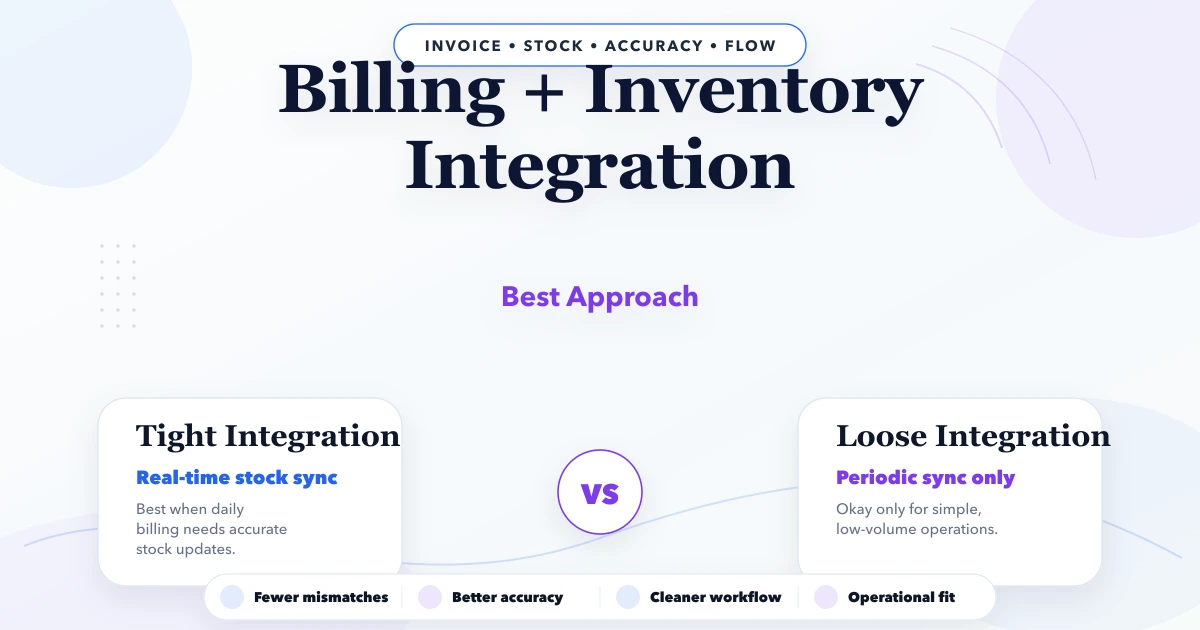
April 23, 2026
Billing + inventory integration: best approach: practical features, cost, timeline, implementation checklist, and real-world guidance for Indian SMBs in 2026.
Read article
May 9, 2026
inventory system developer near me: pricing, checklist, FAQs, trust signals, and practical SEO steps for Indian SMB owners.
Read article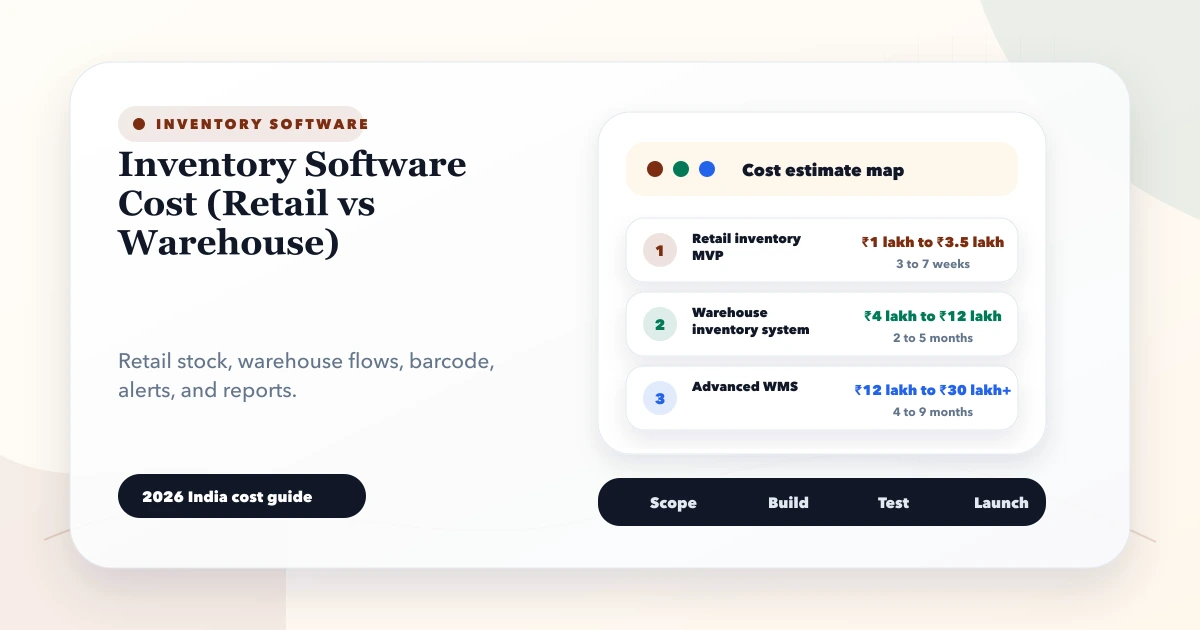
May 28, 2026
Compare inventory software cost for retail and warehouse operations, including modules, barcode workflows, locations, integrations, rollout, and hidden effort.
Read article