
April 6, 2026
Warehouse Barcode System: Features, Cost and Rollout
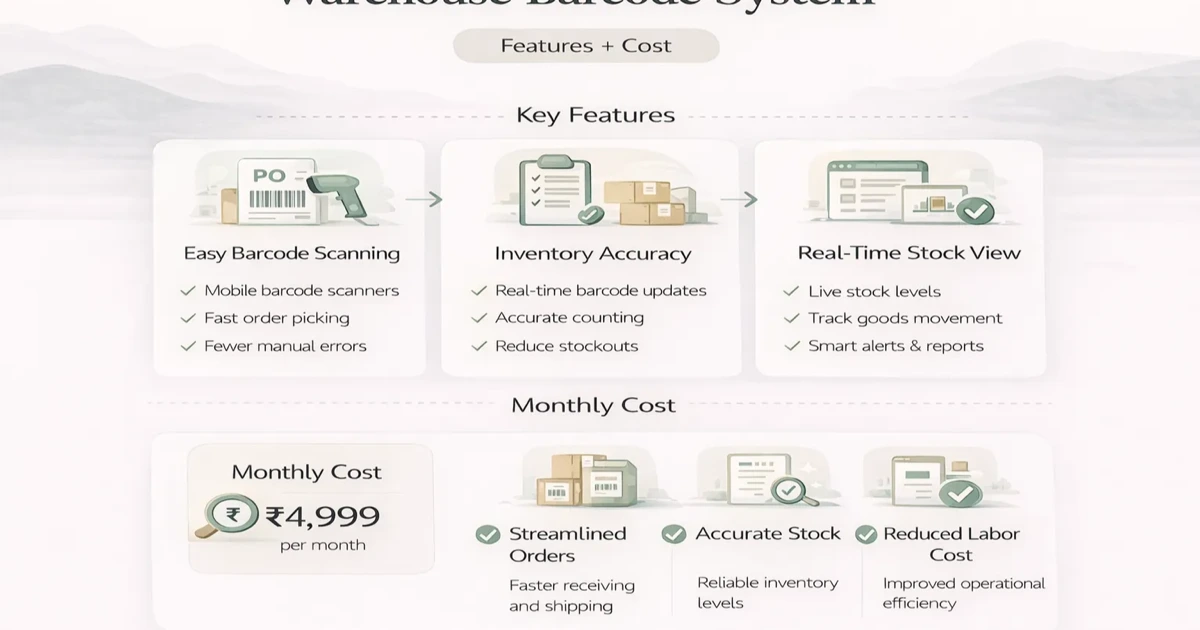
Plan a warehouse barcode system with item identity, labels, receiving, putaway, picking, dispatch, counts, exceptions, hardware and phased rollout costs.
Read articlePublished Updated
Retail POS and inventory system guide with features, pricing, timeline, and rollout advice for practical store operations in 2026.
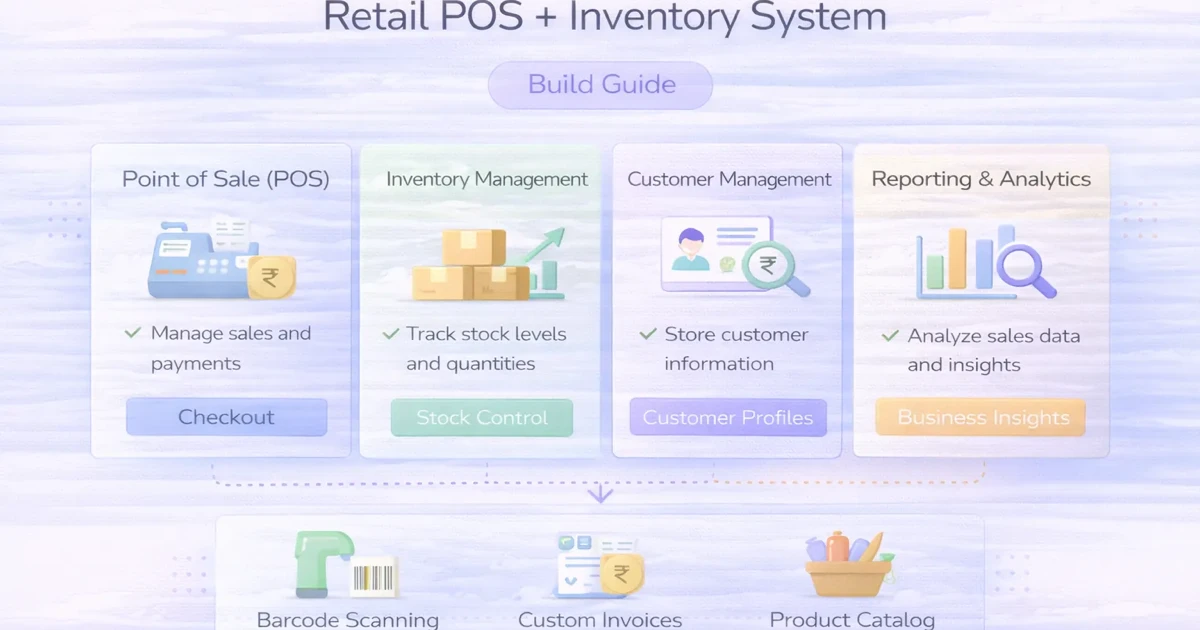
Retail stores usually feel software pain in the same places: billing speed, stock mismatch, low visibility on fast-moving items, and weak reporting on what is actually selling. If POS and inventory are disconnected, the team keeps correcting data manually and the owner loses trust in reports.
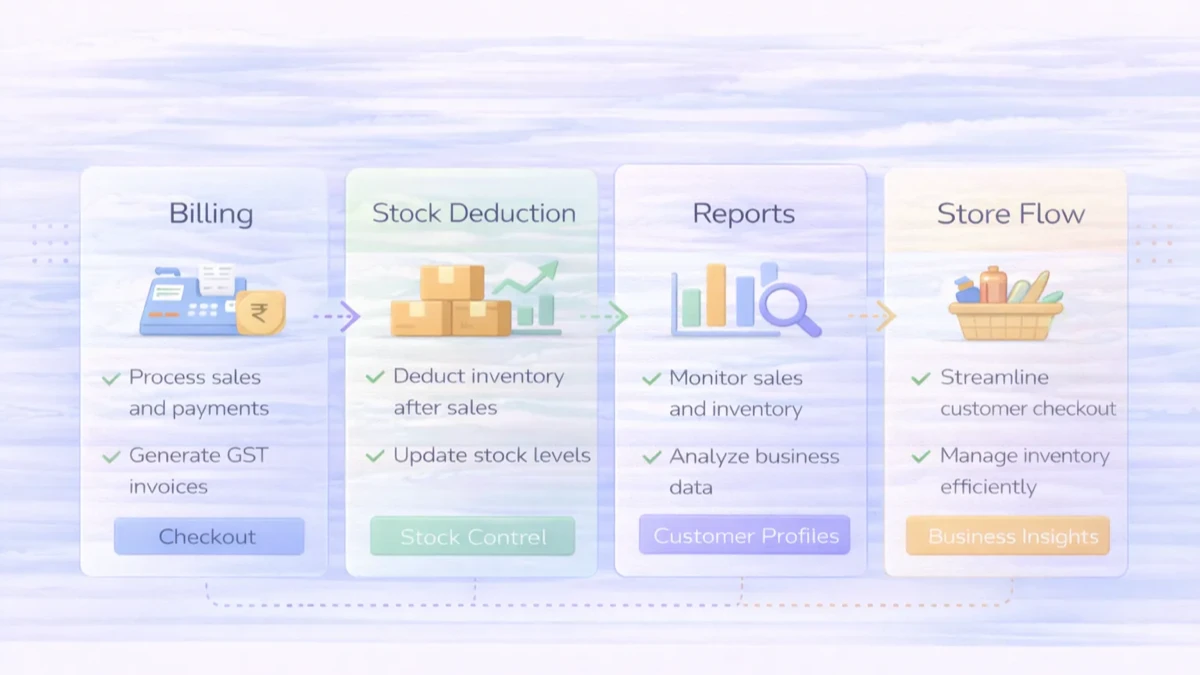
A retail POS plus inventory system solves that by making billing and stock movement part of the same daily workflow. Each sale updates stock. Each stock movement becomes visible. Reports become more useful because they are based on one connected flow.
This guide explains what features matter, how much a practical system costs, what rollout usually looks like, and how to avoid building unnecessary complexity in phase one.
A useful retail POS plus inventory system should handle:
Typical custom pricing:
₹80,000 to ₹1.6 lakh₹1.6 lakh to ₹3.2 lakh₹3.2 lakh to ₹6.5 lakh+For most retailers, the biggest improvement comes from getting billing and stock into one reliable workflow.
You likely need it when:
Typical use cases:
Related reading:
₹80,000 to ₹1.6 lakhUsually includes:
₹1.6 lakh to ₹3.2 lakhUsually includes:
₹3.2 lakh to ₹6.5 lakh+Usually includes:
For many retailers, the growth band covers the practical daily needs well.
Typical rollout timeline:
2 to 3 weeks: starter system4 to 6 weeks: growth system6 to 10 weeks: advanced or multi-store setupTimeline depends on:
A practical stack for custom POS plus stock software:
Next.js or React frontendNode.js backendPostgreSQL for item, bill, and stock dataThe system should be optimized for speed at the billing counter first.
The main cost drivers are:
A common mistake is adding too many non-essential features before the billing and stock basics are stable.
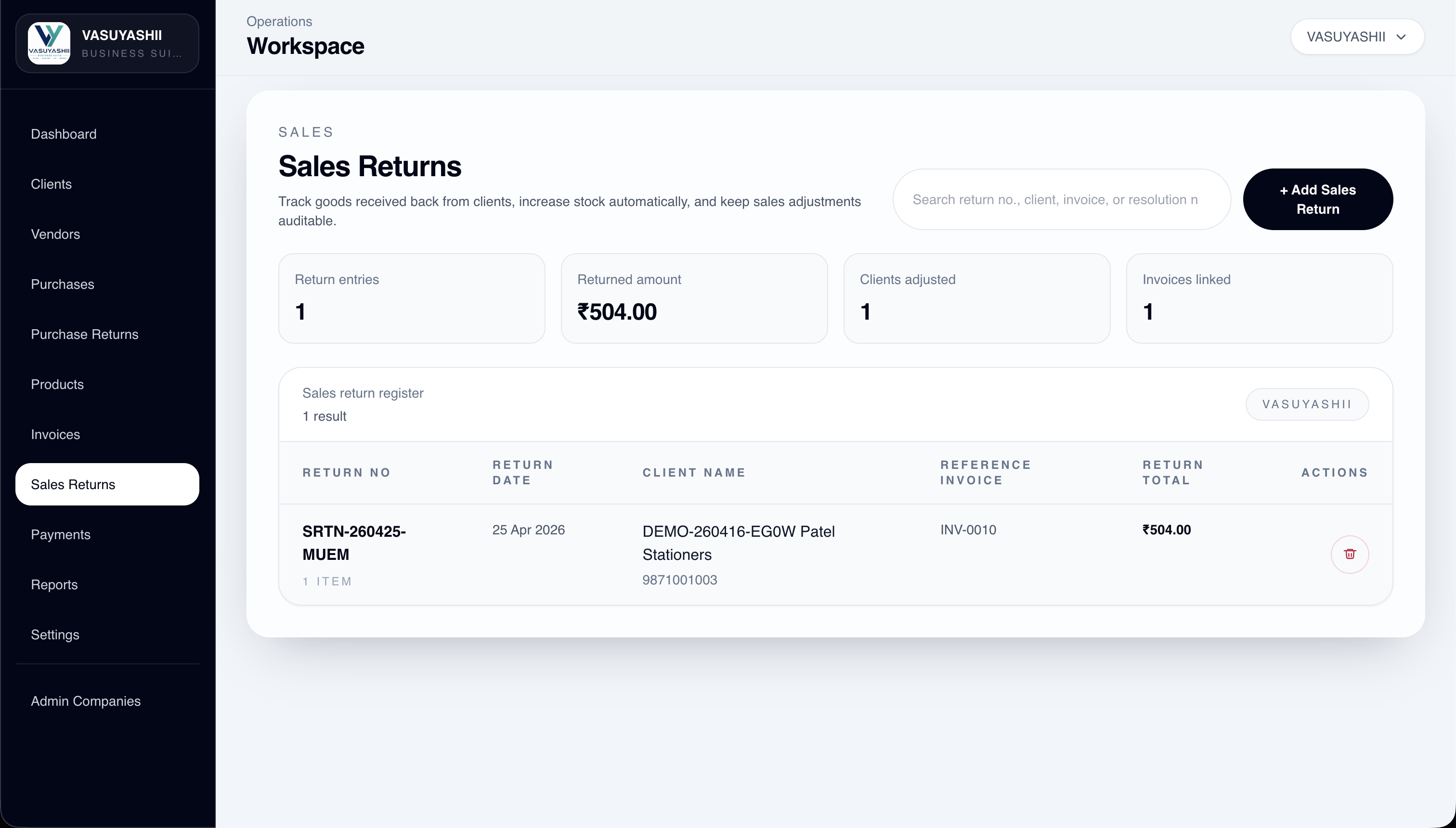
The VASUYASHII Business Suite demonstrates the product, purchase, invoice, payment, expense, return, and company-scoped records that support an ERP-lite retail workflow. The screenshot below is first-party product evidence from that system. It is not evidence of a deployed customer POS counter, offline terminal, barcode scanner driver, or multi-store installation.
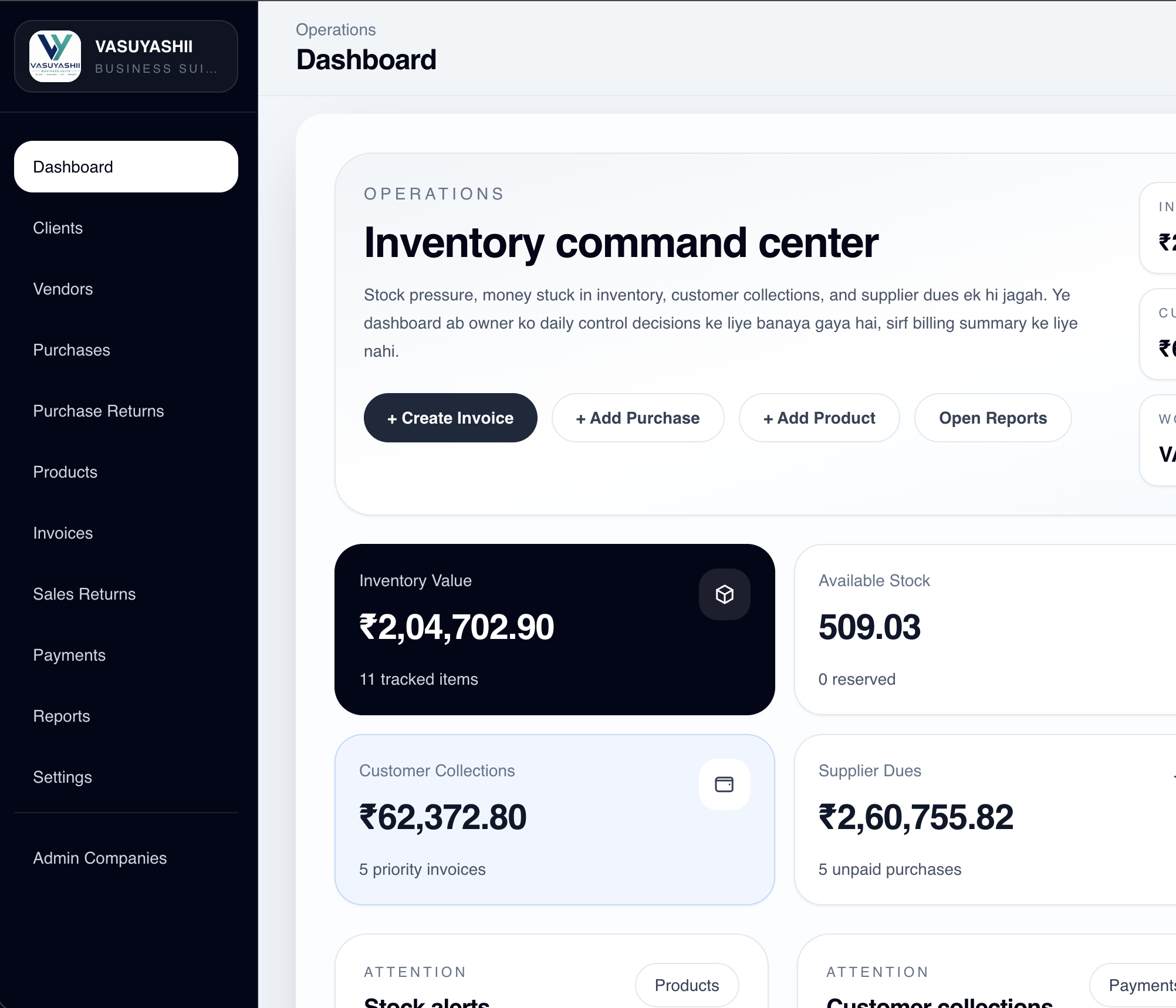
For a retailer, the existing modules can form the operational base for billing and inventory. Counter-speed UI, receipt hardware, cash-shift controls, offline billing, loyalty, or branch transfers require a separately agreed implementation and store-level acceptance tests.
A reliable retail system should not change stock with unexplained manual overwrites. Every quantity change should have a traceable business reason.
| Event | Expected stock effect | Record that should remain |
|---|---|---|
| Confirmed purchase receipt | Increase | Supplier, quantity, unit cost, date, user |
| Completed sale | Decrease | Bill, cashier, quantity, rate, tax, payment state |
| Customer sales return | Increase or quarantine | Original bill, item condition, refund or credit decision |
| Purchase return | Decrease | Supplier return reference and quantity |
| Damage or shrinkage | Decrease | Reason, approver, timestamp, notes |
| Stocktake correction | Increase or decrease | Counted quantity, previous balance, approver |
| Branch transfer | Decrease then increase | Source, destination, dispatch and receipt states |
This ledger matters because a quantity shown as 12 is not enough. The owner needs to know why it became 12, who performed the action, and which document can be checked when the physical count differs.
Define the states before the interface is designed:
The sales-return screen is useful first-party evidence of return-record direction. Final retail rules still depend on the store's tax, refund, approval, and damaged-stock policy.
Run the first release in one real store or one counter before a full rollout. Use representative products, tax rates, discounts, payment modes, and return cases.
A pilot passes when the counter team can complete these flows accurately at realistic speed, not when the dashboard merely looks complete.
Barcode scanners that behave like keyboards are usually simpler than device-specific integrations. Receipt printers, cash drawers, weighing scales, label printers, payment terminals, and offline queues may require platform-specific drivers, local network setup, or a desktop wrapper. Test the exact model numbers before promising support.
Payment-gateway or terminal success must be confirmed server-side or through the provider's documented status flow before a bill is treated as paid. For integration planning, see webhook integration for payments and orders and integration services.
A retail POS and inventory system should connect billing, stock, purchases, returns, and reports. For a small shop, phase one may be billing and stock. For a warehouse-backed retailer, purchase and transfer workflows matter too.
Before development, define:
Useful links: software development, web applications, integrations, and contact.
If billing is fast but stock confidence is weak, the problem is not solved. A retail system becomes useful when the sale counter and inventory record behave like one process.
Retailers selling colour-size combinations need a stricter model than a generic product row. The garment shop inventory guide covers variant matrices, barcode labels, exchanges, damaged returns, transfers, stocktakes, ageing and rollout acceptance.
Not usually. Once stock mismatch becomes common, POS should be linked with inventory.
Yes. Barcode support can be included if needed.
Yes. That is a core benefit of a connected POS plus inventory setup.
If returns are operationally important, yes. Otherwise they can come in phase two.
A starter version can often launch in 2 to 3 weeks if item data is ready.
Yes. Starting with one store is often the best rollout approach.
Yes. User roles can be designed around the store workflow.
Billing speed, stock accuracy, and better daily sales visibility create the quickest value.
If you want a retail system that improves speed, stock trust, and reporting from day one, the best next step is to define billing flow, stock movement rules, and report priorities clearly before build starts.
Related Articles
April 6, 2026
Plan a warehouse barcode system with item identity, labels, receiving, putaway, picking, dispatch, counts, exceptions, hardware and phased rollout costs.
Read article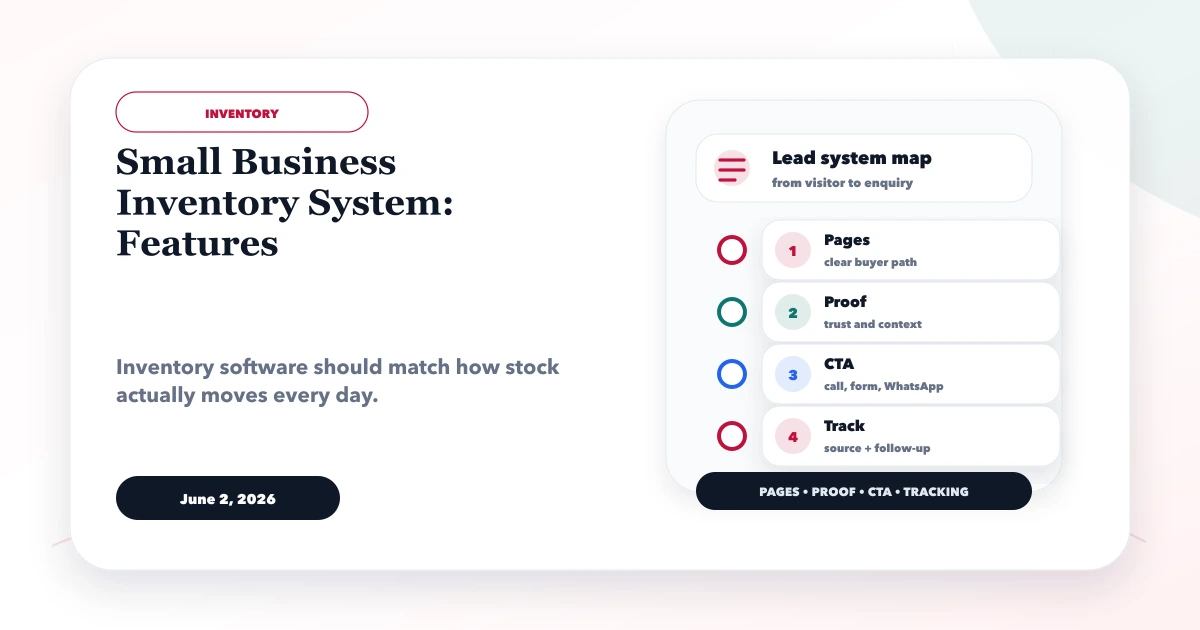
June 2, 2026
Plan a small business inventory system with item masters, stock movements, purchases, returns, counts, alerts, permissions, reports, and rollout controls.
Read article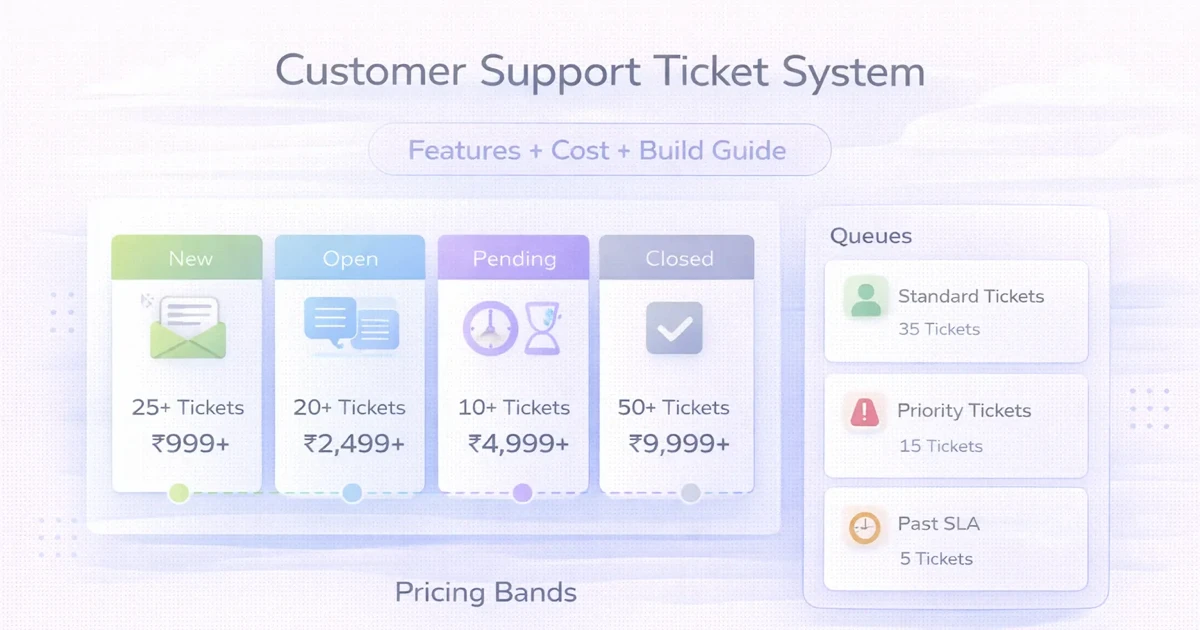
April 1, 2026
Plan a customer support ticket system with channels, routing, SLAs, roles, reports, automation, cost ranges, and a phased implementation.
Read article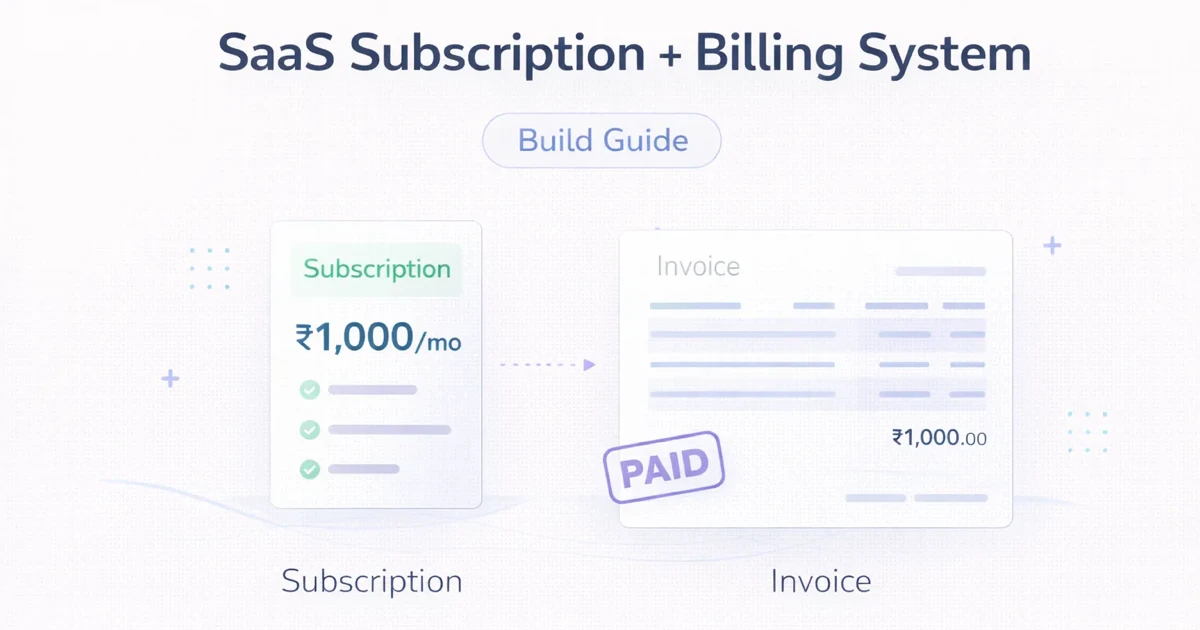
March 31, 2026
Plan a SaaS subscription billing system with plans, trials, entitlements, invoices, payment retries, webhooks, reconciliation, security, and rollout phases.
Read article