
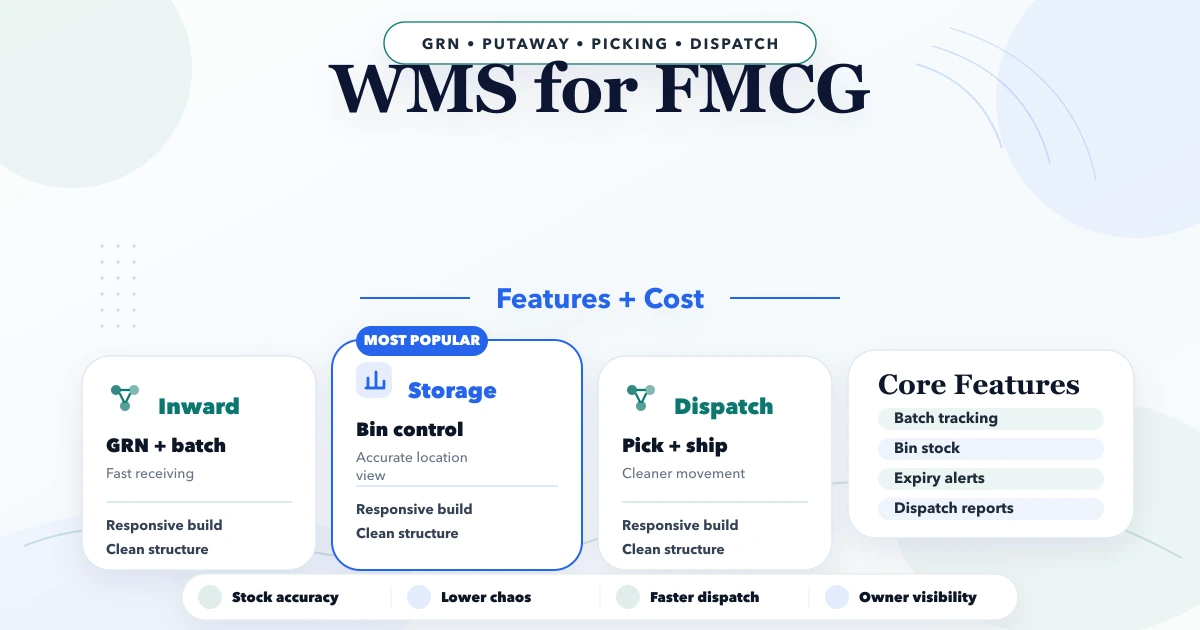
April 21, 2026
WMS for FMCG: Features, Workflow and Cost
Plan an FMCG warehouse management system with batch, expiry, FEFO, barcode, dispatch, reports, cost ranges, and a phased rollout.
Read articlePublished Updated
Plan a warehouse barcode system with item identity, labels, receiving, putaway, picking, dispatch, counts, exceptions, hardware and phased rollout costs.
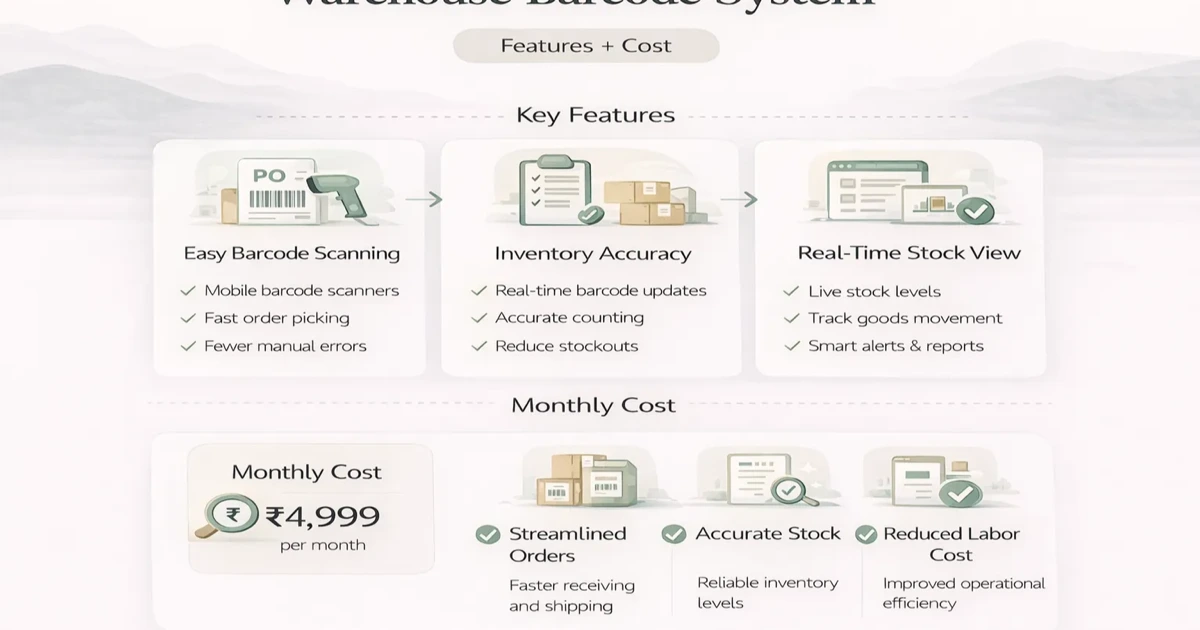
A barcode does not make inventory accurate by itself. Accuracy improves when each scan represents a controlled warehouse event: receive this item, place it in this location, pick it for this order, dispatch it, count it, or record an approved exception.
If product identity, units, locations and stock rules are unclear, printing thousands of labels only makes bad data faster. A successful warehouse barcode project begins with master-data and physical-flow decisions before scanners or dashboards are purchased.
| Barcode target | Example use |
|---|---|
| Product/SKU | Scan the same item across receipts and orders |
| Variant | Distinguish size, colour, pack or specification |
| Batch/lot | Trace expiry, supplier lot or quality action |
| Serial number | Track each unique unit |
| Location | Confirm rack, bin, zone or staging area |
| Pallet/carton | Move a grouped handling unit |
| Document/order | Open the correct receipt, pick or dispatch task |
One product may need more than one identifier. Define whether supplier barcodes can be reused, when an internal label is printed, and what happens when the same physical code maps to multiple packs.
For globally unique trade-item identification, review current GS1 standards and barcode guidance. Internal warehouse location codes can follow a separate controlled scheme.
Before implementation:
Avoid using item description as identity. “Blue wire 10m” can be typed differently; a stable identifier must remain consistent across purchase, stock, sale and reports.
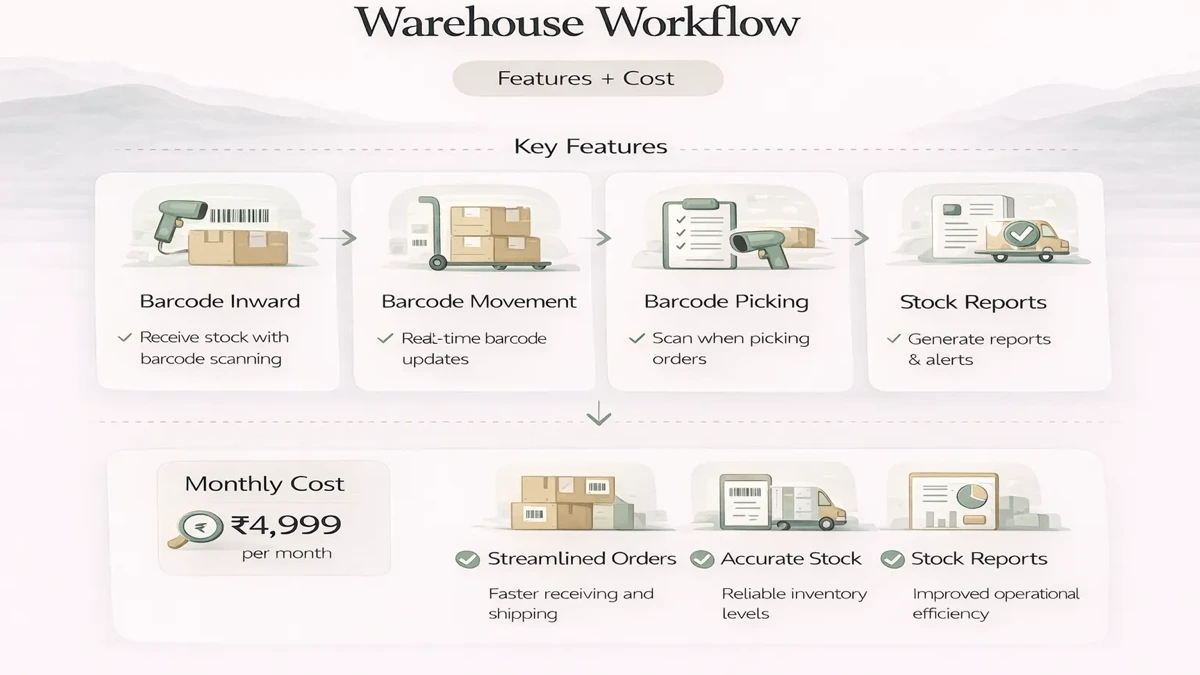
The operator should open an expected receipt or approved purchase reference, scan item, confirm quantity and unit, capture batch/serial data if required, and record shortages, excess, damage or rejection.
Blindly adding stock from any scanned label creates unauthorised inventory. The system should show expected versus received and require a reason for variance.
Putaway assigns received stock to a valid location. Rules may consider zone, capacity, temperature, hazardous classification, velocity or fixed bins. A simple SME warehouse may only need rack/bin validation; complex optimisation should not be added without a measurable need.
Every transfer needs source, destination, item, quantity, actor and time. Decide whether one scan confirms both locations or two-step confirmation is required. Interrupted transfers need a visible in-transit state rather than disappearing from stock.
Generate a pick task from an approved order. The system can guide by location, validate the item, prevent excess quantity, and report shortage. Substitution should require an explicit rule and customer/order update.
Packing confirms picked quantities, cartons and documents. Dispatch should verify order, package and carrier/handover state. Printing a shipping label is not the same as stock leaving the warehouse.
Returned stock needs inspection state: sellable, damaged, quarantine, repair or reject. Adjustments require reason, permission and audit evidence. Do not post every return directly back to available stock.
Avoid one unexplained “quantity” field. Useful states include:
Reports and order availability must use the same definitions as transaction logic. Document whether reserved stock can be reallocated and who can override.
Support targeted cycle counting rather than waiting for one disruptive annual count. The system can generate count tasks by location, item class or risk. During count:
Measure variance by cause: receiving, picking, unit conversion, damage, unauthorised movement or master error.
Options include:
Test scan speed, distance, damaged labels, low light, gloves, battery, drops, Wi-Fi dead zones and printer consumables. Camera scanning may work for low volume; dedicated hardware may be justified for continuous floor use.
If connectivity is unreliable, define offline scope. Offline movement is difficult because two devices can act on stale stock. A safe design may allow task capture offline but require conflict checks before final posting.
Define:
Label reprints can create duplicate identity risk. A reprint should not create a new serial or stock record unless the workflow explicitly requires it.
| Role | Typical permissions |
|---|---|
| Receiver | Receive against assigned documents and record variance |
| Putaway operator | Move received stock to allowed locations |
| Picker | Complete assigned pick tasks |
| Packer/dispatcher | Pack, verify and hand over orders |
| Supervisor | Approve exceptions, recounts and limited adjustments |
| Owner/admin | View reports and configure approved masters |
Backend permission checks must include company and warehouse scope. Audit stock-affecting changes with before/after quantity, reason and related document.
A barcode layer may connect with purchasing, ecommerce, billing, ERP or courier systems. Each boundary needs:
Do not let two systems freely update the same available quantity. The inventory sync guide explains channel-level stock ownership.
Operator speed should not be measured without accuracy and task complexity. Otherwise staff may skip exception recording to improve counts.
Add a daily queue for unreadable labels, unknown items, negative balances, short receipts and scans completed in the wrong location. A barcode project becomes dependable when supervisors can resolve failures visibly. Hiding them behind a successful scan sound creates false confidence in the stock record.
| Scope | Indicative implementation band | Typical timeline |
|---|---|---|
| Master cleanup and one scan flow | ₹1–₹2.5 lakh | 3–6 weeks |
| Receiving, locations, picking and dispatch | ₹2.5–₹6 lakh | 6–12 weeks |
| Multi-warehouse WMS, hardware and integrations | ₹6–₹15 lakh+ | Phased over months |
Hardware, labels, printer supplies, hosting, provider fees, migration, training and support may be separate. Cost grows with locations, units, batches/serials, offline needs, order volume, integrations, reports and acceptance depth.
Clean masters, label a controlled item set, receive into one warehouse and reconcile.
Add putaway, transfer, location stock and exceptions.
Connect approved orders, pick verification, packing and handover.
Add cycle counts, dashboards, integrations and multi-warehouse rules after the transaction foundation is stable.
Pilot one zone, shift and trained team. Compare system stock with physical evidence before wider rollout.
VASUYASHII Business Suite currently covers product masters, inventory visibility, purchases, invoices, payments, expenses, reports and multi-company operations within its ERP-lite scope. This is relevant foundation, but it is not a claim that every WMS workflow, rugged-device integration, offline scan, batch/serial process or multi-warehouse feature described here is included.
Those requirements need separate confirmation through software development services and a warehouse process review.
They can for lower-volume or pilot workflows. Test scan speed, ergonomics, battery, label quality and network before choosing.
No. Barcode scanning captures identity and events. A WMS also manages location, capacity, task, allocation, exception and reporting logic.
Sometimes, if they uniquely map to the correct item and pack. Otherwise print an internal controlled label.
One system must own the stock event, and integrations need unique event identifiers, idempotent processing and reconciliation.
Choose a limited item category and one receiving-to-dispatch path with enough volume to reveal errors but manageable operational risk.
Buying labels and devices before cleaning products, units, locations and exception rules.
Walk one real item from gate receipt to dispatch and mark every scan, decision and exception. Then compare the warehouse management system guide or contact VASUYASHII for a phase-one scope.
Related Articles
April 21, 2026
Plan an FMCG warehouse management system with batch, expiry, FEFO, barcode, dispatch, reports, cost ranges, and a phased rollout.
Read article
March 26, 2026
Warehouse management system guide for small businesses with WMS features, pricing in India, tech stack, timeline, and cost drivers for lean operations.
Read article
April 4, 2026
Retail POS and inventory system guide with features, pricing, timeline, and rollout advice for practical store operations in 2026.
Read article
April 8, 2026
Product catalog and price list web app guide for SMEs: features, pricing, workflow, and when it beats PDFs and spreadsheets.
Read article