
March 26, 2026
Inventory Management Software Cost Guide
Compare inventory software setup with custom development in India. Check stock movements, returns, warehouse needs, costs and demo acceptance before choosing.
Read articlePublished Updated
Plan an FMCG warehouse management system with batch, expiry, FEFO, barcode, dispatch, reports, cost ranges, and a phased rollout.
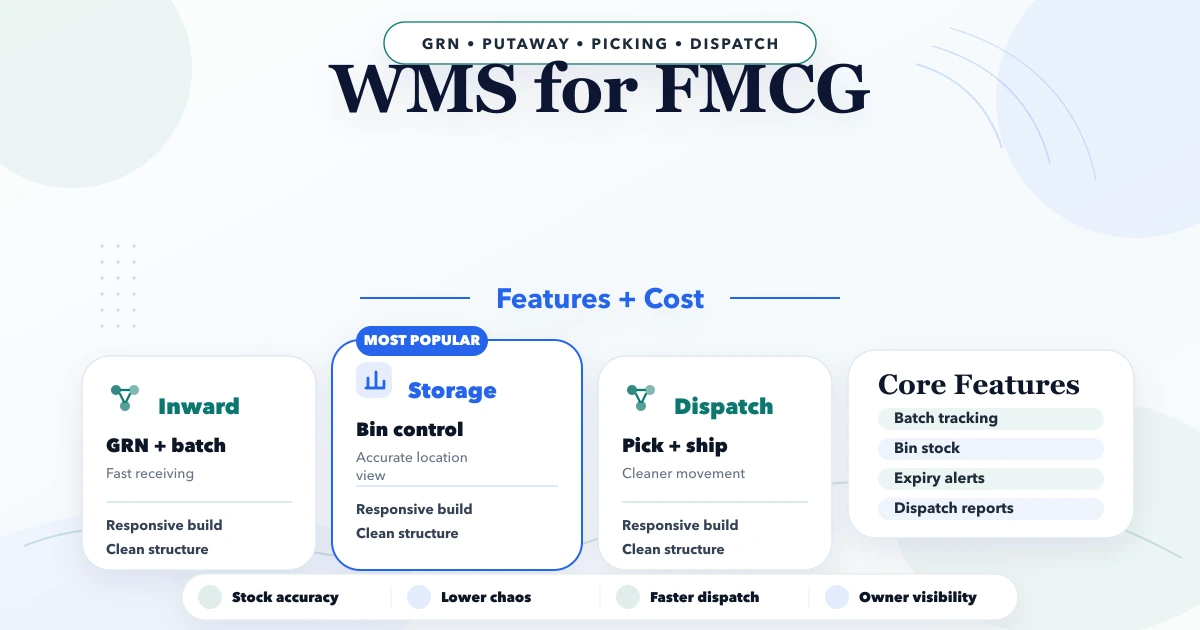
A WMS for FMCG should make daily operations easier, not add another confusing tool for the team. This guide is for Indian SMB owners, traders, manufacturers, service teams, and operators who want clear features, pricing logic, timeline, and rollout advice before investing in custom software.
The best first version is usually not the biggest version. It should solve the workflow that currently wastes time: repeated follow-ups, manual reports, missed approvals, stock confusion, billing mismatch, or poor visibility for owners. Once the core workflow is stable, modules can expand phase by phase.
By Tushar C. (Founder, VASUYASHII). Reviewed by VASUYASHII Editorial for practical scope, pricing, implementation clarity, and local business relevance.
A sensible first version should focus on the highest-friction workflow and measurable owner visibility.
| Build type | Price range | Timeline |
|---|---|---|
| Simple workflow tool | ₹35,000 to ₹90,000 | 2 to 4 weeks |
| Custom dashboard/app | ₹90,000 to ₹2.5 lakh | 4 to 8 weeks |
| Multi-module system | ₹2.5 lakh to ₹8 lakh+ | 8 to 16 weeks |
Start small, validate with real users, then add deeper automation, integrations, and reports.
Useful features depend on the workflow, but most SMB systems need:
A sensible first version should focus on the highest-friction workflow and measurable owner visibility.
| Build type | Price range | Timeline |
|---|---|---|
| Simple workflow tool | ₹35,000 to ₹90,000 | 2 to 4 weeks |
| Custom dashboard/app | ₹90,000 to ₹2.5 lakh | 4 to 8 weeks |
| Multi-module system | ₹2.5 lakh to ₹8 lakh+ | 8 to 16 weeks |
Start small, validate with real users, then add deeper automation, integrations, and reports.
Next.js or React for the frontendNode.js API layer for business logicPostgres, MongoDB, or Firestore based on data shapeCost changes based on:
Serving Delhi NCR and nearby business regions including Ghaziabad, Noida, Delhi, Gurugram, Faridabad, and surrounding localities.
If you are comparing options, first clarify the exact pages, modules, integrations, reports, timeline, and support expectations. This makes pricing easier to compare and avoids scope confusion later.
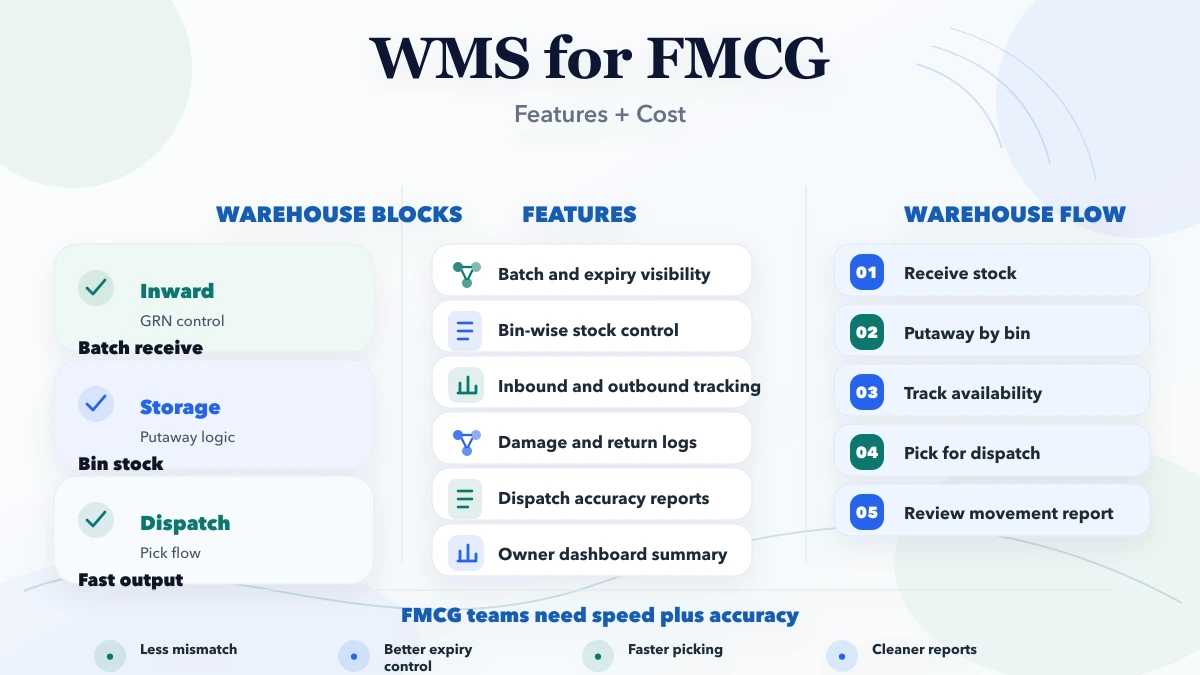
FMCG inventory changes quickly and often contains batches, expiry dates, promotional packs, damages, and high order volumes. A basic stock screen may show total quantity but cannot tell a picker which batch should leave first or whether stock is blocked for quality reasons. A useful WMS converts those operating rules into controlled tasks and traceable movements.
The first goal is not an impressive warehouse map. It is accurate receiving, identifiable stock, disciplined picking, and reliable dispatch. Automation should be added where it reduces scanning or decision effort without hiding exceptions.
Consider an FMCG distributor supplying retailers across Delhi NCR. Goods arrive from multiple brands, some with short shelf life. Sales orders are prepared in a billing tool, warehouse staff pick from memory, and returns are placed wherever space is available. The software quantity may match the total cartons but not the saleable batch position.
A focused rollout begins with item, unit, batch, expiry, location, and stock-status masters. Receiving labels stock correctly; pick lists follow FEFO rules; dispatch confirms scanned items; and returns enter inspection before becoming saleable. Route optimization and demand forecasting can wait.
Receiving should reference a purchase order or approved inward document. Capture supplier, item, quantity, unit, batch, manufacturing date where used, expiry, rate reference, and condition. The system should flag unexpected items, excess quantity, missing batch data, and expiry below the acceptable threshold.
Put-away can suggest a zone or bin based on category, temperature, weight, movement speed, and available capacity. Smaller warehouses may start with zone-level locations instead of complex rack coordinates. The rule must match what staff can label and maintain physically.
FEFO means stock with the earliest expiry should normally be issued first. The system should calculate eligible batches while respecting blocked, damaged, reserved, or customer-specific stock. Users need controlled override with a reason because real operations sometimes require a different batch.
Reports should show near-expiry stock by configurable days, already expired stock, batch-wise quantity, and items without valid expiry data. Alerts are useful only when someone owns the action, such as promotion, supplier return, transfer, or disposal.
Pick tasks should reference sales orders and identify item, unit, location, batch, and quantity. Support partial fulfilment, shortage, substitution policy, and priority orders. Barcode scanning reduces wrong-item and wrong-batch dispatch, but labels and scanners need practical testing in warehouse lighting and network conditions.
Packing should record cartons or packages where traceability is required. Dispatch can capture invoice or challan reference, transporter, vehicle or courier details, and handover time. The WMS should send confirmed quantities back to the billing or order system through a reconciled integration.
Customer returns should not increase saleable stock immediately. Route them to inspection with reason, batch, expiry, and condition. After review, stock may become saleable, damaged, expired, vendor-returnable, or quarantined. Every status change should preserve user and timestamp.
Cycle-count and adjustment workflows need similar control. A difference should create a review task, not a silent quantity edit. High-value or repeated variances may require a second approval.
Typical roles include receiver, put-away operator, picker, packer, dispatcher, supervisor, inventory controller, and administrator. On a smaller team, one person may perform multiple roles, but permissions should still prevent unrestricted master and quantity changes.
Warehouse screens should prioritize large touch targets, scan feedback, minimal typing, and clear offline or network-error handling. A desktop dashboard can support supervisors, while mobile or handheld screens support floor tasks. See the web app development hub for responsive operational interfaces.
Define whether the ERP, billing platform, or WMS owns items, customers, vendors, orders, and stock balances. Usually the WMS owns physical movements while another system owns commercial documents. Use stable identifiers and reject unknown or duplicate records.
Reconciliation reports should compare orders sent, receipts confirmed, dispatches posted, and failed events. A green “connected” badge is not enough. Review interface boundaries through integration services and the VASUYASHII Business Suite for billing and inventory context.
Warehouse count, location detail, batch and expiry rules, barcode hardware, order volume, mobile workflows, integrations, return logic, and reporting determine cost. Hardware procurement, label printers, network improvement, data cleanup, and on-site rollout may be separate from software development.
Pilot one warehouse zone or product category. Run parallel counts for a controlled period, train supervisors first, and expand only after receiving and dispatch accuracy is stable. Measure stock variance, pick accuracy, order turnaround, near-expiry action, and time spent searching for stock.
For a scoped build, review custom software and ERP services, services, and the contact page.
Start by documenting the current workflow, problems, users, and expected outcome. The scope becomes much clearer after that.
For custom software, practical first phases often start around ₹35,000 to ₹90,000, depending on the workflow.
Simple scopes can move in days or a few weeks. Multi-module systems or deeper SEO work need phased timelines.
Use ready-made tools when your workflow is standard. Choose custom when your process, roles, reports, or integrations are specific.
Avoid vague scope, duplicate content, missing tracking, no owner dashboard, and launching without a clear support plan.
Yes. A clean first phase can expand into more pages, modules, integrations, automation, and reporting.
If you want a practical plan instead of generic package labels, share your requirement and we will map the first phase, pricing, timeline, and delivery flow clearly.
Related Articles
March 26, 2026
Compare inventory software setup with custom development in India. Check stock movements, returns, warehouse needs, costs and demo acceptance before choosing.
Read article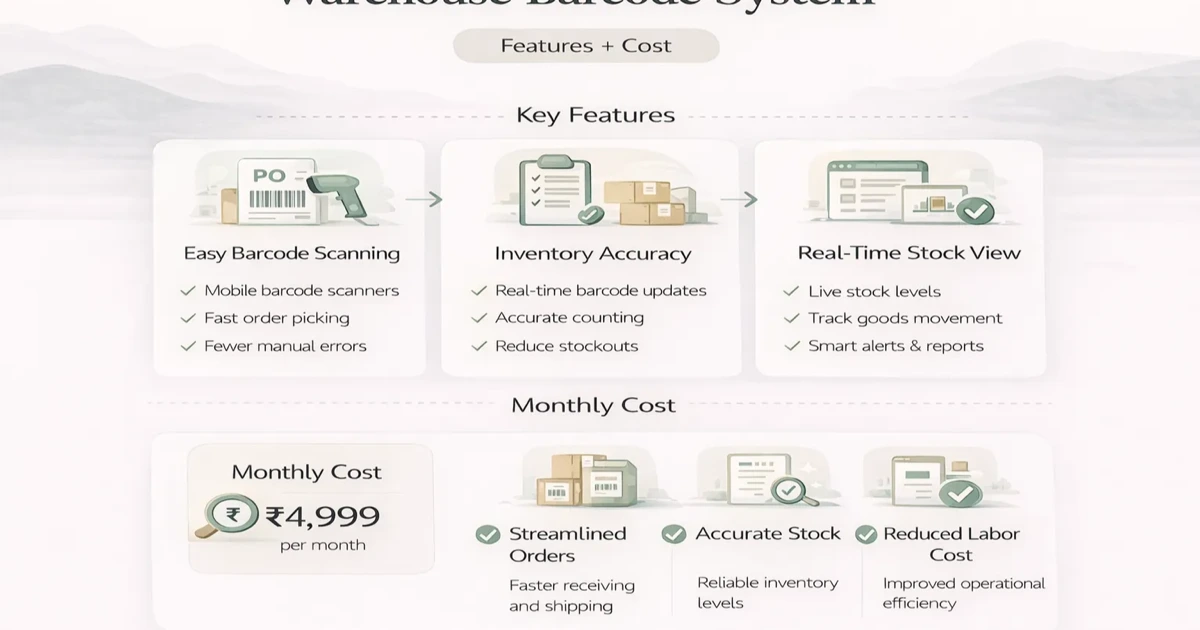
April 6, 2026
Plan a warehouse barcode system with item identity, labels, receiving, putaway, picking, dispatch, counts, exceptions, hardware and phased rollout costs.
Read article
May 24, 2026
Plan warehouse inventory software for receiving, put-away, bins, picking, dispatch, returns, transfers, counts, adjustments, barcodes, and stock reports.
Read article
April 22, 2026
Plan an employee attendance and task app with role permissions, shift rules, offline use, task evidence, privacy controls, reports, timeline, and cost factors.
Read article