
April 21, 2026
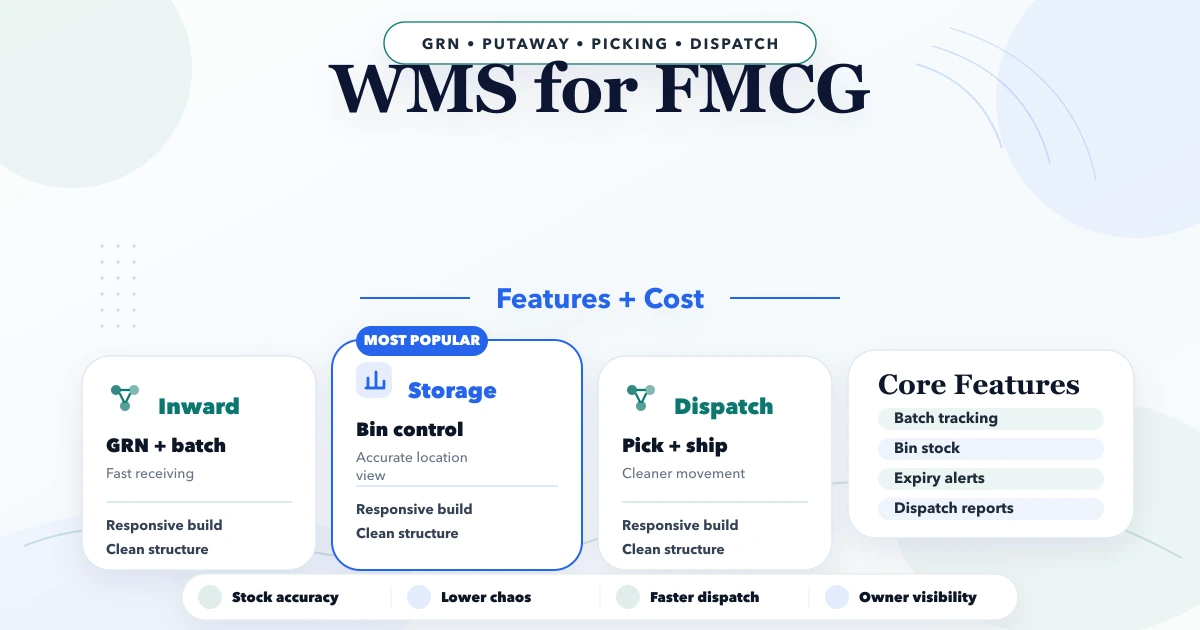
WMS for FMCG: Features, Workflow and Cost
Plan an FMCG warehouse management system with batch, expiry, FEFO, barcode, dispatch, reports, cost ranges, and a phased rollout.
Read articlePublished Updated
Plan warehouse inventory software for receiving, put-away, bins, picking, dispatch, returns, transfers, counts, adjustments, barcodes, and stock reports.
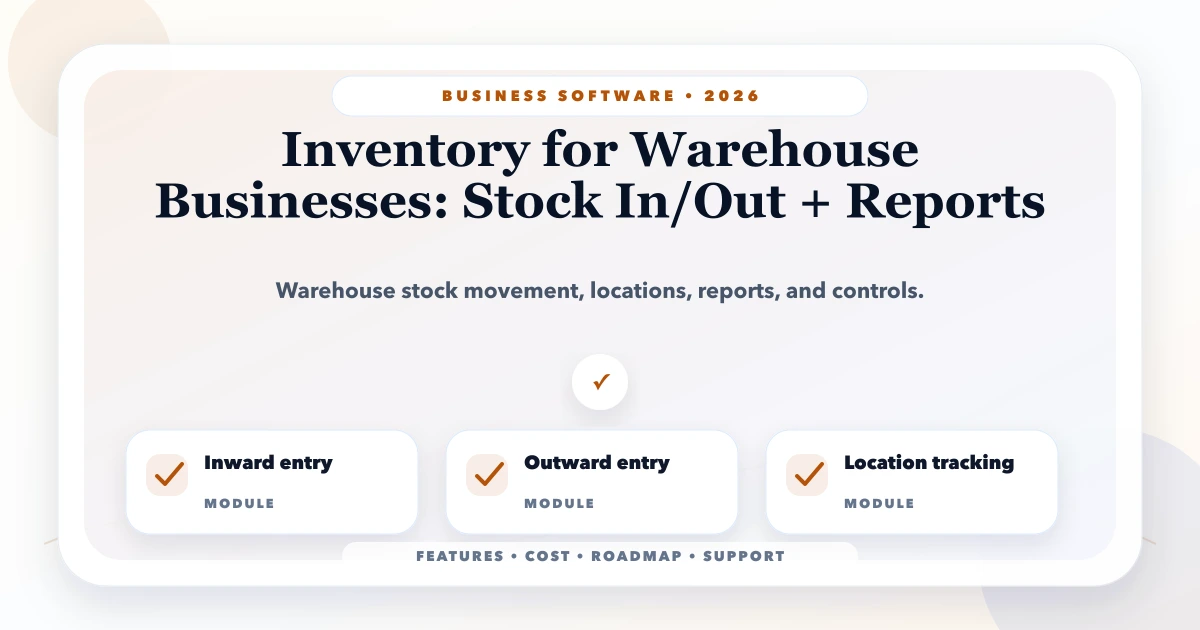
Warehouse inventory software should explain every stock change: what item moved, how much, from where, to where, why, against which document, at what time, and by whom. A single editable quantity field cannot provide that evidence.
The right system depends on whether the warehouse manages simple SKU quantities, multiple bins, batches and expiry, serial numbers, reserved stock, manufacturing inputs, or dealer dispatches. This guide focuses on the movement and control model required before choosing screens or scanners.
Build inventory around an immutable or tightly controlled movement ledger. Cover receiving, quality/acceptance, put-away, transfers, reservation, picking, packing, dispatch, returns, cycle counts, and approved adjustments. Separate physical stock from available stock and preserve document references. Add barcode scanning only after item, unit, location, and label masters are reliable.
For a custom warehouse workflow, review software development services and the VASUYASHII Business Suite for its current billing and inventory scope.
Different teams use "stock" to mean different things. Define at least:
The formulas must match the operation. Do not show "available" if reservations expire silently or movements are posted late.
| Master | Important fields | Common risk |
|---|---|---|
| Product/SKU | Code, name, category, base unit, tax, status | Duplicate or reused SKU |
| Unit conversion | Piece, box, carton and factors | Fraction/rounding mismatch |
| Warehouse | Name, address, operating status | Mixing legal and physical location |
| Zone/bin | Hierarchy and capacity where used | Free-text location names |
| Batch/lot | Number, manufacture/expiry where needed | Duplicate supplier formats |
| Serial | Unique identifier and status | Receiving duplicates |
| Supplier/customer | Stable account ID | Name-based matching |
| Reason code | Damage, count variance, sample, etc. | Users selecting a generic reason |
Clean these masters before importing opening stock. An opening quantity without a known unit and location cannot be trusted.
Every confirmed event should create one or more movement records rather than overwrite history. A movement may include product, quantity, unit, source location, destination location, movement type, reference document, batch/serial, actor, timestamp, and reversal link.
Examples:
Corrections should reverse or compensate the original movement under approval, not erase it.
A controlled inbound flow may be:
expected -> arrived -> counted -> inspected -> accepted/rejected -> labelled -> put_away -> closed
Capture purchase order or supplier document, item, expected and received quantity, unit, batch/serial/expiry where required, damaged/rejected quantity, and receiving user.
Support over, short, and wrong-item exceptions. The system should not mark a purchase fully received when only part arrived. Supplier returns must remain linked to the receipt.
Small warehouses may track only warehouse-level quantity. Larger operations may need zone, rack, shelf, or bin. Do not introduce bin tracking unless staff will scan or record every move; incomplete location discipline creates false precision.
Put-away rules can suggest a location based on category, hazard, temperature, velocity, capacity, batch, or available space. Keep manual override controlled and visible.
Reservation connects demand to stock. Decide:
The distributor order portal guide explains how order approval, allocation, and dealer status connect.
A pick list should contain only confirmed, allocated demand and the locations needed. The picker records picked quantity and exceptions such as short stock, damaged item, or wrong batch.
Packing verifies item and quantity, groups packages, captures weight/dimensions where useful, and prepares dispatch documents. Dispatch records transporter/vehicle/tracking reference, time, packages, and responsible user.
Separate picked, packed, and dispatched states. An item sitting in staging is not delivered and may need to be unpicked if the order changes.
Customer returns should enter a return-inspection location rather than saleable stock. Capture original invoice/order, item, quantity, reason, condition, evidence, received date, and disposition:
Commercial credit/refund and physical stock disposition are related but separate approvals.
A two-step transfer preserves in-transit visibility:
source dispatched -> in transit -> destination received
Do not instantly add stock to the destination when the source dispatches if transit time and shortages matter. Destination users should confirm received quantity and record differences.
Cycle counting checks a controlled subset regularly instead of waiting for a full annual count. Define count frequency by product value, movement, or risk.
During a blind count, the counter may not see the expected quantity. A supervisor reviews variance and approves any adjustment with a reason. Large or repeated variances should create investigation, not routine correction.
| Variance type | Possible investigation |
|---|---|
| Receiving shortage | Supplier/receipt evidence |
| Pick shortage | Wrong bin, unrecorded move, theft/damage |
| Unit mismatch | Box/piece conversion |
| Batch difference | Wrong batch selected during movement |
| Negative stock | Late posting or uncontrolled dispatch |
| Repeated adjustment | Process or permission weakness |
Barcodes improve identification; they do not fix bad masters. Decide whether the code identifies product, unit/pack, batch, serial, location, document, or package.
Test label size, printer, material, scan distance, lighting, damaged labels, duplicate scans, offline behaviour, and manual fallback. A phone camera may suit low-volume use; dedicated scanners may be better for speed and durability.
The application should give an audible/visual confirmation and prevent the same serial or movement from being posted twice.
Suggested controls:
API controls must enforce warehouse/company scope. Audit product-master changes, unit conversion, backdated movement, negative-stock override, adjustment, and reversal.
| Report/queue | Purpose |
|---|---|
| Stock by warehouse/bin | Locate on-hand and unavailable stock |
| Available vs reserved | Understand fulfilment capacity |
| Movement ledger | Trace every change for an item/location |
| Stock ageing | Identify slow/non-moving stock |
| Low stock/reorder | Plan purchasing using defined thresholds |
| Batch/expiry | Prioritise and control expiring items |
| Pending receiving/put-away | Find inbound delays |
| Pick/dispatch exceptions | Resolve fulfilment blockers |
| Count variance | Identify control weaknesses |
| In-transit transfer | Follow unresolved transfers |
Define valuation method and accounting ownership before presenting inventory value. Quantity control and financial inventory valuation are not automatically the same module.
Our implementation review follows one SKU through receipt, put-away, transfer, order allocation, partial pick, dispatch, return, and count variance. We compare the movement ledger with every summary. This first-party walkthrough catches state and unit gaps that a dashboard screenshot cannot.
Warehouse software may connect with purchase, sales, ecommerce, distributor portals, billing/accounting, shipping, barcode printers, and WhatsApp/email notifications.
Define the system of record for product, price, order, stock, invoice, and payment. Use stable IDs, retry rules, duplicate prevention, and reconciliation queues. Read integration and automation services before assuming a real-time API is always better than a controlled import/export.
A strong first phase might support one company, one or two warehouses, product/location masters, receiving, transfer, picking, dispatch, returns, counts, adjustments, roles, and essential reports.
Delay advanced slotting, demand forecasting, robotics, route optimisation, labour management, and complex replenishment until movement accuracy and staff adoption are proven.
Roll out in this order:
For source preparation, use the Excel data import checklist.
Yes. Start at warehouse-level quantity and a reliable movement ledger. Add bins, batches, serials, and scanners only when the operation requires them.
Usually it should be blocked or tightly controlled. If temporary negative stock is necessary because of delayed posting, expose it as an exception and resolve the process cause.
On-hand stock is physically recorded quantity. Available stock excludes valid reservations, holds, quarantine, or other unavailable quantities according to the business rule.
Use a dated, approved batch by product, unit, location, and batch/serial where relevant. Reconcile source and target totals and preserve rollback evidence.
It can, but offline design needs local queues, duplicate protection, conflict handling, visible sync state, and testing on actual devices and networks.
Contact VASUYASHII with warehouse count, SKU volume, units, locations, batch/serial needs, daily movements, order sources, devices, integrations, and frequent exceptions.
Choose warehouse software only after the business can define every movement, state, responsibility, and correction path. Accurate summaries come from disciplined events; reports cannot repair missing physical transactions.
Related Articles
April 21, 2026
Plan an FMCG warehouse management system with batch, expiry, FEFO, barcode, dispatch, reports, cost ranges, and a phased rollout.
Read article
June 2, 2026
Plan a small business inventory system with item masters, stock movements, purchases, returns, counts, alerts, permissions, reports, and rollout controls.
Read article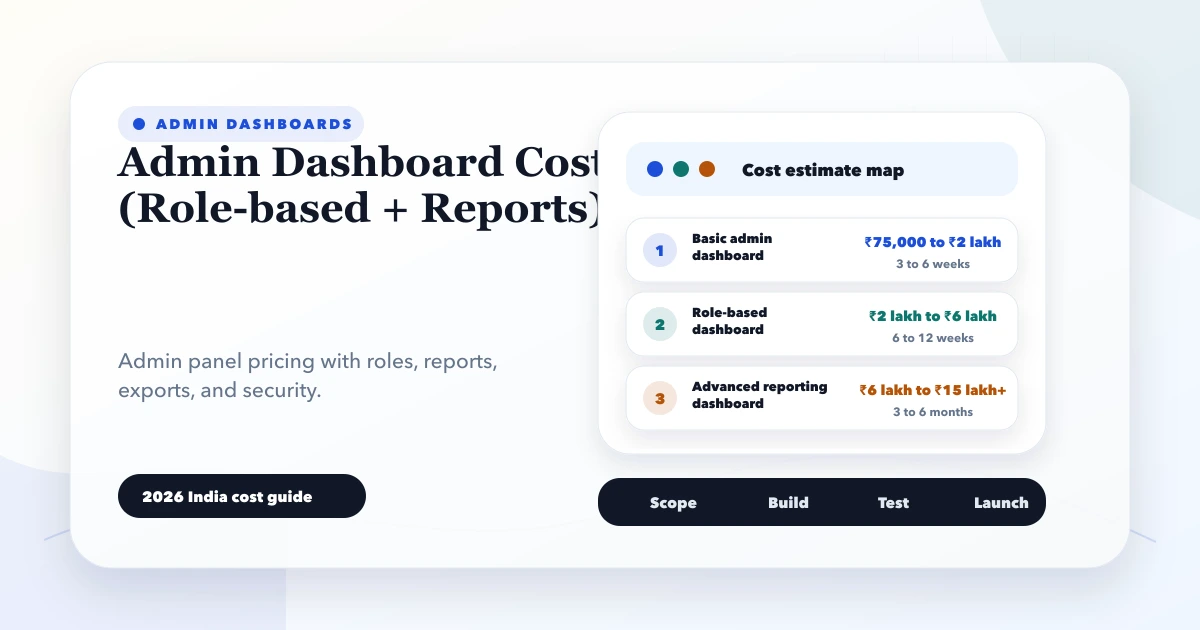
May 28, 2026
Estimate admin dashboard cost in India by workflows, roles, reports, integrations, data volume, security, testing, deployment, and ongoing operational support.
Read article
May 23, 2026
Plan a custom reports dashboard with metric definitions, source mapping, sales and stock views, role access, refresh rules, reconciliation, and alerts.
Read article