
May 15, 2026
Garment Shop Inventory: Variants, Barcode and Cost
Plan garment shop inventory software for style-colour-size variants, barcode billing, purchases, transfers, returns, stocktakes, reports, costs, and rollout.
Read articlePublished Updated
Plan a small business inventory system with item masters, stock movements, purchases, returns, counts, alerts, permissions, reports, and rollout controls.
An inventory system should explain why stock changed, not merely display a quantity. A useful small-business setup connects the item master, purchase receipt, sale, return, adjustment, transfer, and physical count so an owner can trace every movement.
This guide is for Indian retailers, traders, wholesalers, distributors, and small warehouses replacing notebooks or disconnected spreadsheets. It separates essential stock controls from optional complexity and defines what should be tested before live transactions begin.
By Tushar C. (Founder, VASUYASHII). Reviewed by VASUYASHII Editorial for practical website development, small business CRM, inventory, billing, WhatsApp CTA, conversion strategy, and business software delivery.
A small business inventory system should include item master, stock in/out, purchase entries, sales link, low-stock alerts, barcode or QR support, role permissions, reports, and audit history. The first version should reduce daily stock confusion, not become a heavy ERP.
A retail shop needs fast stock lookup and billing connection. A warehouse needs receiving, picking, dispatch, and barcode flow. A distributor needs purchase, sales, returns, and stock ageing. The best inventory system follows real movement.
The practical goal is stock accountability. Staff should know which document caused a movement, supervisors should see exceptions, and the owner should be able to reconcile a displayed balance with transaction history.
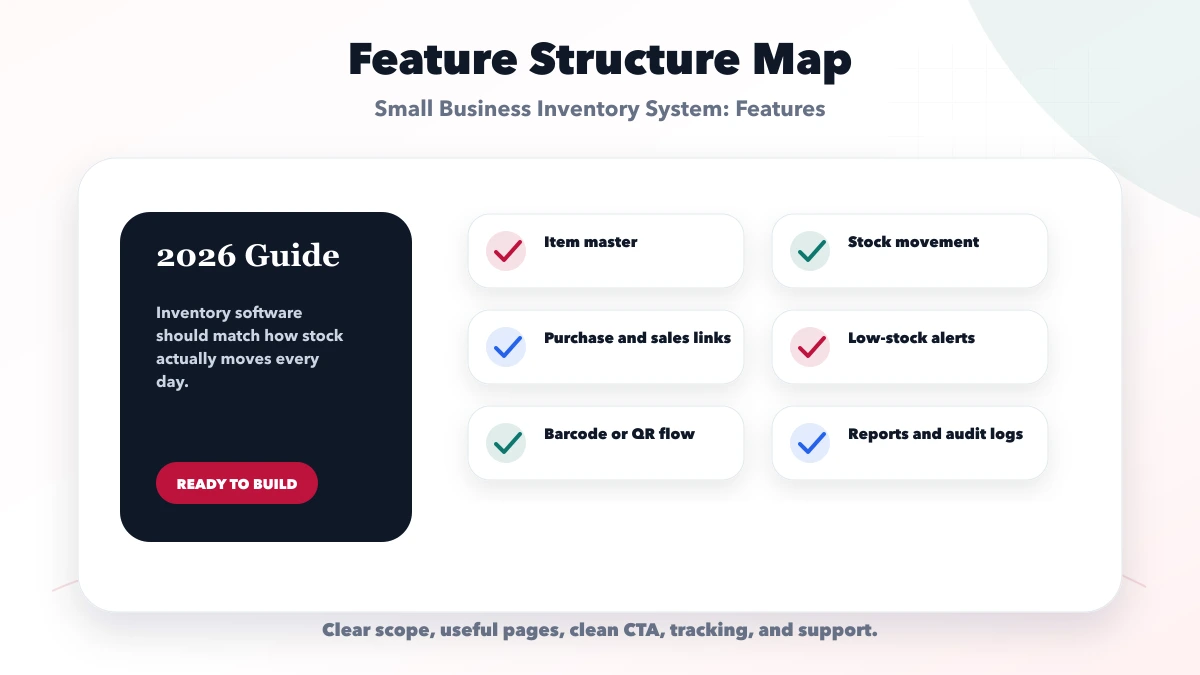
Each feature must protect an inventory decision. Barcode search reduces selection errors, controlled adjustments protect accountability, and low-stock exceptions help purchase planning. Features without an owner or operating rule can wait.
| Setup | What to include | Best for |
|---|---|---|
| Basic inventory | Items, stock in/out, simple reports | Best for small shops |
| Retail inventory | Billing link, variants, alerts, returns | Best for sales-heavy teams |
| Warehouse inventory | Barcode, locations, dispatch, audit logs | Best for operations teams |
Choose the setup from transaction volume, locations, item complexity, and staff responsibility. A single shop may need one ledger and simple alerts; a distributor may need locations, returns, approvals, transfers, and ageing.
Pilot the movement rules with a limited product set, reconcile results, train actual operators, and expand only after purchases, sales, returns, counts, and reports agree.
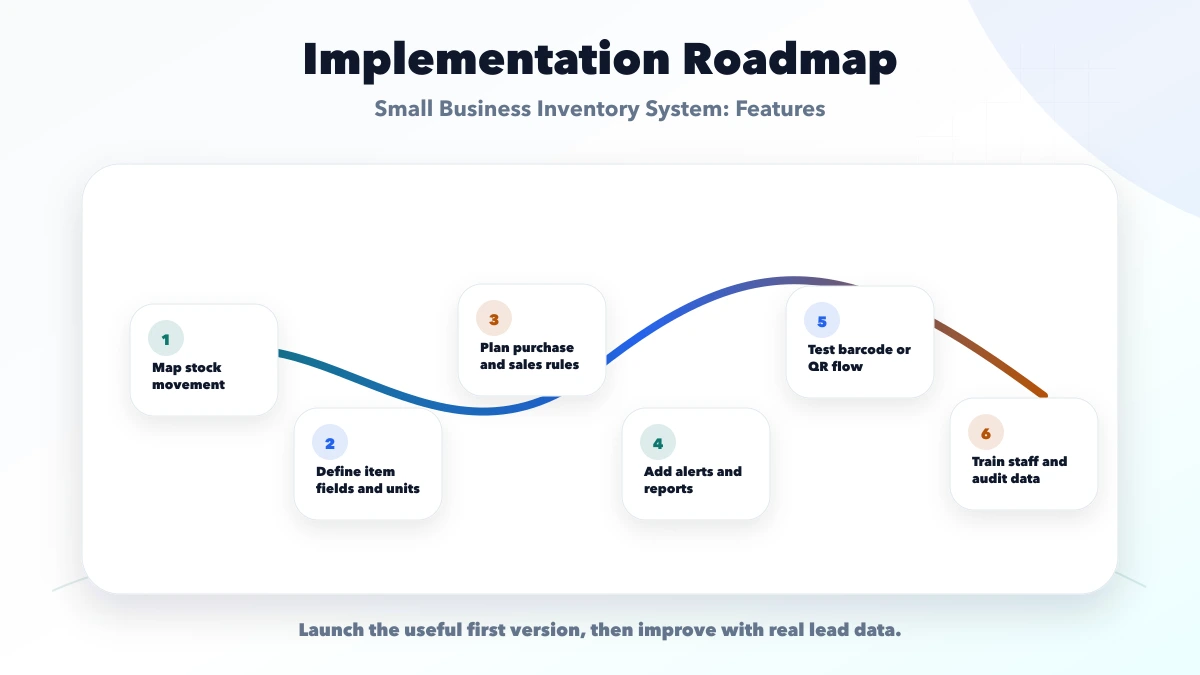
The approved scope should name stock locations, units, negative-stock policy, return behavior, adjustment approval, migration cut-off, report definitions, support, and data-export ownership.
VASUYASHII would first map the item master, movement ledger, purchase and sale sources, roles, returns, reports, and opening-stock migration. The phase plan would prioritize traceable daily transactions before optional automation.
Useful links: web application services, software development, integrations, services, and contact.
Do not approve inventory software from a dashboard screenshot. Demonstrate a complete transaction cycle, inspect the movement history, reconcile the closing balance, and test a correction with the intended permissions.
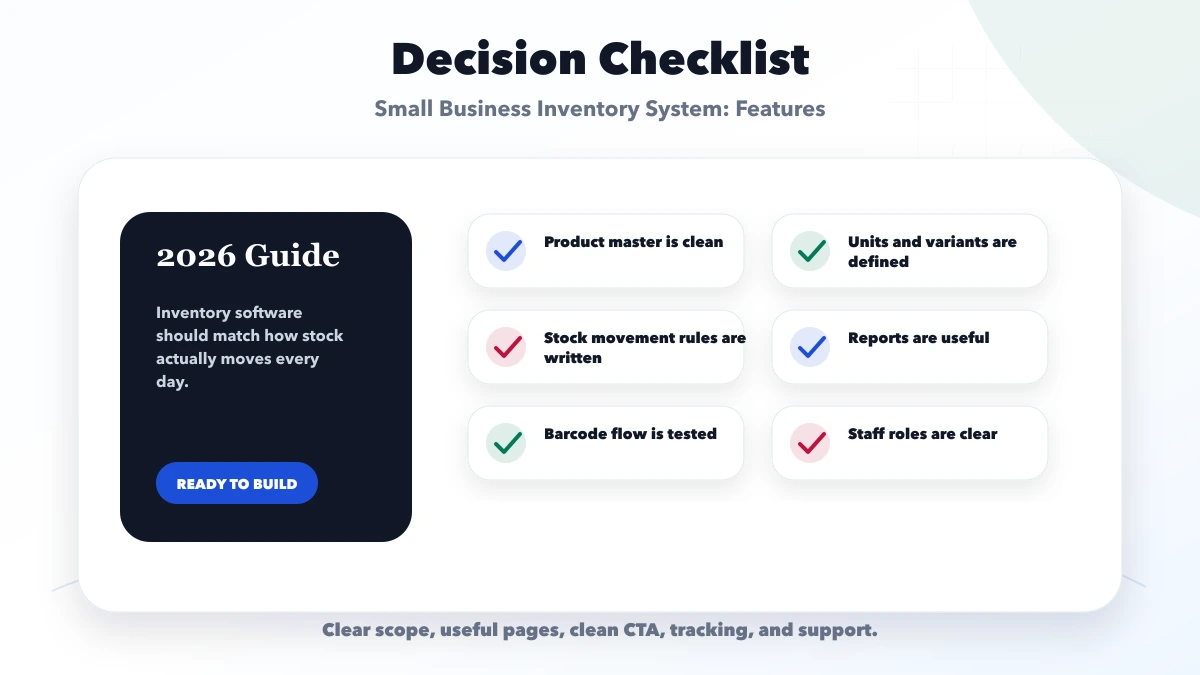
Core features include item master, stock movement, purchase, sales link, alerts, reports, roles, and audit history.
Barcode is useful when manual entry causes errors or when stock volume is high.
Yes. Billing integration helps stock reduce automatically and keeps sales data cleaner.
Build custom when ready tools do not match your stock rules, reports, or integrations.
Yes. We build inventory, barcode, billing, and warehouse systems for Indian SMEs.
If you want a practical plan for small business inventory system features, VASUYASHII can help with scope, design, development, SEO setup, integrations, tracking, launch, and maintenance.
Every stock-changing action should create a movement record. A reliable movement contains the item, quantity, unit, direction, business reason, source document, warehouse or location, user, and timestamp. The balance displayed on a dashboard should be derived from controlled movements, not edited as an unexplained number.
| Movement | Source example | Quantity effect | Control required |
|---|---|---|---|
| opening stock | approved migration sheet | plus | locked after go-live |
| purchase receipt | supplier purchase | plus | received quantity and cost |
| sale or issue | invoice or dispatch | minus | stock availability rule |
| sales return | return note | plus | condition and original sale |
| purchase return | supplier return | minus | original purchase reference |
| adjustment | damage, loss, correction | plus or minus | reason and approval |
| transfer | source and destination | two movements | both locations confirmed |
| physical count | count session | reconciliation | variance review |
This structure makes disputes traceable. It also allows reports to answer whether a shortage came from a sale, damage, a return, an import error, or an unauthorized adjustment.
Define a stable SKU or barcode, product name, category, HSN/SAC where relevant, GST rate, purchase unit, sale unit, purchase price, sale price, and active status. If one carton contains multiple pieces, document the conversion instead of asking staff to calculate it manually.
Variants such as size, colour, or capacity need separate identifiers when they are stocked separately. Batch, expiry, serial-number, bin-location, and reservation controls should be added only when the business workflow genuinely uses them.
A low-stock alert is useful only when its threshold reflects supplier lead time and demand. A practical rule considers average use, expected delivery delay, and safety stock. Owners should review exceptions rather than receiving an alert for every item.
Schedule cycle counts for valuable or fast-moving products instead of waiting for an annual count. Freeze or record transactions during a count window, compare system and physical quantities, investigate the variance, then approve any adjustment.
Do not import years of unreliable movement history just to make the new system look complete. Preserve required records separately and begin the operational ledger from a verified balance.
The current VASUYASHII Business Suite includes a product master with SKU or barcode, HSN/SAC, unit, GST rate, sale and purchase price, stock quantity, low-stock visibility, imports/exports, purchase records, returns, reports, and company-wise data separation. It is positioned as practical ERP-lite software, not a full manufacturing, BOM, payroll, statutory, or accounting replacement.
Businesses requiring a custom warehouse flow can review software development services and the billing and inventory integration guide. The quote should name warehouses, units, approval rules, integrations, migration volume, reports, and support expectations.
A cashier may search products and create sales without seeing purchase cost. A purchase operator may receive supplier stock without changing selling prices. A warehouse user may count or transfer stock but require approval for large adjustments. Owners may review valuation and exports without performing daily transactions.
Write the permission matrix using actions rather than menu visibility: view, create, edit, approve, cancel, return, adjust, transfer, import, export, and change price. Enforce those rules in the backend and record sensitive events. Hiding a button is not authorization.
Start with reports that can be reconciled:
Stock valuation requires an agreed method and clean cost data. If the software is not the accounting system of record, state that boundary clearly and reconcile exports with the accountant's process.
Ask whether the system supports the business's real units, variants, locations, returns, approval rules, offline constraints, invoice integration, and migration volume. Request a demonstration using representative products and awkward cases, not only a polished dashboard.
Confirm backup, restore, data export, user access, audit history, support hours, recurring charges, and ownership. A system is not ready because it can add products; it is ready when staff can complete and reconcile a full working day.
Related Articles
May 15, 2026
Plan garment shop inventory software for style-colour-size variants, barcode billing, purchases, transfers, returns, stocktakes, reports, costs, and rollout.
Read article
April 18, 2026
Plan restaurant inventory software for purchases, units, recipes, yield, wastage, transfers, counts, food-cost variance, permissions, and integrations.
Read article
May 24, 2026
Plan warehouse inventory software for receiving, put-away, bins, picking, dispatch, returns, transfers, counts, adjustments, barcodes, and stock reports.
Read article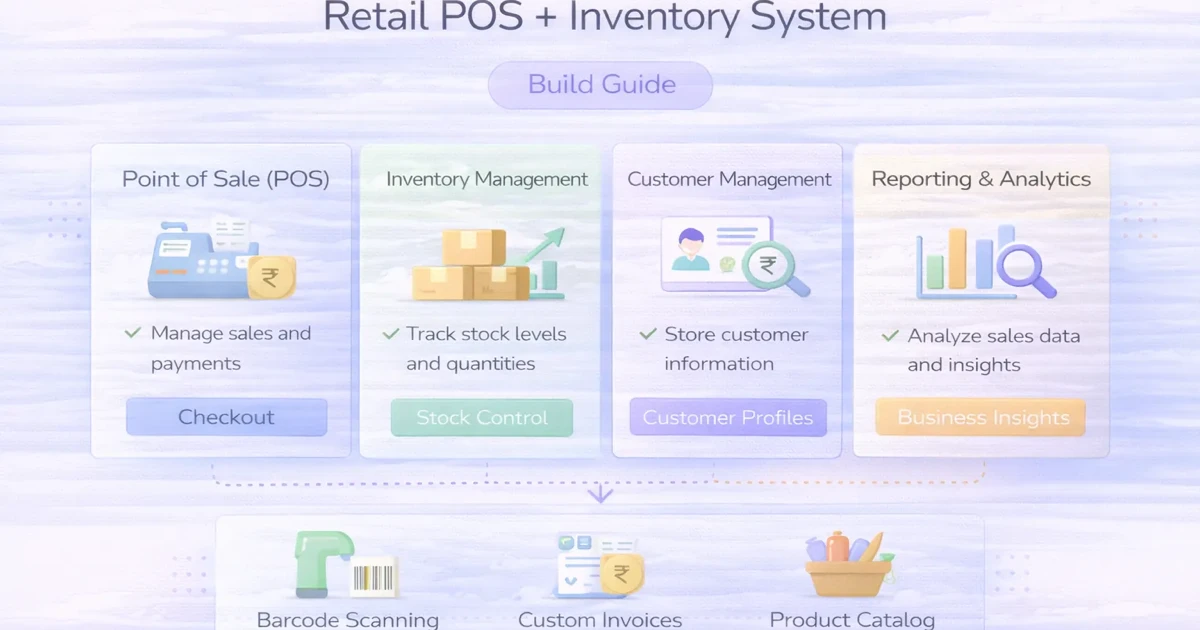
April 4, 2026
Retail POS and inventory system guide with features, pricing, timeline, and rollout advice for practical store operations in 2026.
Read article