
May 28, 2026
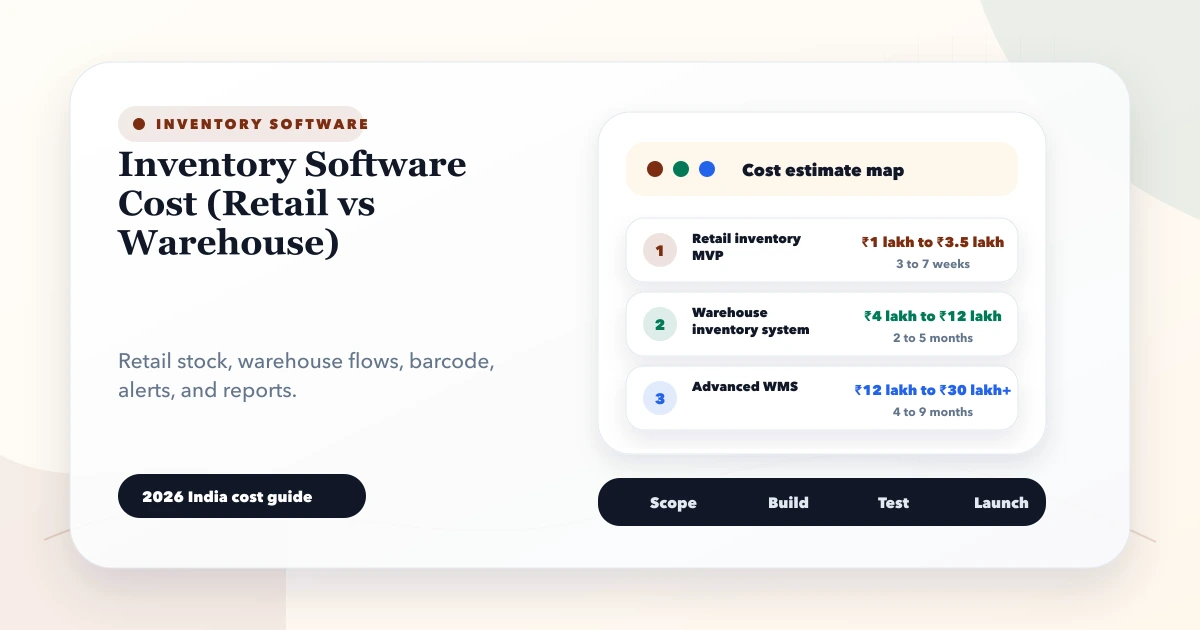
Inventory Software Cost (Retail vs Warehouse)
Compare inventory software cost for retail and warehouse operations, including modules, barcode workflows, locations, integrations, rollout, and hidden effort.
Read articlePublished Updated
Plan garment shop inventory software for style-colour-size variants, barcode billing, purchases, transfers, returns, stocktakes, reports, costs, and rollout.
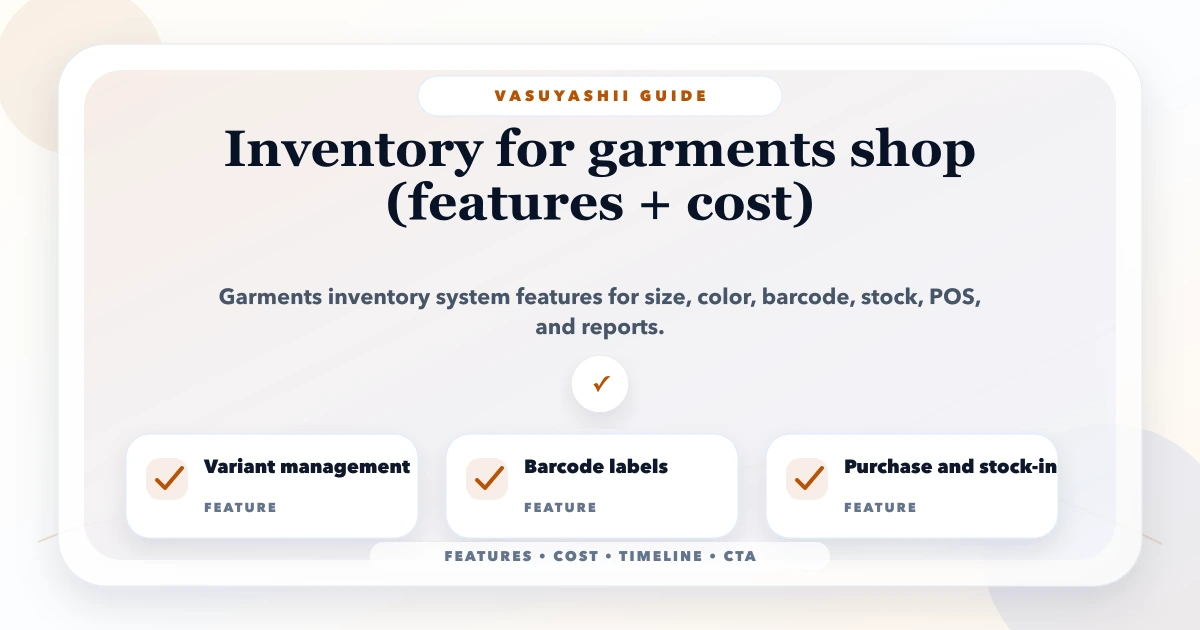
Garment inventory becomes difficult when the same design exists in several colours, sizes, fits, seasons, and price points. A shop may know that a shirt style has 18 pieces, yet still lose a sale because the required blue medium is unavailable. The system must track the sellable variant, not only the parent style.
This guide is for garment shops, boutiques, uniform sellers, footwear and apparel retailers, wholesalers, and multi-store fashion businesses evaluating inventory software in India. It explains variant design, barcode operations, purchases, sales, transfers, returns, stocktakes, reports, rollout, and the factors that affect cost.
By Tushar C. (Founder, VASUYASHII). Editorial review covers apparel variant modelling, barcode workflows, stock movement, returns, seasonal controls, permissions, and implementation acceptance.
A useful garment inventory system should manage style, colour, size, barcode, SKU, brand, category, purchase cost, sale price, GST, stock by location, purchases, billing, returns, exchanges, transfers, adjustments, low-stock alerts, and variant-level reports.
Test the system with a real matrix: one style in four sizes and three colours, a partial purchase, two sales, an exchange, a damaged return, and a store transfer. Every variant quantity and movement should reconcile. A screen showing total style stock is not enough.
A boutique receives 24 kurtas under one design: two colours and four sizes, with uneven quantities. Each physical item is labelled. During the week, customers buy six pieces, one item is exchanged for another size, two items move to a second outlet, and one return is damaged.
The owner needs to know:
These answers require a movement ledger and variant discipline, not only a quantity field.
Use a parent style for shared information and a variant for the item that is stocked and sold.
| Level | Example fields |
|---|---|
| Parent style | Style name, brand, category, gender, season, fabric, design code, common images |
| Variant | Colour, size, fit, SKU, barcode, purchase cost, sale price, GST, location stock, status |
The combination of relevant attributes should be unique. If two rows represent the same style, colour, size, and location, reports and barcode labels become unreliable.
Not every attribute should create a stock variant. Fabric description may be shared, while colour and size determine the physical item. Decide this before importing data.
A matrix view helps staff create and inspect combinations without opening each record. For one style, it may show colours as rows and sizes as columns, with quantity, barcode, or availability inside each cell.
Controls should include:
Footwear may use UK or EU size systems. Uniforms may include institution, class, gender, and year. Sarees may not need size variants but may need design or colour identifiers. The data model should follow the merchandise, not a generic fashion template.
A SKU is the business identifier; a barcode is the scannable representation or manufacturer code. They can be the same but do not have to be.
Define:
Scanning should select the exact variant and unit. The operator should verify item name, colour, size, quantity, and rate before posting. Barcode improves speed; it does not correct duplicate product masters.
For device and label planning, see the barcode inventory system guide.
A purchase order or supplier invoice may list styles while actual receiving happens by variant. The receiving flow should capture:
Do not make stock available before the business considers it received and checked. If the shop needs quality inspection, use received-pending and saleable states rather than one quantity.
Purchase returns should identify the variant, quantity, supplier, original receipt where possible, reason, and stock effect.
At billing, scanning should retrieve the correct variant, default price, GST, available quantity, and any approved offer. Decide whether negative stock is blocked, warned, or allowed under controlled permission.
Important rules include:
Do not let changing today's sale price alter old invoices. Historical transactions need their original rate and tax inputs.
An exchange is operationally a return plus a new sale, even when the customer pays only the difference. Keeping both movements visible protects stock and revenue reporting.
For every returned garment, record:
Only saleable returns should increase available stock immediately. Damaged or questionable items need a separate state or location. If the customer exchanges size M for L, reports should show M returned and L sold.
For multiple outlets or warehouse-to-store movement, a transfer should have dispatch and receipt states.
| State | Stock effect |
|---|---|
| Draft | No movement |
| Dispatched | Reduce source available stock; show in transit |
| Received | Add destination stock |
| Short or damaged | Record discrepancy and resolution |
Do not simply subtract at one shop and add at another without a transfer document. In-transit stock and receiving differences need ownership.
Run stocktakes by location, category, brand, rack, or cycle group so the shop does not need to close everything at once. Freeze or account for transactions during count.
The stocktake process should:
An adjustment is not a casual edit. Reasons may include count variance, damage, theft, data migration correction, or unrecorded movement. Monitor repeated adjustments by product, location, and user.
Garment businesses need more than low-stock alerts. Slow-moving variants lock cash and shelf space. Useful dimensions include:
Do not reorder a style based only on total sales. A successful colour-size combination may be out of stock while weak variants inflate the total quantity.
| Owner question | Report |
|---|---|
| What is available now? | Variant stock by location |
| What should be replenished? | Fast-moving and low-stock variants |
| What should be marked down? | Ageing and no-movement stock |
| Which sizes sell by category? | Size-wise quantity and sell-through |
| Where do mismatches occur? | Adjustment and stocktake variance |
| Are returns a quality issue? | Return rate by style, supplier and reason |
| Is stock moving between outlets safely? | Transfer ageing and receipt discrepancy |
| What cash is locked? | Inventory value by category and ageing |
Report definitions must state whether draft, held, in-transit, damaged, and returned quantities are included.
Possible roles include owner, store manager, cashier, purchase user, stock user, and report viewer. Restrict:
Use named accounts rather than shared passwords. For multi-company operations, enforce company and location access in backend APIs, not only by hiding menu items.
Garment inventory software cost depends on:
A configurable business suite may be enough for straightforward billing and inventory. Custom work is justified when variant, transfer, alteration, scheme, or channel rules are verified and materially different.
Choose one category, define parent and variant fields, clean units and taxes, create barcodes, and label a controlled sample.
Receive, sell, cancel, return, and exchange real sample variants. Reconcile daily stock and invoice totals.
Count physical stock, import approved opening quantities, train roles, and operate with a time-boxed reconciliation period.
Add multi-location movement, ageing, replenishment, and integrations only after core variant stock remains reliable.
VASUYASHII Business Suite is positioned as GST billing, inventory and business management ERP-lite for Indian SMEs. Product, stock, invoice, purchase, return, payment, expense, report, PDF, multi-company, backup, and team-permission workflows fit this direction. Advanced apparel matrices, offline POS, loyalty, marketplace sync, or alteration management need confirmation and may require custom scope.
Use software development services for verified custom operations or contact VASUYASHII with a sample style sheet, size and colour sets, current labels, outlets, purchase bills, return cases, and required reports.
Usually yes when each combination is stocked and sold independently. The barcode should identify the exact variant so billing, returns, and stock counts remain accurate.
Yes, with a category-specific attribute model. Footwear may use different size systems; uniforms may include institution, class, gender, or session. Do not force every category into one matrix.
Record the original variant return with condition and value, then create the replacement sale. This preserves inventory, revenue, tax, and customer history.
Often it is separate. Confirm scanner, printer, label, driver, device, maintenance, and replacement costs as well as software configuration.
Yes, but each location needs separate quantity and permission rules. Transfers should show in-transit stock and require receipt confirmation.
No. It can manage products, stock, purchases, billing, payments, dues, and operating reports. Full accounting and statutory capabilities must be confirmed separately.
Choose a system that can prove every garment movement at variant and location level. Barcode speed, attractive dashboards, and total stock figures do not compensate for a weak colour-size model.
Related Articles
May 28, 2026
Compare inventory software cost for retail and warehouse operations, including modules, barcode workflows, locations, integrations, rollout, and hidden effort.
Read article
March 26, 2026
Compare inventory software setup with custom development in India. Check stock movements, returns, warehouse needs, costs and demo acceptance before choosing.
Read article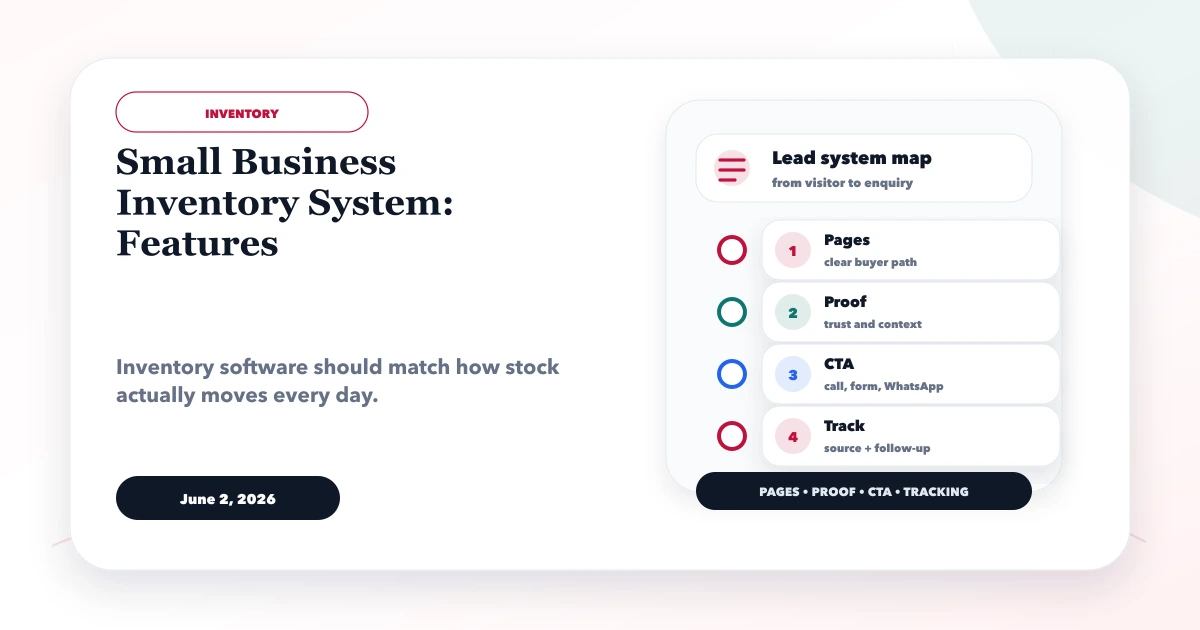
June 2, 2026
Plan a small business inventory system with item masters, stock movements, purchases, returns, counts, alerts, permissions, reports, and rollout controls.
Read article
April 18, 2026
Plan restaurant inventory software for purchases, units, recipes, yield, wastage, transfers, counts, food-cost variance, permissions, and integrations.
Read article