

May 14, 2026
Topic cluster plan for inventory keywords
inventory keyword topic cluster: practical 2026 SEO plan with cluster map, pricing, roadmap, mistakes, FAQs, proof, and next steps for Indian SMBs today.
Read articlePublished Updated
Plan a barcode inventory system for receiving, putaway, picking, stock counts, returns, and transfers using mobile cameras or dedicated scanners.
By Tushar C., Founder of VASUYASHII Published: May 24, 2026 | Reviewed: August 3, 2026
A barcode inventory system is not just a product list with a scan button. It is a controlled record of what was scanned, by whom, at which location, for which stock movement, and whether the quantity change was accepted. The barcode identifies an item or package; the workflow determines whether stock remains trustworthy.
For a small retailer, the useful first version may be receiving, sales lookup, and cycle counts with a phone camera. A warehouse may need bin locations, putaway, pick lists, transfer custody, batch or serial tracking, offline queues, and dedicated scanners. Treat those as different operating scopes rather than selling one generic "barcode solution."
Build the system around five records:
The minimum safe workflow is scan, validate, show context, confirm quantity, post one stock movement, and record the result. A scan should never silently change stock before the operator sees the item and destination.
One code may identify a product, a product variant, an individual serialised unit, a carton, or a logistics unit. Mixing these meanings creates duplicate or incorrect stock.
| Barcode level | Typical use | Data requirement |
|---|---|---|
| Product or SKU | Retail lookup and basic counts | One active code mapped to the correct variant |
| Batch or lot | Food, medicine, chemicals, dated stock | Batch, quantity, manufacture or expiry data |
| Serial number | Electronics, equipment, warranty items | Unique code per physical unit |
| Carton or case | Wholesale receiving and dispatch | Pack quantity and unit conversion |
| Location label | Rack, bin, shelf, van, or branch | Stable location ID and hierarchy |
| Shipment label | Transfer or delivery custody | Shipment ID linked to contained items |
GS1 standards are relevant when products move across organisations or use globally recognised identifiers. Internal codes may be enough for a closed operation, but they should still follow a documented allocation rule. Review the official GS1 India user guidance before creating labels intended for external trade.
A scanner cannot repair a poor product master. Before rollout, resolve duplicate SKUs, inconsistent units, missing variants, inactive products, and ambiguous pack sizes.
Each inventory item should define:
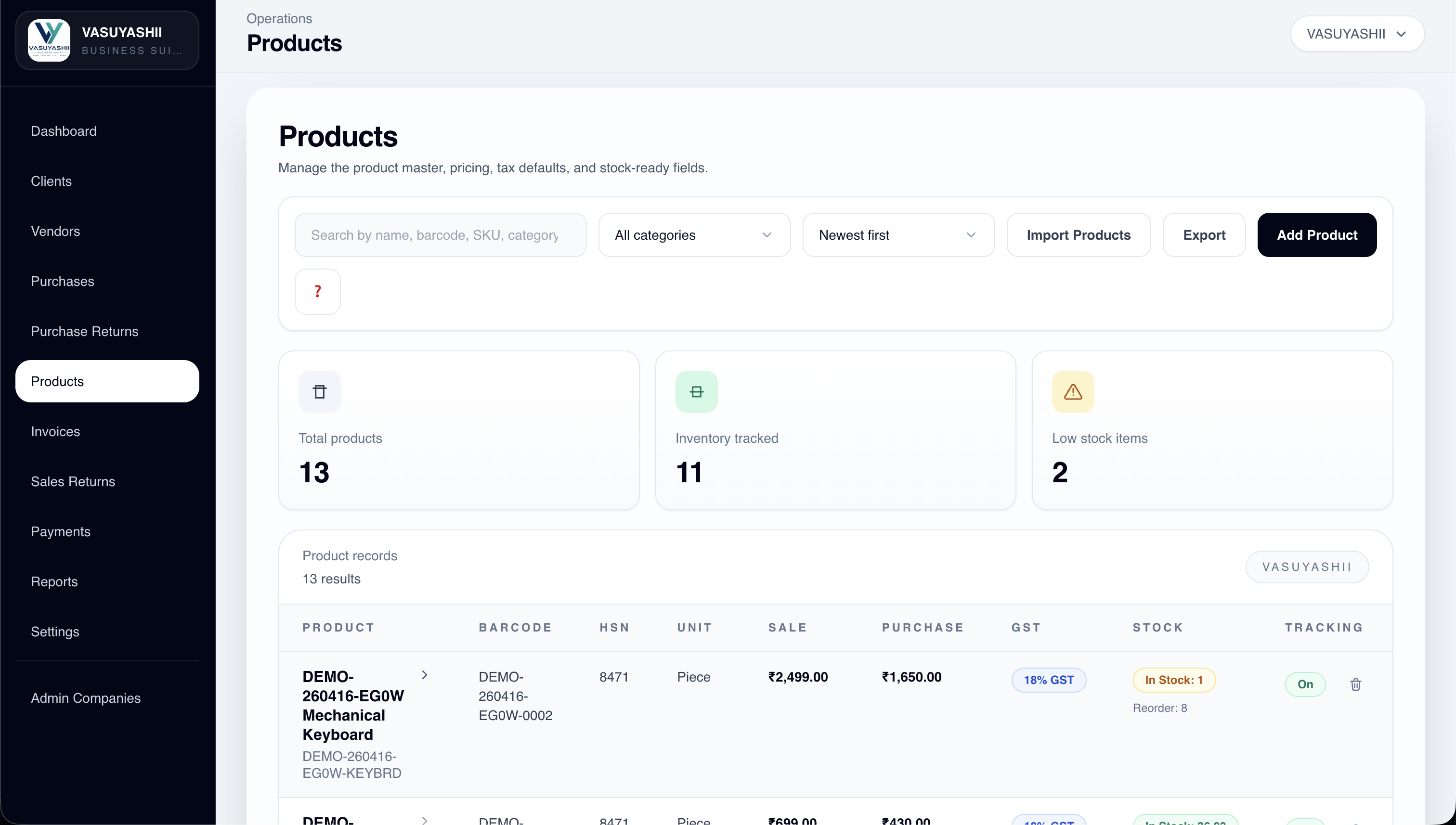
The screenshot below is current VASUYASHII Business Suite product-list evidence. It shows the product-master context used for inventory operations. It does not claim that every mobile scanning, warehouse, serial, or GS1 workflow described in this guide is already available in the product.
Do not update a quantity field without recording why it changed. A movement ledger allows the team to reconstruct stock.
| Movement type | Source | Destination | Required reference |
|---|---|---|---|
| Purchase receipt | Supplier or inbound area | Store or receiving bay | Purchase or receipt number |
| Putaway | Receiving bay | Rack or bin | Putaway task |
| Sale or issue | Store or bin | Customer or consumption | Invoice or issue note |
| Transfer out | Branch or warehouse | In-transit location | Transfer document |
| Transfer in | In transit | Destination location | Receiving confirmation |
| Return | Customer or supplier | Inspection, sellable, or rejected stock | Return reason and document |
| Adjustment | Current location | Same location with delta | Reason, approver, count record |
The stock balance should be derived from or reconciled with these movements. If a transfer decreases one branch without creating an in-transit record, stock disappears between locations. If the destination receives without matching the transfer, stock is duplicated.
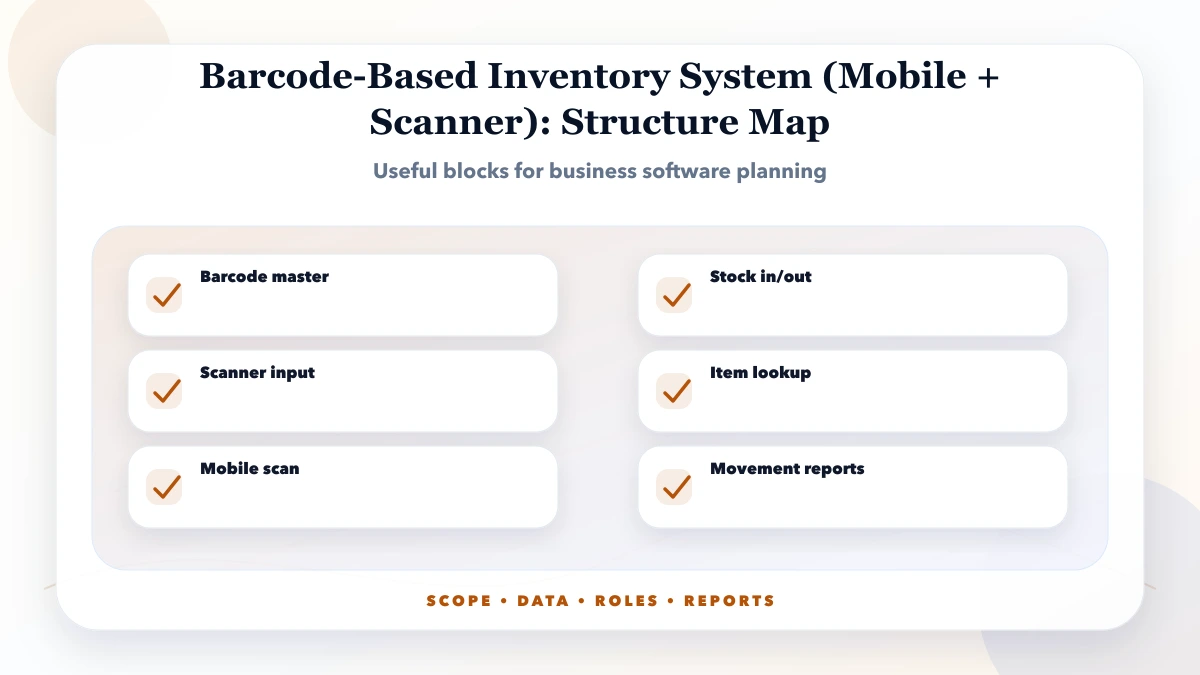
The operator opens an expected purchase or receipt, scans the item, confirms quantity and unit, records batch or serial details when required, and places stock into receiving. Unexpected or excess items should be flagged instead of silently accepted.
The operator scans the item or pallet and then the destination bin. The system verifies that both belong to the correct warehouse and records custody. A suggested bin is helpful, but the actual scanned destination should be the source of truth.
The application presents an ordered pick list, validates each item against the order, prevents over-picking, and records the dispatch handoff. A substitute product should require an explicit decision.
The counter scans a location, counts physical stock, and submits a variance. Material differences should require review before an adjustment is posted. The person who counts should not automatically approve a large variance.
Returned stock needs disposition: sellable, damaged, quarantine, repair, or supplier return. Scanning the item is only the first step; the disposition decides which stock pool changes.
Both can work, but they suit different conditions.
| Option | Strengths | Limitations |
|---|---|---|
| Phone camera | Low hardware cost, familiar device, easy pilot | Slower focus, battery use, glare, damaged labels |
| Bluetooth scanner | Fast input, works with phone or tablet | Pairing and keyboard-mode errors |
| Rugged handheld | Reliable for high-volume warehouse work | Higher device and support cost |
| Fixed scanner | Fast counter or conveyor operation | Less flexible and needs workstation design |
Run a physical test with actual labels, lighting, shelves, dust, gloves, and network conditions. A successful office demo does not prove warehouse usability.
Mobile inventory often operates in weak network areas. Offline support is not simply saving scans locally. The application needs a queue, stable event IDs, visible sync state, conflict rules, and a recovery screen.
A safe scan event can include:
The server should treat a repeated event ID as the same request rather than posting stock twice. Operators need a visible result for rejected scans; silently dropping an offline event is unacceptable.
Separate the ability to scan from the ability to approve. A warehouse assistant may receive and count; a supervisor may approve variances; an administrator may manage products and barcode mappings.
Record who created, approved, reversed, or edited a movement. For sensitive operations, store before/after values and a reason. The related guide on audit logs in business software explains the event design in more detail.
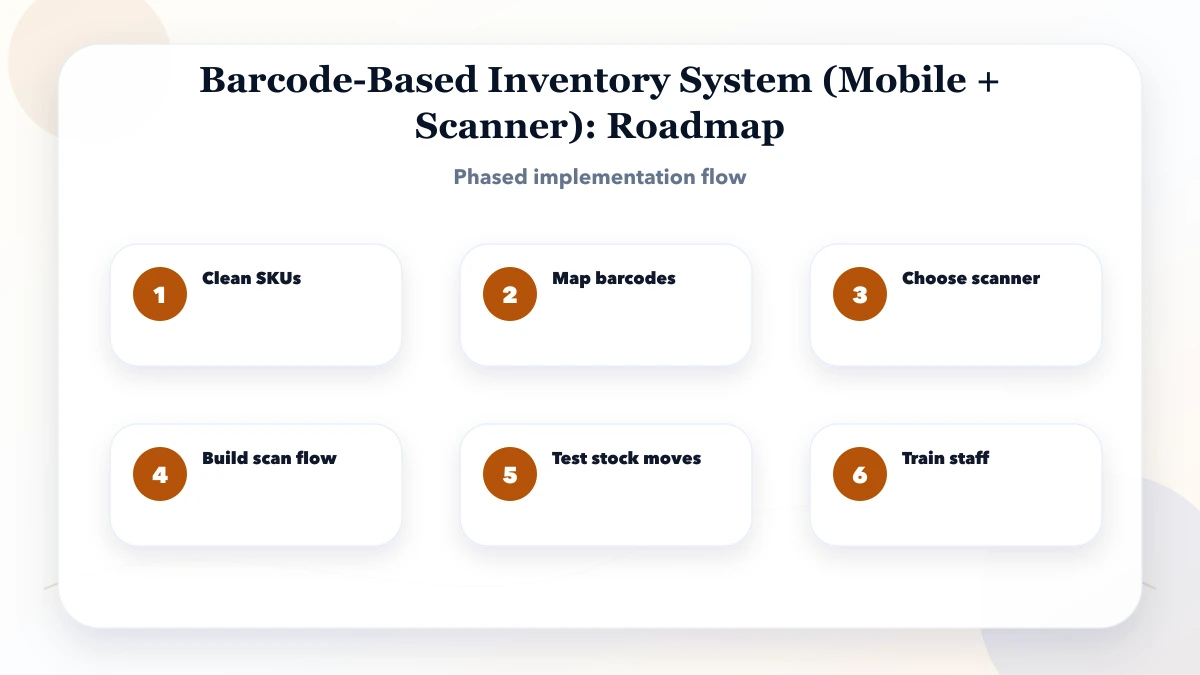
Choose one site and one high-value flow, usually receiving or cycle count. Clean the product master, print or verify labels, define locations, and test devices.
Add putaway, picking, transfers, returns, and approvals only after Phase 1 balances reconcile with physical stock.
Add offline queues, variance analysis, expiry, serial tracking, reorder alerts, and integration with purchase, billing, or ERP records.
Roll out to more branches, monitor error rates, manage devices, and review barcode governance.
A narrow mobile scan pilot is different from a warehouse management system. Cost changes mainly with:
Ask vendors to price the workflows and acceptance tests, not only screens. The inventory software cost guide explains why retail and warehouse estimates differ. For a broader custom build, see inventory management software features and cost.
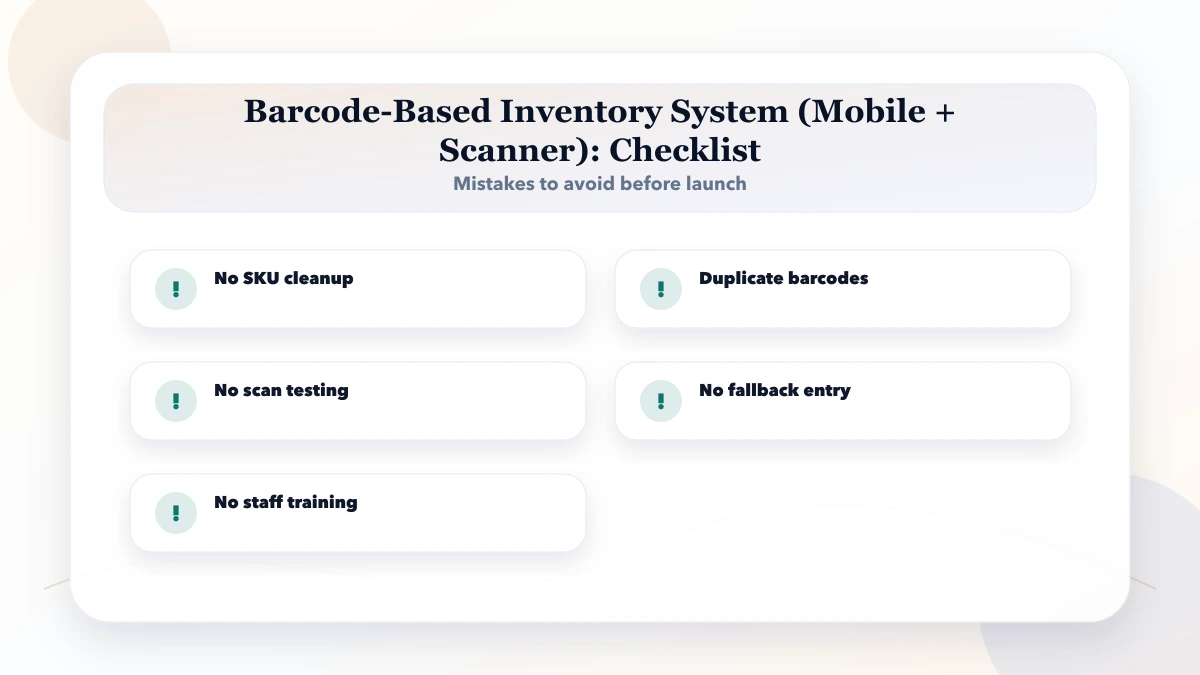
Buying hardware before defining workflows: The device does not decide what a scan means.
Using product names as identifiers: Names change and may not be unique. Use stable item IDs.
Skipping units and pack sizes: A carton scanned as one piece creates large stock errors.
No in-transit location: Branch transfers become unexplained gains and losses.
Allowing silent edits: Corrections should be reversals or approved adjustments with history.
Assuming every barcode is globally valid: Internal labels and GS1 identifiers serve different purposes.
Launching every warehouse at once: Pilot one controlled flow and reconcile it before scaling.
This guide does not certify barcode compliance, warehouse safety, GST treatment, or industry-specific traceability. Food, pharmaceutical, medical, export, and regulated operations may require additional standards, validation, retention, and label rules. Confirm those requirements with the relevant authority or specialist.
It also does not promise that a phone camera will perform like a rugged scanner. Device selection must be tested in the actual environment.
It can support low- to medium-volume pilots and field work when labels and lighting are good. High-volume, rugged, or gloved operations should test dedicated hardware.
Not always. Internal codes can work inside one organisation. Use recognised standards when products or logistics units must be identified consistently across trading partners, marketplaces, or supply chains.
Yes, for example separate codes for a piece and carton. The system must store the pack conversion and prevent ambiguous active mappings.
The scan should be rejected or routed to an authorised mapping workflow. It should not create a new product or stock movement automatically.
Give every scan event a stable device-generated ID, make server processing idempotent, display sync status, and keep rejected events visible for correction.
Choose one measurable flow at one site, usually receiving or cycle counting. Reconcile system and physical stock before adding more movements.
Document one end-to-end stock movement with sample labels, quantities, users, locations, exceptions, and approvals. Use the software project requirement template or request a focused inventory workflow review through contact.
Related Articles
May 14, 2026
inventory keyword topic cluster: practical 2026 SEO plan with cluster map, pricing, roadmap, mistakes, FAQs, proof, and next steps for Indian SMBs today.
Read article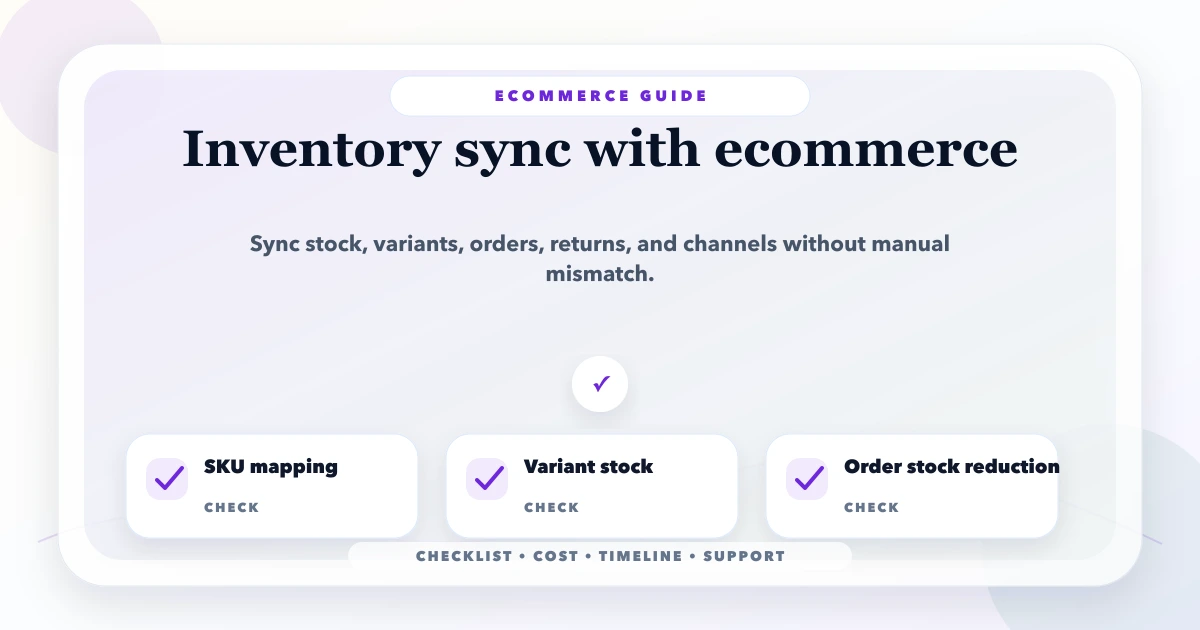
May 18, 2026
Plan ecommerce inventory sync across stores, warehouses and marketplaces using stock states, reservations, webhooks, idempotency and reconciliation.
Read article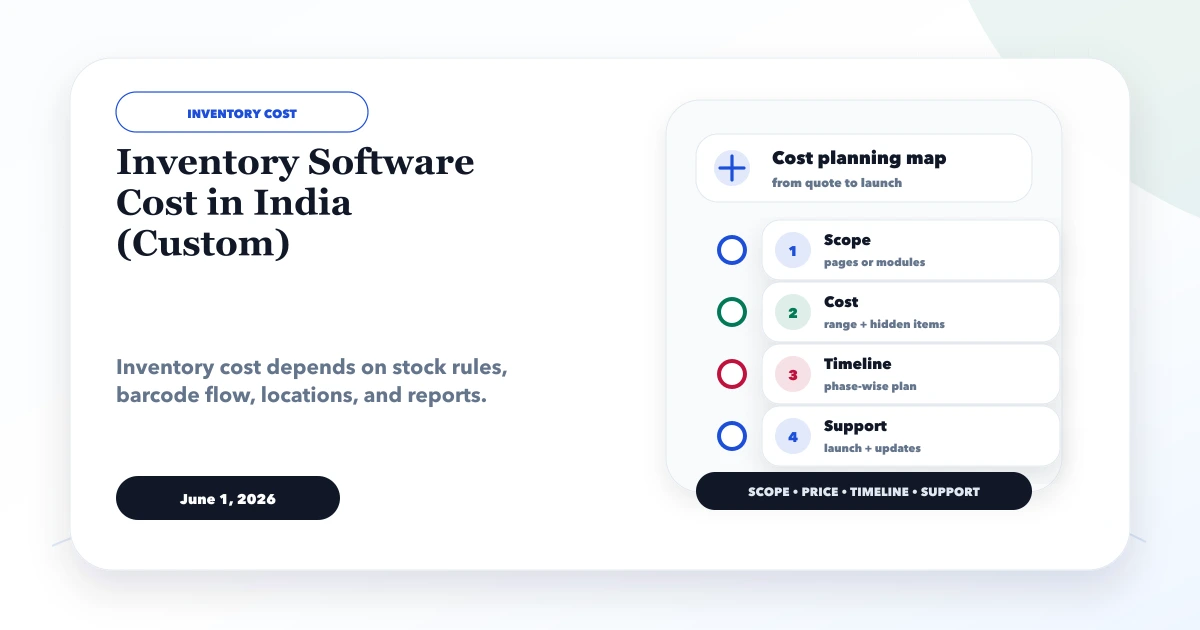
June 1, 2026
Compare custom inventory software cost in India by stock workflow, migration, barcode and integrations. Includes a quote checklist and stock acceptance example.
Read article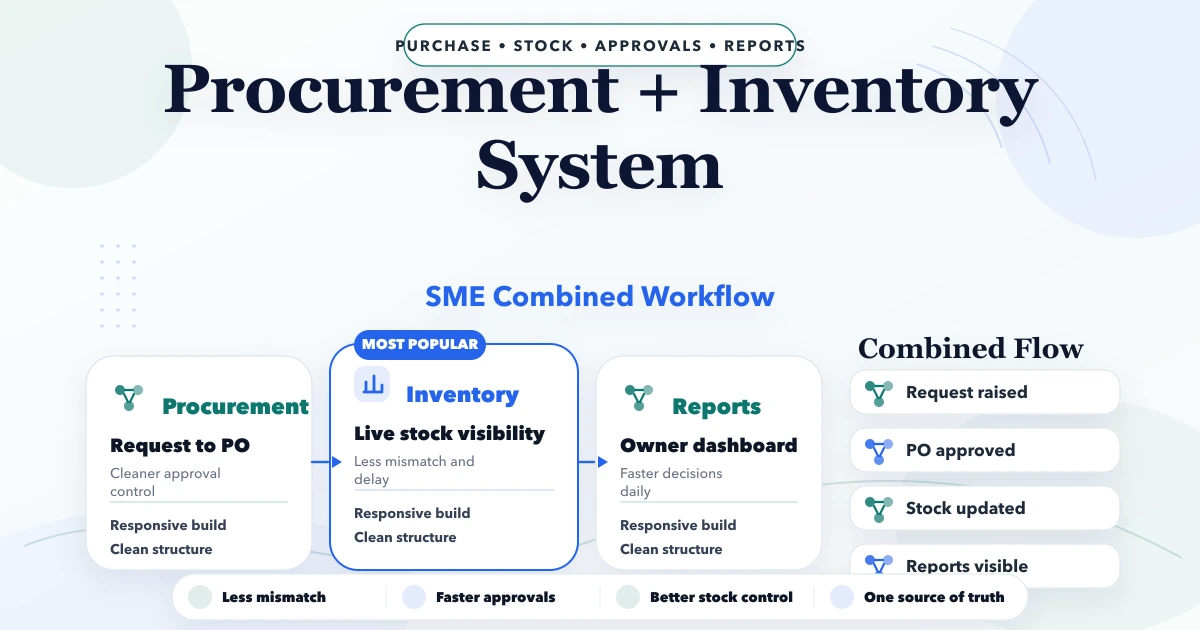
April 23, 2026
Plan an SME procurement and inventory system with purchase requests, approvals, POs, goods receipt, stock updates, returns, vendor records, and controls.
Read article